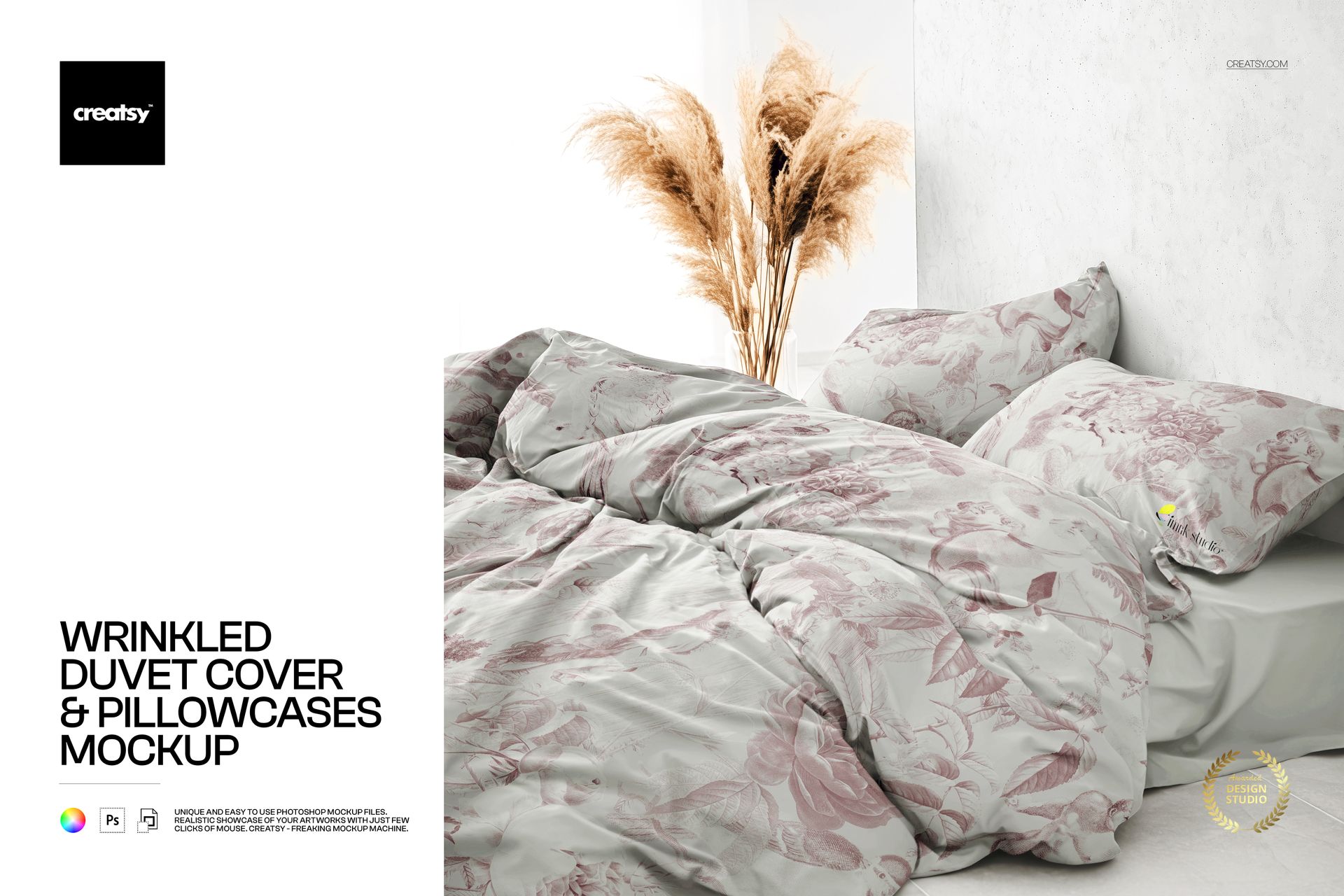
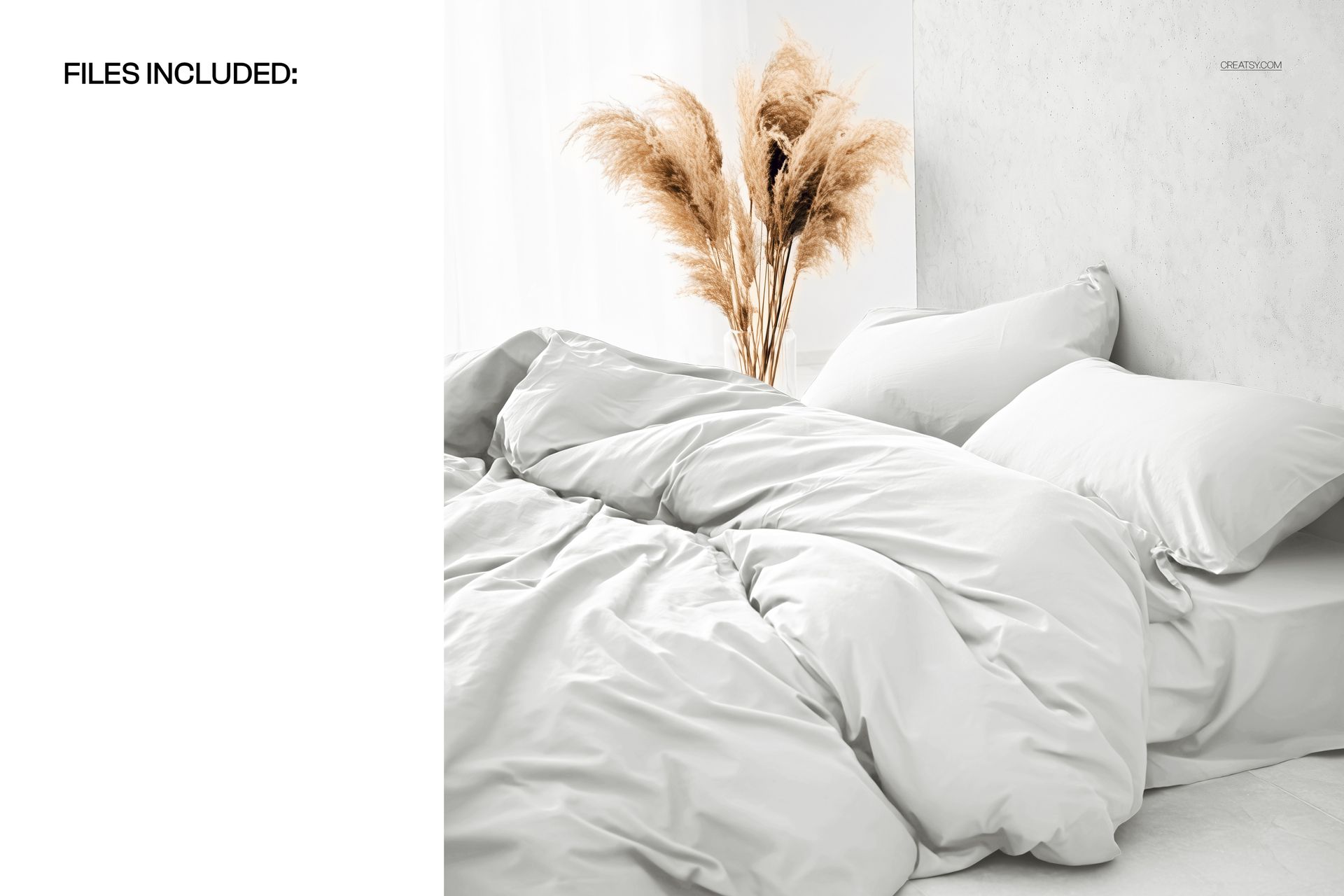
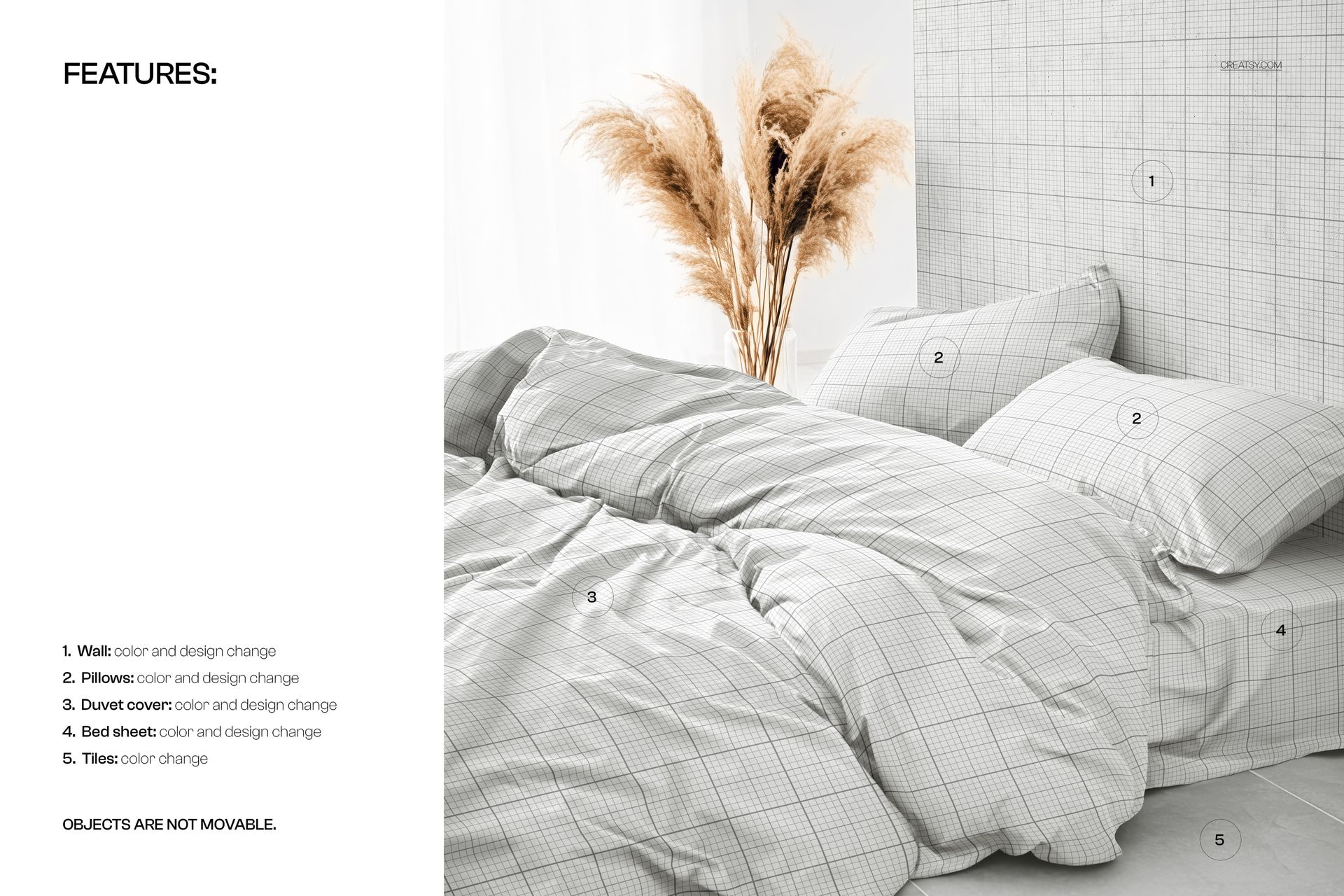
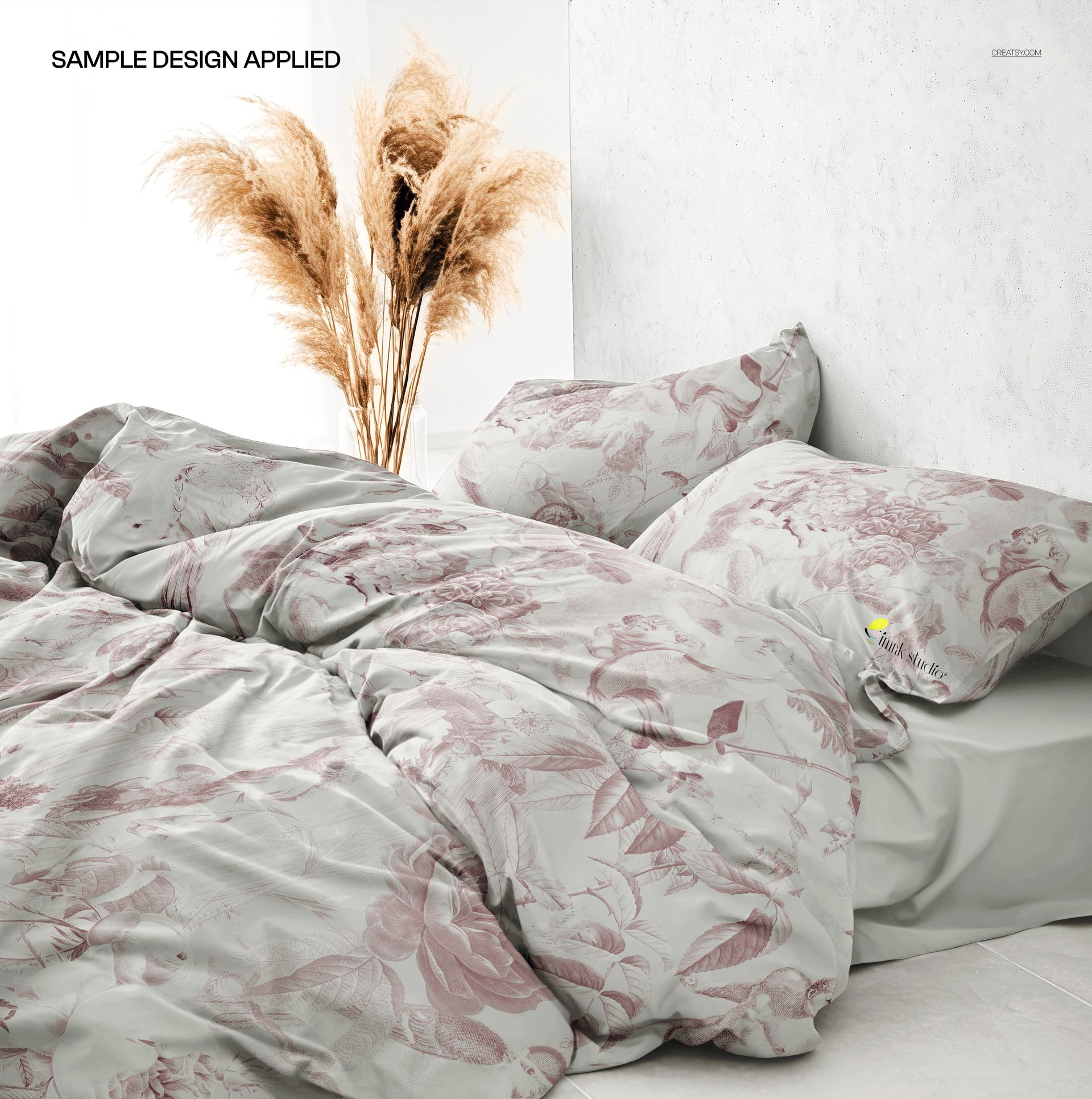
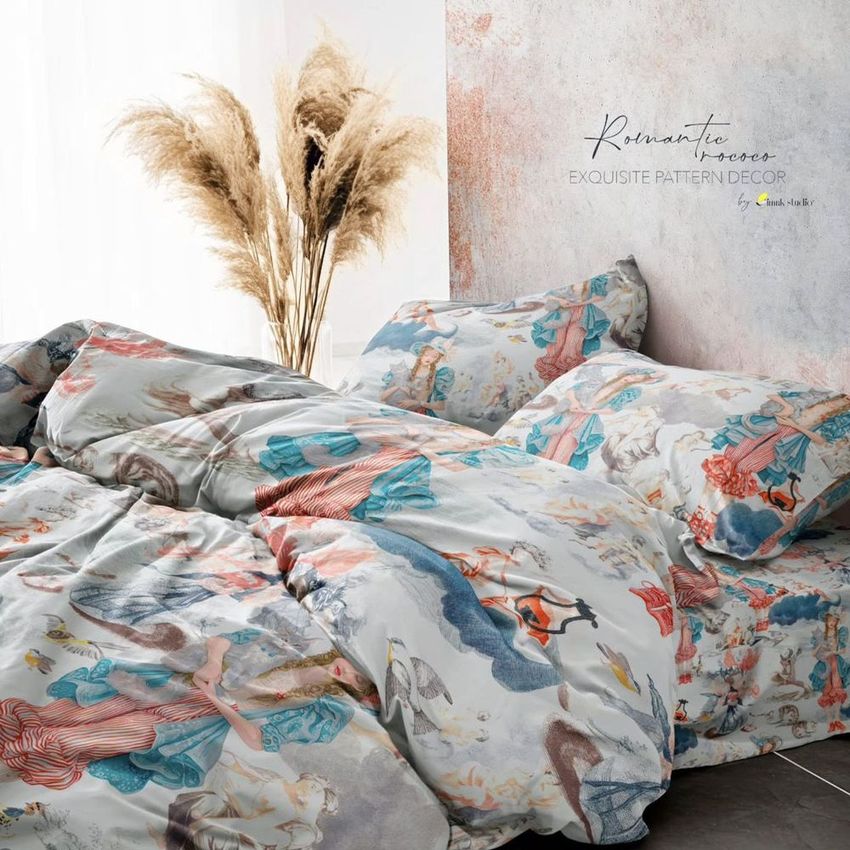
The Wrinkled Duvet Cover and Pillowcases Mockup shows a full bedding set in a cozy, sunlit bedroom interior with naturally wrinkled fabric that looks like someone just slept in it. The duvet cover and matching pillowcases are presented together in a styled scene with warm natural light, creating the kind of lived-in, inviting aesthetic that performs well across e-commerce, social media, and brand presentations. This PSD file is built for surface pattern designers, textile brands, bedding manufacturers, and e-commerce sellers who need realistic bedding visuals with genuine fabric texture and drape.
Why This Mockup Works
Perfectly smooth, flat bedding mockups look artificial. Real bedding has wrinkles, folds, and soft creases that show how fabric actually behaves on a bed. This mockup captures that authenticity. The wrinkled texture demonstrates how your pattern interacts with real fabric movement, giving buyers and clients a true sense of what the finished product will look like in daily use. The sunlit bedroom setting adds warmth and context that transforms a simple product preview into a lifestyle image suitable for advertising, social media, and premium product listings.
What Is Included
You receive a high-resolution PSD file with organized layers and smart object placement for the duvet cover and pillowcases. Drop your pattern or artwork into the smart object layers and the displacement mapping wraps your design around the wrinkled fabric surface automatically, following every fold, crease, and shadow. The realistic lighting, soft shadows, and natural wrinkle texture are built into the file, so every design you place looks like it was photographed on actual bedding. No additional plugins or third-party tools are required.
What You Can Customize
Place any seamless or non-seamless pattern, illustration, or solid color into the smart object layers for the duvet cover and pillowcases. The mockup applies your design to the wrinkled surface automatically, preserving fabric texture and shadow depth throughout. Test different colorways, pattern scales, and print orientations by swapping the smart object content. Adjust the background or keep the existing warm bedroom setting for a cohesive lifestyle presentation. Export at full resolution for print catalogs and large displays, or resize for web, social media, and marketplace thumbnails.
Who This Mockup Is For
Surface pattern designers use this mockup to show how their repeats look on realistic wrinkled bedding in a home environment. Textile artists showcase hand-painted or digital motifs on a duvet and pillowcase set that feels authentic and production-ready. Bedding brands and manufacturers preview new collections before committing to fabric production and sampling. E-commerce sellers on Etsy, Shopify, and Amazon create product listing images that show the actual drape and texture of bedding, increasing buyer confidence. Interior designers present bedding fabric options in client mood boards and room visualizations. Print-on-demand sellers generate ready-to-use listing images for custom bedding products without photographing physical samples.
File Specifications
Format: PSD (Adobe Photoshop). Resolution: 300 DPI. Organized layers with smart object placement for duvet cover and pillowcases. Realistic wrinkled fabric texture with natural lighting. Sunlit bedroom interior scene included. Compatible with Adobe Photoshop CC and later versions.