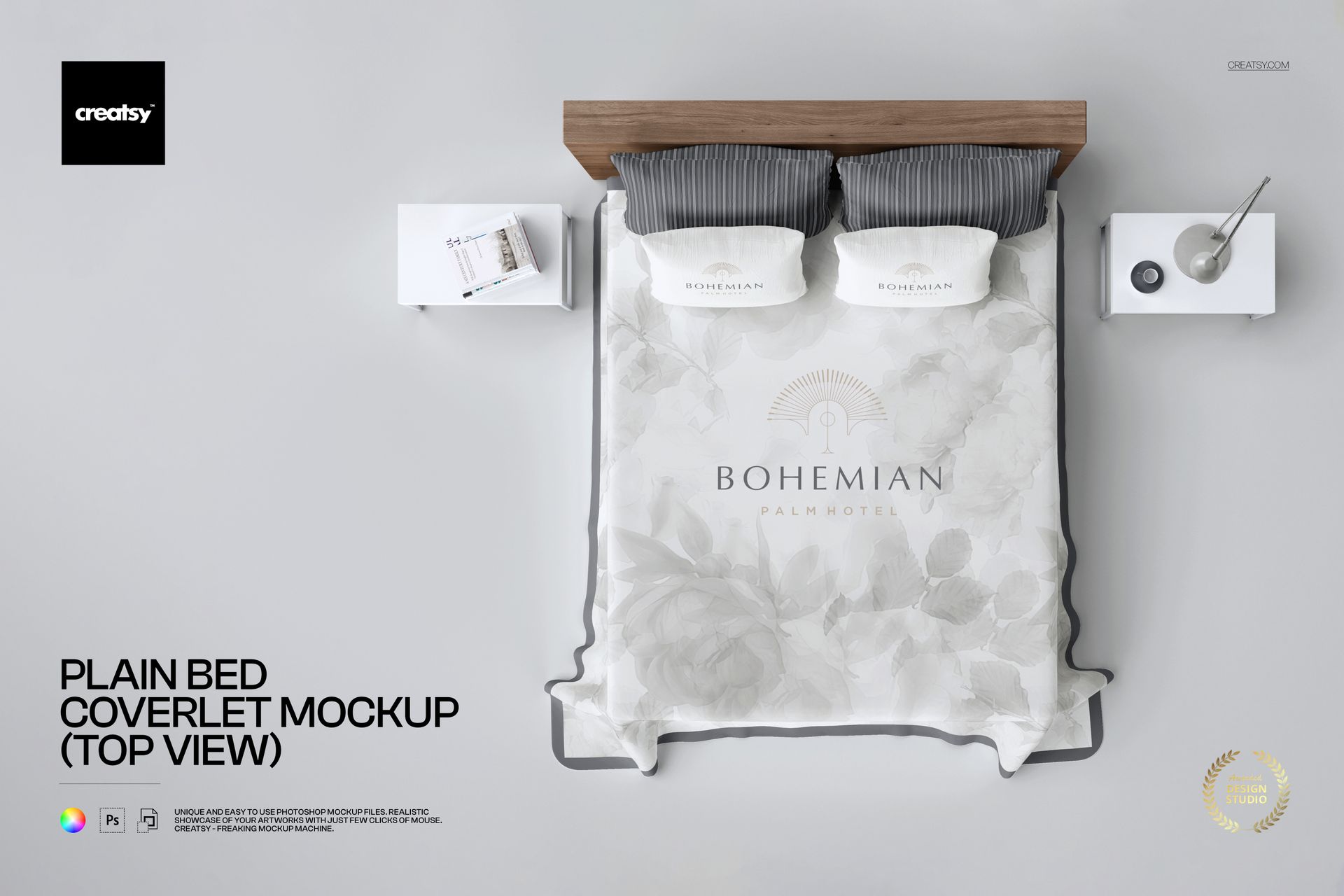
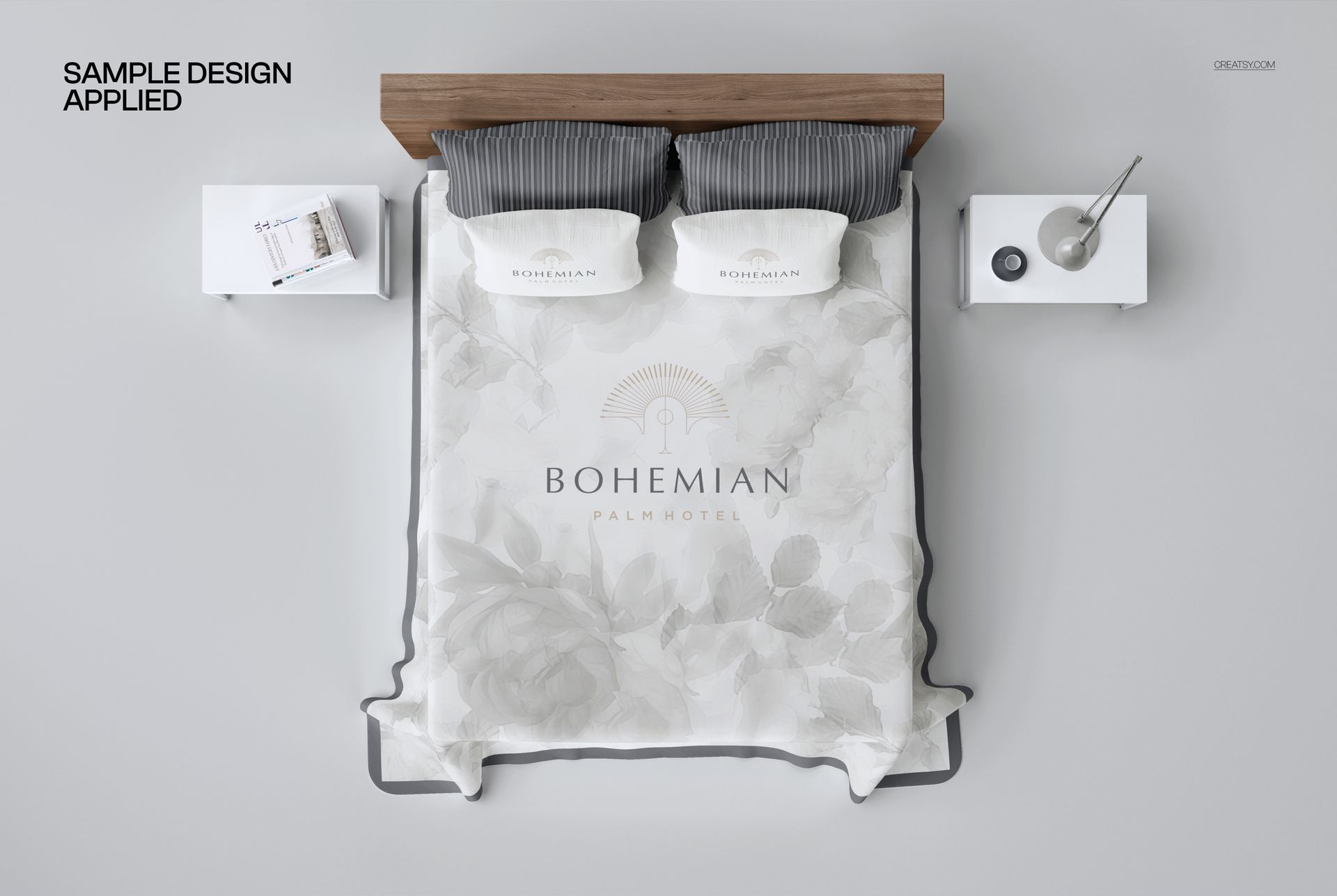
Plain Bed Coverlet Mockup (top view) from Creatsy shows your textile pattern, surface design, or bedding artwork on a full bed coverlet photographed directly from above. This overhead perspective captures the entire bed surface in a single frame, making it the ideal format for presenting repeat patterns, all-over prints, and large-scale surface designs where the full layout needs to be visible at once. Whether you design bedding collections, create surface patterns for home decor brands, or sell custom textile prints on marketplaces like Etsy and Spoonflower, this mockup gives your digital designs the physical context they need to convert browsers into buyers. The 5250 x 3500 pixel file at 300 DPI delivers print-ready resolution for product listings, portfolio presentations, and client approvals.
Why This Mockup Works
Top-down bed photography is the standard format for bedding product listings because it shows the complete coverlet surface without perspective distortion. This mockup replicates that e-commerce standard with realistic fabric draping, natural wrinkles, and accurate shadow detail that make your pattern look like it was actually printed on real bedding. The bedroom staging with pillows and nightstand accessories adds lifestyle context without pulling attention away from the coverlet design, striking the balance between product clarity and aspirational presentation that drives purchases in home textile categories.
What Is Included
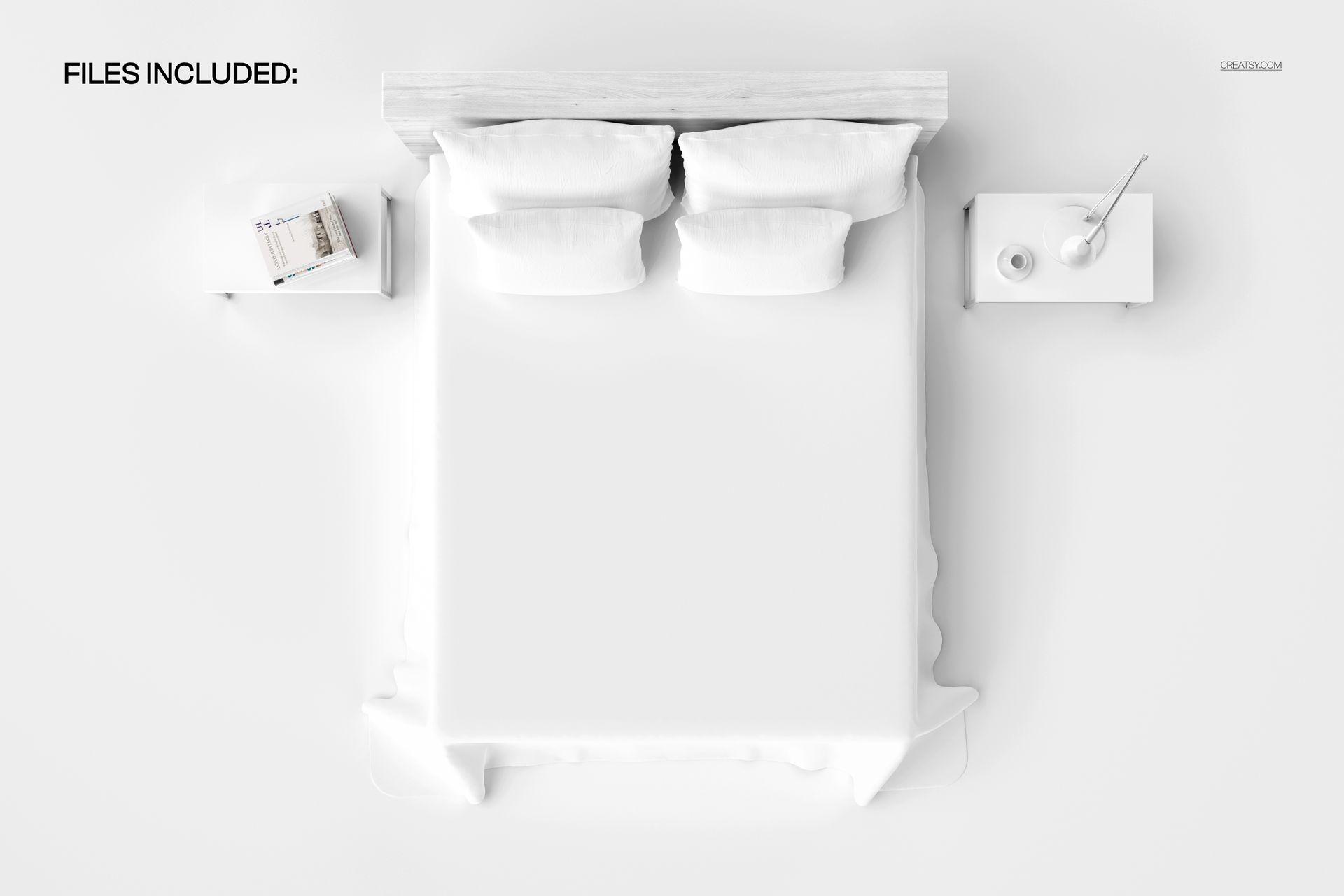
This download contains 1 PSD file at 5250 x 3500 pixels and 300 DPI in landscape orientation. The file features a complete bed with coverlet shown from a directly overhead camera angle, styled with pillows and bedroom accessories for a realistic product photography composition. Layers are well organized for fast navigation and clean editing. The file works in Adobe Photoshop (minimum version CC 2020) and in Photopea, a free browser-based editor that supports PSD files and smart object editing.
What You Can Customize
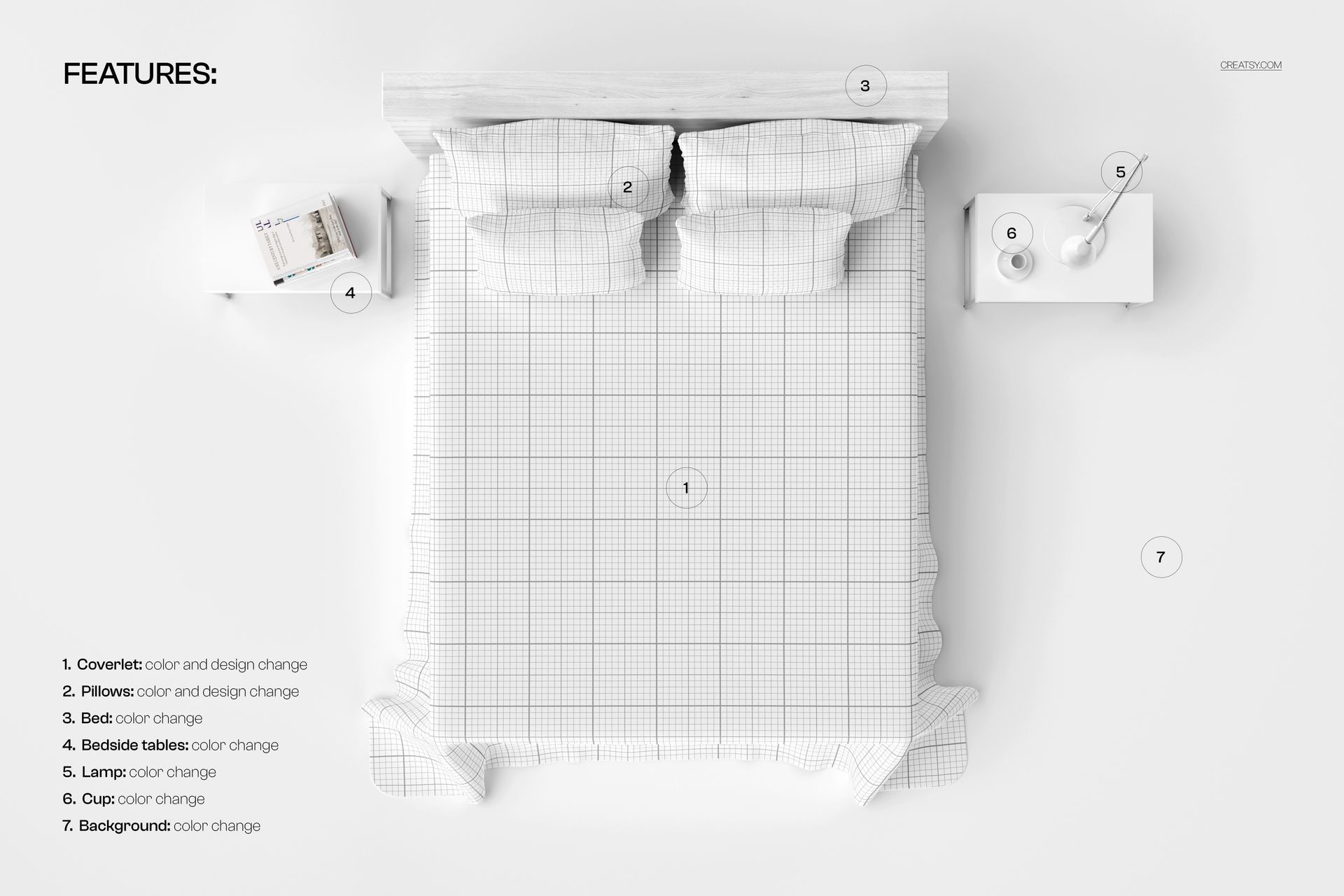
Smart object layers let you place your pattern, surface design, or artwork onto the coverlet with realistic fabric texture, natural fold mapping, and accurate wrinkle interaction. Your design wraps and drapes with the fabric surface automatically, so repeat patterns and all-over prints look naturally printed rather than digitally pasted. You can adjust background elements and overall color tone to match your brand aesthetic or product listing requirements.
Who This Mockup Is For
This mockup serves surface pattern designers presenting bedding collections to manufacturers or licensing partners, textile artists selling custom coverlets and quilts through online marketplaces, and home decor brands building product listings for their own e-commerce stores. Interior designers can use it to show clients how a specific pattern will look on a bed in context. Bedding wholesalers, print-on-demand sellers, and Etsy shop owners specializing in custom bedding will find the overhead format matches the standard product photography angle their customers expect.
File Specifications
File count: 1 PSD. Dimensions: 5250 x 3500 pixels. Resolution: 300 DPI. File size: 213.37 MB. Compatibility: Adobe Photoshop CC 2020 or newer, Photopea. Editing method: smart object layers for non-destructive pattern placement with realistic fabric texture and drape interaction.