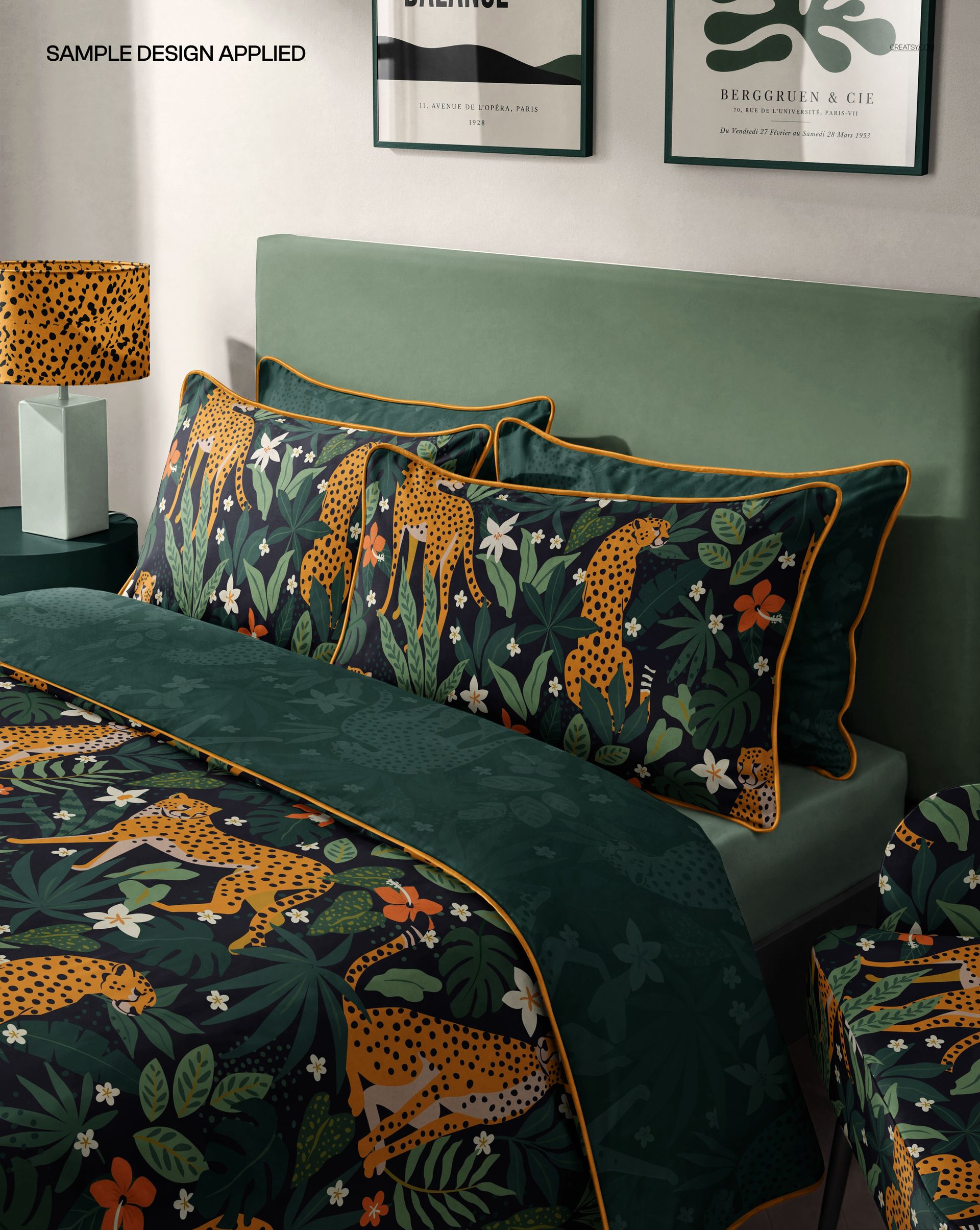
Bedroom Bedding Set Mockup with Piped Edges

ID: 1399568725 | Updated: Jul 20, 2026

Product Details

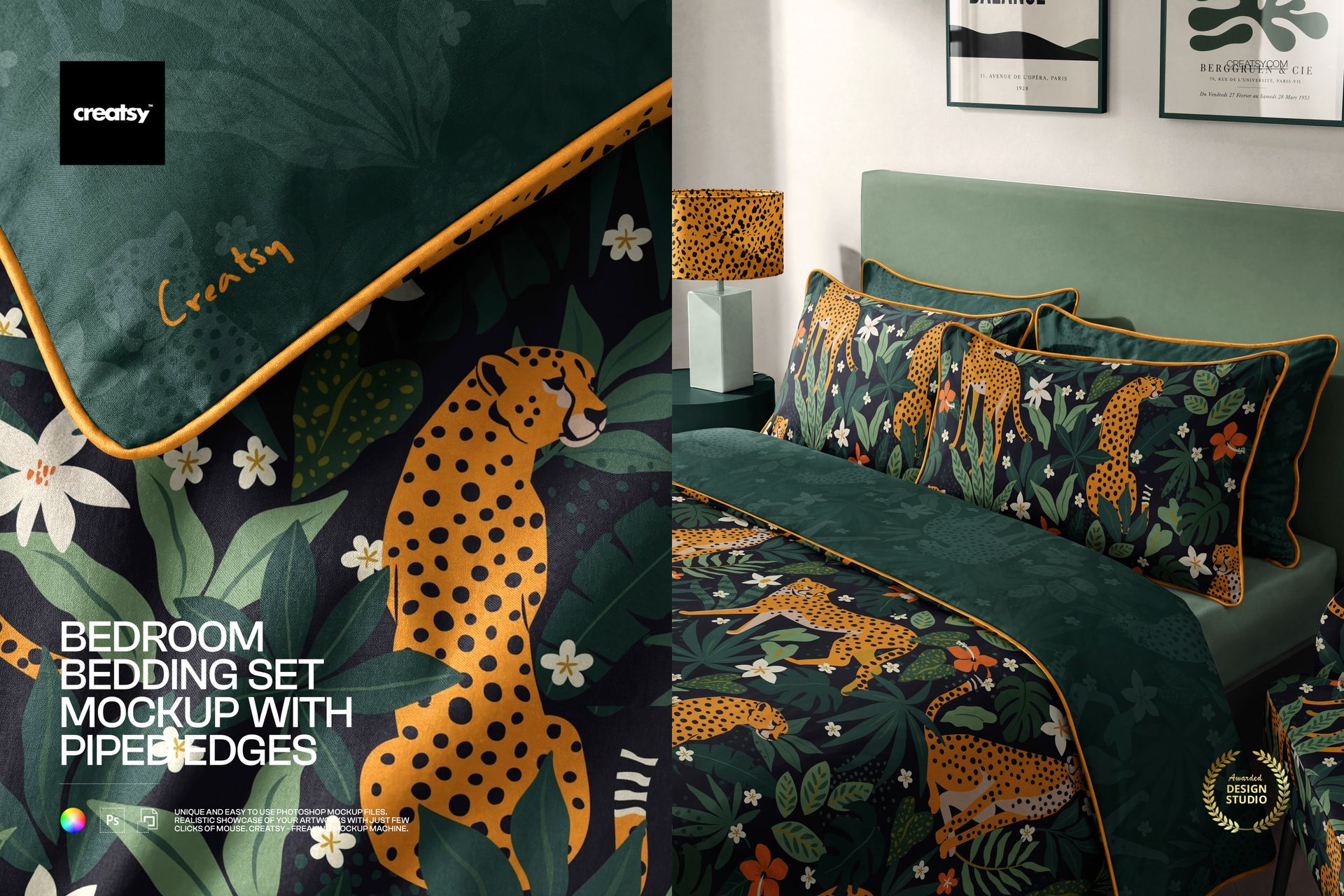
Show your pattern on a full bed of piped-edge bedding, styled in a boho bedroom. This is a set of two Photoshop scenes built around a bedding set with neat corded piping on the pillows and duvet, so you can drop a print onto the duvet cover, the pillows, the sheet and even the wall behind the bed, then recolor the room to match. Almost every surface takes both color and design, which lets you present a whole coordinated collection in one shot.

You get 2 PSD files at 5000 x 4000 px, 300 dpi: a close-up of the duvet corner and its piped edge, and a full bedroom scene with the made bed. They open in Adobe Photoshop, version CC2020 or newer, and in Photopea, the free browser editor, so a paid subscription is optional.

What you can change

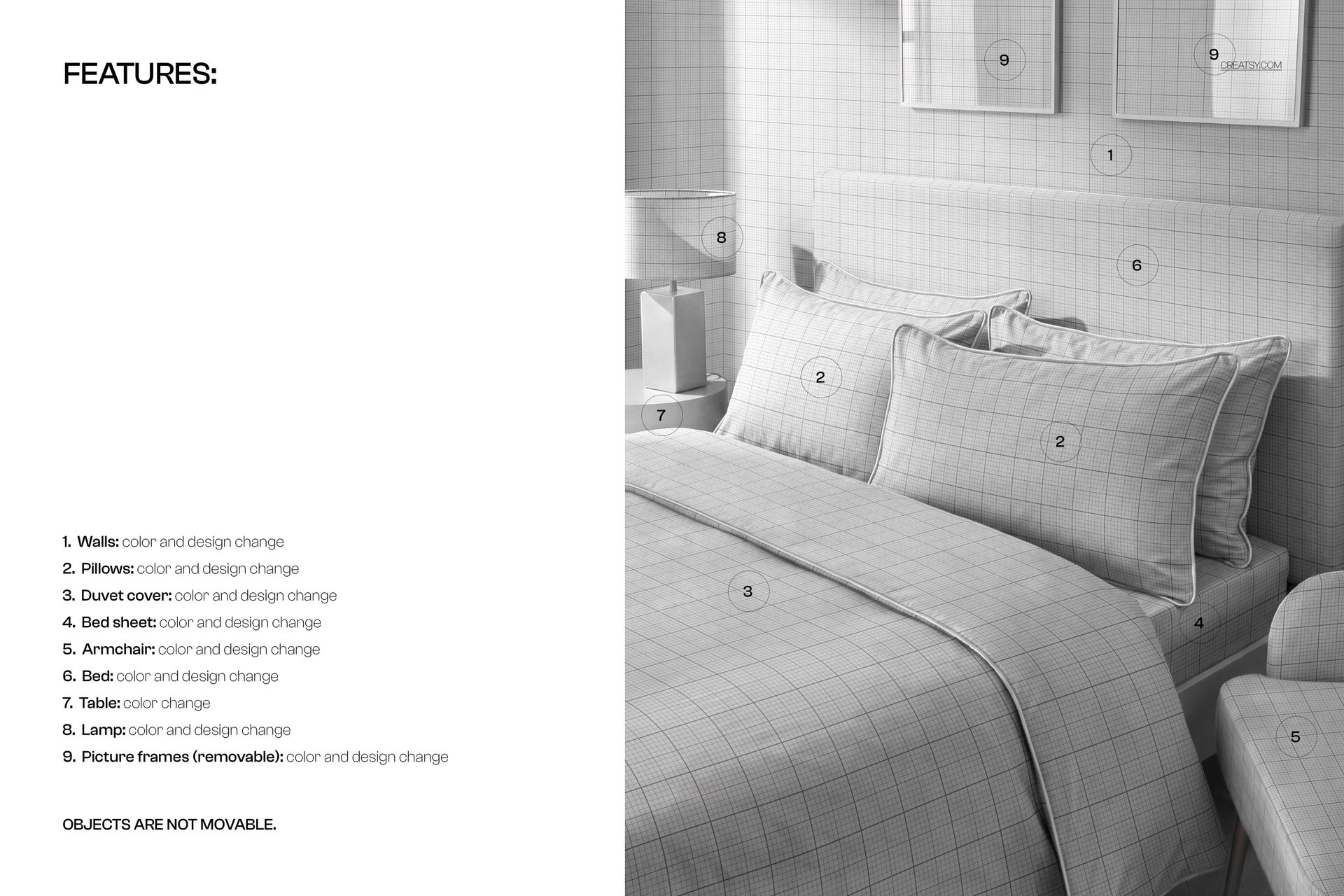
Almost every element sits on its own smart object, so your artwork drops straight in:

  • Duvet cover: color and design, with its piped edge.

  • Pillows: color and design, also with piped edges.

  • Bed sheet: color and design.

  • Walls: color and design, for wallpaper behind the bed.

  • Bed: color and design, for the headboard and base.

  • Armchair: color and design.

  • Lamp: color and design, for the shade.

  • Picture frames: color and design, and they can be removed.

  • Table: color, for the bedside table.

The objects stay where they are, so the room keeps its styled look; only the picture frames can be taken out.

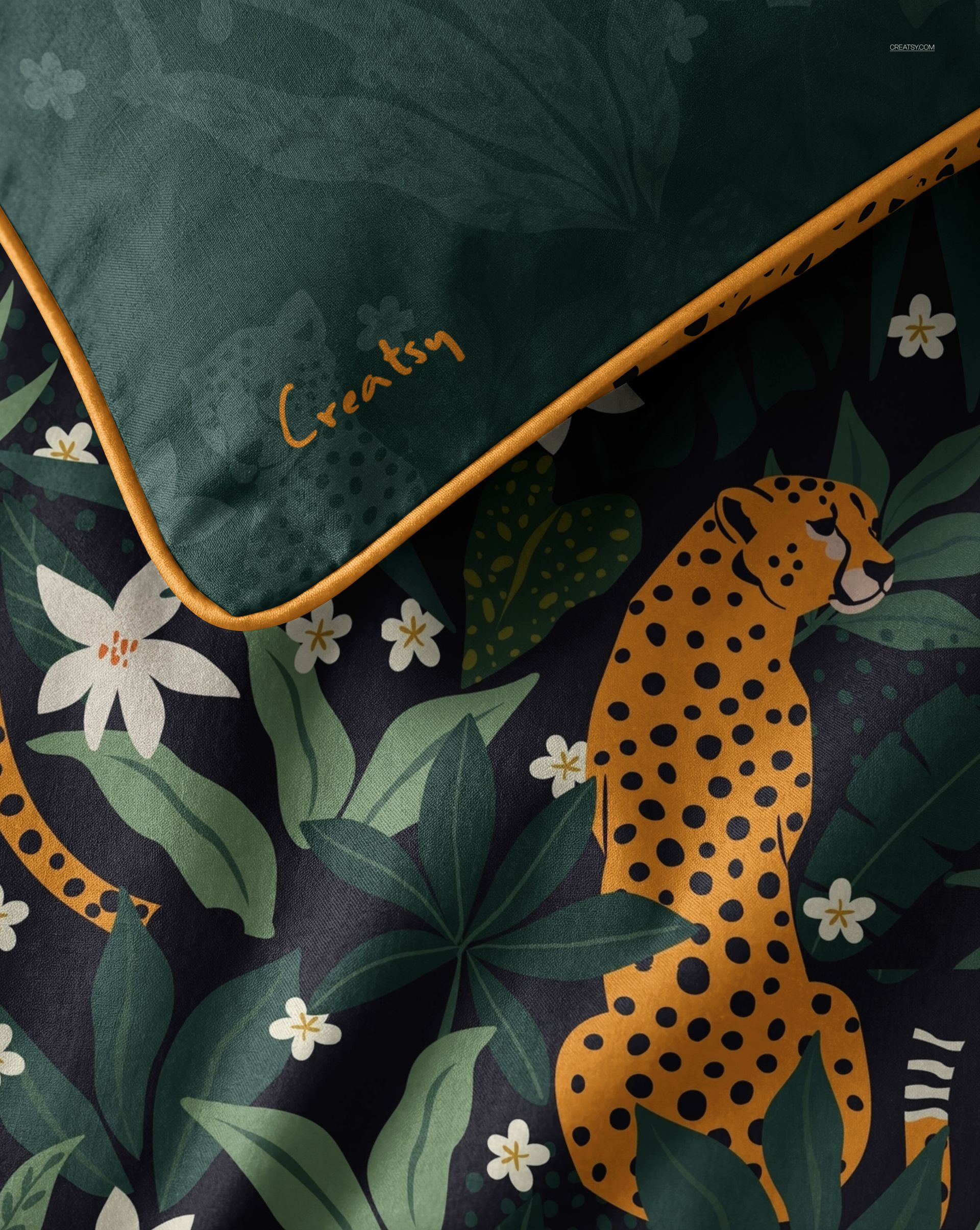
The piped edges

The pillows and duvet carry a corded piped edge, the neat trim that runs around the seams. It reads as a real, tailored finish, and it is what sets this bedding apart from a plain flat cover, so your pattern looks like a finished product rather than a swatch laid on a shape.

How the edit works

Double-click a smart object, paste your design and save, and it appears on that piece with the folds, the piping and the room shadows already there. Work through the duvet, pillows, sheet and wall, then set the colors for the bed, armchair, lamp and table. Because the scene is styled and lit, you are placing a design rather than building a room from scratch.

A whole coordinated collection

Because the bedding, the wall, the armchair and the art all take a design, you can show one pattern range across the whole room, with a matching duvet, cushions and wallpaper. That is the kind of styled set a bedding or home textile brand uses to sell a collection rather than a single item, and it is far more convincing than flat swatches side by side.

Who it is for

Bedding and home textile brands, surface and pattern designers with a home collection, boho and interior decor sellers, and Etsy or Shopify shops listing duvet covers, cushions or wallpaper. If you want your pattern shown on a real, dressed bed rather than flat on a page, this scene does the styling for you.

What is in the download

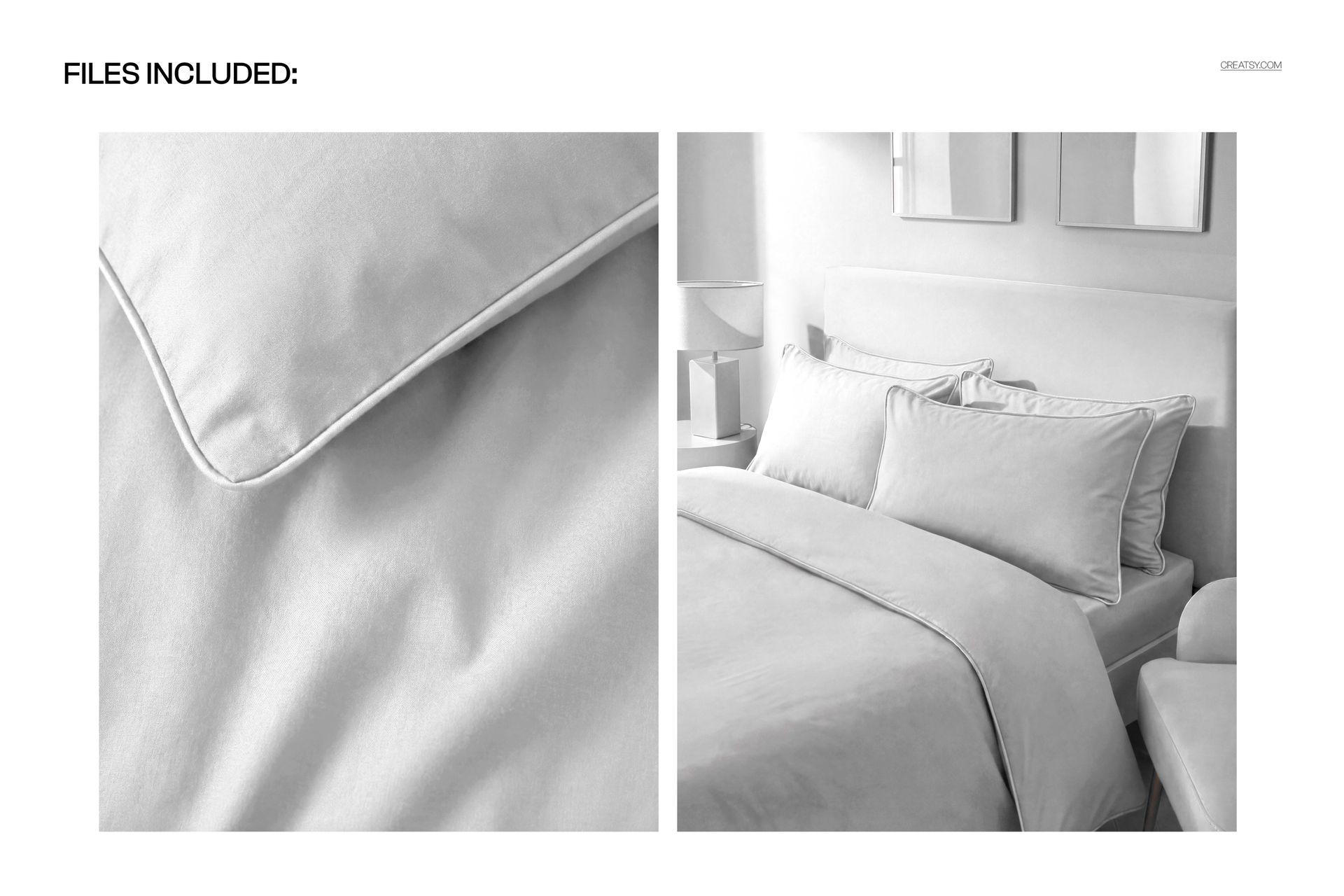
Two .psd scenes plus .jpg previews in a single zip. Layers are named and grouped by element, with smart objects for each design surface, so every edit stays reversible and you can revisit a look later.

File and software details

  • 2 layered PSD files

  • 5000 x 4000 px, 300 dpi

  • Adobe Photoshop CC2020 or newer, or free Photopea in the browser

  • color and design change on the duvet, pillows, sheet, walls, bed, armchair, lamp and frames via smart objects

  • piped edges on the pillows and duvet

  • color change on the bedside table; picture frames are removable

  • well organized, named layers

Everything is set up so you can move from a blank bed to a finished, on-brand bedroom shot in a few minutes, then repeat it for the next design in your range.

File details

Compatibility
PhotopeaAdobe Photoshop
Package size
420 MB420 MB|441 MB441 MB
Files type
.psd, .jpg
TEST FOR FREE

MEET THE SHOP

Creatsy logo

Creatsy

Poland
4.7 (669)

Bring your ideas to life.

We're a family-run studio in Katowice, Poland, making PSD mockups by hand since 2016. Everything in this shop starts in our own studio. We shoot the photography, build the 3D, and put together every Smart Object PSD ourselves - then we test it, organize the layers, and only ship it once it actually works...
GO TO SHOP

HOW IT WORKS

3 clicks. That's it.

No tutorial needed. If you can copy-paste, you can use this.

  1. 1OpenDouble-click the smart object inside the PSD - in Adobe Photoshop, or free in your browser with Photopea.
  2. 2PasteDrop in your pattern, print, or artwork. Any design, any style.
  3. 3SaveHit save and the mockup wraps it in for you - shadows, folds, and lighting included.

FROM IDEA TO IMAGE

Built for real workflows

Skip the photo shoot Show your artwork on the real product type for approvals or listings - no studio, no model, no sample.

See it on the product, not a swatch Drop your file into the smart object and the scene's lighting and folds wrap around it, so you judge the real thing before you commit.

Smart Objects

Edit once and you're done. Your artwork drops into a smart object and the mockup updates itself - no masking, no warping by hand.

Perfectly Organized

Named layers and folders you can actually navigate. Find what you need, change what you want, and get out fast.

Print-Ready

High-resolution files built to hold up on screen and in print. Exact size and DPI are in this product's Details above.