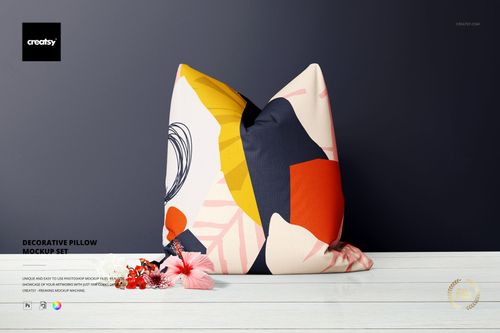
About the Product
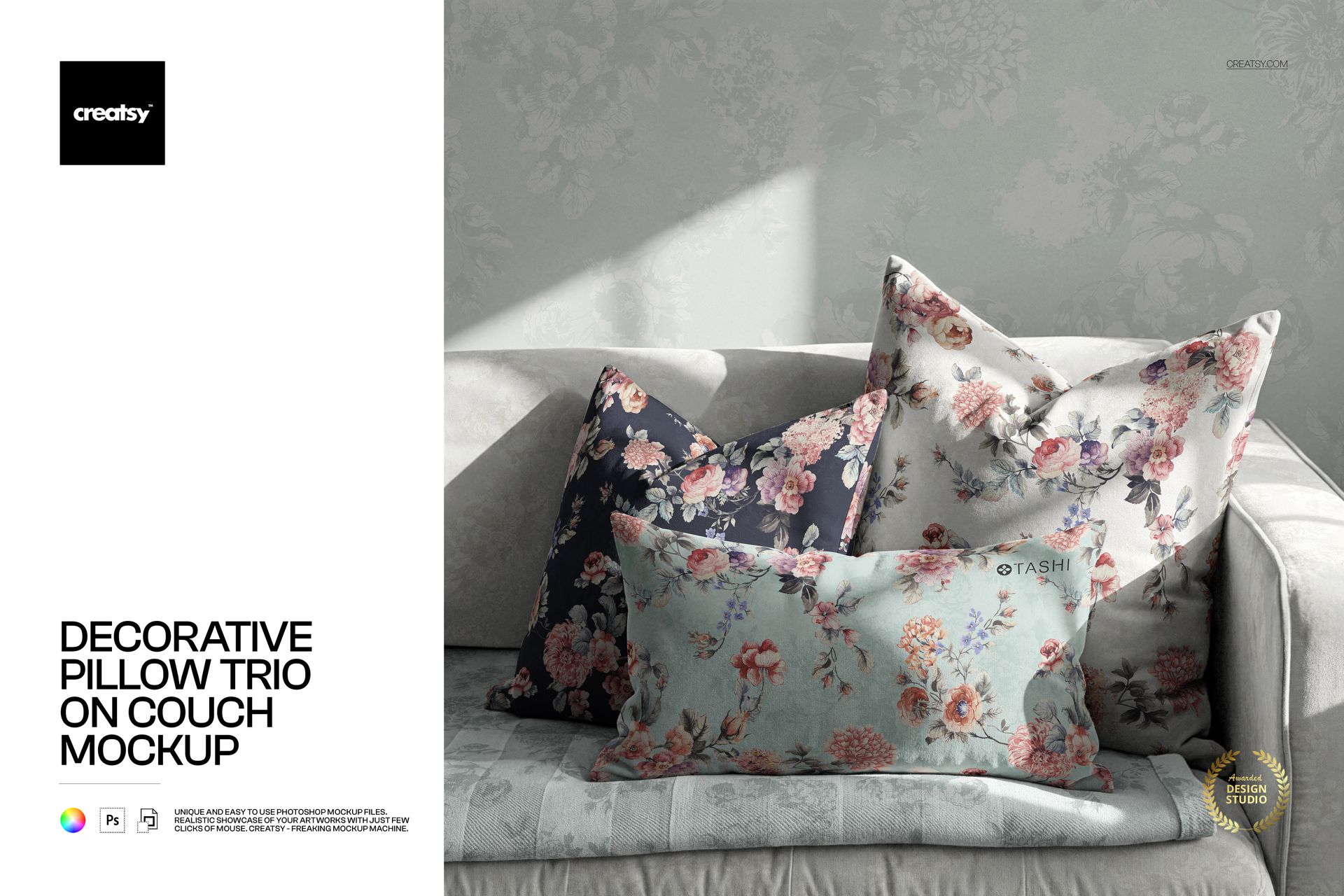
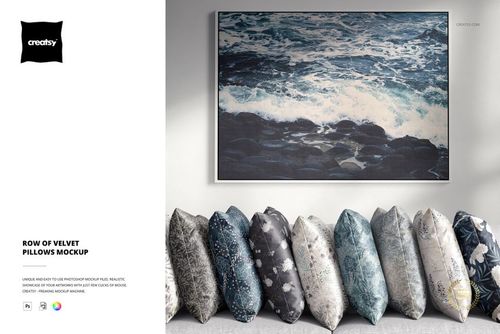
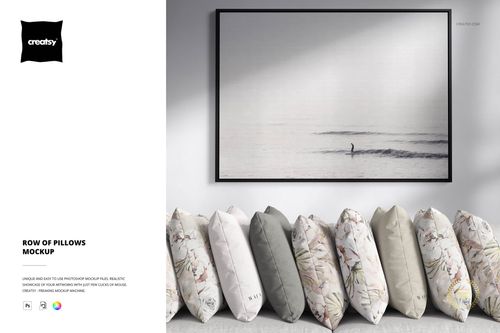
Decorative Pillow Trio on Couch Mockup by Creatsy is a pillow mockup delivered as one layered PSD at 6000 x 6000 px and 300 DPI, showing three throw pillows staged on a sofa in a front view with Smart Object placement. Drop your pattern into a smart object and it lands on the cushions with the folds, seams, and soft daylight of the photo, so it reads as a real shot, not a flat overlay. It suits sellers of cushion covers or home textiles, since the straight-on angle drops into an Etsy or Shopify thumbnail as-is. Surface-pattern designers can preview a repeat on fabric with the blank pillows before ordering a sample.
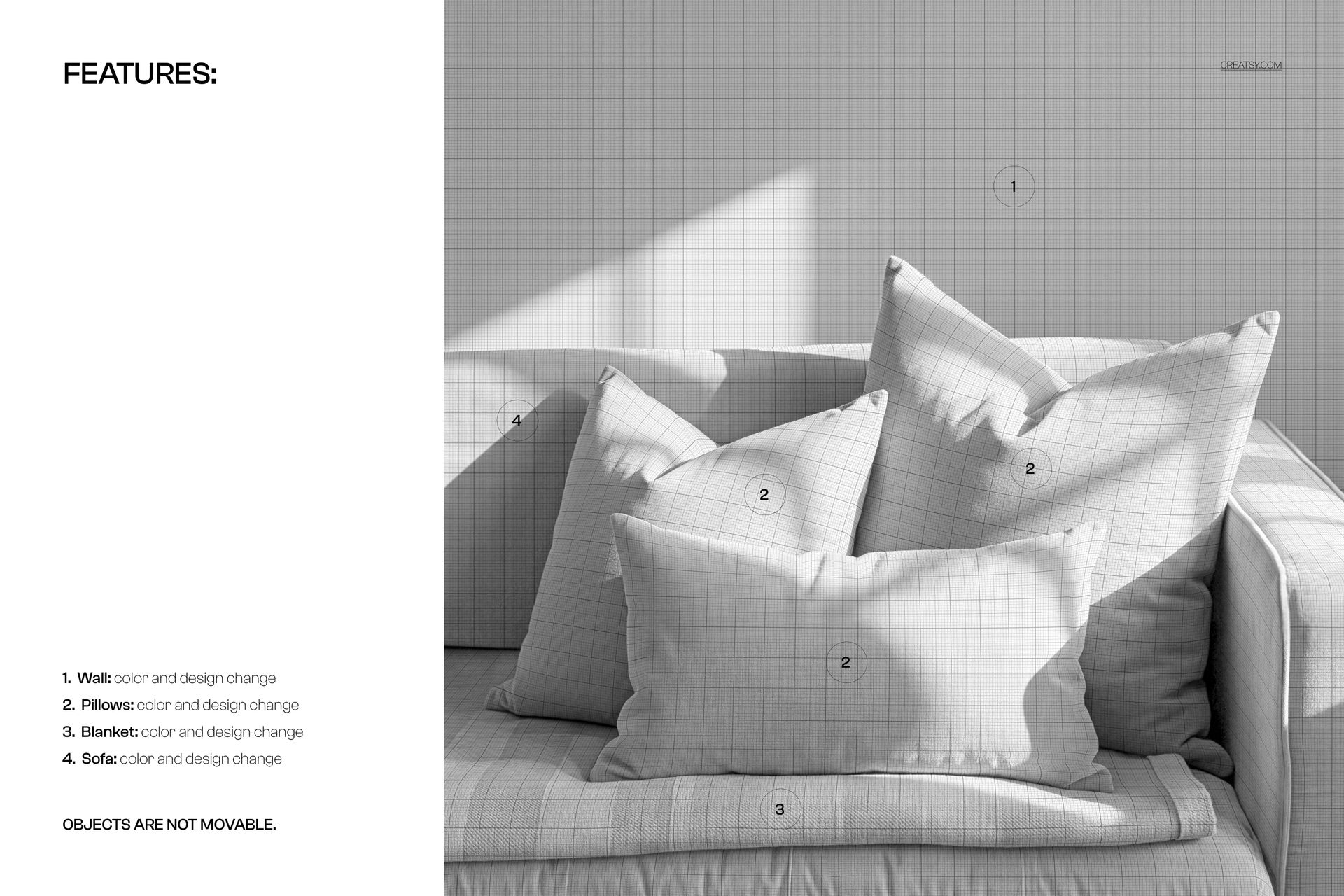
What sets this file apart is how much of the room you control. Beyond the three pillows, the wall behind them, the blanket, and the sofa are each their own smart object, open to a color or design change, so the whole scene follows your palette, not just the cushions. The pillows keep two shapes, two square and one lumbar, and the light falls from the left with shadows that stay put when you swap the artwork. It is a single front-view scene, not a multi-angle set, so pair it with another scene for a side shot; for a hero image it stands alone.
What you get
One layered PSD file, 6000 x 6000 px at 300 DPI
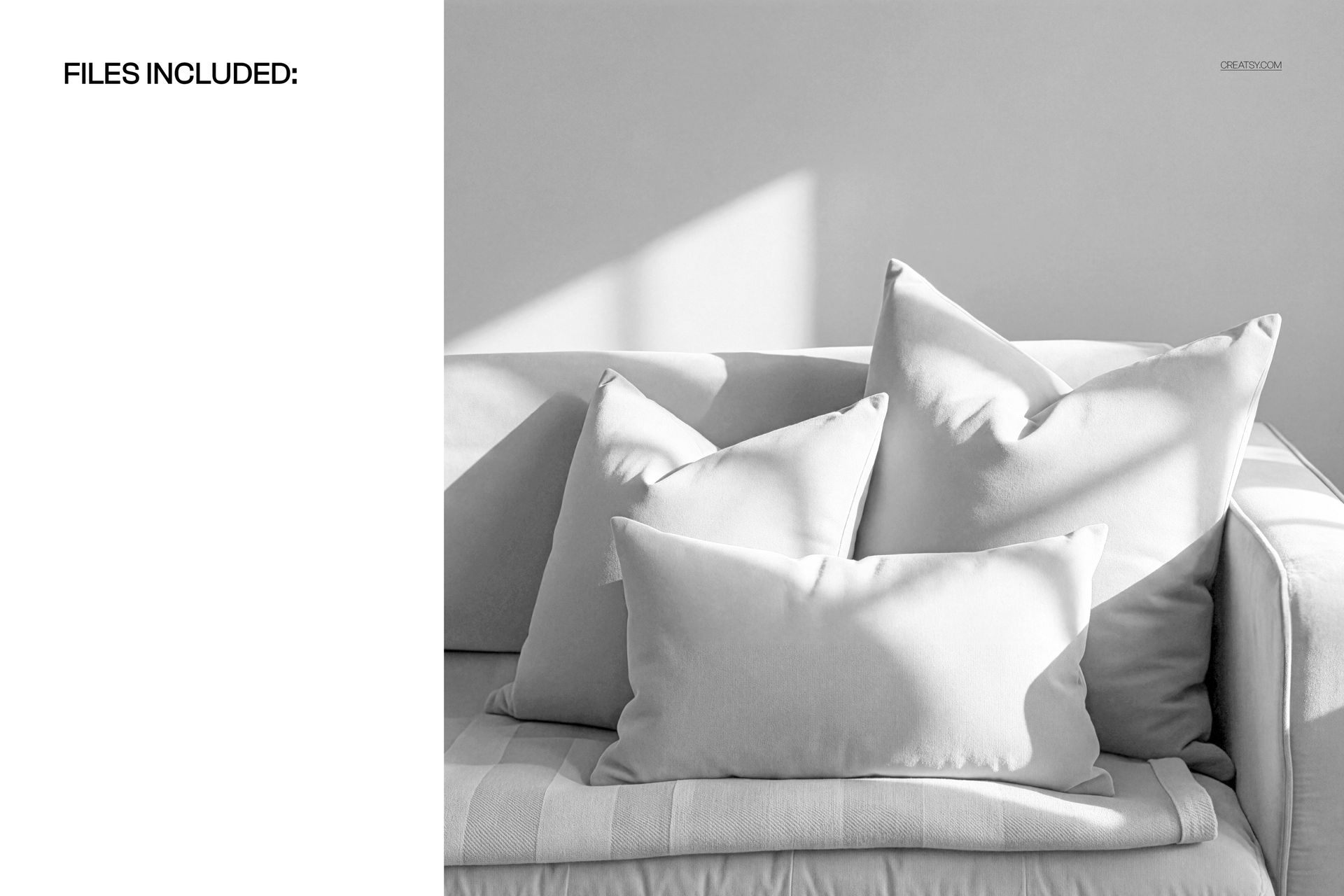
A single front-view scene of three throw pillows, two square and one lumbar, on a sofa
Four editable smart objects (pillows, wall, blanket, and sofa), each open to a color and design change
Well organized layers, with artwork, lighting, and shadows kept separate
Windows package about 305 MB, macOS 320 MB, delivered as .psd
Opens in Adobe Photoshop (CC2020 or newer) and the free browser editor Photopea
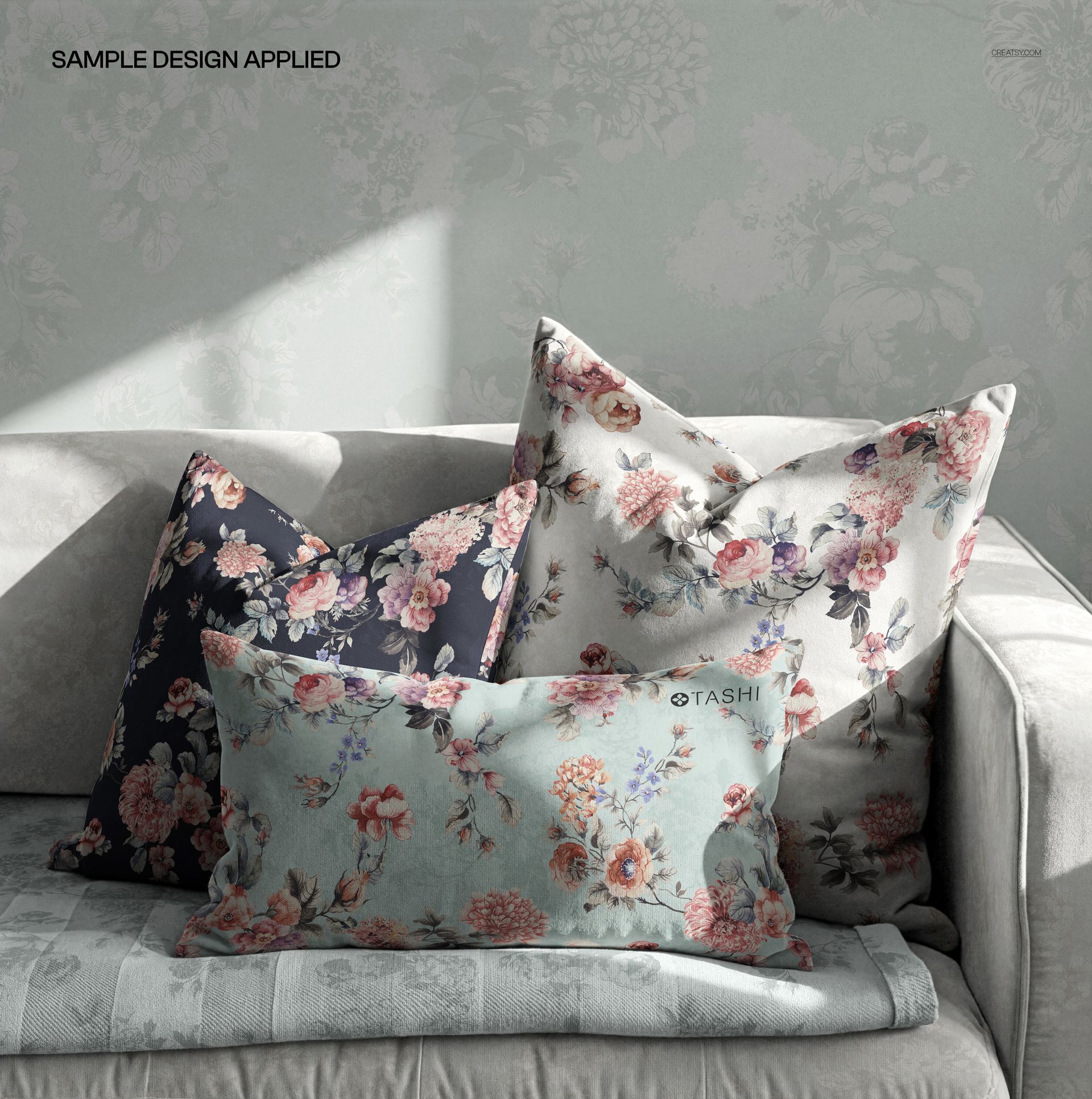
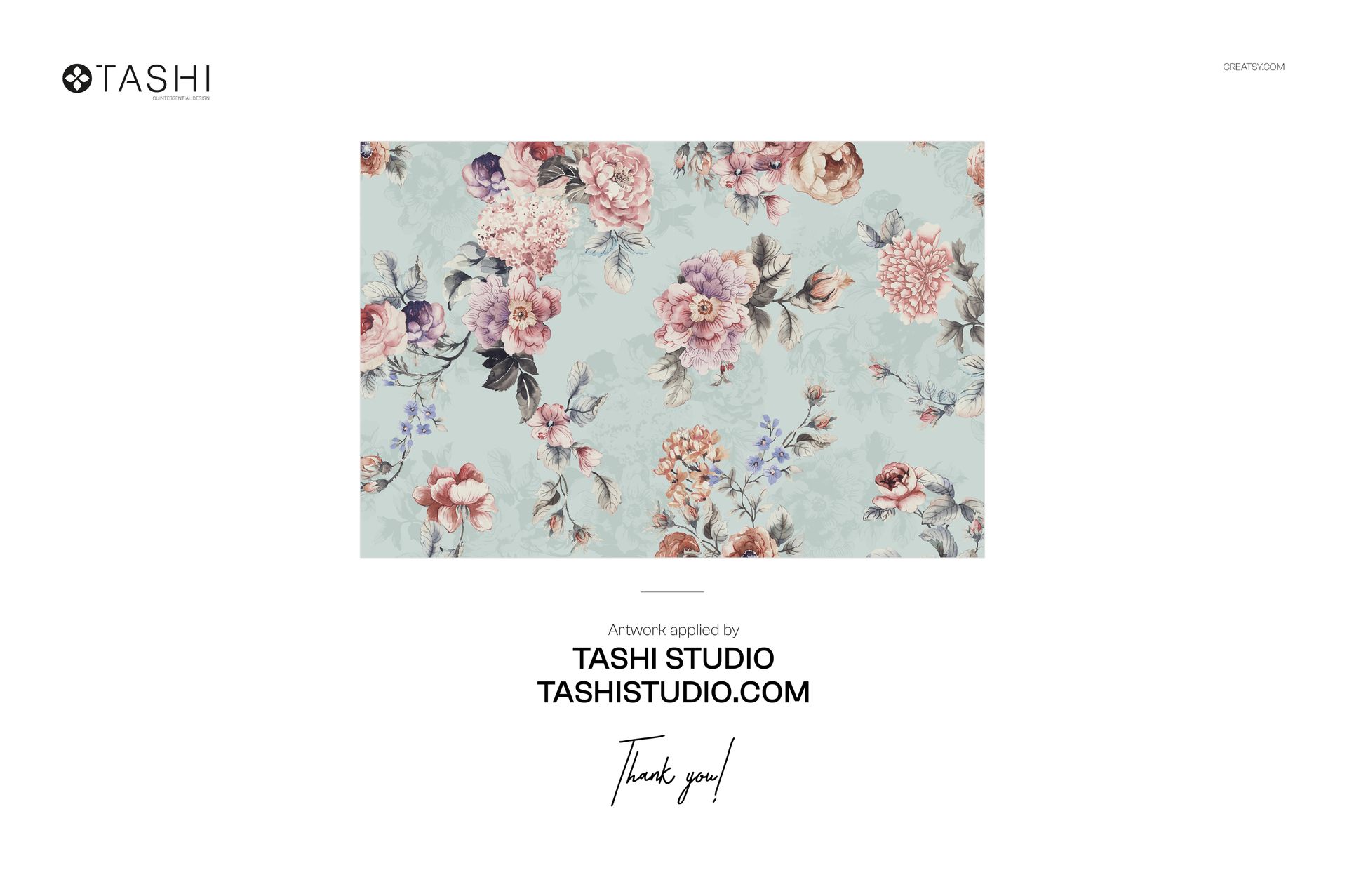
Sample floral artwork by Tashi Studio (tashistudio.com) is shown for display only and is not included
How you use it
Open the PSD in Photoshop, or in Photopea in your browser.
Double-click the smart object thumbnail for the pillows.
Paste your pattern or design and save the smart object.
Export the flattened scene as a JPG or PNG for your listing.
What can you edit in this pillow mockup?
You can edit four areas, each on its own smart object: the three pillows, the wall, the blanket, and the sofa. Every one takes a color change or a full design, so you can drop a pattern on the cushions and still tune the room to match. The one limit is layout: the objects cannot be repositioned.
Browse more decorative pillow and cushion mockups in the same category for other shapes or scenes.