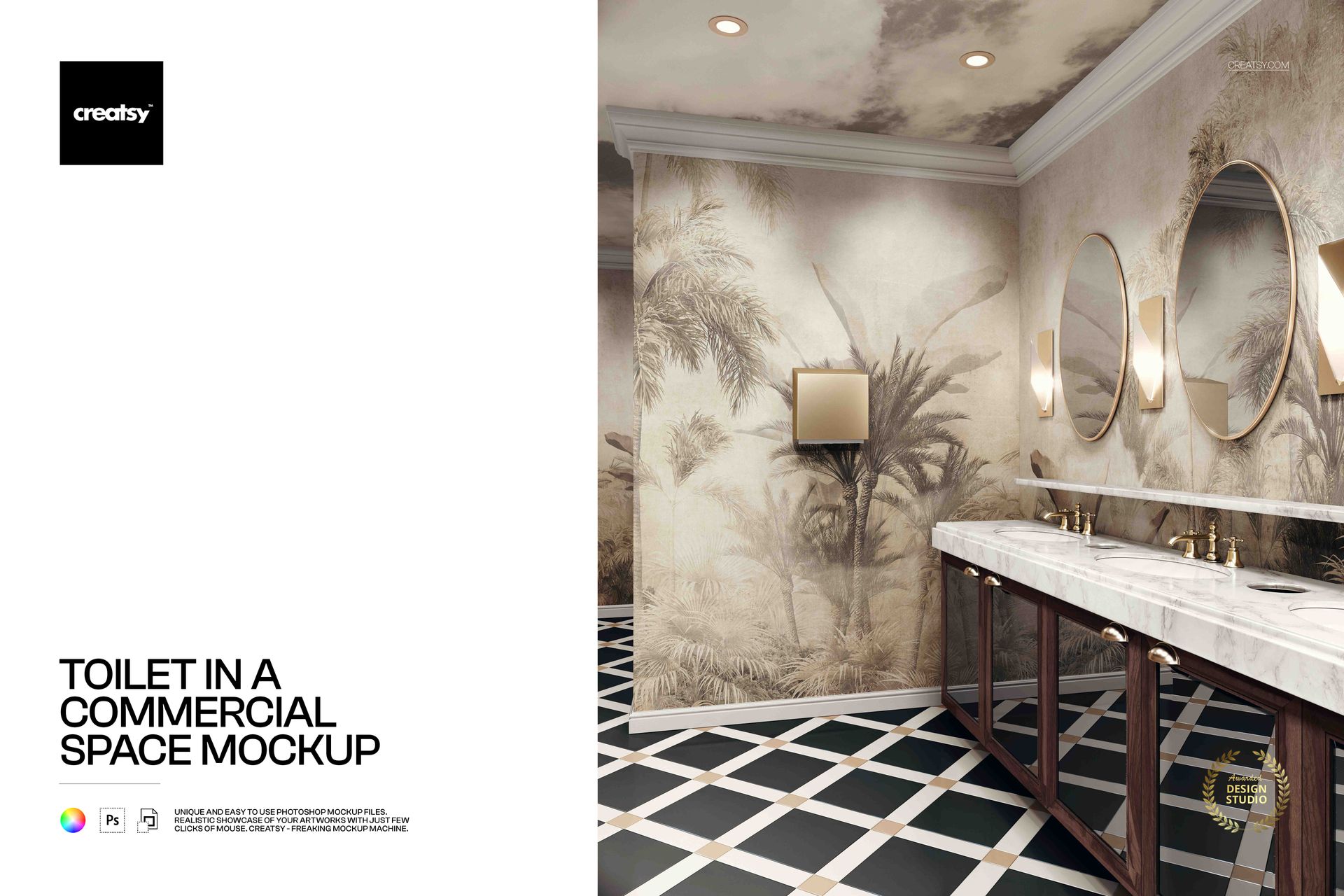



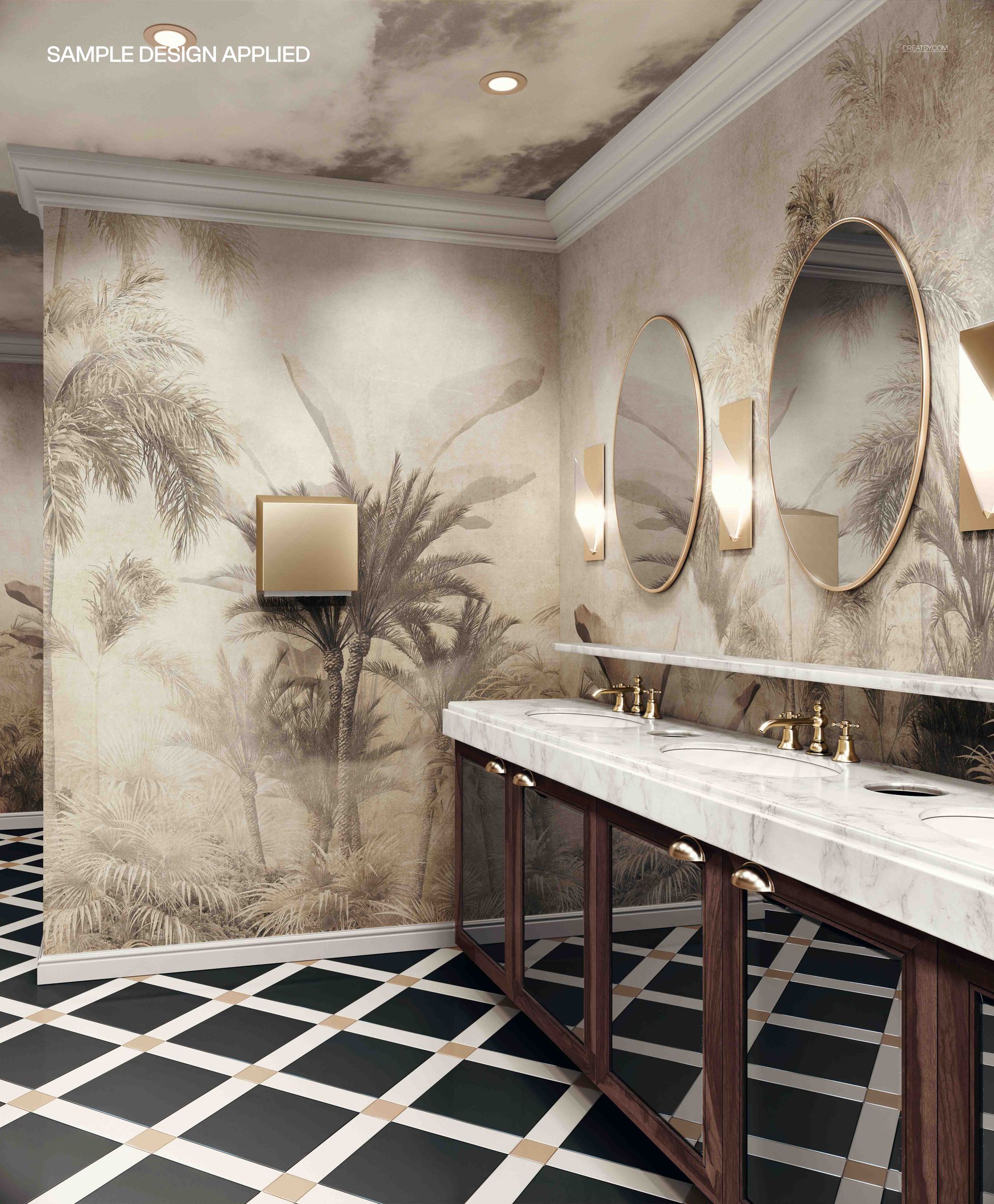
Toilet in a Commercial Space Mockup
This product is a part of Fabric Factory v.15 Mockup Bundle (Upholsteries & Wallpapers)
Product Details
Toilet in a Commercial Space Mockup from Creatsy lets you present branding, signage, and interior design concepts inside a realistic commercial restroom environment. This mockup captures a fully styled commercial bathroom with premium finishes, giving architects, interior designers, and brand consultants a ready-made scene for visualizing how wall graphics, wayfinding signage, material choices, or branded elements will look in an actual hospitality or corporate washroom setting. The 5000 x 6000 pixel file at 300 DPI delivers the resolution needed for detailed client presentations, bid proposals, and marketing collateral where every material texture and lighting nuance must read clearly.
Why This Mockup Works
Commercial restroom design is one of the most overlooked branding touchpoints in hospitality, retail, and corporate interiors. This mockup fills that gap by providing a photorealistic environment where you can demonstrate how signage, surface finishes, mirror graphics, or branded fixtures will appear once installed. The scene includes realistic lighting, reflective surfaces, and architectural details that make your inserted designs feel like part of the built space rather than a flat overlay. Clients and stakeholders respond more confidently to presentations that show designs in context, and this mockup provides exactly that level of environmental realism.
What Is Included
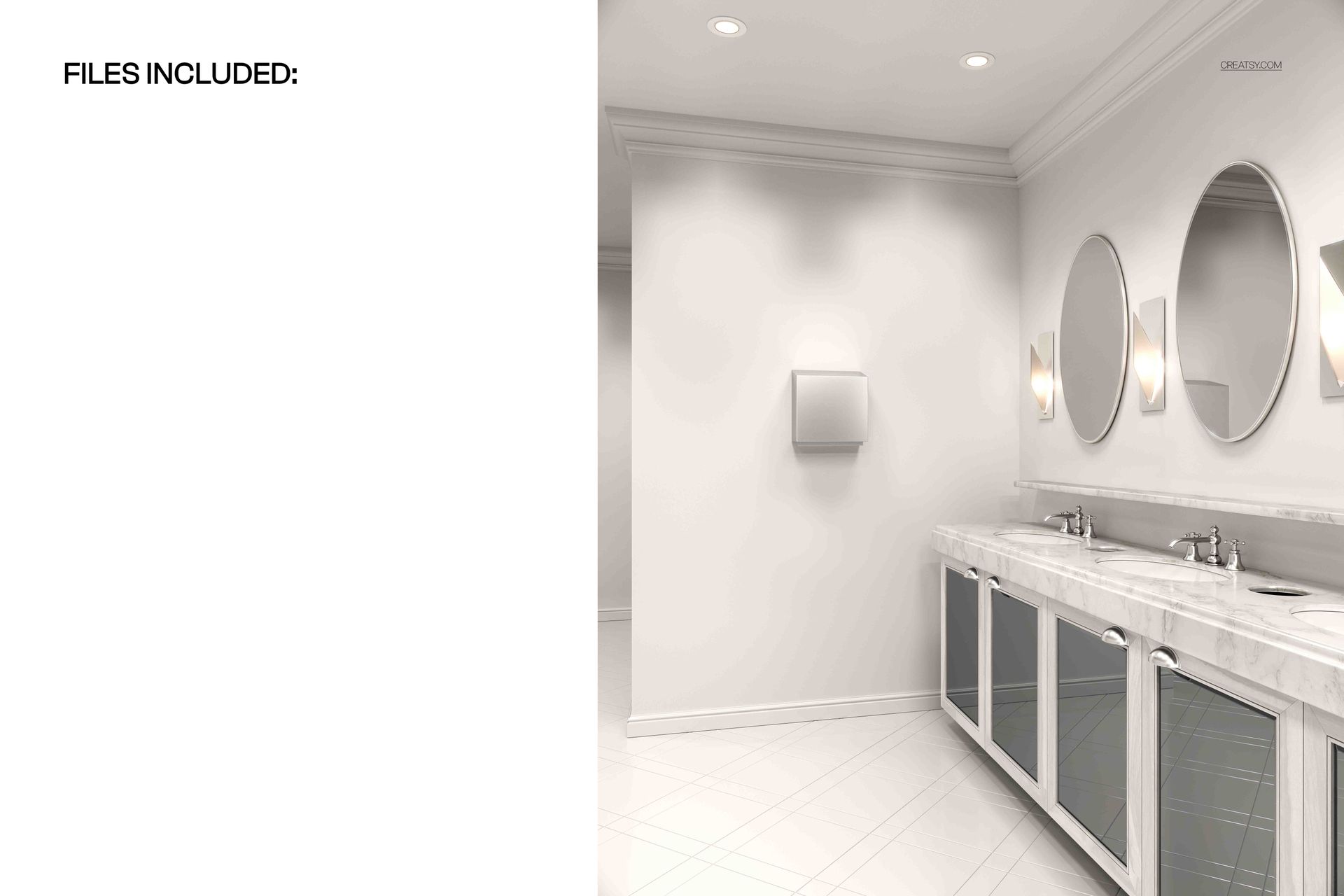
This download contains 1 PSD file at 5000 x 6000 pixels and 300 DPI. The file features a commercial restroom interior with premium architectural finishes, realistic lighting conditions, and reflective surfaces that interact naturally with your placed artwork. Layers are well organized so you can navigate quickly to each editable element without searching through unnamed layer groups. The file works in Adobe Photoshop (minimum version CC 2020) and in Photopea, a free browser-based editor that supports PSD files and smart object editing.
What You Can Customize
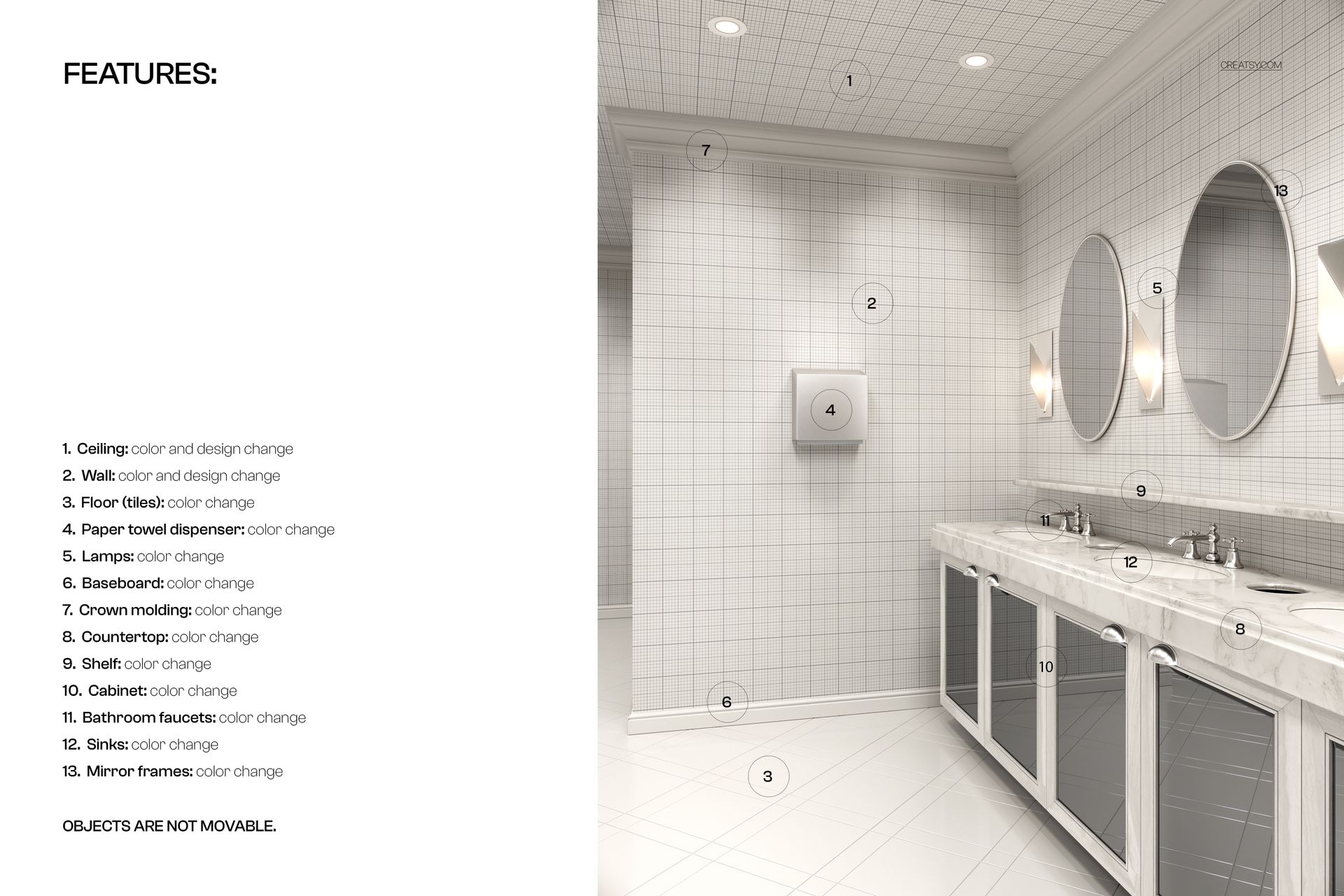
Smart object layers let you place branding elements, wall graphics, signage designs, or surface material samples into the commercial restroom scene with accurate perspective and realistic light interaction. You can customize wall surfaces, adjust overall color temperature and lighting mood, and control background elements to match your project specifications or brand guidelines. Each editable element is clearly separated in the layer structure for efficient workflow and precise control over every visible detail in the composition.
Who This Mockup Is For
This mockup serves interior designers presenting commercial bathroom concepts to hospitality clients, architects visualizing restroom specifications for corporate office projects, and brand consultants showing how environmental branding extends into every customer touchpoint. Signage companies preparing proposals for wayfinding or regulatory graphics in commercial spaces will find the realistic setting valuable for demonstrating installation context. Property developers, hotel chains, restaurant groups, and retail brands planning restroom upgrades can all use this mockup to evaluate design directions before committing to physical production.
File Specifications
File count: 1 PSD. Dimensions: 5000 x 6000 pixels. Resolution: 300 DPI. File size: 396.16 MB. Compatibility: Adobe Photoshop CC 2020 or newer, Photopea. Editing method: smart object layers for non-destructive design placement with realistic environmental lighting and surface interaction.
File details
- Compatibility
- Number of files included
- 2
- Package size
- 396 MB
|415 MB
- Files type
- .psd, .jpg


MEET THE SHOP
- $2200

HOW IT WORKS
3 clicks. That's it.
No tutorial needed. If you can copy-paste, you can use this.
- 1OpenDouble-click the smart object inside the PSD - in Adobe Photoshop, or free in your browser with Photopea.
- 2PasteDrop in your pattern, print, or artwork. Any design, any style.
- 3SaveHit save and the mockup wraps it in for you - shadows, folds, and lighting included.
FROM IDEA TO IMAGE
Built for real workflows
Skip the photo shoot Show your artwork on the real product type for approvals or listings - no studio, no model, no sample.
See it on the product, not a swatch Drop your file into the smart object and the scene's lighting and folds wrap around it, so you judge the real thing before you commit.
Smart Objects
Edit once and you're done. Your artwork drops into a smart object and the mockup updates itself - no masking, no warping by hand.
Perfectly Organized
Named layers and folders you can actually navigate. Find what you need, change what you want, and get out fast.
Print-Ready
High-resolution files built to hold up on screen and in print. Exact size and DPI are in this product's Details above.