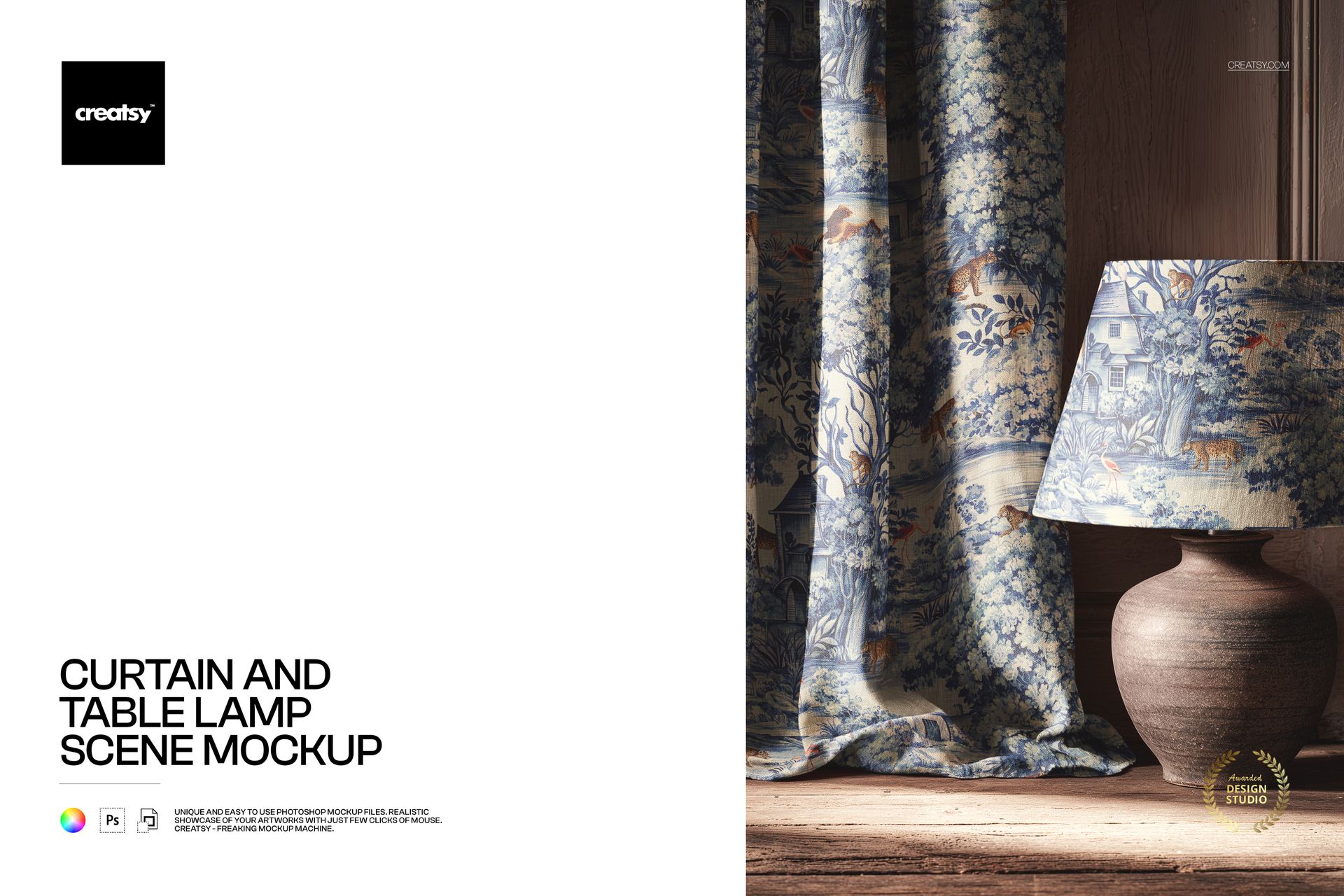
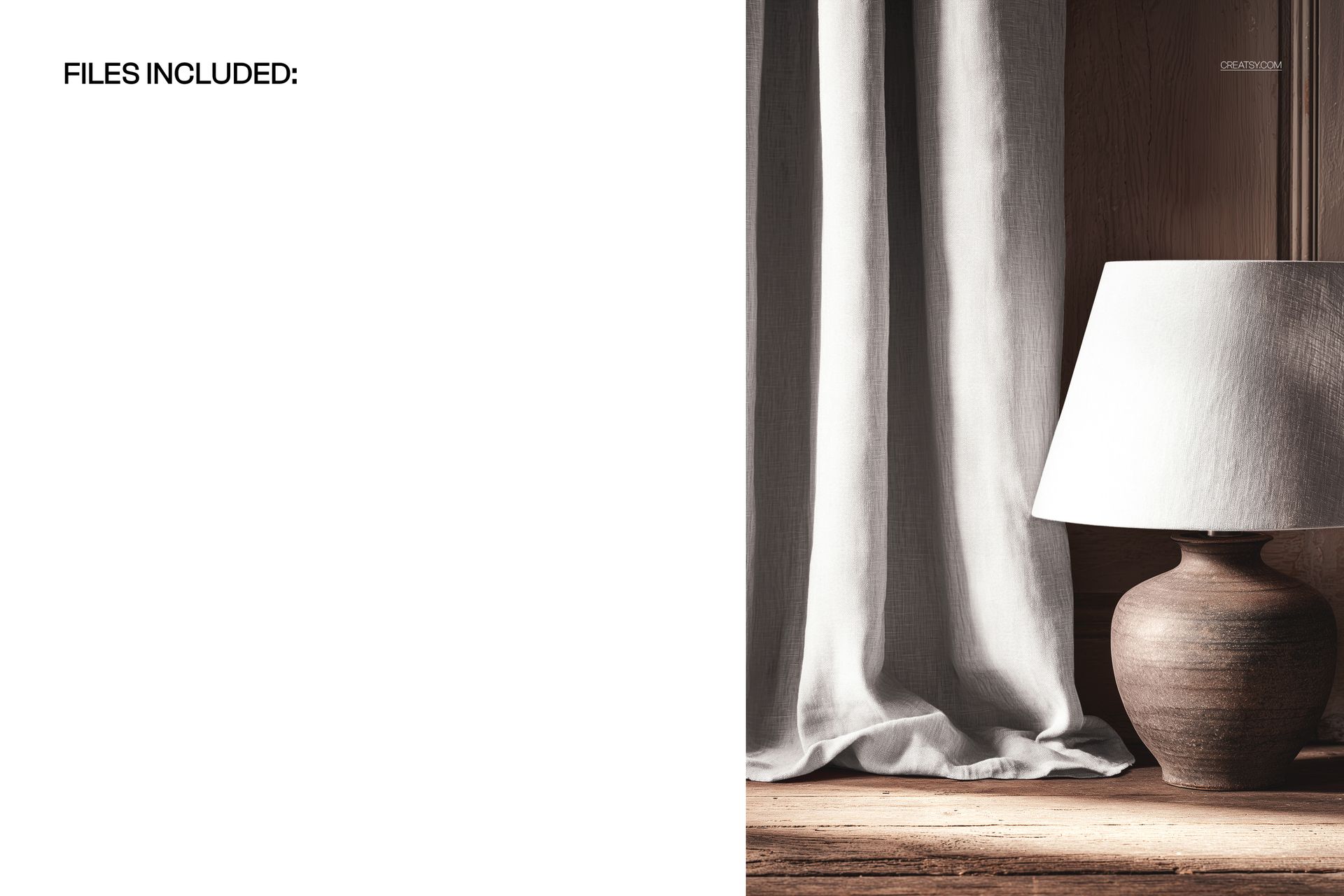
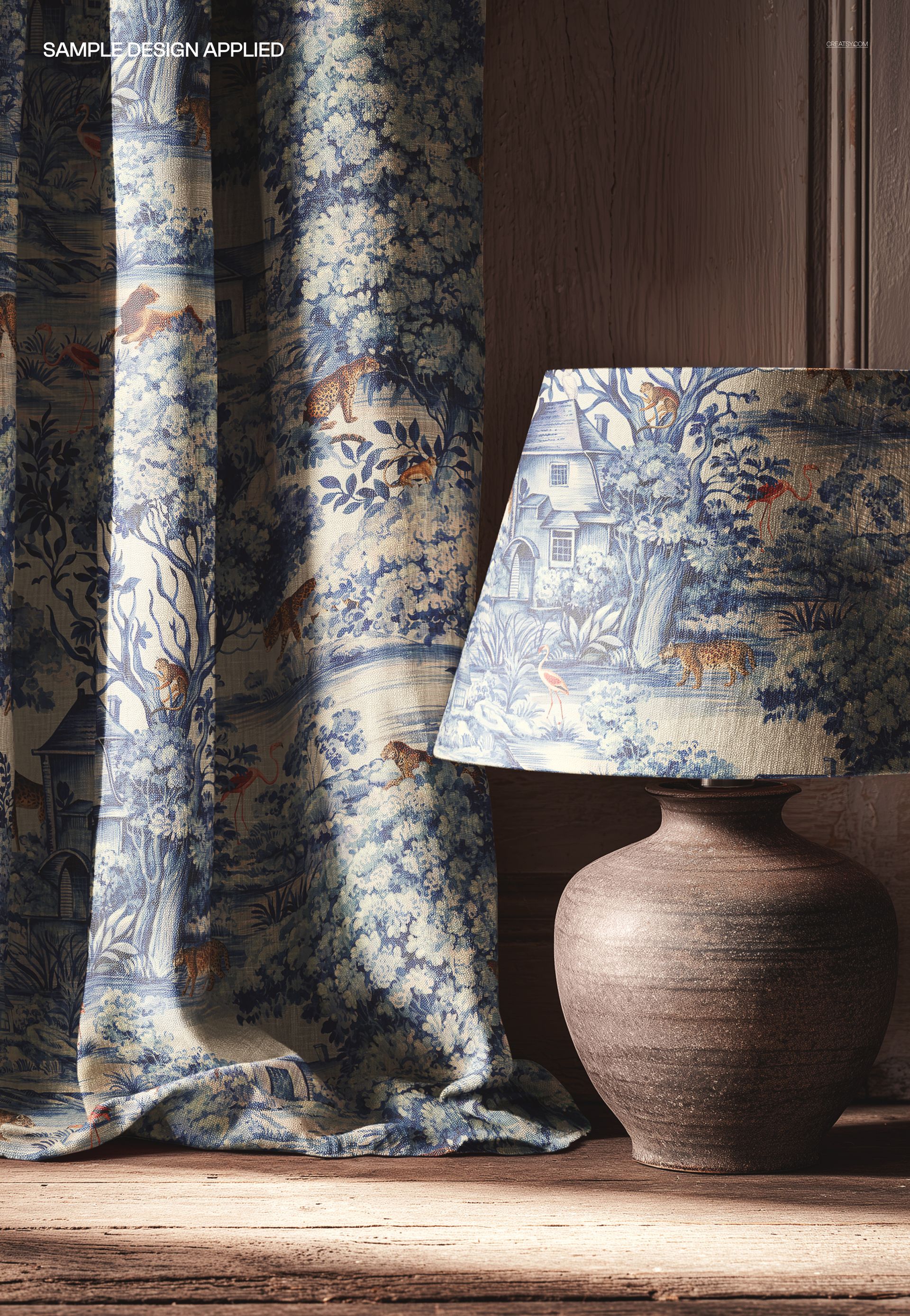
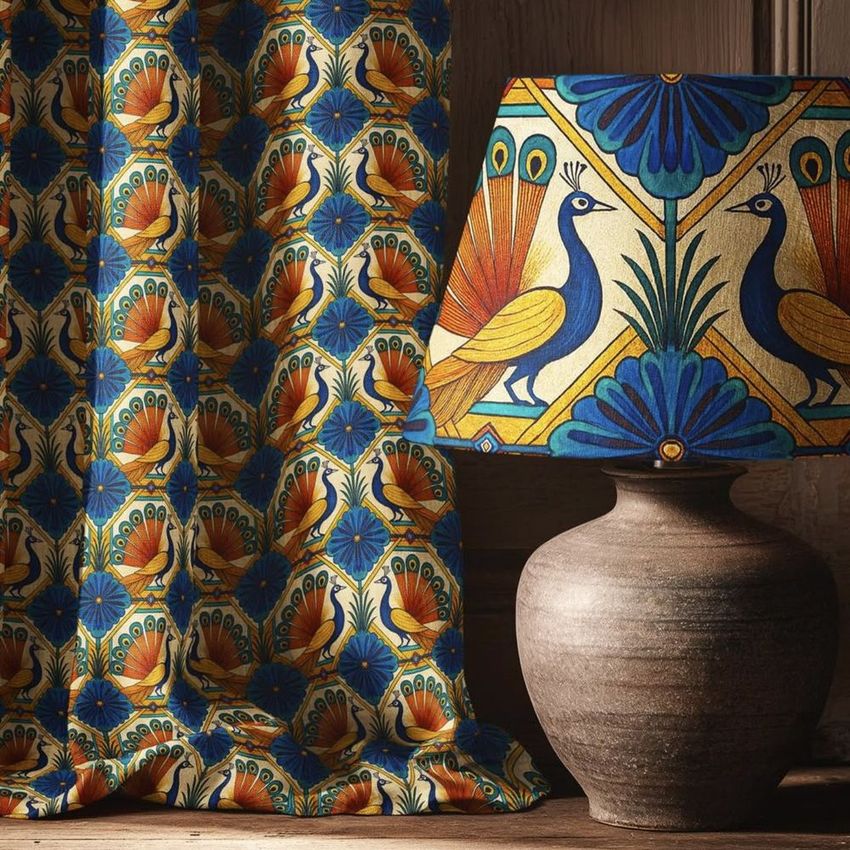
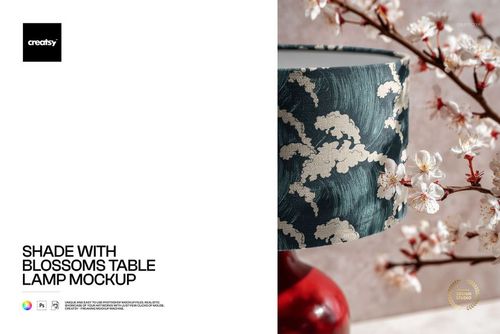
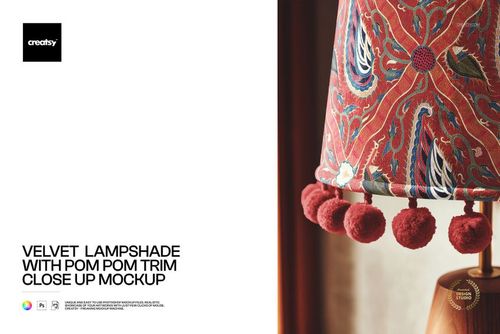
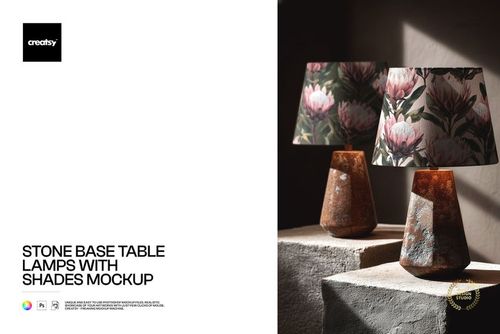
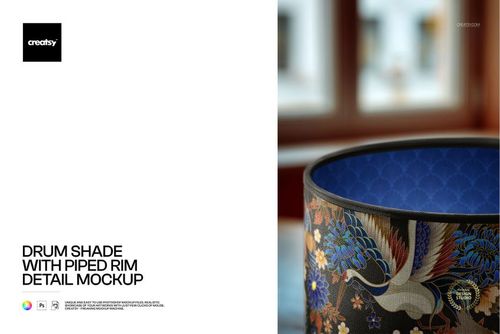
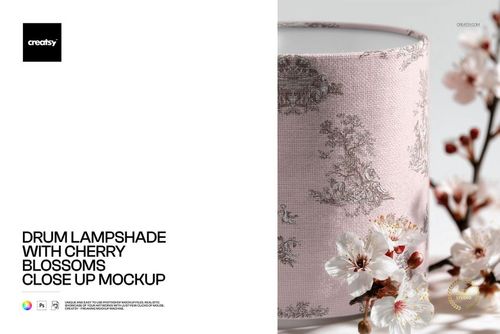
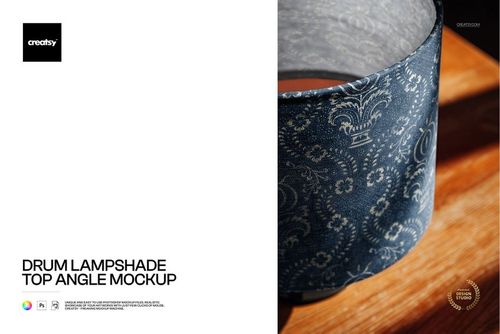
Photorealistic scene mockup showing a floor-length curtain panel next to a classic table lamp on a wooden surface. The PSD file includes smart object layers for both the curtain fabric and the lampshade, so you can apply your textile pattern to both elements in a single scene. One file, two coordinated surfaces, one realistic interior setting. Built from real product photography - not a 3D render - so the final export looks like a professional interior photograph.
Why a Curtain and Lamp Scene Mockup
Most mockups show a single product in isolation. This scene mockup places two textile surfaces - a curtain and a lampshade - side by side in the same room setting. When you apply your pattern to both, the result looks like a styled interior photograph showing how your fabric design works across different product formats. This is the kind of coordinated presentation that textile buyers, interior designers, and licensing partners expect to see during the evaluation process. A single scene image communicates more about your pattern's versatility than two separate product mockups ever could.
The scene context also adds credibility. Buyers scrolling through pattern portfolios or product listings respond more positively to lifestyle images than to flat pattern tiles or isolated product shots. This mockup creates that lifestyle context automatically every time you drop in a new pattern.
What Is Included
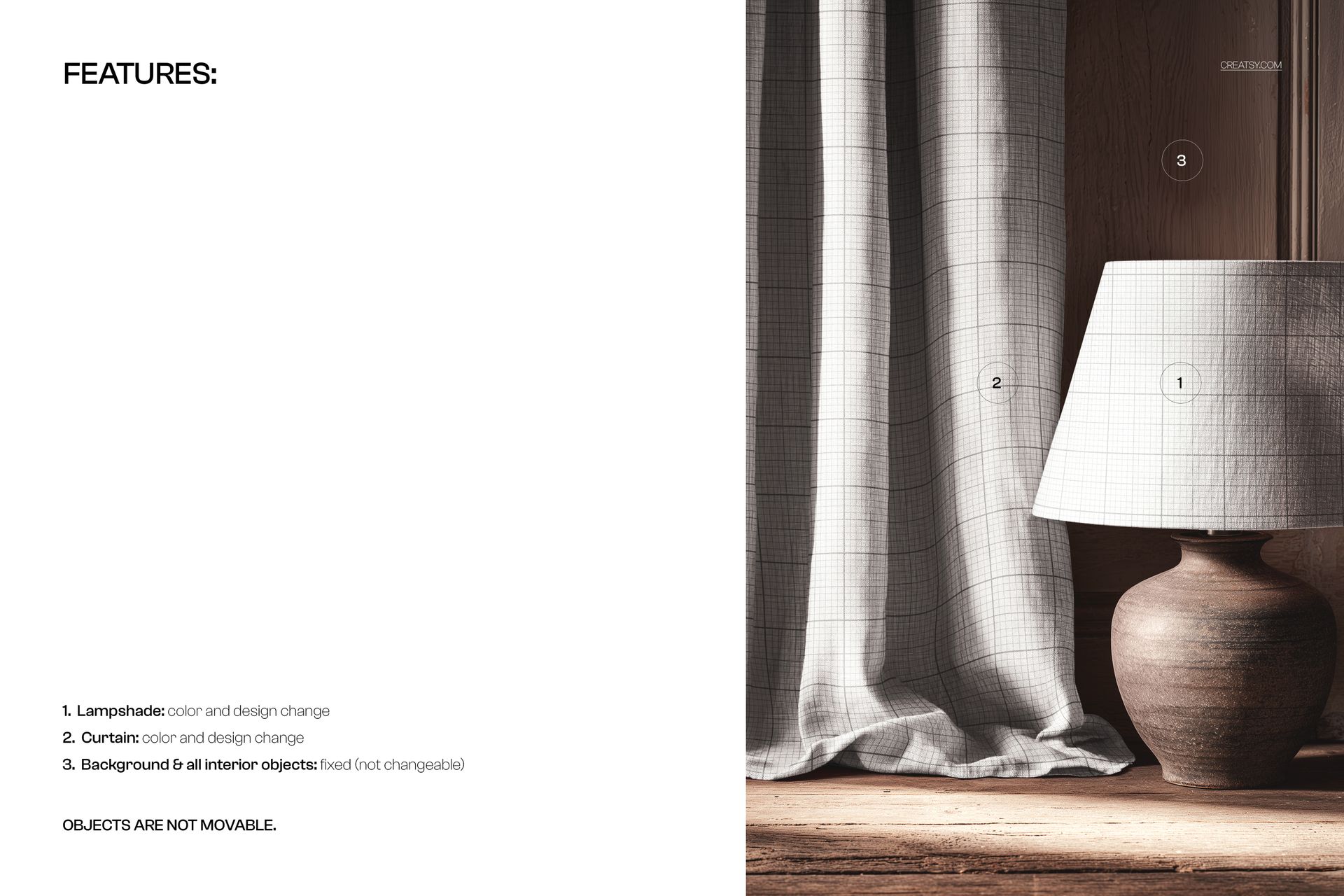
One PSD file at 3000x2000 pixels, 300 DPI resolution, landscape orientation. The file contains organized, labeled layers with smart objects for the curtain panel and the lampshade surface. Background elements - the wooden table, wall texture, and warm scene lighting - are part of the photographic base and contribute to the realistic interior atmosphere. Apply your pattern via the smart object layers and export the final image for use in portfolios, product listings, social media, or client presentations.
What You Can Customize
Place your surface pattern, textile print, or artwork onto the curtain fabric and lampshade via the smart object layers. The mockup renders your design with realistic fabric draping on the curtain and curved surface mapping on the lampshade. Test how your pattern scales across a large vertical surface (curtain) and a smaller curved surface (shade) simultaneously. This dual-surface test is particularly valuable for pattern collections where you need to show that a single design works at different scales and on different product types without losing its visual impact.
Who This Mockup Is For
Surface pattern designers presenting coordinated home textile collections to manufacturers or licensors. Interior designers showing fabric specifications for window treatments and accent lighting to residential or hospitality clients. Textile brands building product line presentations that demonstrate fabric versatility across categories. Fabric print designers proving that a single pattern translates well from a full-length curtain drop to a compact lampshade panel. Print-on-demand sellers creating lifestyle product images for curtain and lampshade listings on Etsy, Shopify, or Amazon. Home decor studios producing catalog and lookbook imagery for seasonal collections.
File Specifications
Format: PSD with smart object layers. Resolution: 3000x2000 pixels at 300 DPI. Orientation: landscape. File size: approximately 95 MB. Compatibility: Adobe Photoshop CC 2020 or newer, Photopea (free browser-based editor). The landscape format works well in horizontal presentation layouts including website headers, portfolio grids, and widescreen slide decks.