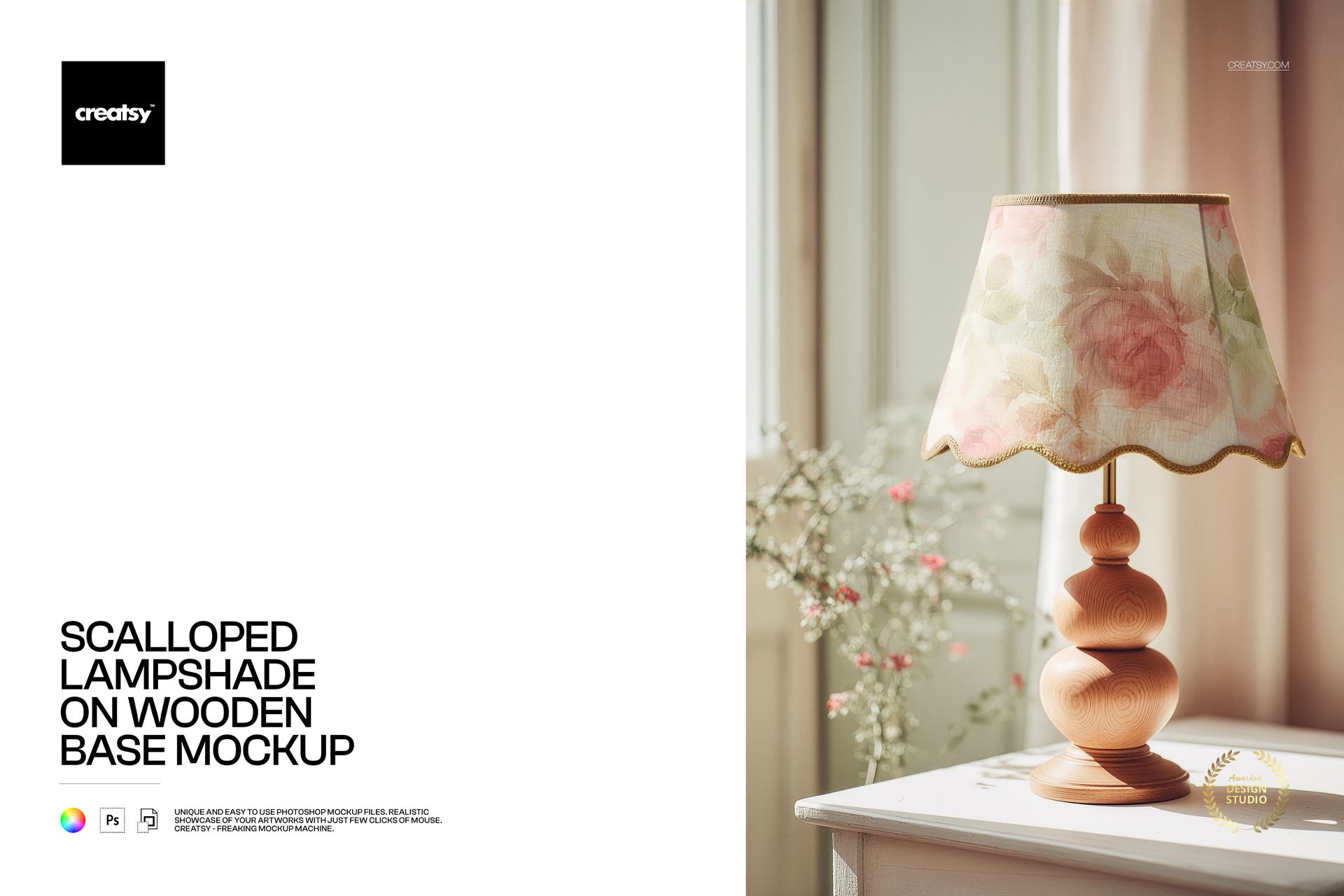
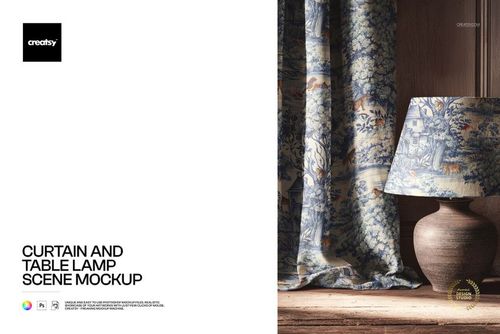
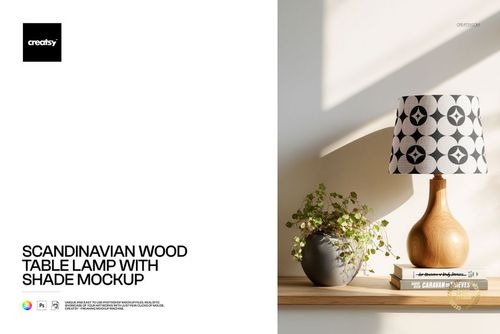
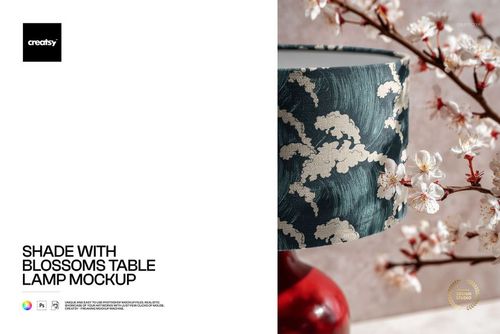
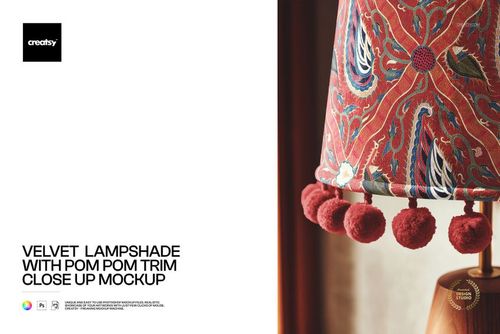
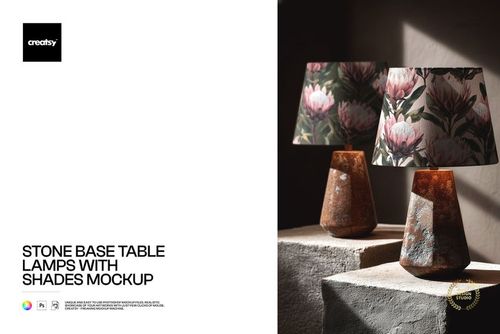
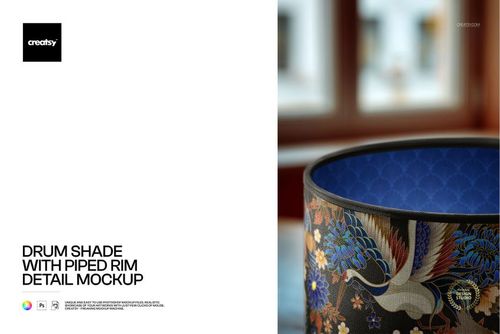
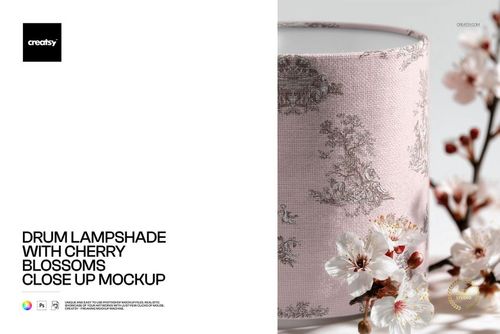
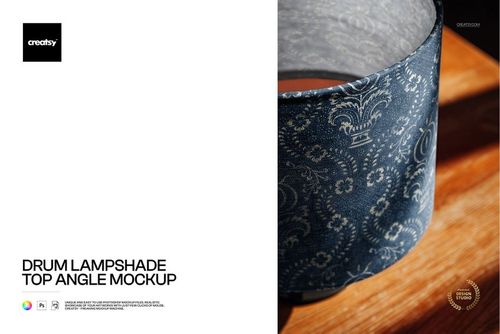
Photorealistic mockup of a scalloped-edge lampshade mounted on a turned wooden base. The PSD file includes a smart object layer for the shade surface, so you can apply your textile pattern, fabric print, or artwork and see it rendered with realistic curvature, lighting, and the distinctive scalloped hem detail. Built from real product photography at 6000x4000 pixels, 300 DPI - high enough resolution for both screen and print use at full catalog page size.
Why a Scalloped Lampshade Mockup
The scalloped edge is a specific lampshade style associated with traditional, cottage, vintage, and feminine interior design. It is a different product than a straight-edge drum shade or an empire shade - and buyers searching for scalloped lampshades expect to see the scalloped hem in the product image. If you design patterns for this shade style, a generic lampshade mockup does not communicate the right product. This mockup shows the actual scalloped silhouette with your pattern applied, so the presentation matches what the finished product will look like.
The scalloped detail also interacts with your pattern in ways that are difficult to predict without seeing it on the actual shape. Patterns may align beautifully with the scallop curves, or they may create awkward cuts at the hemline. This mockup lets you test that interaction before committing to production or presenting to a client. The turned wooden base adds a classic, warm aesthetic that positions the shade in the premium traditional home decor segment.
What Is Included
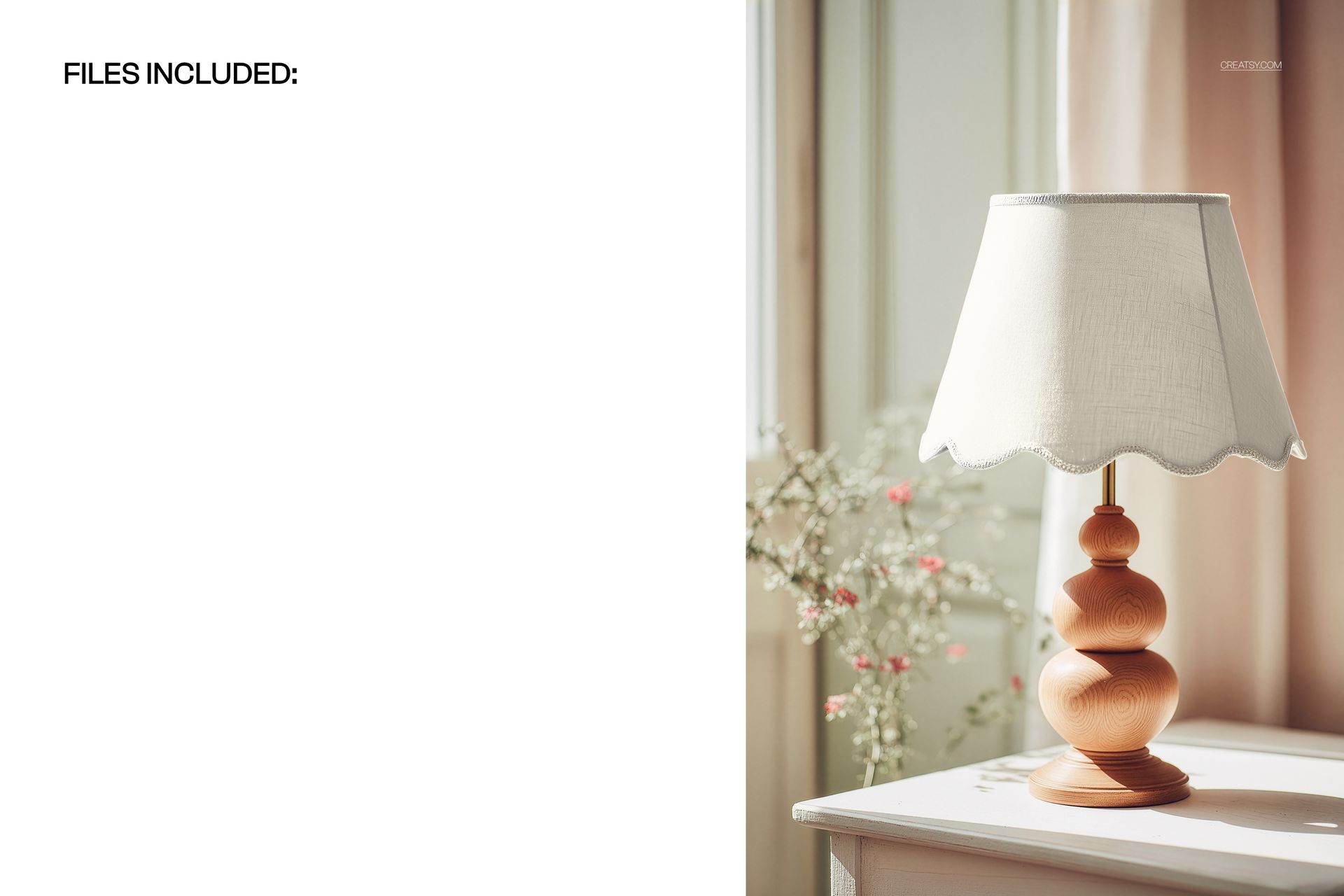
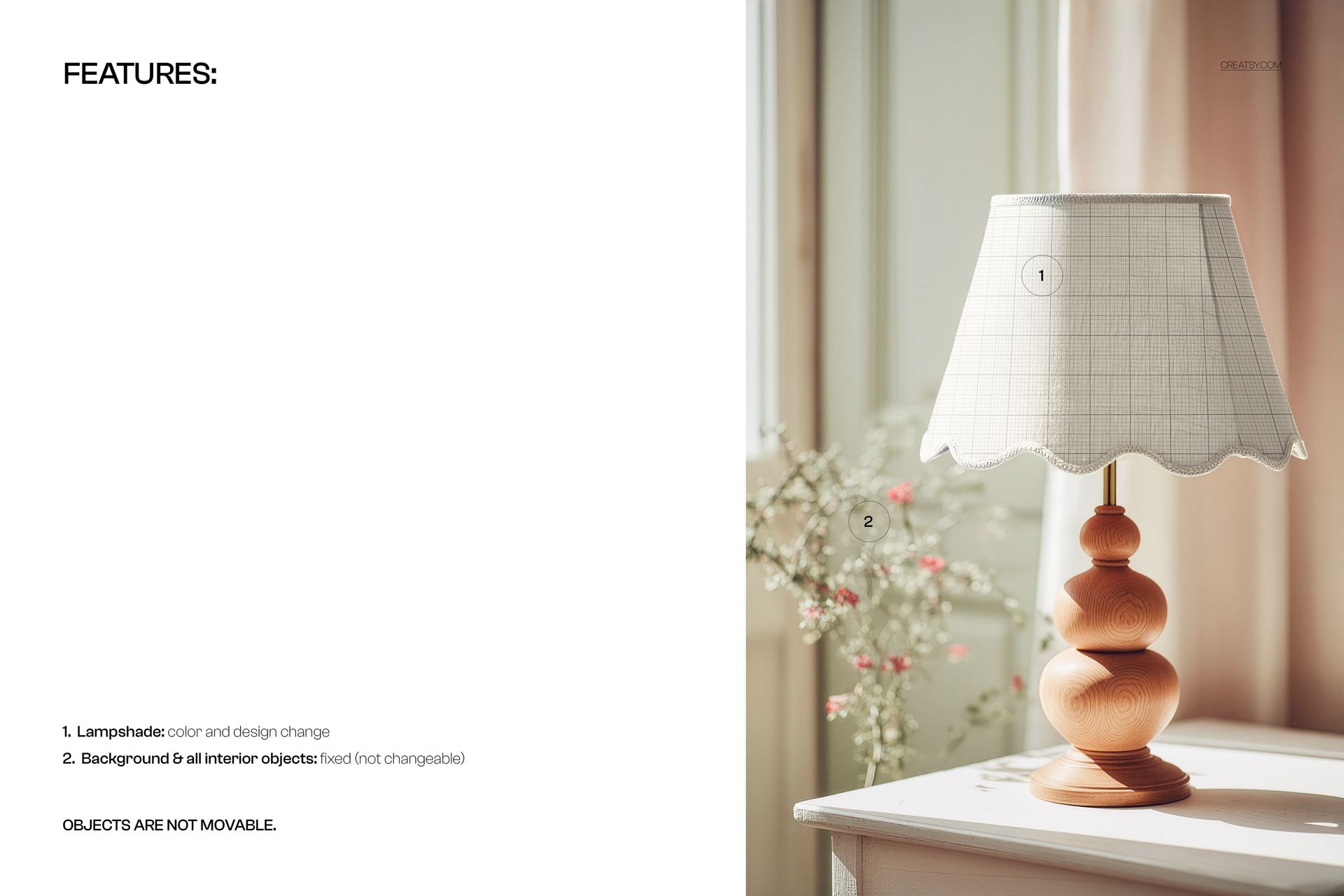
One PSD file at 6000x4000 pixels, 300 DPI resolution, landscape orientation. The file contains organized, labeled layers with a smart object for the lampshade surface. The wooden turned base, background setting, and warm scene lighting are part of the photographic base layer. The 6000-pixel width captures the scalloped hem texture, fabric grain, and shade curvature in fine detail - even when buyers zoom into the product image on an e-commerce listing, the pattern and construction details remain sharp and clear.
What You Can Customize
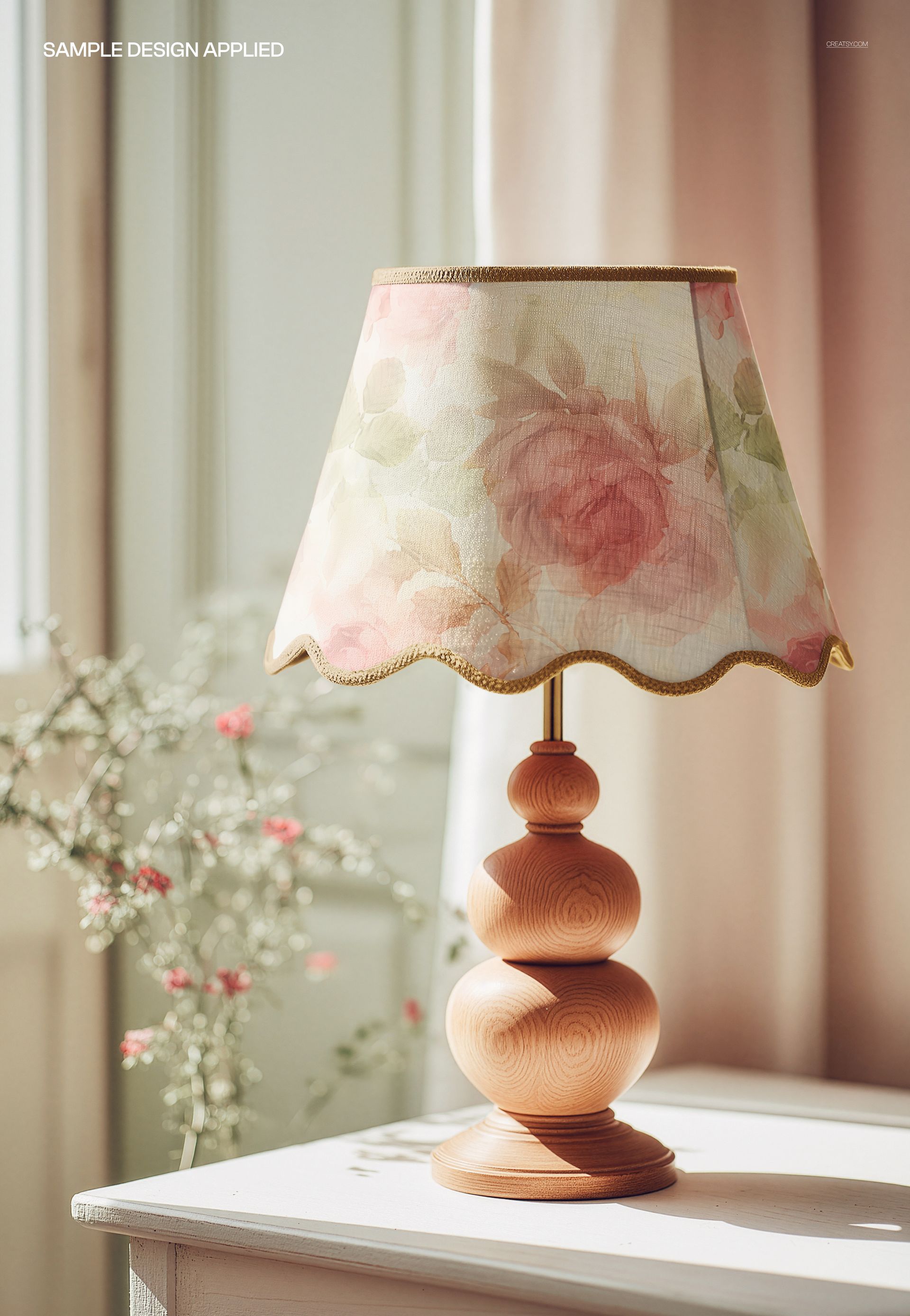
Place your surface pattern, fabric print, or artwork onto the lampshade via the smart object layer. The mockup renders your design with realistic shade curvature, fabric texture, and the scalloped edge profile. The warm lighting in the scene creates natural highlights and shadows on the shade surface that interact with your pattern, producing a result that looks like a real product photograph rather than a flat pattern overlay. Test florals, botanicals, chintz, toile, damask, geometric prints, or any pattern style to see how it reads on the scalloped shade form.
Who This Mockup Is For
Surface pattern designers creating collections for home textiles and home decor licensing. Interior designers specifying custom lampshades for residential and hospitality projects where scalloped shades are part of the design scheme. Textile brands and manufacturers producing lampshade product lines with scalloped edge construction. Print-on-demand sellers offering custom scalloped lampshades on Etsy, Shopify, or Amazon. Home decor studios building catalog and lookbook imagery for seasonal collections. Fabric designers testing how their repeat patterns interact with the scalloped hemline before committing to production runs.
File Specifications
Format: PSD with smart object layers. Resolution: 6000x4000 pixels at 300 DPI. Orientation: landscape. File size: approximately 124 MB. Compatibility: Adobe Photoshop CC 2020 or newer, Photopea (free browser-based editor). The high resolution supports print production for catalogs, trade show displays, and marketing collateral at standard page sizes without quality loss.