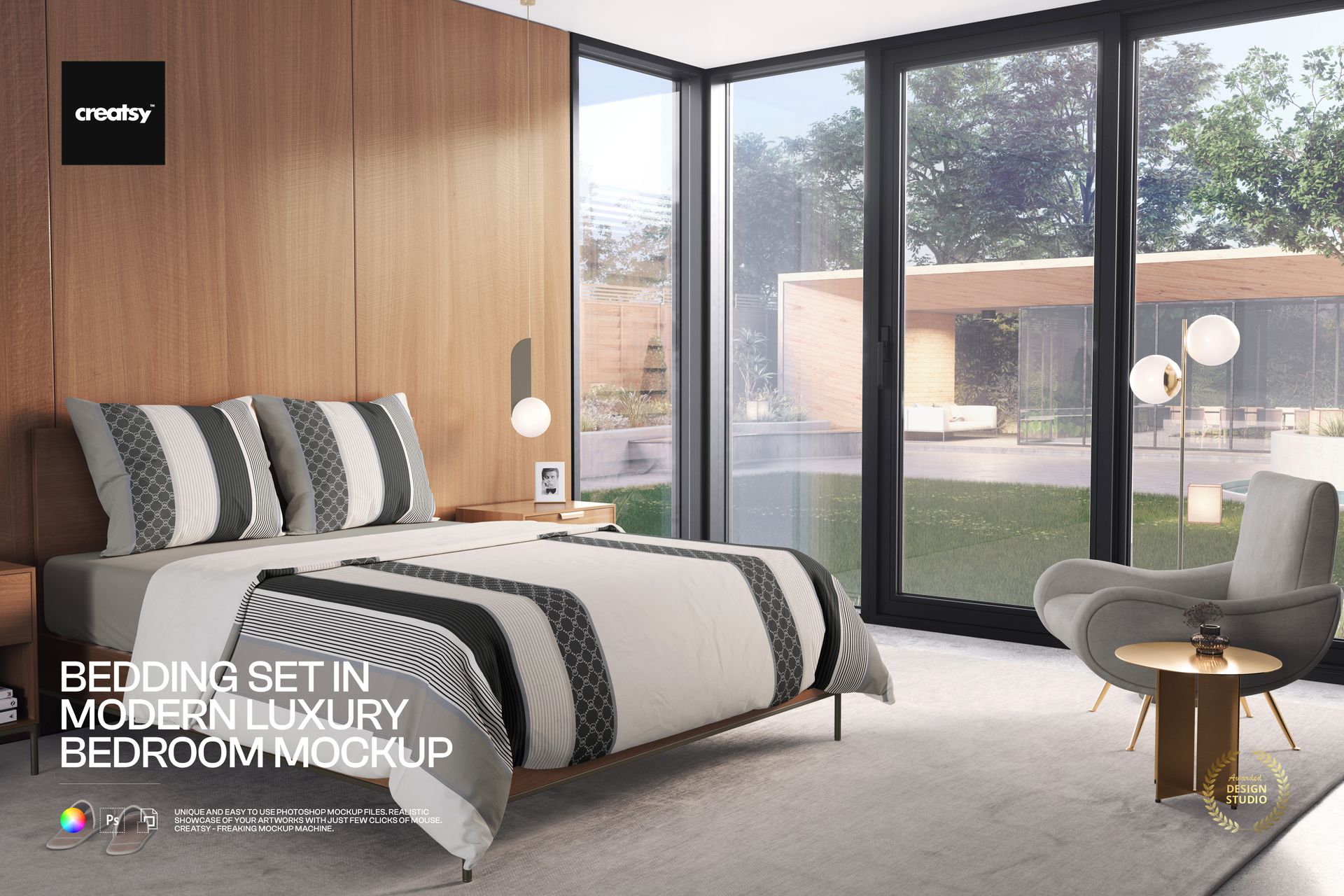
Bedding Set in Modern Luxury Bedroom Mockup
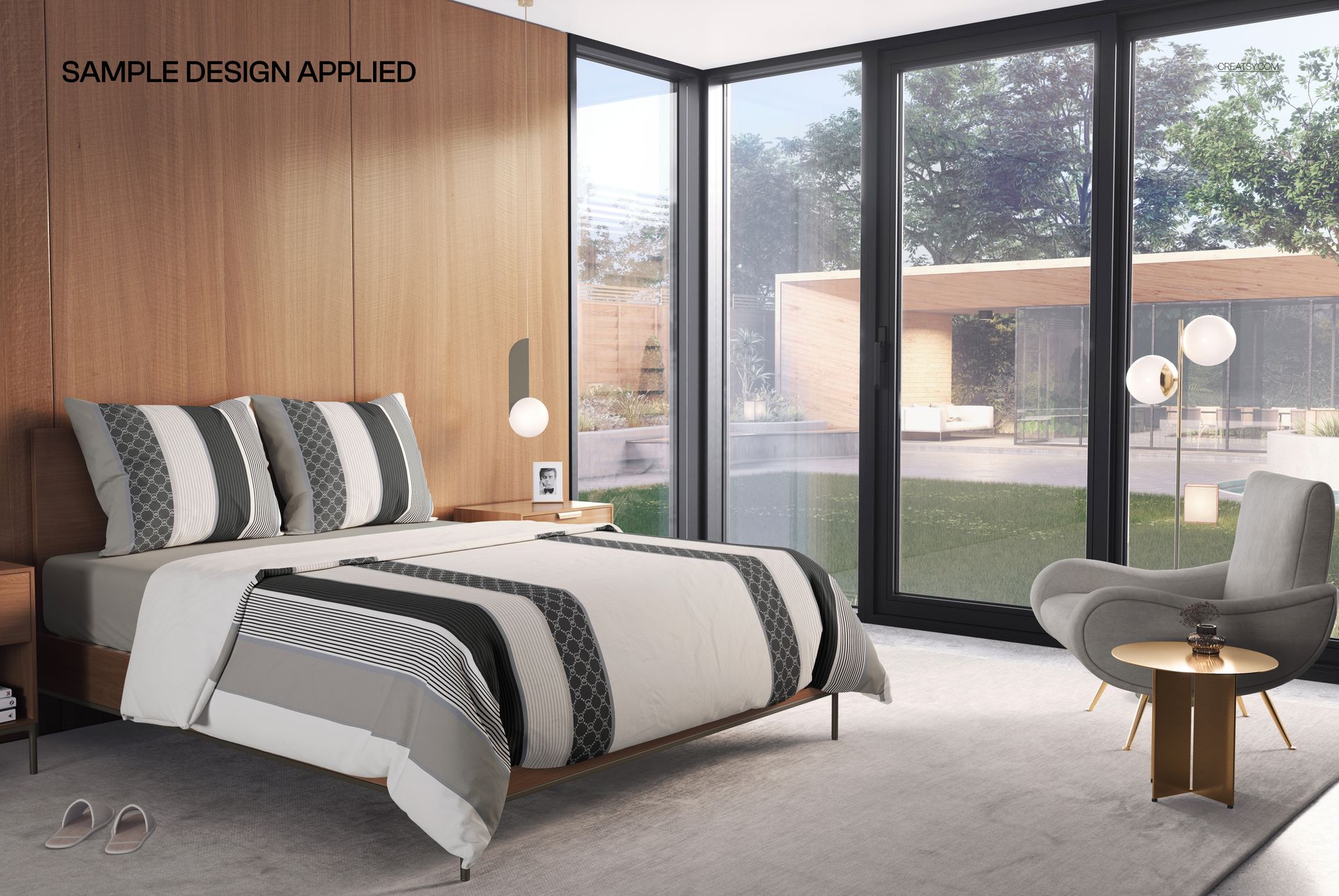
This 6000 × 4000 px PSD places a duvet, bed sheet and pillows inside a bright modern bedroom with floor-to-ceiling windows. The wide view reveals how a pattern behaves on large draped fabric, smaller cushions and surrounding surfaces, helping designers evaluate scale, contrast and collection cohesion in context.
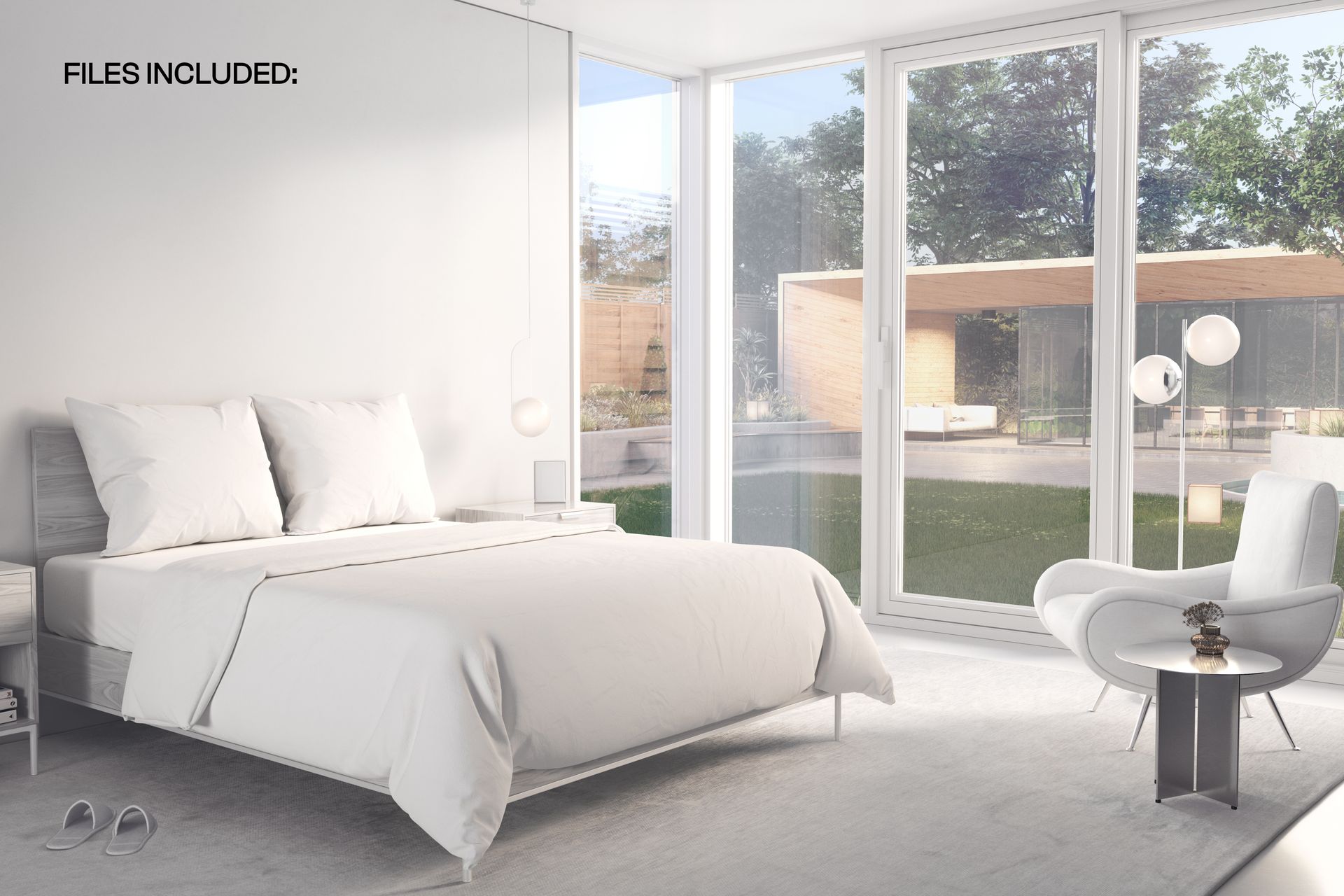
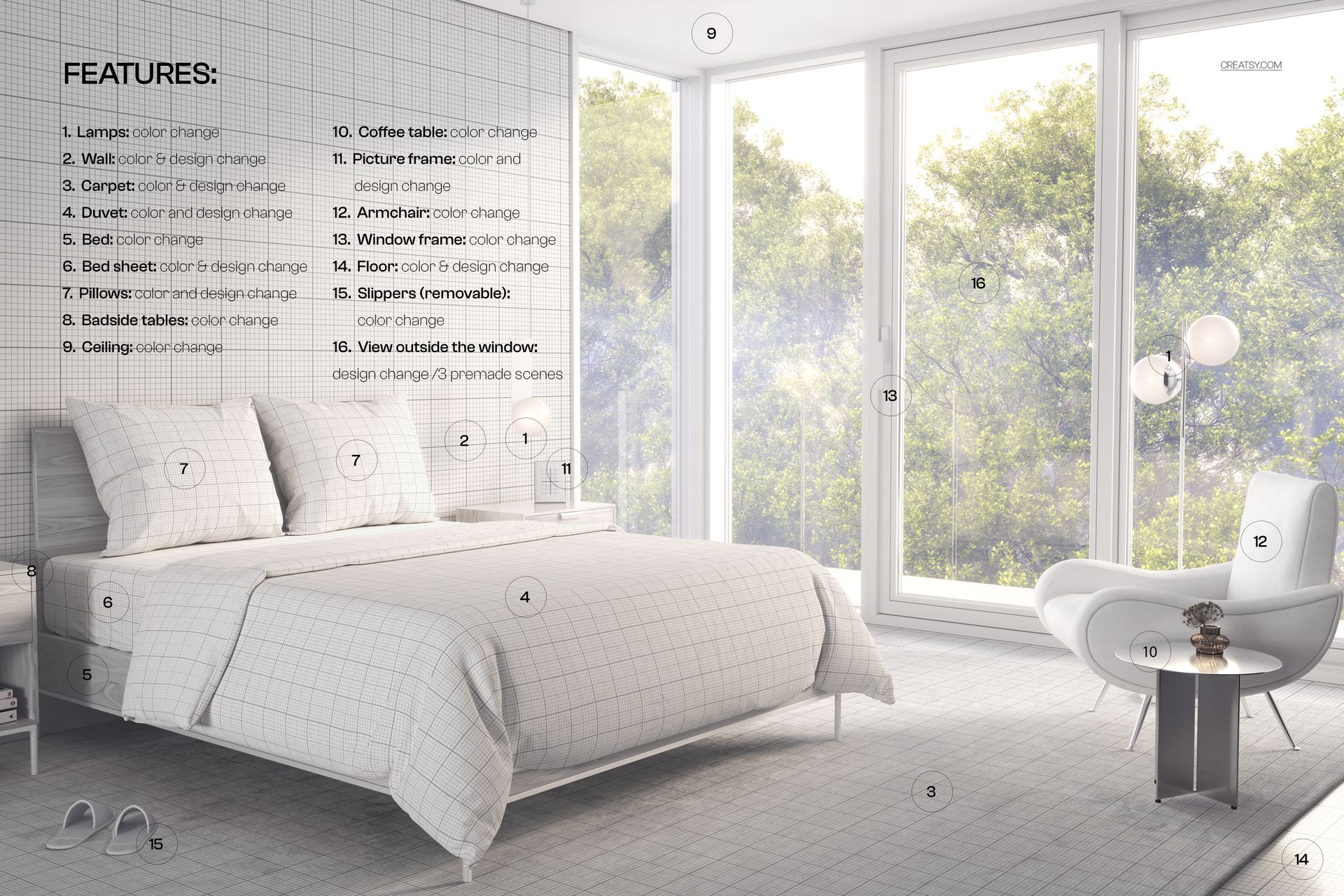
Editable surfaces across the room
Core textiles: change the color and design of the duvet, bed sheet and pillows.
Architectural surfaces: customize the wall, carpet and floor with color or design, and change the ceiling and window-frame colors.
Furniture and details: recolor the bed, bedside tables, lamps, coffee table and armchair; the picture frame also accepts color and design changes.
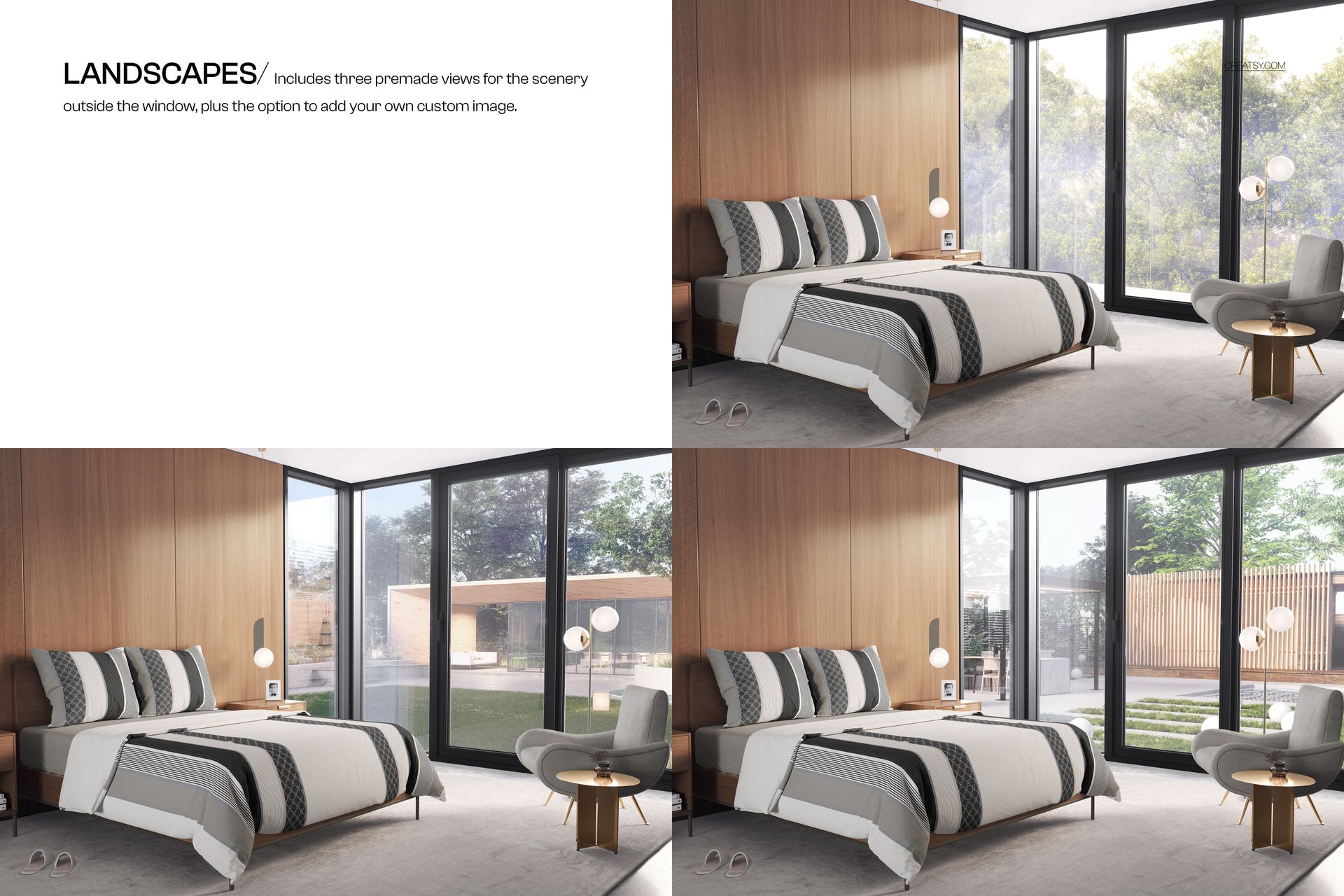
Window view: choose from three included landscapes or insert a custom image.
Optional prop: recolor the slippers or remove them for a cleaner scene.
Files and software
1 layered PSD file at 6000 × 4000 px and 300 DPI.
1 JPG preview.
Adobe Photoshop CC 2020 or newer, or Photopea.
The PSD is close to 1 GB in the file preview, so allow suitable memory, storage and opening time.
Well-organized layers support detailed scene customization.
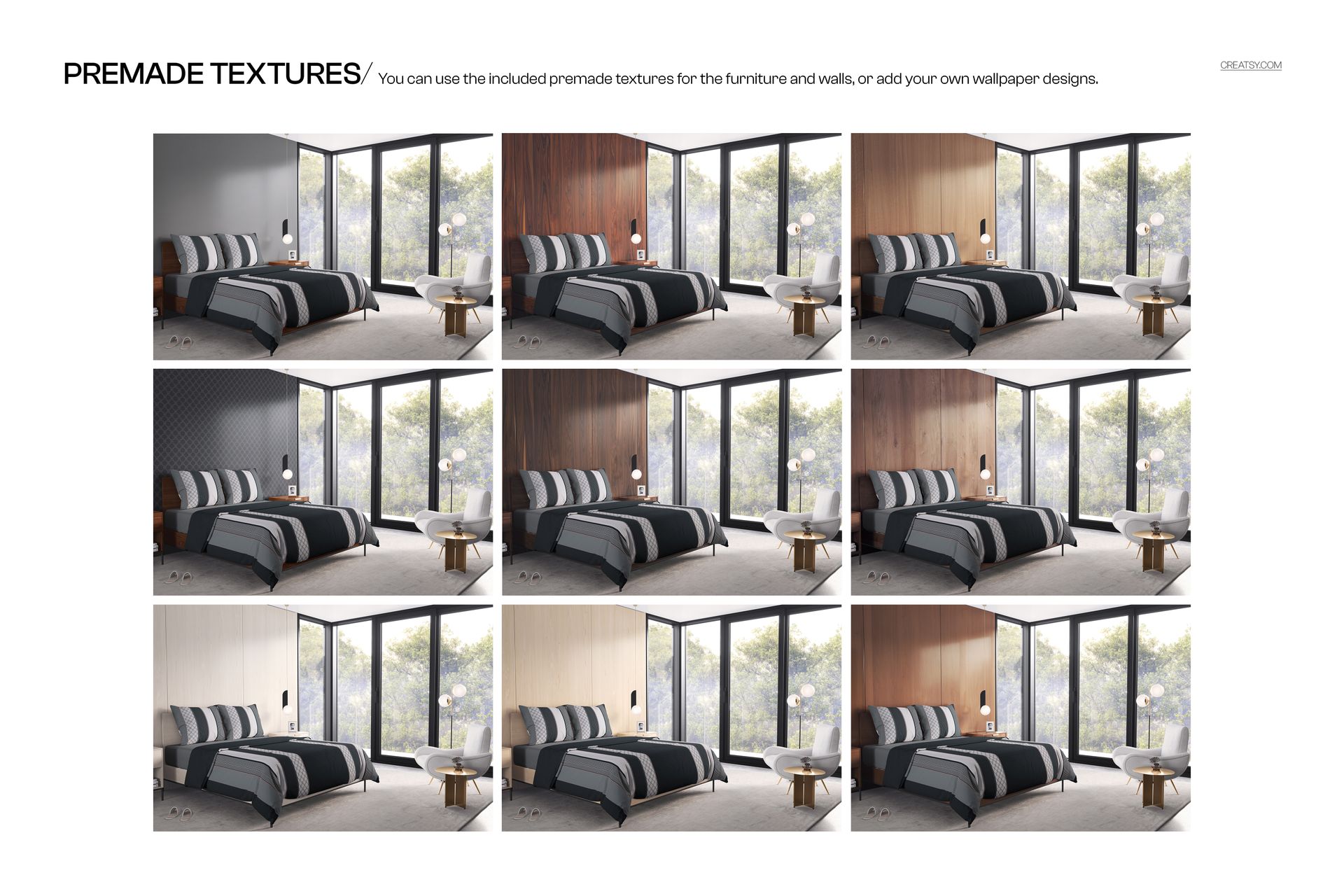
Use the included premade textures for furniture and walls, or add your own wallpaper designs. Place artwork into the Smart Objects, save each edited object, then return to the scene to review the result.
This is a digital mockup for presenting your own designs. Physical products and sample artwork shown in the gallery are not included.