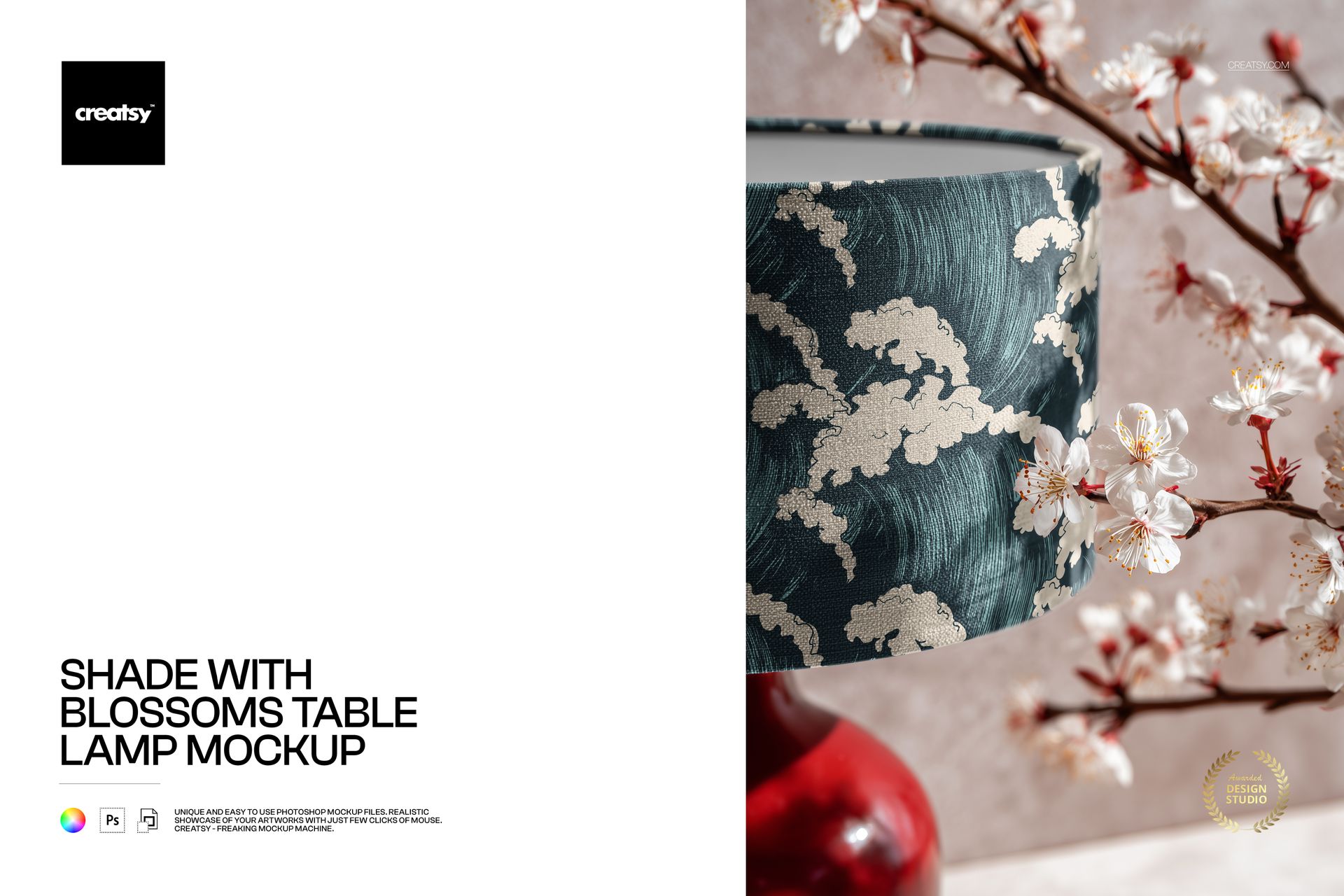
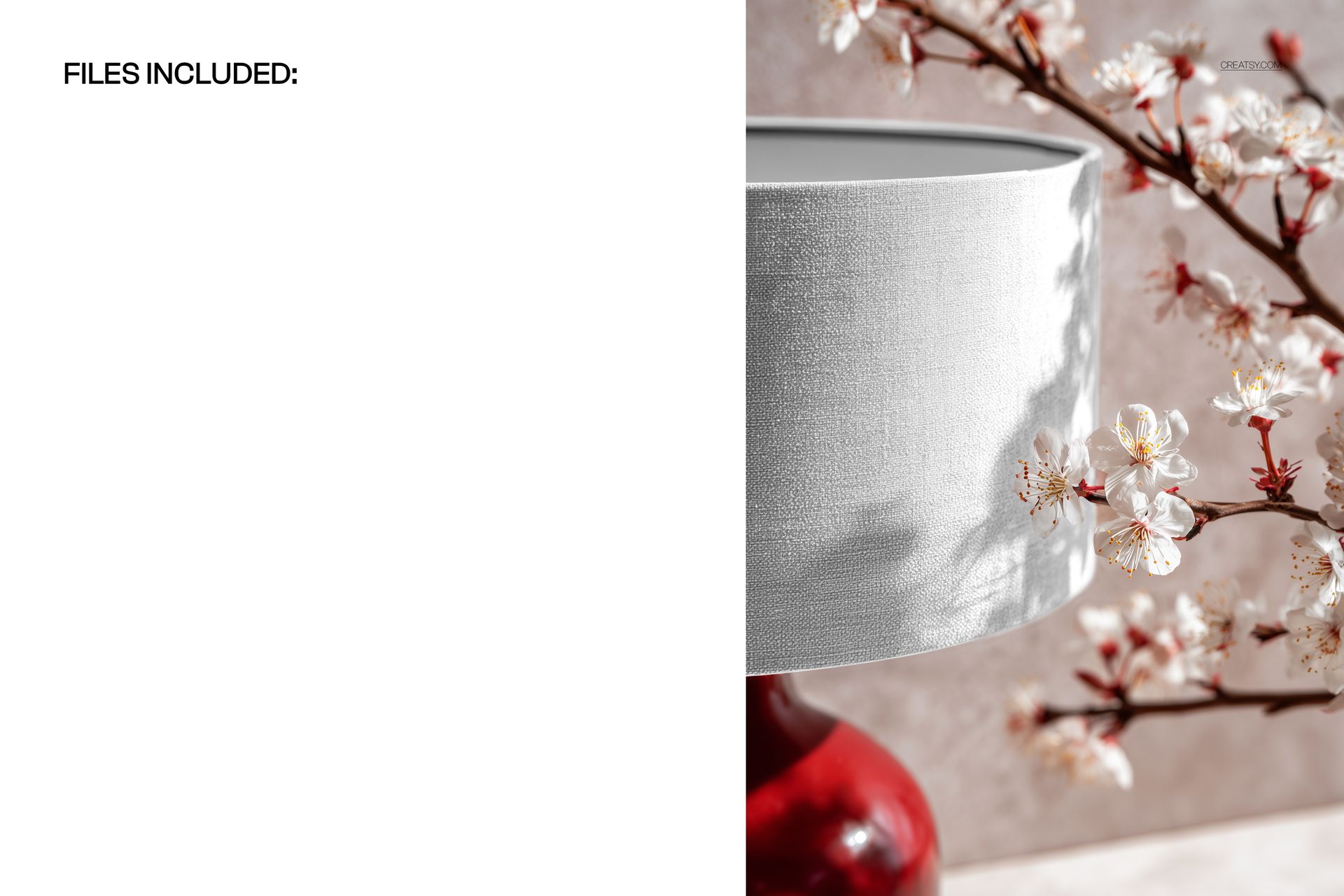
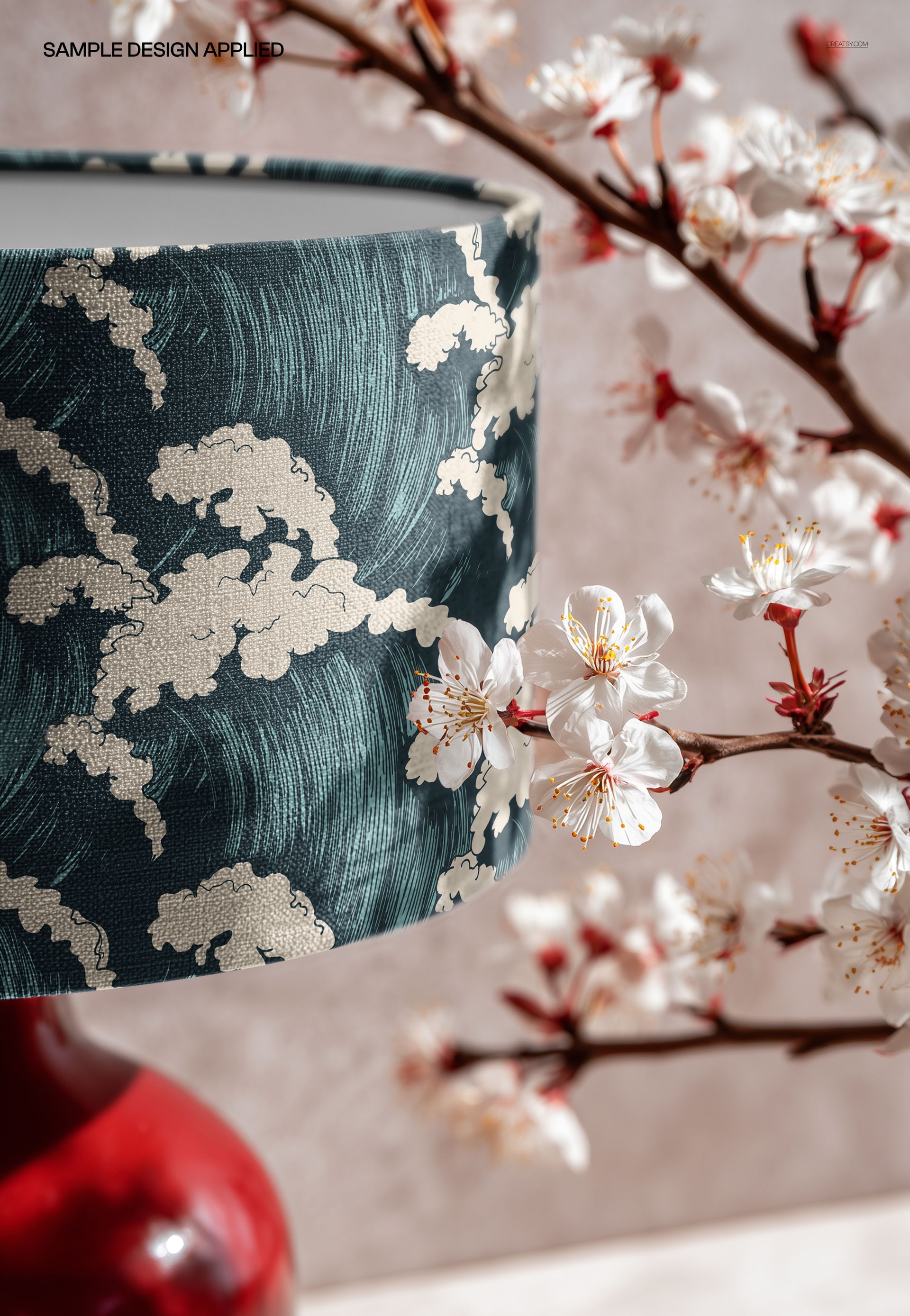
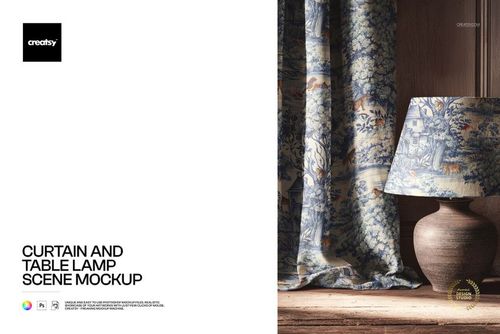
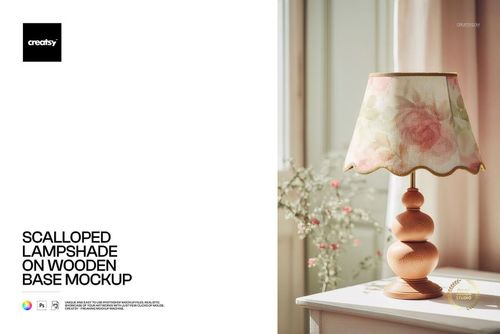
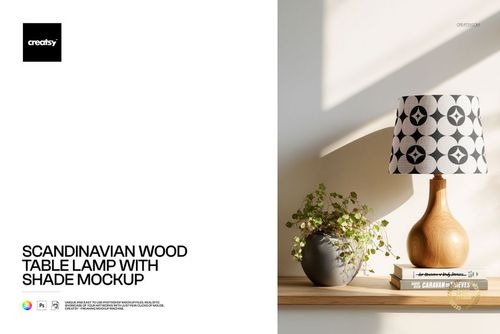
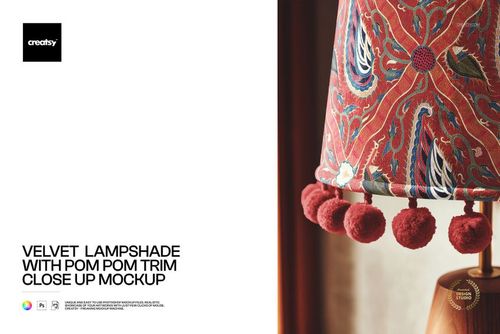
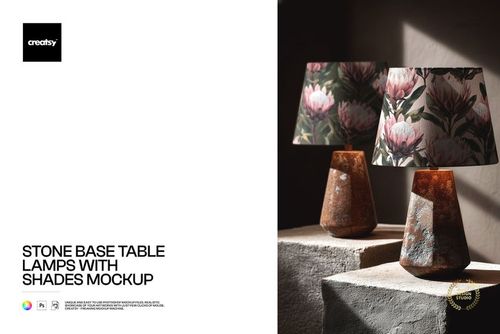
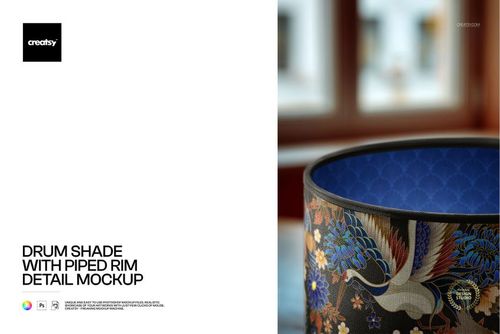
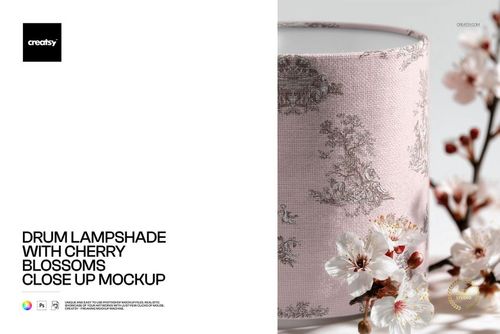
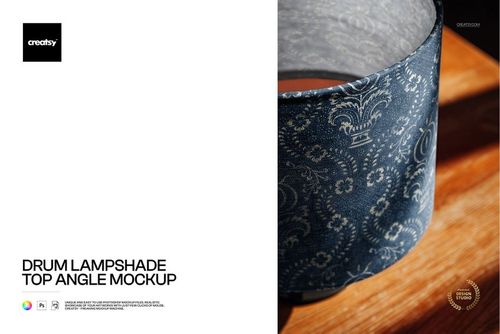
Photorealistic mockup of a table lamp with a fabric shade, styled in a decorative scene with cherry blossom branches and red ornamental accents. The PSD file includes a smart object layer for the lampshade surface, so you can apply your textile pattern, fabric print, or artwork and see it rendered with realistic curvature and warm lighting in a richly styled setting. Built from real product photography at 3000x2000 pixels, 300 DPI resolution.
Why a Styled Blossom Scene Lampshade Mockup
Most lampshade mockups show the product against a plain background or in a generic room setting. This mockup places the lamp in a decorative scene with cherry blossom branches and red ornaments, creating a styled lifestyle image that stands out in product listings, portfolios, and social media feeds. The blossom and red accent styling gives the image an elegant, Eastern-inspired atmosphere that works particularly well for floral patterns, botanical prints, Asian-inspired designs, and any pattern targeting the premium home decor market.
The styled scene also adds immediate visual interest to product listings. On e-commerce platforms where buyers scroll through dozens of lampshade thumbnails, a beautifully styled scene image stops the scroll more effectively than a plain product shot. The cherry blossoms and red accents create color contrast and visual depth that draw the eye to the listing before the buyer even looks at your fabric pattern on the shade.
What Is Included
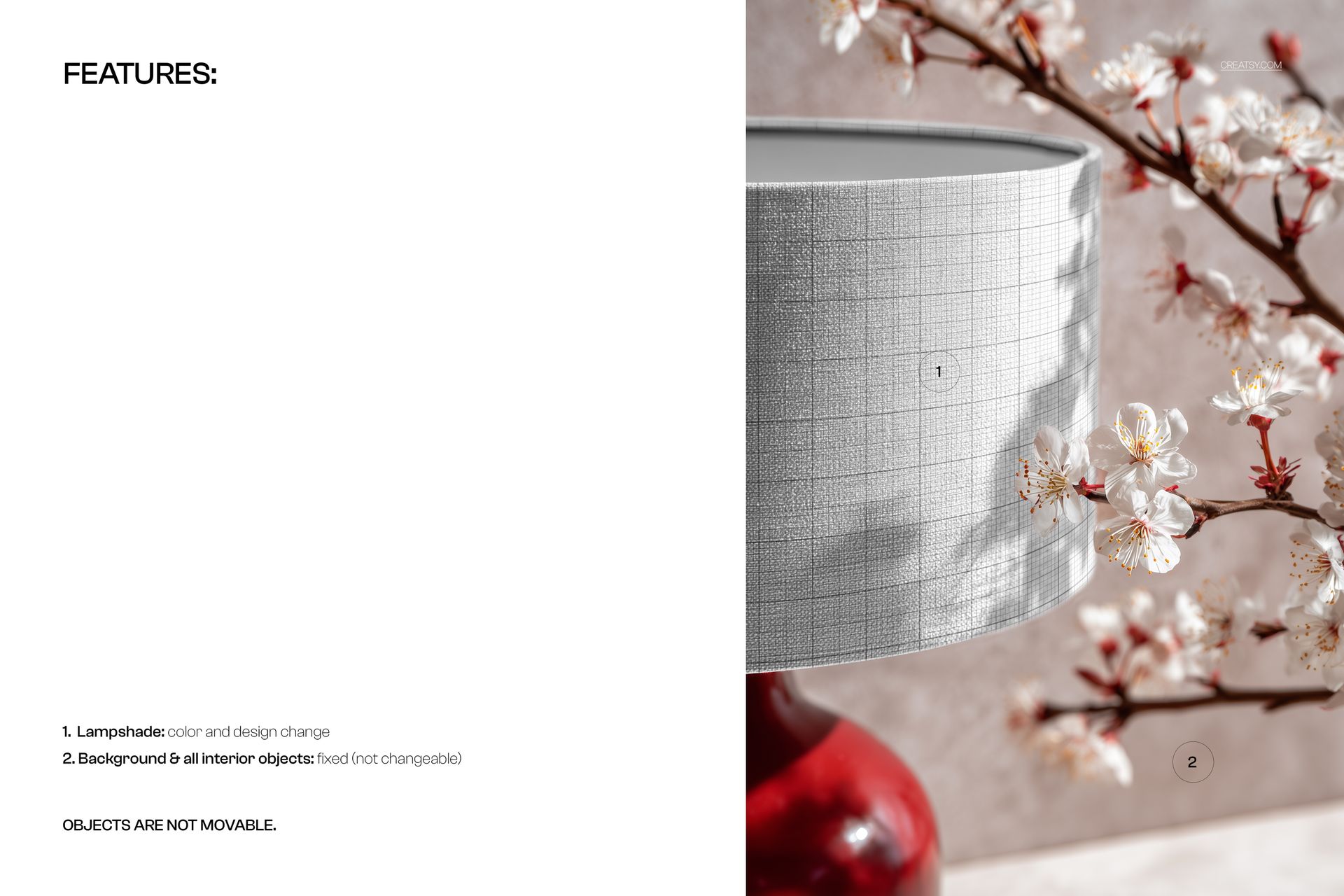
One PSD file at 3000x2000 pixels, 300 DPI resolution, landscape orientation. The file contains organized, labeled layers with a smart object for the lampshade surface. The cherry blossom branches, red ornamental accents, lamp base, and warm scene lighting are part of the photographic base layer. The composition creates an elegant still life setting that positions the lampshade as part of a curated interior vignette.
What You Can Customize
Place your surface pattern, fabric print, or artwork onto the lampshade via the smart object layer. The mockup renders your design with realistic shade curvature and fabric texture under warm directional lighting. The light creates natural highlights and soft shadows on the shade surface, adding depth and dimension to your pattern. The blossom scene framing means your exported image is ready to use as a lifestyle product photo without any additional styling or post-processing.
Who This Mockup Is For
Surface pattern designers presenting floral, botanical, and Asian-inspired collections for home textiles and licensing. Interior designers creating mood boards and specification presentations for projects with Eastern-inspired or botanical design themes. Print-on-demand sellers listing custom lampshades on Etsy, Shopify, or Amazon who need lifestyle product images that stand out from competitors. Textile brands and manufacturers building seasonal catalog imagery. Home decor studios producing lookbook and social media content. Fabric designers testing how their patterns read on a lampshade surface in a styled context.
File Specifications
Format: PSD with smart object layers. Resolution: 3000x2000 pixels at 300 DPI. Orientation: landscape. File size: approximately 51 MB. Compatibility: Adobe Photoshop CC 2020 or newer, Photopea (free browser-based editor). The landscape format works naturally in website banners, portfolio grids, catalog spreads, and social media posts.