Hospital Bedding Set in Patient Room Mockup
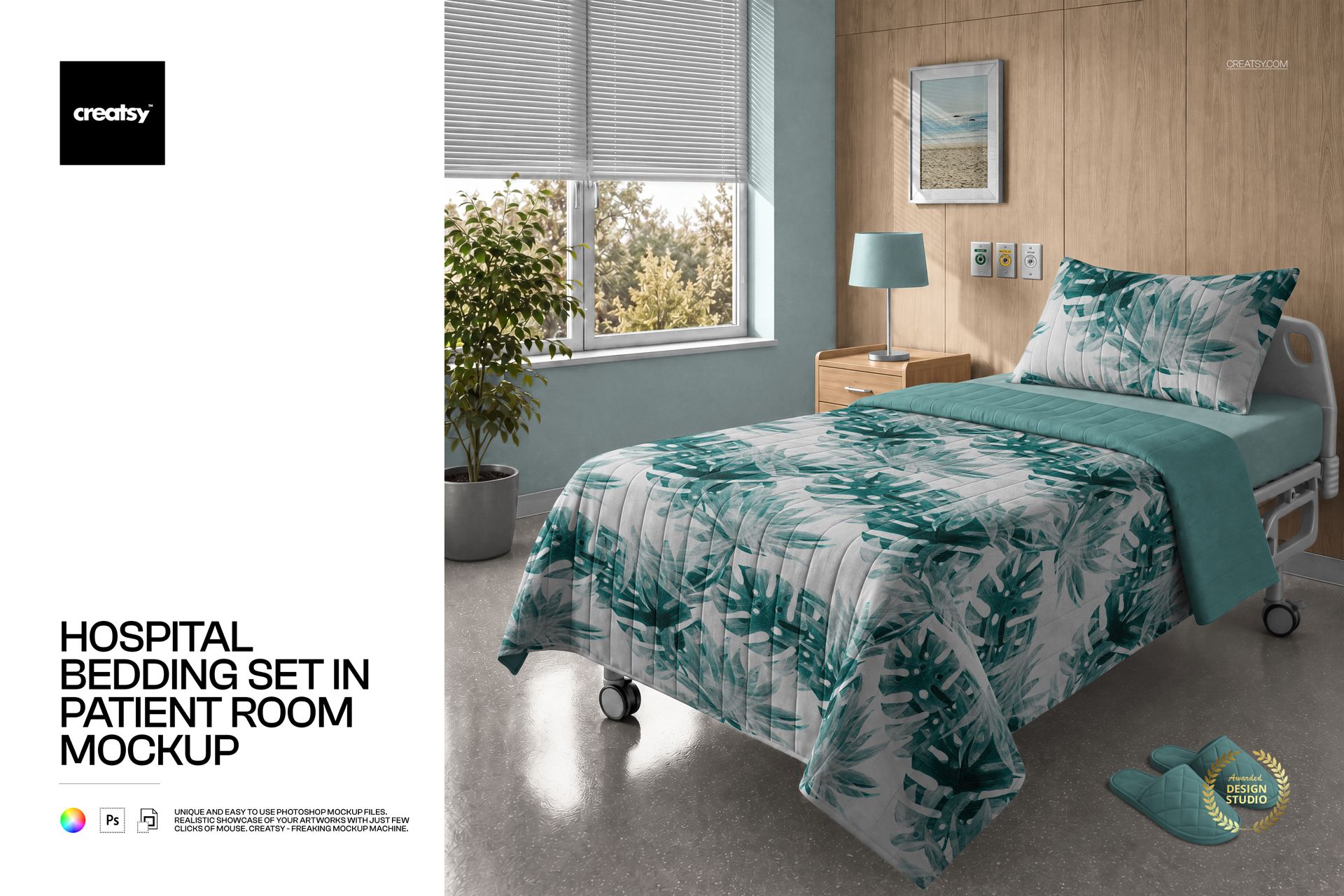
A bedding collection reads differently in a patient room than on a flat fabric swatch. This square hospital bedding mockup places your pillow, duvet cover and sheet designs on a single bed beside a sunlit window, with visible folds, stitched details and surrounding room finishes.
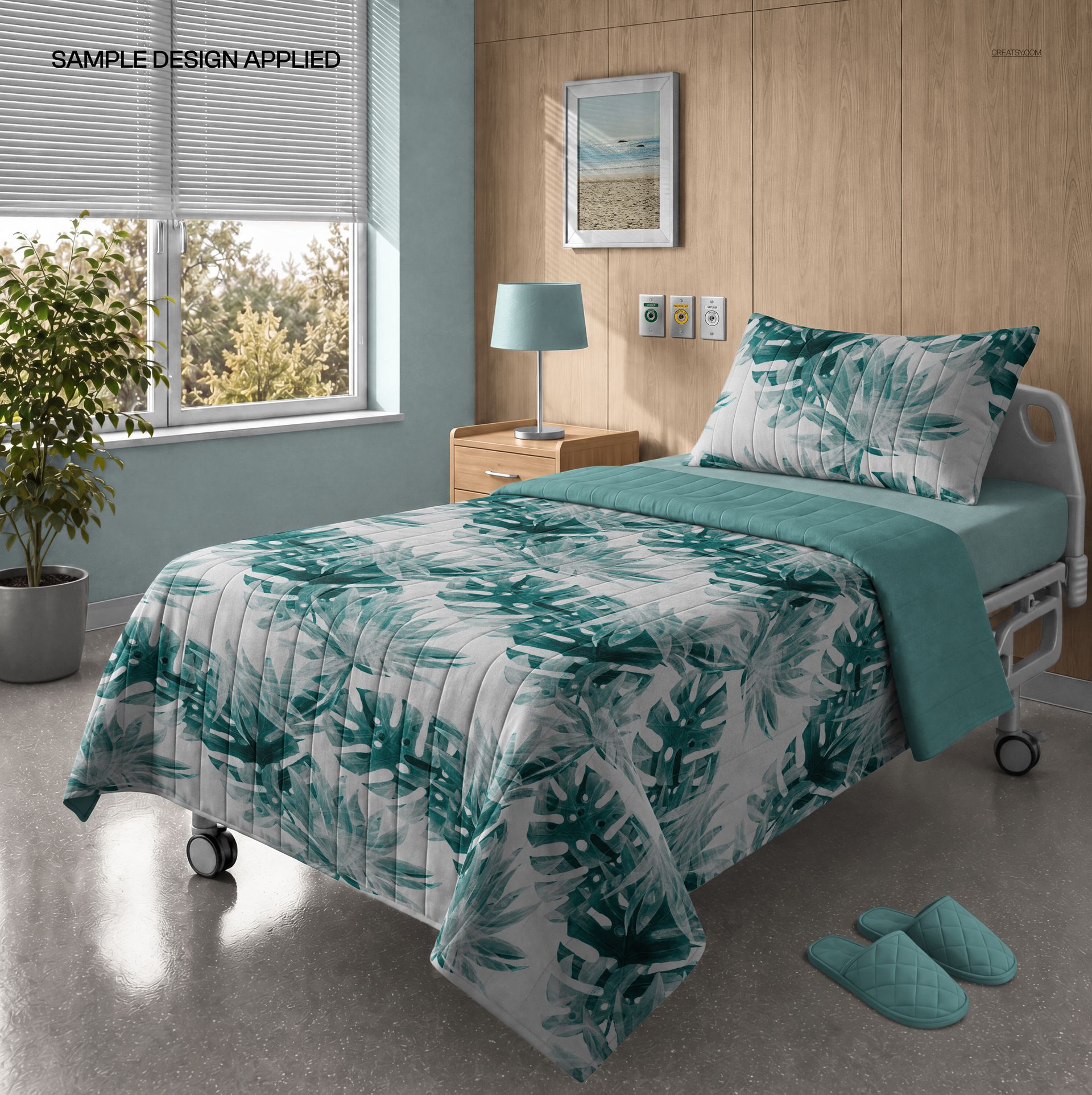
Use the prepared perspective to compare a statement print with coordinating solids, or show how a textile palette sits alongside the wall, blinds, lamp and framed artwork. The room layout stays fixed, keeping successive design proposals easy to compare.
What Is Included
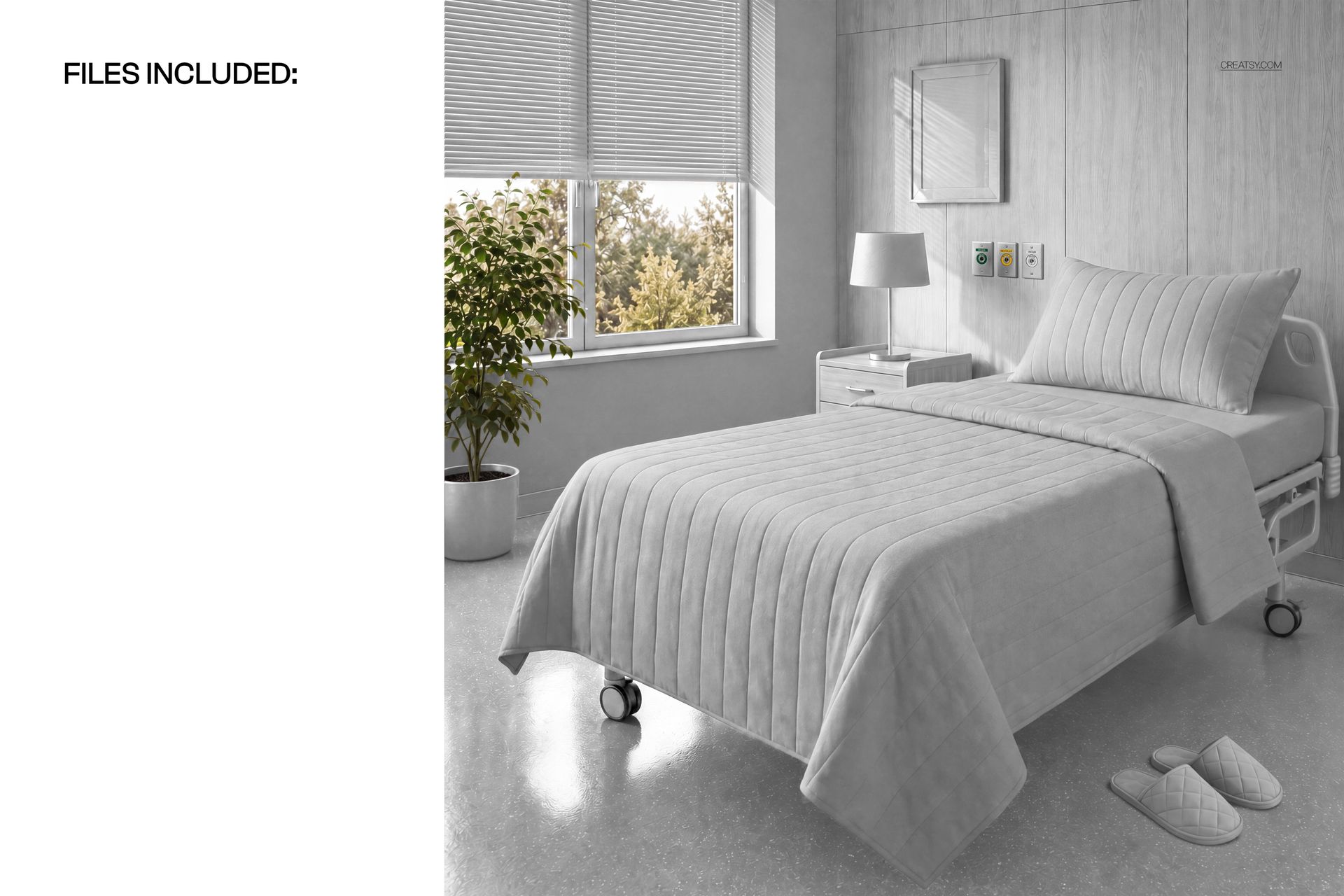
1 layered PSD containing one patient-room scene, 4000 × 4000 px at 300 DPI.
1 JPG preview, 4000 × 4000 px.
Organized layers for the bedding and supported room adjustments.
Coordinate the Bedding and Its Surroundings
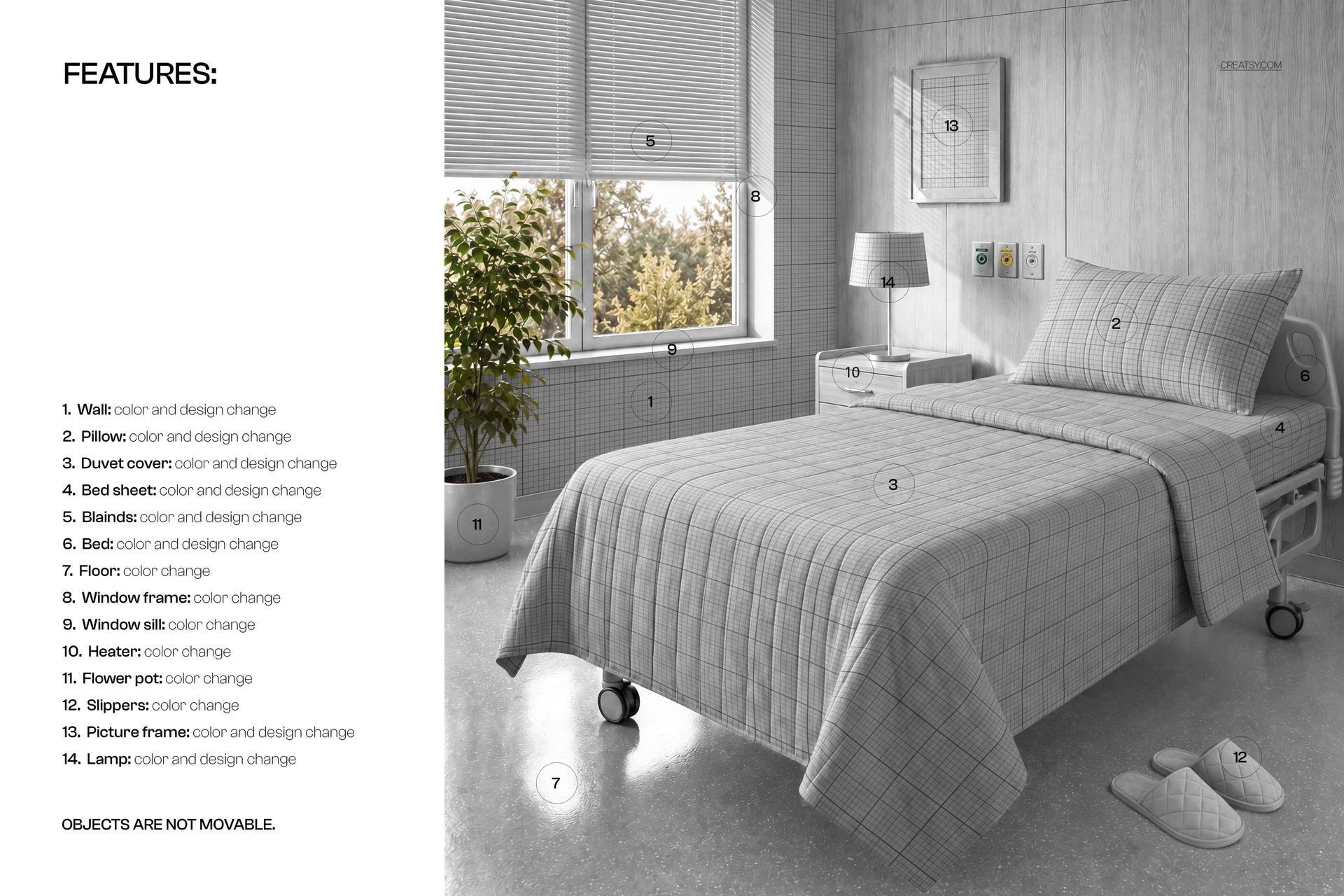
Change the color and design of the pillow, duvet cover, bed sheet, wall, blinds, bed, picture frame and lamp. Adjust the colors of the floor, window frame, window sill, heater, flower pot and slippers. Objects are not movable, so this is a finished room composition rather than a scene builder.
Easy Smart Object Editing
Open the PSD in Adobe Photoshop CC2020 or newer, or Photopea. Place your artwork into the appropriate Smart Objects, save those edits and return to the room view to review the result across the fabric folds and perspective.
Perfect For
Present healthcare textile collections, coordinated bed linen, surface patterns and patient-room color concepts in supplier catalogs, design portfolios and client presentations.
This is a digital mockup, not physical bedding or furniture. Sample artwork shown in the previews is for presentation only and is not included.














We asked for a custom template and Creatsy came through with flying colors!! We couldn't be happier with the mockup and customization. Big thanks to the Creasty design team, we look forward to receiving more.
Thank you, Kevin! It was a pleasure working on this one with you - your input on the product details made it much easier to get the scene right. Glad it landed well, and we're looking forward to the next ones.