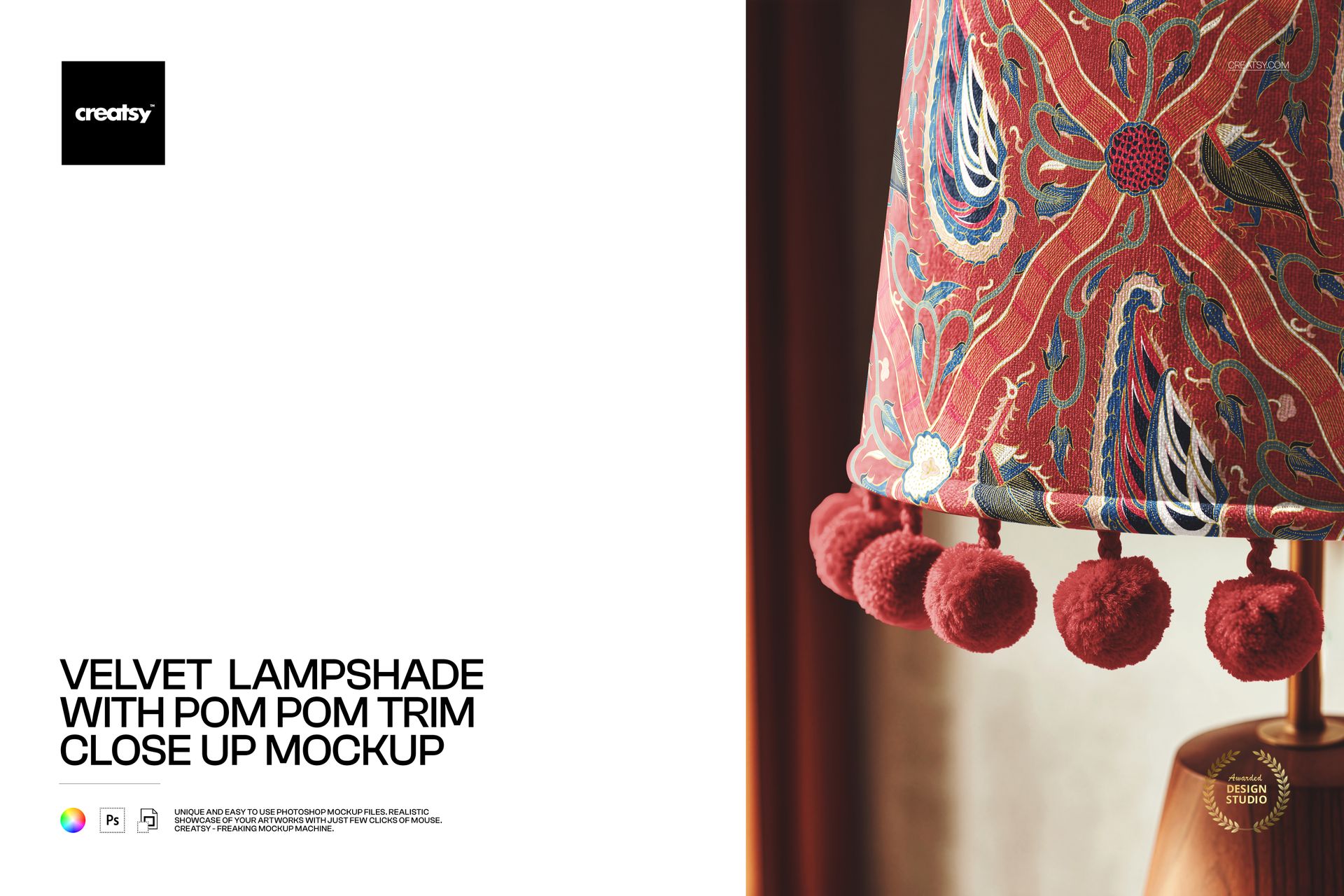
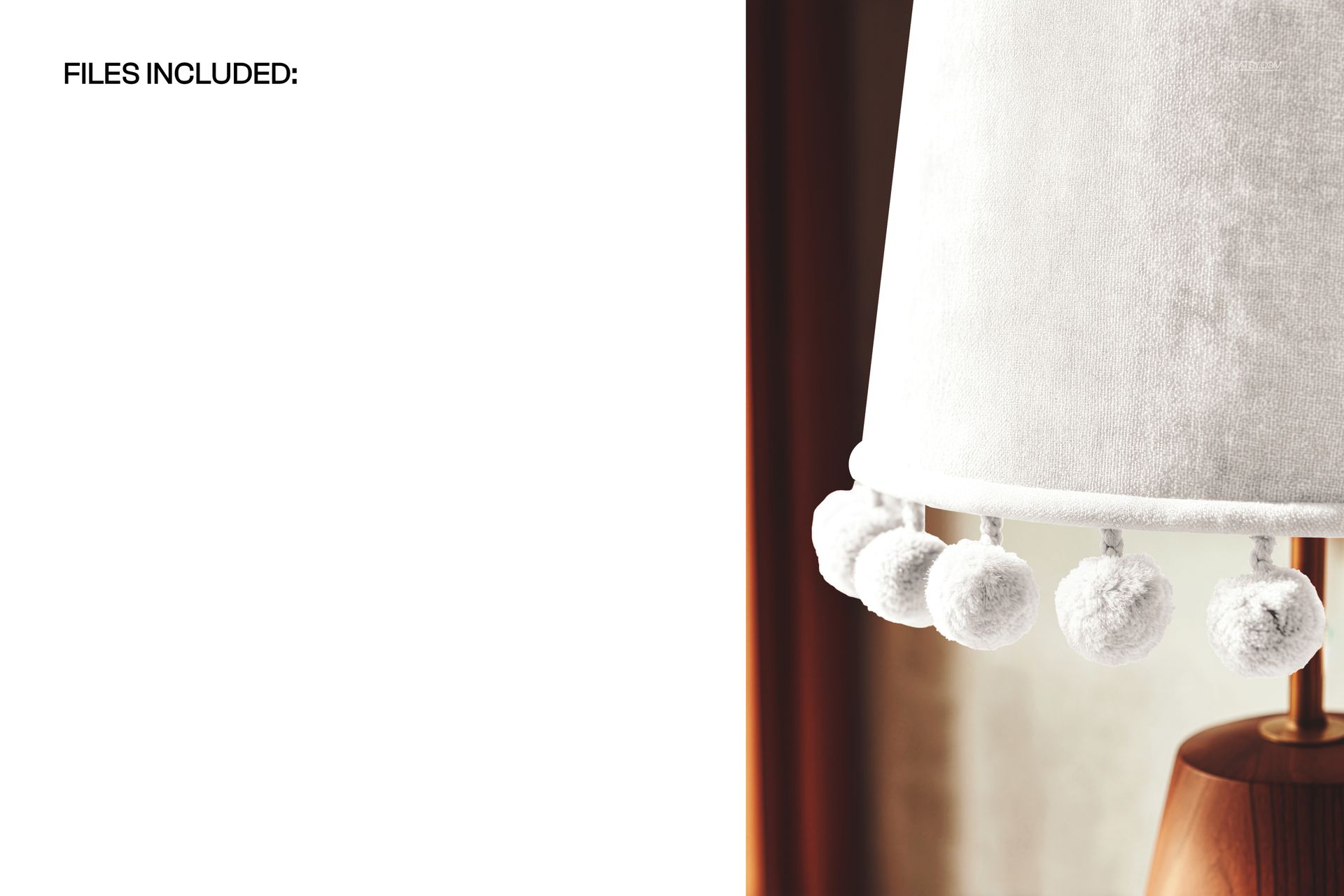
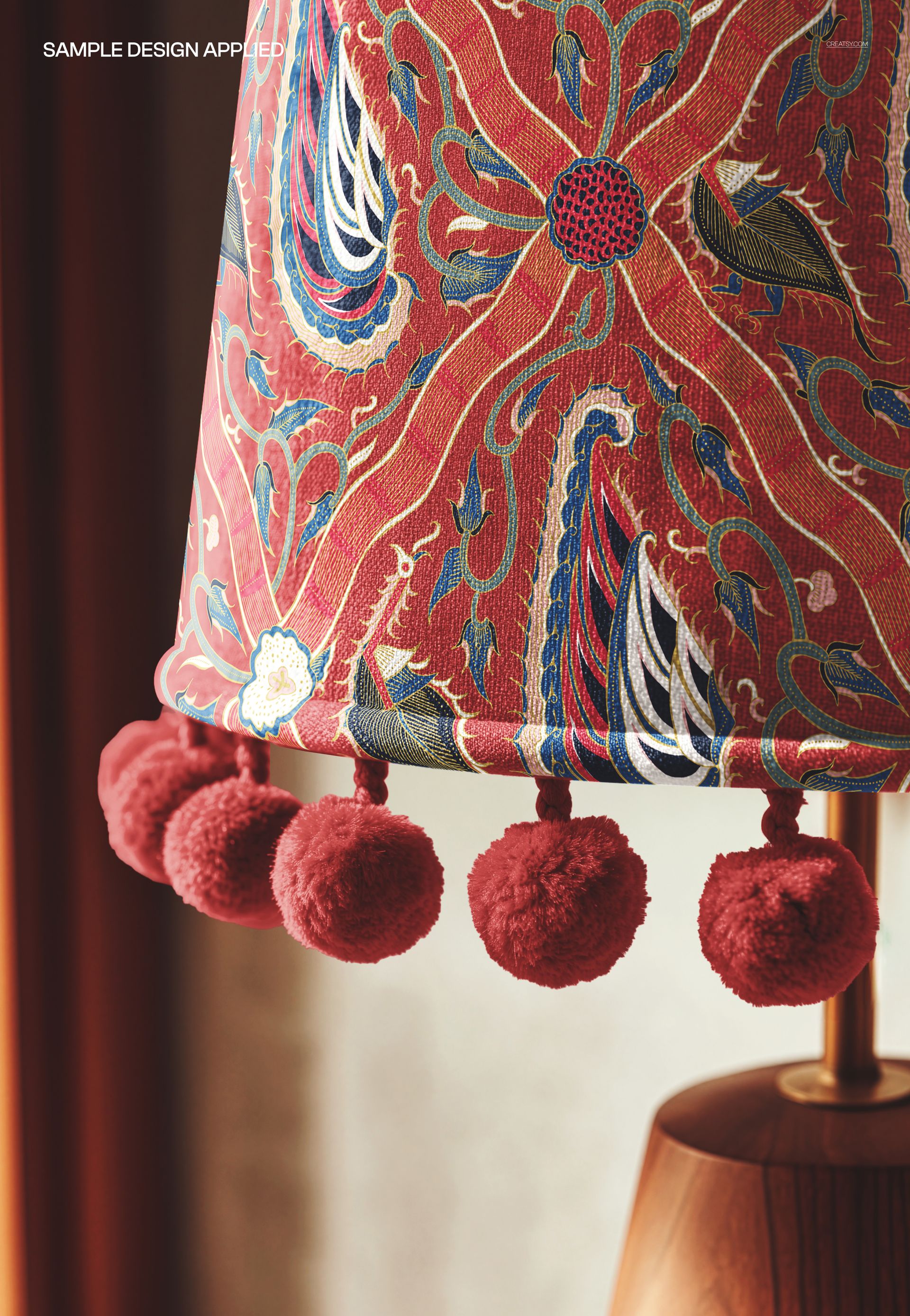
Photorealistic close-up mockup of a velvet lampshade with pom pom trim along the bottom edge. The PSD file includes a smart object layer for the shade surface, so you can apply your textile pattern, fabric print, or artwork and see it rendered on velvet texture with realistic curvature, warm lighting, and the decorative pom pom fringe detail clearly visible. Built from real product photography at 6000x4000 pixels, 300 DPI - the close-up framing captures the velvet nap, pom pom texture, and fabric detail at a level of sharpness that supports full-zoom inspection on any platform.
Why a Velvet Pom Pom Lampshade Close-Up Mockup
Velvet lampshades with pom pom trim occupy a specific and growing niche in home decor. The combination of velvet fabric and pom pom fringe signals a boho, eclectic, or maximalist design sensibility that has strong demand on platforms like Etsy, Anthropologie-style retail, and boutique home decor markets. Buyers searching for pom pom lampshades need to see the trim detail clearly in the product image - a wide-angle full-lamp shot does not communicate the tactile quality of the pom poms or the velvet texture. This close-up mockup solves that problem by putting the trim detail front and center.
The close-up perspective also makes this mockup ideal for detail shots in multi-image product listings. E-commerce best practice for home decor products calls for a mix of full-product views and detail close-ups. Use this mockup as the detail image that shows the pom pom trim construction and velvet fabric quality, paired with a full-lamp view from the Creatsy collection for a complete product image set.
What Is Included
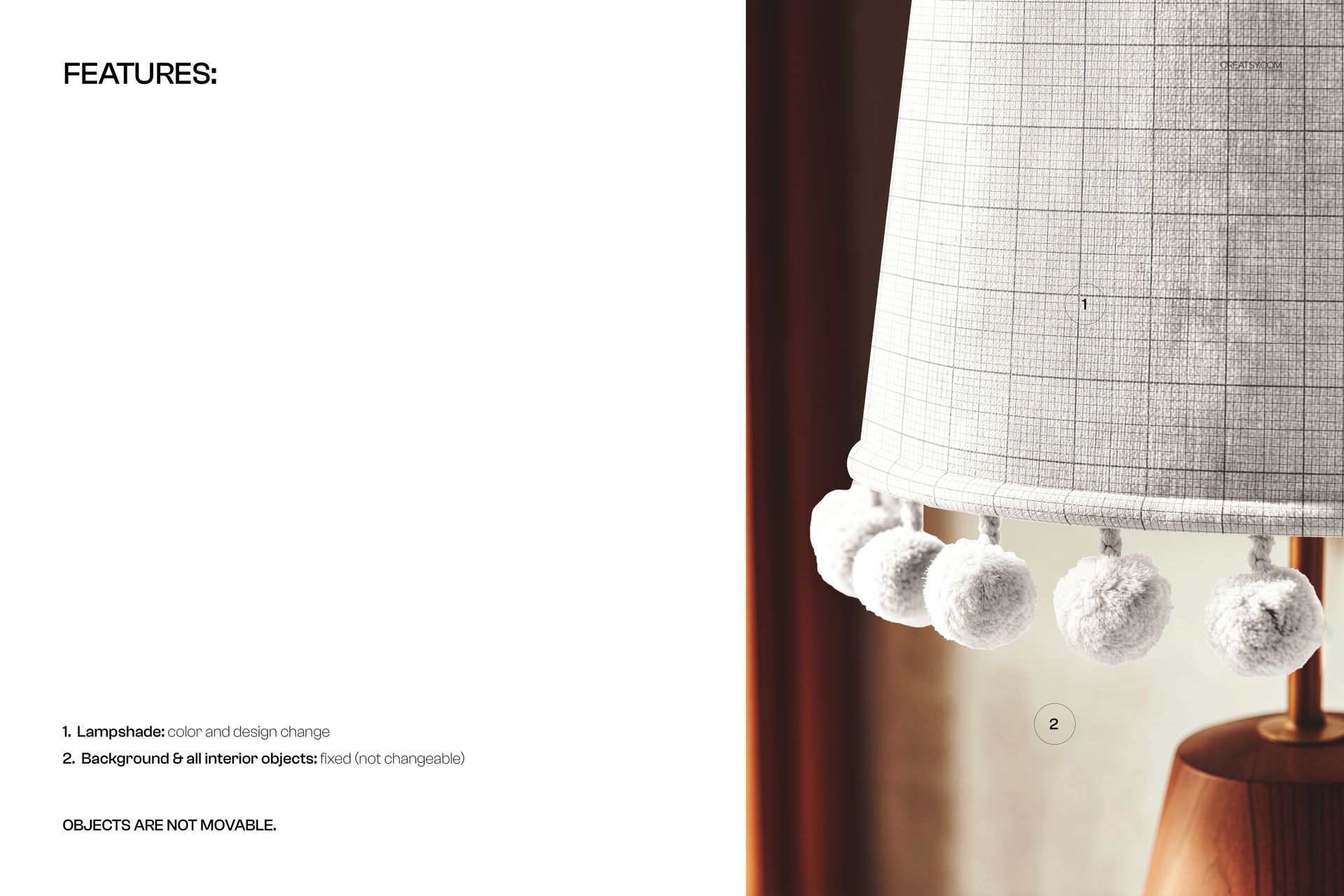
One PSD file at 6000x4000 pixels, 300 DPI resolution, landscape orientation. The file contains organized, labeled layers with a smart object for the lampshade surface. The pom pom trim, velvet texture overlay, and warm scene lighting are part of the photographic base. The 6000-pixel width captures individual pom pom texture and velvet fabric grain in fine detail - this resolution is high enough for print production at full catalog page size.
What You Can Customize
Place your surface pattern, fabric design, or solid color onto the velvet lampshade via the smart object layer. The mockup renders your design with the characteristic velvet texture - the subtle light-catching quality of velvet nap is preserved in the final image, giving your pattern a rich, tactile appearance. The pom pom trim along the lower edge frames your design and adds the decorative detail that defines this product category. Test rich jewel tones, deep saturated colors, botanical prints, or any pattern to see how it reads on velvet with pom pom fringe.
Who This Mockup Is For
Surface pattern designers creating collections for boho, eclectic, and maximalist home decor. Interior designers specifying custom lampshades with pom pom trim for residential and hospitality projects. Print-on-demand sellers listing velvet pom pom lampshades on Etsy, Shopify, or Amazon. Textile brands producing decorative lampshade lines with trim details. Home decor studios building catalog imagery that highlights product construction quality. Fabric designers testing how their patterns look on velvet surfaces with decorative fringe trim.
File Specifications
Format: PSD with smart object layers. Resolution: 6000x4000 pixels at 300 DPI. Orientation: landscape. File size: approximately 172 MB. Compatibility: Adobe Photoshop CC 2020 or newer, Photopea (free browser-based editor). The high resolution supports print production for catalogs, trade show displays, and marketing materials at large format sizes without quality loss.