ID: 1596504405 | Updated: Jul 29, 2026

Product Details

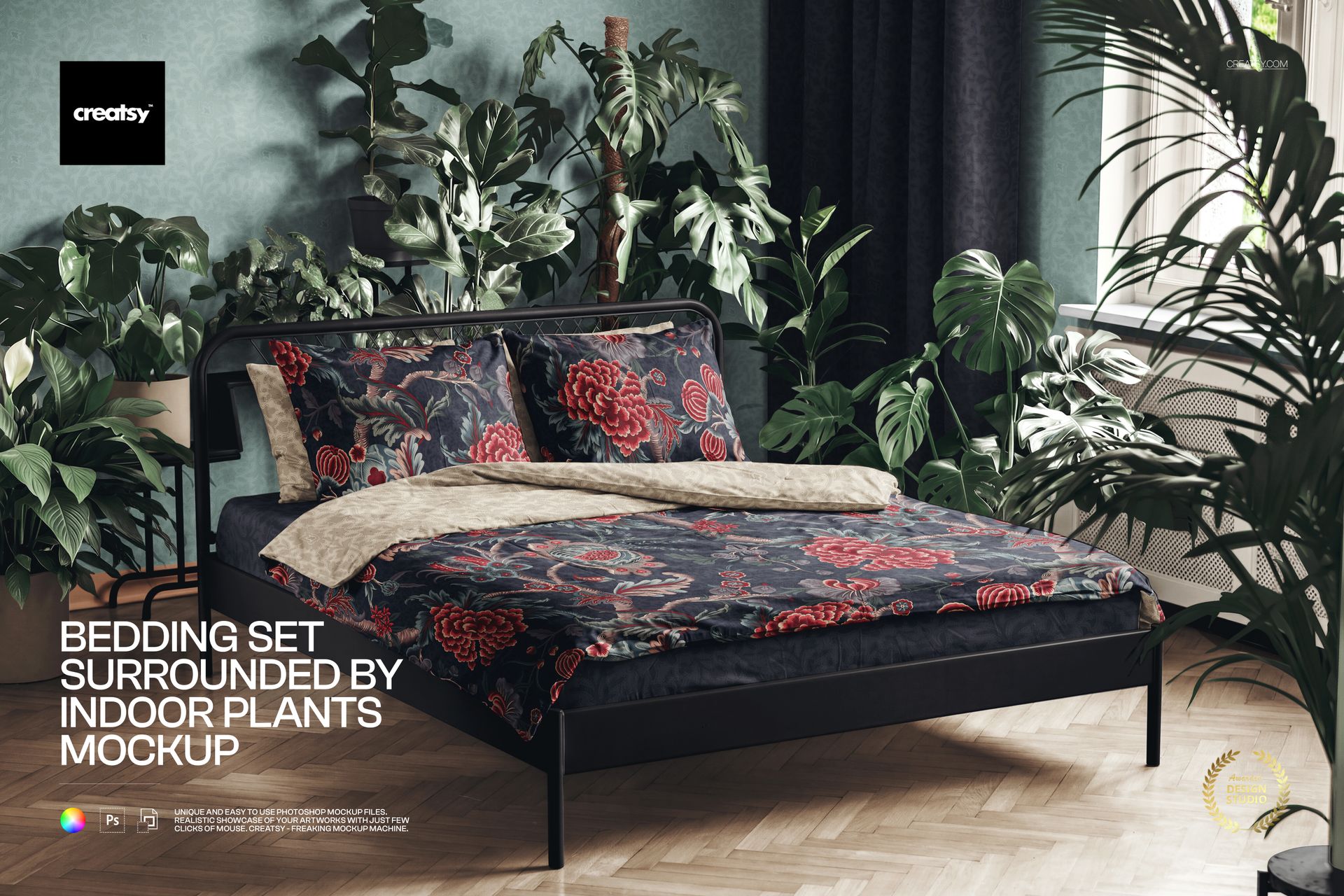
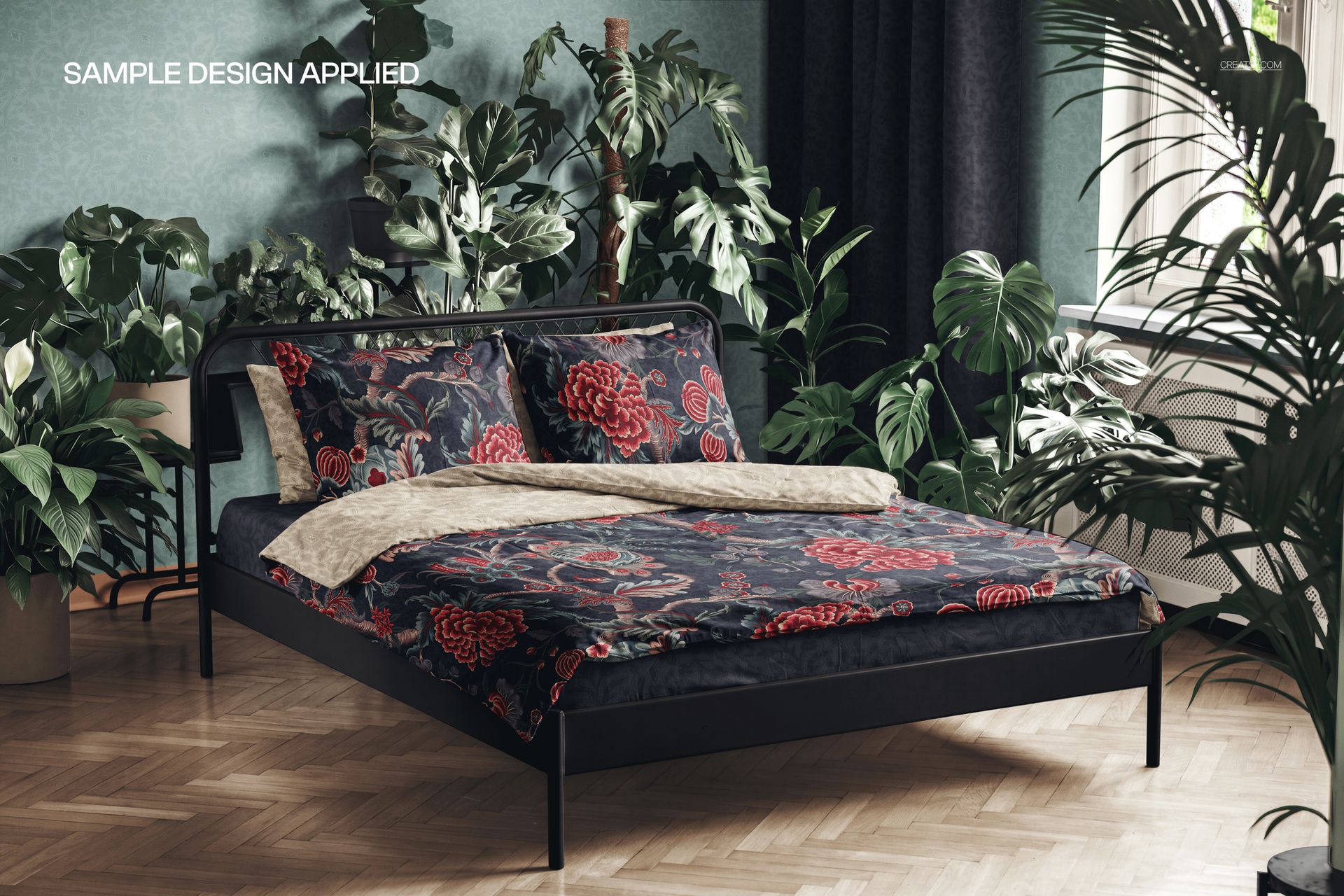
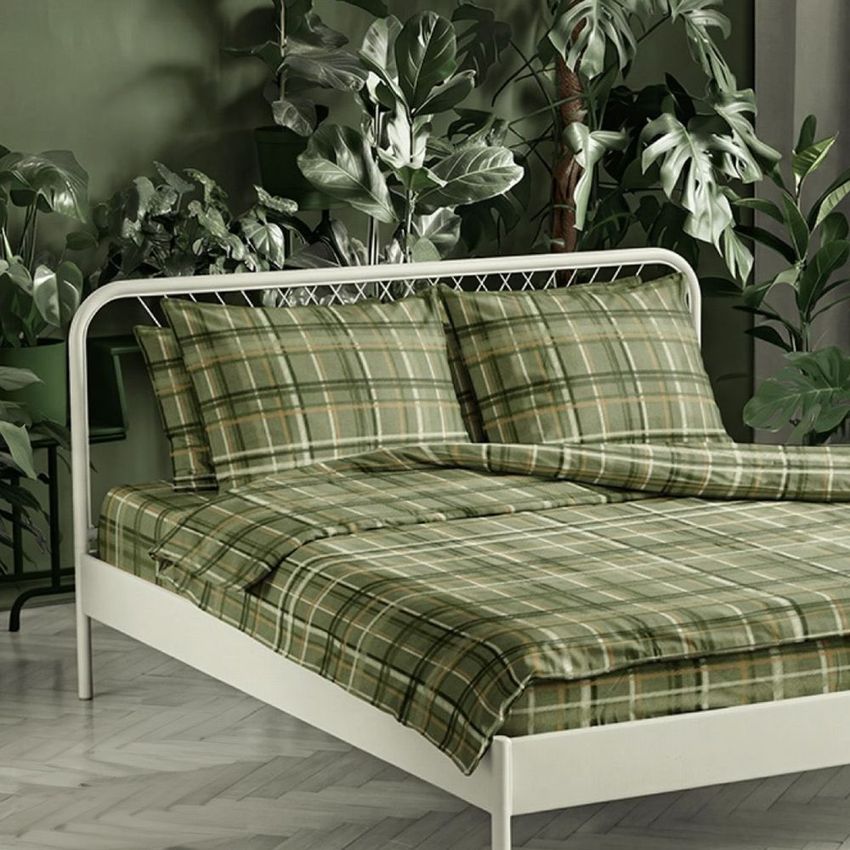
Show your bedding print in a bedroom people want to climb into. This duvet cover mockup lays your own design across a full bedding set, a duvet, pillows and a fitted sheet, in a calm, plant-filled room. Add your pattern, set your colors, and turn a flat repeat into a cozy, styled bedroom shot that looks ready to sell.

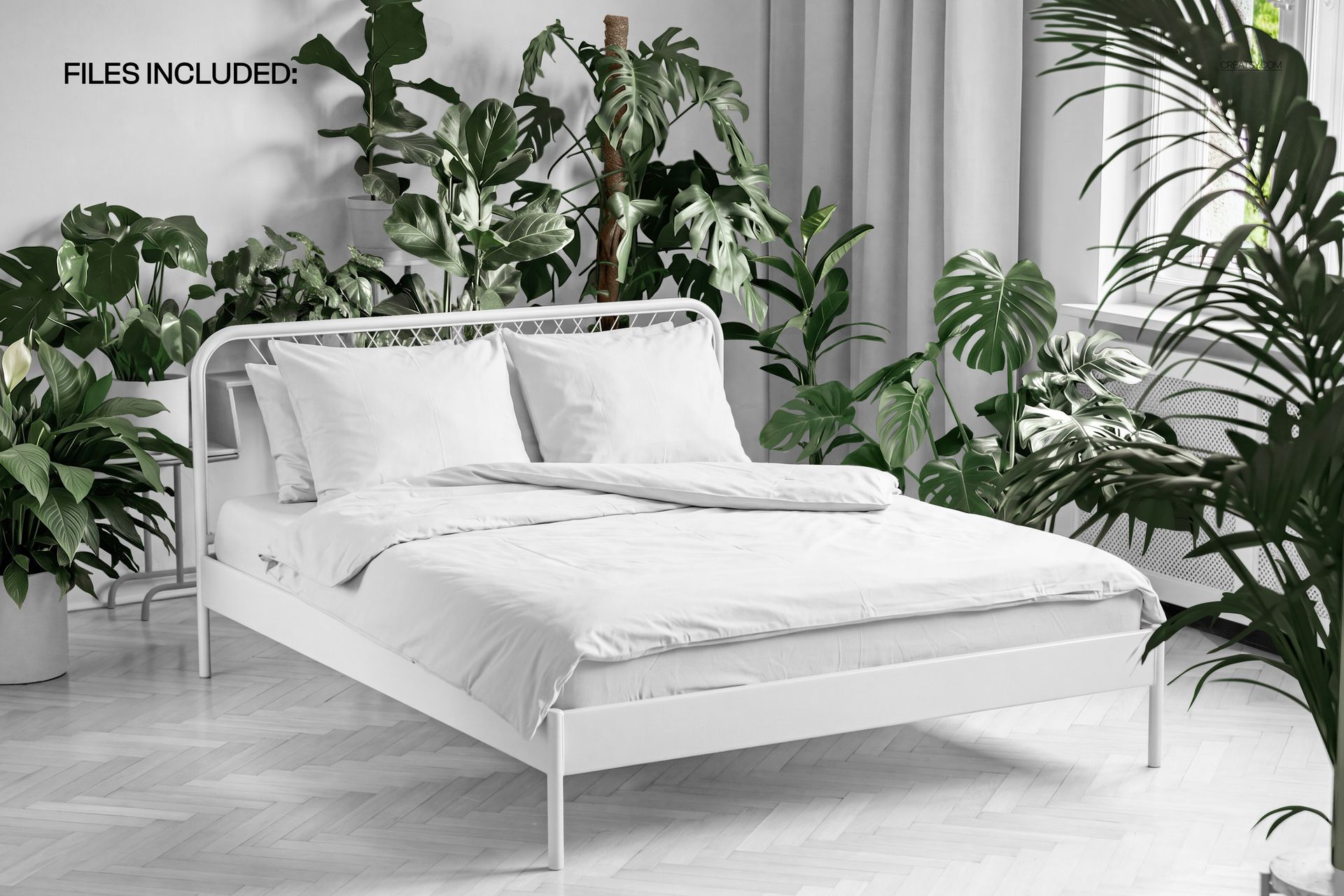
Made for surface and textile designers, bedding and home decor brands, and Etsy or Shopify sellers, this editable PSD gives your bedding design a real interior setting. The duvet, the pillows, the sheet, the wall and the curtains all sit on smart objects, so your print, your colors and your branding drop in without a photoshoot.

Why a duvet cover mockup helps you sell

Bedding is bought on how it feels. A pattern shown flat is hard to judge, but the same pattern on a made bed, framed by plants and soft daylight, tells a shopper how it will look in their own room. This mockup gives your design that context in one image, so your listing, your ad or your moodboard reads as a finished product instead of a file.

What you can customize

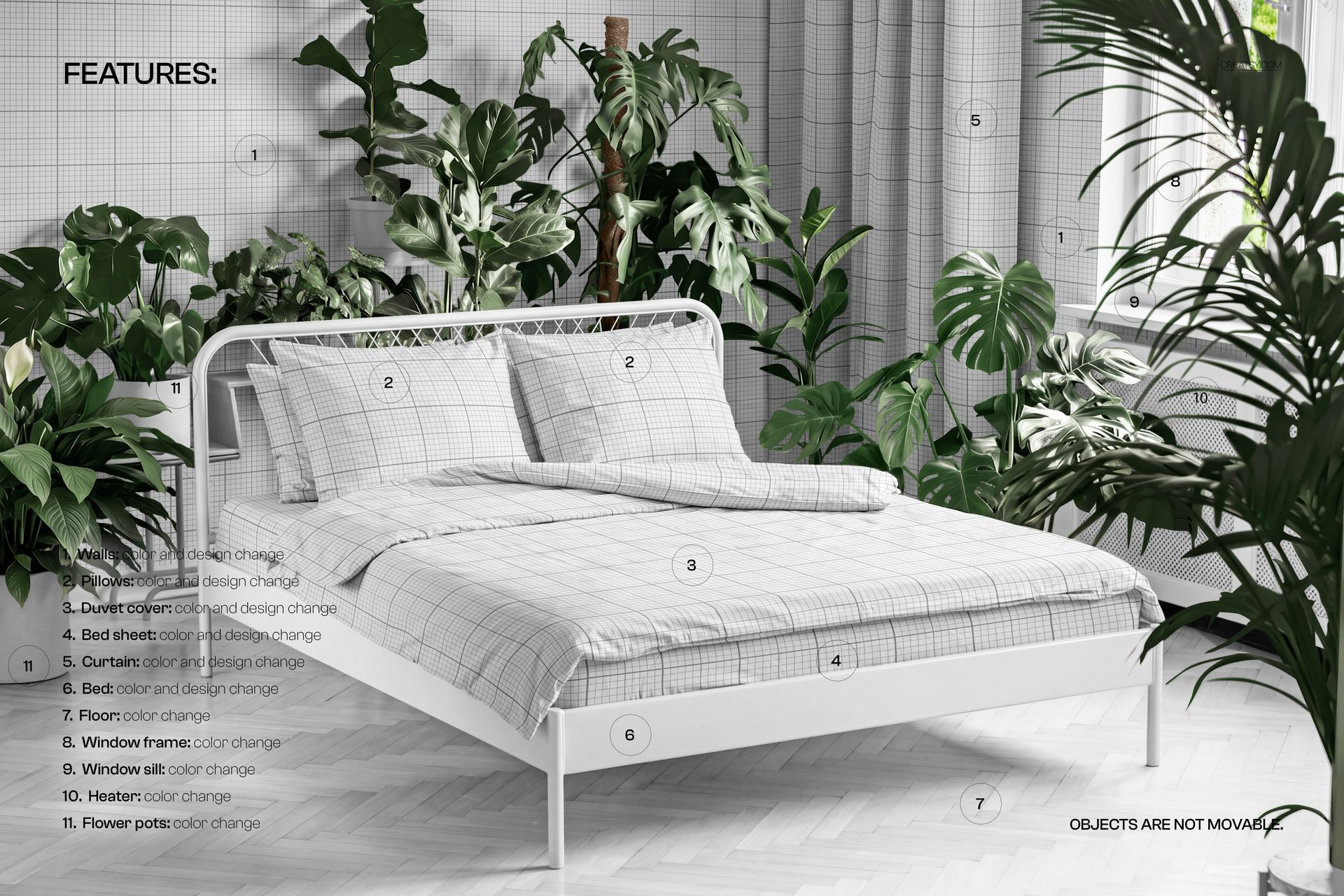
This is a whole bedroom scene, and the pieces that carry a pattern all take your own artwork:

  • Duvet cover: add your print and set the color, the centerpiece of the bed.

  • Pillows: put a matching or contrasting design on each pillow.

  • Bed sheet: brand the fitted sheet to complete the set.

  • Wall: drop in a wallpaper or set a paint color behind the bed.

  • Curtain: add a drapery print or a plain tone by the window.

  • Bed frame, floor, window frame, sill, heater and plant pots: change their colors to set the room palette.

How it works

No retouching needed. Open the duvet smart object, paste your pattern, and save. The folds, the shadows and the soft light are already in the scene, so your design falls over the bed like real fabric. Do the same for the pillows, the sheet, the wall and the curtains, set the room colors, and export. The scene is styled and the objects stay put, so you brand the surfaces rather than move the furniture, and you can swap in a new print or a whole collection from the same file in minutes.

Where to use it

One render works across your whole launch. Use it for Etsy and Shopify listings, ecommerce product images, brand and pattern portfolios, client approvals, social posts on Instagram and Pinterest, lookbooks and print previews before you order fabric. It is a fast way to show a duvet cover, a bedding collection or a home textile range looking finished and on brand.

Who it is for

Surface and textile pattern designers, bedding and home textile brands, interior and home decor labels, and Etsy or Shopify sellers with duvet covers, bed linen or bedroom textiles. Use it to present a bedding print, launch a new collection, or fill a shop with warm, styled images without booking a room and a stylist.

File details

  • 1 layered PSD file plus a JPG preview

  • 5000 x 3000 px, 300 dpi

  • Adobe Photoshop CC2020 or newer, and Photopea (free online editor)

  • smart objects with color and design on the duvet cover, pillows, bed sheet, wall, curtain and bed

  • color controls for the floor, window frame, sill, heater and plant pots

  • well organized, named layers

No photoshoot, no room to stage

Shooting bedding well means making the bed, styling a room, hauling in plants and waiting for the light. This mockup gives you that same warm, plant-filled scene in one file, so you fit your print, set your colors and export a finished image, then move on to the next design. It is a quick way to pitch a bedding print to a client, test two colorways or fill a shop before a single meter is printed.

File details

Compatibility
PhotopeaAdobe Photoshop
Package size
261 MB261 MB|274 MB274 MB
Files type
.psd, .jpg
TEST FOR FREE

MEET THE SHOP

Creatsy logo

Creatsy

Poland
4.7 (672)

Bring your ideas to life.

We're a family-run studio in Katowice, Poland, making PSD mockups by hand since 2016. Everything in this shop starts in our own studio. We shoot the photography, build the 3D, and put together every Smart Object PSD ourselves - then we test it, organize the layers, and only ship it once it actually works...
GO TO SHOP

HOW IT WORKS

3 clicks. That's it.

No tutorial needed. If you can copy-paste, you can use this.

  1. 1OpenDouble-click the smart object inside the PSD - in Adobe Photoshop, or free in your browser with Photopea.
  2. 2PasteDrop in your pattern, print, or artwork. Any design, any style.
  3. 3SaveHit save and the mockup wraps it in for you - shadows, folds, and lighting included.

FROM IDEA TO IMAGE

Built for real workflows

Skip the photo shoot Show your artwork on the real product type for approvals or listings - no studio, no model, no sample.

See it on the product, not a swatch Drop your file into the smart object and the scene's lighting and folds wrap around it, so you judge the real thing before you commit.

Smart Objects

Edit once and you're done. Your artwork drops into a smart object and the mockup updates itself - no masking, no warping by hand.

Perfectly Organized

Named layers and folders you can actually navigate. Find what you need, change what you want, and get out fast.

Print-Ready

High-resolution files built to hold up on screen and in print. Exact size and DPI are in this product's Details above.