Scandinavian Wood Table Lamp with Shade Mockup

ID: 1387952469 | Updated: Nov 18, 2025

Product Details

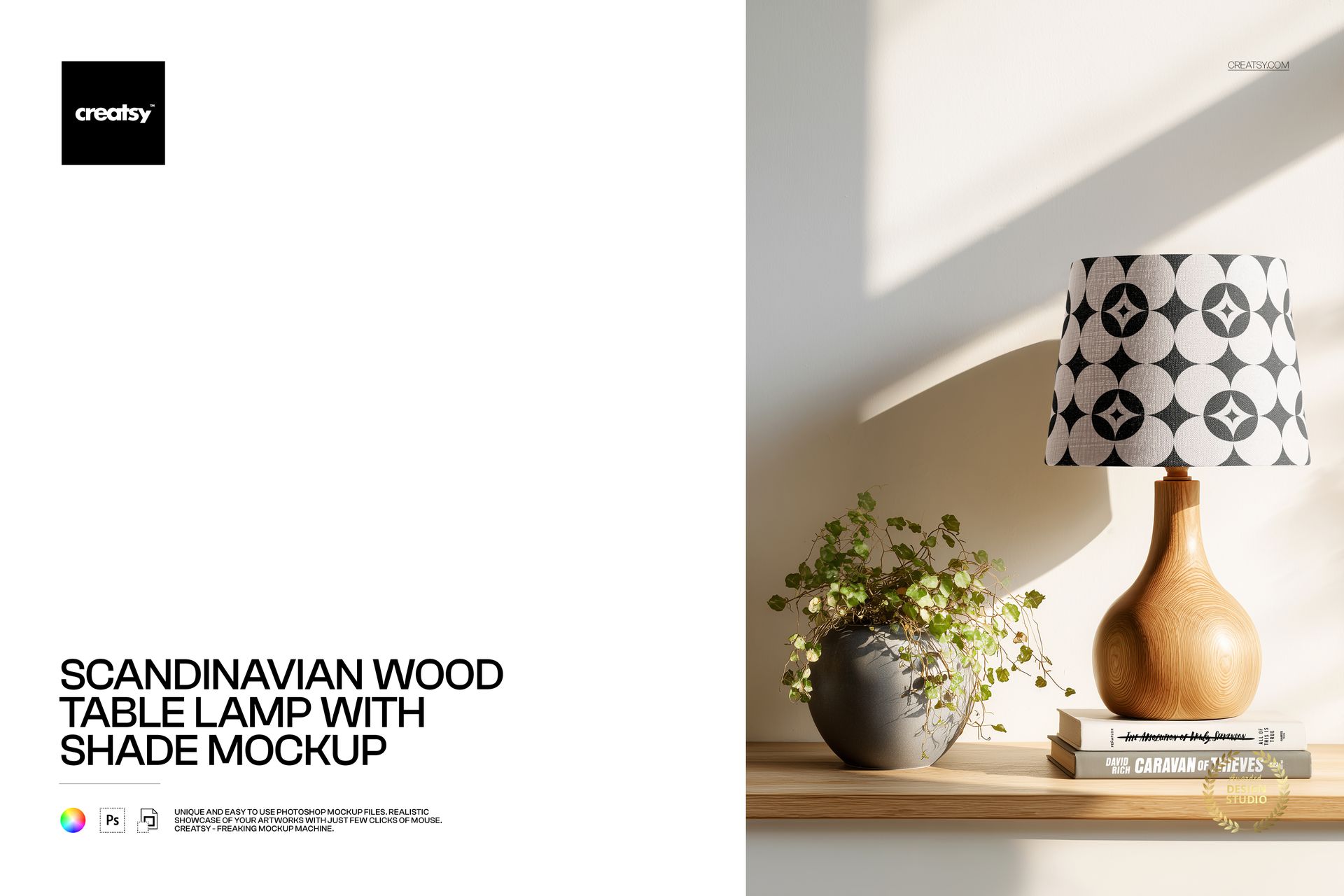
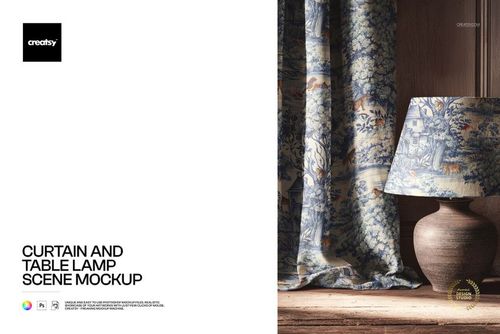
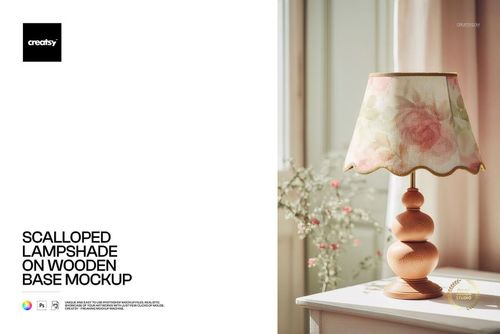
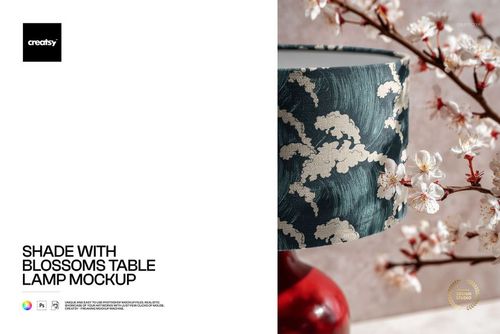
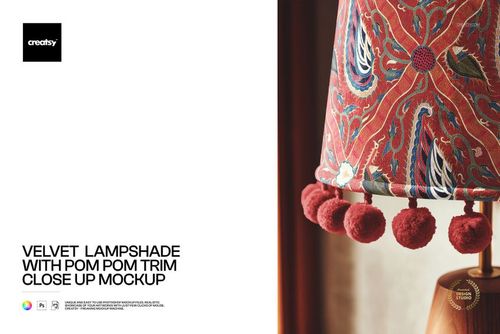
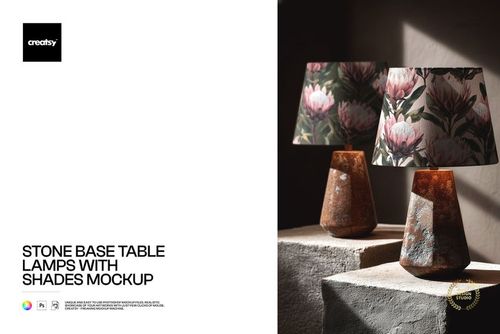
Photorealistic mockup of a Scandinavian-style table lamp with a natural wood base and fabric lampshade. The PSD file includes a smart object layer for the shade surface, letting you apply your textile pattern, fabric print, or artwork onto the shade and see it rendered with realistic curvature, warm lighting, and the clean minimalist aesthetic of a Nordic-inspired lamp. Built from real product photography at 6000x4000 pixels, 300 DPI - sharp enough for both digital use and full-page print production.

Why a Scandinavian Table Lamp Mockup

Scandinavian design is one of the most searched and purchased home decor styles worldwide. The combination of natural wood, clean lines, and understated form defines this aesthetic - and buyers searching for Scandinavian lampshades expect to see exactly this kind of product. A generic lampshade mockup does not communicate the design context. This mockup places your pattern on a lamp that reads immediately as Scandinavian, which means your product image speaks directly to the buyers who are actively searching for this style.

The natural wood base is a key element. Wood and fabric together are the signature material pairing in Nordic lighting design. When your pattern appears on the shade above a turned wood base, the entire image communicates warmth, craftsmanship, and the natural material palette that defines Scandinavian interiors. This context helps your pattern sell itself to the right audience without needing any additional explanation in the listing copy.

What Is Included

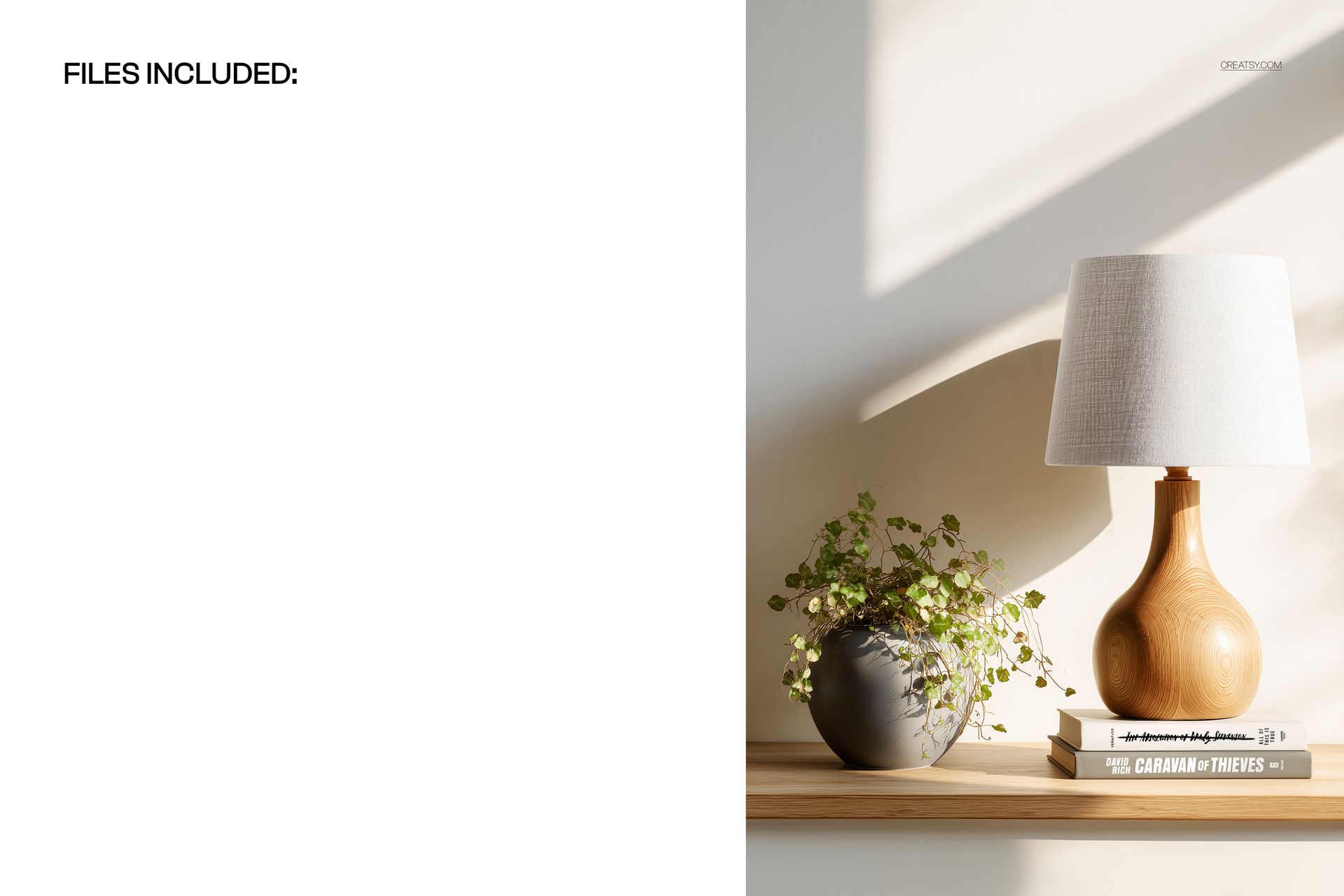
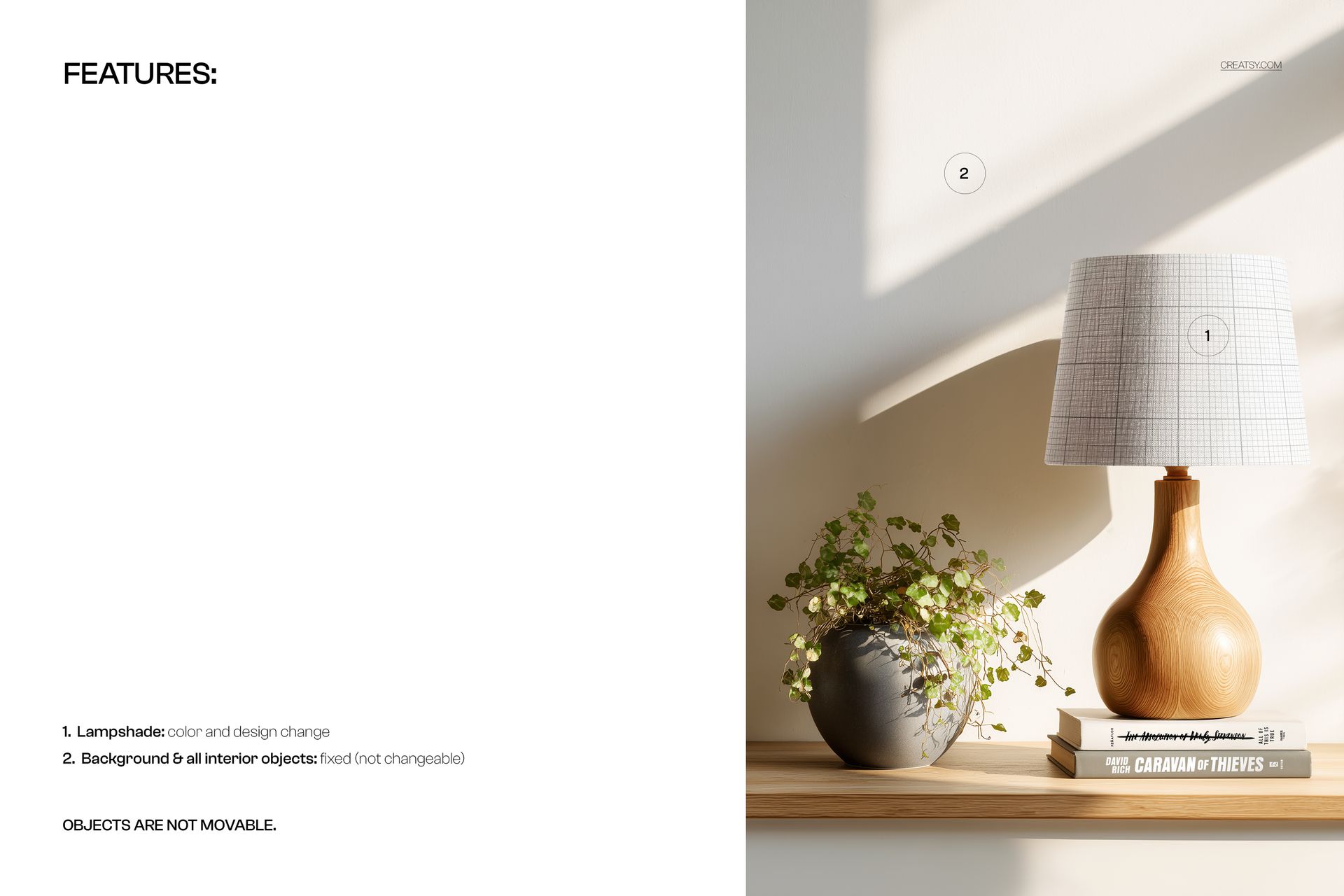
One PSD file at 6000x4000 pixels, 300 DPI resolution, landscape orientation. The file contains organized, labeled layers with a smart object for the lampshade surface. The natural wood base, wooden shelf surface, greenery accent, and warm scene lighting are part of the photographic base layer. The 6000-pixel width captures fine fabric texture and pattern detail that remains sharp even at full zoom on e-commerce platforms.

What You Can Customize

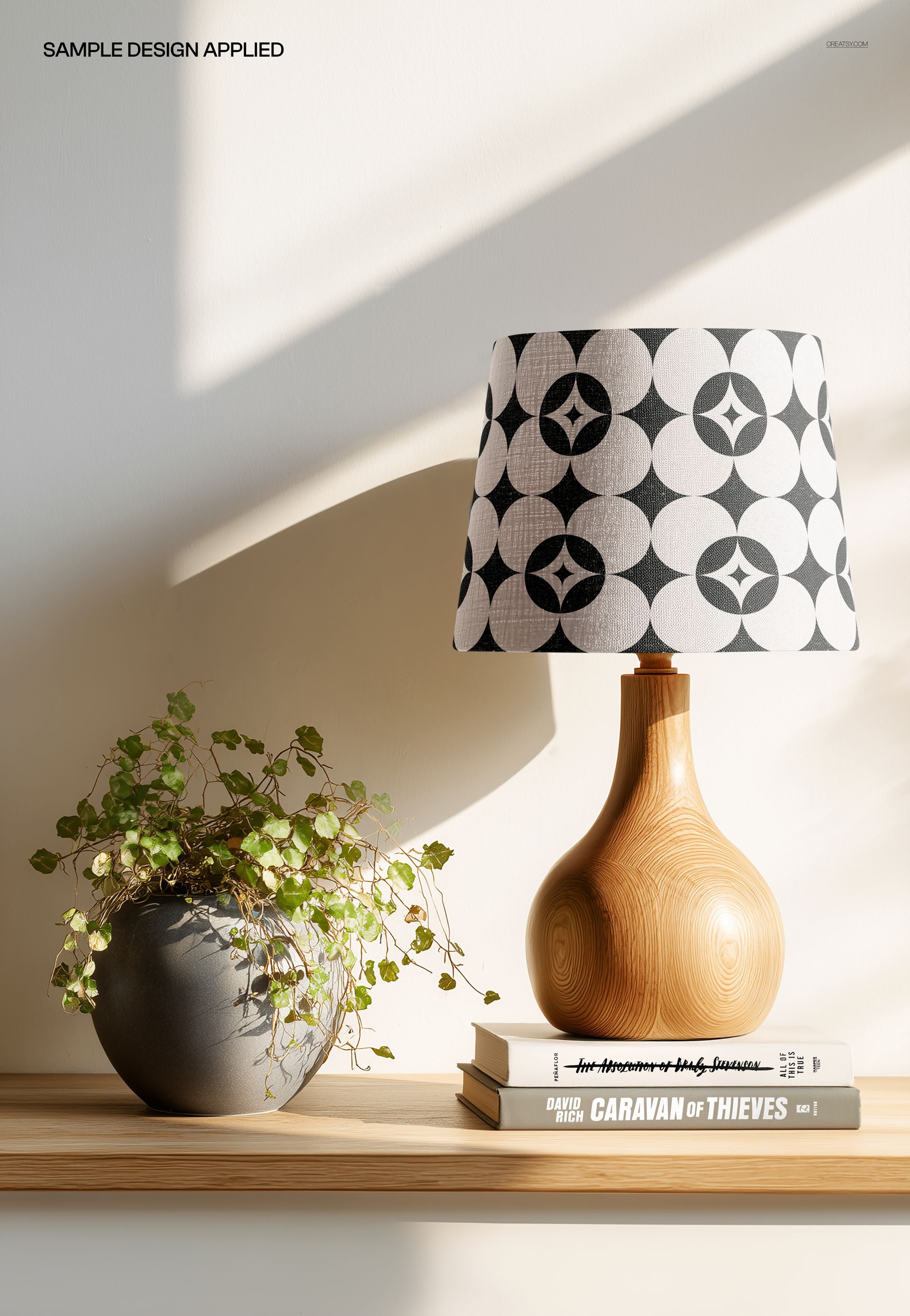
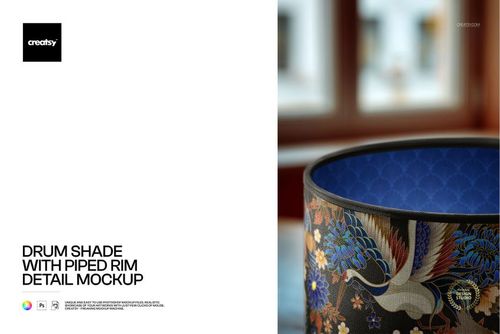
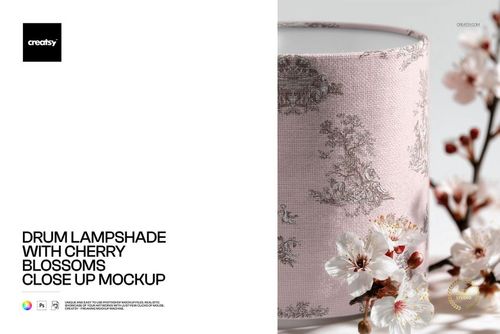
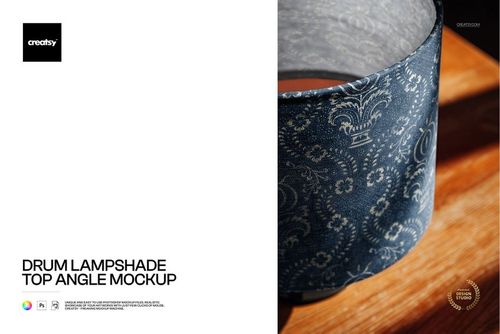
Place your surface pattern, fabric design, or artwork onto the lampshade via the smart object layer. The mockup renders your design with realistic shade curvature and fabric texture under warm directional lighting. The light source creates natural highlights and soft shadows across the shade surface, giving your pattern depth and dimension that a flat mockup cannot provide. Test geometric prints, botanicals, abstract patterns, minimalist motifs, or any design to see how it reads in a Scandinavian lamp context.

Who This Mockup Is For

Surface pattern designers targeting the home decor and home textiles market, particularly the Scandinavian and modern minimalist segments. Interior designers presenting lamp specifications for residential and hospitality projects with Nordic-inspired design schemes. Textile brands and manufacturers producing lampshade lines for the Scandinavian market. Print-on-demand sellers offering custom lampshades on Etsy, Shopify, or Amazon. Home decor studios building catalog and lookbook imagery. Lighting brands creating product images for wholesale and retail distribution.

File Specifications

Format: PSD with smart object layers. Resolution: 6000x4000 pixels at 300 DPI. Orientation: landscape. File size: approximately 58 MB. Compatibility: Adobe Photoshop CC 2020 or newer, Photopea (free browser-based editor). The landscape format works naturally in website headers, portfolio grids, catalog spreads, and widescreen presentation slides.

File details

Compatibility
PhotopeaAdobe Photoshop
Number of files included
2
Package size
58 MB58 MB|60.8 MB60.8 MB
Files type
.psd, .jpg
Files size
6000x4000
TEST FOR FREE

MEET THE SHOP

Creatsy logo

Creatsy

Poland
4.7 (644)

Bring your ideas to life.

We're a family-run studio in Katowice, Poland, making PSD mockups by hand since 2016. Everything in this shop starts in our own studio. We shoot the photography, build the 3D, and put together every Smart Object PSD ourselves - then we test it, organize the layers, and only ship it once it actually works...
GO TO SHOP

HOW IT WORKS

3 clicks. That's it.

No tutorial needed. If you can copy-paste, you can use this.

  1. 1OpenDouble-click the smart object inside the PSD - in Adobe Photoshop, or free in your browser with Photopea.
  2. 2PasteDrop in your pattern, print, or artwork. Any design, any style.
  3. 3SaveHit save and the mockup wraps it in for you - shadows, folds, and lighting included.

FROM IDEA TO IMAGE

Built for real workflows

Skip the photo shoot Show your artwork on the real product type for approvals or listings - no studio, no model, no sample.

See it on the product, not a swatch Drop your file into the smart object and the scene's lighting and folds wrap around it, so you judge the real thing before you commit.

Smart Objects

Edit once and you're done. Your artwork drops into a smart object and the mockup updates itself - no masking, no warping by hand.

Perfectly Organized

Named layers and folders you can actually navigate. Find what you need, change what you want, and get out fast.

Print-Ready

High-resolution files built to hold up on screen and in print. Exact size and DPI are in this product's Details above.