Warehouse Distribution Center Mockup Set
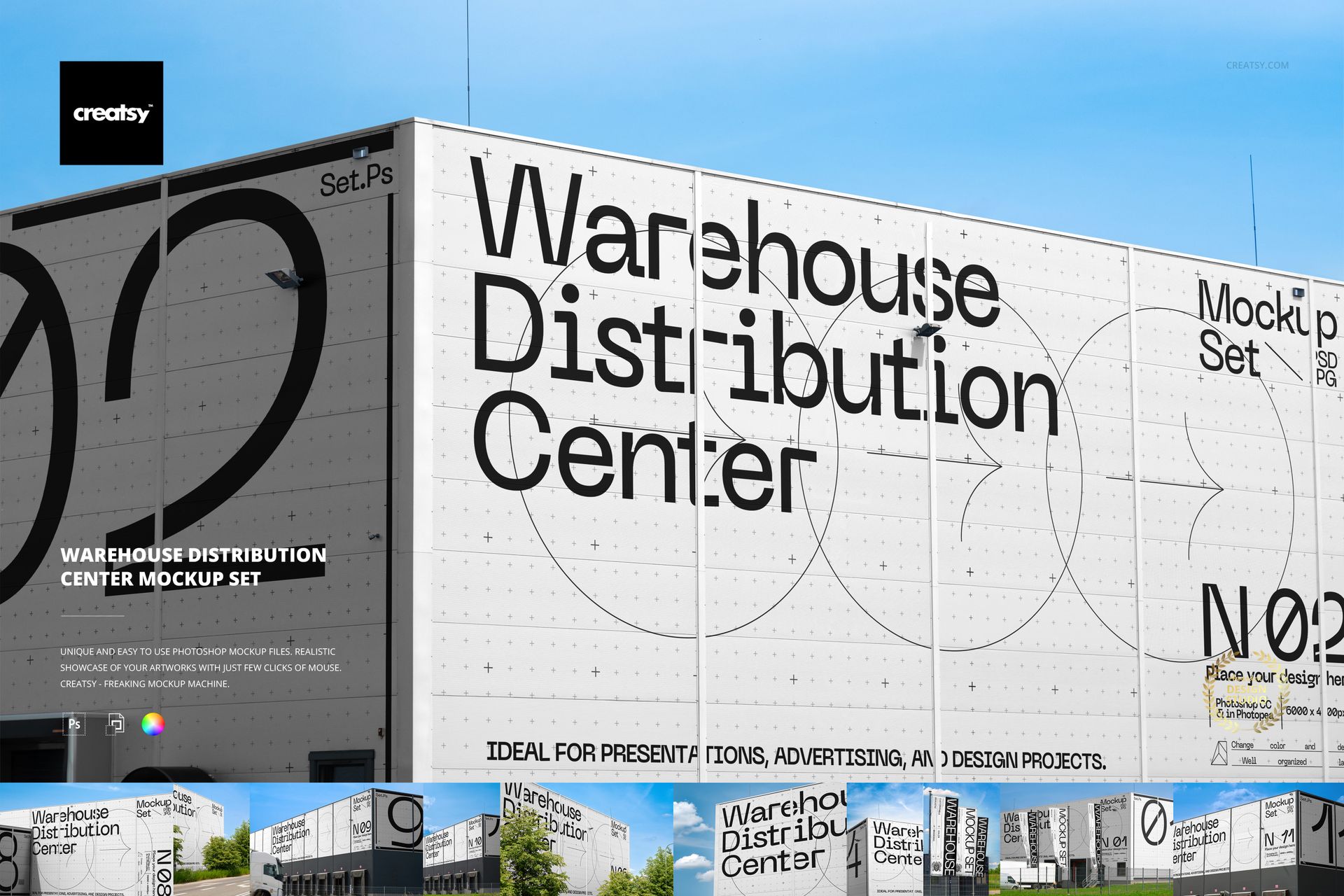
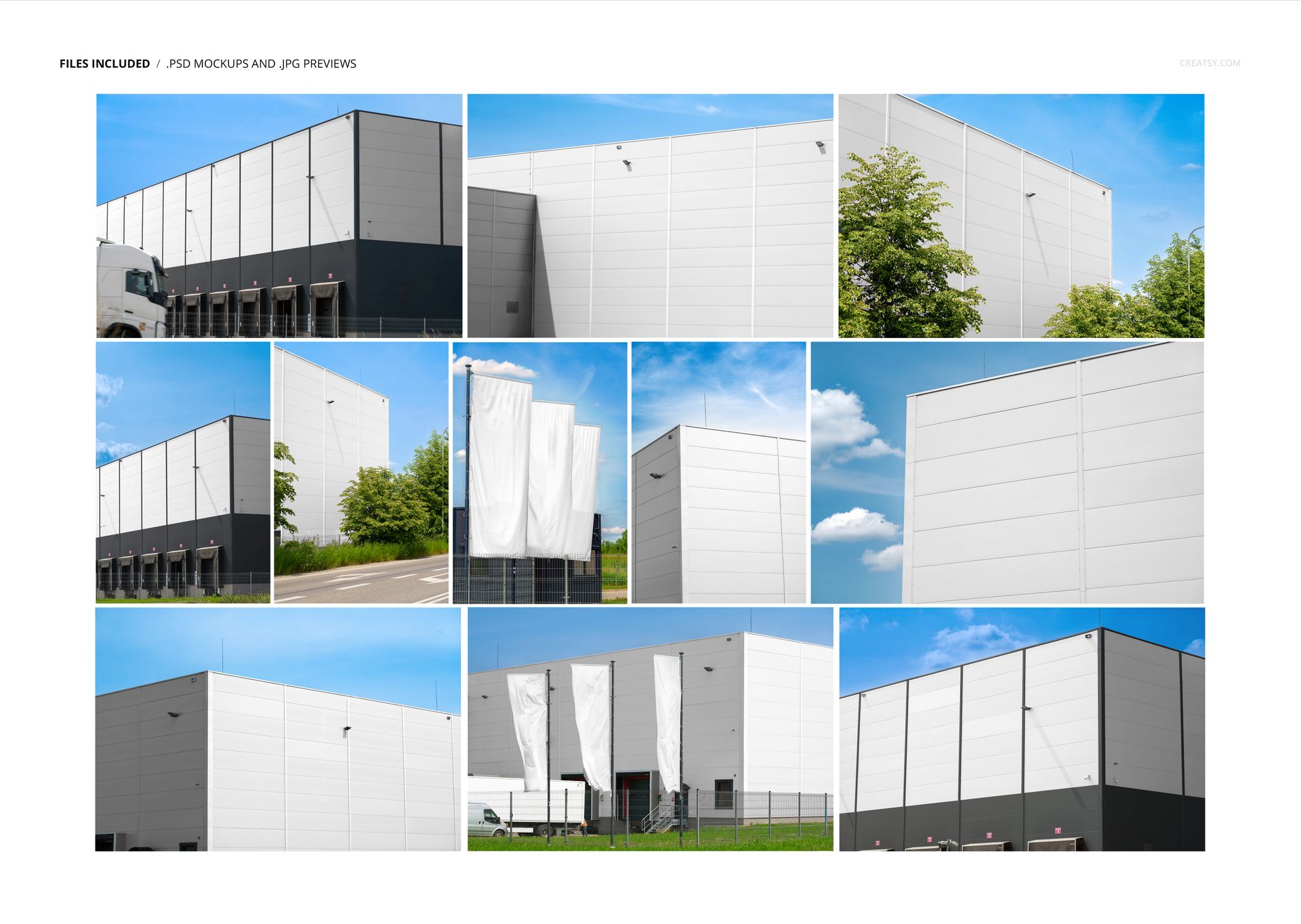
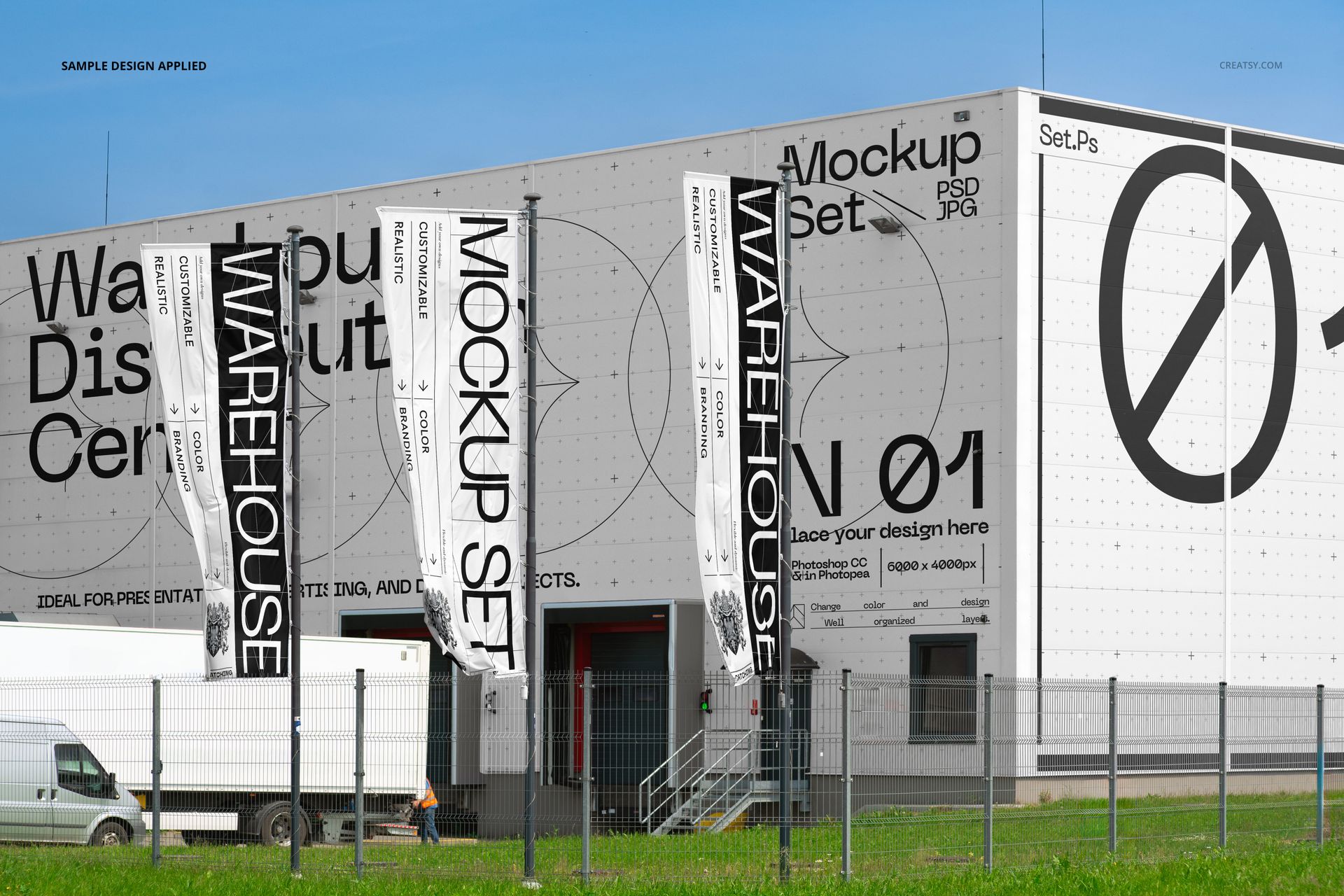
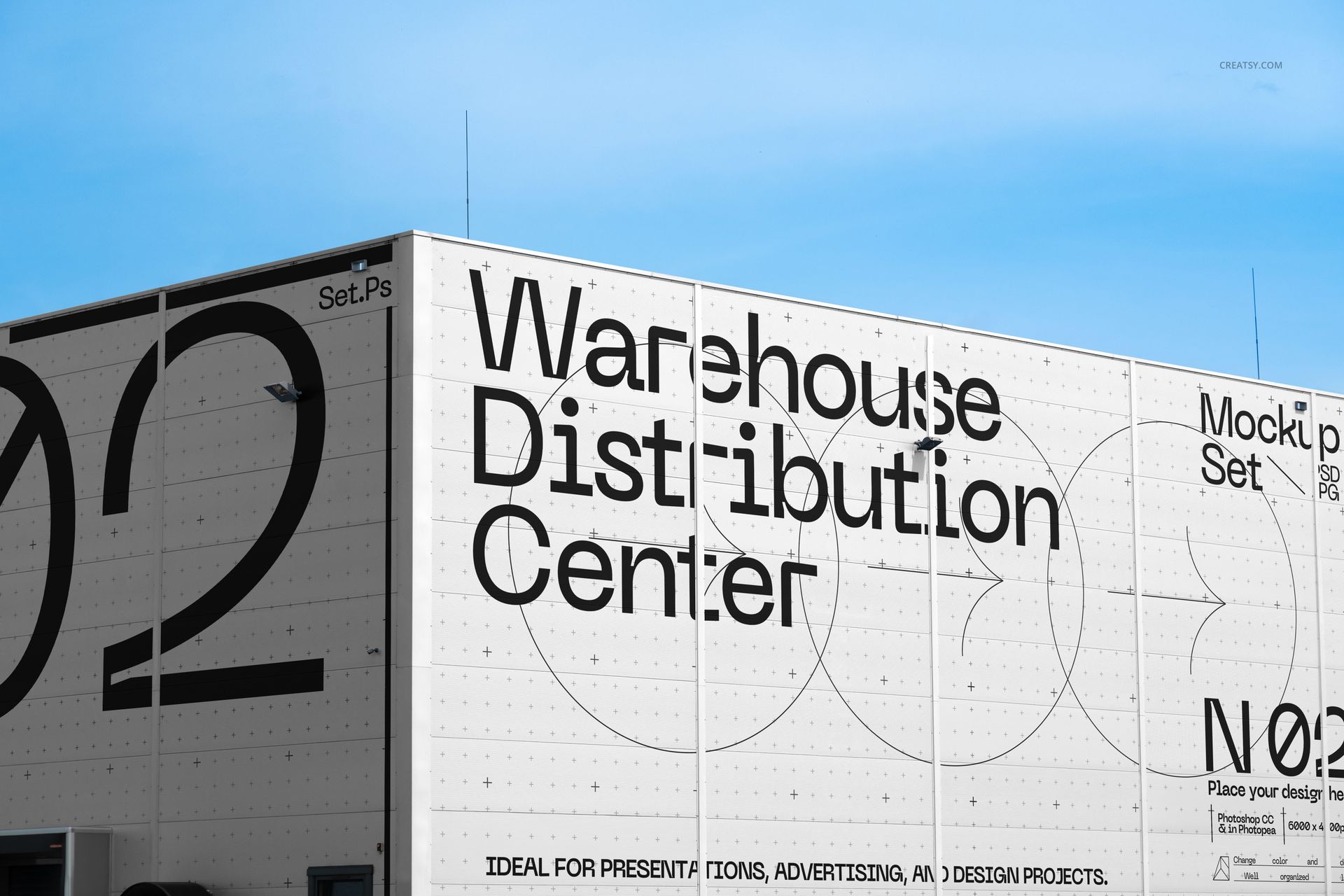
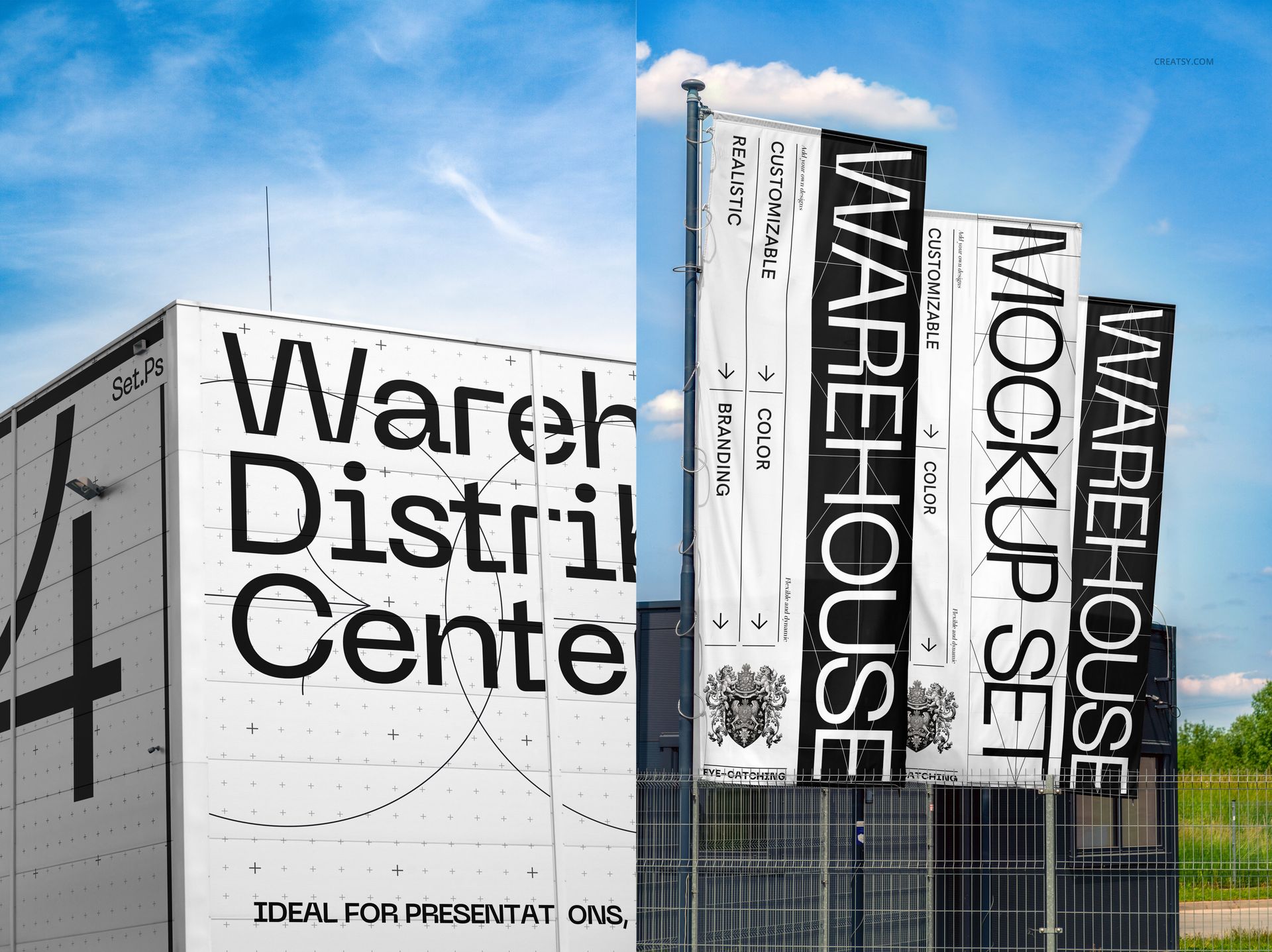
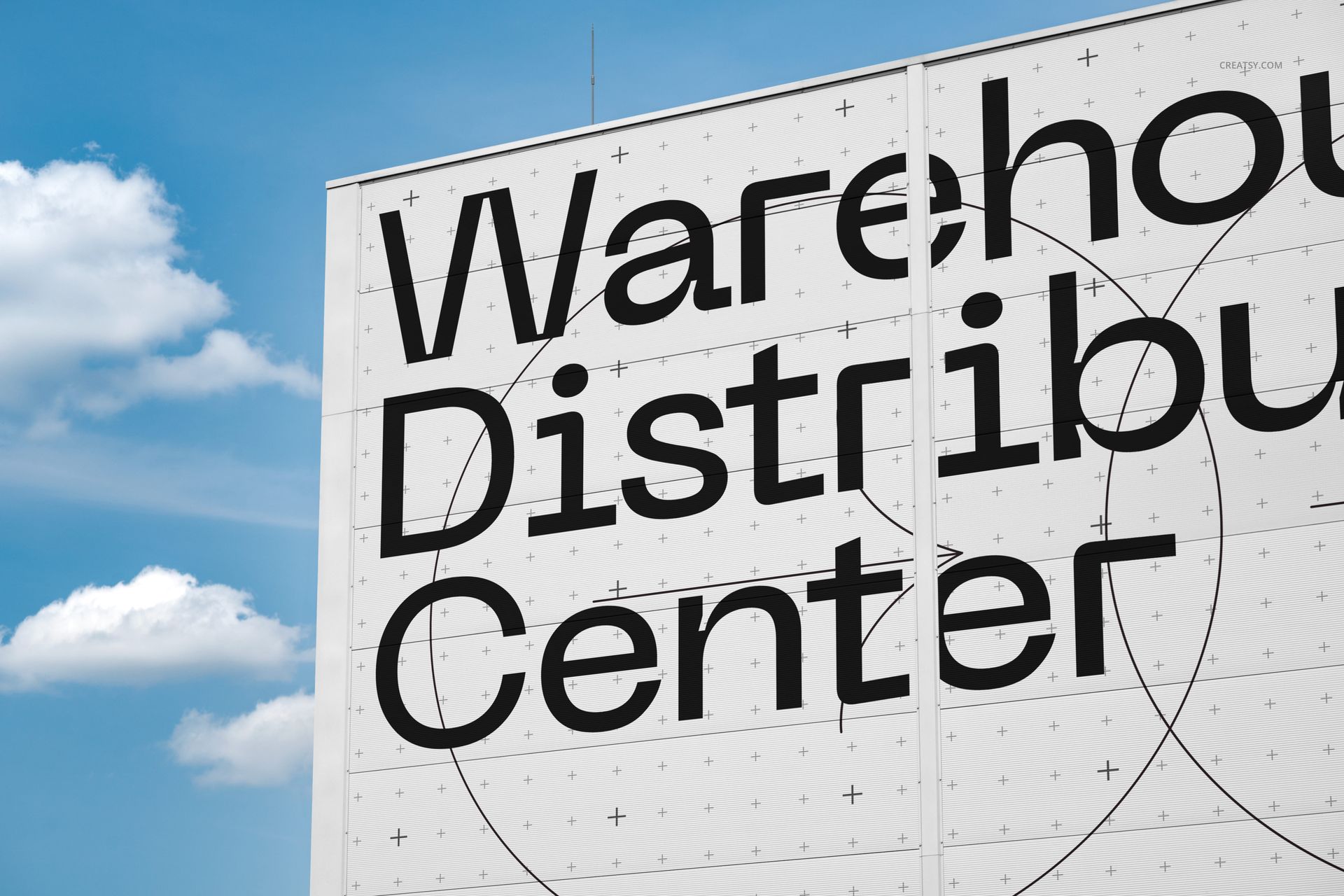
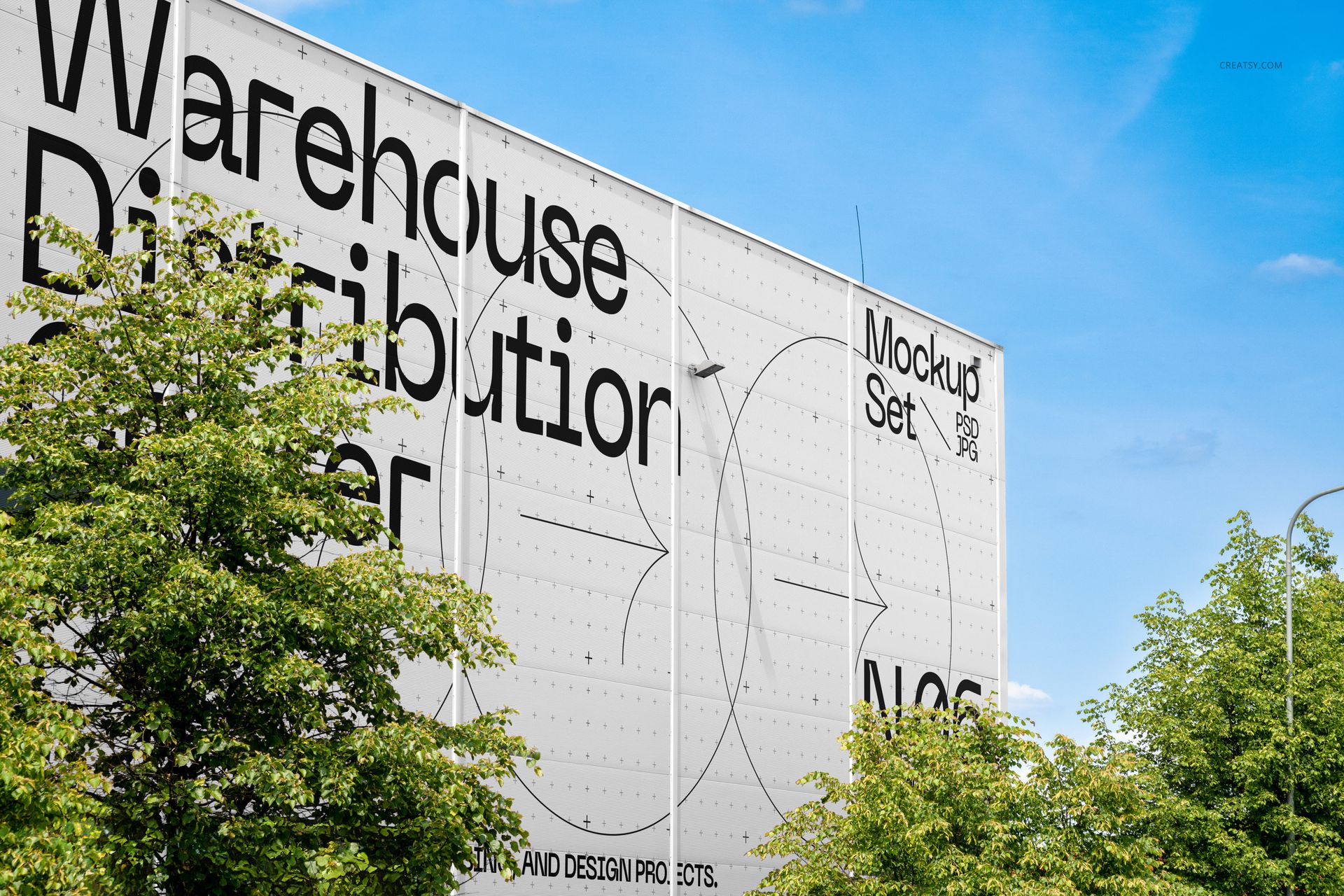
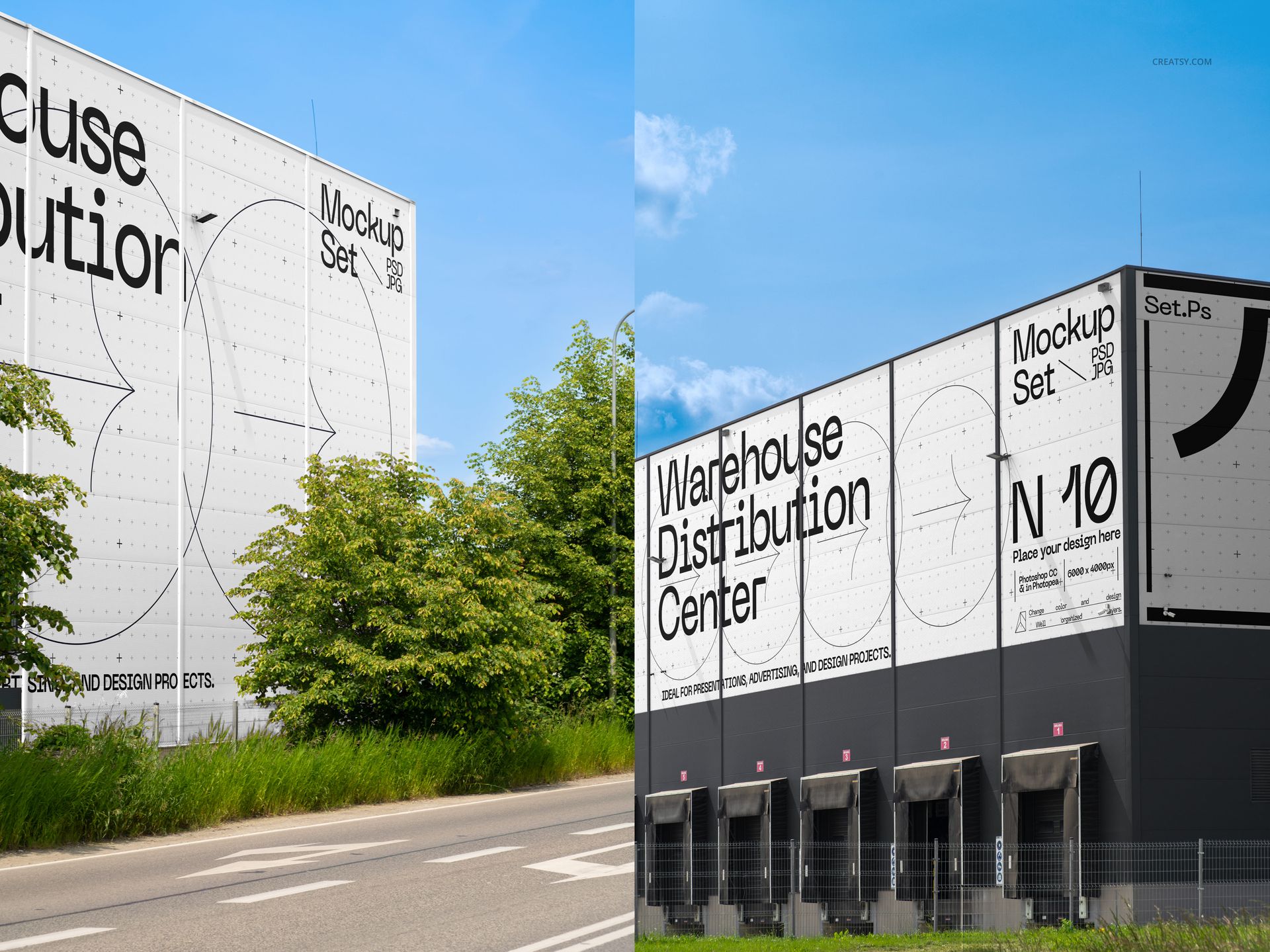
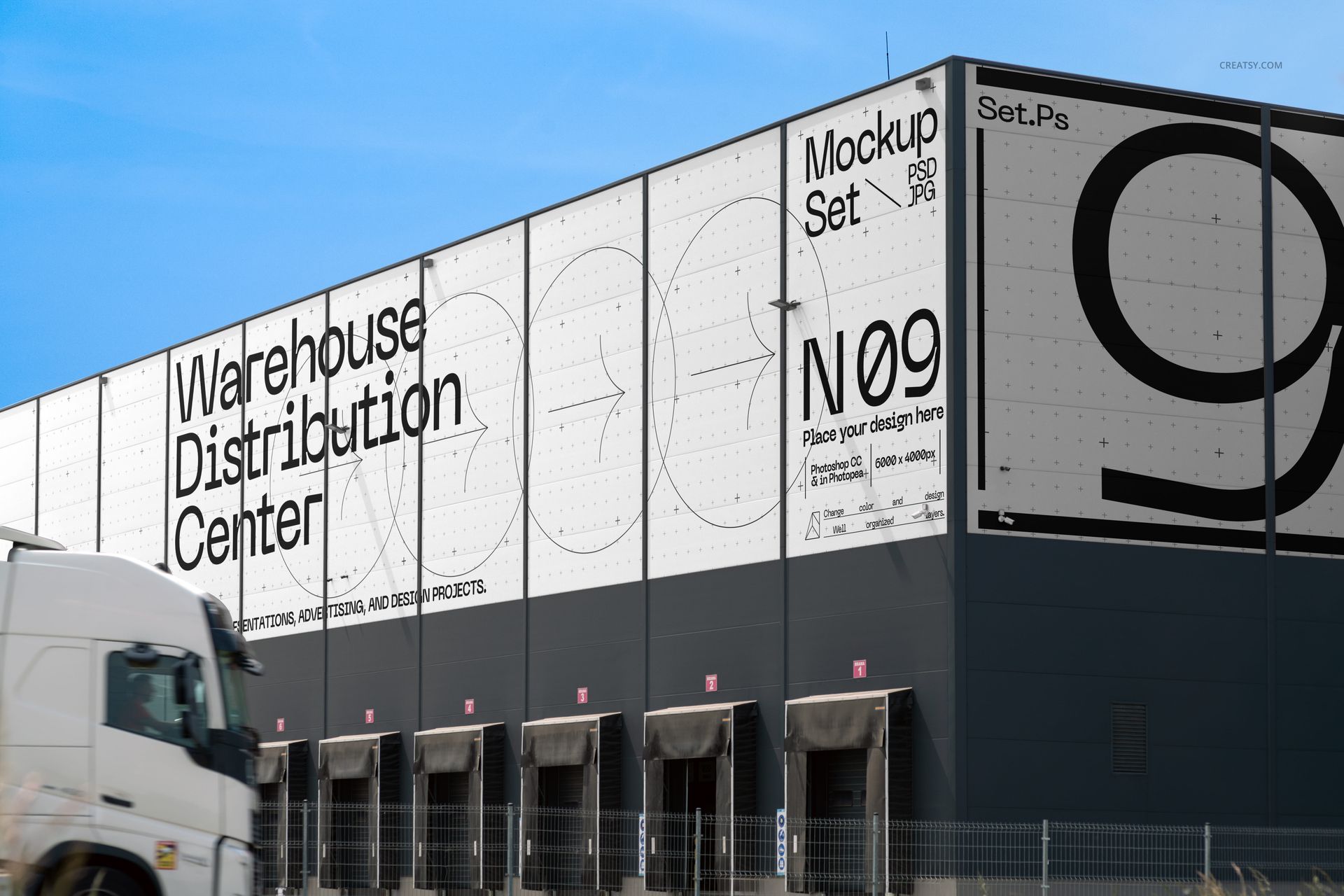
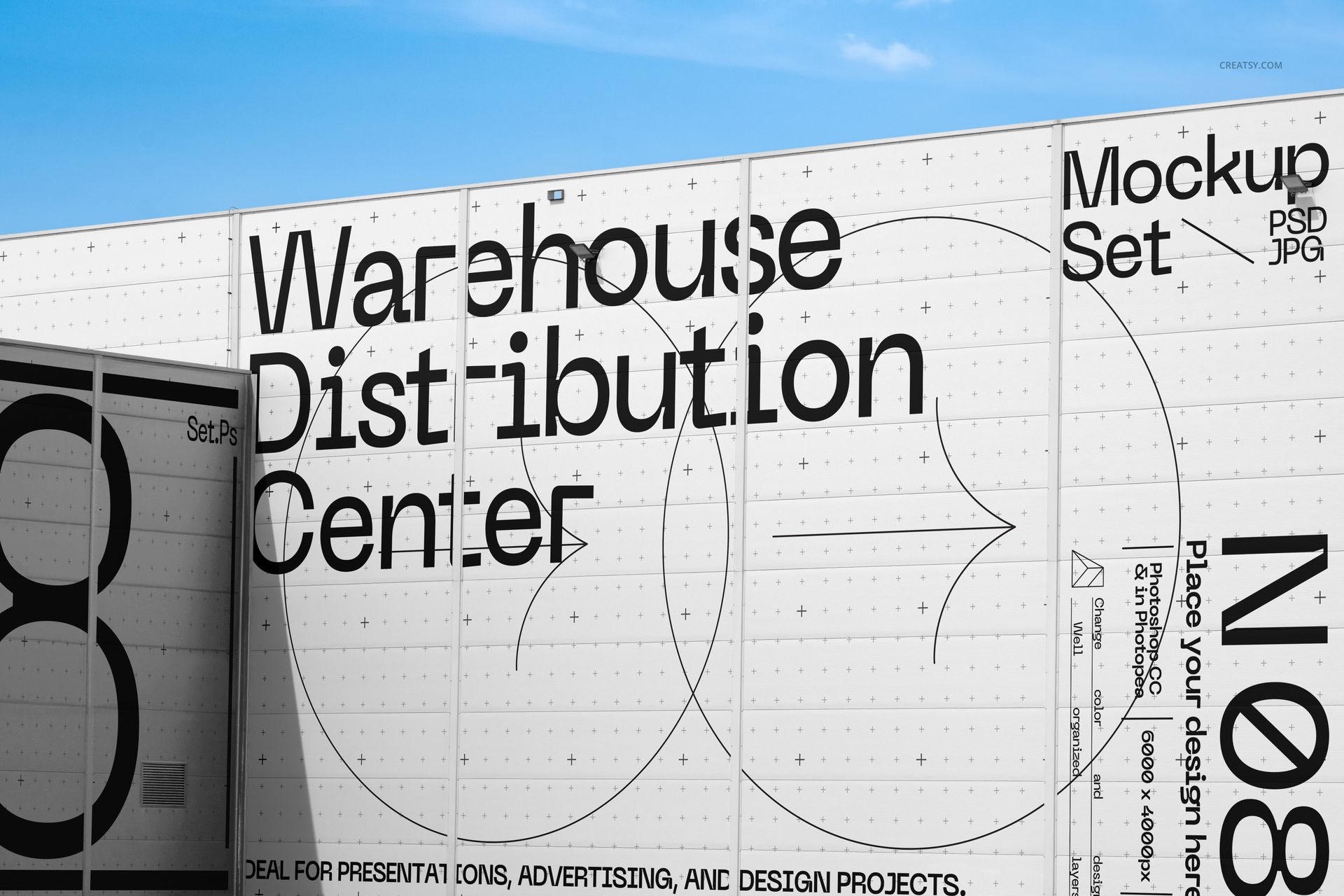
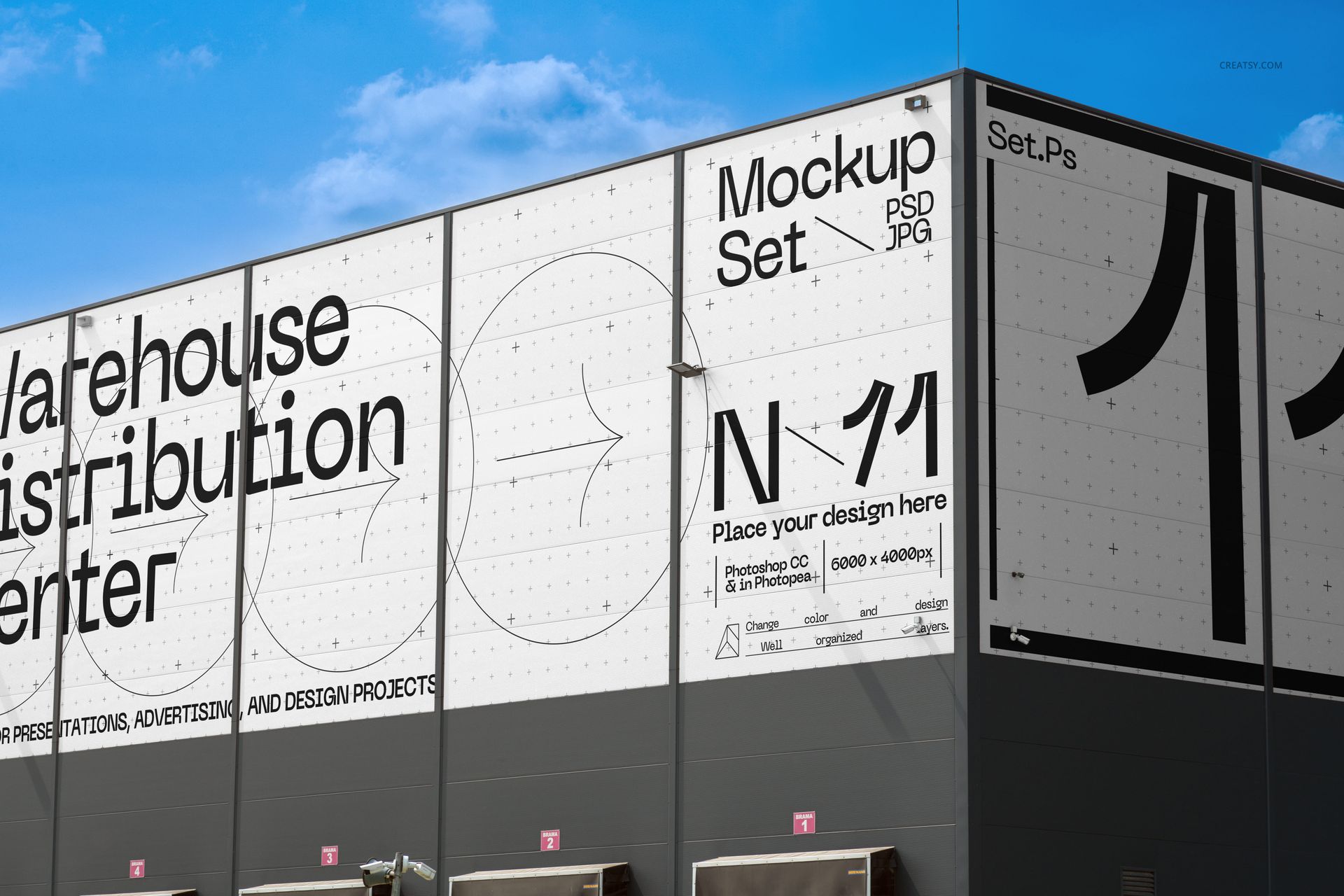
The Warehouse Distribution Center Mockup Set by Creatsy is a warehouse branding mockup that shows large distribution center buildings ready for your design, from full facades to loading bays and the trucks parked outside. It ships as 11 layered PSD files, each a different building and angle, so you can present a brand across a whole logistics site.
Each file holds a smart object. Double-click it, add your design, and your artwork maps onto the warehouse wall with the right perspective, panels, and daylight. The buildings ship with placeholder art, and the designs in the previews are for display only.
It suits large-scale branding and corporate work: logistics and e-commerce brands, industrial and retail groups, environmental graphics, agency and client pitches, and print-on-demand or Etsy listings for facade and signage templates.
What you get
11 layered PSD files, each a different building and angle
6000 x 4000 px at 300 dpi
Smart object in every file for your facade design
Warehouse and distribution center exteriors with trucks
Organized, clearly named layers
How it works
Open a PSD in Adobe Photoshop (CC2020 or newer) or in Photopea, the free online editor.
Double-click the smart object thumbnail.
Paste or place your design, then save and close the smart object.
Export your mockup as JPG or PNG.
Specifications
Files: 11 PSD files in 11 scenes, plus JPG previews
Dimensions: 6000 x 4000 px, 300 dpi
Software: Adobe Photoshop (min. CC2020) and Photopea
Scene: warehouse and distribution center exteriors
Who it is for
Graphic designers, branding and environmental-graphics studios, logistics and e-commerce brands, industrial and retail groups, and print-on-demand and Etsy sellers presenting large building branding.