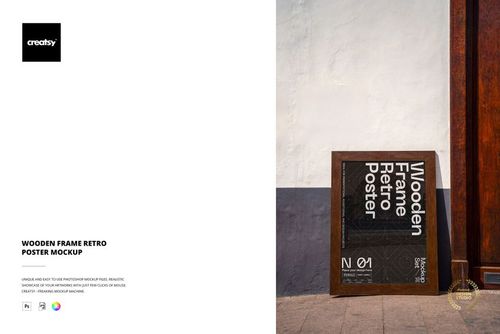
Town Square Signboard Mockup
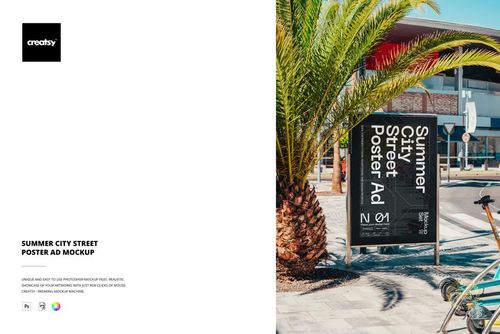
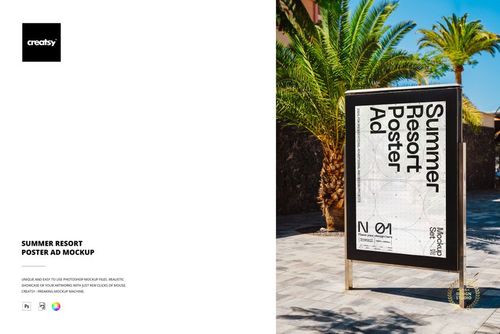
The Town Square Signboard Mockup by Creatsy is a signboard mockup that shows a tall freestanding board in a historic town square, with market stalls, old buildings, and cobblestones around it. It ships as one layered PSD file at 6000 x 4000 px, so you can present a poster or event design in a lively public setting without a photo shoot.
Your artwork goes into a smart object. Double-click it, add your design, and the board updates with the scene perspective, shadows, and daylight. You can change the color and design of the board. The board ships with a placeholder, and the design in the previews is for display only.
It suits event and city promotion: festival and market signage, exhibition and cultural posters, tourism and local campaigns, agency pitches, and print-on-demand or Etsy listings for signboard templates.
What you get
1 layered PSD file
6000 x 4000 px at 300 dpi
Smart object for your board design
A freestanding signboard in a town square
Organized, clearly named layers
How it works
Open the PSD in Adobe Photoshop (CS6 or newer) or in Photopea, the free online editor.
Double-click the smart object thumbnail.
Paste or place your design, then save and close the smart object.
Export your mockup as JPG or PNG.
Specifications
File: 1 PSD with smart object
Dimensions: 6000 x 4000 px, 300 dpi
Software: Adobe Photoshop (min. CS6) and Photopea
Scene: a freestanding signboard in a historic town square
Who it is for
Graphic designers, event and city promoters, cultural venues and markets, and print-on-demand and Etsy sellers presenting a signboard or poster design.