ID: 1587650901 | Updated: Jan 5, 2024

Product Details

Rectangular Flags Mockup Set

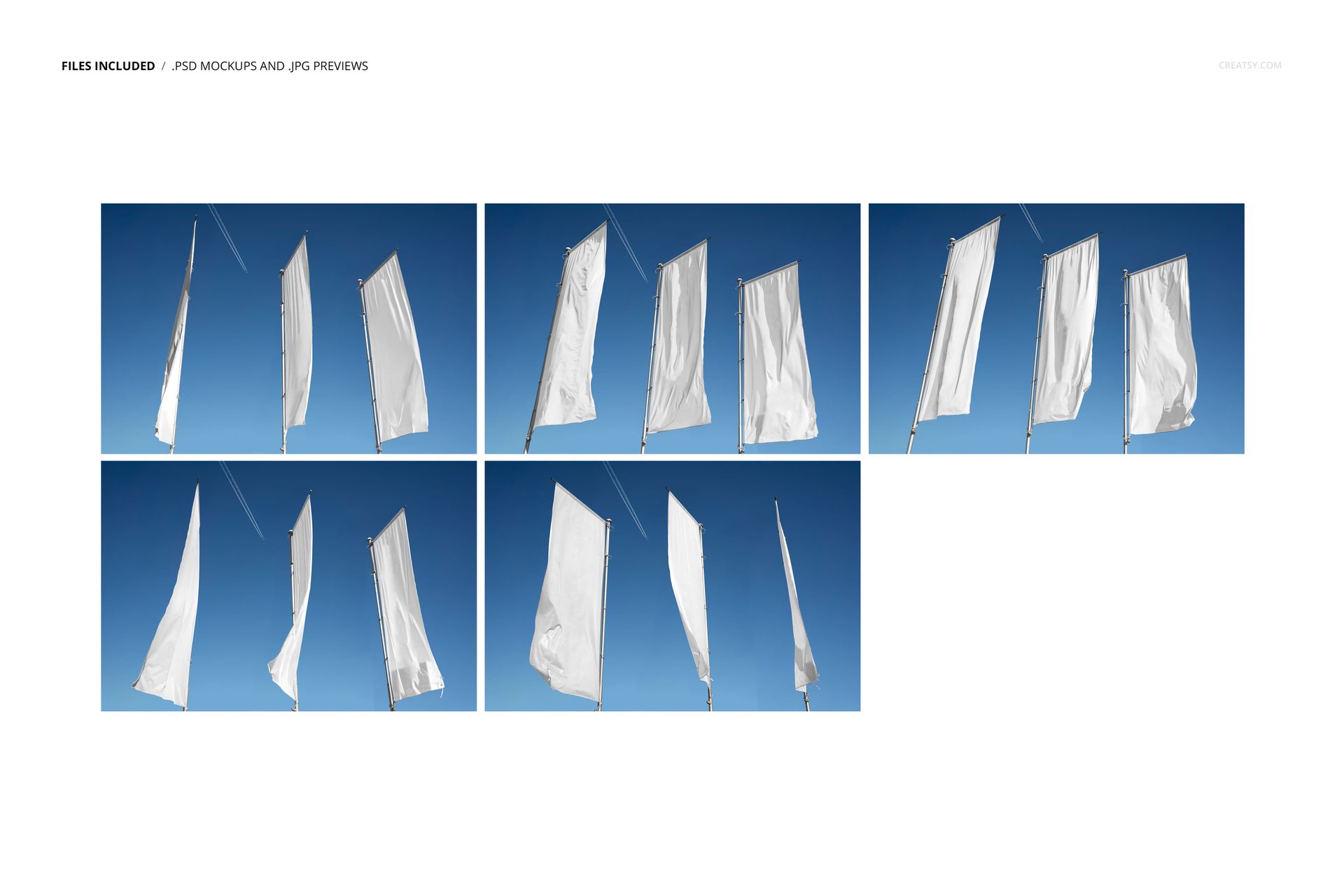
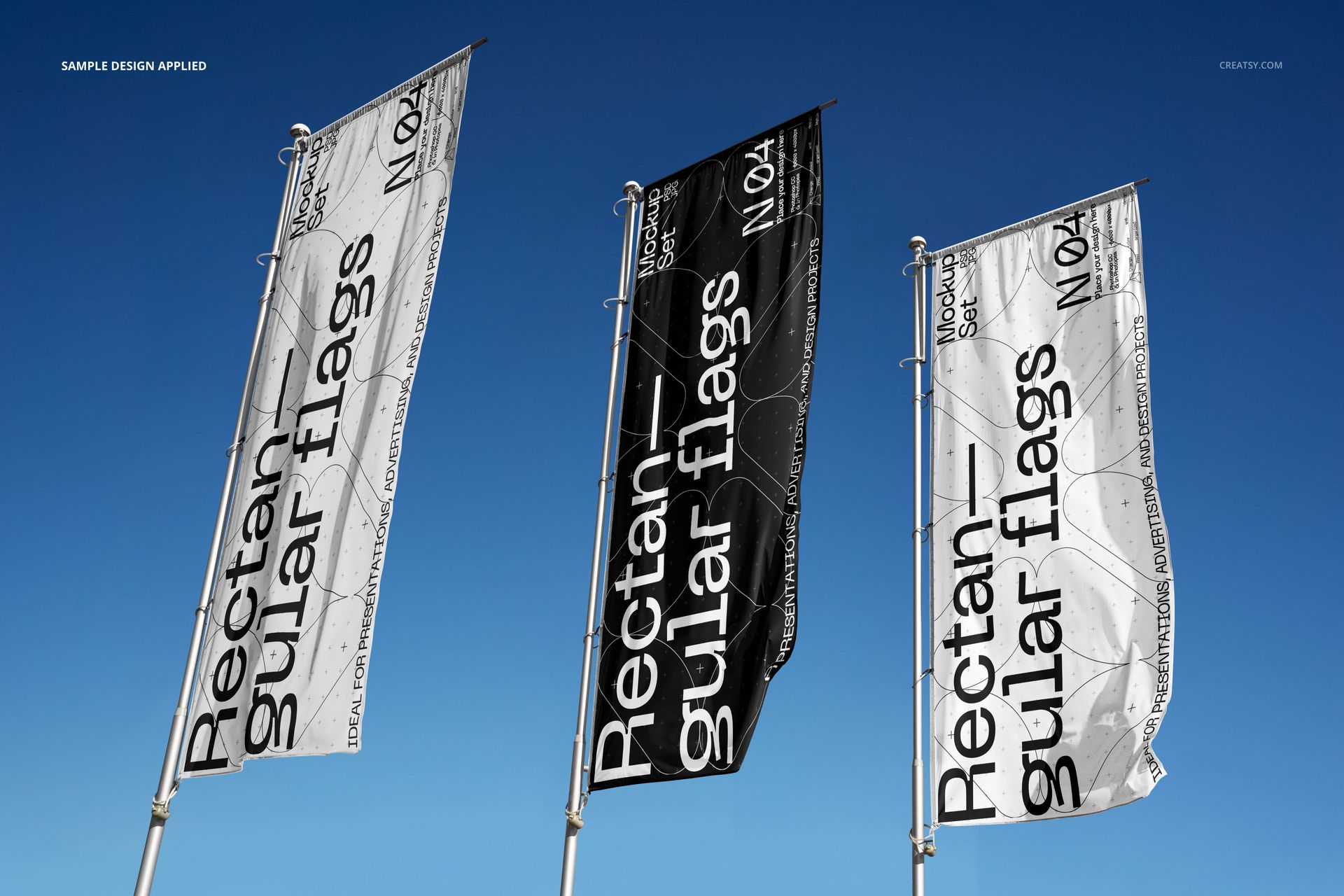
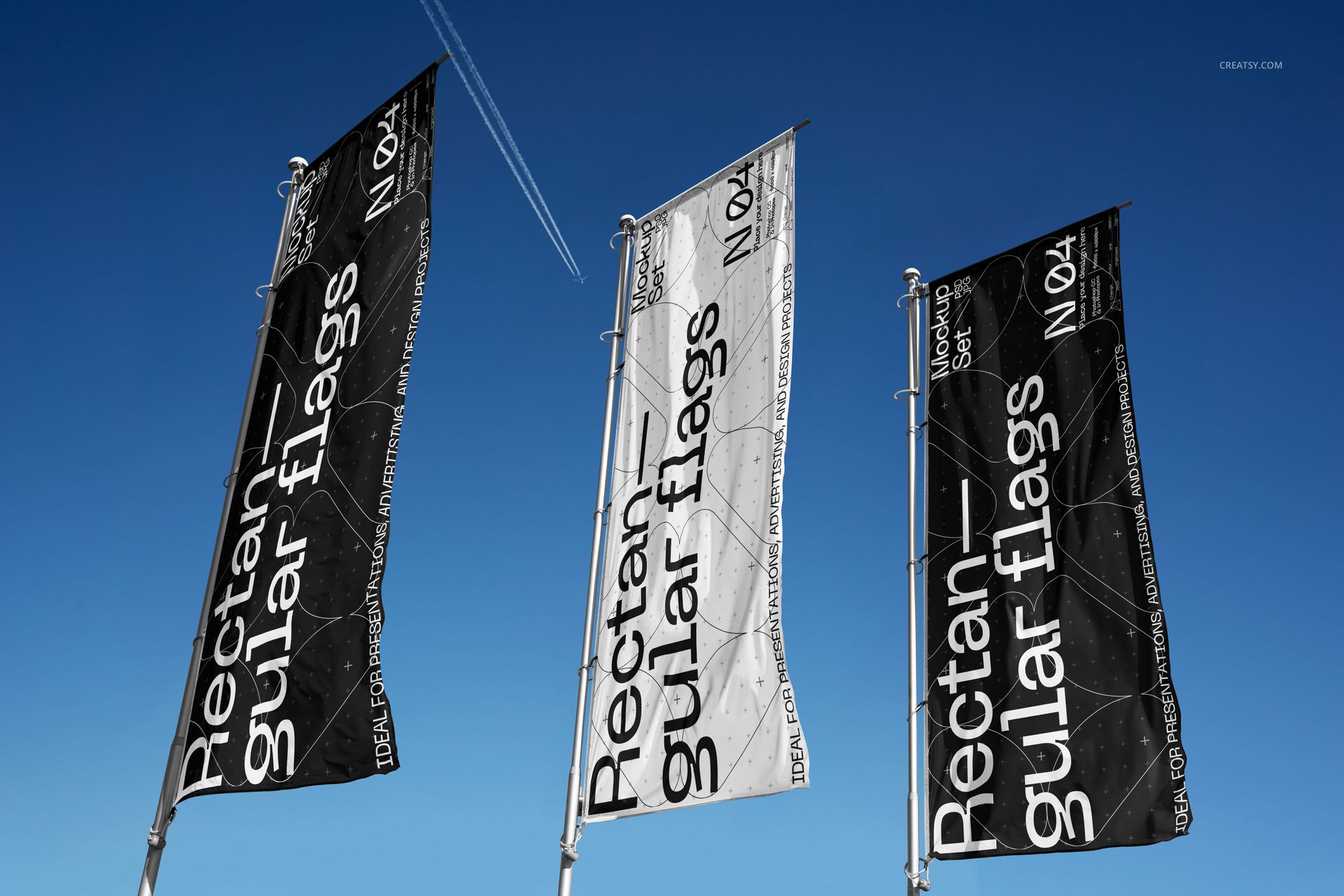
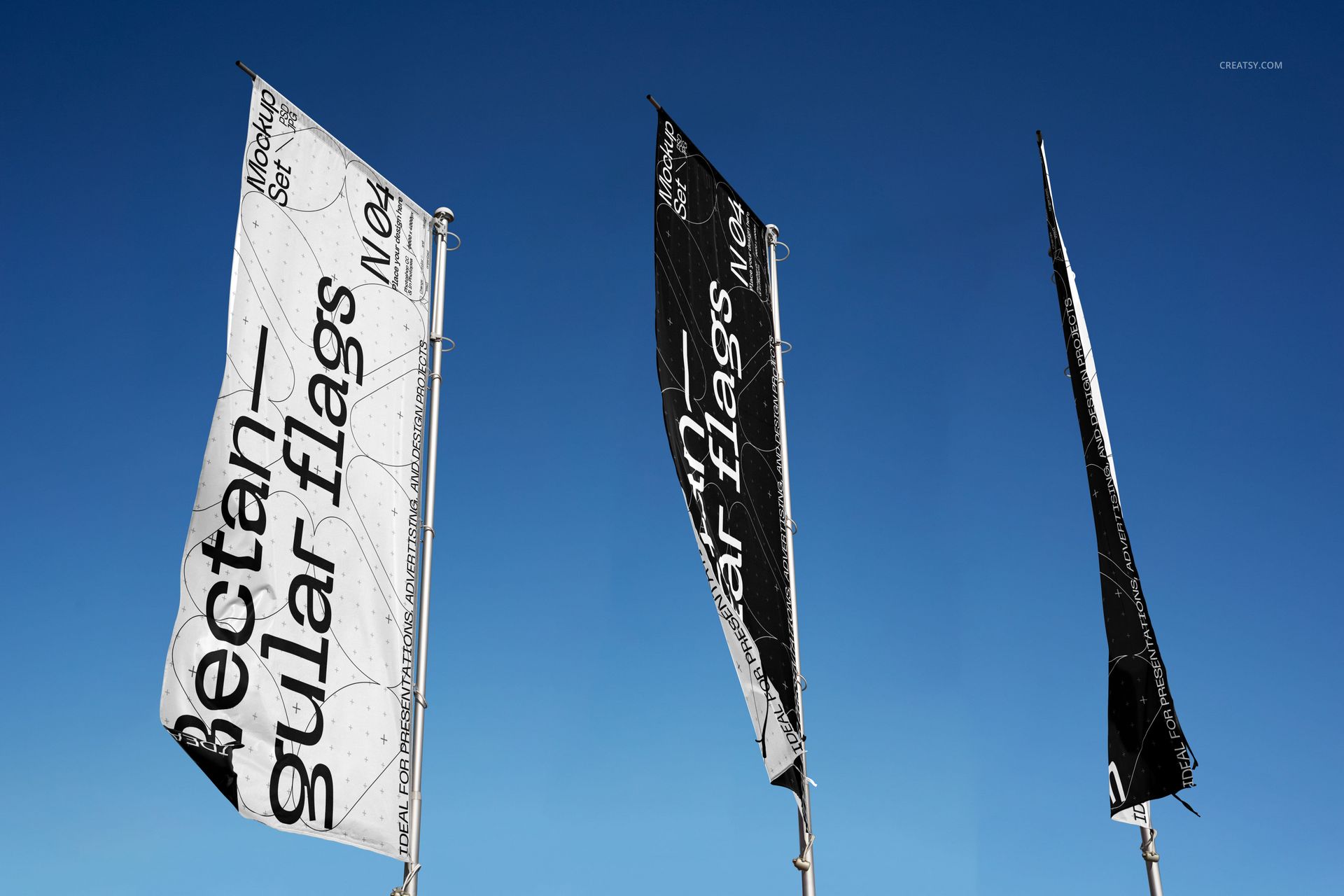
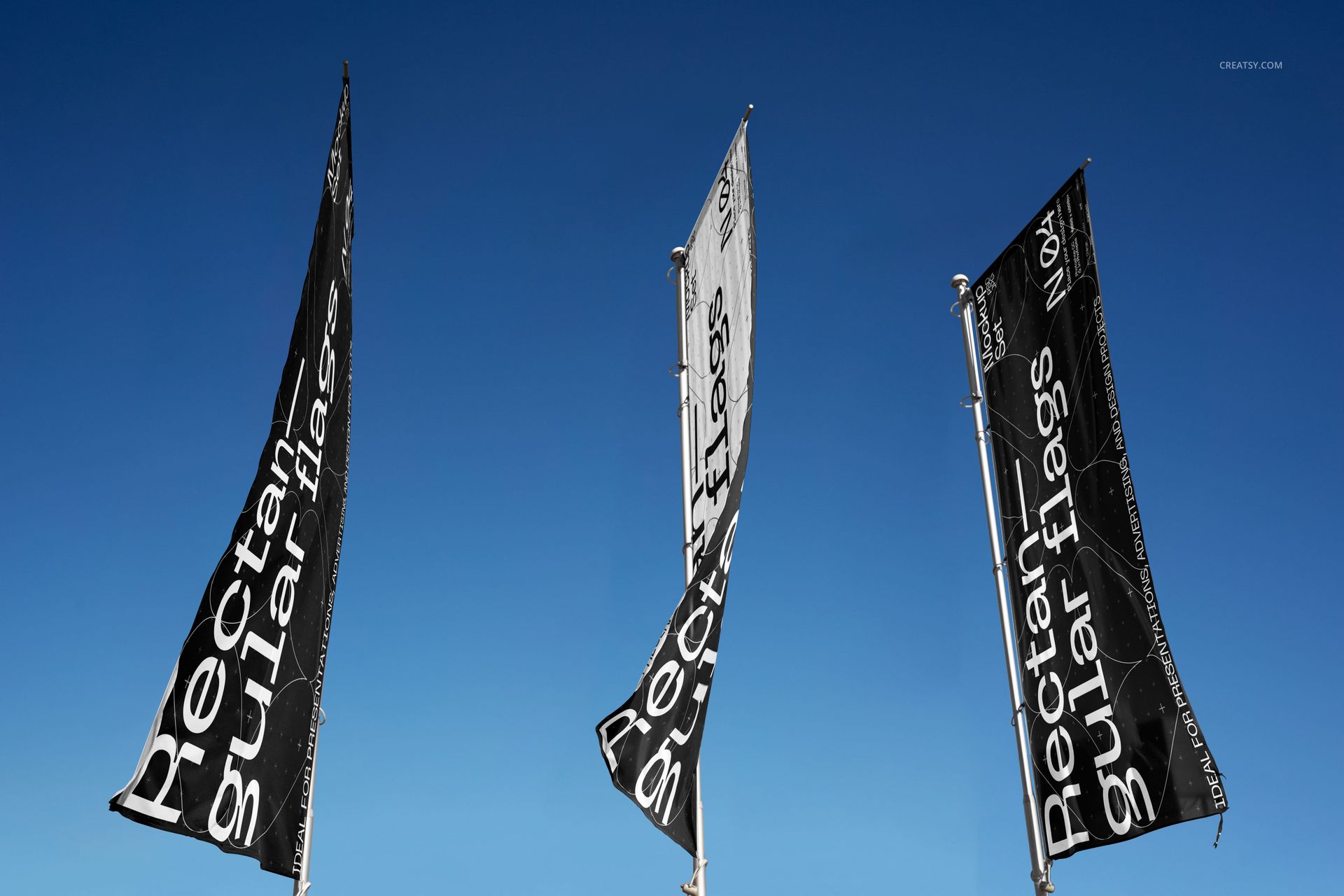
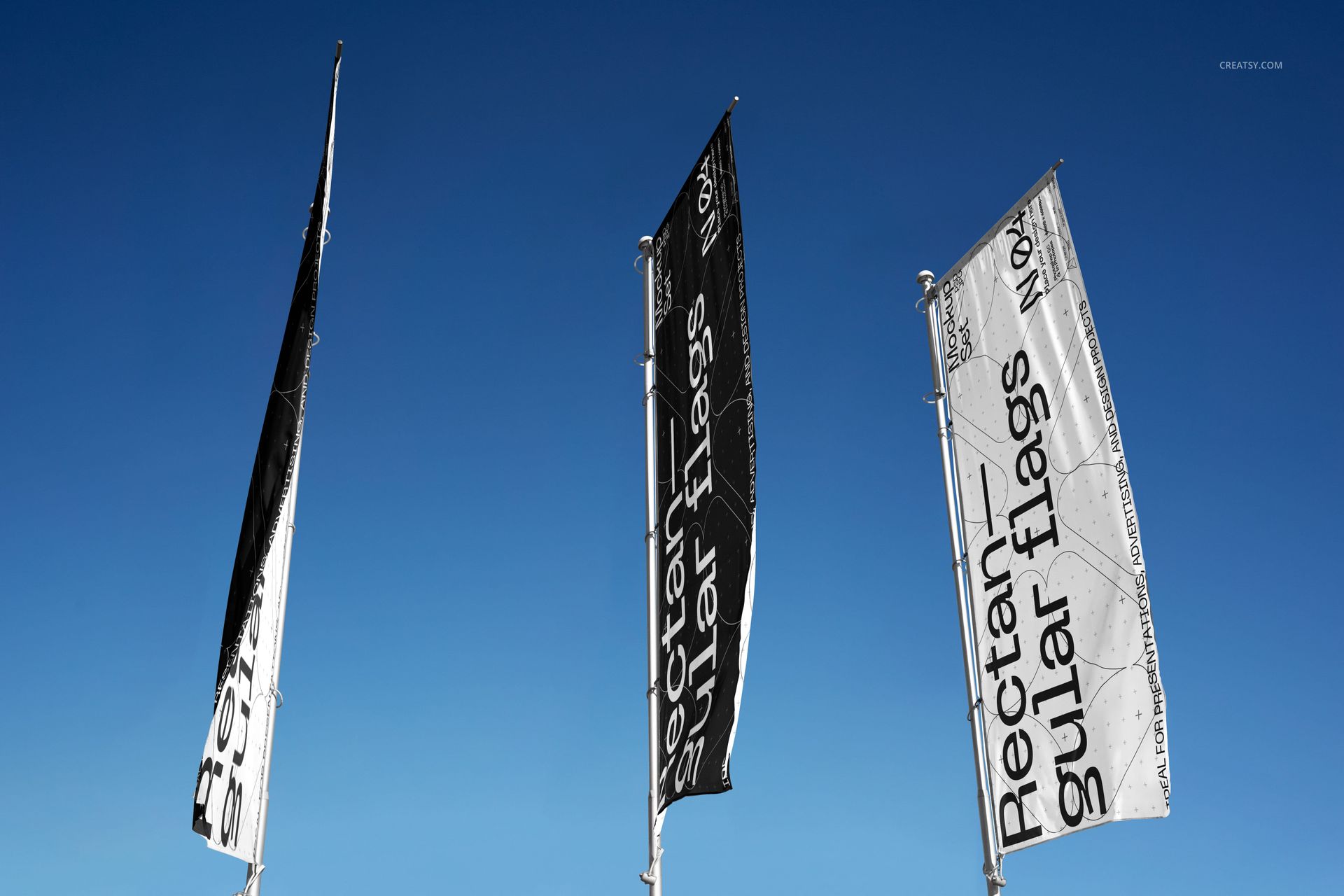
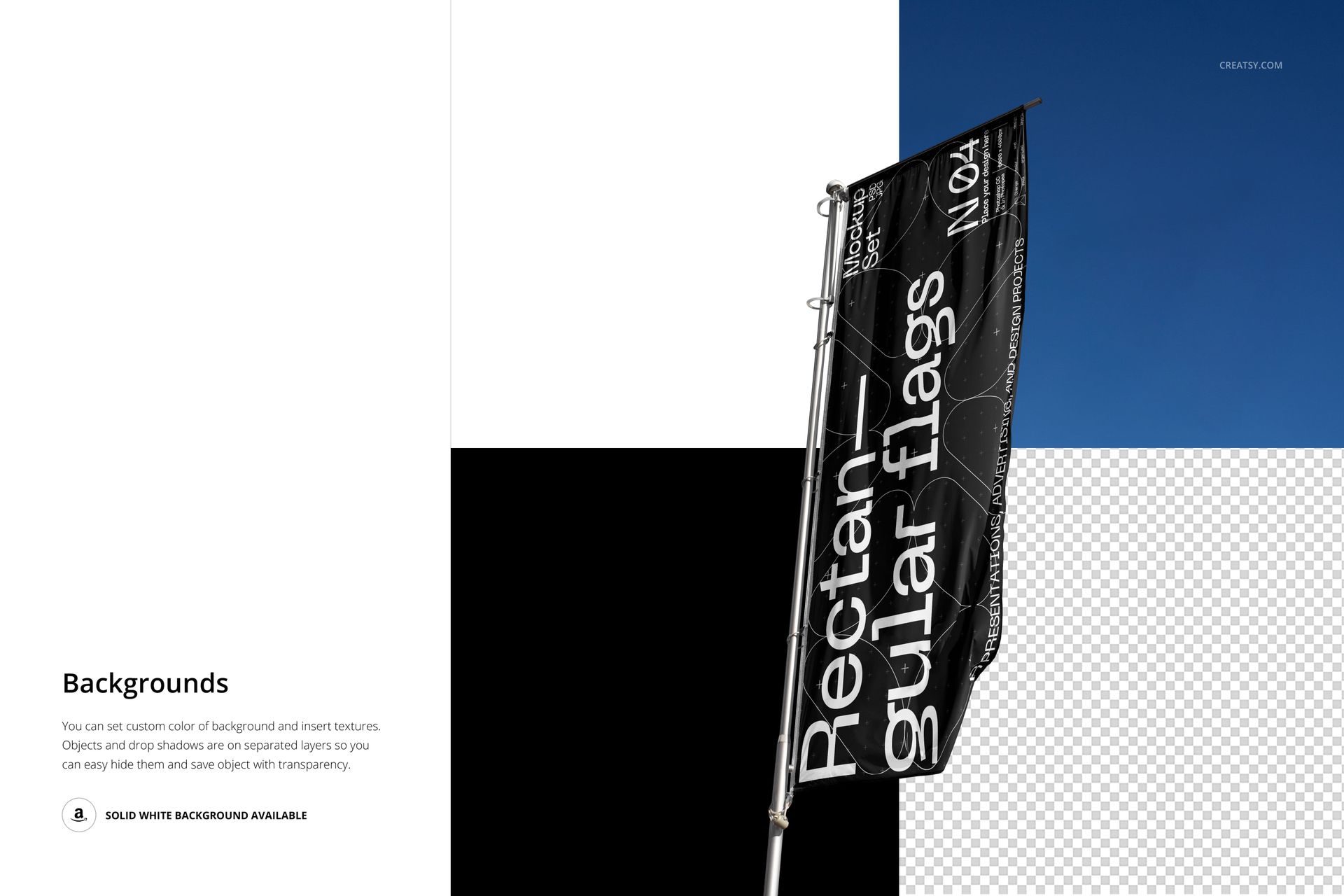
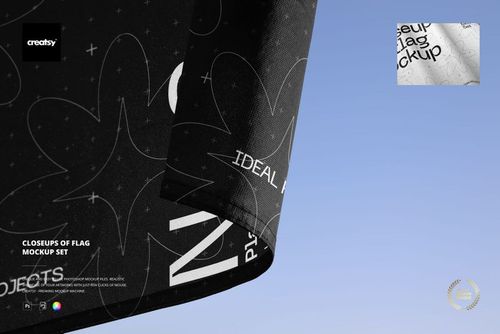
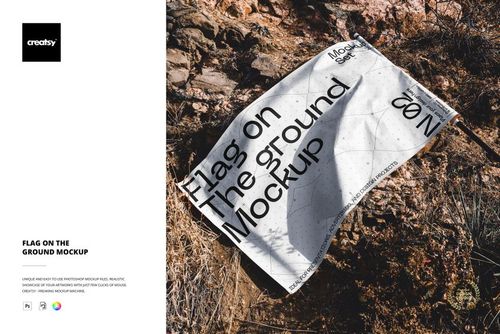
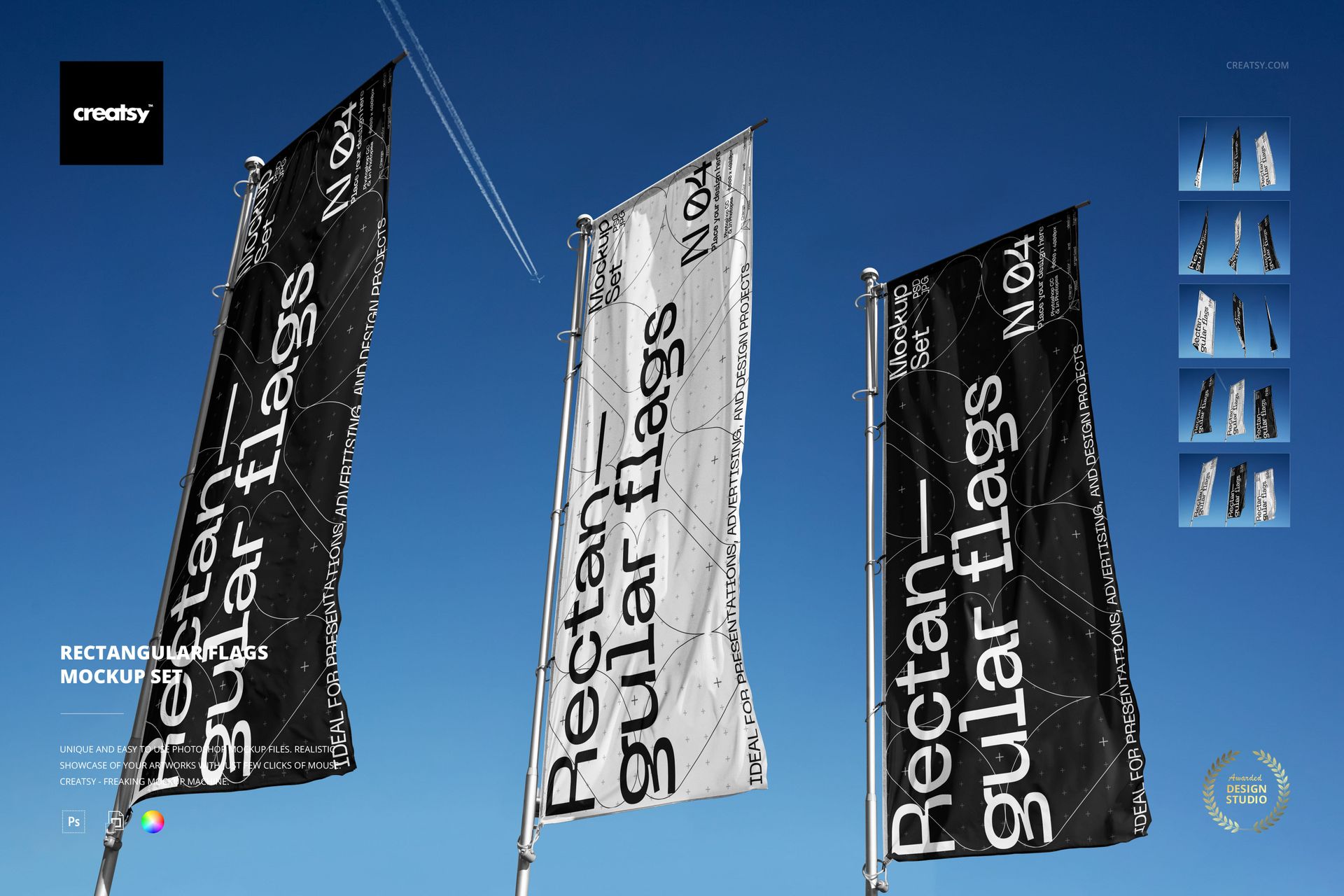
The Rectangular Flags Mockup Set by Creatsy is an advertising flag mockup that shows tall rectangular flags on poles against an open sky. It ships as five layered PSD files, each a different view, so you can present a flag design from several angles out of one set.

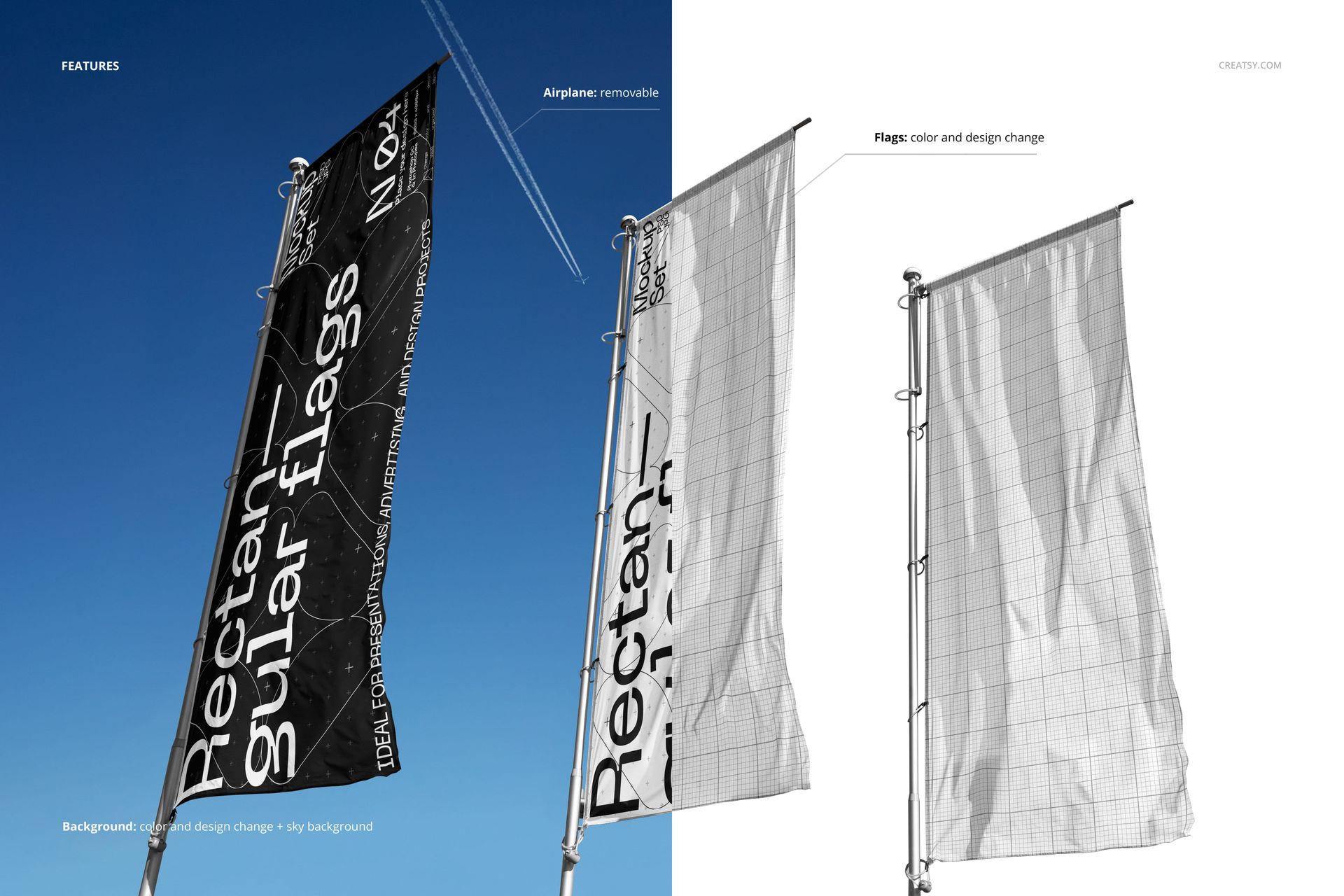
Each file holds a smart object. Double-click it, add your design, and the flag updates with the scene perspective, fabric folds, and daylight. The flags ship with placeholder art, and the designs in the previews are for display only.

It suits outdoor and event promotion: advertising and vertical banner flags, store and dealership signage, trade shows and festivals, agency pitches, and print-on-demand or Etsy listings for flag templates.

What you get

  • 5 layered PSD files, each a different view

  • 6000 x 4000 px at 300 dpi

  • Smart object in every file for your flag design

  • Tall rectangular flags on poles against the sky

  • Organized, clearly named layers

How it works

  1. Open a PSD in Adobe Photoshop (CC2020 or newer) or in Photopea, the free online editor.

  2. Double-click the smart object thumbnail.

  3. Paste or place your design, then save and close the smart object.

  4. Export your mockup as JPG or PNG.

Specifications

  • Files: 5 PSD files in 5 views, plus JPG previews

  • Dimensions: 6000 x 4000 px, 300 dpi

  • Software: Adobe Photoshop (min. CC2020) and Photopea

  • Scene: tall rectangular advertising flags on poles, outdoors

Who it is for

Graphic designers, sign makers and print shops, event and marketing teams, and print-on-demand and Etsy sellers presenting advertising flag designs.

File details

Compatibility
PhotopeaAdobe Photoshop
Package size
321 MB321 MB|336 MB336 MB
Files type
.psd, .jpg
Files size
6000x4000
FREE MOCKUPS

MEET THE SHOP

Creatsy logo

Creatsy

Poland
4.8 (716)

Bring your ideas to life.

We're a family-run studio in Katowice, Poland, making PSD mockups by hand since 2016. Everything in this shop starts in our own studio. We shoot the photography, build the 3D, and put together every Smart Object PSD ourselves - then we test it, organize the layers, and only ship it once it actually works...
GO TO SHOP

HOW IT WORKS

3 clicks. That's it.

No tutorial needed. If you can copy-paste, you can use this.

  1. 1OpenDouble-click the smart object inside the PSD - in Adobe Photoshop, or free in your browser with Photopea.
  2. 2PasteDrop in your pattern, print, or artwork. Any design, any style.
  3. 3SaveHit save and the mockup wraps it in for you - shadows, folds, and lighting included.

FROM IDEA TO IMAGE

Built for real workflows

Skip the photo shoot Show your artwork on the real product type for approvals or listings - no studio, no model, no sample.

See it on the product, not a swatch Drop your file into the smart object and the scene's lighting and folds wrap around it, so you judge the real thing before you commit.

Smart Objects

Edit once and you're done. Your artwork drops into a smart object and the mockup updates itself - no masking, no warping by hand.

Perfectly Organized

Named layers and folders you can actually navigate. Find what you need, change what you want, and get out fast.

Print-Ready

High-resolution files built to hold up on screen and in print. Exact size and DPI are in this product's Details above.