Beauty & Candle Shop Ad Poster Mockup
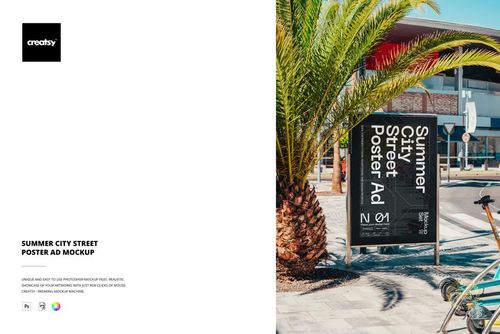
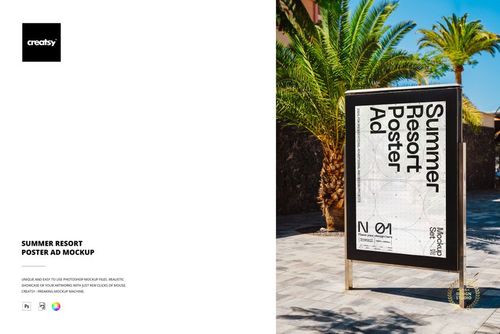
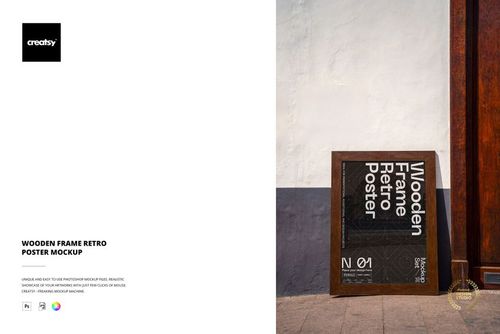
The Beauty & Candle Shop Ad Poster Mockup by Creatsy is a shop window poster mockup that shows a poster in the window of an elegant boutique, with an arched storefront, soft daylight, and products and flowers behind the glass. It ships as one layered PSD file at 6000 x 4000 px, so you can present a retail or sale poster in a real shop setting without a photo shoot.
Your artwork goes into a smart object. Double-click it, add your design, and the poster updates with the window perspective, reflections, and lighting. You can change the color and design of the poster. The poster ships with a placeholder, and the design in the previews is for display only.
It suits retail and boutique promotion: beauty, candle, and cosmetics shops, sale and seasonal campaigns, product launches, agency pitches, and print-on-demand or Etsy listings for poster and storefront templates.
What you get
1 layered PSD file
6000 x 4000 px at 300 dpi
Smart object for your poster design
A poster in an elegant boutique shop window
Organized, clearly named layers
How it works
Open the PSD in Adobe Photoshop (CS6 or newer) or in Photopea, the free online editor.
Double-click the smart object thumbnail.
Paste or place your design, then save and close the smart object.
Export your mockup as JPG or PNG.
Specifications
File: 1 PSD with smart object
Dimensions: 6000 x 4000 px, 300 dpi
Software: Adobe Photoshop (min. CS6) and Photopea
Scene: a poster in a boutique shop window
Who it is for
Graphic designers, retail and boutique brands, beauty, candle, and cosmetics shops, and print-on-demand and Etsy sellers presenting a shop window or sale poster design.