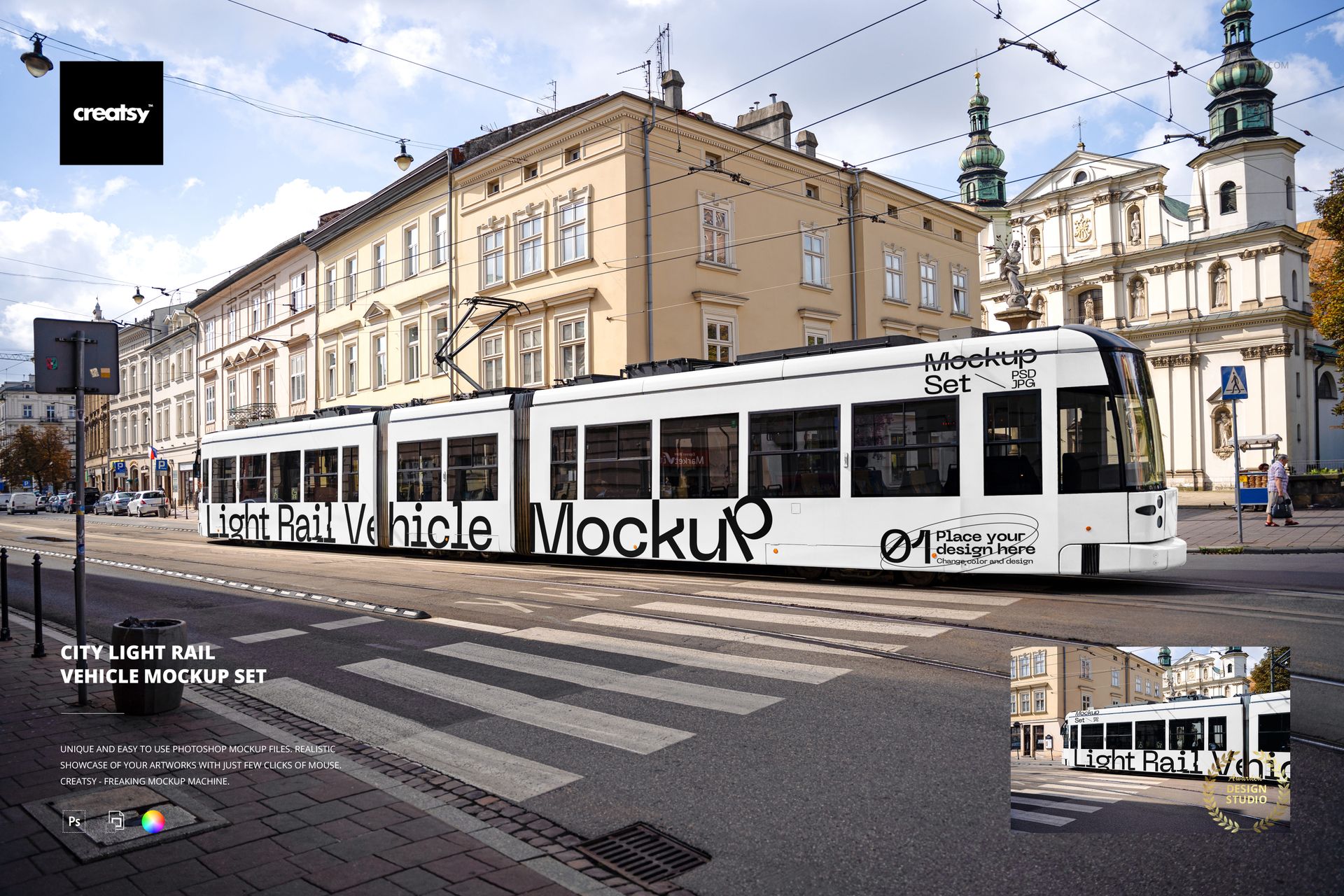
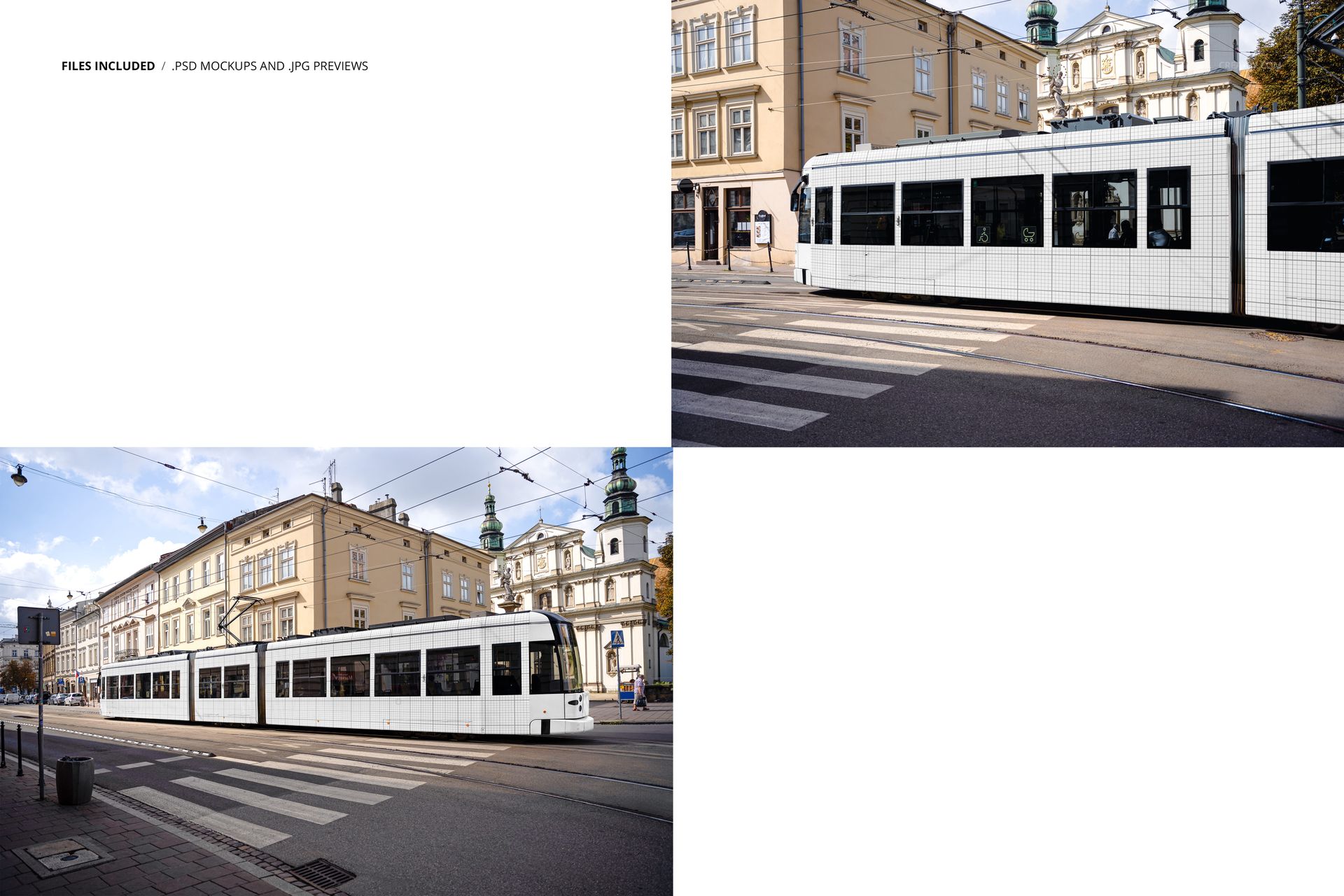
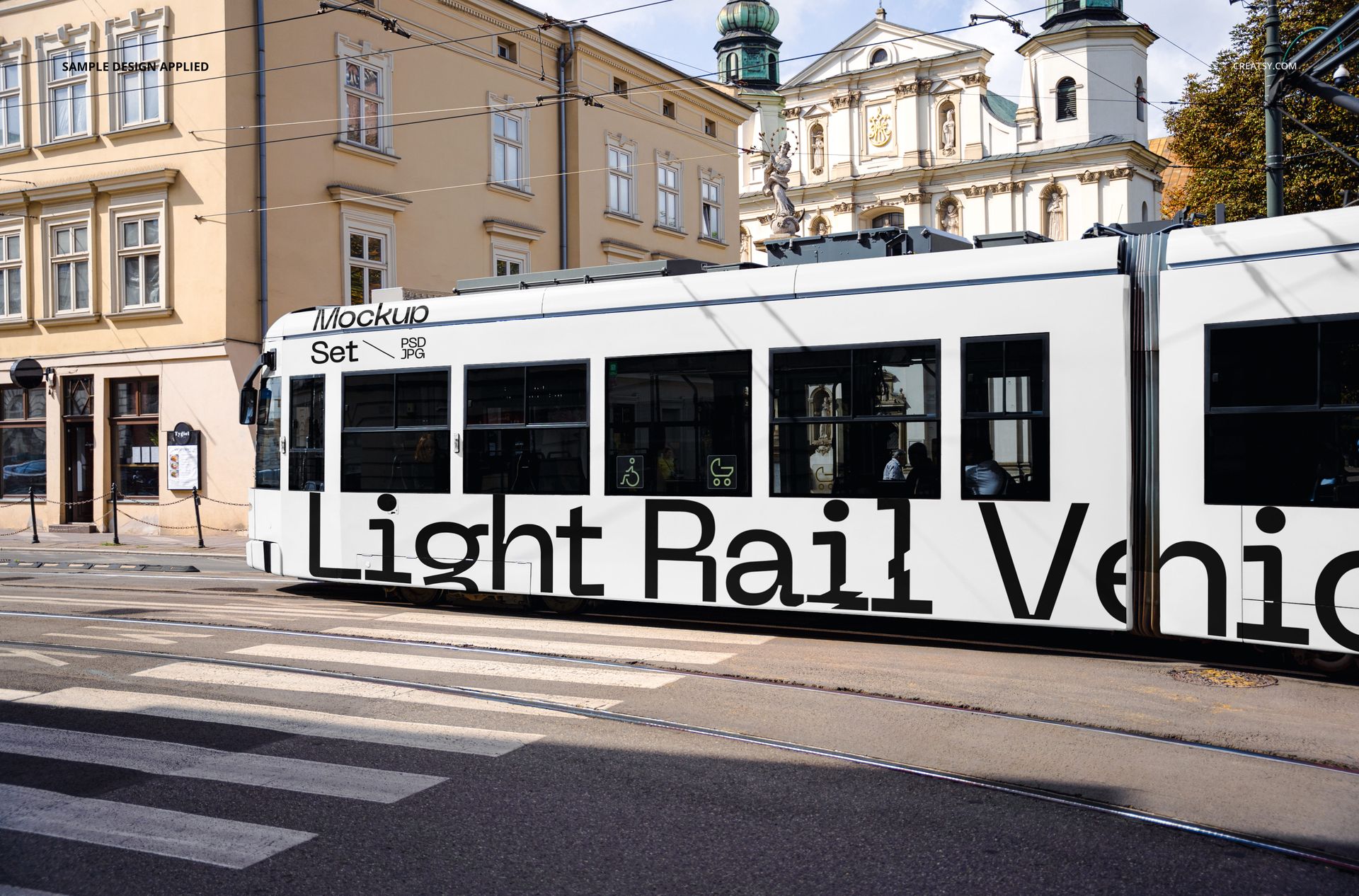
City Light Rail Vehicle Mockup Set presents a modern tram in an urban street environment, photographed from two angles that show the full length of the vehicle body where advertising wraps, branding, and campaign artwork are typically placed. The two PSD files capture the light rail vehicle in a realistic city setting with buildings, overhead wires, and street-level context visible in the background. Built for transit advertising agencies, graphic designers, and brands that need to present vehicle wrap concepts, public transit campaigns, or out-of-home advertising proposals in a format that shows how the artwork looks at actual scale on a moving piece of city infrastructure.
Why This Mockup Set Works
Presenting a transit advertising campaign on a flat artboard does not communicate the scale, perspective, or environmental context of a full vehicle wrap. This mockup places your design on a real light rail vehicle photographed in a real city street, so clients and stakeholders can see exactly how the campaign reads at street level, from the distance passengers and pedestrians experience it. The two angles give you enough coverage for a client presentation, a pitch deck, or a campaign review document where showing the wrap from multiple viewpoints strengthens the proposal and reduces rounds of revision after production begins.
What Is Included
The download contains 2 PSD files, each at 6000x4000 pixels and 300 DPI. Each file shows the light rail vehicle from a different street-level perspective, with the full advertising surface area of the tram body visible and editable through smart object layers. The urban backdrop includes architecture, street elements, and natural lighting that ground the mockup in a believable transit environment. Total download size is 217.68 MB.
What You Can Customize
Open either PSD in Adobe Photoshop CS6 or later, or use the free browser-based editor at photopea.com. Locate the smart object layer covering the vehicle advertising surface, double-click to open it, and place your campaign artwork, brand wrap, or transit advertisement design. The displacement follows the contours of the tram body including windows, doors, and panel joints for realistic placement. Save and close the smart object to see your design applied to the vehicle in the street scene. Well organized layers let you adjust individual elements as needed for your specific presentation requirements.
Who This Mockup Is For
Transit advertising agencies presenting vehicle wrap concepts to municipal transit authorities or brand clients. Graphic design studios pitching out-of-home advertising campaigns that include public transportation media. Brands evaluating how their visual identity translates to large-format transit surfaces before committing to production. Marketing teams building campaign presentations that include public transit advertising as part of a broader media plan. Urban planners and transit authorities previewing branding proposals for light rail systems and streetcar networks.
File Specifications
Format: PSD (Adobe Photoshop). Files: 2. Resolution: 6000x4000 px. DPI: 300. Size: 217.68 MB. Compatibility: Adobe Photoshop CS6 and newer, Photopea (free browser-based editor). Smart object layers for advertising placement on the vehicle body. Well organized layer structure. Two street-level angles of the light rail vehicle in an urban setting.