Flag Mockup Set
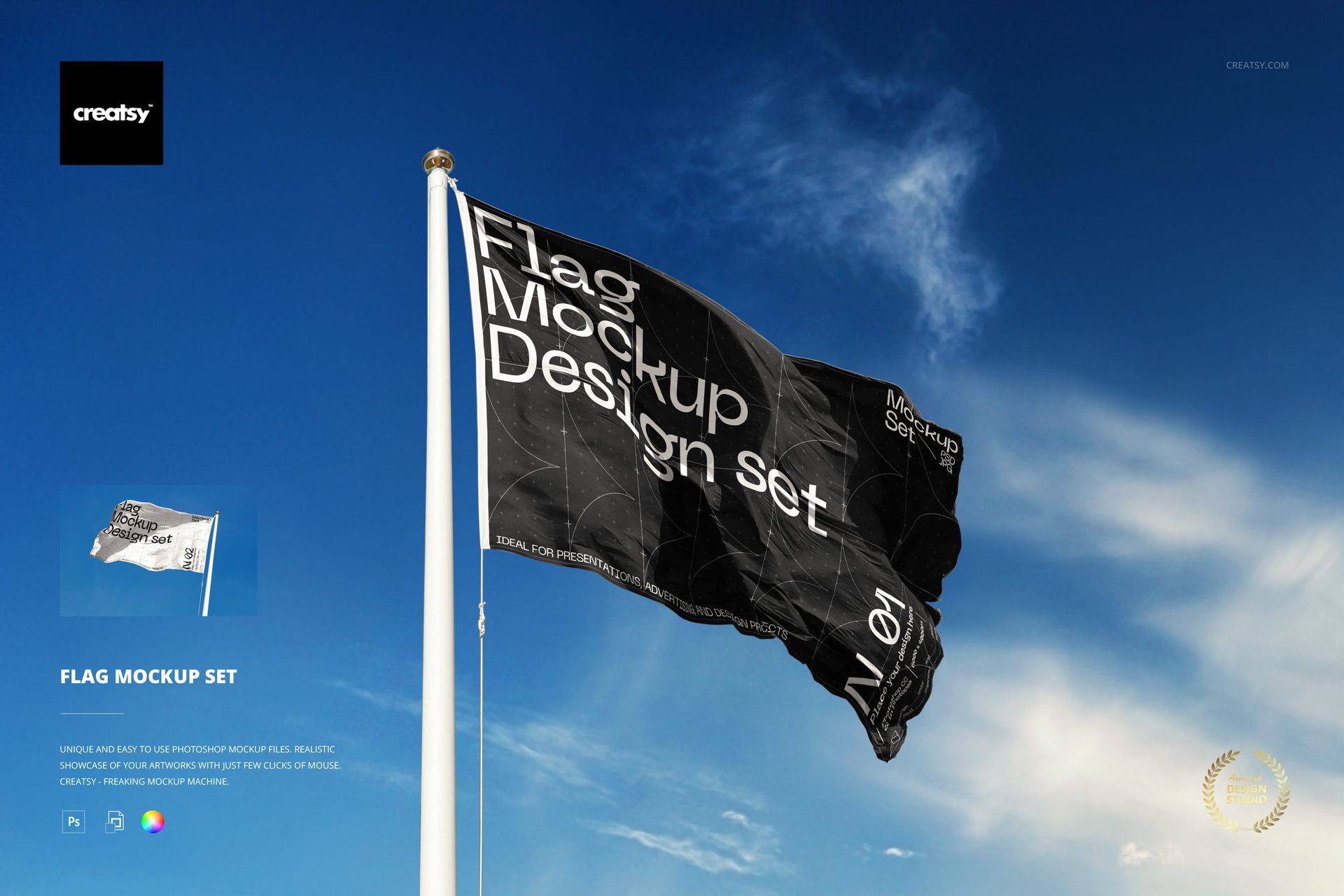
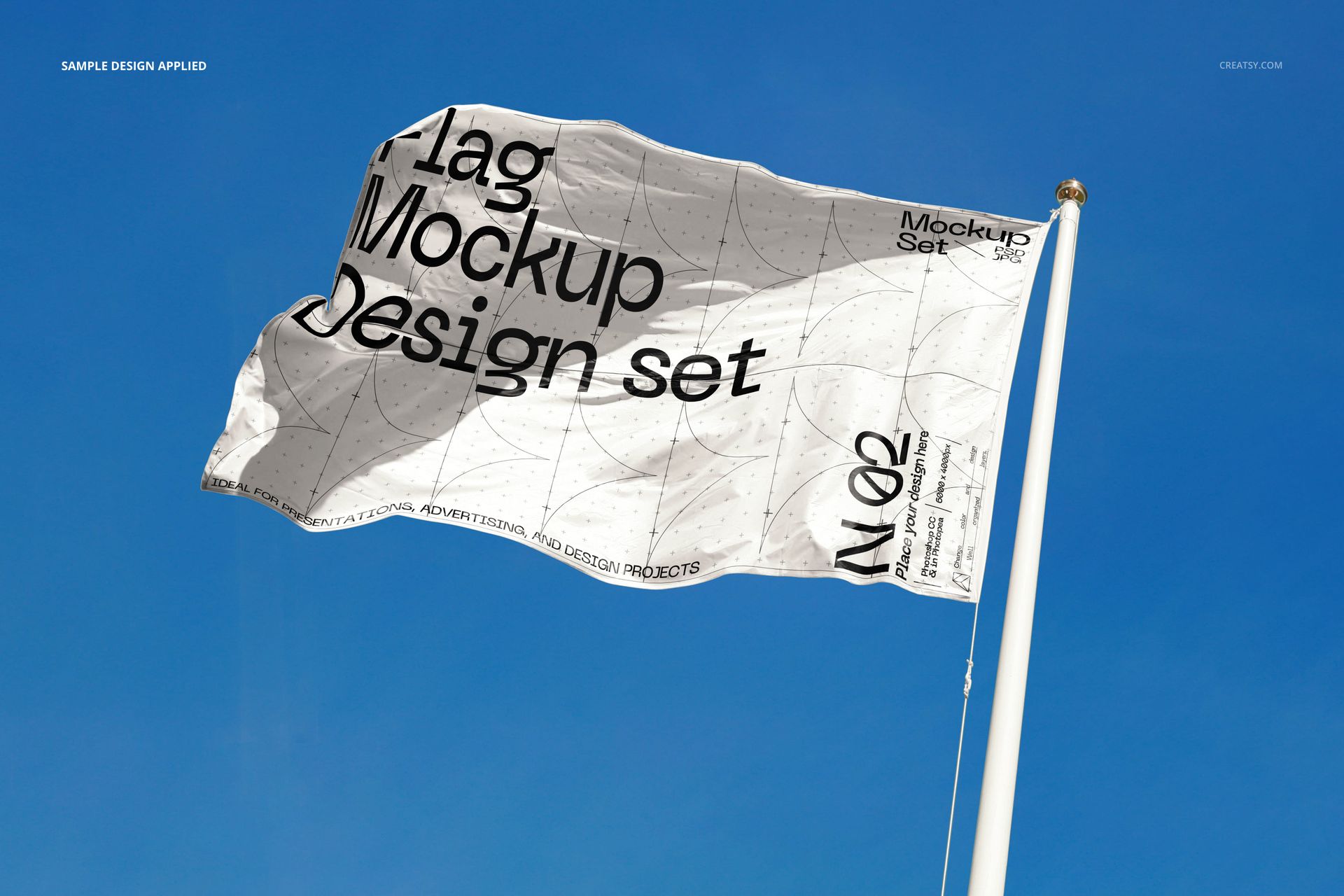
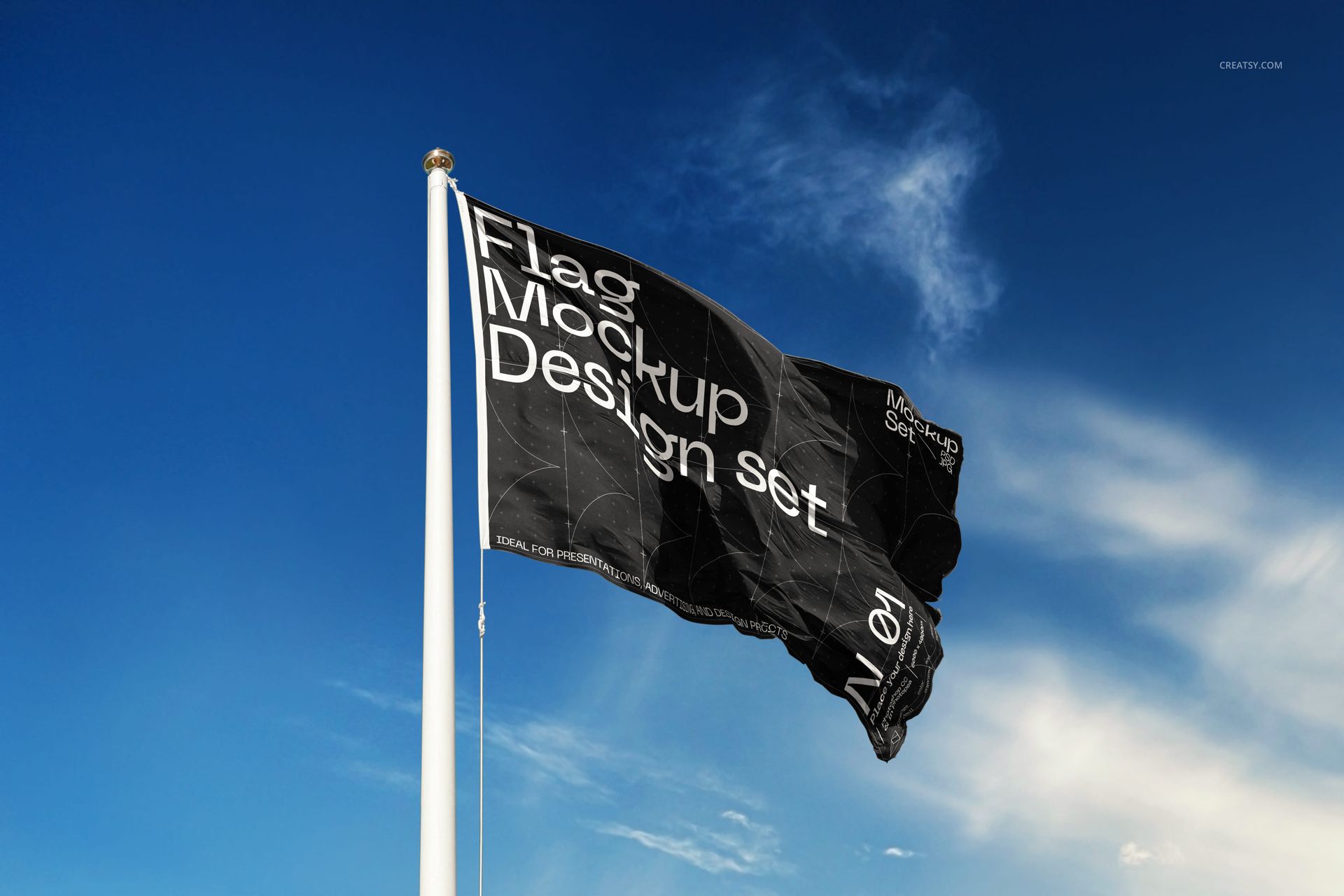
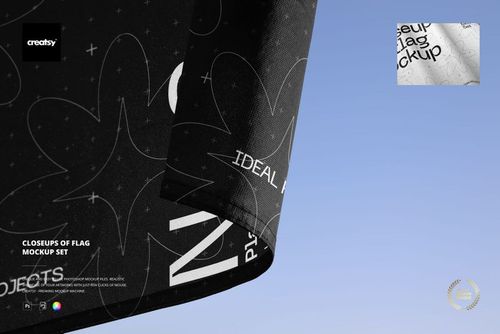
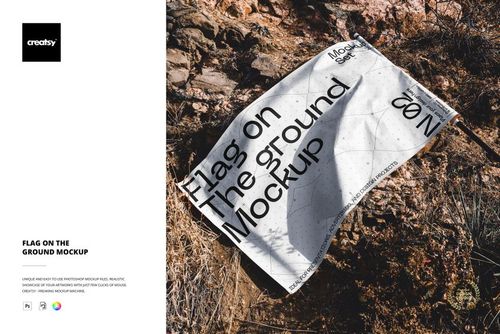
The Flag Mockup Set by Creatsy is a waving flag mockup that shows a flag fluttering on a pole against an open blue sky. It ships as two layered PSD files, each a different view, so you can present a flag design as it moves in the wind and catches the light.
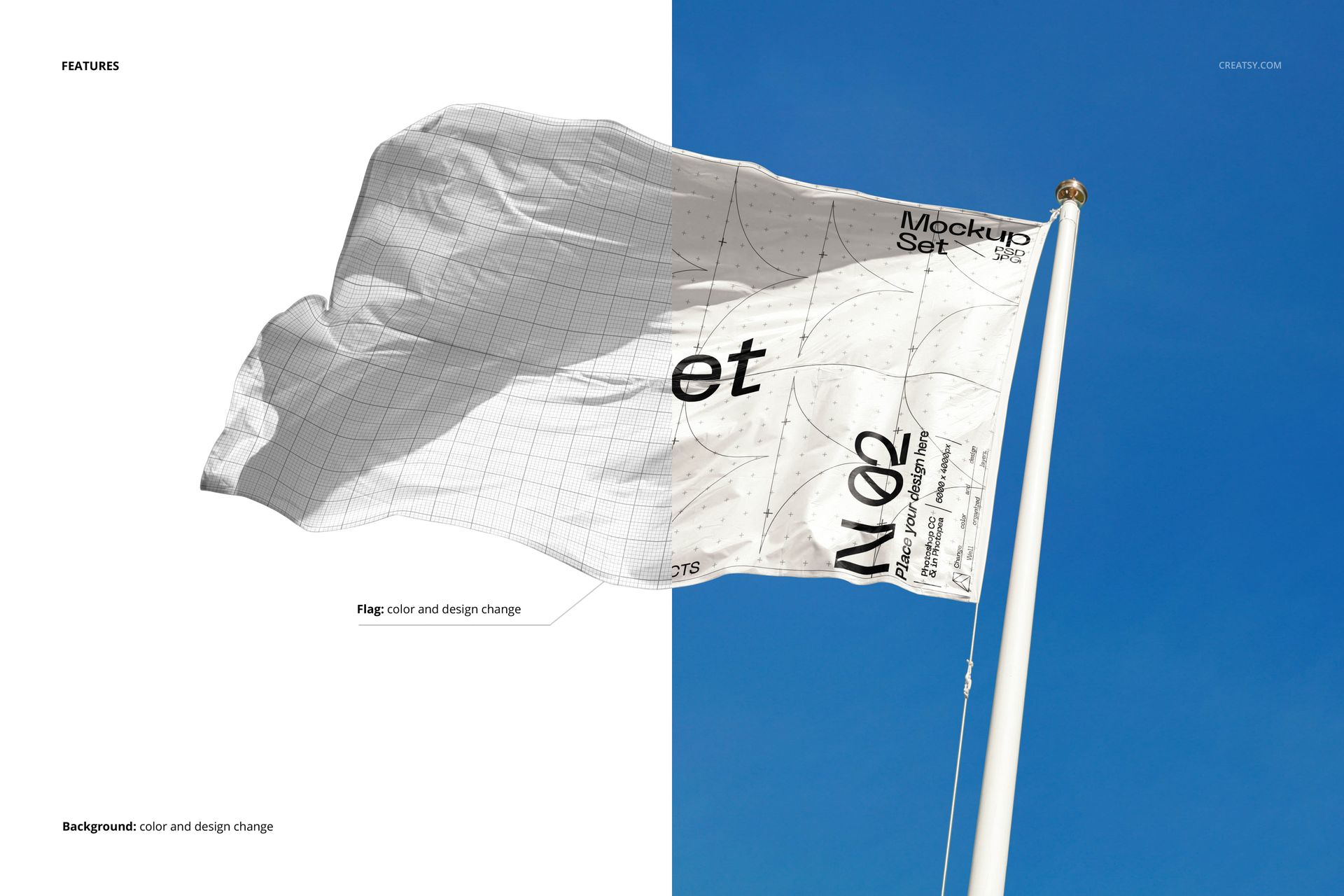
Each file holds a smart object. Double-click it, add your design, and the flag updates with the scene perspective, fabric waves, and daylight. The flags ship with placeholder art, and the designs in the previews are for display only.
It suits brand, country, and event flags: corporate and national flags, dealership and venue poles, sports and festival branding, agency pitches, and print-on-demand or Etsy listings for flag templates.
What you get
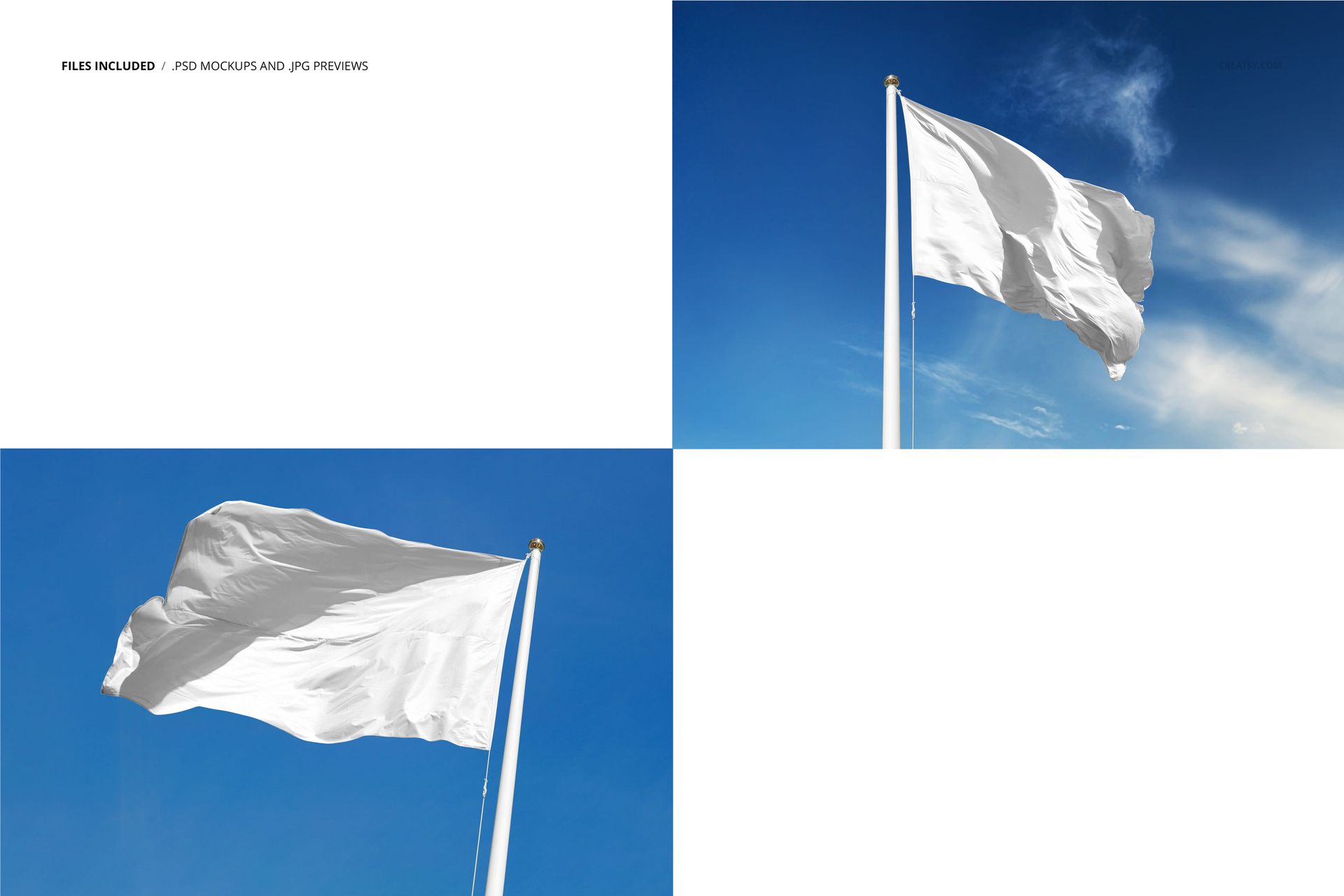
2 layered PSD files, each a different view
6000 x 4000 px at 300 dpi
Smart object in every file for your flag design
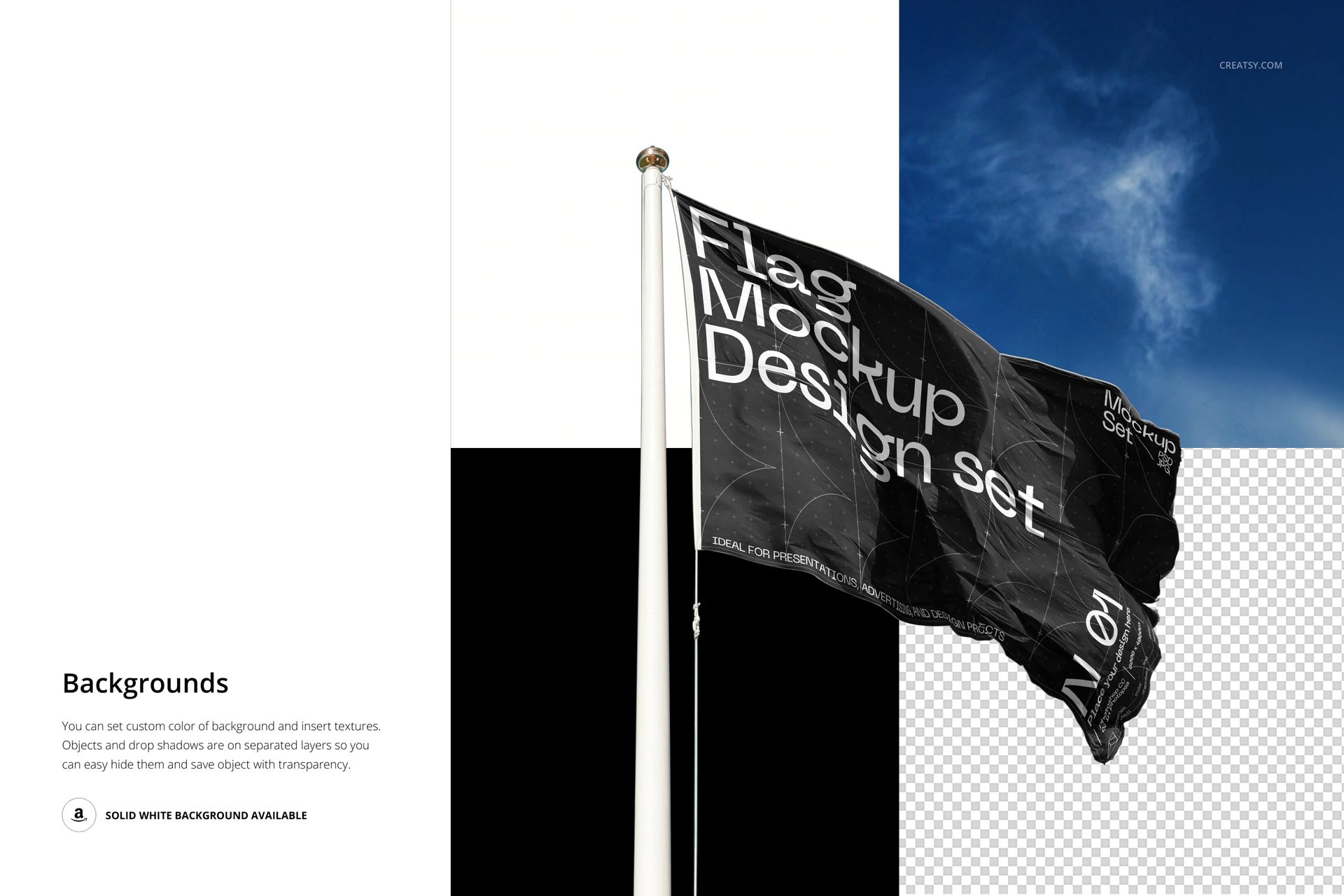
A flag waving on a pole against the sky
Organized, clearly named layers
How it works
Open a PSD in Adobe Photoshop (CC2020 or newer) or in Photopea, the free online editor.
Double-click the smart object thumbnail.
Paste or place your design, then save and close the smart object.
Export your mockup as JPG or PNG.
Specifications
Files: 2 PSD files in 2 views, plus JPG previews
Dimensions: 6000 x 4000 px, 300 dpi
Software: Adobe Photoshop (min. CC2020) and Photopea
Scene: a flag waving on a pole, outdoors against the sky
Who it is for
Graphic designers, brand and sign studios, sports, event, and venue teams, and print-on-demand and Etsy sellers presenting a waving flag design.