Oval Signboard On Brick Building Wall Mockup
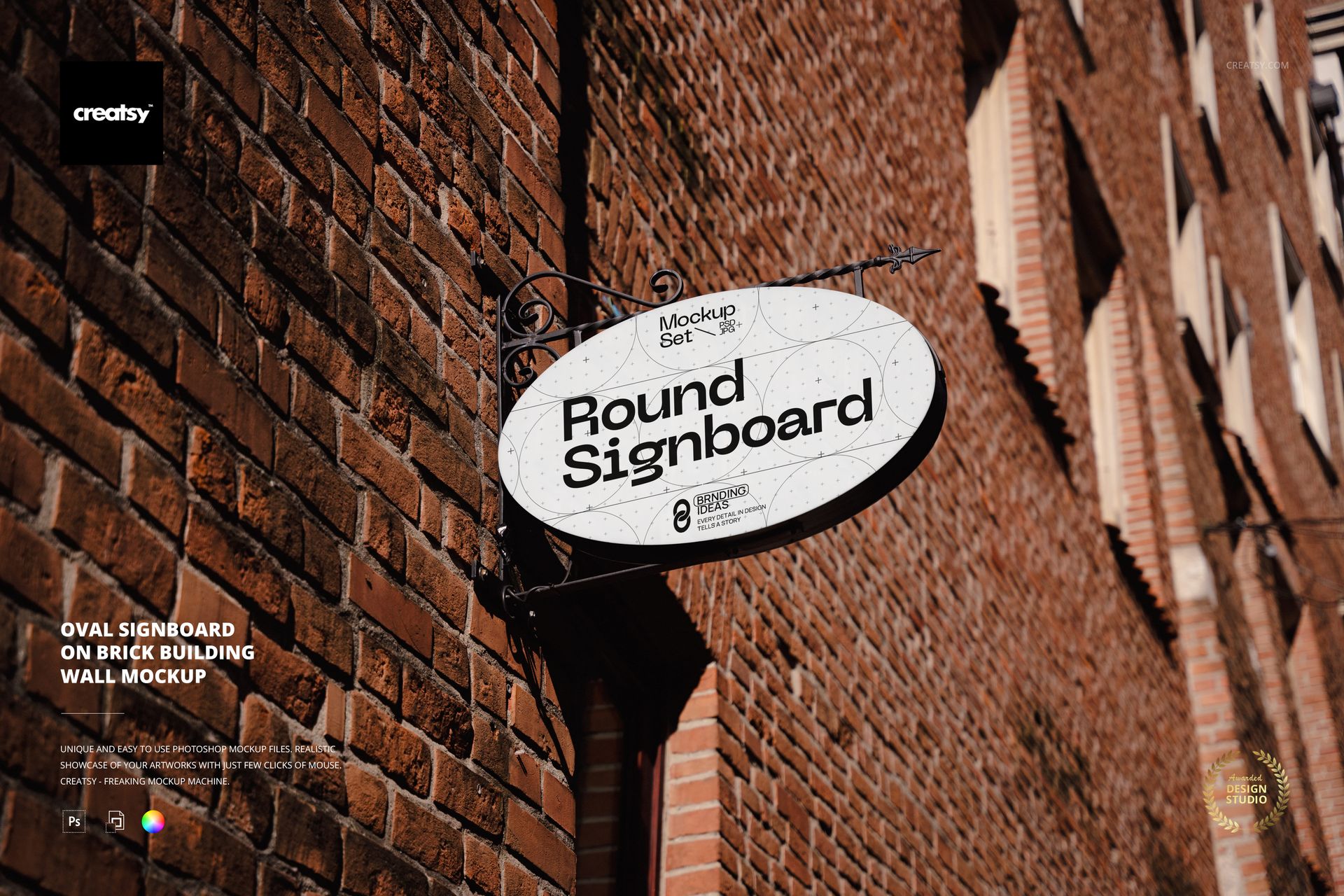
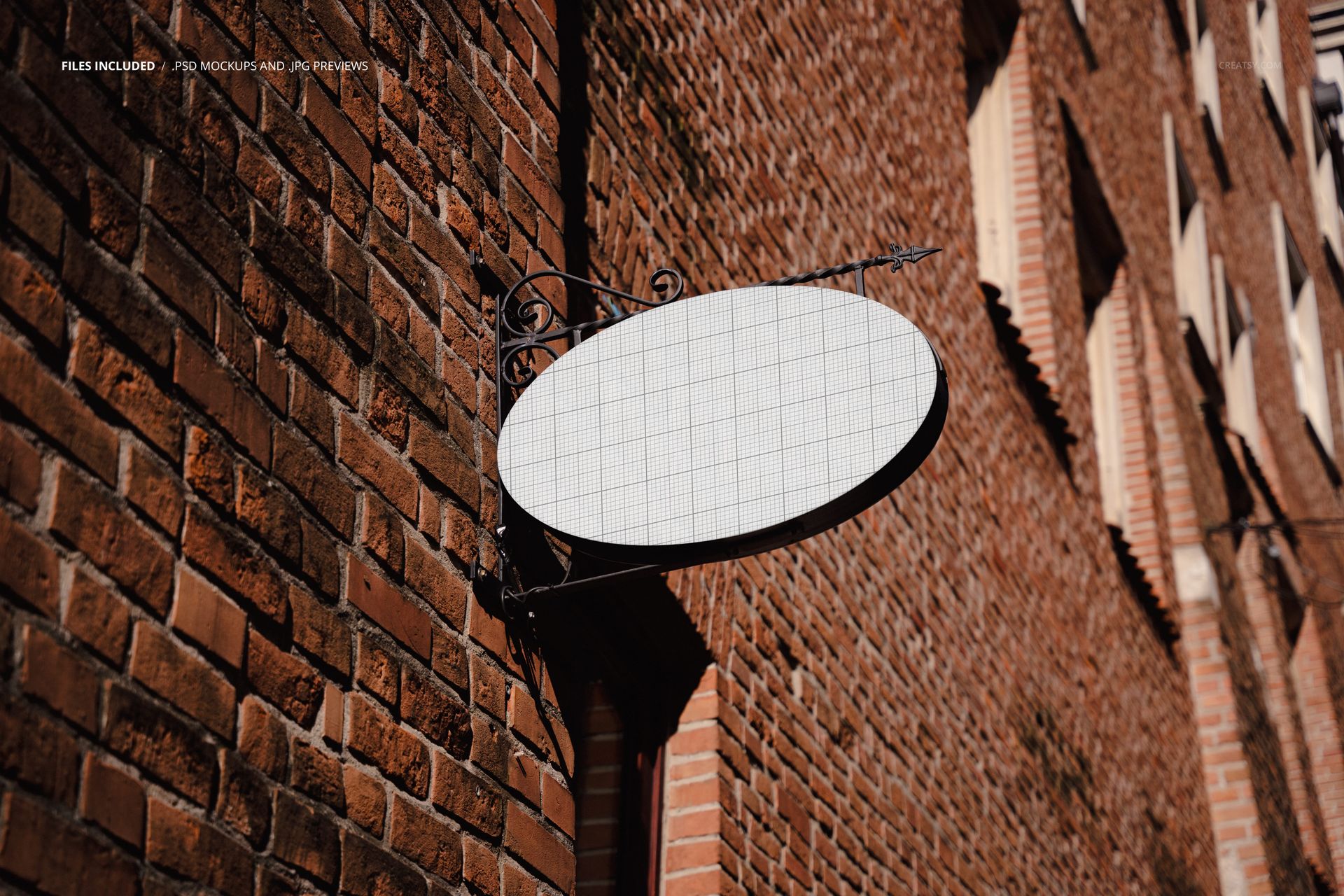
The Oval Signboard On Brick Building Wall Mockup by Creatsy is a hanging sign mockup for presenting shop, cafe, and storefront branding on an oval sign that projects from a red brick facade on a decorative wrought-iron bracket. The oval face is a smart object, so you place your logo or sign design once and it sits on the board with the real photo lighting and perspective.
The sign ships blank and the lettering shown in the preview is display artwork, not part of the file. You decide what goes on the board: a shop name, a cafe or bar sign, a boutique logo, or a street-level branding concept for a client. A color control lets you change the board tone, and the layers are organized so the edits stay quick.
The brick-wall scene gives the sign a believable old-town setting, which works for storefront and hospitality branding decks, logo presentations, and portfolio shots where a flat sign render would look lifeless. You get the finished facade without photographing a real building.
What you get
1 PSD mockup file with JPG preview
6000 x 4000 px at 300 DPI
Smart object for the oval sign face
Editable sign color
Brick building wall scene with a wrought-iron bracket
Well organized layers
Package size about 65 MB
How it works
Open the PSD in Adobe Photoshop CS6 or newer, or in Photopea.
Double-click the smart object for the oval sign.
Paste your logo or sign design, then save and close the smart object.
Adjust the sign color if needed and export as JPG or PNG.
Specifications
Files: 1 PSD plus JPG preview
Resolution: 6000 x 4000 px, 300 DPI
Smart objects: oval sign face
Scene: oval signboard on a brick building wall
Software: Adobe Photoshop CS6 and newer, and Photopea
Package size: about 65 MB
Who it is for
Shop and cafe owners previewing a sign, logo and branding designers, sign makers showing a proof, and students building a storefront branding portfolio. Anyone who needs a hanging sign shown on a real brick facade without a photo shoot.