Urban Posters Mockup Set, Industrial Scenery
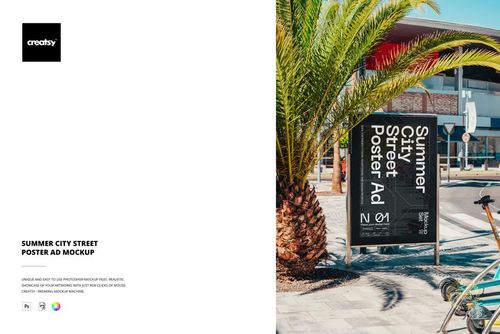
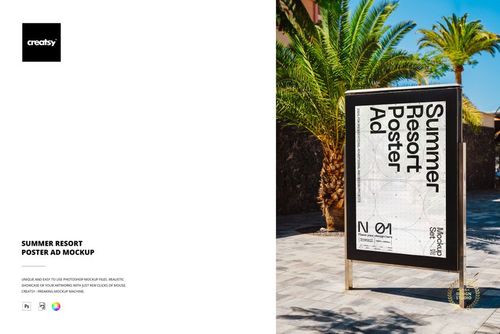
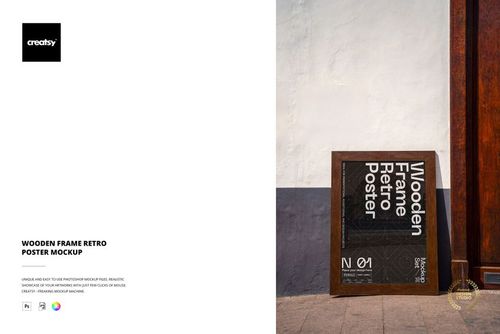
The Urban Posters Mockup Set by Creatsy is a poster stand mockup that shows free-standing poster displays in an industrial setting, with old brick factory buildings and concrete underfoot. It ships as two layered PSD files, each a different scene, so you can present a poster design in a raw, urban location from more than one angle.
Each file holds a smart object. Double-click it, add your design, and the poster updates with the stand perspective, shadows, and daylight. The posters ship with placeholder art, and the designs in the previews are for display only.
It suits city and event advertising: exhibitions and festivals, product and brand campaigns, gallery and venue promotion, agency pitches, and print-on-demand or Etsy listings for poster and street-ad templates.
What you get
2 layered PSD files, each a different scene
6000 x 4000 px at 300 dpi
Smart object in every file for your poster design
Free-standing poster stands in an industrial setting
Organized, clearly named layers
How it works
Open a PSD in Adobe Photoshop (CS6 or newer) or in Photopea, the free online editor.
Double-click the smart object thumbnail.
Paste or place your design, then save and close the smart object.
Export your mockup as JPG or PNG.
Specifications
Files: 2 PSD files in 2 scenes, plus JPG previews
Dimensions: 6000 x 4000 px, 300 dpi
Software: Adobe Photoshop (min. CS6) and Photopea
Scene: free-standing poster stands in an industrial setting
Who it is for
Graphic designers, advertising and event agencies, galleries and venues, and print-on-demand and Etsy sellers presenting posters on a street stand.