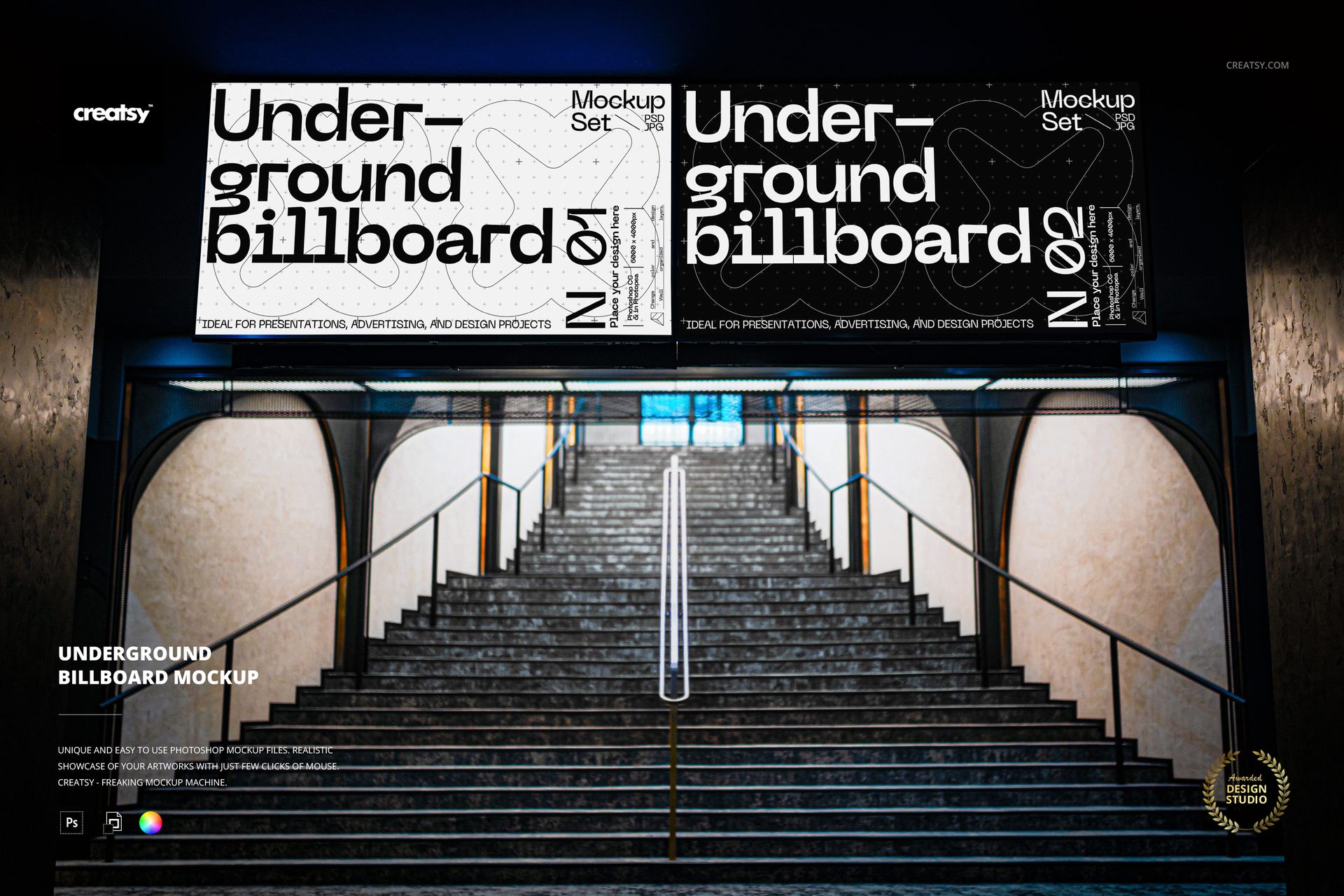
Put your campaign in the spotlight with this free Underground Billboard Mockup. Present posters, promo graphics, and branding on a large backlit billboard above a metro stairway. Perfect for advertising pitches, OOH presentations, and bold portfolio shots. Free for commercial use – see license for details.
Highlights
- Format: 1× PSD, 6000×4000 px, 300 dpi
- Workflow: Smart Object; clean, well-organized layers
- Editable: billboard design & color
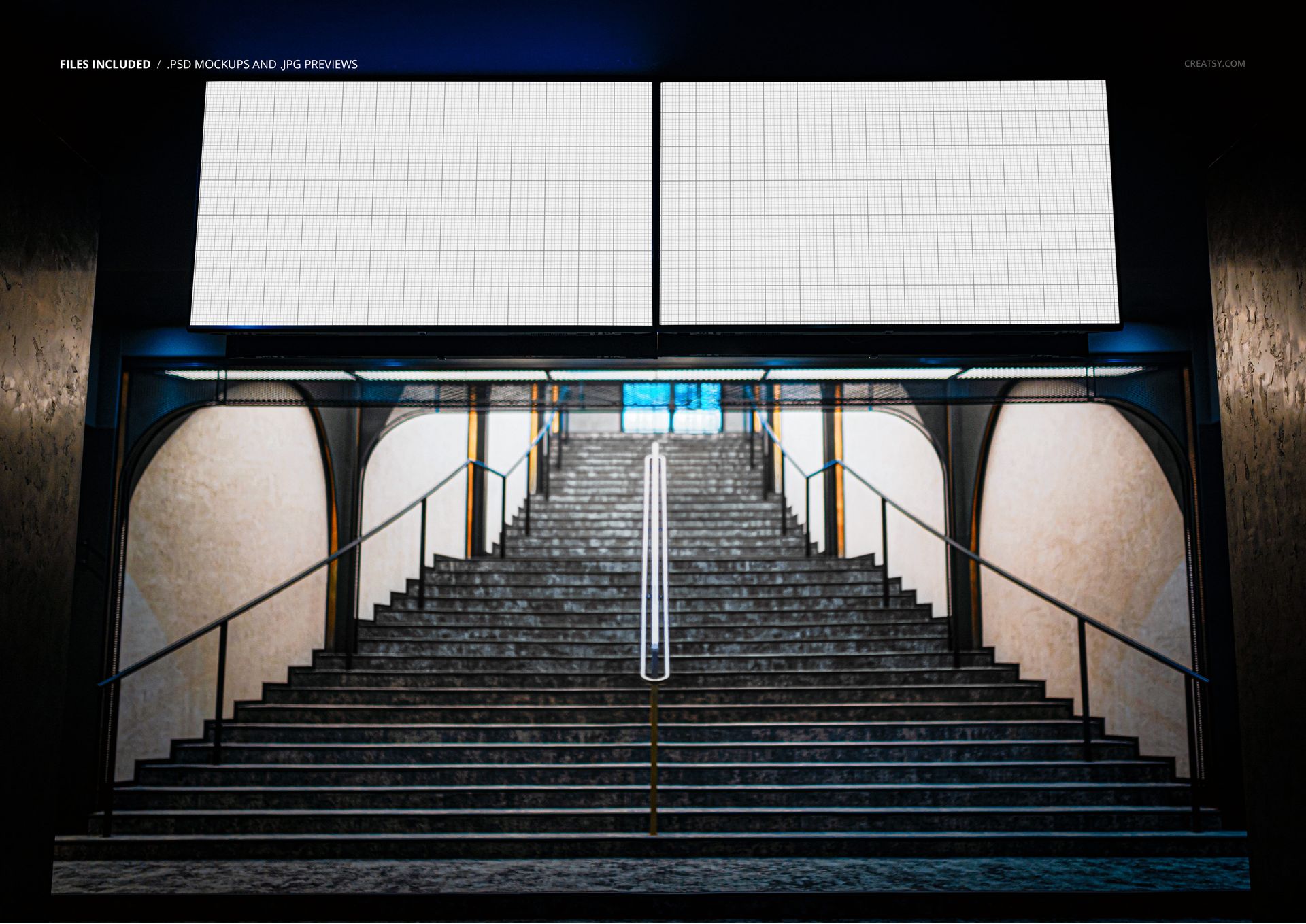
- Scene: illuminated underground billboard above a staircase in a subway/metro station
- Objects: composition is fixed (elements are not movable)
- Apps: Photoshop (min. CC 2020) + Photopea (free online editor)
- Use cases: outdoor advertising concepts, event campaigns, movie or music promos, client presentations, social media
- License: free for personal & commercial use (see terms)
What’s inside / Specs
- Files: PSD (+ preview JPG)
- Canvas: 6000×4000 px, 300 dpi
- Layers & controls:
- Smart Object for the billboard artwork (drop in your poster or layout)
- Color adjustment for the billboard surface to match your brand palette
- Preserved lighting and reflections for realistic backlit effect
- Style: modern underground environment with moody, cinematic lighting that makes graphics pop
- Compatibility: Photoshop CC 2020 or newer; works in Photopea
- Approx. size: ~57–60 MB (archive may vary by compression)
How-to (Photoshop & Photopea)
- Open the PSD in Photoshop (CC 2020+) or Photopea.
- Double-click the billboard Smart Object, paste your design, and Save to refresh the mockup.
- Adjust billboard color via the provided color layer if desired.
- Optionally tweak overall contrast or color grading to suit your campaign.
- Export high-resolution JPG/PNG/WebP files for decks, presentations, or online use.
License & usage
Free for personal & commercial use (for 1 business, up to 5,000 end products). PSD source files cannot be resold, shared, or redistributed as-is. Please check the full license – “Freebie” row – for complete terms and restrictions.















increible
Thank you so much, Steven! We’re thrilled to hear that you found the Underground Subway Billboard Advertising Mockup incredible. We hope it helps you create bold, realistic and eye-catching advertising presentations. Thank you for your 5-star review!