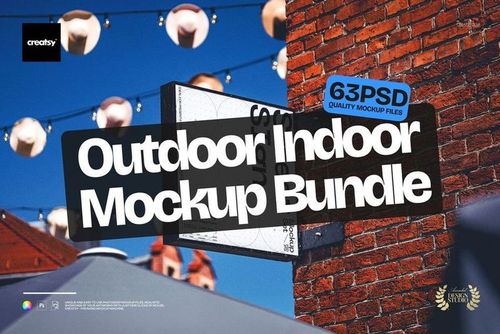
Urban Poster Banner Mockup, Autumn Scenery
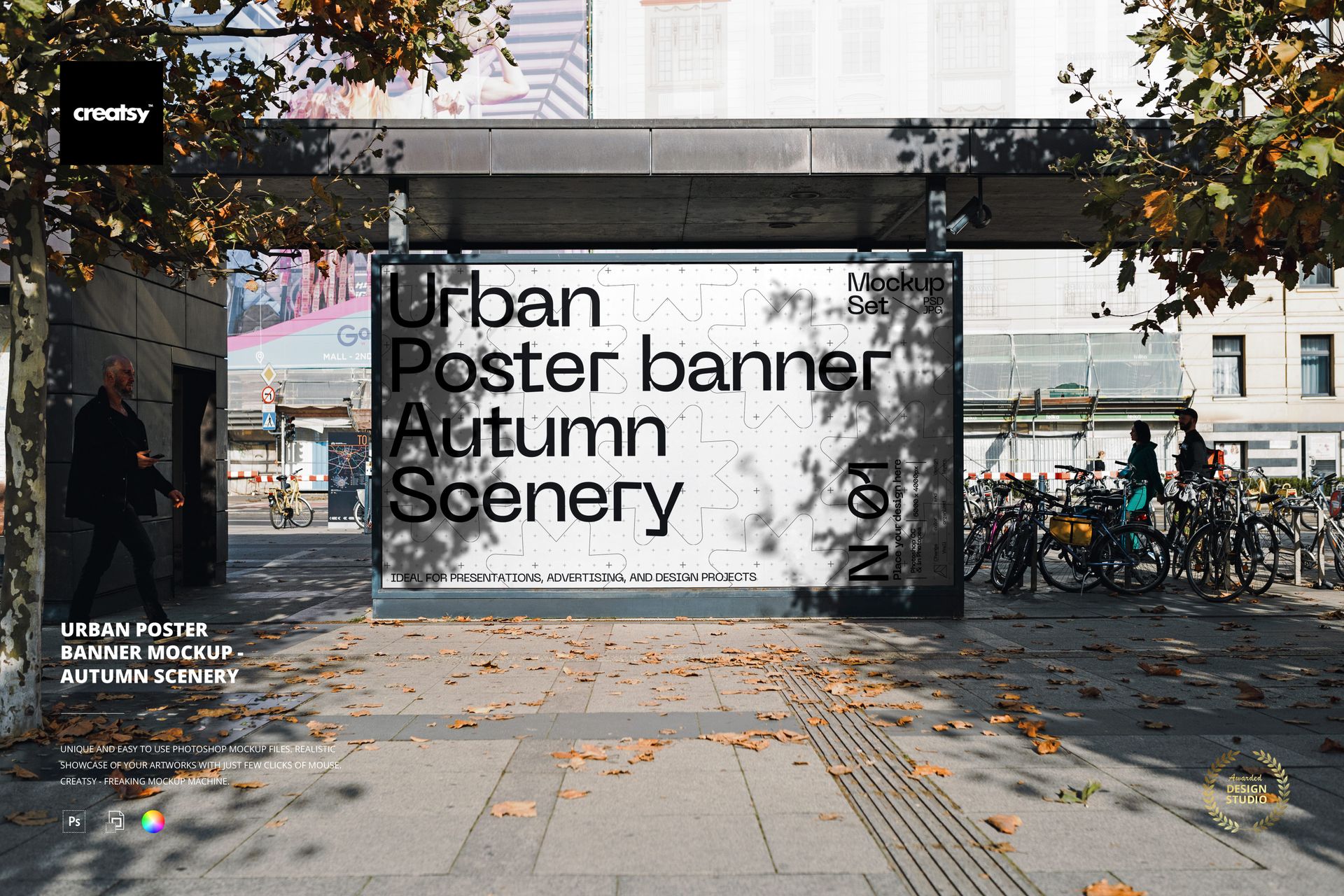
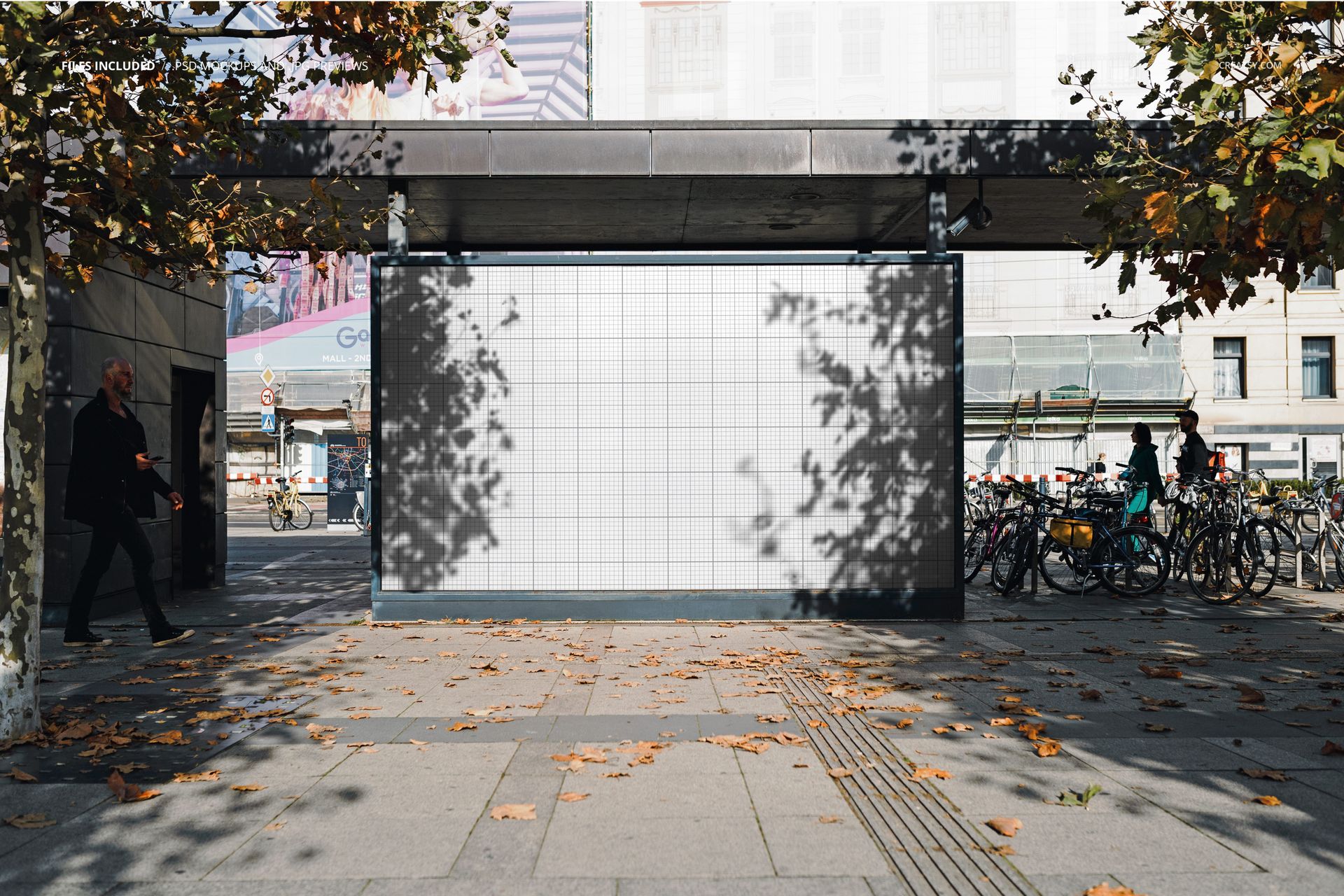
The Urban Poster Banner Mockup by Creatsy is an urban poster mockup that shows a large horizontal banner in a city square, with bikes, passersby, buildings, and autumn leaves across the pavement. It ships as one layered PSD file at 6000 x 4300 px, so you can present a wide poster design in a real street setting without a photo shoot.
Your artwork goes into a smart object. Double-click it, add your design, and the banner updates with the frame perspective, soft daylight, and the busy scene behind it. You can change the color and design of the poster. The banner ships with a placeholder, and the design in the previews is for display only.
It suits city and outdoor advertising: event and cultural campaigns, product launches, seasonal promotions, agency pitches, and print-on-demand or Etsy listings for poster and street-ad templates.
What you get
1 layered PSD file
6000 x 4300 px at 300 dpi
Smart object for your poster design
A wide poster banner in an autumn city square
Organized, clearly named layers
How it works
Open the PSD in Adobe Photoshop (CS6 or newer) or in Photopea, the free online editor.
Double-click the smart object thumbnail.
Paste or place your design, then save and close the smart object.
Export your mockup as JPG or PNG.
Specifications
File: 1 PSD with smart object
Dimensions: 6000 x 4300 px, 300 dpi
Software: Adobe Photoshop (min. CS6) and Photopea
Scene: a wide poster banner in an autumn city square
Who it is for
Graphic designers, advertising and event agencies, city and cultural promoters, and print-on-demand and Etsy sellers presenting a wide poster in an urban setting.