Antique Opera House Ad Poster Mockup
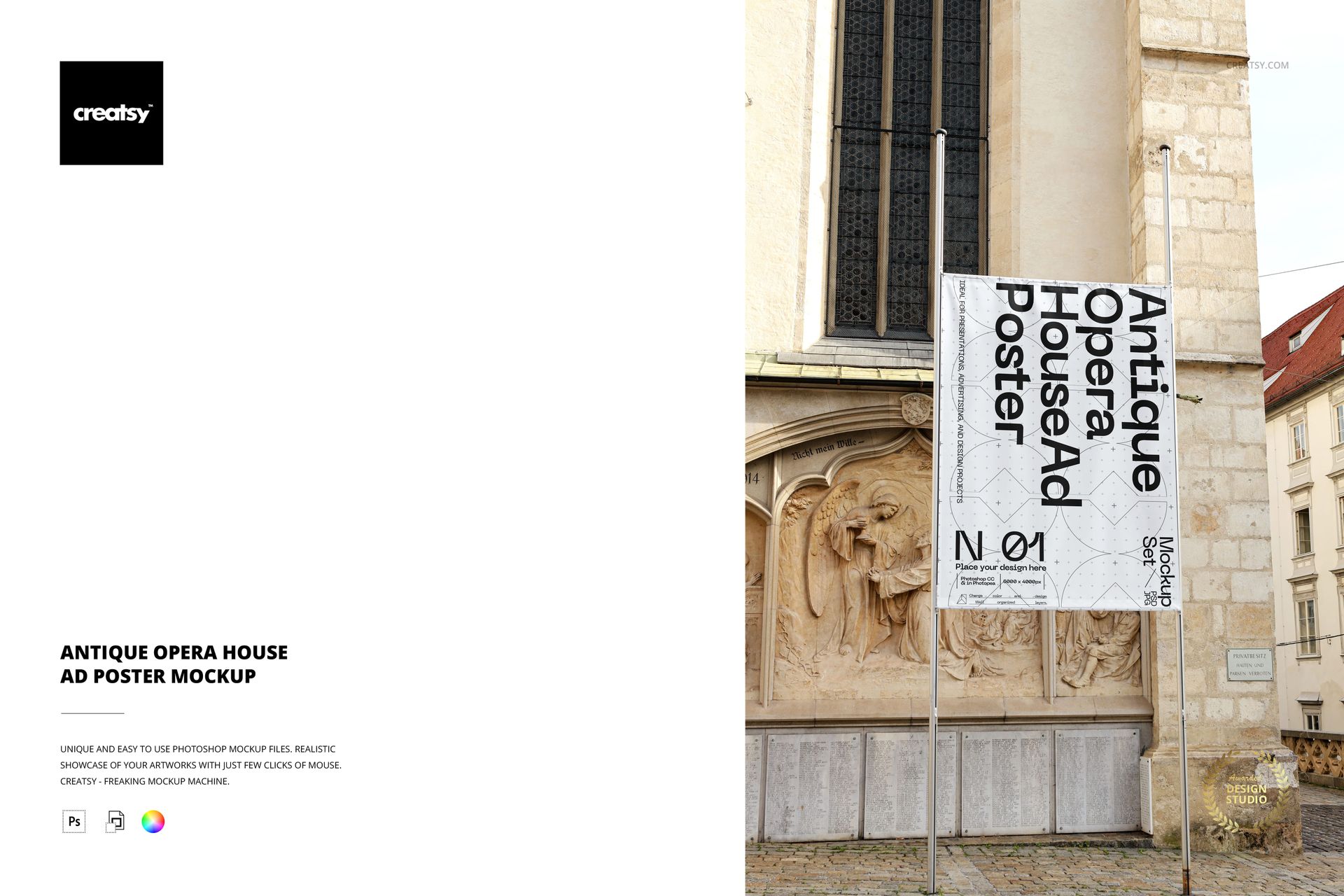
The Antique Opera House Ad Poster Mockup by Creatsy is an opera house poster mockup that hangs a tall banner between two poles against an ornate historic facade, with carved stone and old architecture behind it. It ships as one layered PSD file at 6000 x 4000 px, so you can present an event or advertising poster in a grand, cultural setting without a photo shoot.
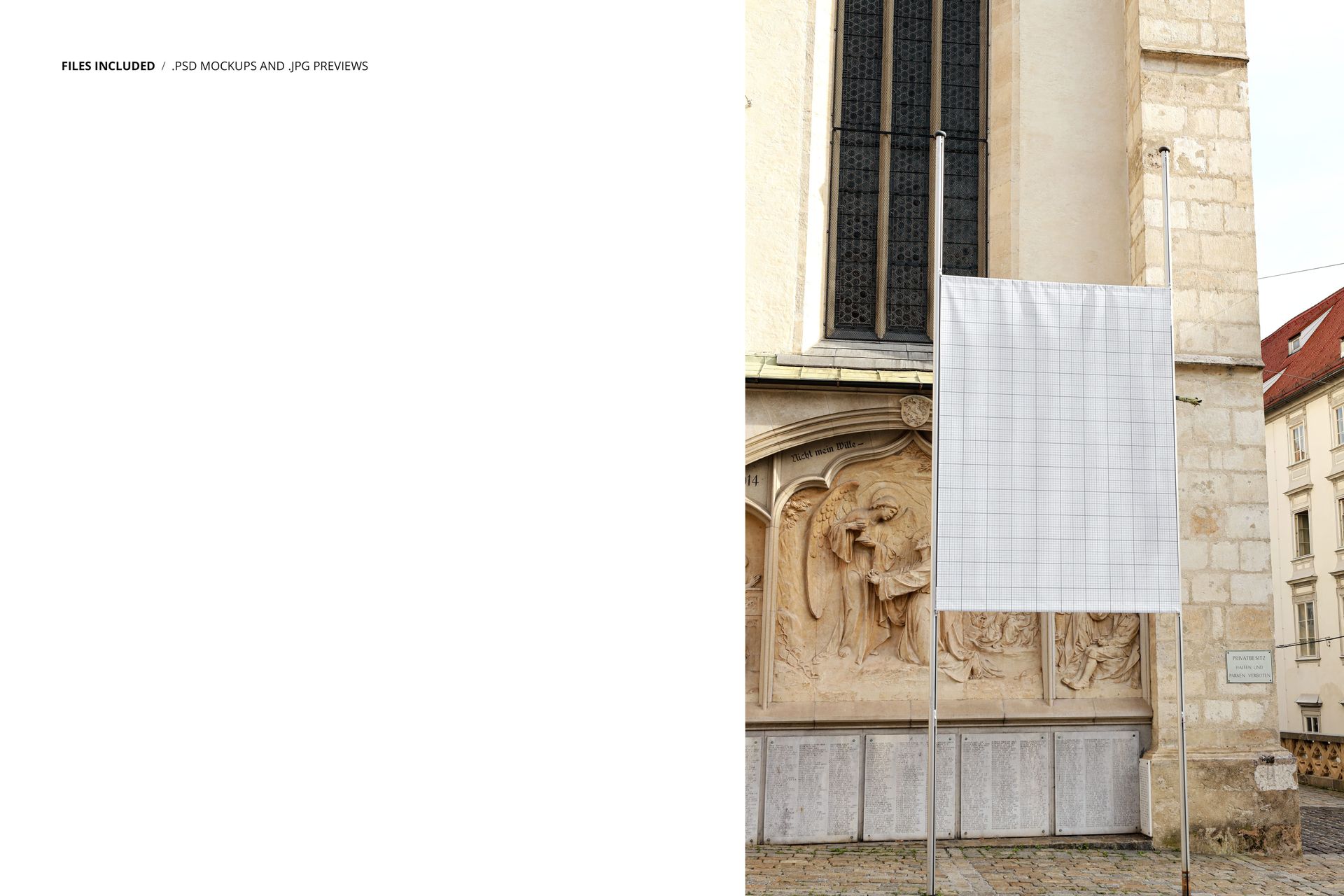
Your artwork goes into a smart object. Double-click it, add your design, and the banner updates with the scene perspective, fabric folds, and daylight. You can change the color and design of the poster. The banner ships with a placeholder, and the design in the previews is for display only.
It suits cultural and event promotion: opera, theatre, and concert posters, museum and exhibition announcements, festival and tourism campaigns, agency pitches, and print-on-demand or Etsy listings for poster templates.
What you get
1 layered PSD file
6000 x 4000 px at 300 dpi
Smart object for your poster design
A hanging banner on a historic opera-house facade
Organized, clearly named layers
How it works
Open the PSD in Adobe Photoshop (CS6 or newer) or in Photopea, the free online editor.
Double-click the smart object thumbnail.
Paste or place your design, then save and close the smart object.
Export your mockup as JPG or PNG.
Specifications
File: 1 PSD with smart object
Dimensions: 6000 x 4000 px, 300 dpi
Software: Adobe Photoshop (min. CS6) and Photopea
Scene: a hanging ad banner on an antique opera-house facade
Who it is for
Graphic designers, cultural venues and event promoters, opera, theatre, and museum teams, and print-on-demand and Etsy sellers presenting a poster or event banner design.