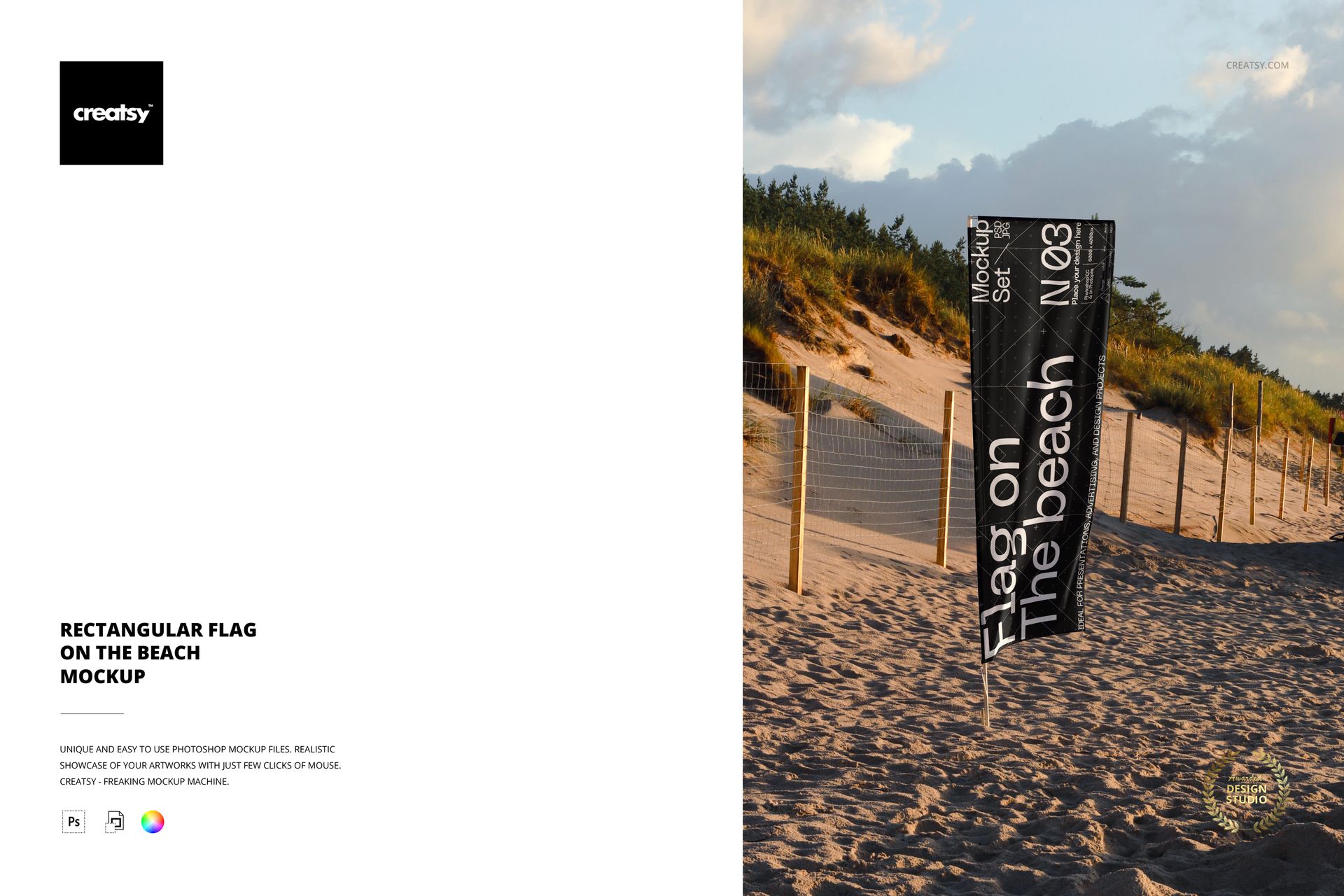
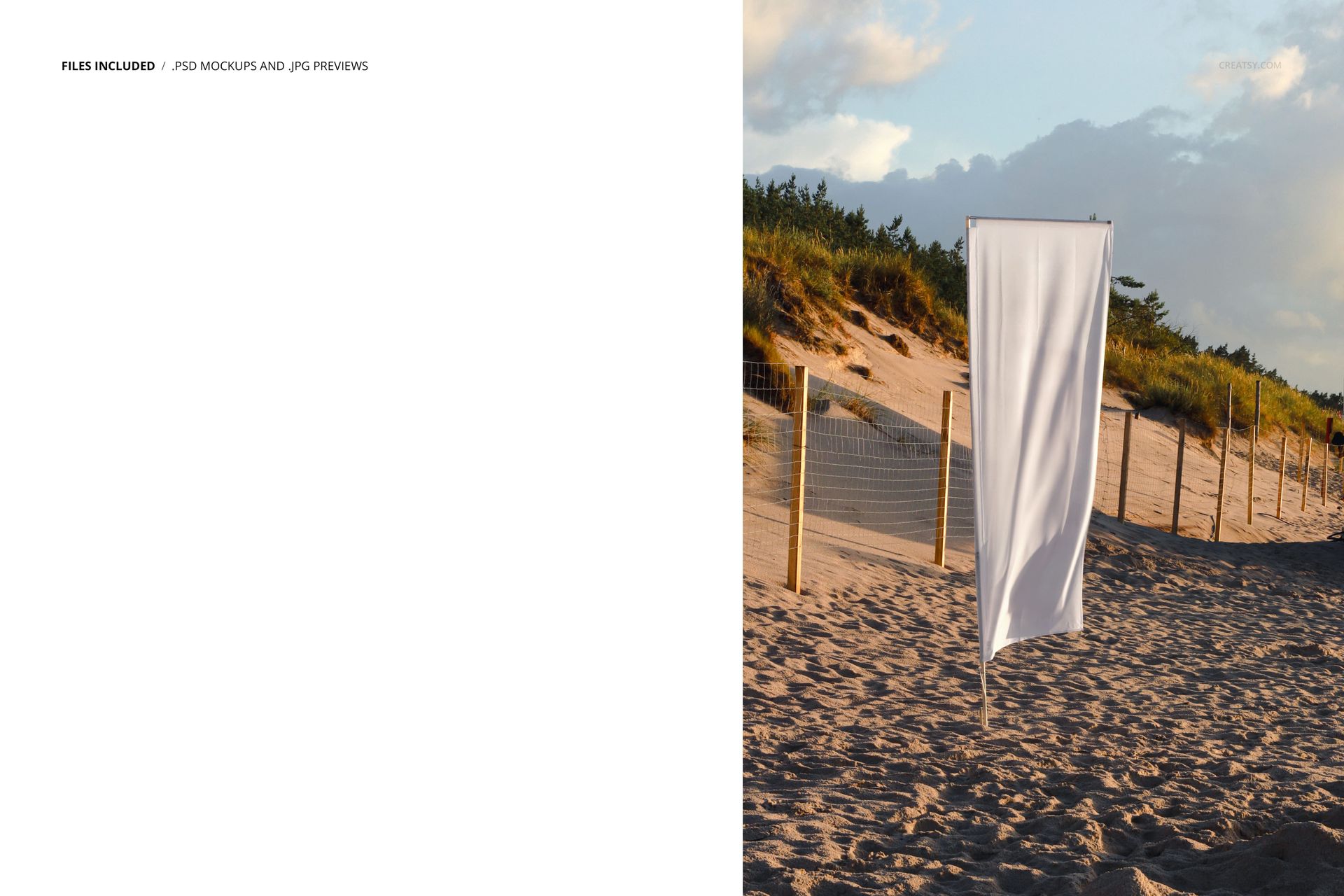
Design beach branding, event signage, and outdoor promos faster with this free photo-realistic Rectangular Flag on the Beach Mockup. Drop your artwork into Smart Objects to see it printed on a tall beach flag with golden-hour lighting and natural sand textures. Free for commercial use – see license for details.
Highlights
- Format: 1× PSD, 6000×4000 px, 300 dpi
- Workflow: Smart Objects for flag artwork; color-change for the flag
- Apps: Photoshop (min. CC 2020) + Photopea (free online editor)
- Use cases: beach events, festivals, surf schools, resorts, outdoor ads, social promos
- License: free for personal & commercial use (see terms)
What’s inside / Specs
- Files: PSD (+ preview JPG)
- Scene: full-height beach flag in front of sand dunes and evening sky
- Canvas: 6000×4000 px, 300 dpi
- Layers: Smart Object for flag design; flag color adjustment; overall tone/contrast
- Editable: flag design & color (background and environment are fixed)
- Compatibility: Photoshop CC 2020 or newer; works in Photopea
- Approx. size: ~33–35 MB (archive may vary by compression)
How-to (Photoshop & Photopea)
- Open the PSD in Photoshop (CC2020+) or Photopea.
- Replace the flag Smart Object with your design, then save to update the mockup.
- Adjust overall contrast and tones to match your brand imagery.
- Export high-res images (JPG/PNG/WebP) for web, print, or client presentations.
License & usage
Free for personal & commercial use (for 1 business, up to 5,000 end products). No resell/redistribution of source files. See full license – “Freebie” row for details.














good
Thank you so much, edwin_salazar! We’re happy to hear that you liked the Rectangular Beach Flag Outdoor Advertising Mockup. We hope it helps you create clear, realistic and professional outdoor advertising presentations. Thank you for your 5-star review!