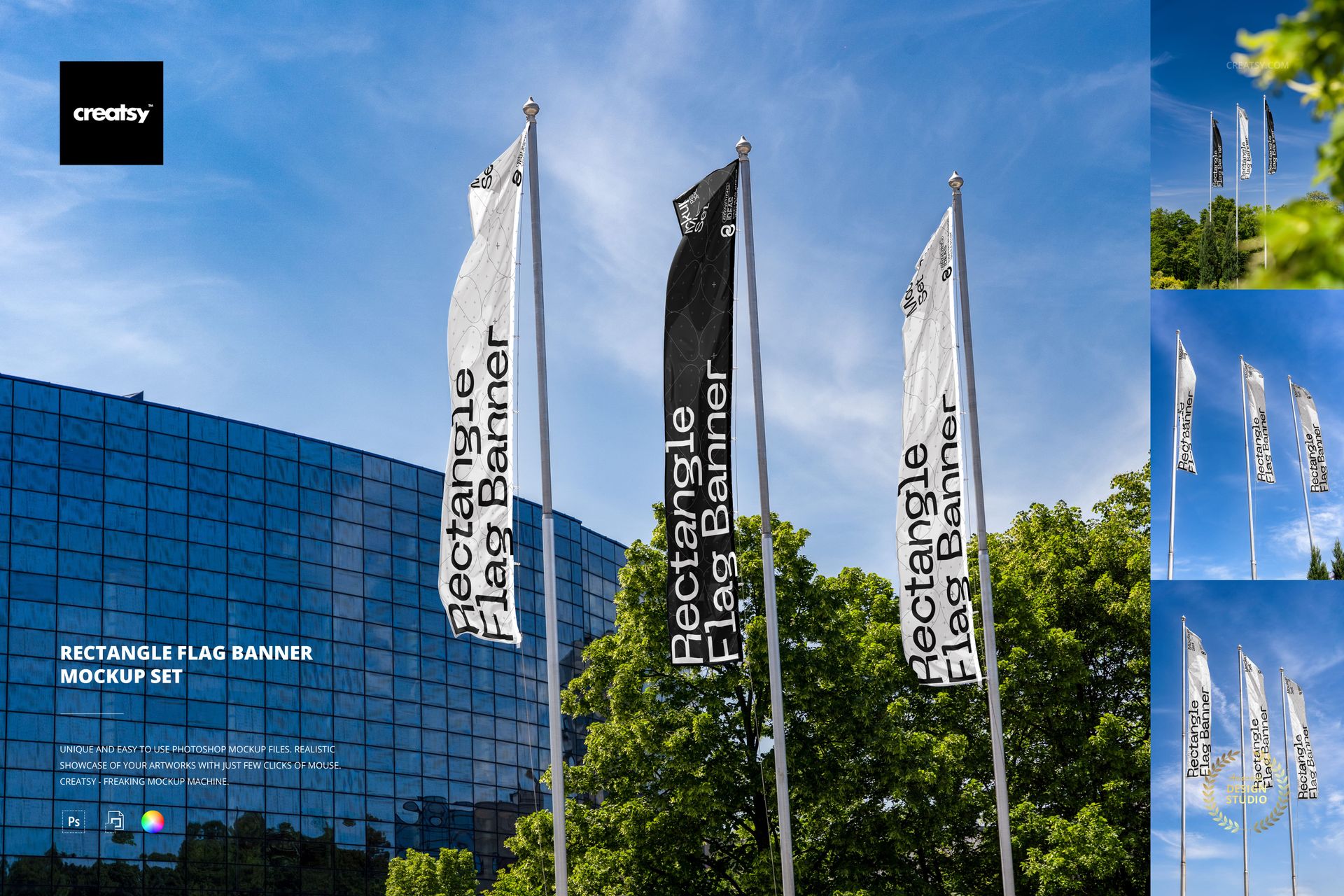
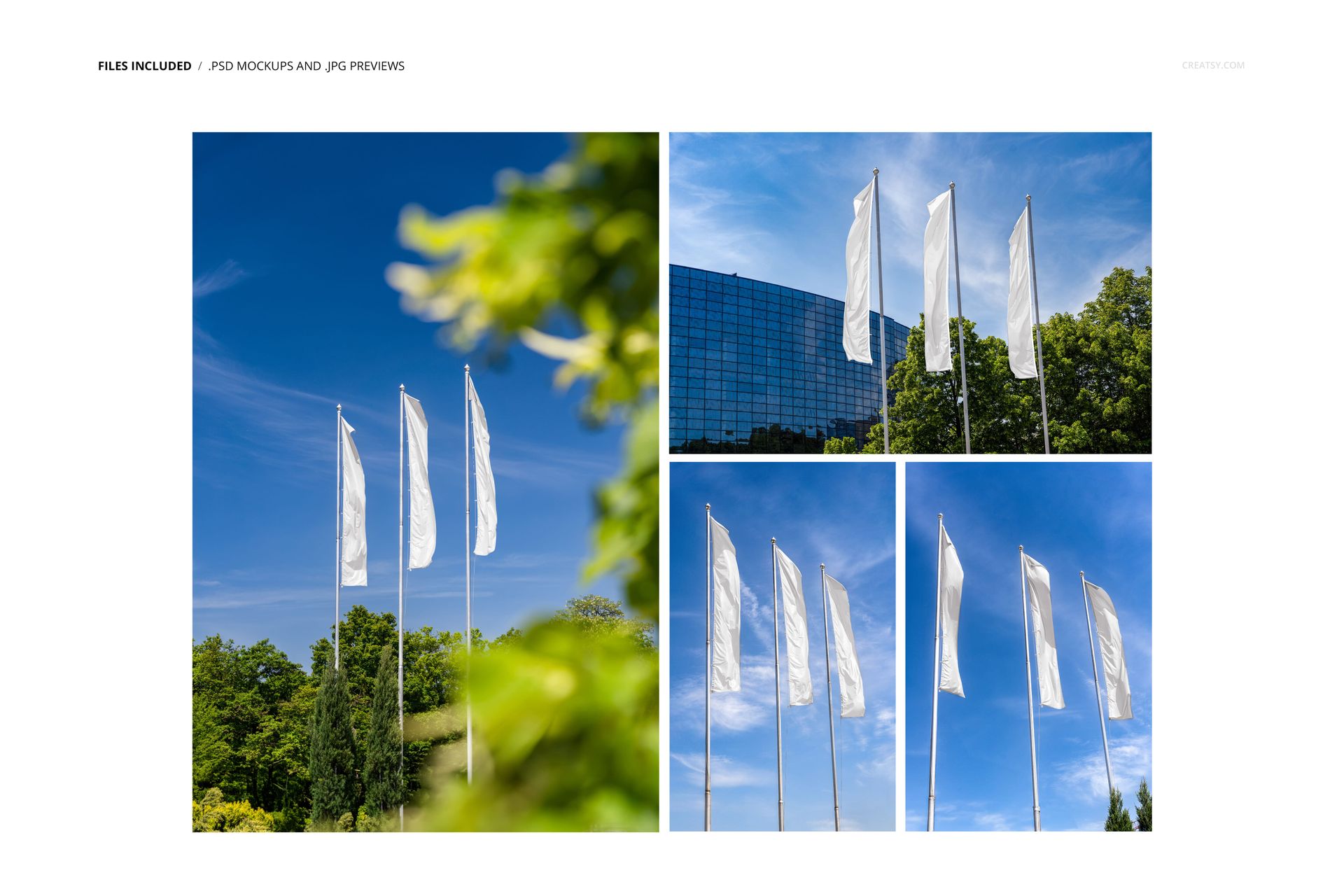
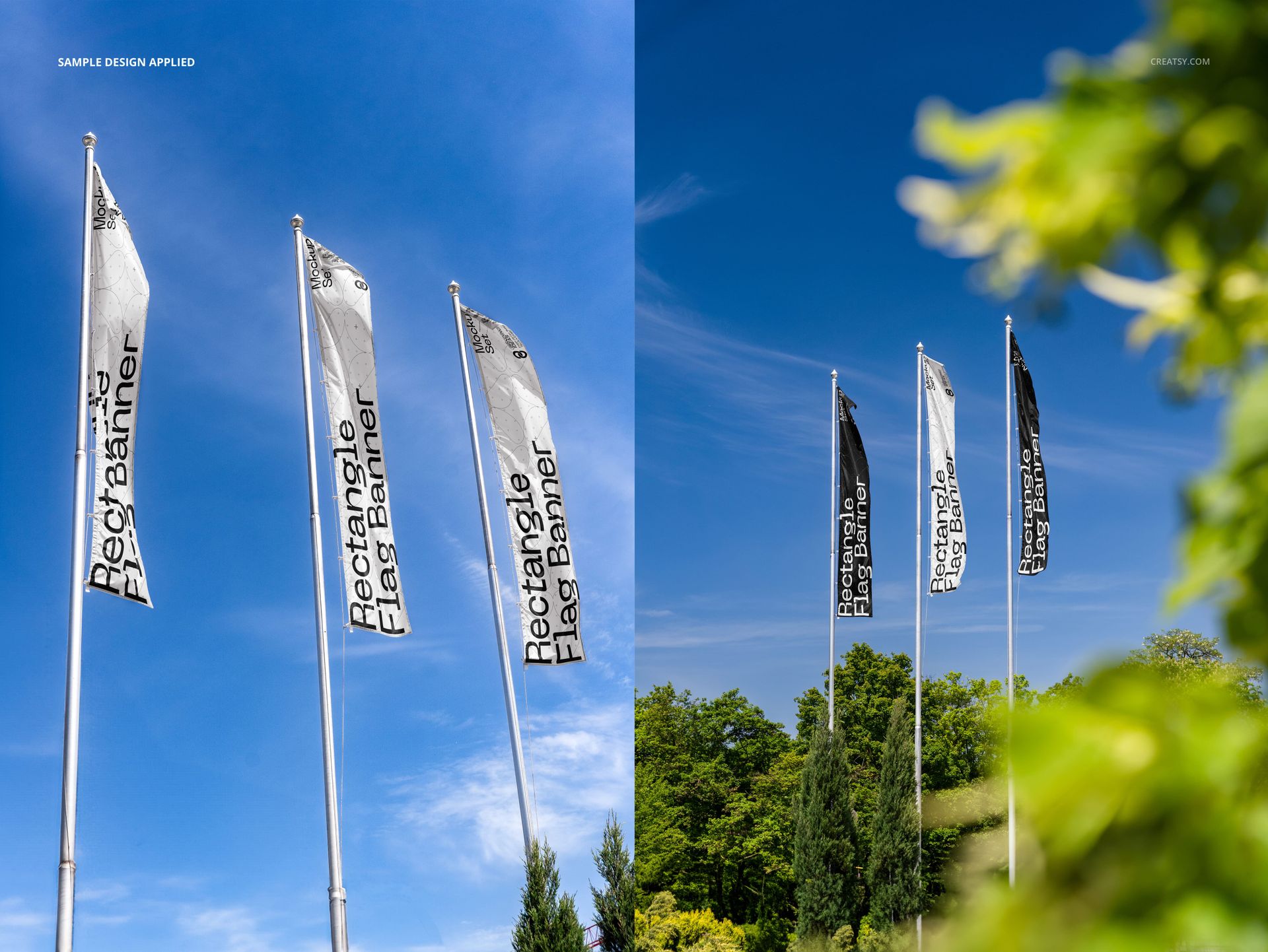
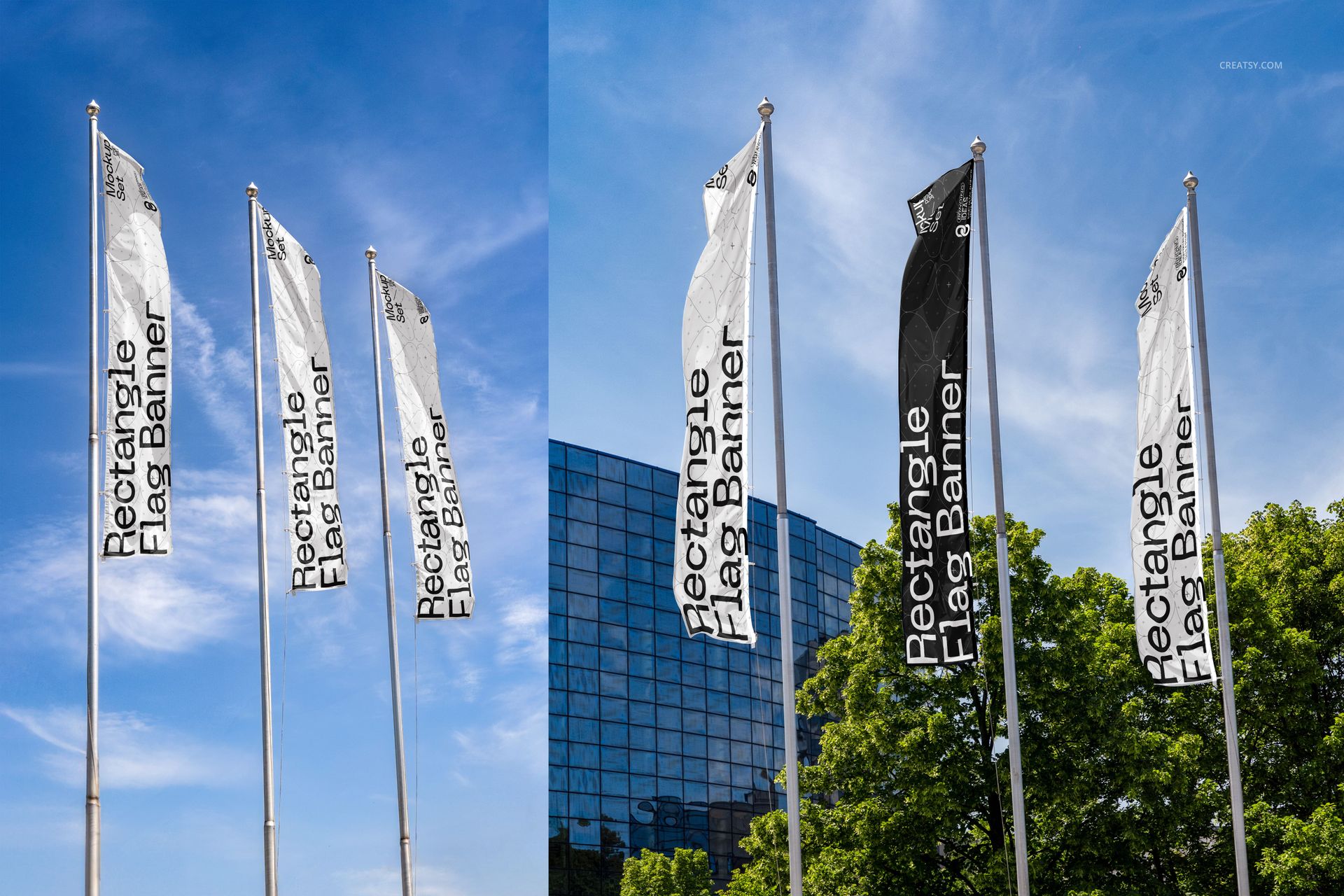
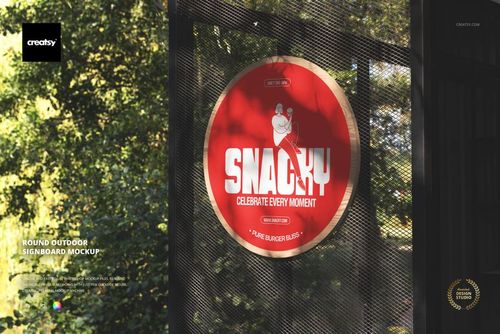
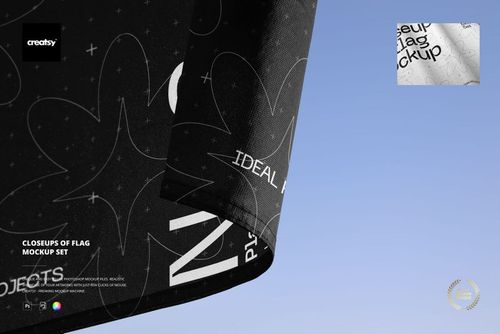
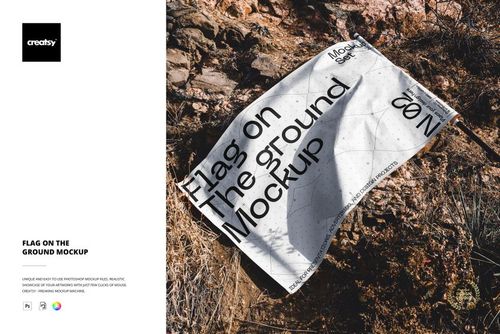
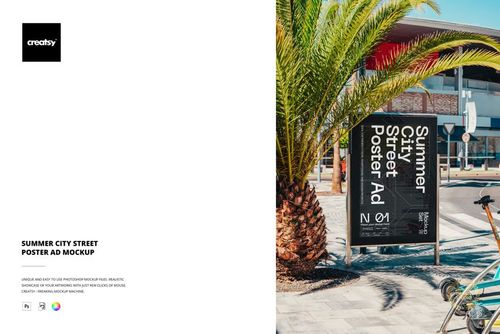
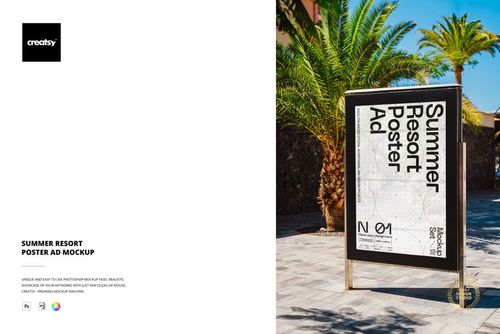
Rectangle Flag Banner Mockup Set features tall rectangular flag banners mounted on poles and photographed outdoors against real sky backgrounds with buildings and trees visible in the environment. The four PSD files capture the flag banners from different angles and distances in both landscape and portrait orientations, showing how the banner design reads at street level and from across a parking lot or event space. Built for outdoor advertising agencies, event signage companies, retail storefront designers, and brands that need to present flag banner artwork in a realistic outdoor setting before ordering production prints.
Why This Mockup Set Works
Flag banner designs presented as flat files do not communicate how the artwork performs on a vertical format that moves with the wind, catches sunlight at different angles, and competes for attention against an outdoor backdrop of sky, buildings, and street-level distractions. This mockup places your design on real rectangle flag banners photographed in actual outdoor locations, so clients and stakeholders can evaluate readability, color impact, and brand presence in the conditions where the banners will actually be displayed. The four files give you enough variety for a complete client presentation covering close-up detail views and wider environmental context shots.
What Is Included
The download contains 4 PSD files in two orientations: landscape at 6000x4000 pixels and portrait at 4000x6000 pixels, all at 300 DPI. Each file shows the rectangle flag banners from a different outdoor perspective with natural sky, architectural elements, and environmental context visible in the background. The total download size is 217.2 MB. The outdoor settings are fully captured in each file with realistic lighting conditions and natural flag movement.
What You Can Customize
Open any PSD in Adobe Photoshop CC 2020 or later, or use the free browser-based editor at photopea.com. Double-click the smart object layer covering the flag banner surface to open the embedded canvas where you place your banner artwork, brand graphics, event messaging, or promotional design. Save and close the smart object to see your design applied to the rectangle flag in the outdoor scene. The displacement follows the natural drape and movement of the flag fabric for realistic placement. Well organized layers let you adjust elements as needed for your presentation.
Who This Mockup Is For
Outdoor advertising agencies presenting flag banner concepts to commercial clients for storefronts, dealerships, and retail locations. Event signage companies producing proposals for festivals, trade shows, sporting events, and corporate gatherings where flag banners line walkways and entrances. Retail brands evaluating seasonal or promotional flag banner designs before placing bulk print orders. Franchise operations previewing standardized flag banner artwork across multiple location types. Sign shops creating visual proofs for flag banner orders where the client needs to approve the design in a realistic outdoor context before production begins.
File Specifications
Format: PSD (Adobe Photoshop). Files: 4. Resolution: 6000x4000 px (landscape) and 4000x6000 px (portrait). DPI: 300. Download size: 217.2 MB. Compatibility: Adobe Photoshop CC 2020 and newer, Photopea (free browser-based editor). Smart object layers for flag banner surface placement. Well organized layer structure. Outdoor settings with natural sky, buildings, and environmental context.