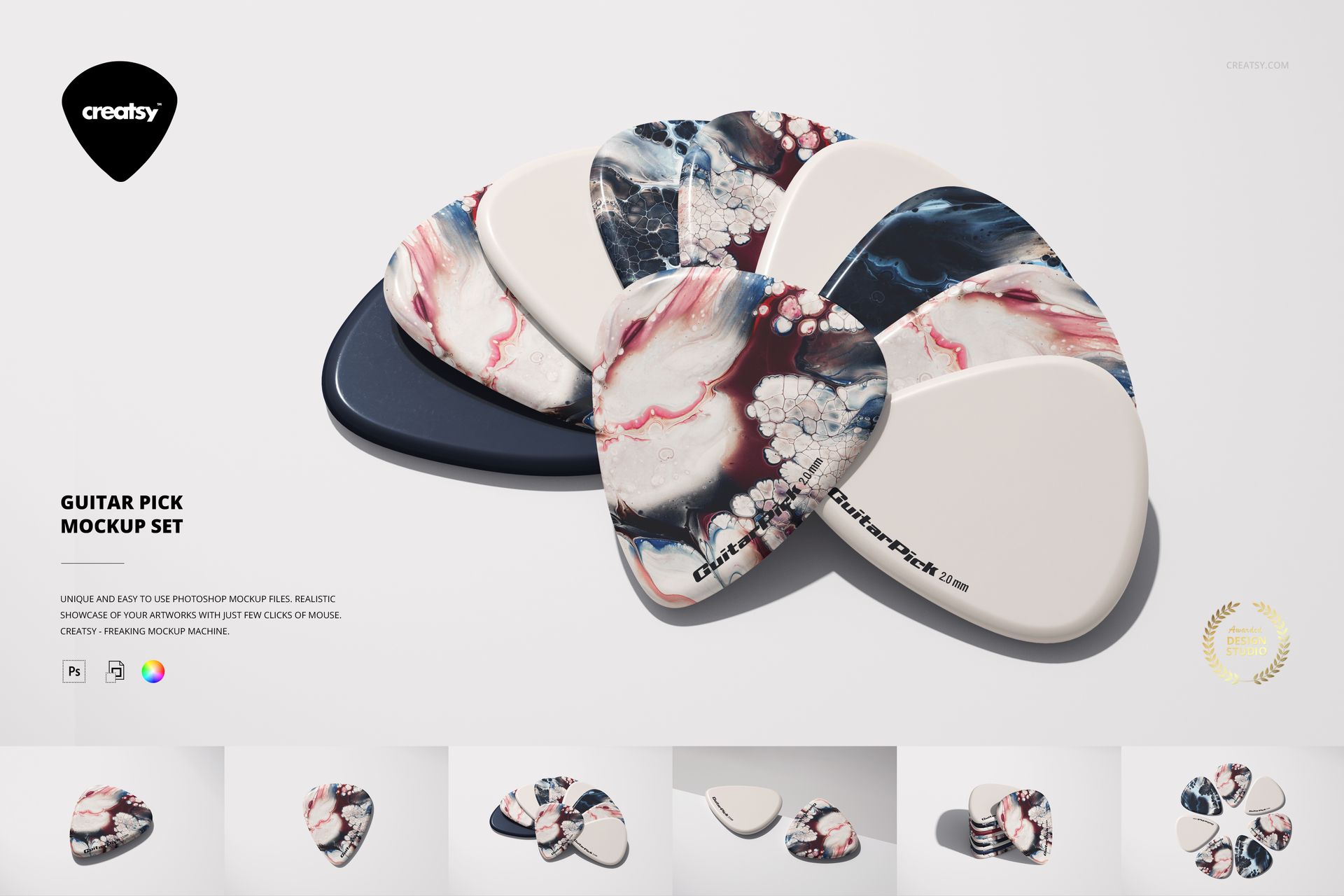
Guitar Pick Mockup Set
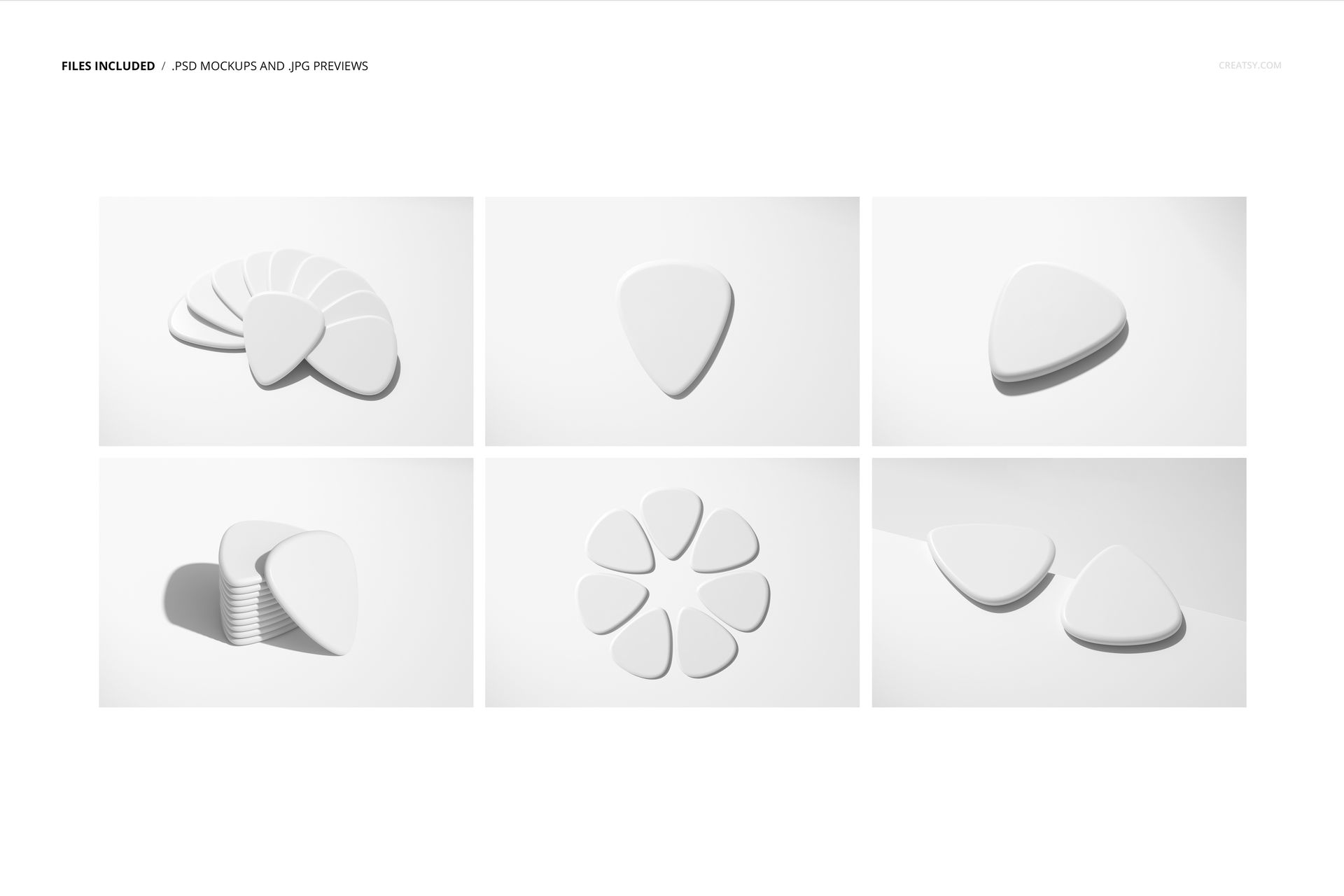
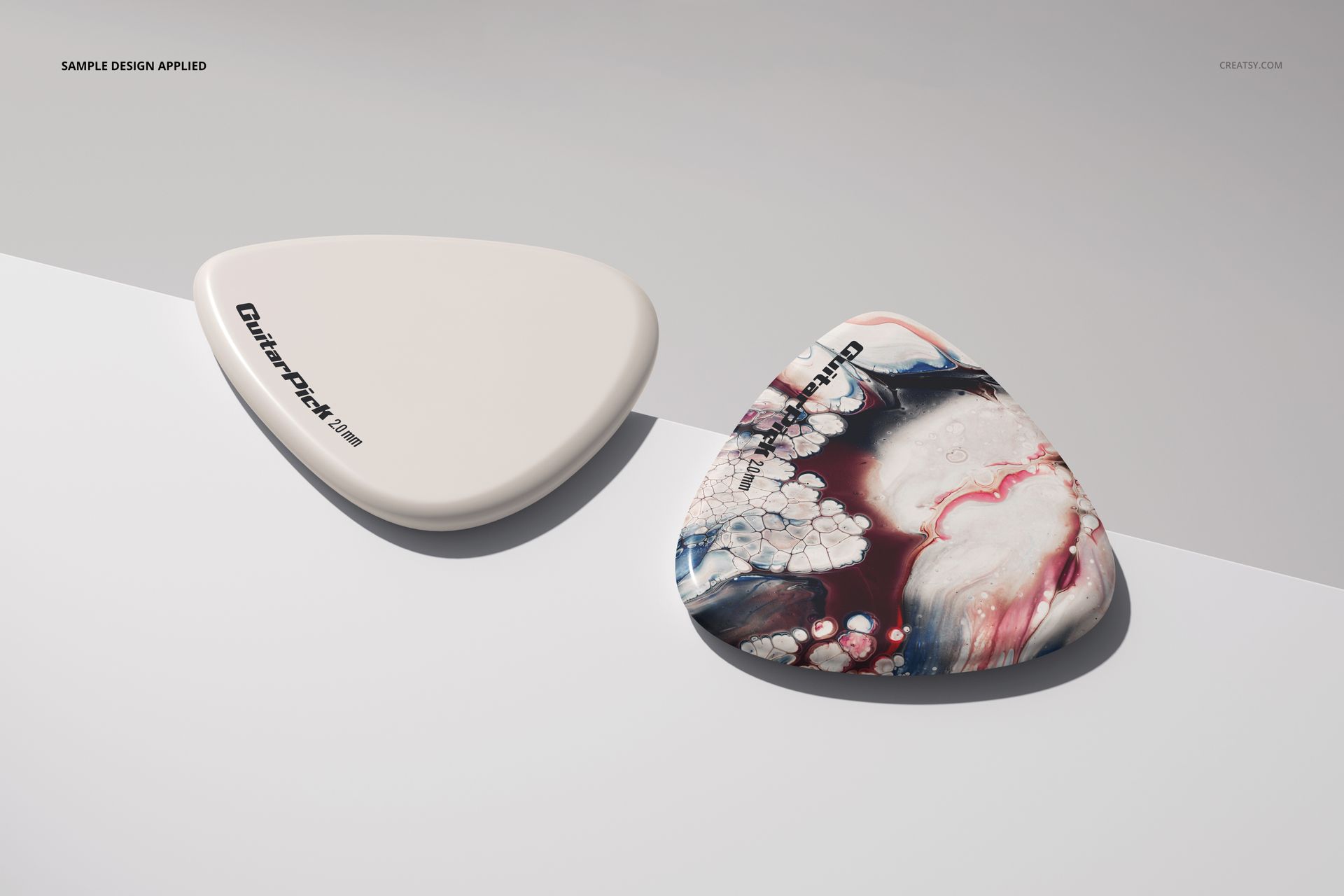
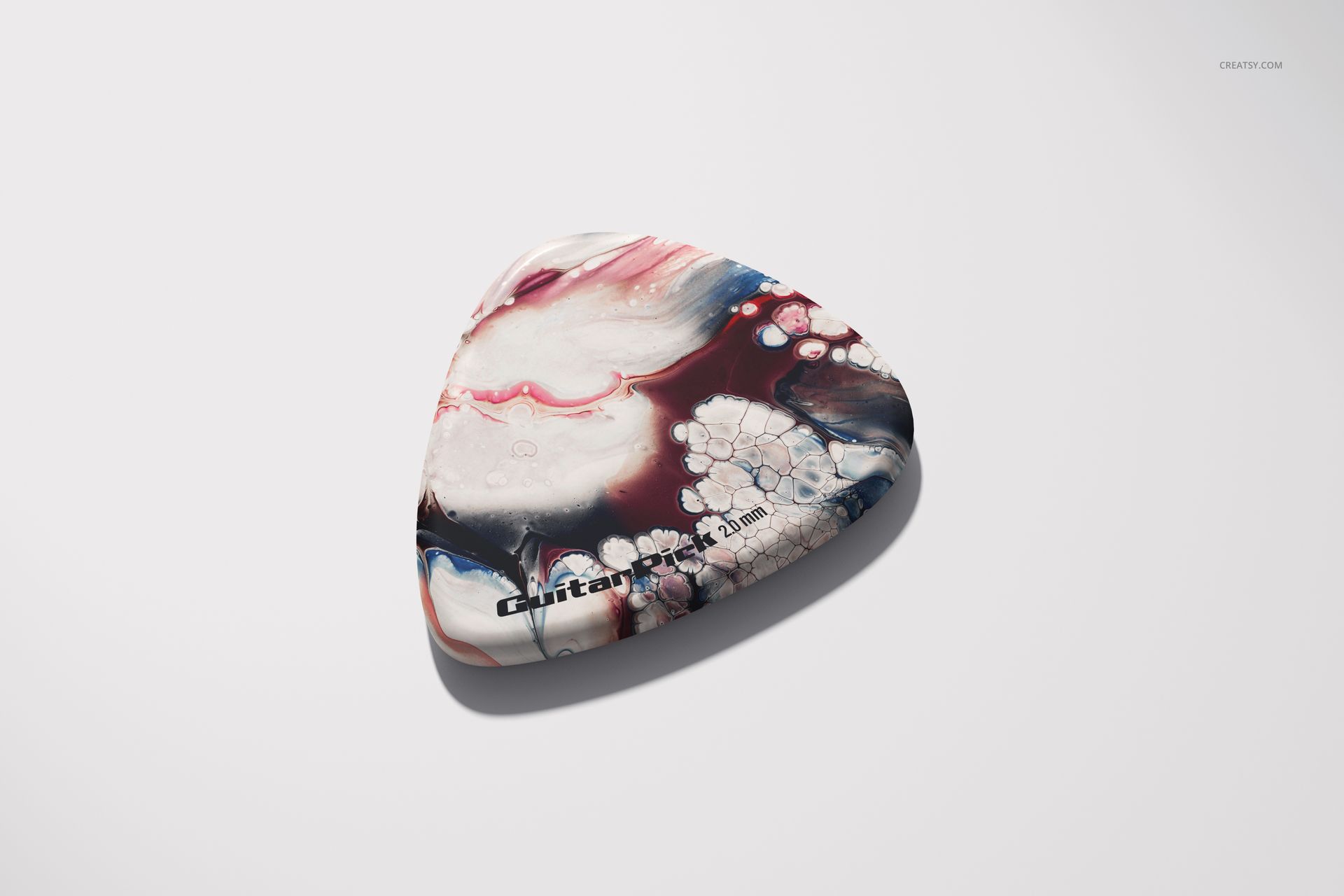
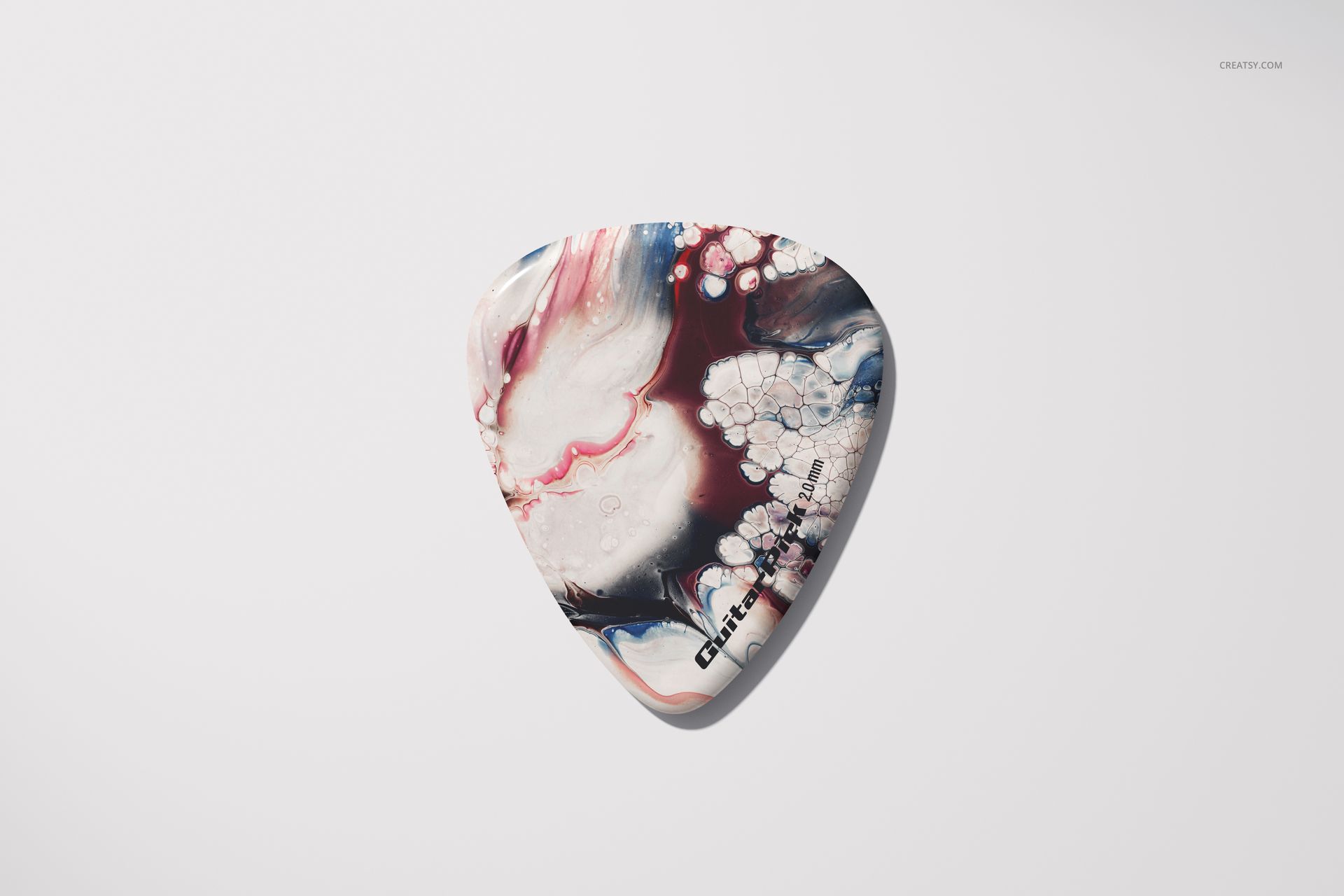
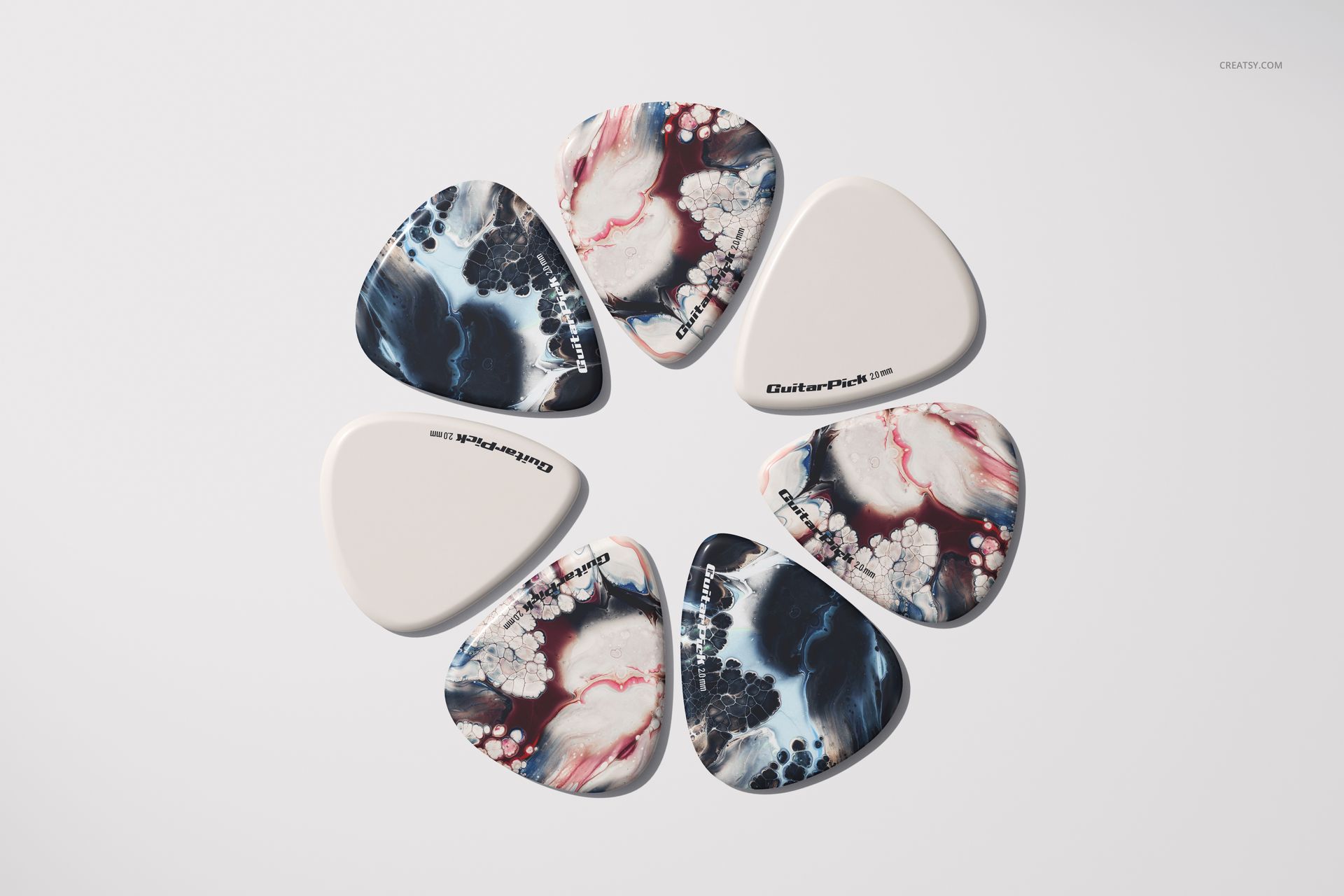
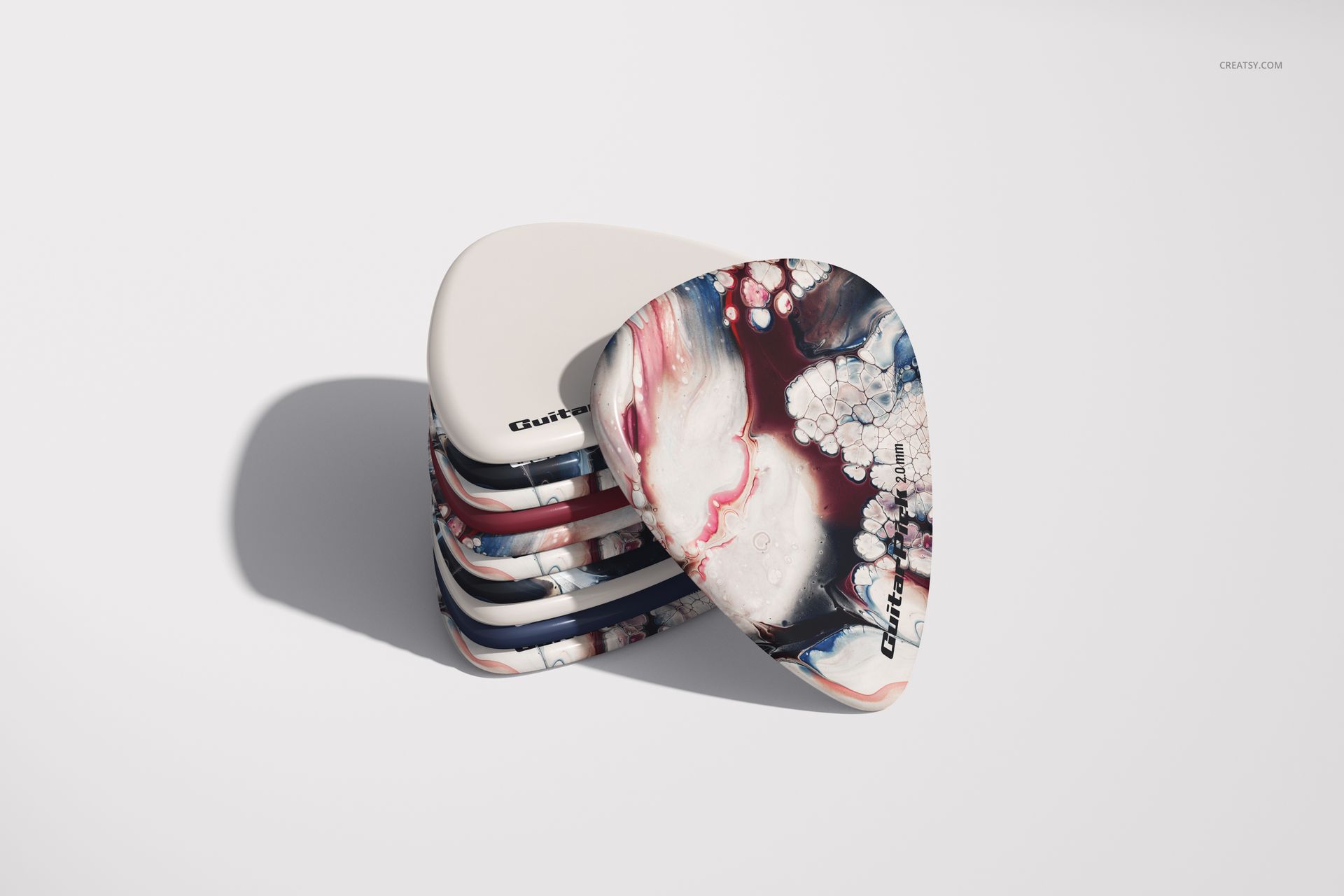
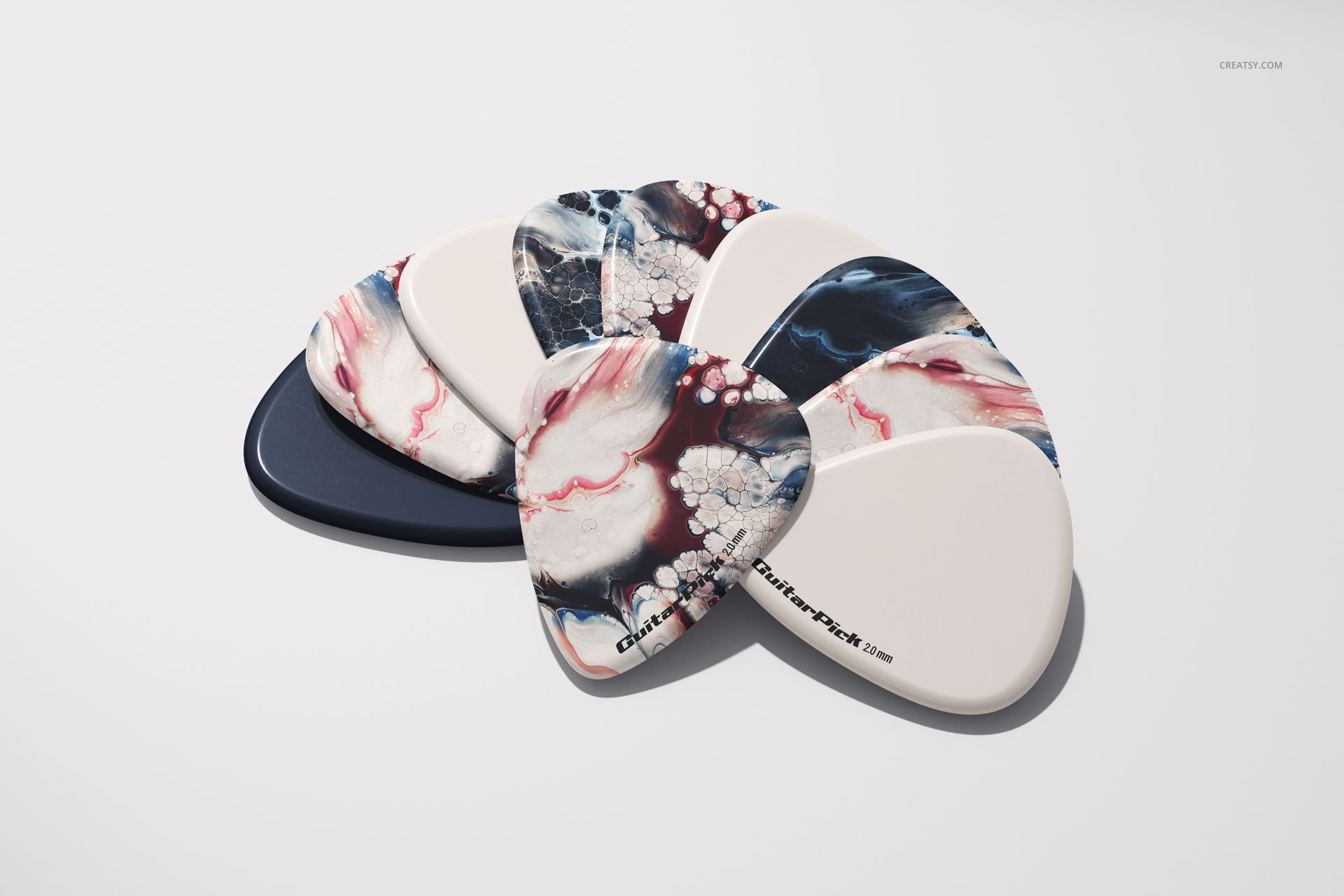
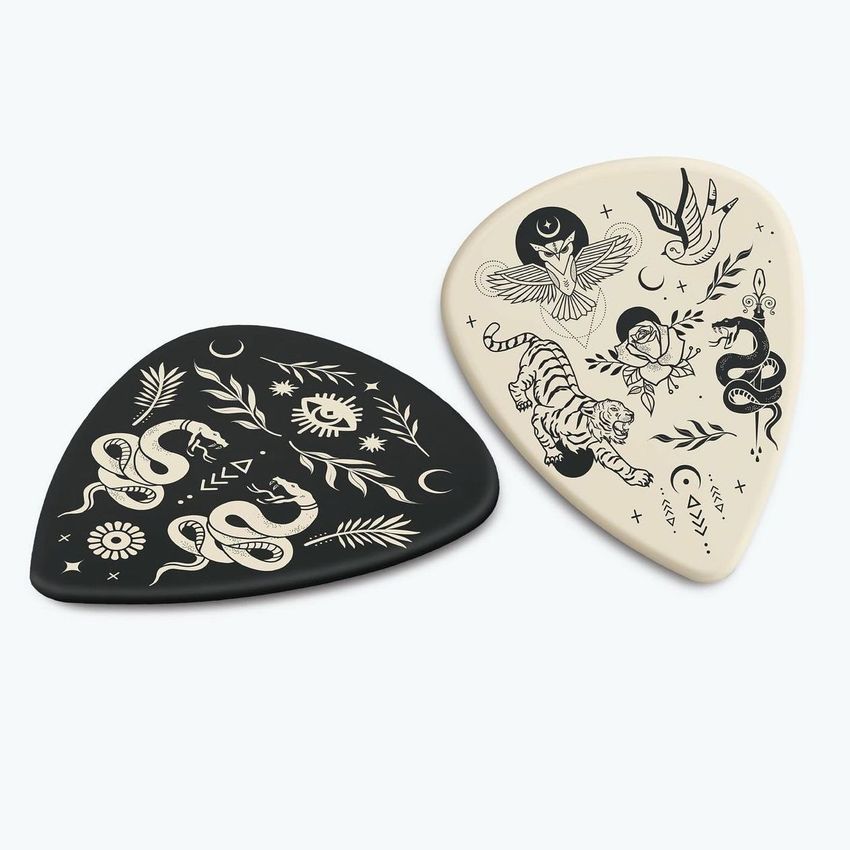
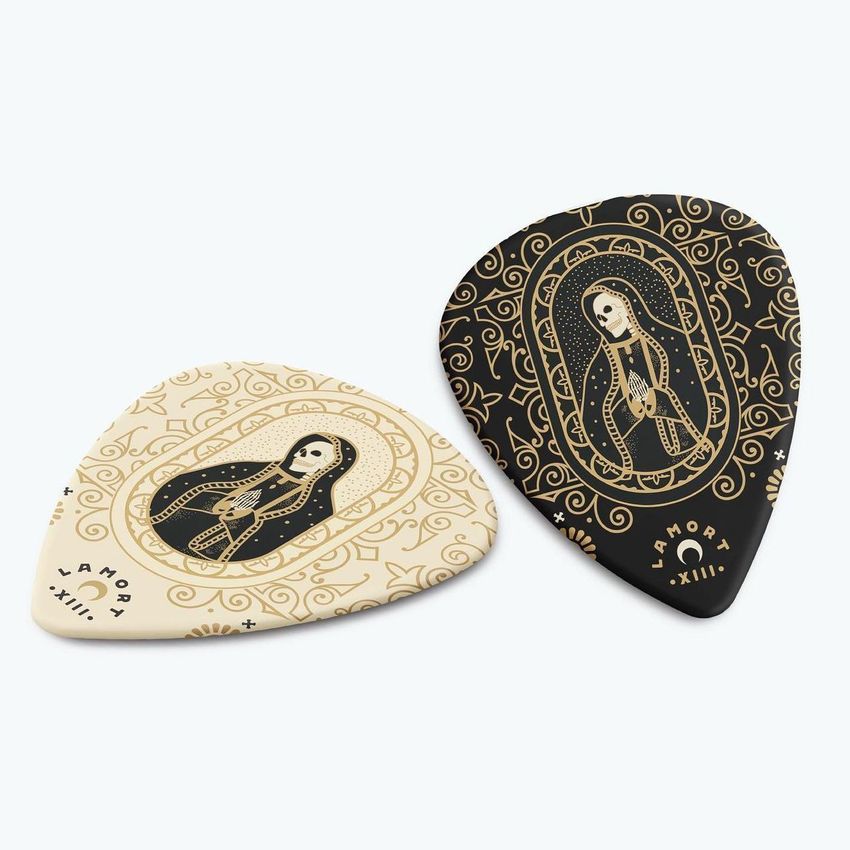
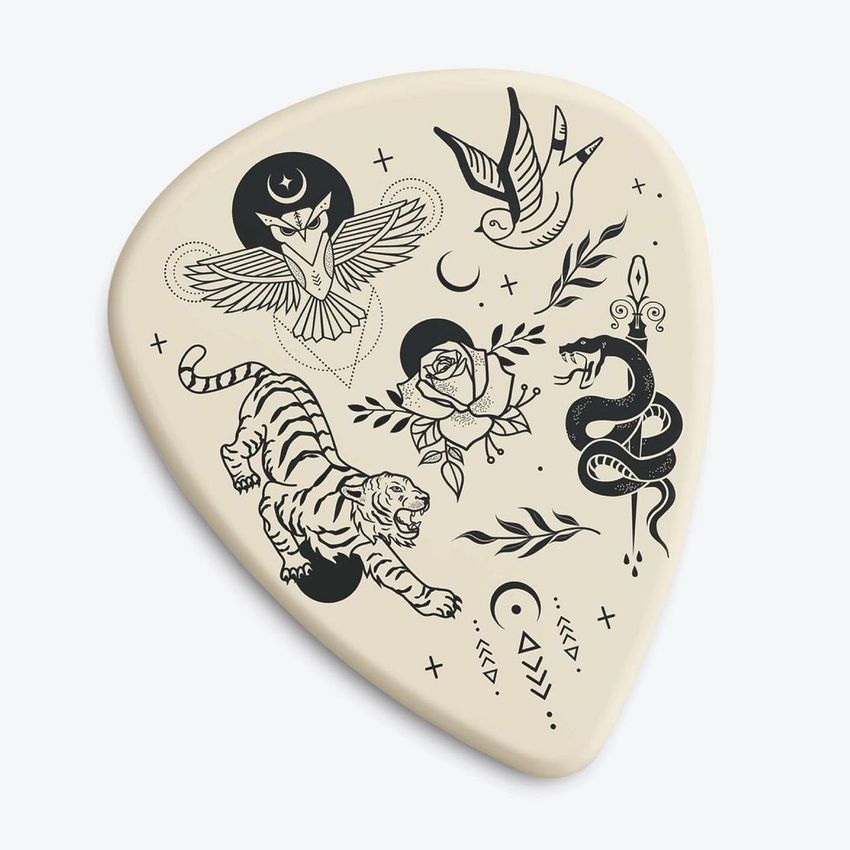
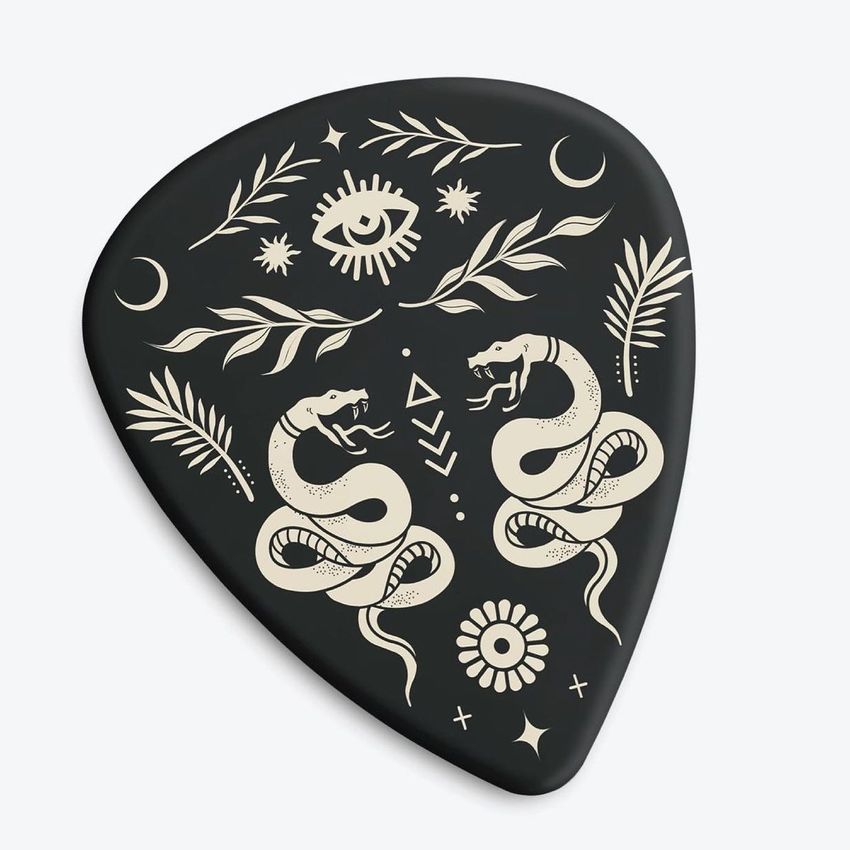
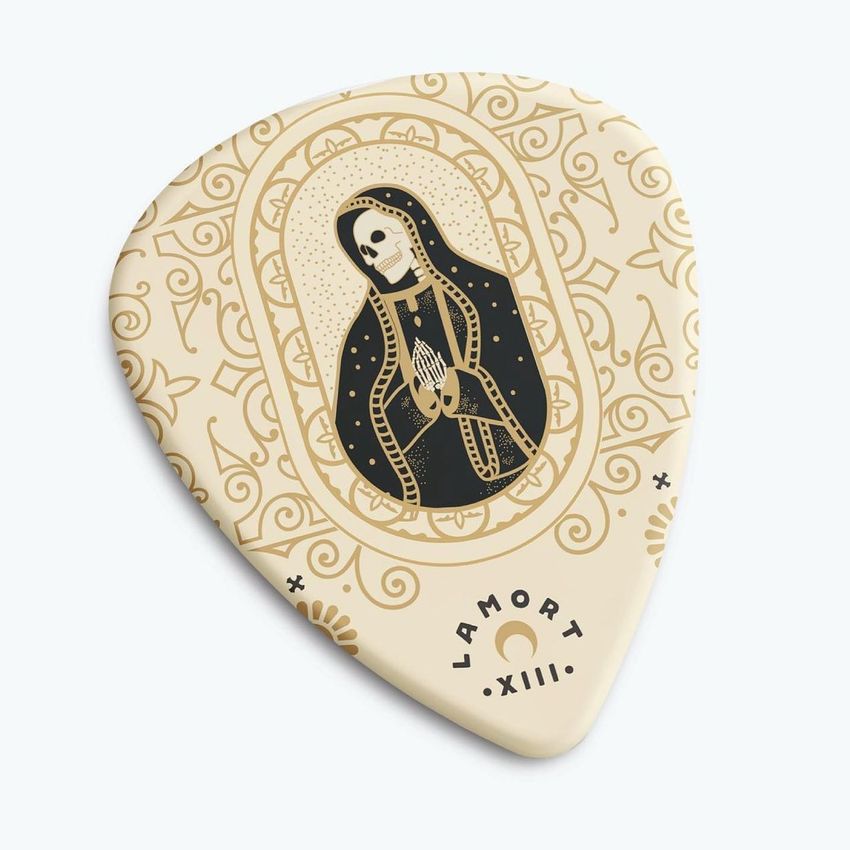
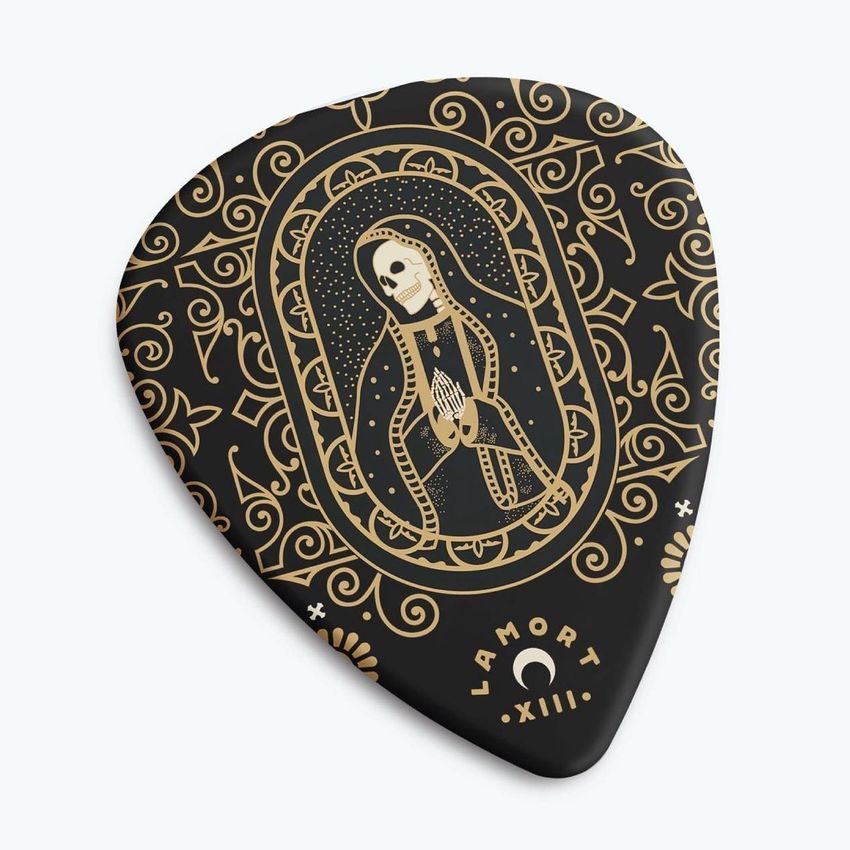
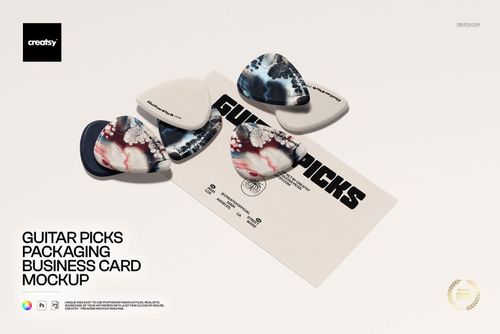
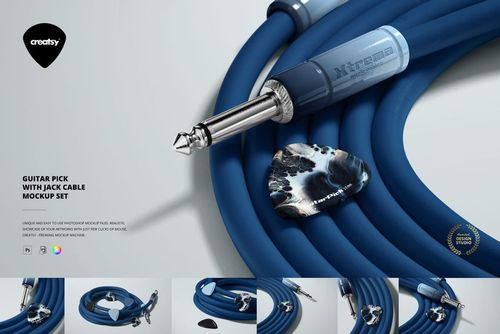
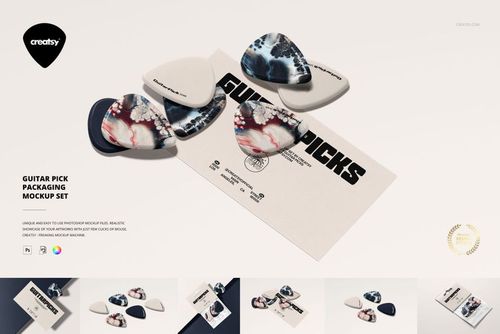
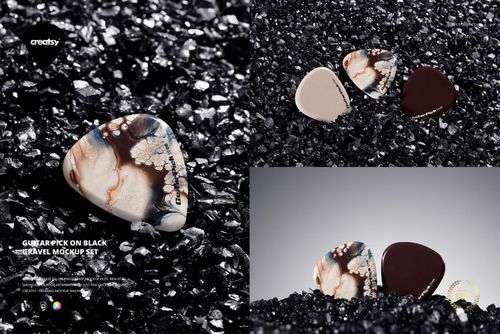
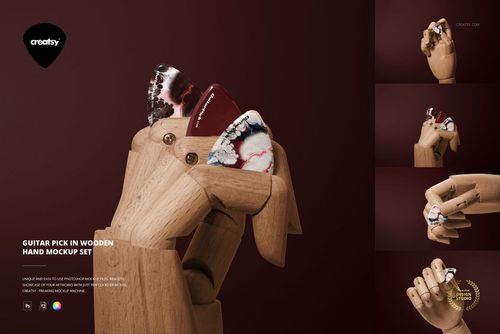
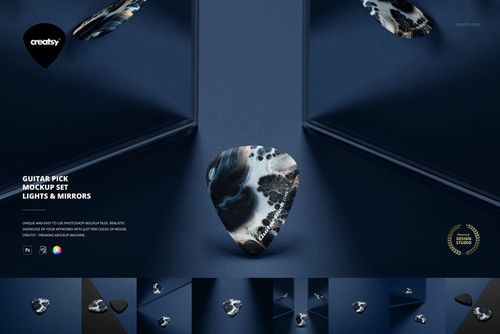
Turn a single guitar pick design into a six-image collection: a fan of picks, a stacked arrangement, a circular display, a pair and two individual views. This guitar pick mockup set keeps the pick style consistent while changing the composition, helping you present a coordinated range without relying on the same image repeatedly.
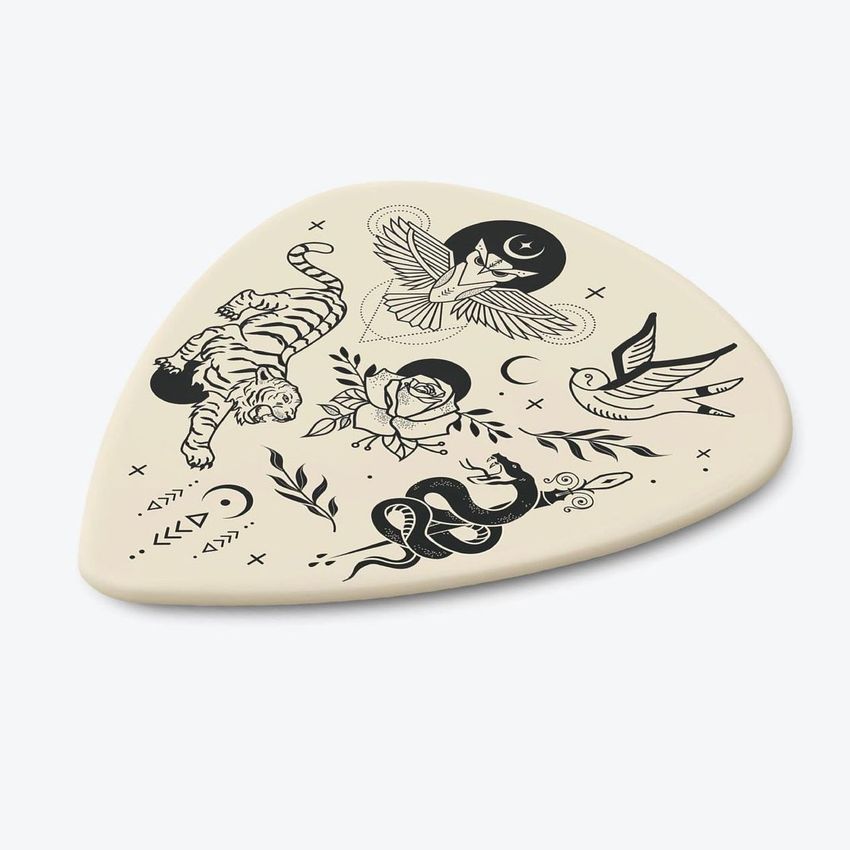
The smooth, rounded profile gives logos, illustrations and all-over patterns a compact surface with visible depth. Use the single-pick views to introduce the design, then let the grouped scenes show how your colors and patterns work together.
Six Scenes and Supporting Files
6 layered PSD mockups at 6000 × 4000 px and 300 DPI.
6 JPG previews, one for each scene.
1 PDF user manual, making 13 files in total.
Color, Artwork and Background Control
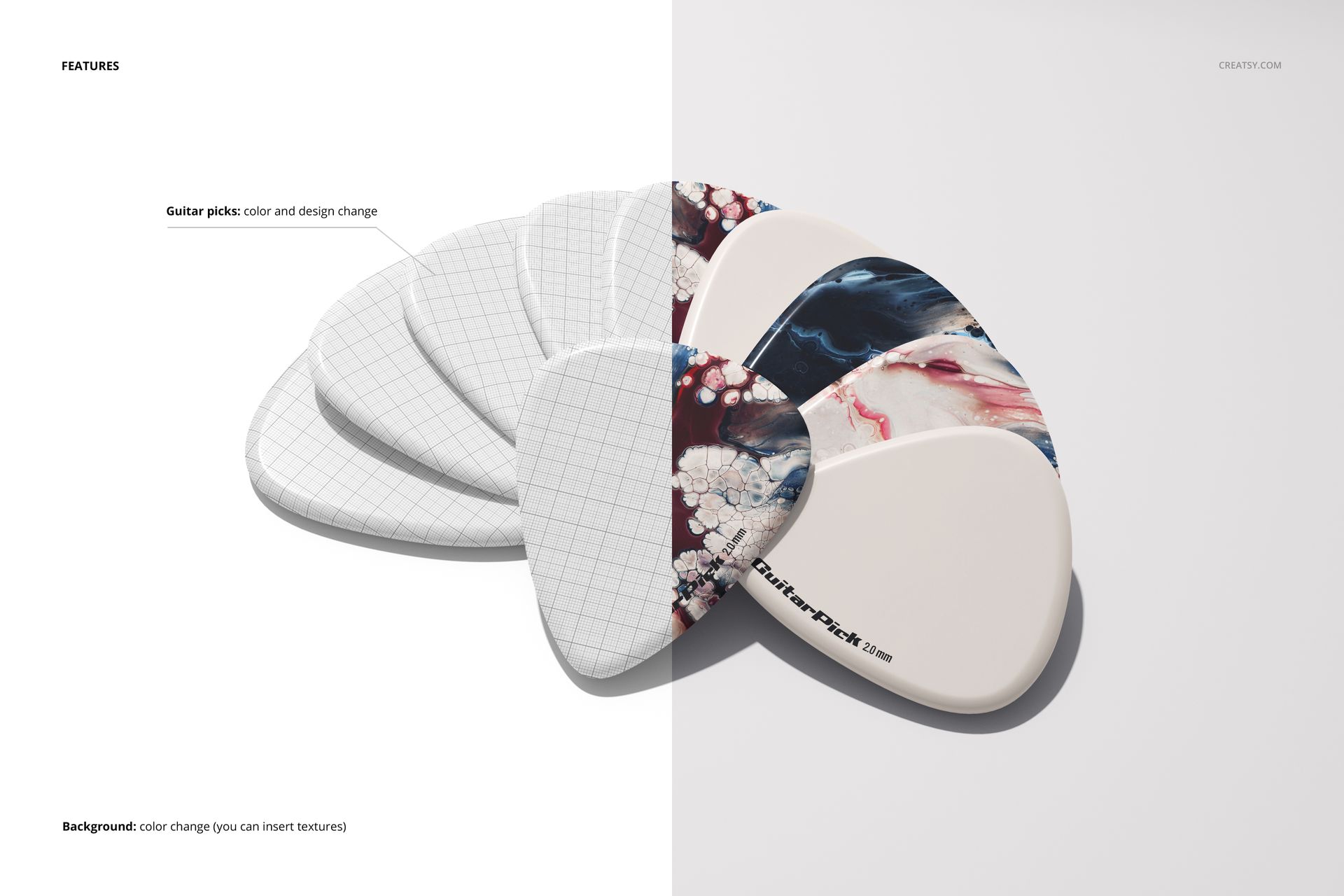
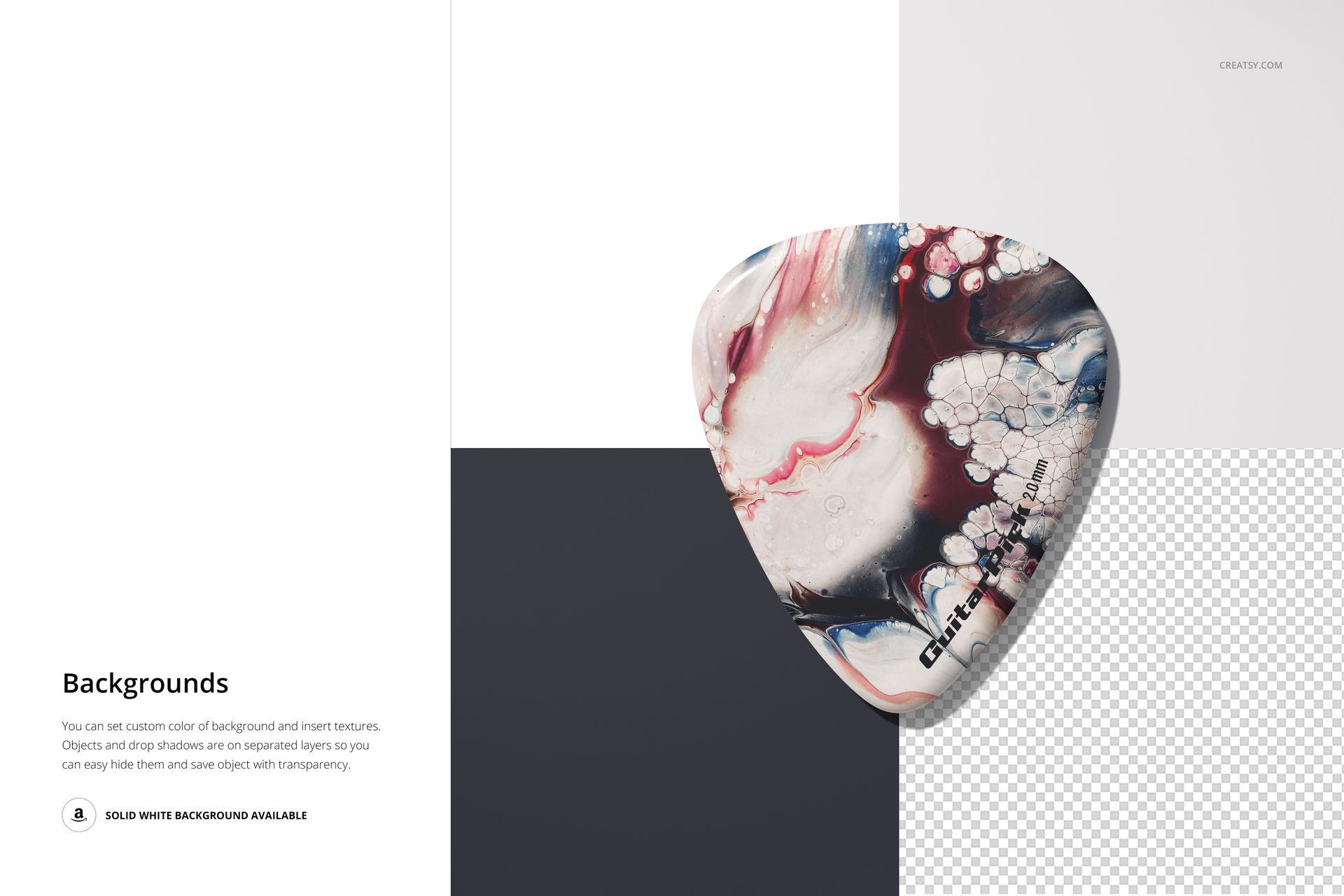
Replace the pick artwork and adjust the pick colors. The background can take a custom color or your own texture, and objects and drop shadows are on separate layers. The previews also demonstrate a solid white background and the option to hide the background for a transparent export.
Edit Through Smart Objects
Use Adobe Photoshop CC2020 or newer, or Photopea. Open the design Smart Object in your chosen PSD, insert your artwork and save the Smart Object to update the composition. Adjust the colors and background, following the included manual for the layer setup.
From One Pick to a Merchandise Range
Show a band logo or artist signature clearly in a single-pick image.
Compare coordinated patterns and colorways in the fan or circular scene.
Present a collection for a music shop, promotional campaign or design portfolio.
Digital files only. No physical picks are supplied, and the example artwork shown in the previews is not included.