7 inch Translucent Vinyl Record Mockup - Close-up on Rock
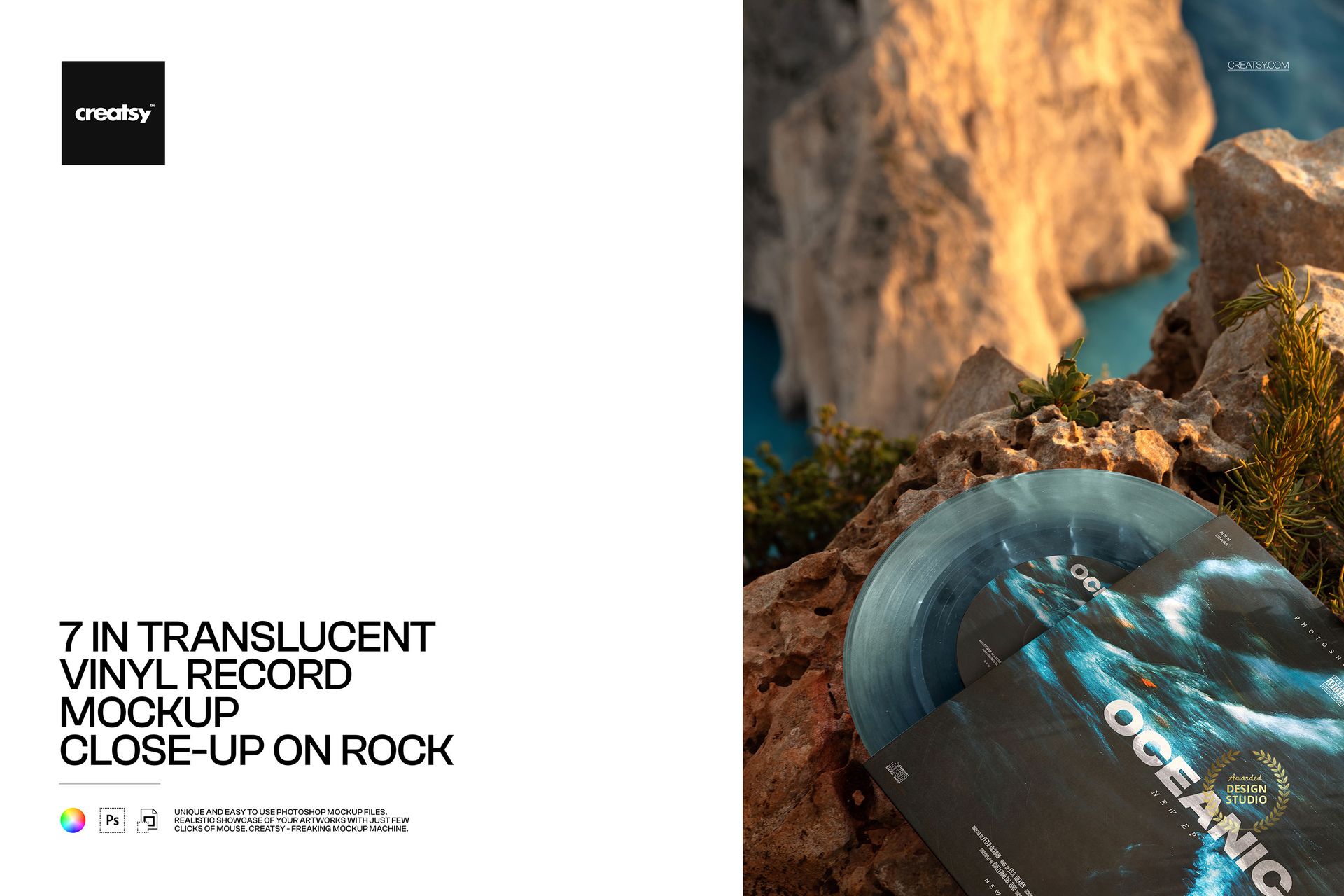
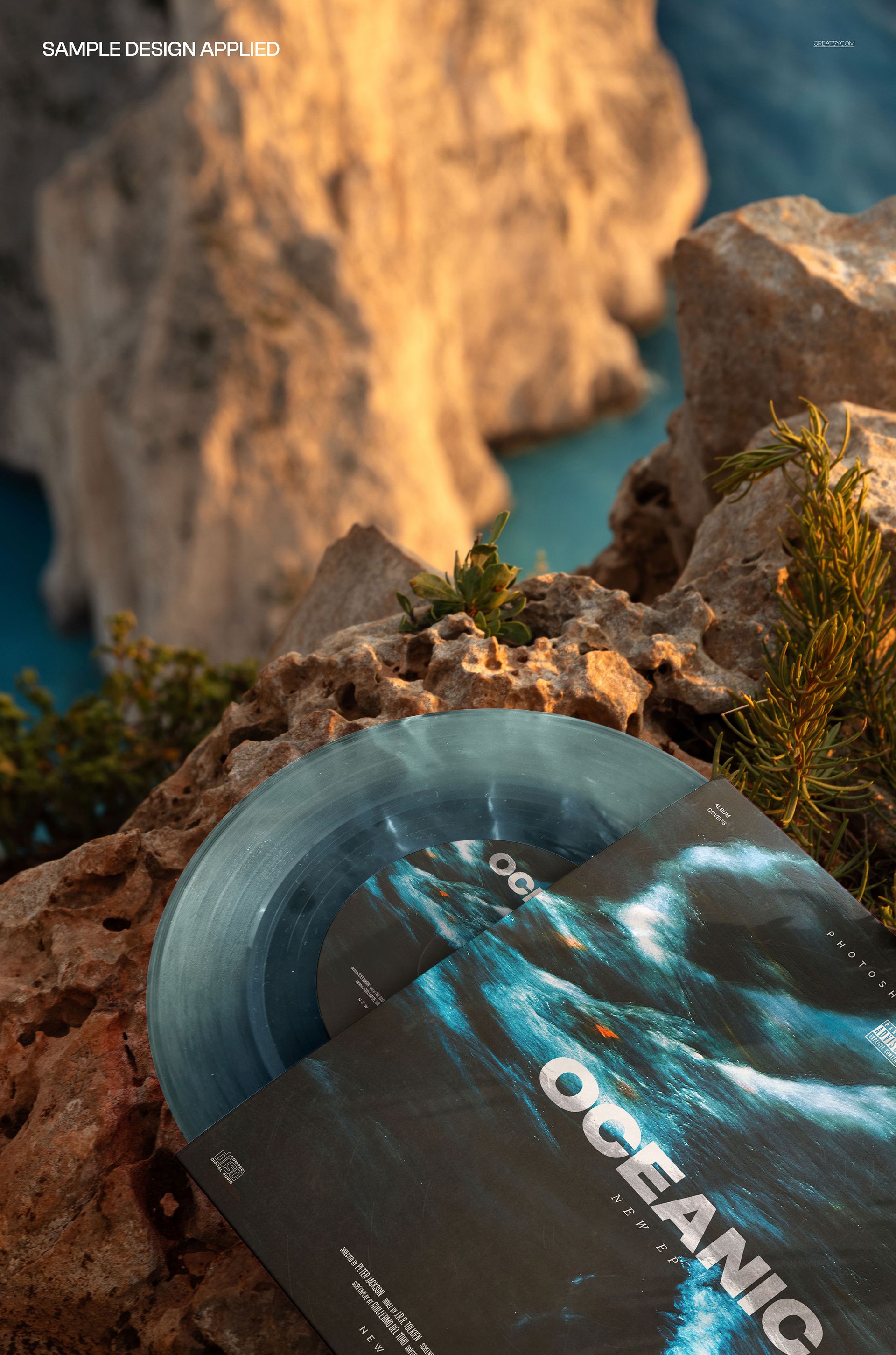
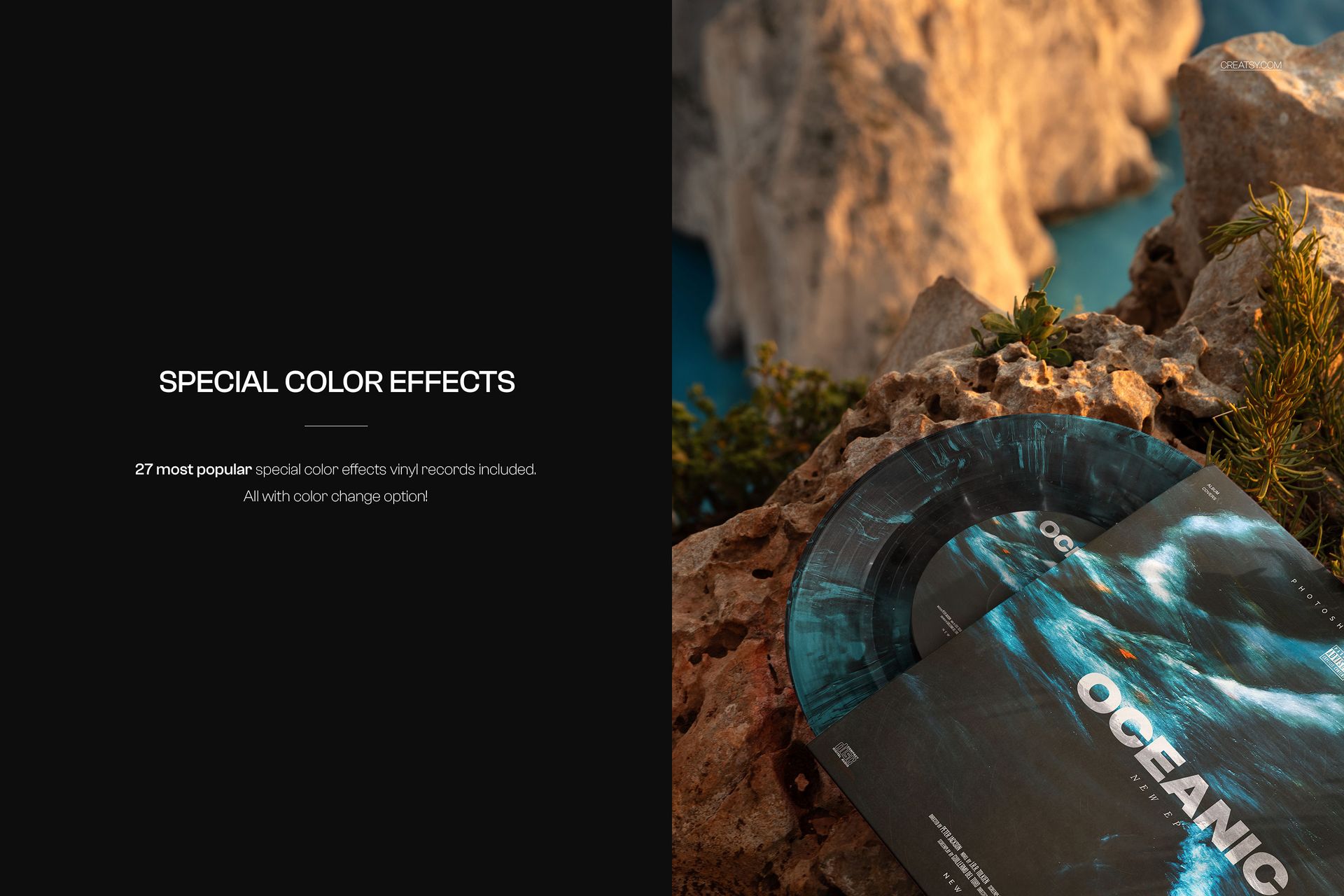
Bring the sleeve artwork and translucent vinyl into the foreground. Resting diagonally on textured coastal rock, the record and cover fill the lower part of this close-up composition, while softly focused cliffs and blue water create depth behind them.
The tighter view gives the exposed disc surface a more prominent role than a distant scenic shot. Use it to compare a restrained transparent tint with a more expressive marbled or splatter finish, alongside the same cover design.
What Is Included
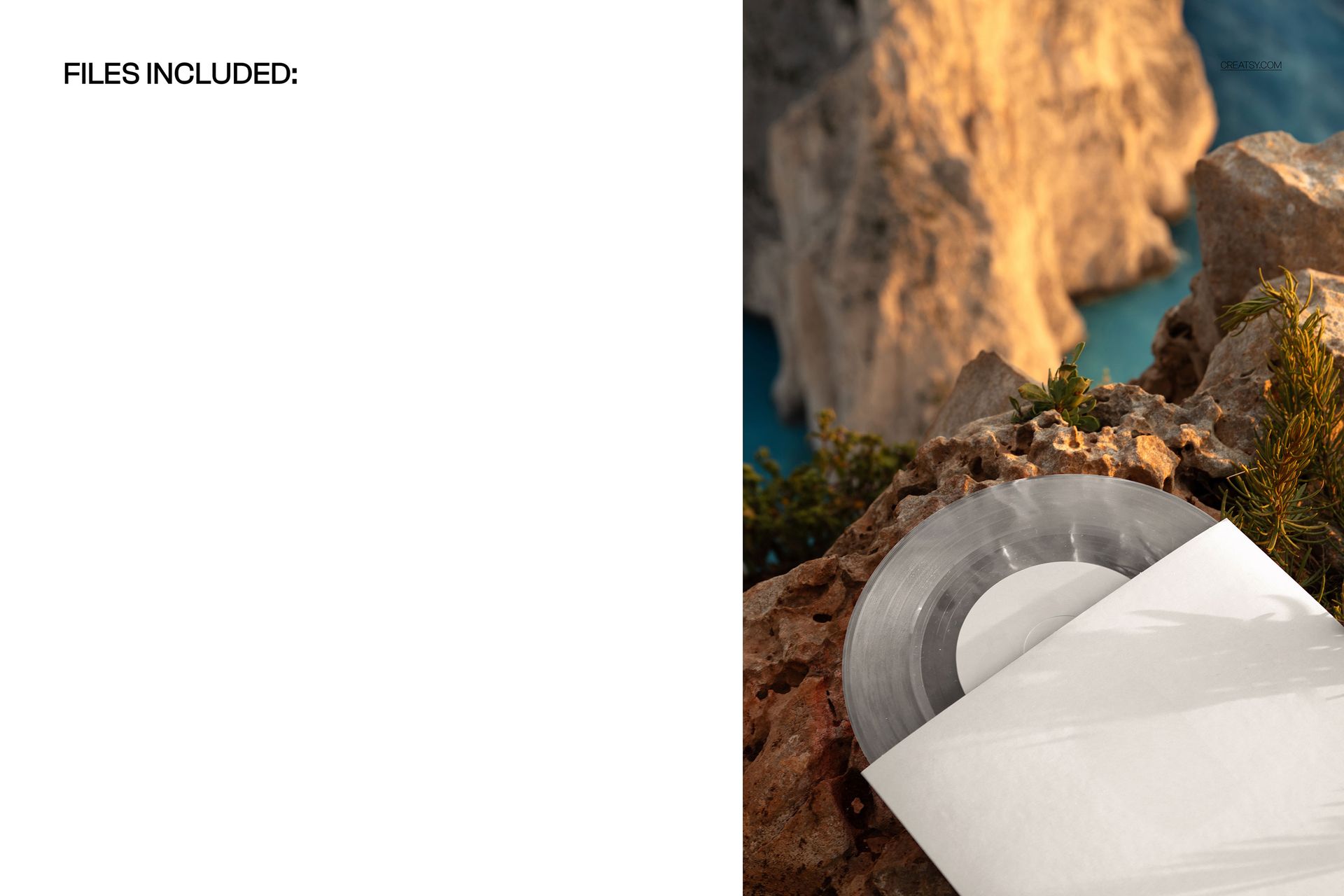
1 layered PSD with one portrait close-up scene, 4480 × 6720 px at 300 DPI.
1 JPG preview, 2 files altogether.
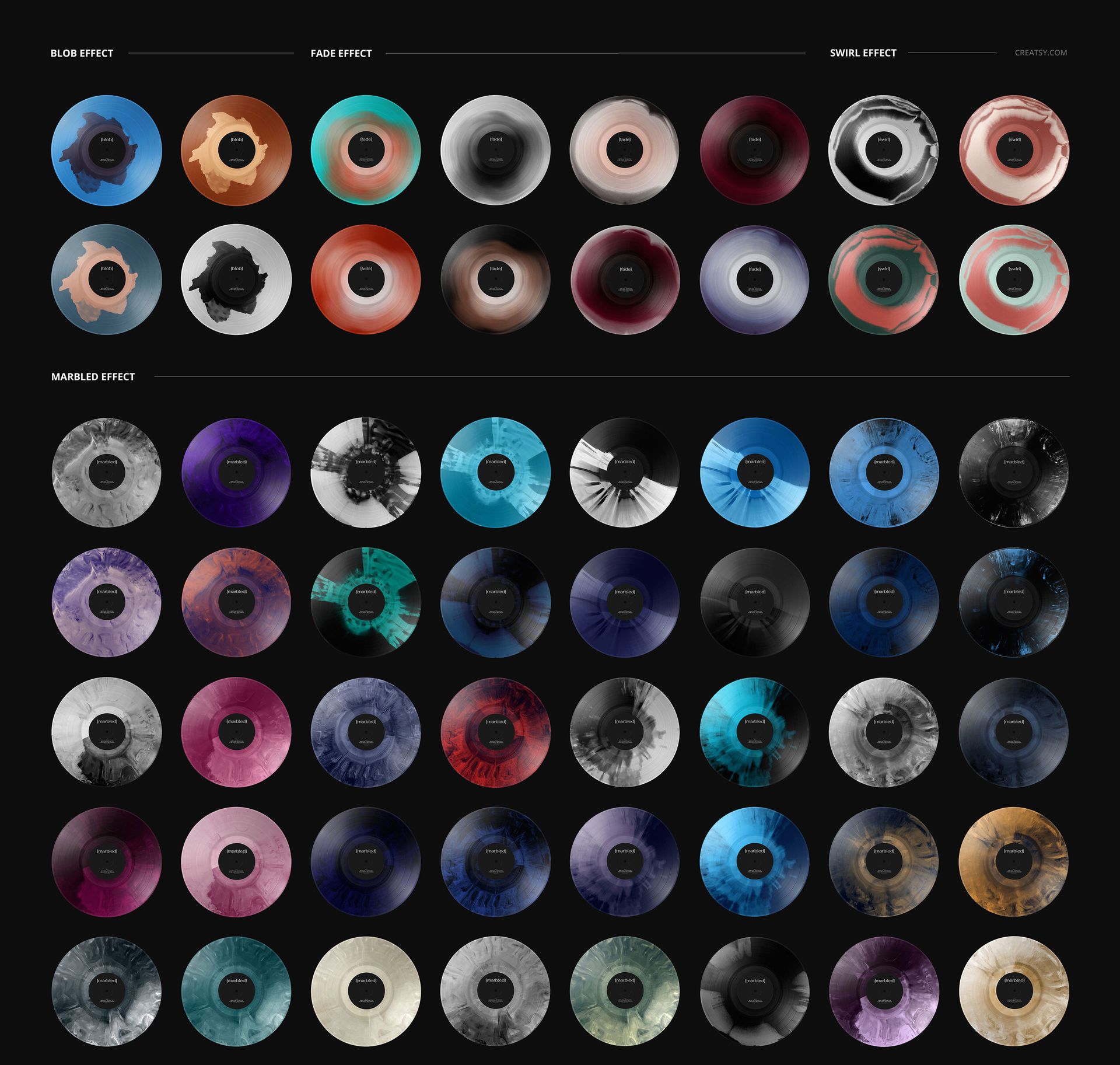
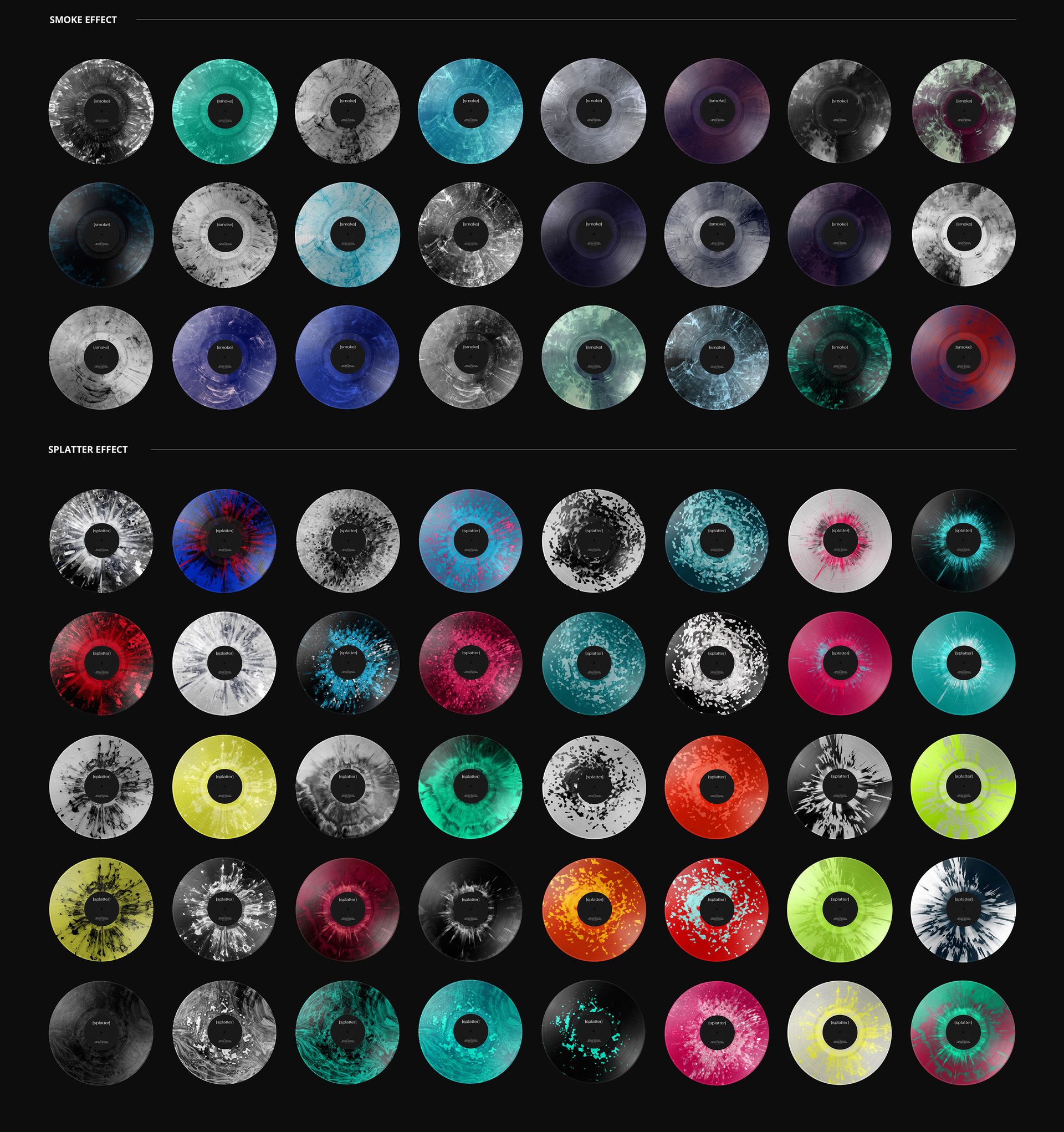
27 special color effects for the vinyl, with color-change options.
Cover Artwork Meets Colored Vinyl
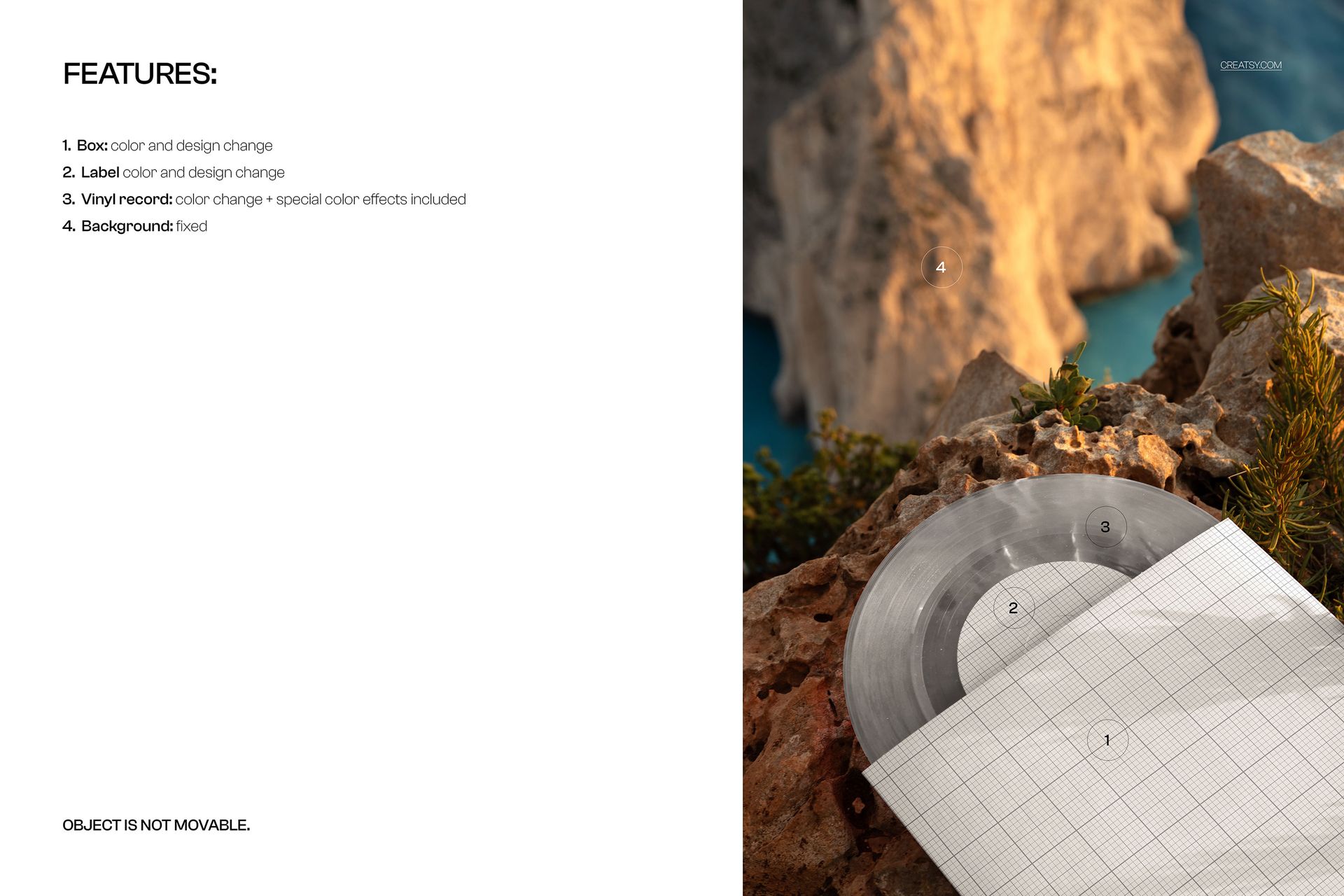
Customize the sleeve color and artwork, the center-label color and design, and the vinyl color. Effect options include blob, fade, swirl, marbled, smoke and splatter. The sleeve partly covers the center label, while the exposed disc and natural rock provide contrasting surfaces.
Easy Smart Object Editing
Use Adobe Photoshop or Photopea to replace the artwork through Smart Objects, then refine the record color and effect using the organized layers. The rock and coastal background are fixed, and the objects are not movable.
Perfect For
Album-cover designers, independent record labels and musicians showing a 7-inch release concept, presenting color variants to a client or adding a detail-focused image to a campaign gallery.
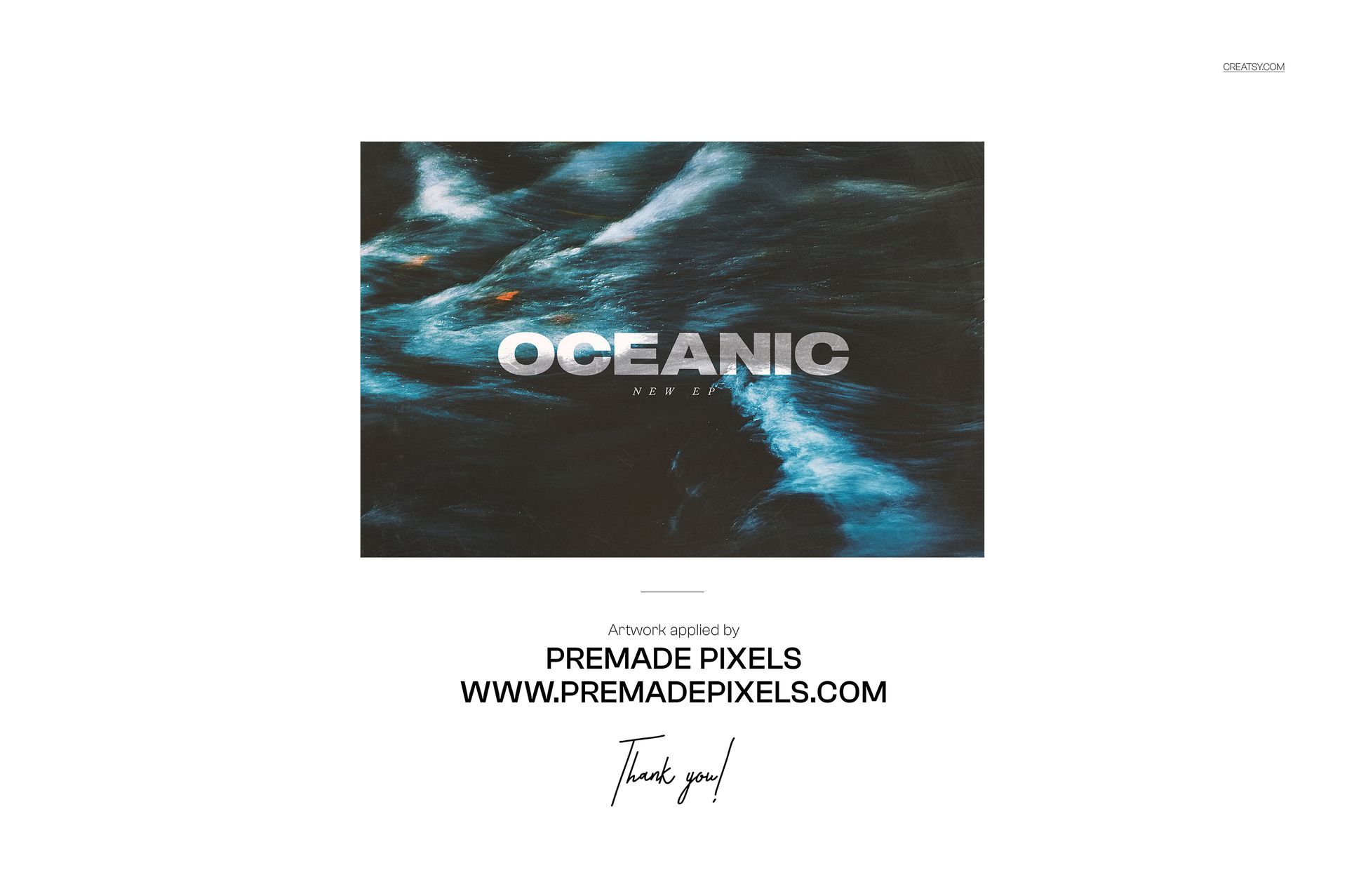
A digital mockup only. Physical records and the sample artwork used in the previews are not included.