Electric Guitar Mockup Set

Product Details
Electric Guitar Mockup Set
Before a custom guitar finish reaches the workshop, stage or product page, it needs to look convincing from more than one angle.
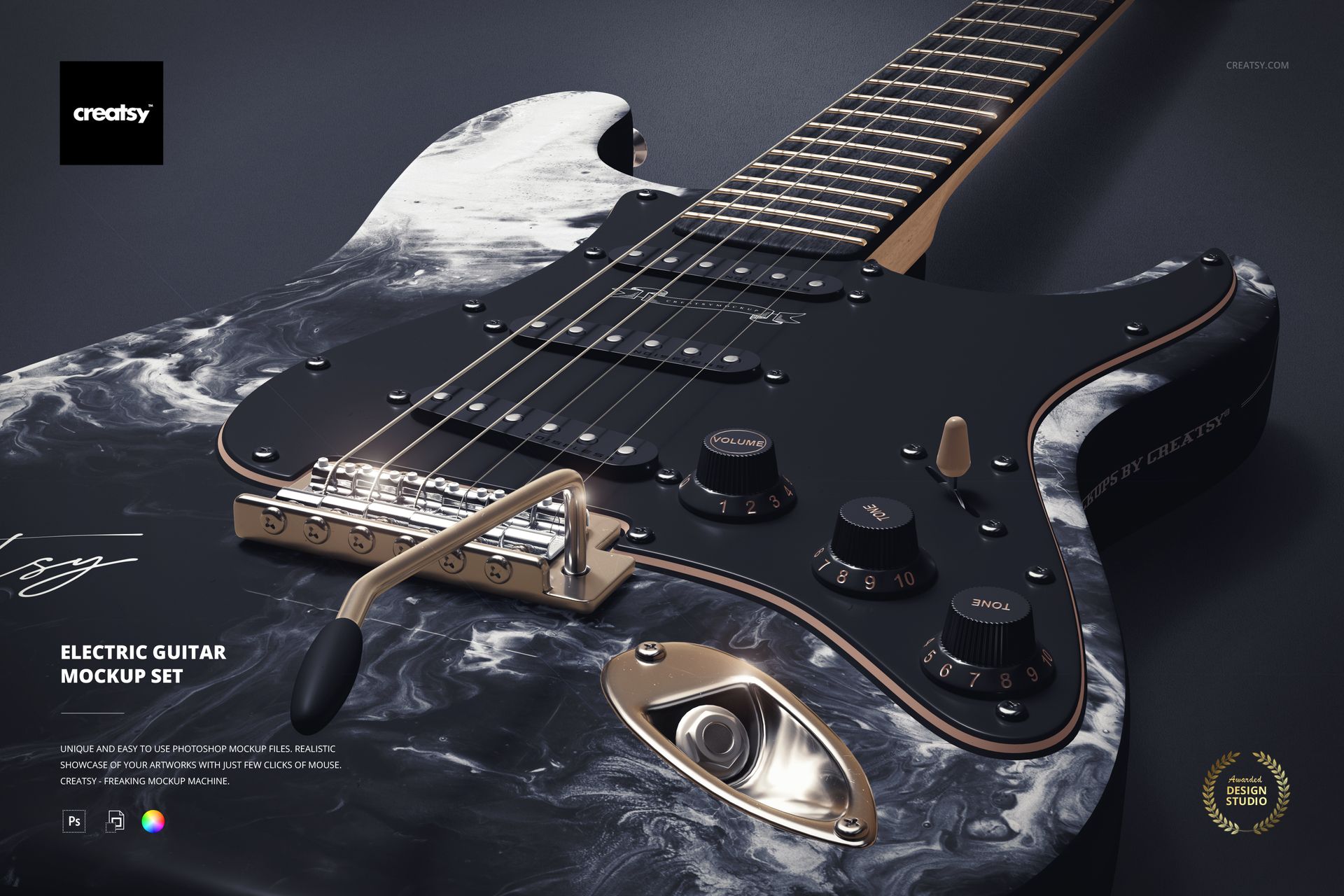
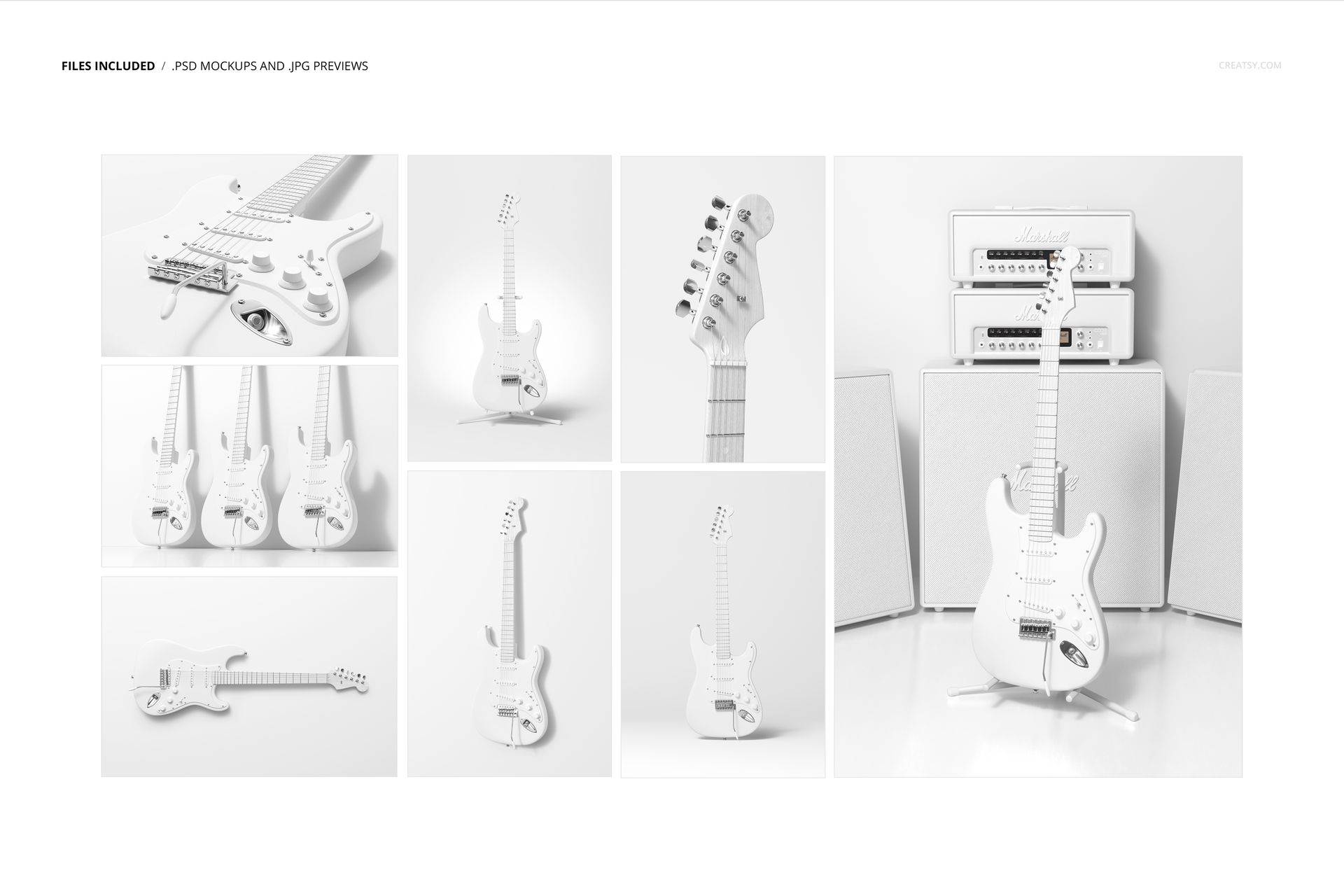
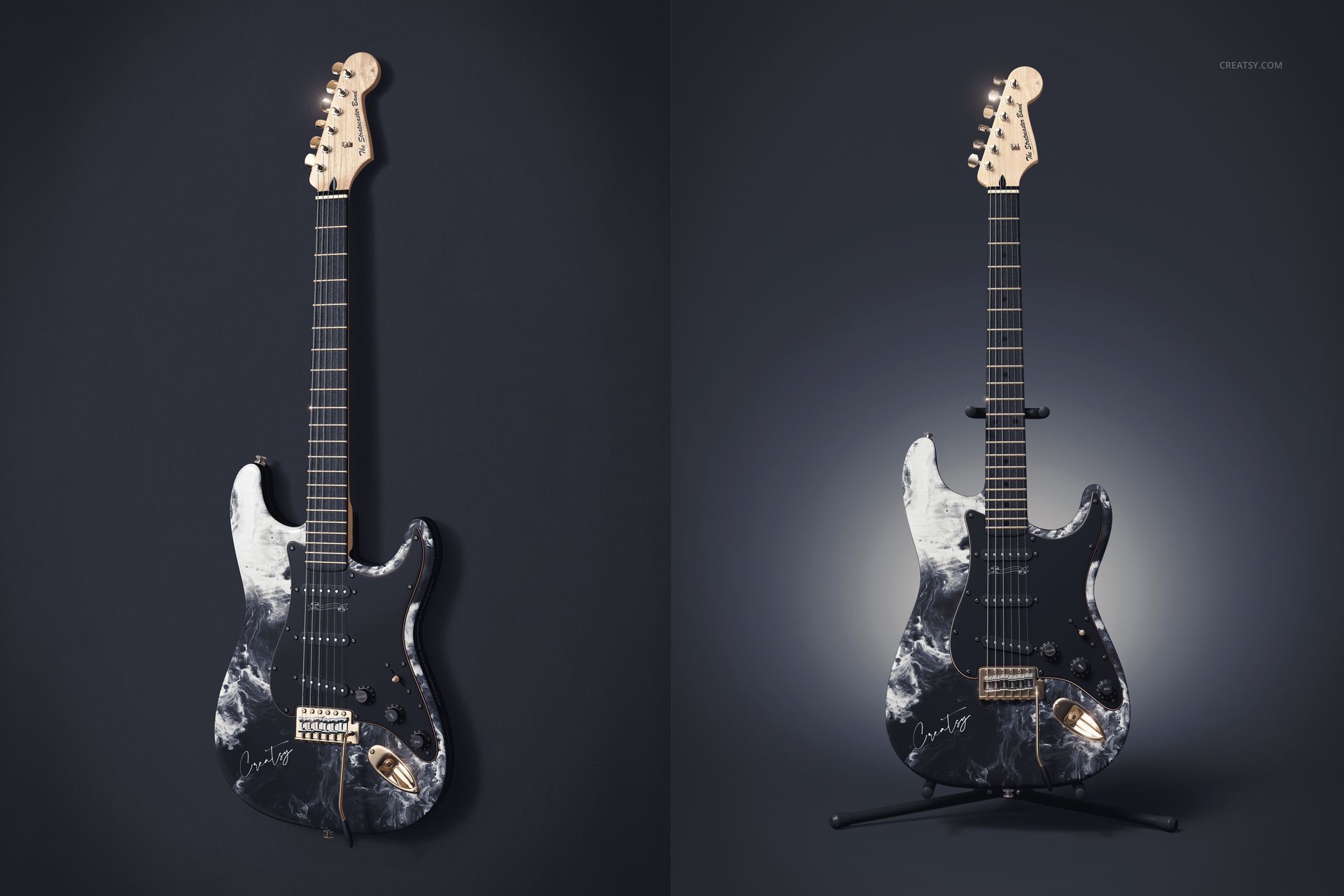
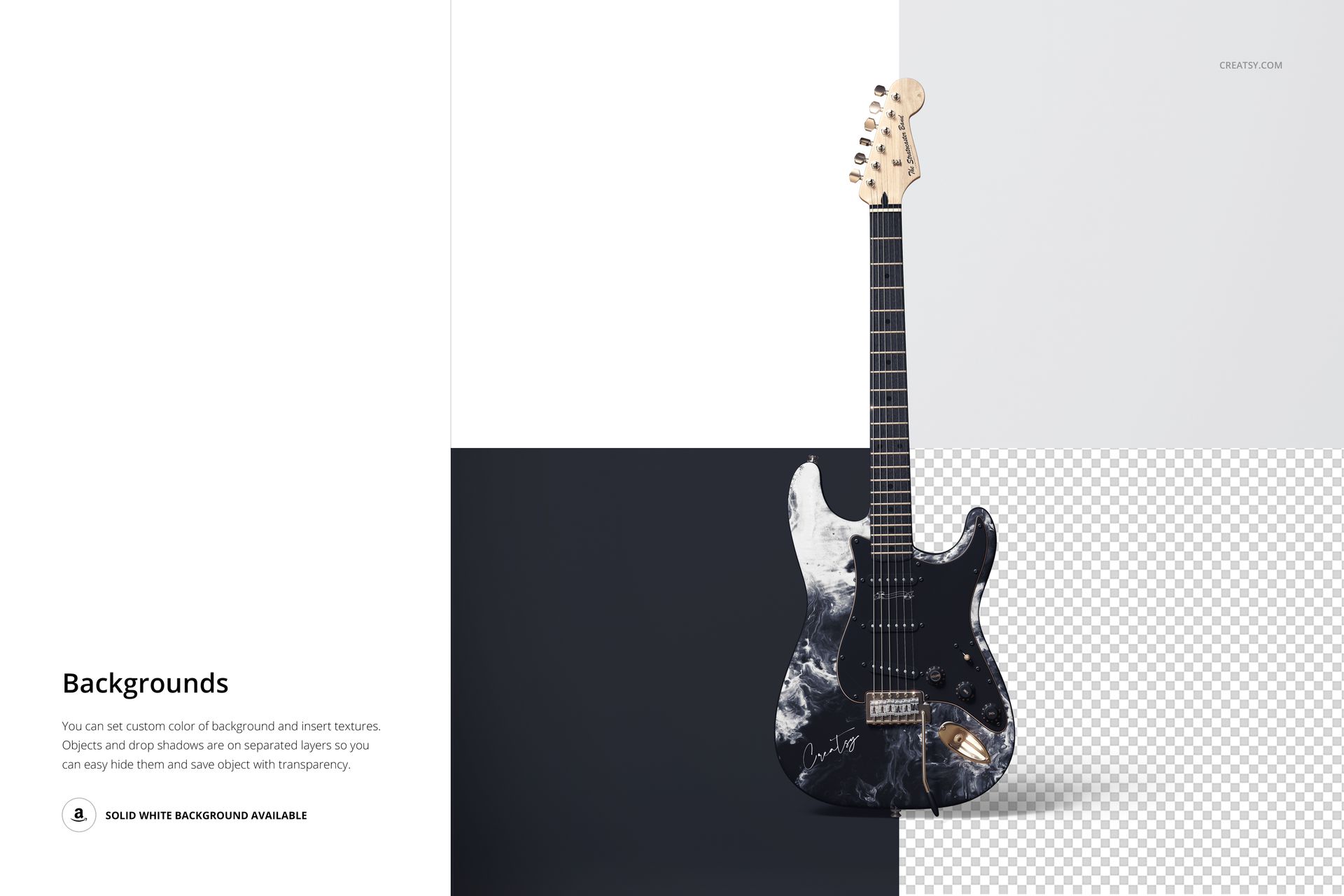
The Electric Guitar Mockup Set includes eight high-resolution PSD scenes created to present custom body artwork, colors, patterns and visual concepts across a complete electric guitar. The collection combines full instrument views with detailed close-ups, group compositions and music-focused studio settings, giving you enough variety to build a complete presentation rather than relying on one isolated product image.
Use the set for custom guitar concepts, instrument collections, artist collaborations, surface pattern projects, product launches, client approvals and music-related portfolio work.
See How the Design Works Across the Instrument
A pattern that looks balanced as a flat artwork file may feel completely different once it follows the curves, proportions and hardware of an electric guitar.
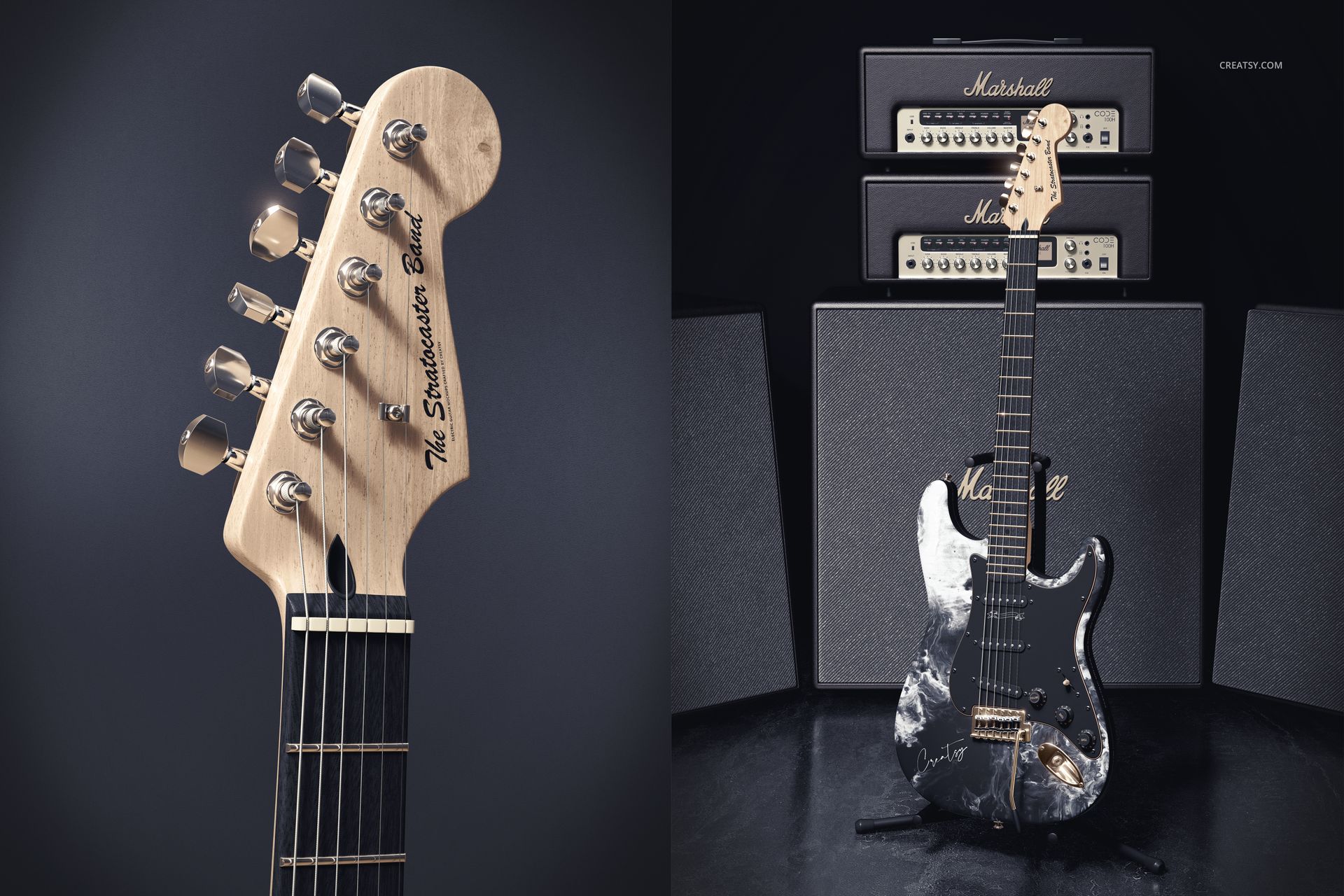
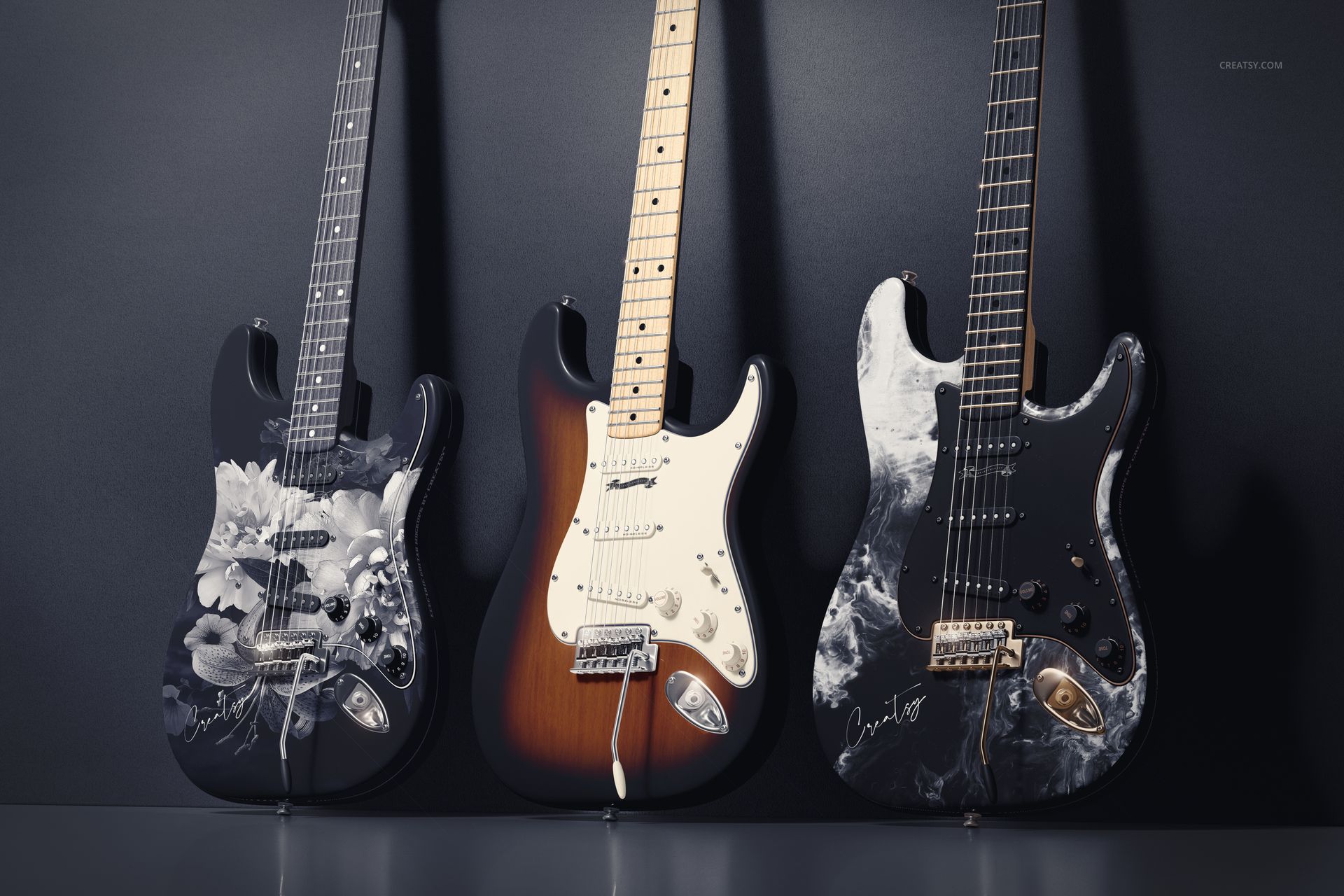
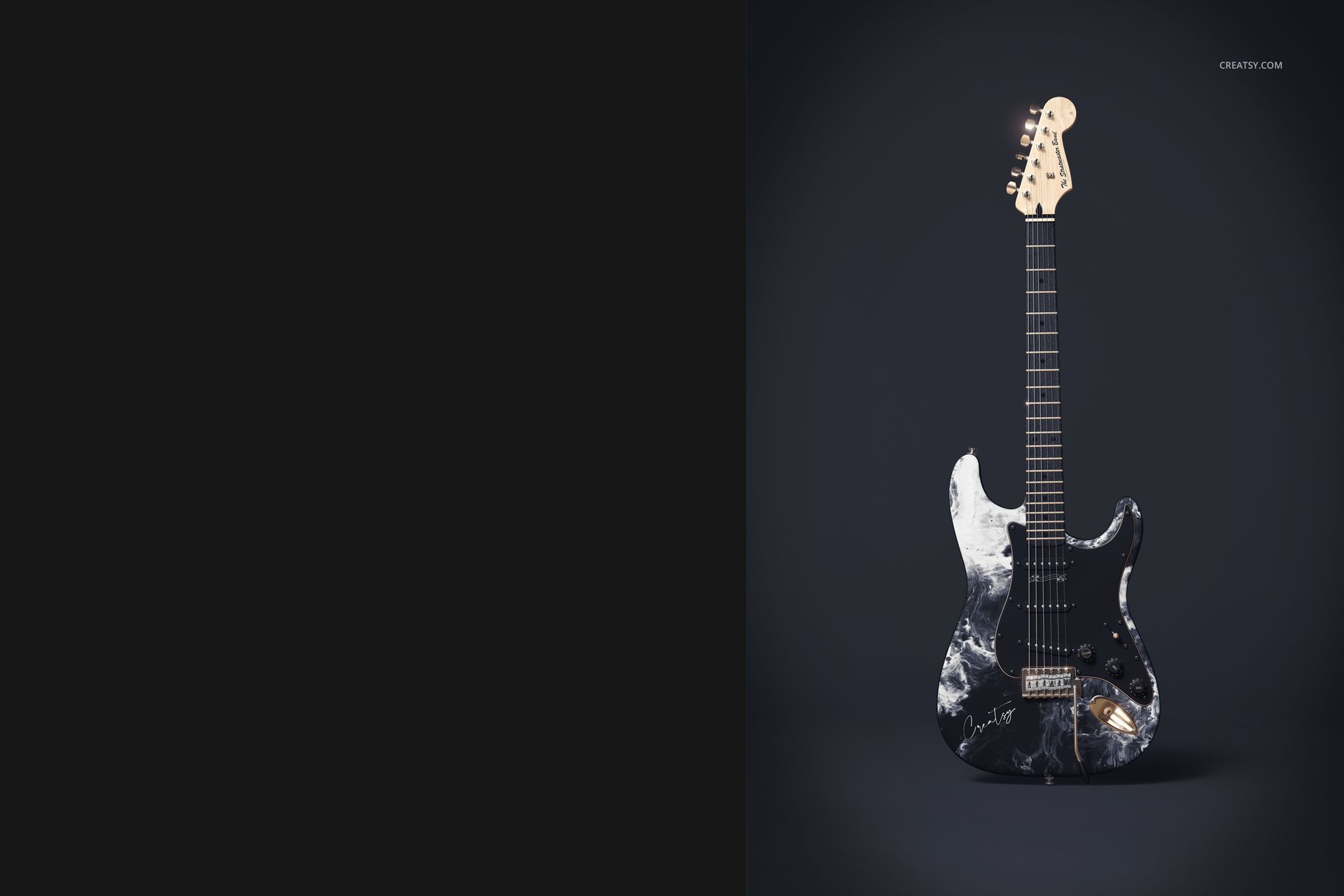
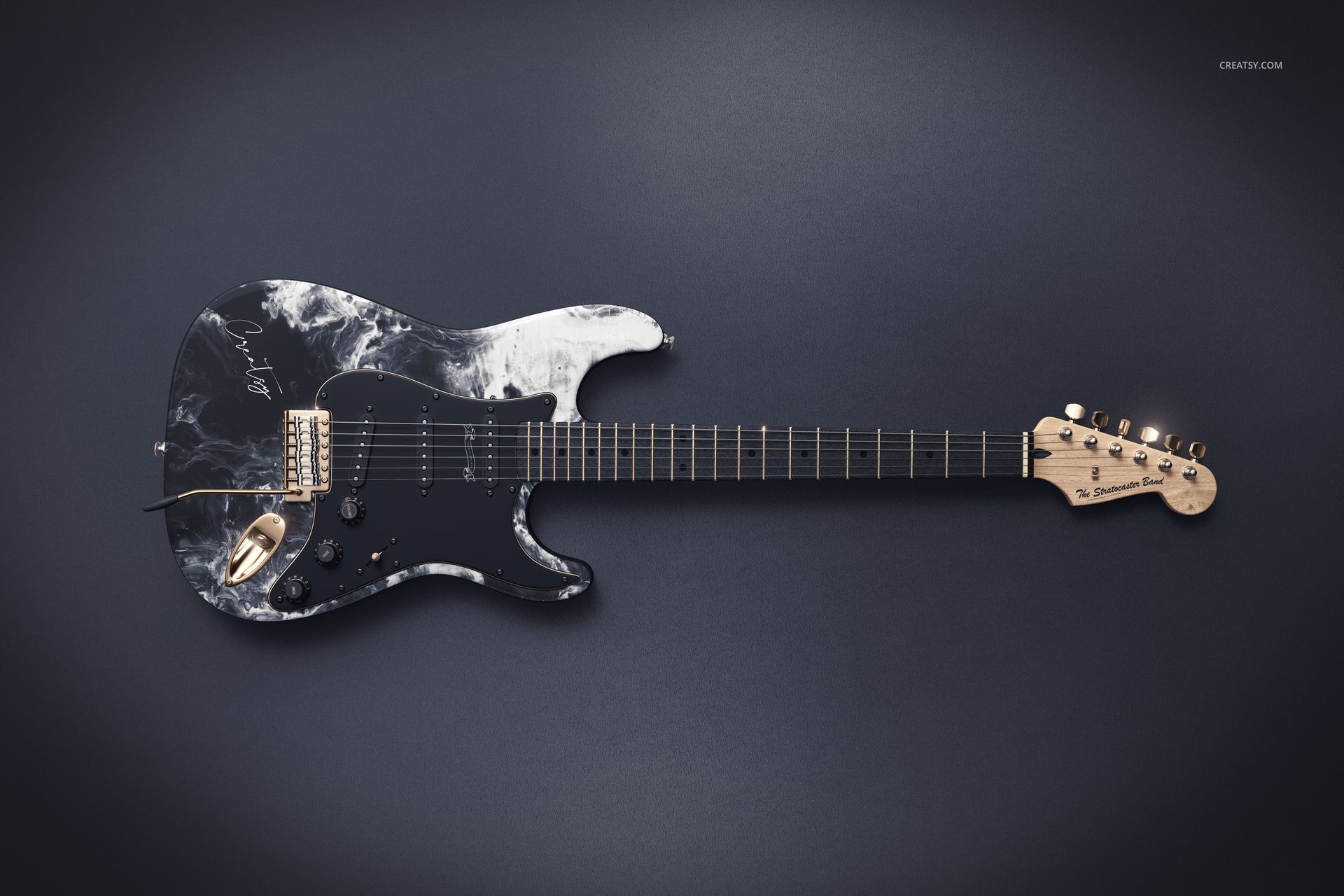
These mockups help you evaluate the design in context. The available previews include full front and angled views, close-ups of the guitar body and control area, a detailed headstock composition, several guitars displayed together and a scene featuring amplifiers. The collection also includes both portrait and landscape layouts.
This range makes it easier to review:
Pattern scale across the guitar body
Placement of illustrations or graphic elements
Contrast between the artwork and the pickguard
The relationship between the finish and metal hardware
How the design reads from a distance
Whether several guitar concepts feel like one collection
Which view works best for a campaign or portfolio cover
Instead of judging the artwork from a flat template, you can see how it behaves on a realistic instrument shape.
Built for Custom Guitar Concepts
This set can support a wide range of creative projects, from understated guitar finishes to highly expressive instrument artwork.
It is suitable for:
Custom guitar designers
Luthiers presenting visual concepts
Instrument manufacturers
Music equipment brands
Surface pattern designers
Illustrators and graphic artists
Bands and performing artists
Creative agencies working on music projects
Designers building instrument-focused portfolios
Artists developing signature guitar concepts
You can use a subtle color treatment for a classic instrument concept, apply an all-over pattern for a more expressive finish or create several coordinated guitars for a complete product range.
From Minimal Finishes to Full-Surface Artwork
The guitar body provides a distinctive surface for visual experimentation.
Try the mockups with:
Marbled and fluid artwork
Geometric patterns
Abstract illustrations
Floral or botanical repeats
Album-inspired graphics
Bold typography
Hand-drawn artwork
Minimal monochrome finishes
Color-blocked concepts
Metallic-inspired designs
Artist signatures and emblems
Coordinated collection artwork
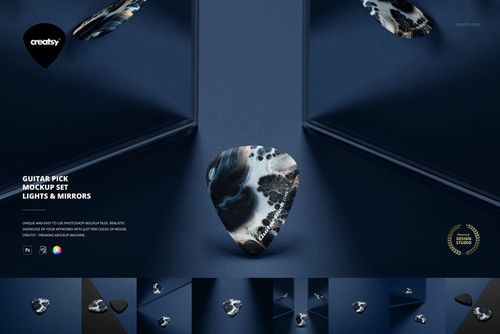
The preview images demonstrate how a high-contrast marbled design can interact with a dark pickguard and metallic hardware. Your own artwork can take the presentation in a completely different direction.
Create a Consistent Guitar Collection
The group scenes are useful when you need to present several designs together.
You can use them to show:
Multiple finishes from one guitar range
Light and dark versions of the same artwork
A coordinated collection for different artists
Several colorways from one design system
A hero design with supporting variations
A limited-edition instrument series
A collaboration between a musician and visual artist
Seeing the guitars together can reveal whether the collection feels connected or whether one design appears visually out of place.
This is particularly helpful during client presentations, when several concepts need to be reviewed within the same visual environment.
Make Detailed Artwork Easier to Evaluate
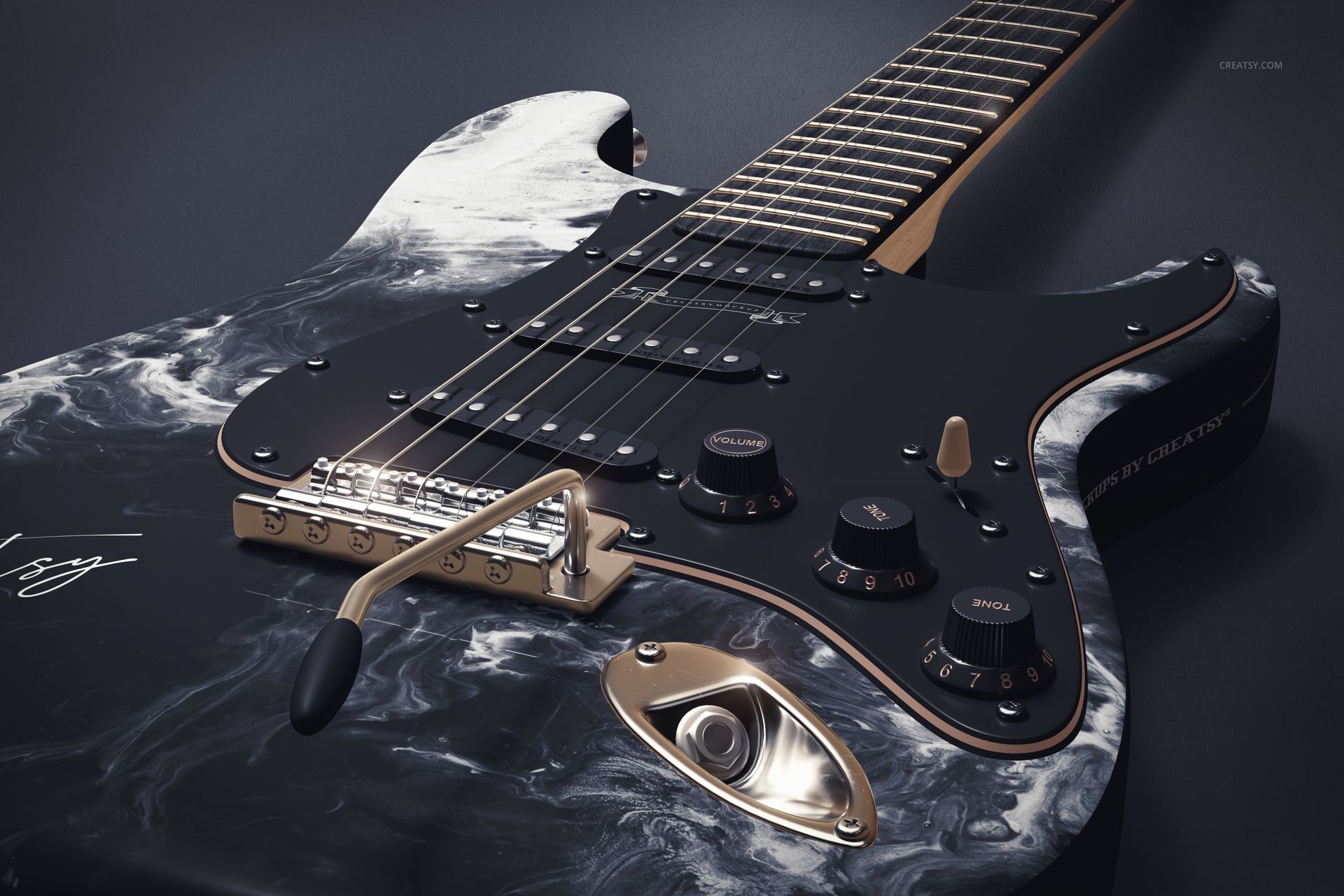
The close-up scenes give more attention to areas that may be difficult to judge in a full-length image.
Use them to inspect how the artwork appears beside the strings, pickups, control knobs, pickguard and metallic details. These tighter compositions are also useful for marketing graphics because they can highlight the quality and personality of the finish without showing the entire instrument.
Combine a full guitar view with several detailed close-ups to create a more complete product gallery or design case study.
Useful Before Production
Creating a physical custom guitar finish can require time, materials and specialist work. A realistic digital preview gives designers and clients an opportunity to discuss the visual direction before production begins.
Use the mockups to compare:
Different artwork placements
Large and small pattern scales
Alternative color combinations
Pickguard and body color relationships
Several finish concepts
Collection consistency
Campaign-ready compositions
The files are intended for visual presentation and concept development. They are not manufacturing templates, technical guitar plans or color-accurate production proofs.
Designed for Music Campaigns and Portfolios
The finished visuals can work beyond internal approvals.
Use them for:
Custom guitar product pages
Music equipment campaigns
Instrument collection announcements
Artist collaboration visuals
Portfolio case studies
Behance projects
Social media launch content
Website hero graphics
Digital catalogs
Client pitch decks
Advertising concepts
Music event graphics
Creative direction presentations
Instrument customization services
The mix of clean product scenes and more atmospheric compositions gives you flexibility when building a longer campaign or portfolio project.
Editing the PSD Files
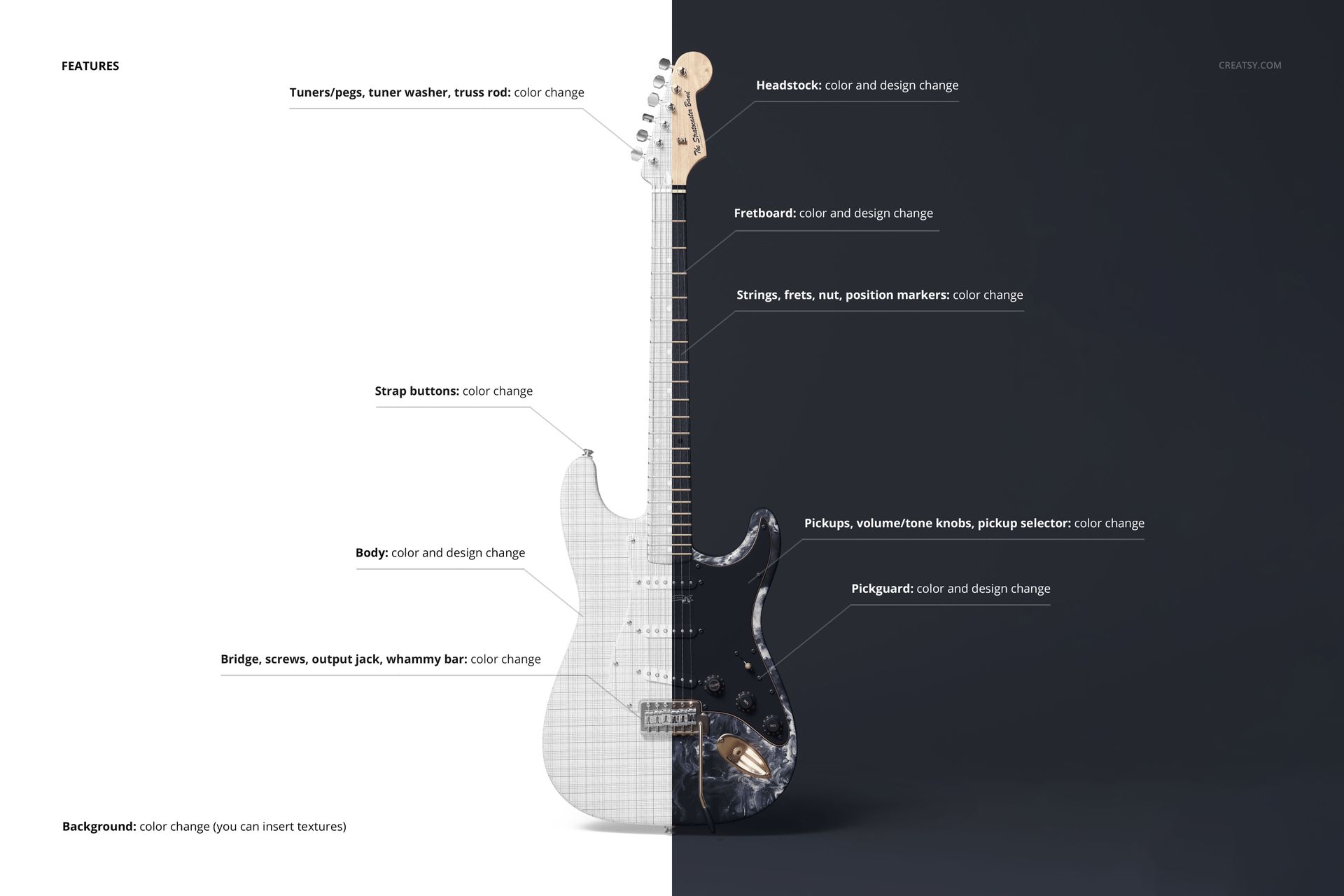
Open the selected PSD in Adobe Photoshop CC2020 or newer and locate the editable color and design components. Add your artwork, adjust the available colors and use the organized layer structure to prepare the final image.
Because the exact editable areas may vary between scenes, the screenshots should clearly show which parts of the guitar, background and surrounding elements can be customized.
The set is especially useful when you want to reuse the same artwork across several views. This creates a consistent gallery without manually rebuilding the guitar presentation for every angle.
What You Can Showcase
Use the Electric Guitar Mockup Set to present:
Custom electric guitar finishes
Guitar body artwork
Patterns and illustrations
Instrument color concepts
Limited-edition guitar collections
Artist signature guitar designs
Luthier presentation visuals
Music equipment branding
Custom guitar wrap concepts
Product launch campaigns
Surface pattern applications
Band and artist collaborations
Client approval images
Music-related portfolio projects
Promotional instrument graphics
File Specifications
Pack includes 8 editable PSD files
17 files included in total
Included formats: 8 PSD files, 8 JPG previews and 1 PDF user manual
PSD dimensions listed in Product Details: 6000x4000 px
Preview compositions include landscape and portrait orientations
Resolution: 300 DPI
Compatible with Adobe Photoshop CC2020 or newer
Editable components listed: color and design
Well-organized layers
Package sizes listed: approximately 2.6 GB and 2.8 GB
Example artwork is shown for presentation only and is not included
File details
- Compatibility
- Package size
- 2.6 GB
|2.8 GB
- Files type
- .psd, .jpg, .pdf
- Files size
- 6000x4000


MEET THE SHOP
- $1615$19.00
- $1870$22.00
- $1615$19.00
- $2125$25.00

HOW IT WORKS
3 clicks. That's it.
No tutorial needed. If you can copy-paste, you can use this.
- 1OpenDouble-click the smart object inside the PSD - in Adobe Photoshop, or free in your browser with Photopea.
- 2PasteDrop in your pattern, print, or artwork. Any design, any style.
- 3SaveHit save and the mockup wraps it in for you - shadows, folds, and lighting included.
FROM IDEA TO IMAGE
Built for real workflows
Skip the photo shoot Show your artwork on the real product type for approvals or listings - no studio, no model, no sample.
See it on the product, not a swatch Drop your file into the smart object and the scene's lighting and folds wrap around it, so you judge the real thing before you commit.
Smart Objects
Edit once and you're done. Your artwork drops into a smart object and the mockup updates itself - no masking, no warping by hand.
Perfectly Organized
Named layers and folders you can actually navigate. Find what you need, change what you want, and get out fast.
Print-Ready
High-resolution files built to hold up on screen and in print. Exact size and DPI are in this product's Details above.