7 inch Translucent Colored Vinyl Record Mockup - In Greenery
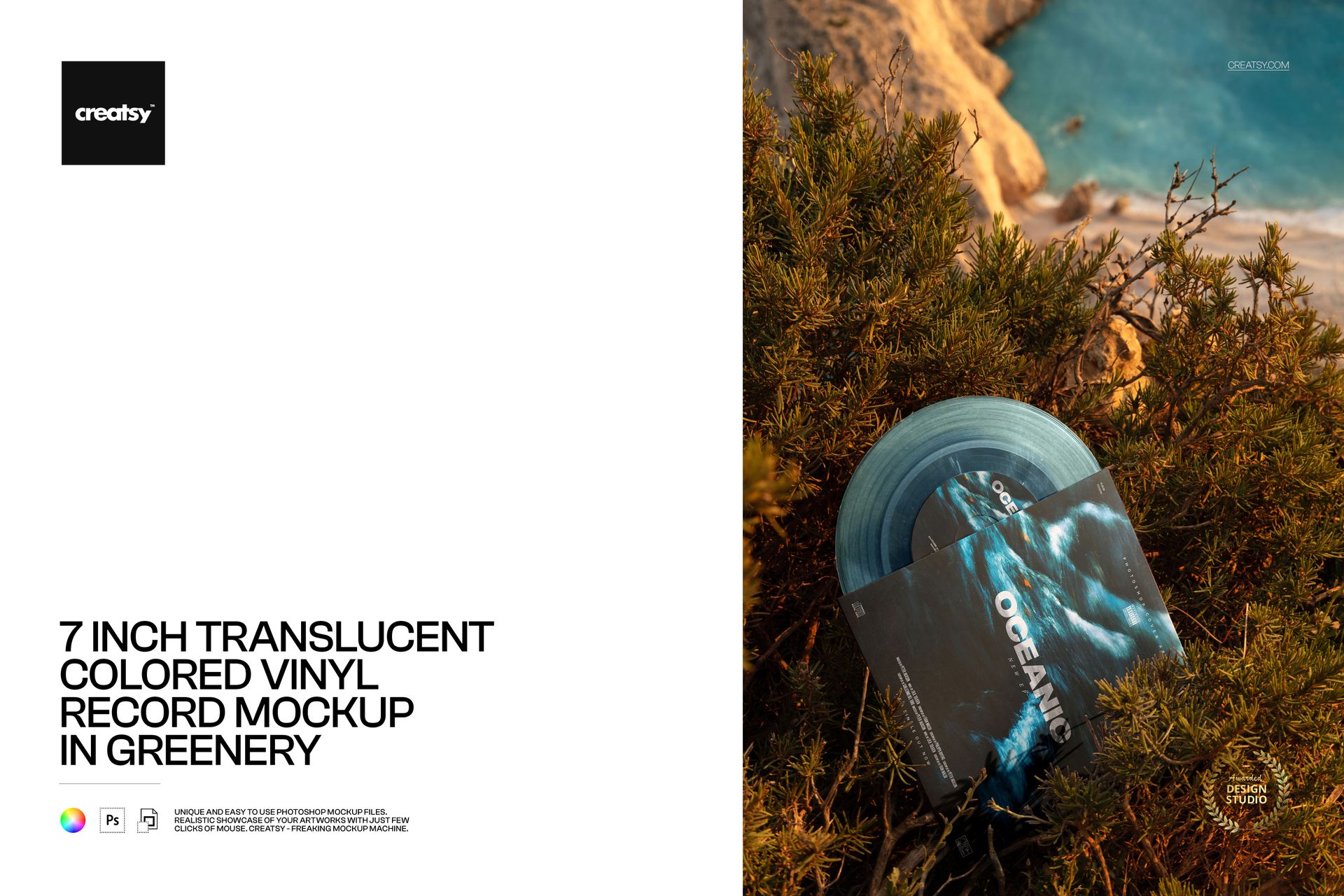
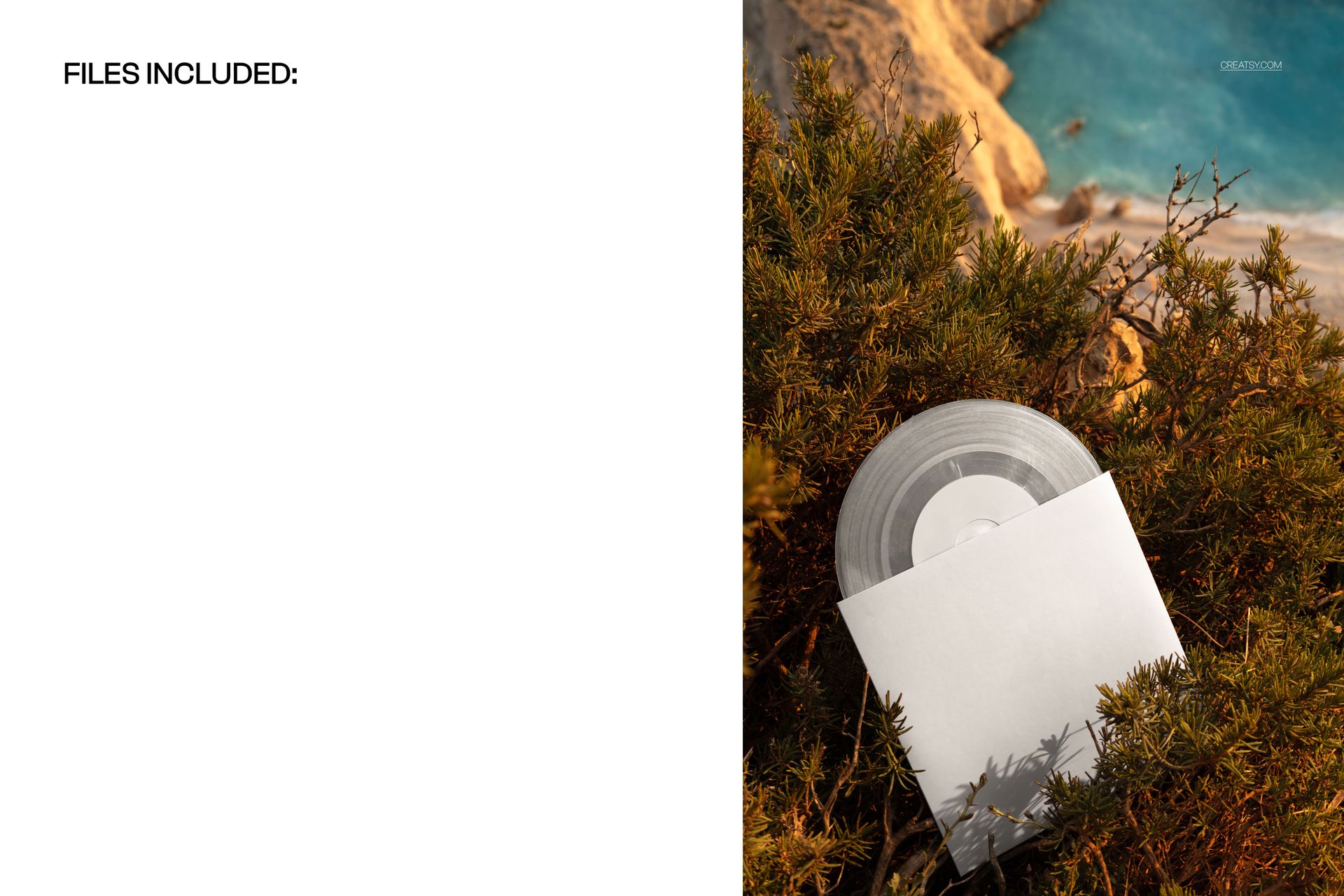
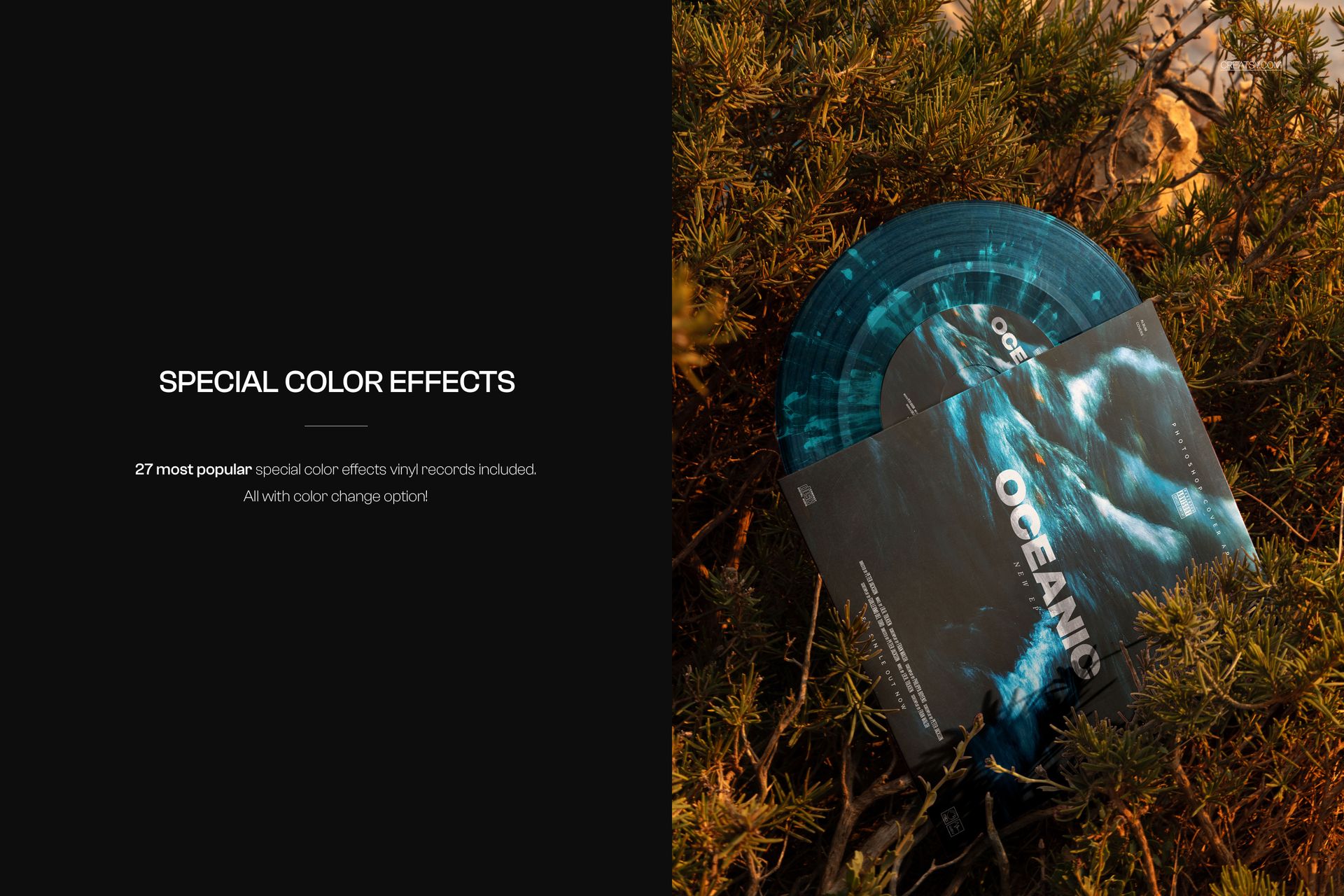
Let coastal foliage frame your next record release. This 7-inch translucent vinyl record mockup places a sleeve and partially exposed disc among sunlit shrubs, with blue water and cliffs beyond. Plant shadows and overlapping greenery give the artwork a natural setting for music campaigns with an organic, outdoor mood.
Use the single portrait scene to see how a cover, center label and colored record work together outside a studio backdrop. The close framing keeps the packaging prominent while retaining the character of the coastline.
What Is Included
1 layered PSD mockup, 4480 × 6720 px at 300 DPI, in portrait orientation.
1 JPG preview, 2 files in total.
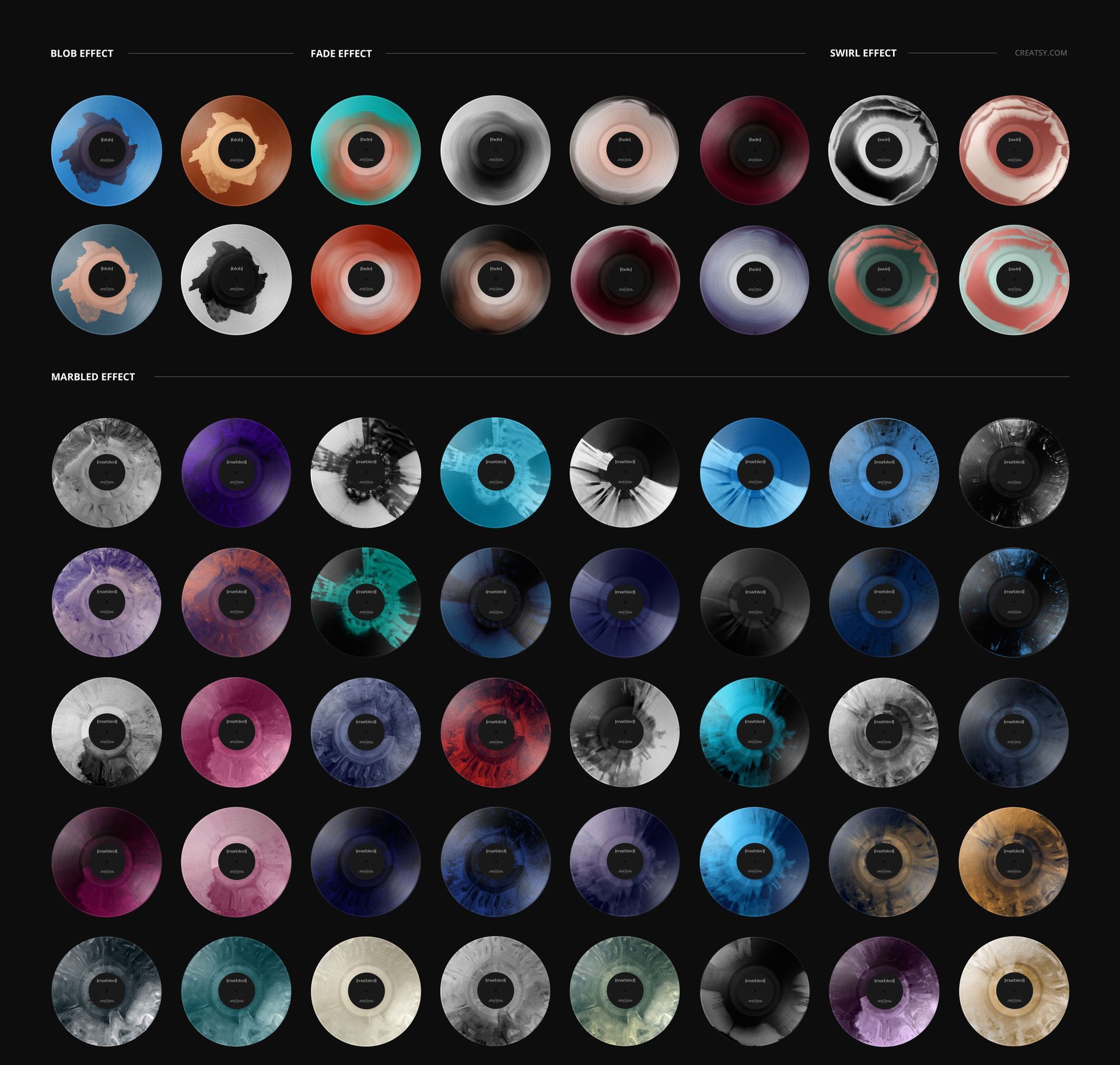
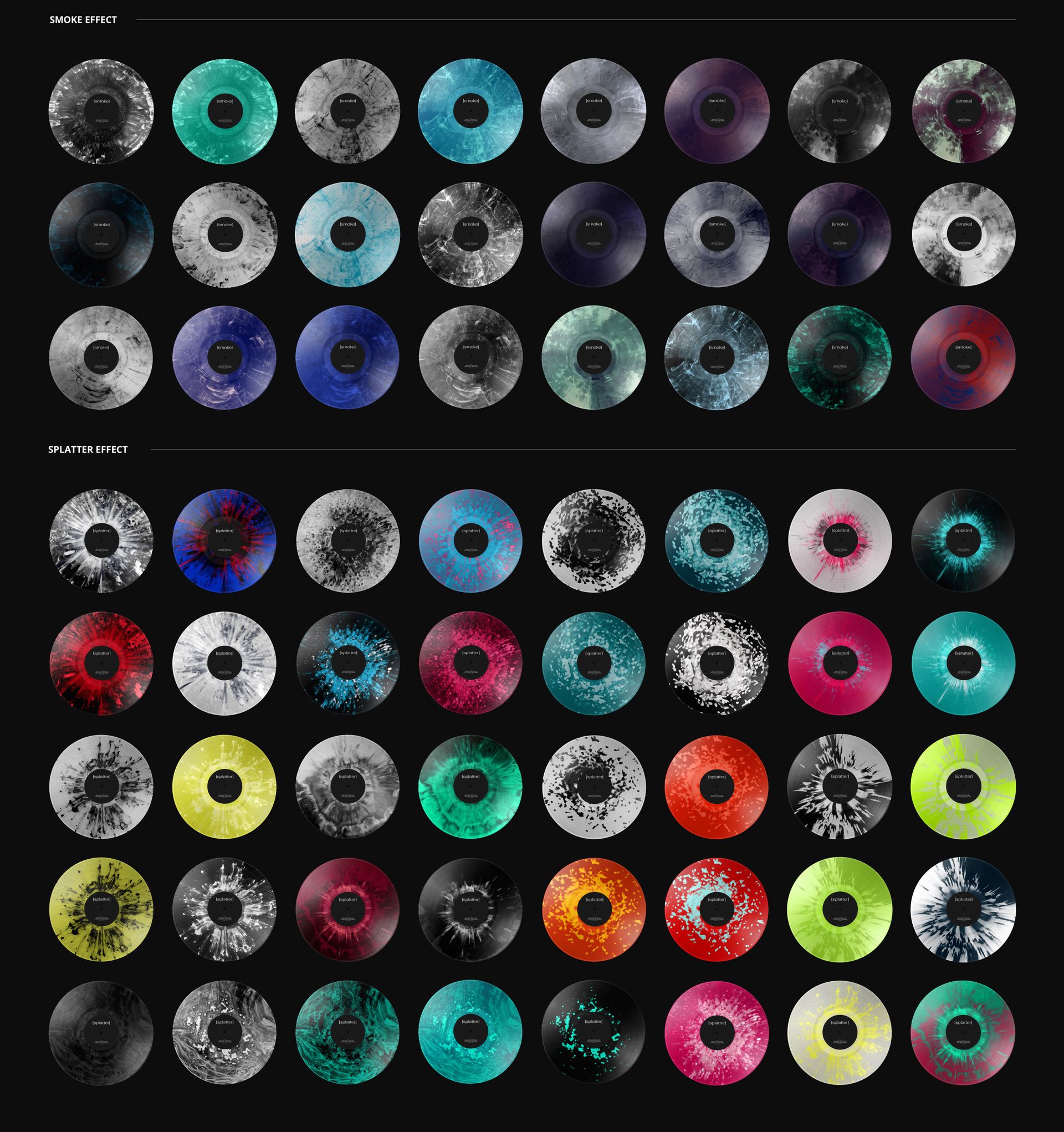
27 special vinyl color effects within the scene, not 27 separate mockups.
A Record Sleeve Framed by Greenery
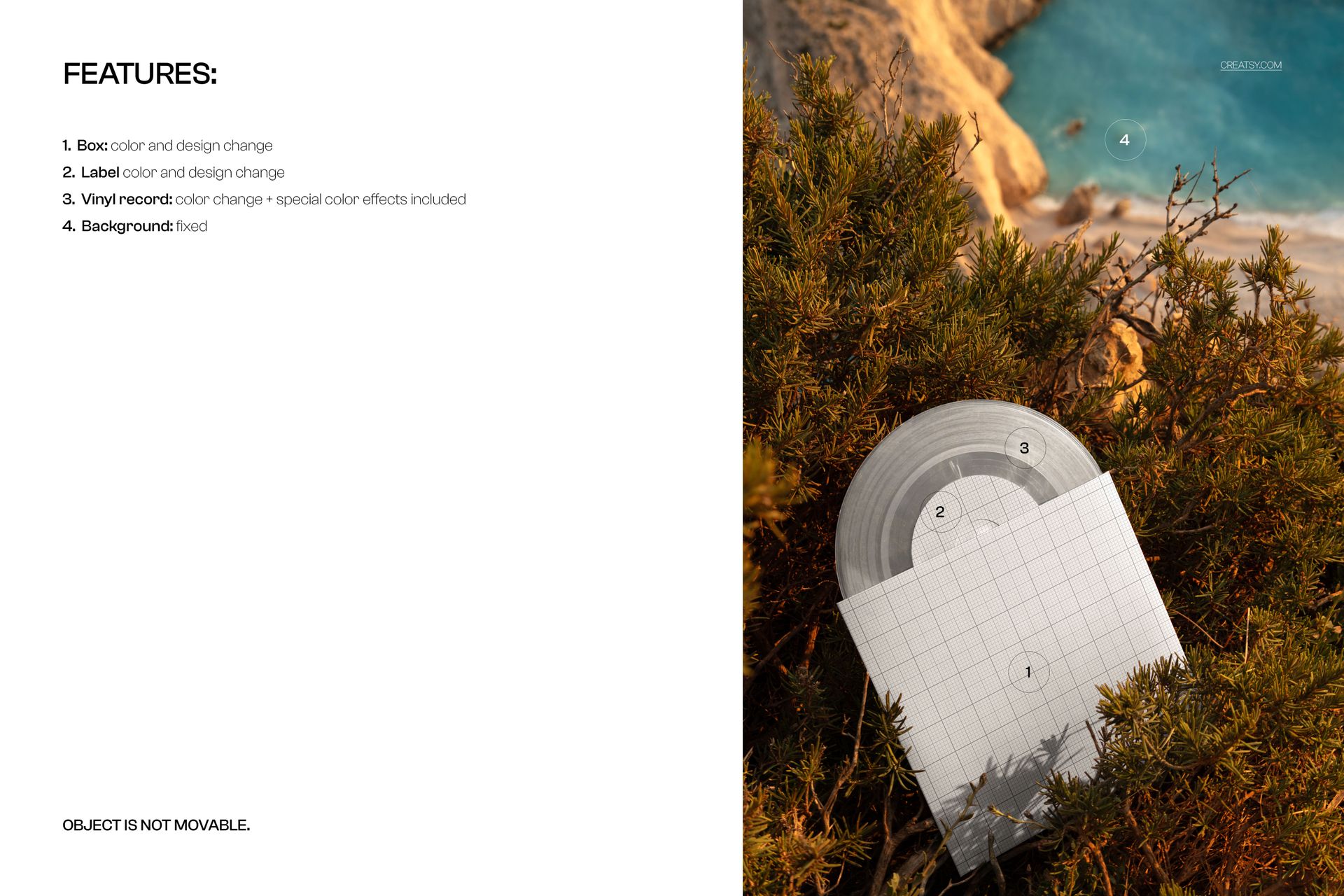
Change the sleeve color and artwork, the center-label color and design, and the vinyl color. Explore blob, fade, swirl, marbled, smoke and splatter effects with color adjustment to find a finish that complements your cover. The coastal background is fixed, and the objects cannot be moved.
Easy Smart Object Editing
Open the PSD in Adobe Photoshop or Photopea, replace the sleeve and label artwork through Smart Objects, then adjust the record color and effect. Organized layers help you compare different visual directions within the same composition.
Perfect For
Independent artists, record labels and album-cover designers presenting a 7-inch single, an artwork proposal or a nature-inspired release campaign. Use the finished image in a portfolio, artist website or promotional post.
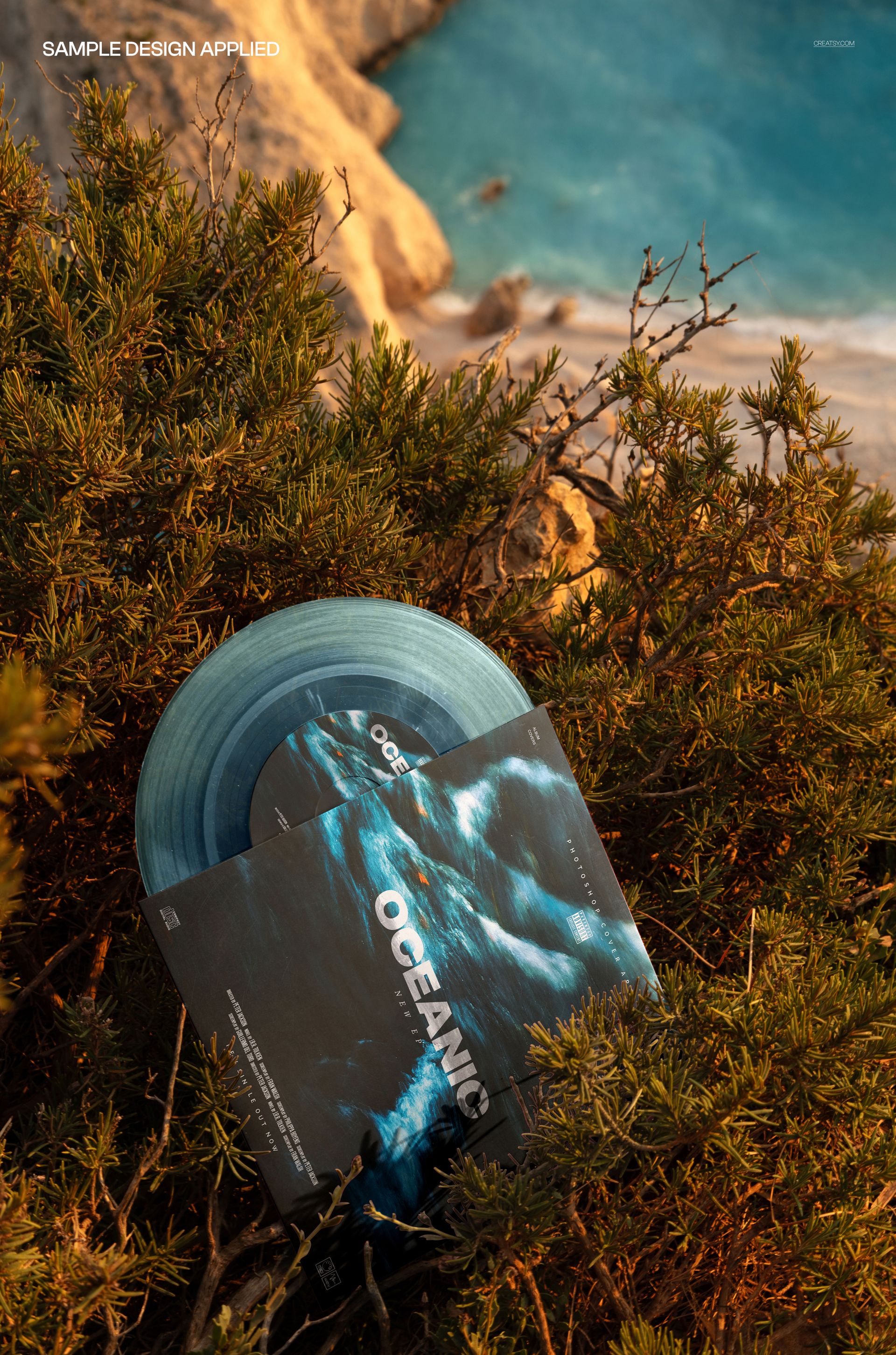
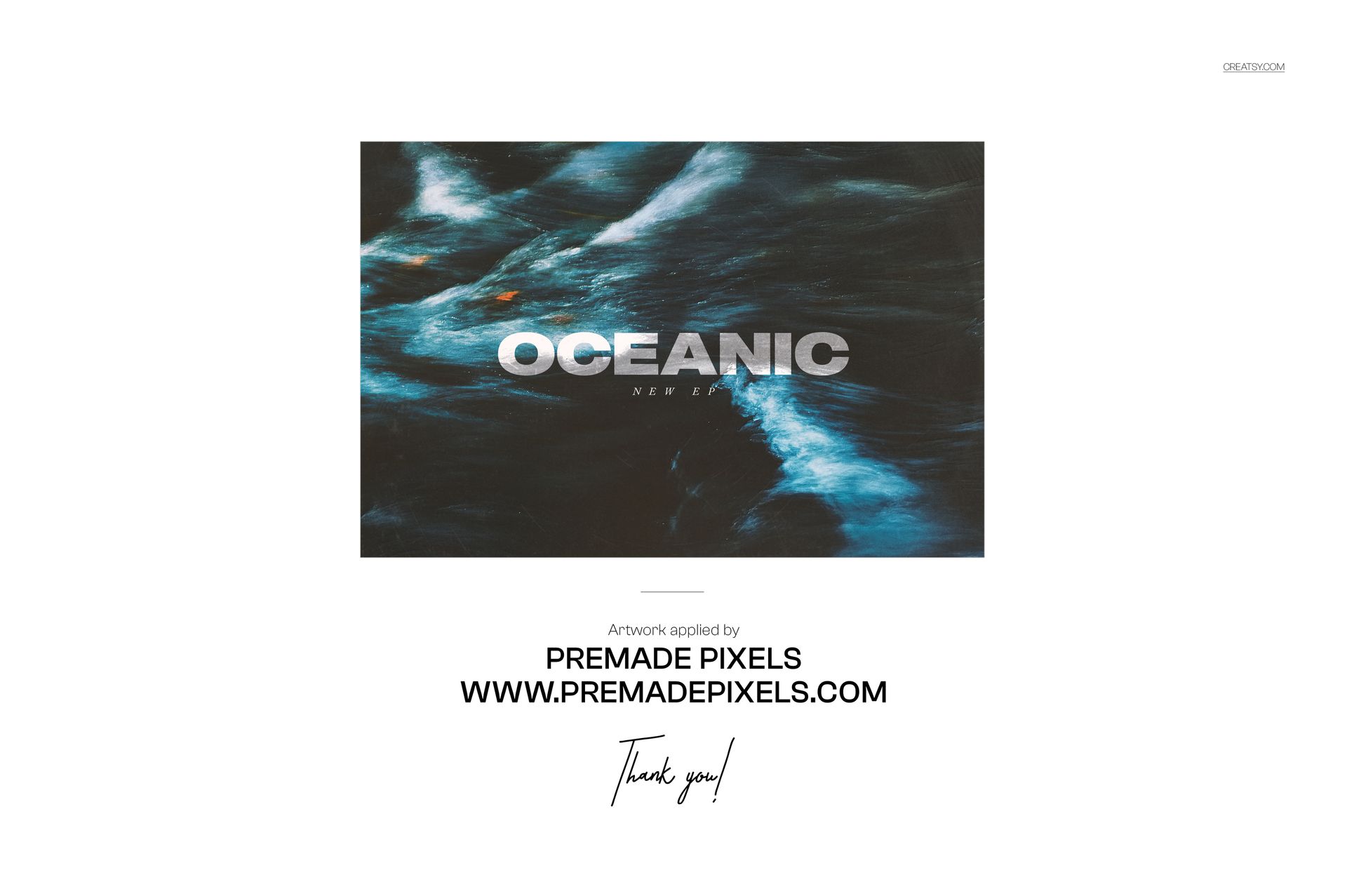
Digital mockup download only. No physical record is supplied, and the sample artwork shown in the previews is not included.