ID: 1938618709 | Updated: Mar 30, 2026

Product Details

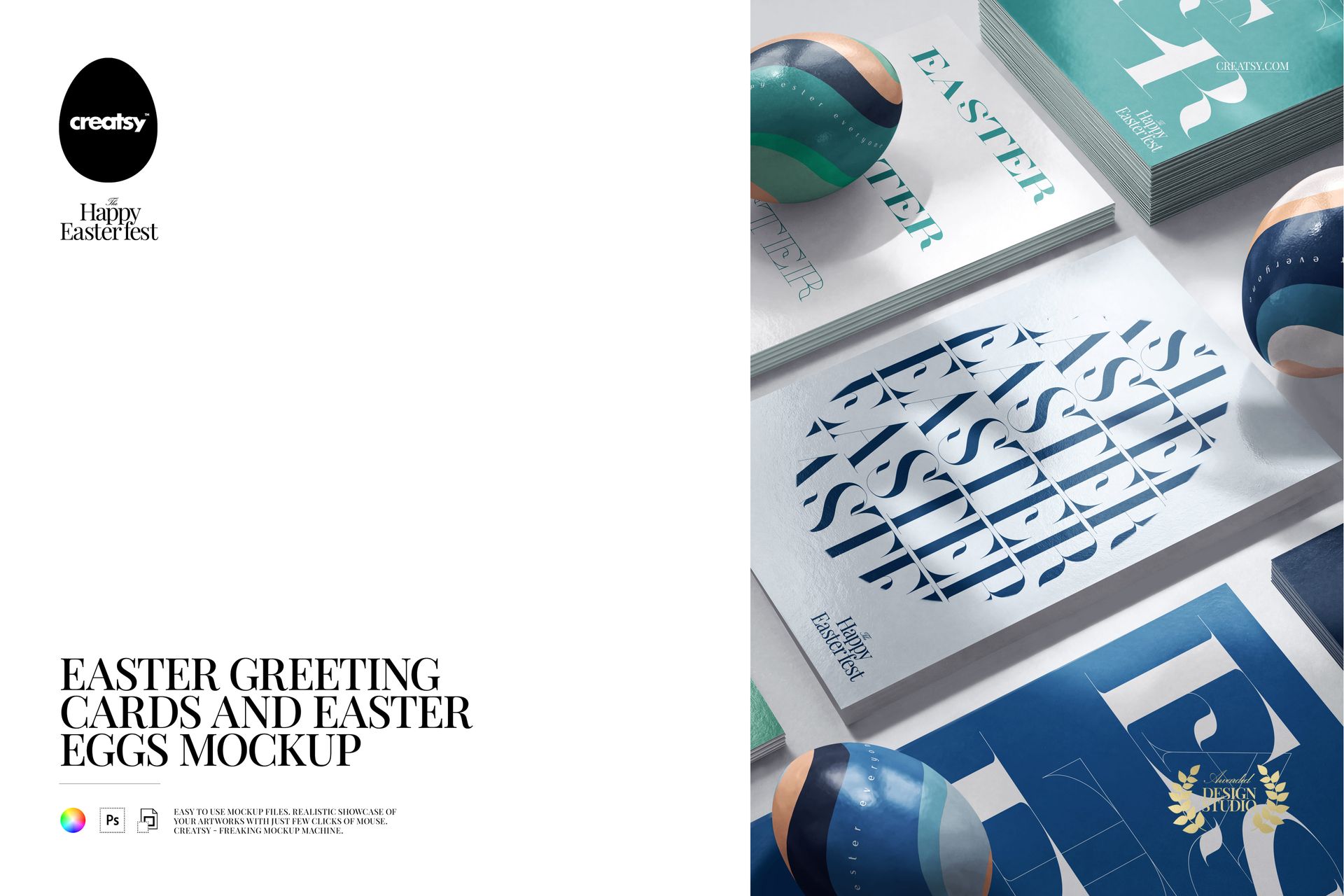
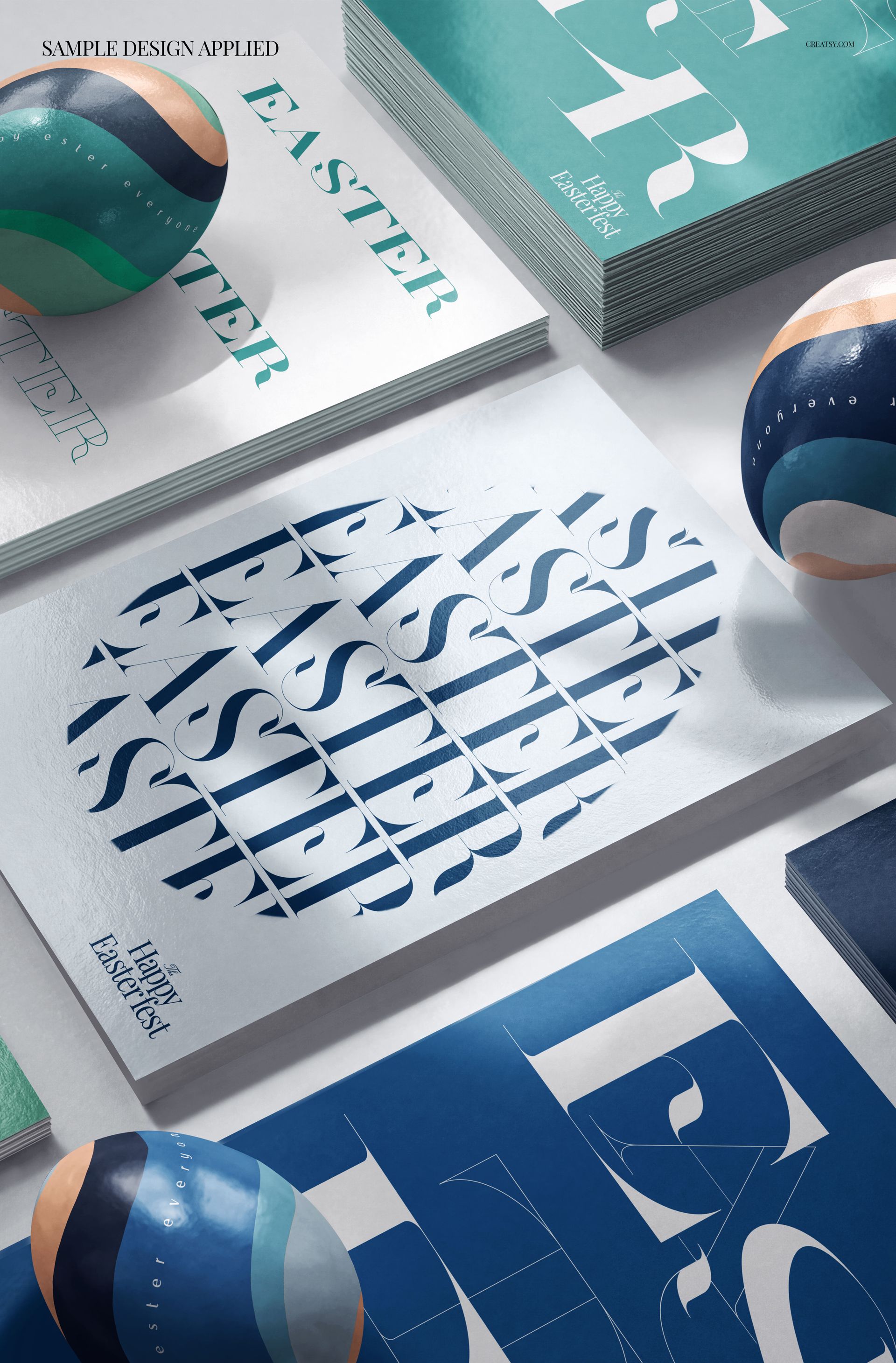
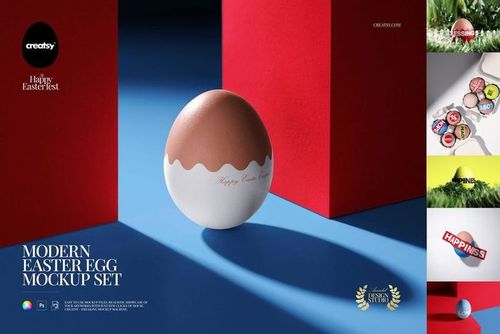
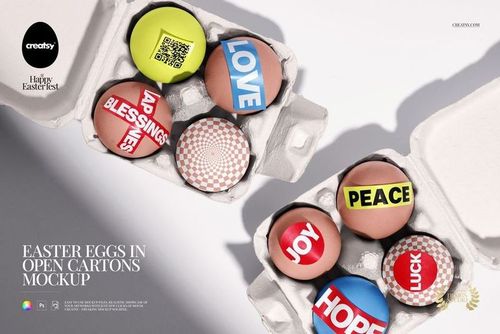
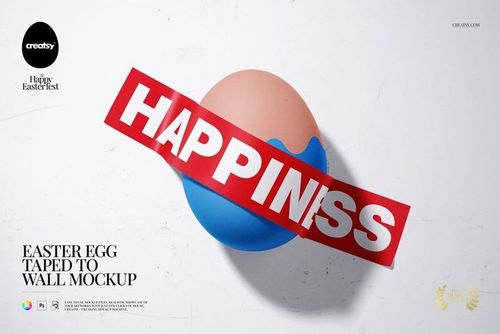
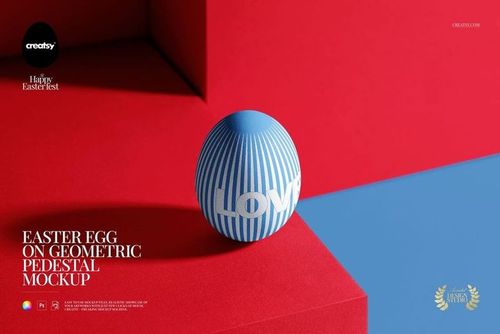
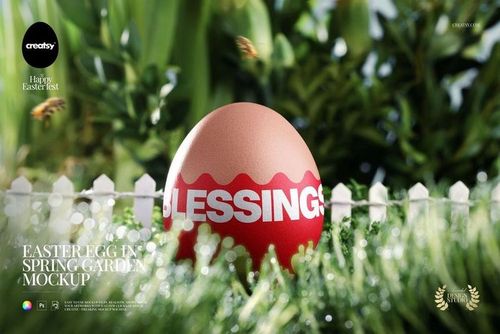
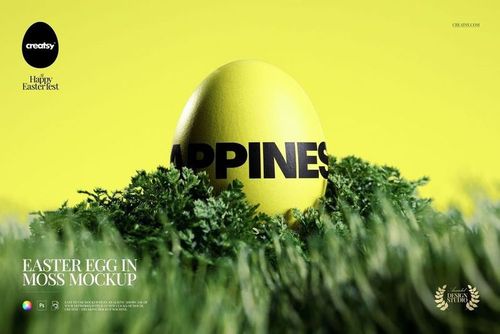
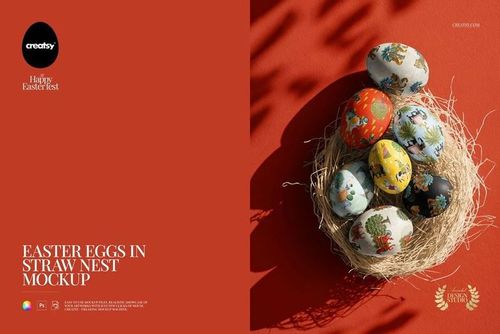
The Easter Greeting Cards and Easter Eggs Mockup lets you present greeting card designs, Easter illustrations, and seasonal artwork in a styled holiday scene with decorative eggs and spring elements. This layered PSD file gives you control over the greeting card surface, egg designs, and background styling - producing product images that capture the Easter atmosphere your customers expect when shopping for seasonal stationery and printed goods.

Why This Mockup Works

Easter card buyers want to see how a design looks as a finished printed product, not as a flat digital file on a screen. This mockup places your greeting card artwork in a complete Easter scene with coordinating decorative eggs, creating lifestyle images that communicate the seasonal mood and product quality simultaneously. The styled composition with spring-themed props and soft, warm lighting helps your card designs feel festive and gift-ready, which is the visual context that drives purchase decisions on Etsy, Shopify, Amazon Handmade, and other marketplaces where seasonal products compete heavily for attention during the Easter shopping window.

What Is Included

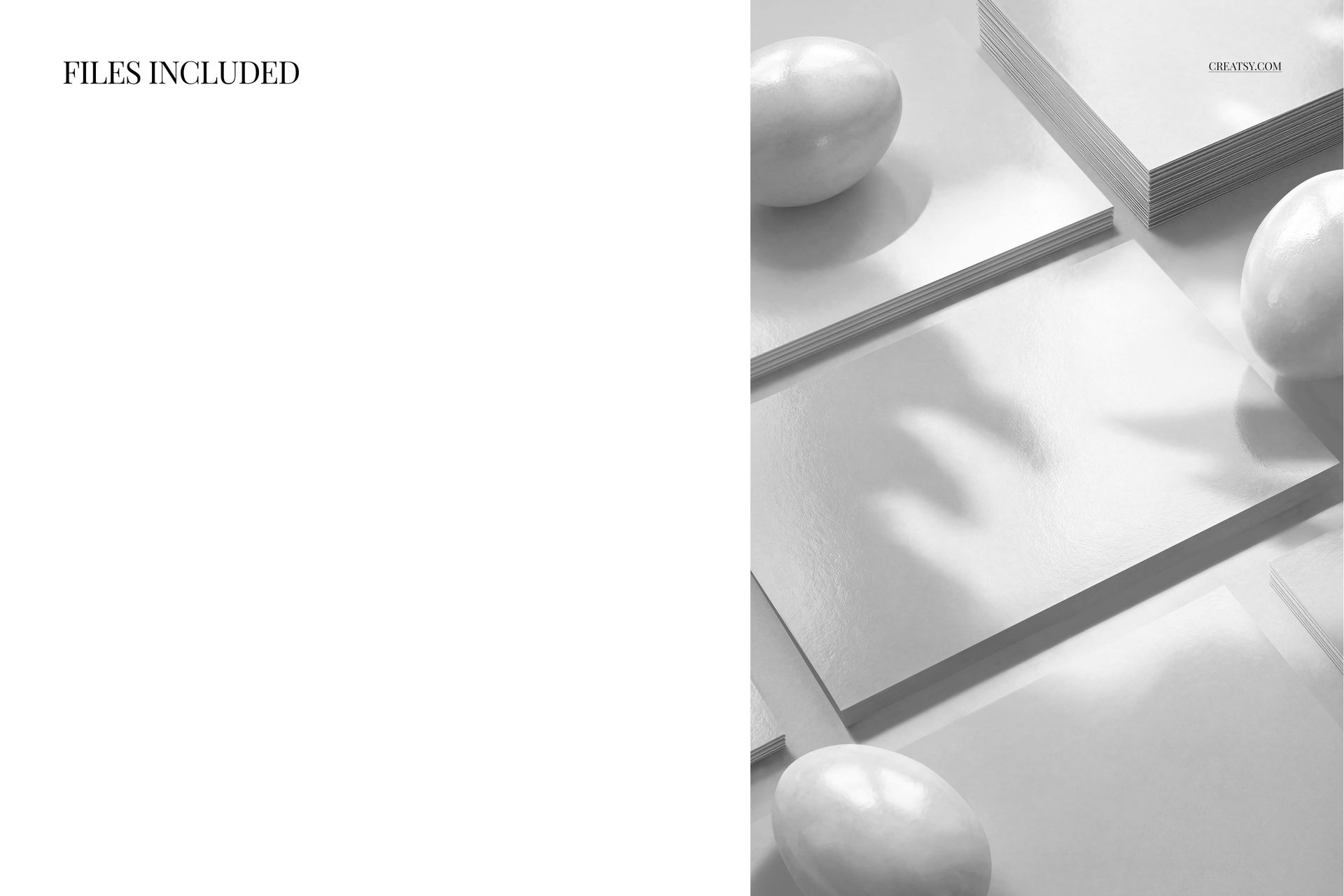
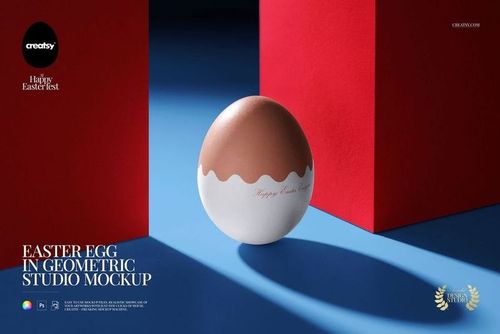
You receive 1 high-resolution PSD file containing a complete Easter scene with greeting card placement, decorative Easter eggs, and coordinating seasonal props. The file includes well-organized smart object layers for the card front surface, egg surface designs, and background customization. Each editable element has its own clearly labeled layer, so you can modify individual components without affecting the rest of the scene composition. The file structure supports both single-design presentations and coordinated collections where you match the card artwork with the egg patterns.

What You Can Customize

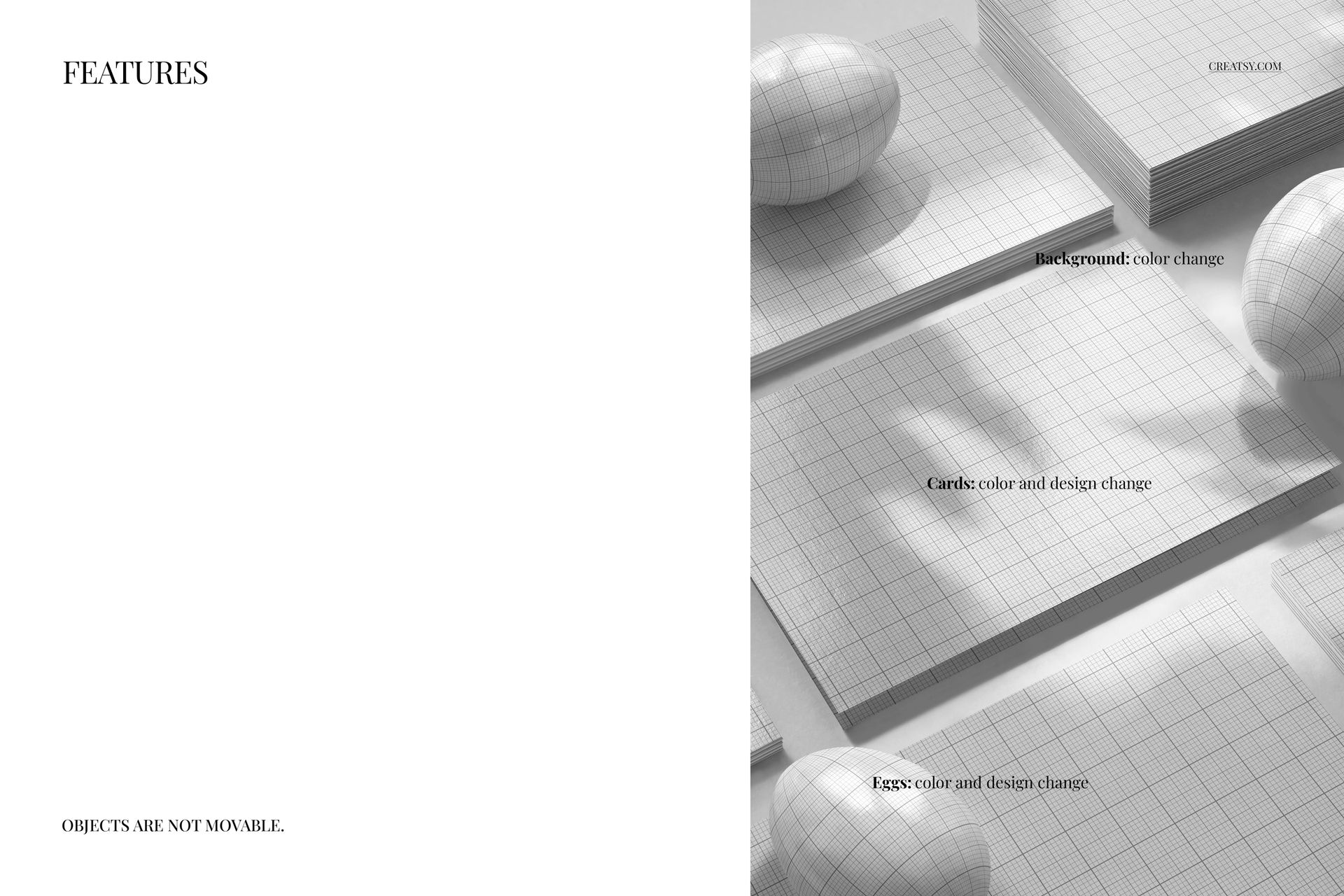
Open the PSD in Adobe Photoshop CC 2020 or newer (also compatible with Photopea for free browser-based editing) and double-click any smart object layer to place your design. Your greeting card artwork maps onto the card surface with realistic paper texture, accurate print rendering, and natural shadow effects applied automatically. Customize the Easter egg patterns to coordinate with your card design or create contrast, and adjust the background color and styling to match your brand palette or seasonal theme. The 5000 x 3300 px canvas at 300 DPI gives you enough resolution for web product pages, social media marketing, and print-quality materials including catalog pages and promotional flyers.

Who This Mockup Is For

This mockup serves greeting card designers presenting Easter collections to retailers and wholesale buyers, stationery brands building seasonal product pages and marketing campaigns, illustrators and artists showcasing Easter artwork on printed products, print-on-demand sellers creating seasonal card listings for Etsy and Shopify, event planners and party coordinators previewing custom Easter invitations and thank-you cards, and marketing teams producing seasonal promotional materials for spring campaigns. It is equally useful for churches and community organizations previewing Easter event stationery and for craft businesses showcasing handmade card designs in a professional styled setting.

File Specifications

Format: 1 layered PSD file with organized smart object layers. Dimensions: 5000 x 3300 px at 300 DPI - suitable for web product listings, social media content, and print-quality marketing materials. Compatibility: Adobe Photoshop CC 2020 or newer, Photopea (free browser-based editor). File size: 300.63 MB. Editable elements: greeting card surface, Easter egg designs, background color and styling.

File details

Compatibility
PhotopeaAdobe Photoshop
Number of files included
2
Package size
300 MB300 MB|315 MB315 MB
Files type
.psd, .jpg
TEST FOR FREE

Made with Creatsy

Real designs. Real customers. See how creatives use Creatsy mockups to turn their artwork, branding, and product ideas into polished visuals.

MEET THE SHOP

Creatsy logo

Creatsy

Poland
4.7 (648)

Bring your ideas to life.

We're a family-run studio in Katowice, Poland, making PSD mockups by hand since 2016. Everything in this shop starts in our own studio. We shoot the photography, build the 3D, and put together every Smart Object PSD ourselves - then we test it, organize the layers, and only ship it once it actually works...
GO TO SHOP

HOW IT WORKS

3 clicks. That's it.

No tutorial needed. If you can copy-paste, you can use this.

  1. 1OpenDouble-click the smart object inside the PSD - in Adobe Photoshop, or free in your browser with Photopea.
  2. 2PasteDrop in your pattern, print, or artwork. Any design, any style.
  3. 3SaveHit save and the mockup wraps it in for you - shadows, folds, and lighting included.
FROM IDEA TO IMAGE

Built for real workflows

Skip the photo shoot Show your artwork on the real product type for approvals or listings - no studio, no model, no sample.

See it on the product, not a swatch Drop your file into the smart object and the scene's lighting and folds wrap around it, so you judge the real thing before you commit.

Smart Objects

Edit once and you're done. Your artwork drops into a smart object and the mockup updates itself - no masking, no warping by hand.

Perfectly Organized

Named layers and folders you can actually navigate. Find what you need, change what you want, and get out fast.

Print-Ready

High-resolution files built to hold up on screen and in print. Exact size and DPI are in this product's Details above.