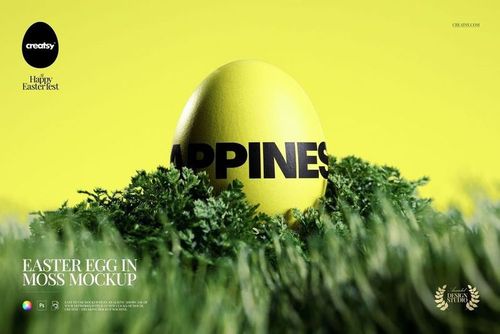
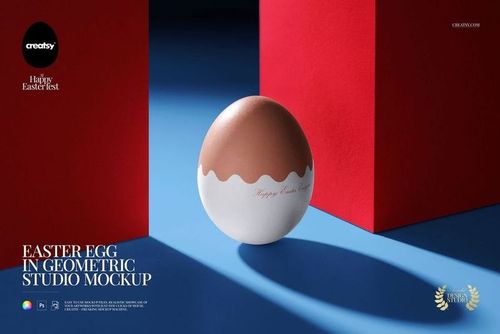
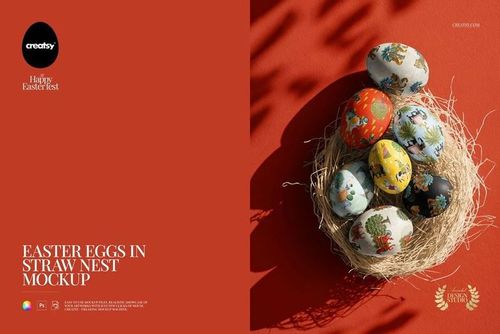
Gift Boxes & Easter Eggs Mockup
This product is a part of The Ultimate Easter Mockup Collection
Product Details
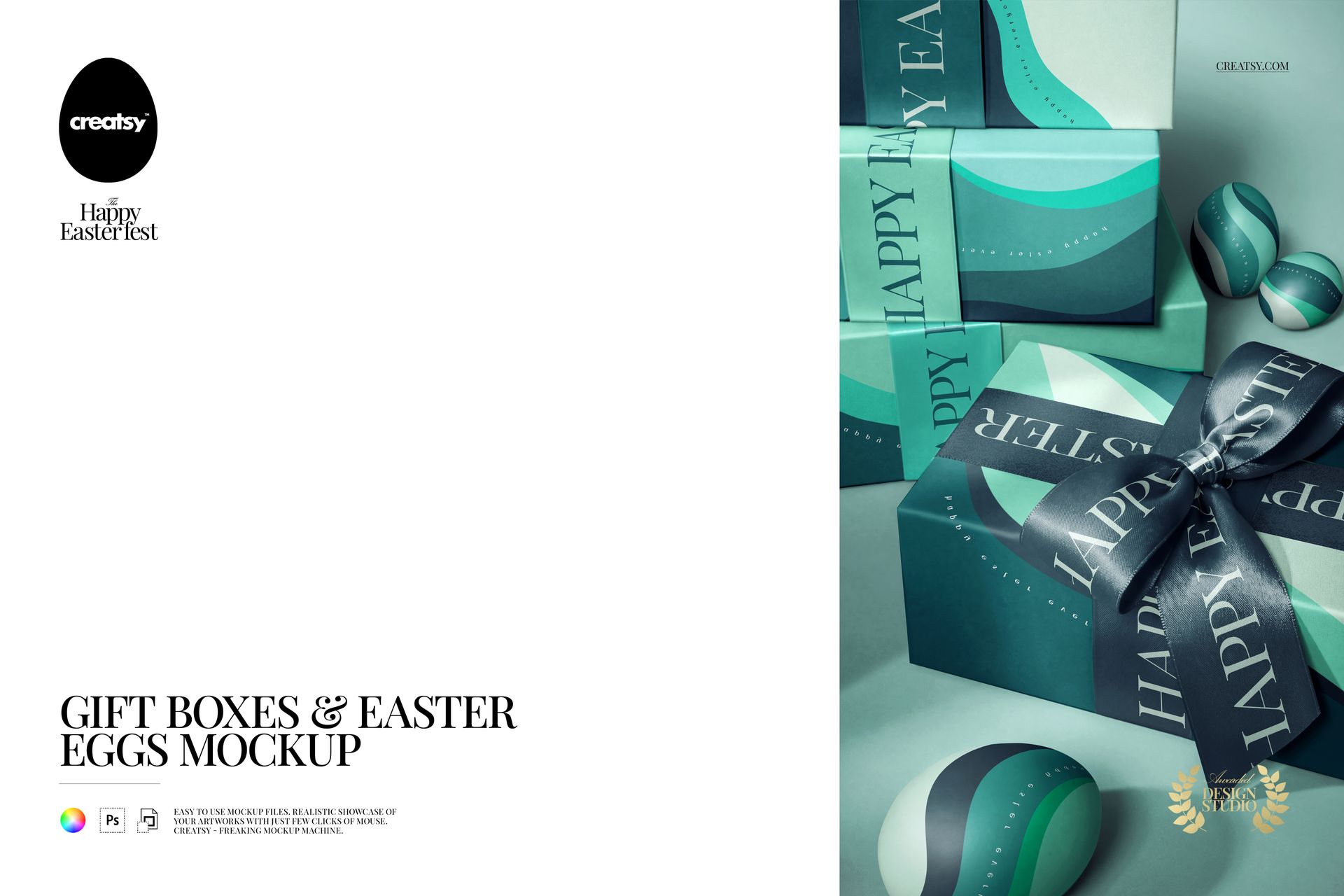
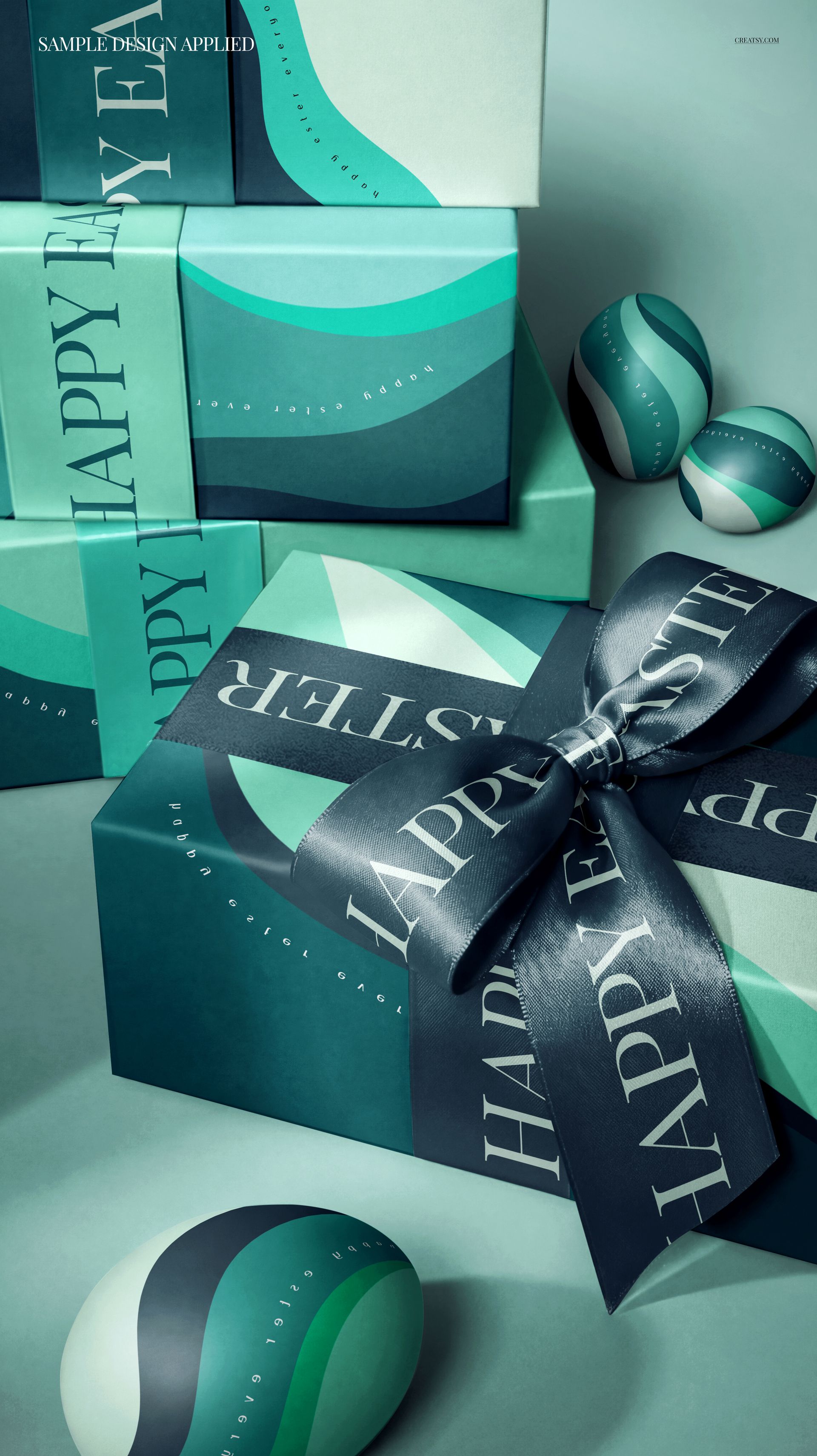
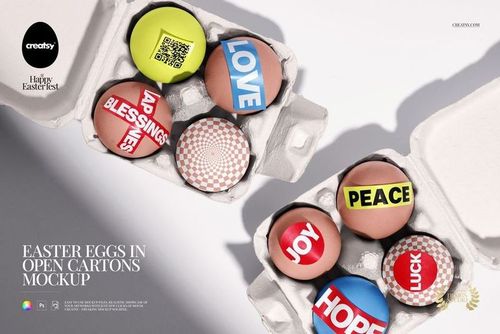
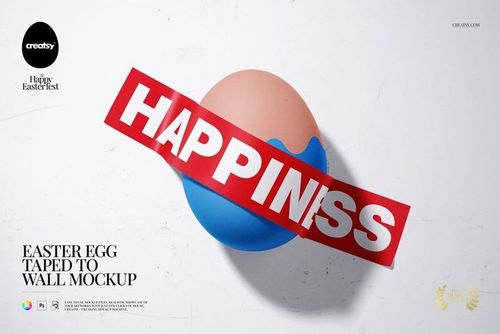
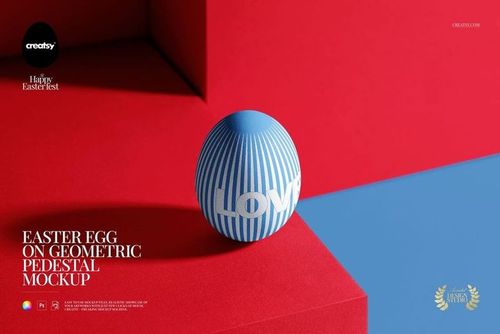
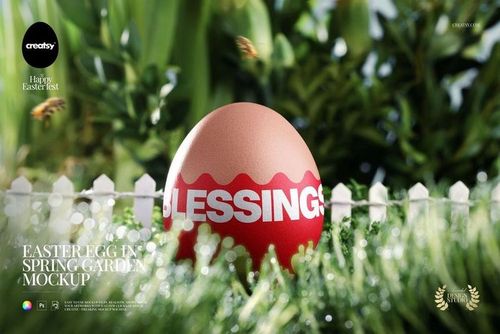
The Gift Boxes & Easter Eggs Mockup is a premium PSD mockup featuring a festive arrangement of stacked gift boxes, a ribbon bow, and decorated Easter eggs with seasonal accents. This professionally styled scene is designed for showcasing custom packaging designs, Easter branding concepts, gift box artwork, and spring promotional materials in a photorealistic context that captures the warmth and excitement of the holiday season.
What's Inside
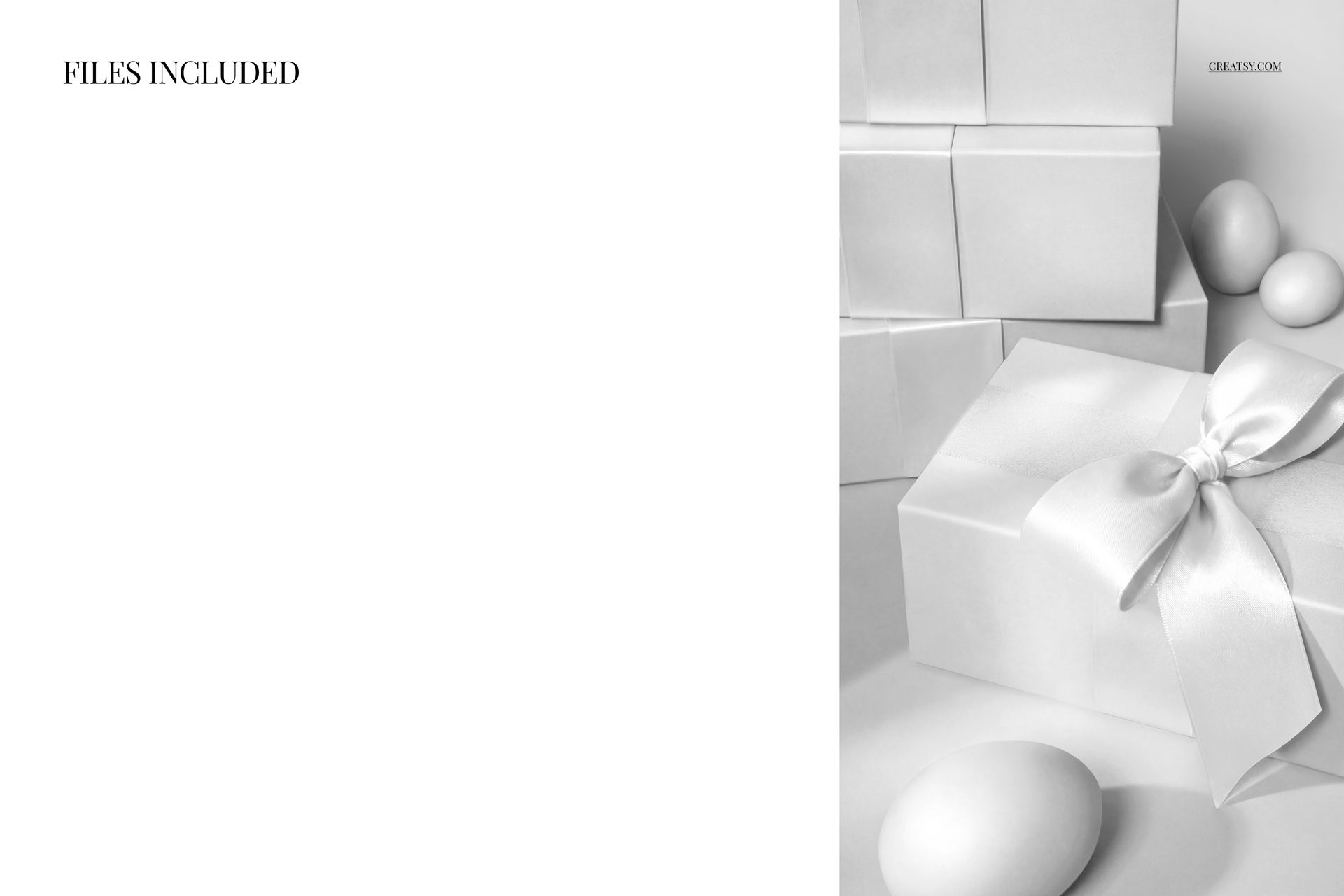
This mockup pack includes 1 PSD file at 5500×3100 pixels, 300 DPI resolution — delivering sharp detail for both digital presentations and print-quality output. The file features well-organized smart object layers that let you place your custom designs onto the gift boxes and eggs with a single click, automatically applying realistic shadows, reflections, and surface curvature to your artwork.
Design Capabilities
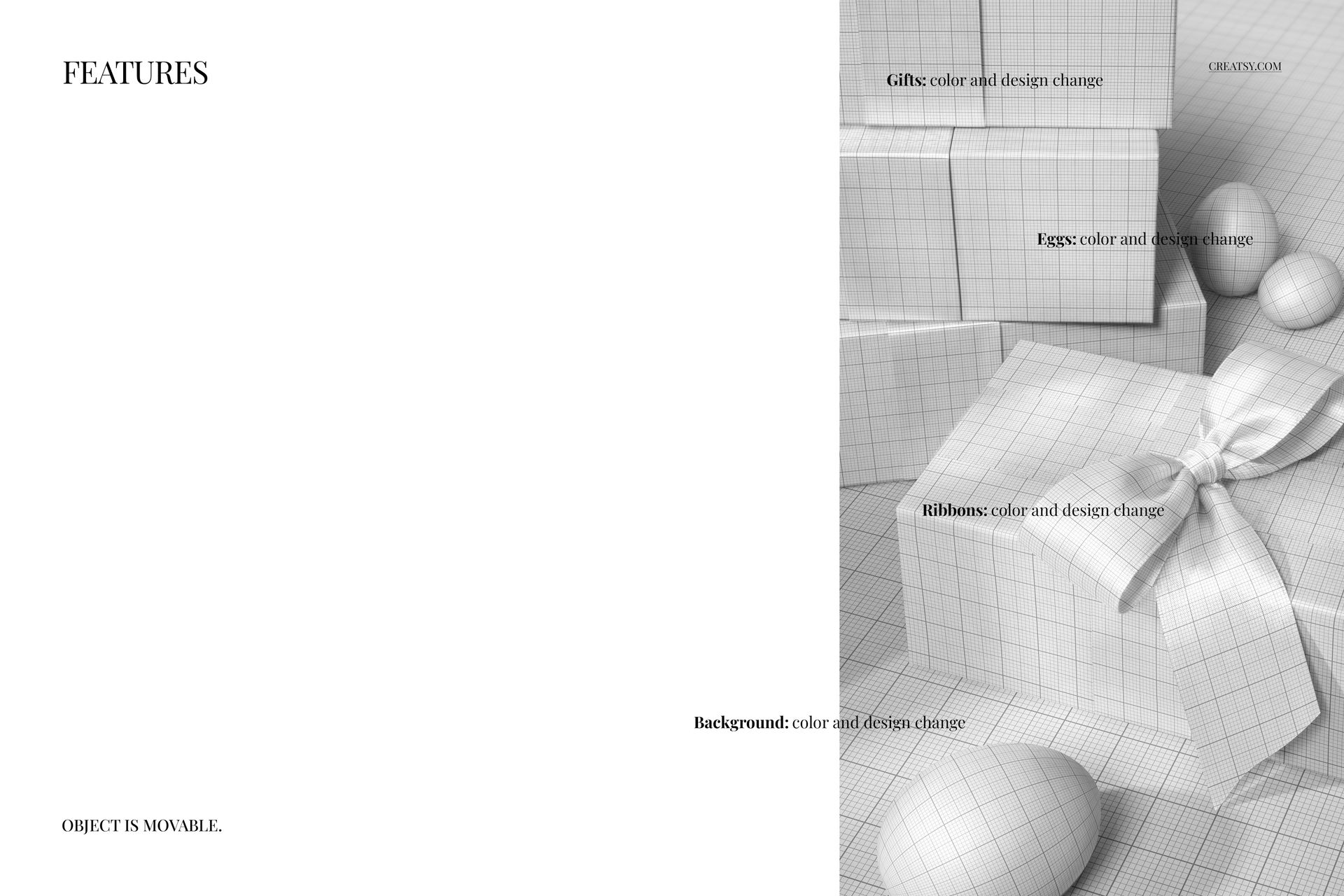
Every element of this mockup is fully editable. Replace gift box surfaces, egg patterns, and ribbon details via smart objects. Adjust background colors to complement your brand palette, modify shadow depth and lighting intensity, and toggle individual scene elements on or off. The high-resolution output ensures your presentation looks professional across screens, portfolios, and client pitch decks.
File Specifications
Format: 1 PSD file, Dimensions: 5500×3100 px, Resolution: 300 DPI, Compatibility: Adobe Photoshop CC 2020 or newer and the free online editor Photopea.com, Color modes: RGB and CMYK supported, Smart object layers for easy design placement, Well-organized layer structure.
Ideal For
This mockup is perfect for packaging designers, Easter branding campaigns, gift box manufacturers, spring promotional materials, stationery brands, Etsy sellers showcasing custom gift packaging, print-on-demand businesses, surface pattern designers, social media content creators, and creative professionals building portfolio presentations for holiday and seasonal packaging projects.
File details
- Compatibility
- Number of files included
- 2
- Package size
- 293 MB
|308 MB
- Files type
- .psd, .jpg


MEET THE SHOP

HOW IT WORKS
3 clicks. That's it.
No tutorial needed. If you can copy-paste, you can use this.
- 1OpenDouble-click the smart object inside the PSD - in Adobe Photoshop, or free in your browser with Photopea.
- 2PasteDrop in your pattern, print, or artwork. Any design, any style.
- 3SaveHit save and the mockup wraps it in for you - shadows, folds, and lighting included.
FROM IDEA TO IMAGE
Built for real workflows
Skip the photo shoot Show your artwork on the real product type for approvals or listings - no studio, no model, no sample.
See it on the product, not a swatch Drop your file into the smart object and the scene's lighting and folds wrap around it, so you judge the real thing before you commit.
Smart Objects
Edit once and you're done. Your artwork drops into a smart object and the mockup updates itself - no masking, no warping by hand.
Perfectly Organized
Named layers and folders you can actually navigate. Find what you need, change what you want, and get out fast.
Print-Ready
High-resolution files built to hold up on screen and in print. Exact size and DPI are in this product's Details above.