Christmas Ribbon Mockup
This product is a part of Christmas Decor & Gift Wrapping Mockup Bundle
Product Details
Christmas Ribbon Mockup
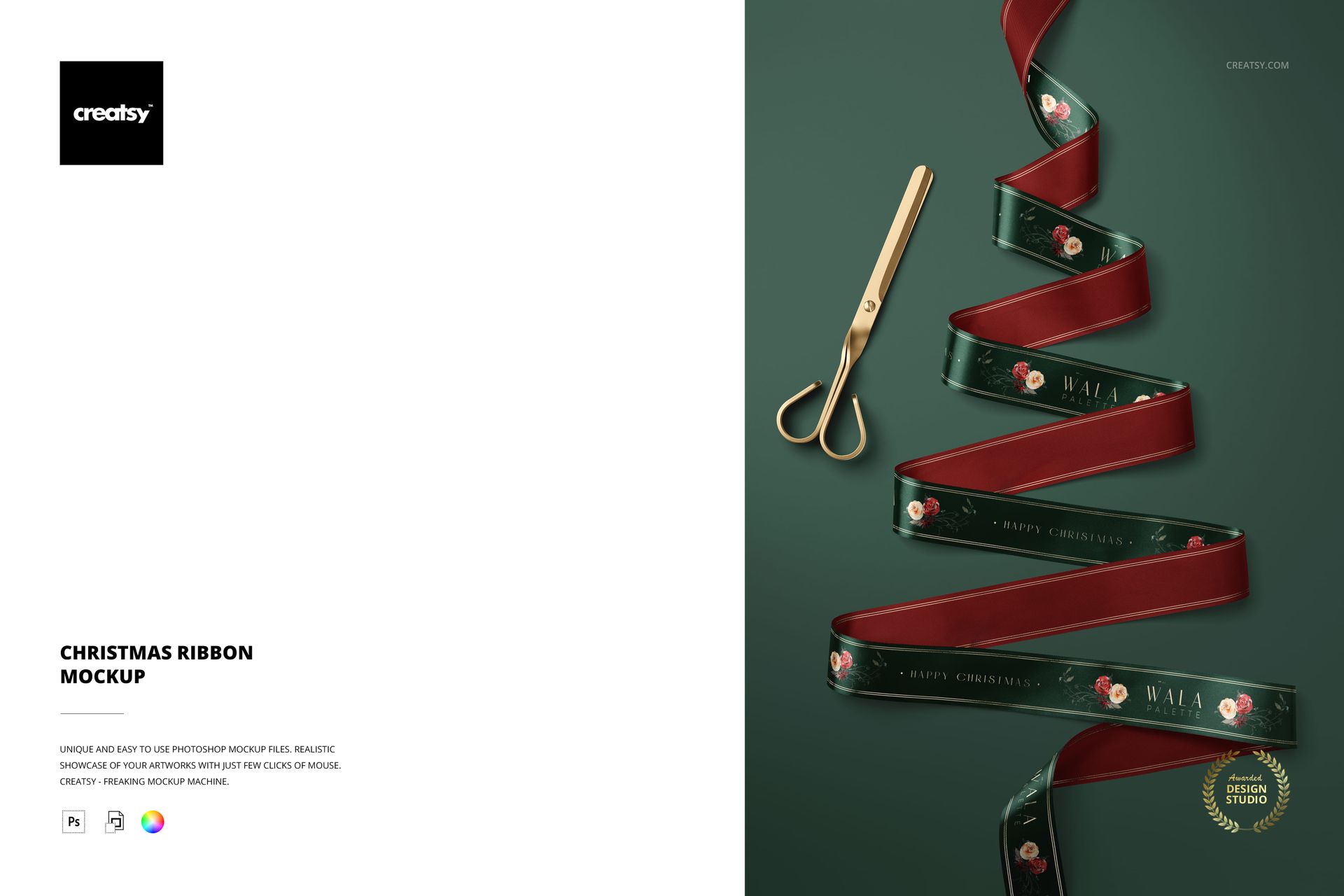
In the world of festive embellishments, our Christmas Ribbon Mockup takes center stage, offering a delightful interplay of texture, folds and creative opportunities. Imagine an elegant velvet ribbon gracefully curling into the shape of a Christmas tree, and you've just entered the realm of endless customization possibilities. This mockup invites you to immerse yourself in the art of fabric manipulation and the magic of holiday decorating.
Velvet Whimsy: Creating Christmas Magic with the Ribbon Mockup
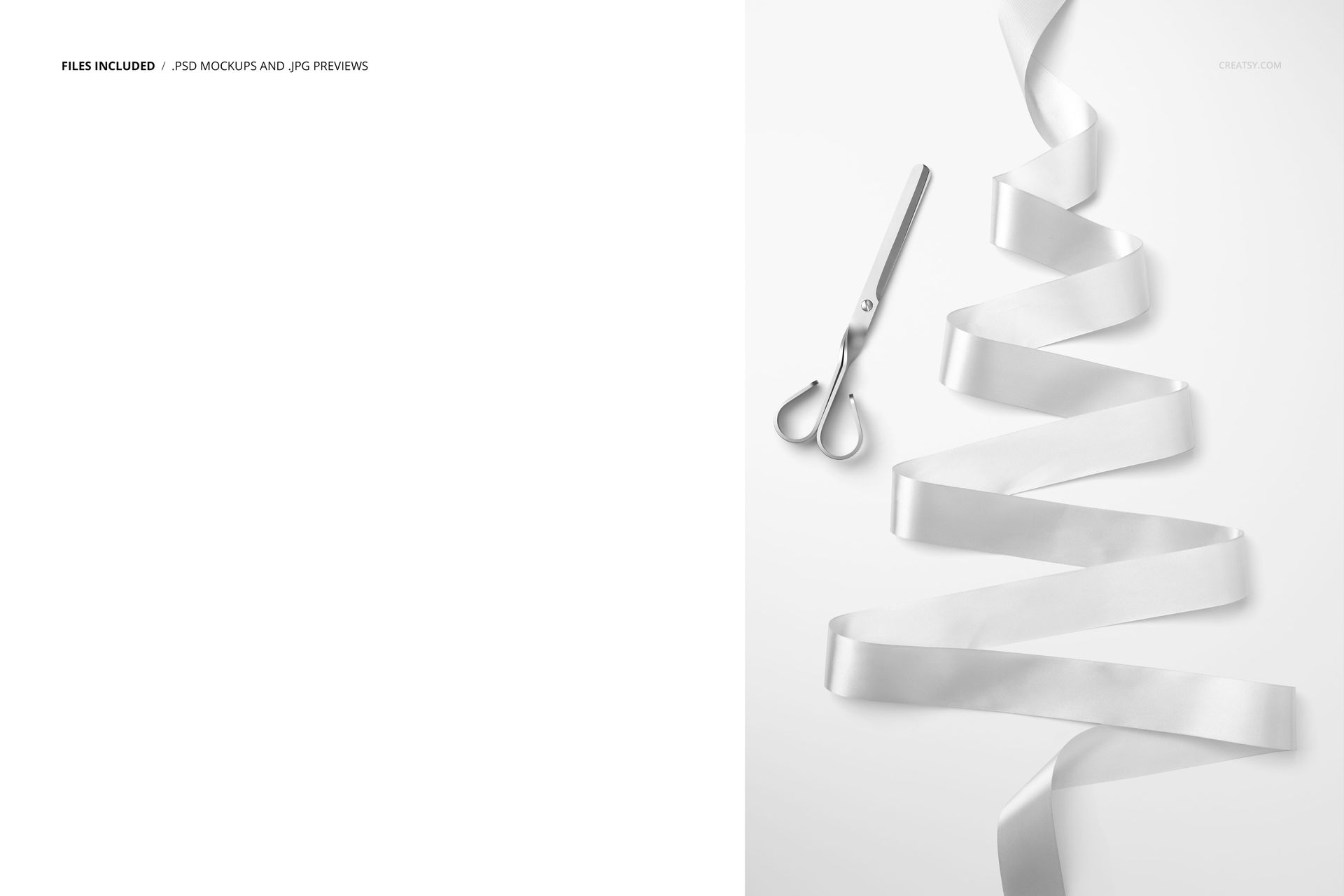
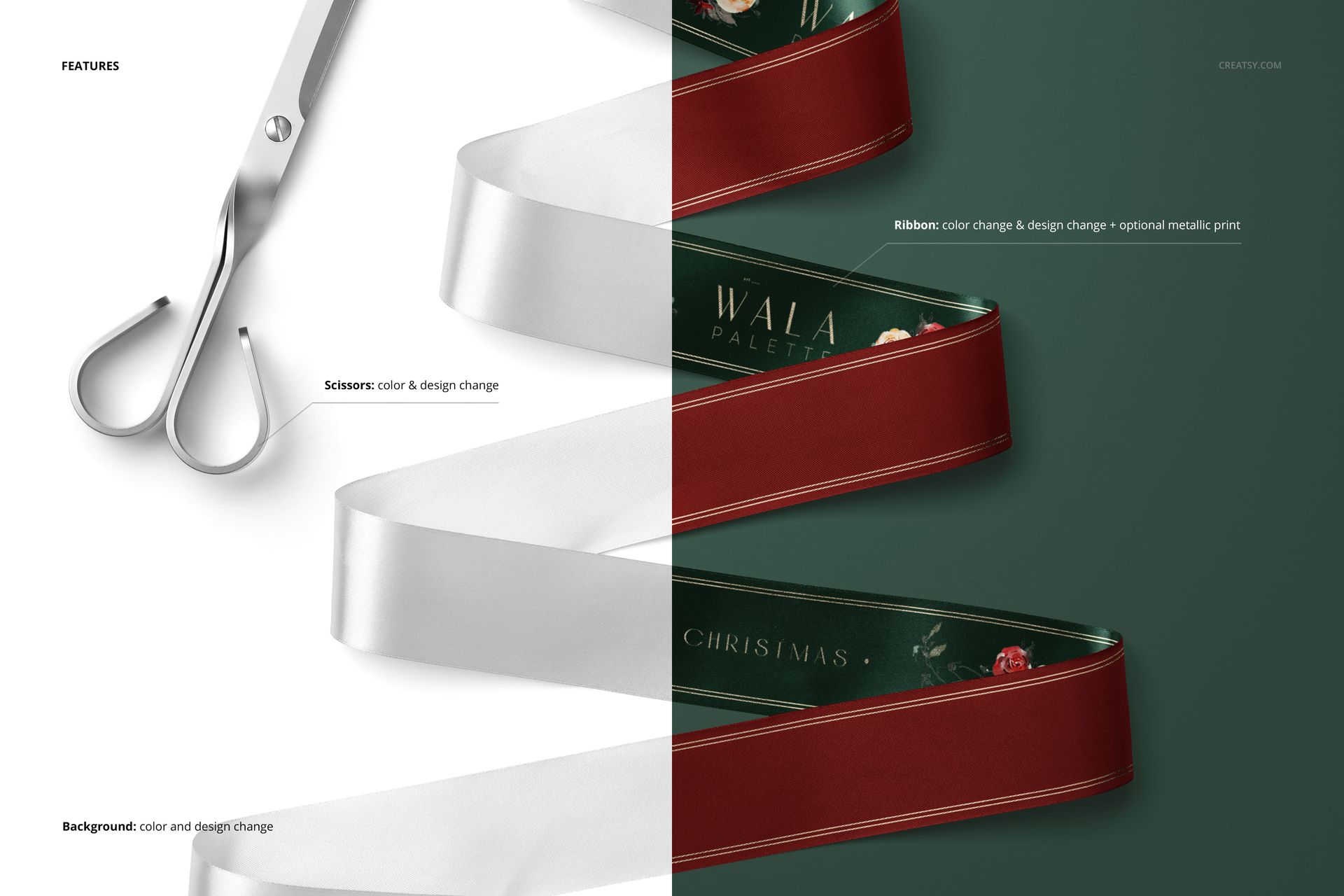
Our Christmas Ribbon Mockup is not only a visual treat, it's a canvas for your imagination. The mockup features a luxuriously crafted velvet ribbon that seamlessly transforms into the iconic silhouette of a Christmas tree. The tantalizing folds and swirls invite you to experiment and create, making it the perfect medium for expressing your unique holiday vision. You can customize the color and design on the ribbon and scissors, add metallic printing, and change the background. This mockup opens the door to a world where fabric becomes art!
- File works in Photoshop CC and Photopea;
- Pack includes 1 .psd file: 6000x4400 px, 300dpi;
- Check screenshots for all the features;
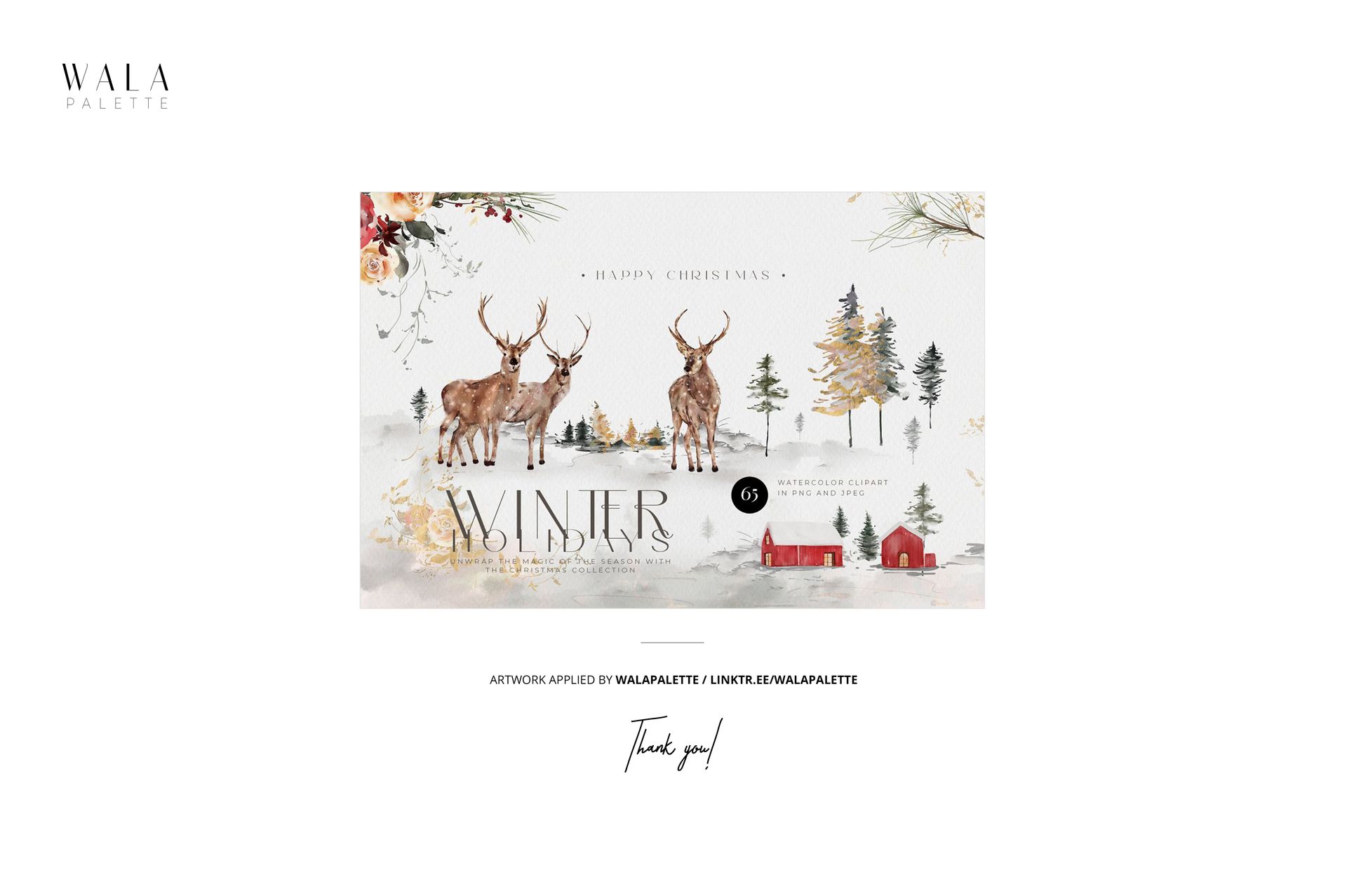
- Artwork applied by WalaPalette / linktr.ee/walapalette;
- Patterns are NOT included, this product is a mockup intended for you to add your own designs.
File details
- Compatibility
- Number of files included
- 2
- Package size
- 77.1 MB
|80.8 MB
- Files type
- .psd, .jpg
- Files size
- 6000x4000


Reviews
Professional PSD mockups built in-house - editable, realistic, high-resolution, and supported by real people.
Creatsy make the best Mockups on the market, no matter what you need to showcase. These mockups are highly customizable, and the lighting in them makes everything look very realistic. You can keep or turn off many of the Items in the mockup, also a great feature giving control over the look you want. They have the most friendly and very helpful support. I highly recommend these mockups!
MEET THE SHOP

HOW IT WORKS
3 clicks. That's it.
No tutorial needed. If you can copy-paste, you can use this.
- 1OpenDouble-click the smart object inside the PSD - in Adobe Photoshop, or free in your browser with Photopea.
- 2PasteDrop in your pattern, print, or artwork. Any design, any style.
- 3SaveHit save and the mockup wraps it in for you - shadows, folds, and lighting included.
FROM IDEA TO IMAGE
Built for real workflows
Skip the photo shoot Show your artwork on the real product type for approvals or listings - no studio, no model, no sample.
See it on the product, not a swatch Drop your file into the smart object and the scene's lighting and folds wrap around it, so you judge the real thing before you commit.
Smart Objects
Edit once and you're done. Your artwork drops into a smart object and the mockup updates itself - no masking, no warping by hand.
Perfectly Organized
Named layers and folders you can actually navigate. Find what you need, change what you want, and get out fast.
Print-Ready
High-resolution files built to hold up on screen and in print. Exact size and DPI are in this product's Details above.


Nice