Easter Eggs in Nest Mockup
This product is a part of The Ultimate Easter Mockup Collection
Product Details
Easter Eggs in Nest Mockup
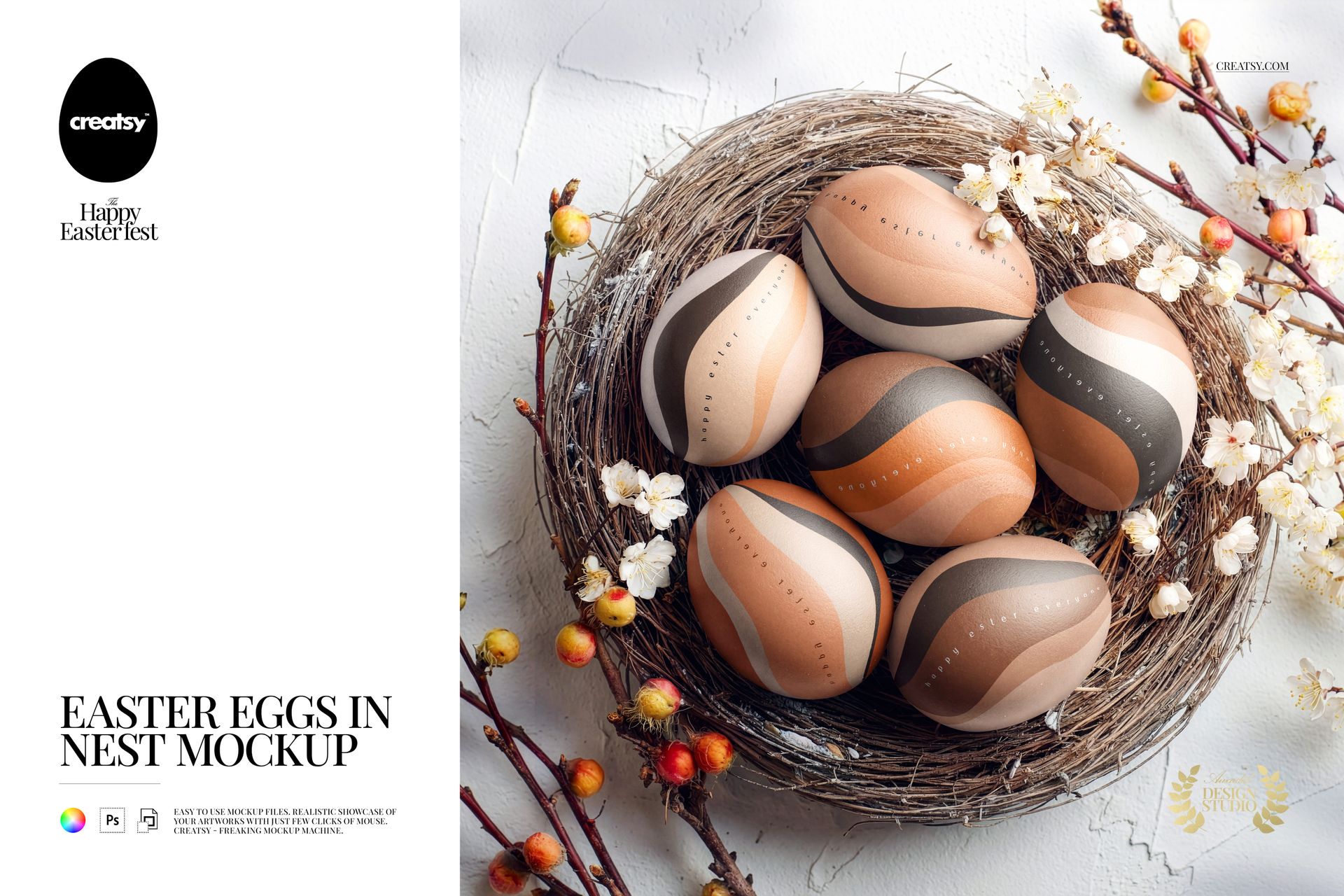
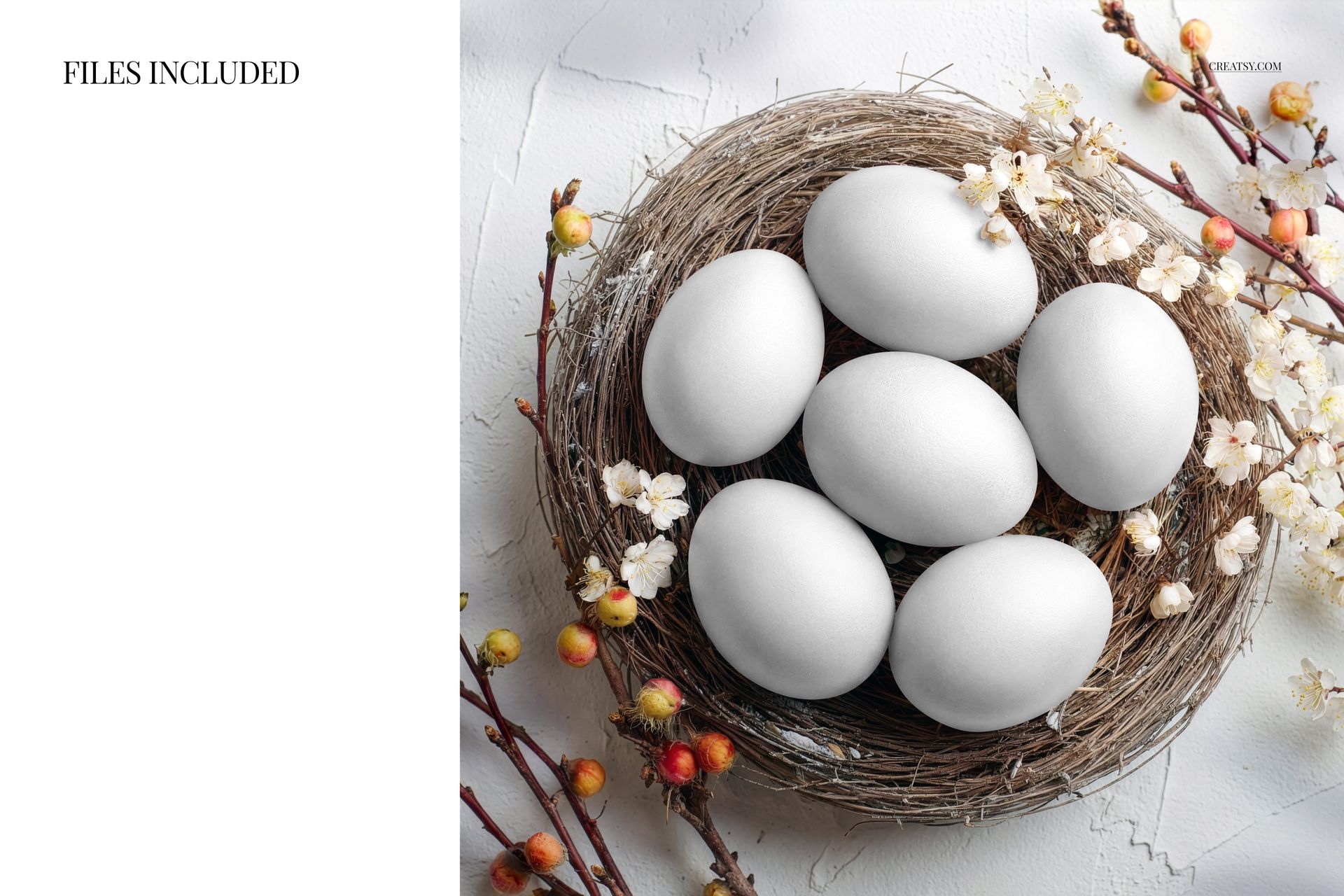
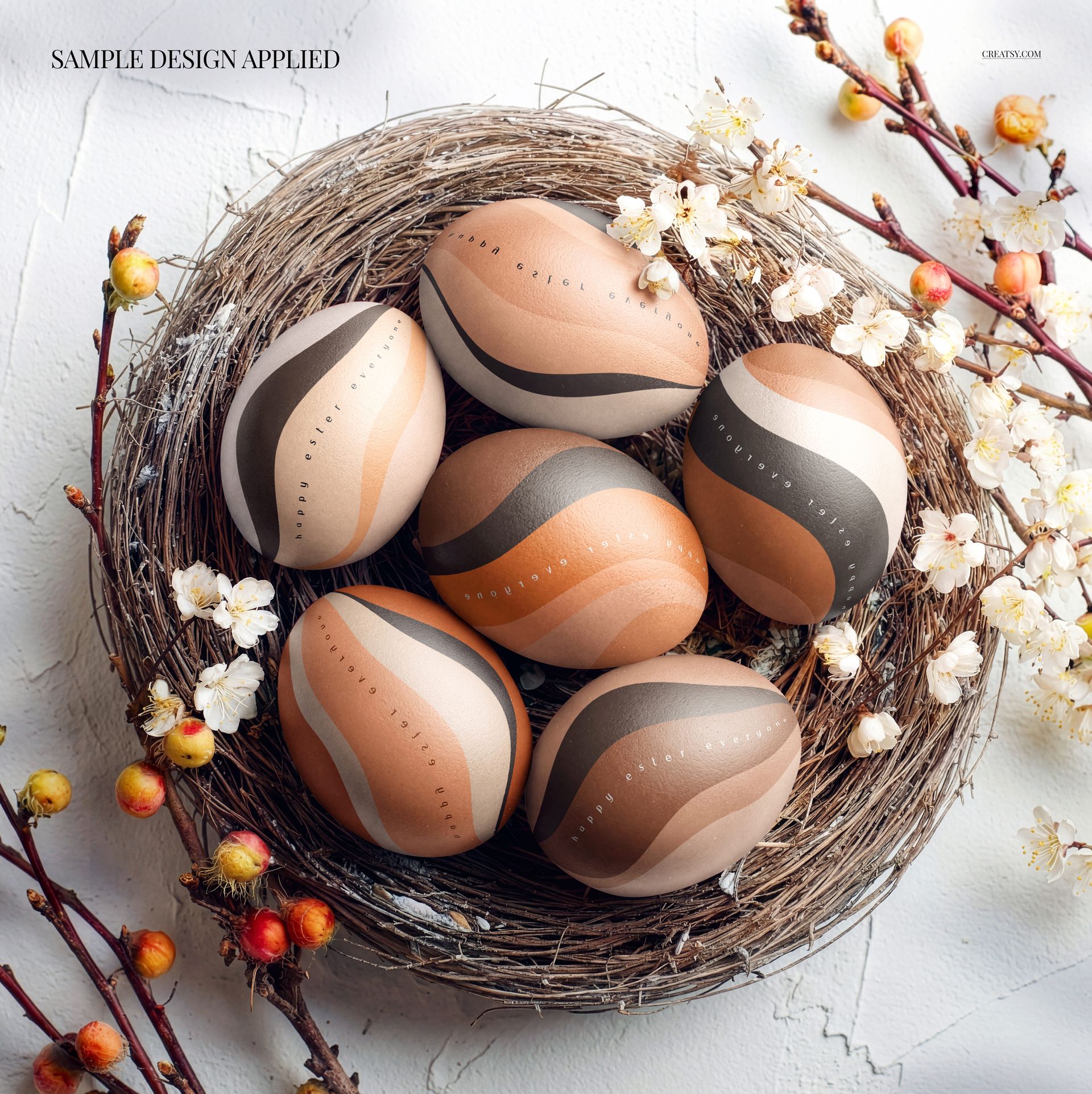
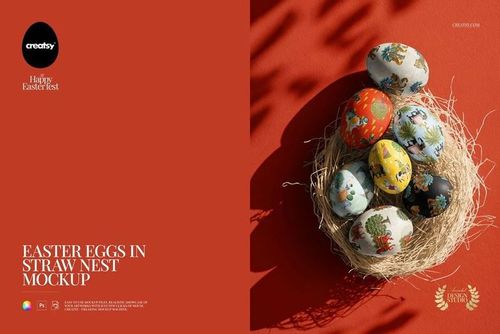
Show a six-egg pattern collection in a woven nest surrounded by blossom branches on pale, textured plaster. The overhead square composition pairs curved design surfaces with natural twigs and flowers, giving your Easter artwork a consistent seasonal setting.
Compare designs across six eggs
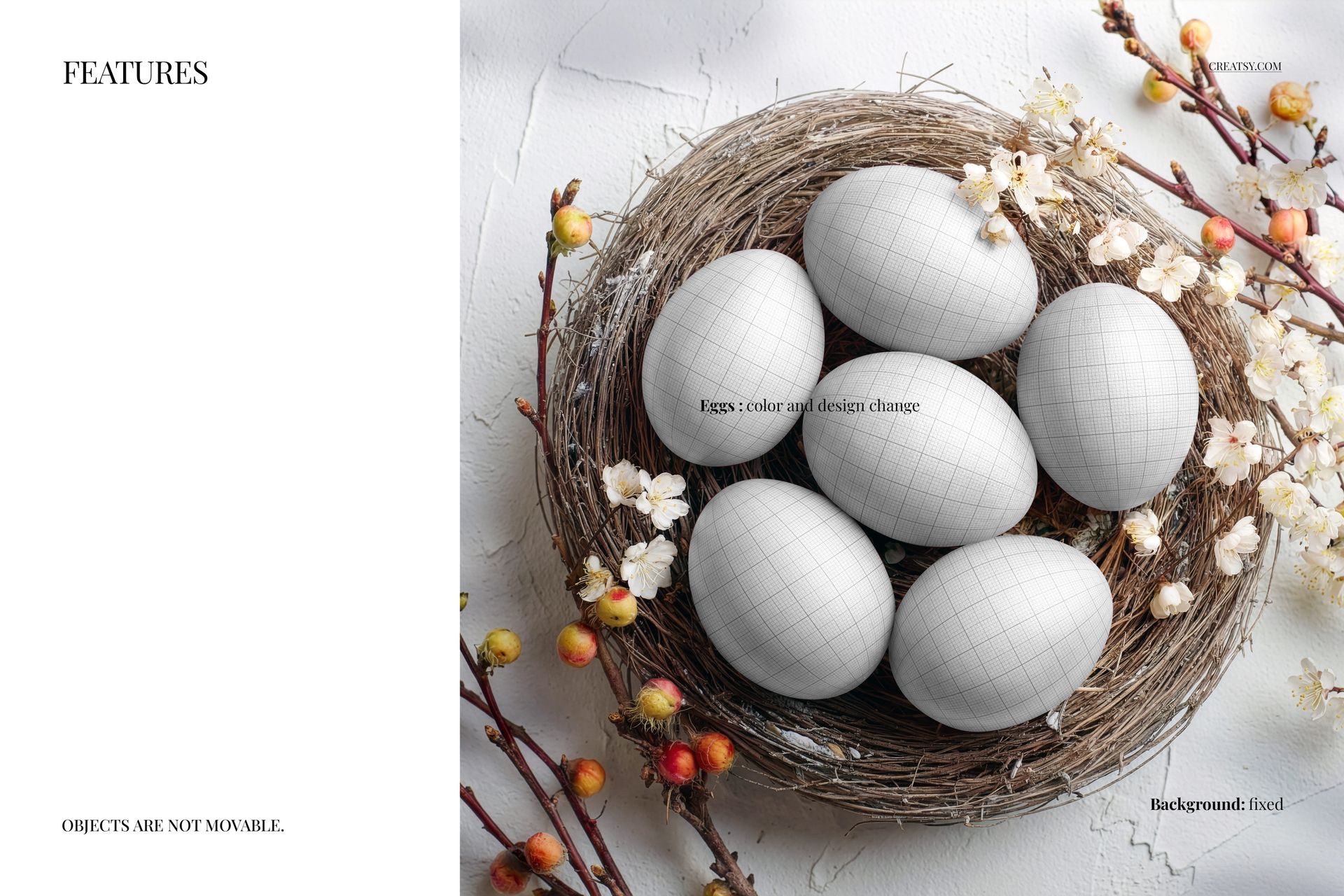
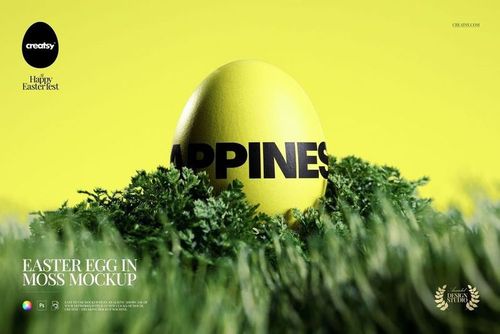
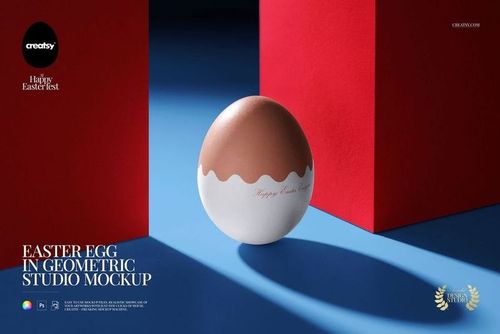
Change the egg colors and designs.
Place your artwork through the designated Smart Objects.
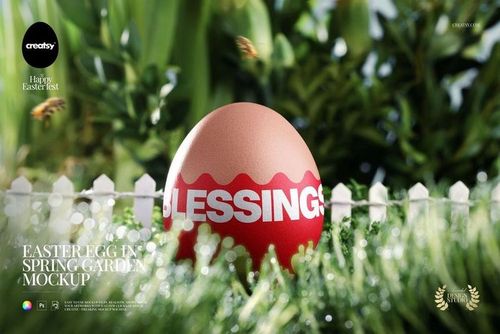
Keep the photographed nest, blossoms and plaster background as the setting for your collection.
Use a main print on one egg and quieter coordinating patterns on the others, or compare several colorways within the same scene. Check the visible curves and overlaps before choosing the final pattern scale.
Included files and uses
The package contains 1 layered PSD mockup and 1 JPG preview. Open the mockup in Adobe Photoshop CC 2020 or newer or Photopea and use the organized layers to find the design areas.
Use the scene for Easter surface pattern portfolios, spring illustration presentations, seasonal brand proposals and campaign images. The nest gives a collection a natural context while the square framing suits a focused portfolio image.
This is a digital mockup for presenting your own designs. Physical products and sample artwork shown in the gallery are not included.
File details
- Compatibility
- Package size
- 175 MB
|183 MB
- Files type
- .psd, .jpg
- Files size
- 4000x4000


MEET THE SHOP
- $1870$22.00
- $1615$19.00
- $2040$24.00
- $1955$23.00

HOW IT WORKS
3 clicks. That's it.
No tutorial needed. If you can copy-paste, you can use this.
- 1OpenDouble-click the smart object inside the PSD - in Adobe Photoshop, or free in your browser with Photopea.
- 2PasteDrop in your pattern, print, or artwork. Any design, any style.
- 3SaveHit save and the mockup wraps it in for you - shadows, folds, and lighting included.
FROM IDEA TO IMAGE
Built for real workflows
Skip the photo shoot Show your artwork on the real product type for approvals or listings - no studio, no model, no sample.
See it on the product, not a swatch Drop your file into the smart object and the scene's lighting and folds wrap around it, so you judge the real thing before you commit.
Smart Objects
Edit once and you're done. Your artwork drops into a smart object and the mockup updates itself - no masking, no warping by hand.
Perfectly Organized
Named layers and folders you can actually navigate. Find what you need, change what you want, and get out fast.
Print-Ready
High-resolution files built to hold up on screen and in print. Exact size and DPI are in this product's Details above.