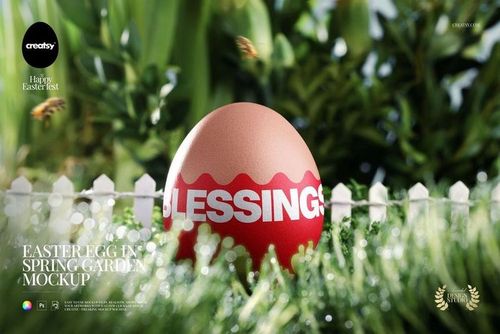
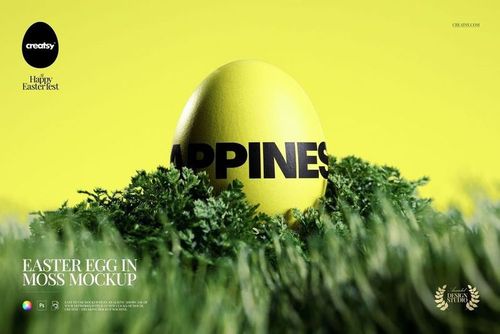
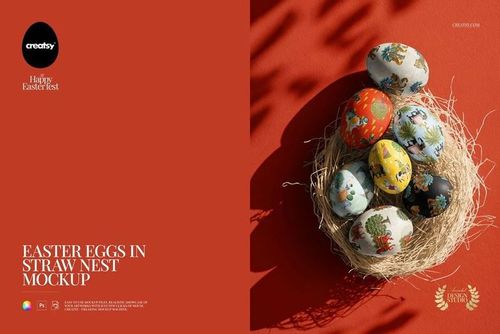
Easter Card & Eggs in Wooden Crate Mockup
This product is a part of The Ultimate Easter Mockup Collection
Product Details
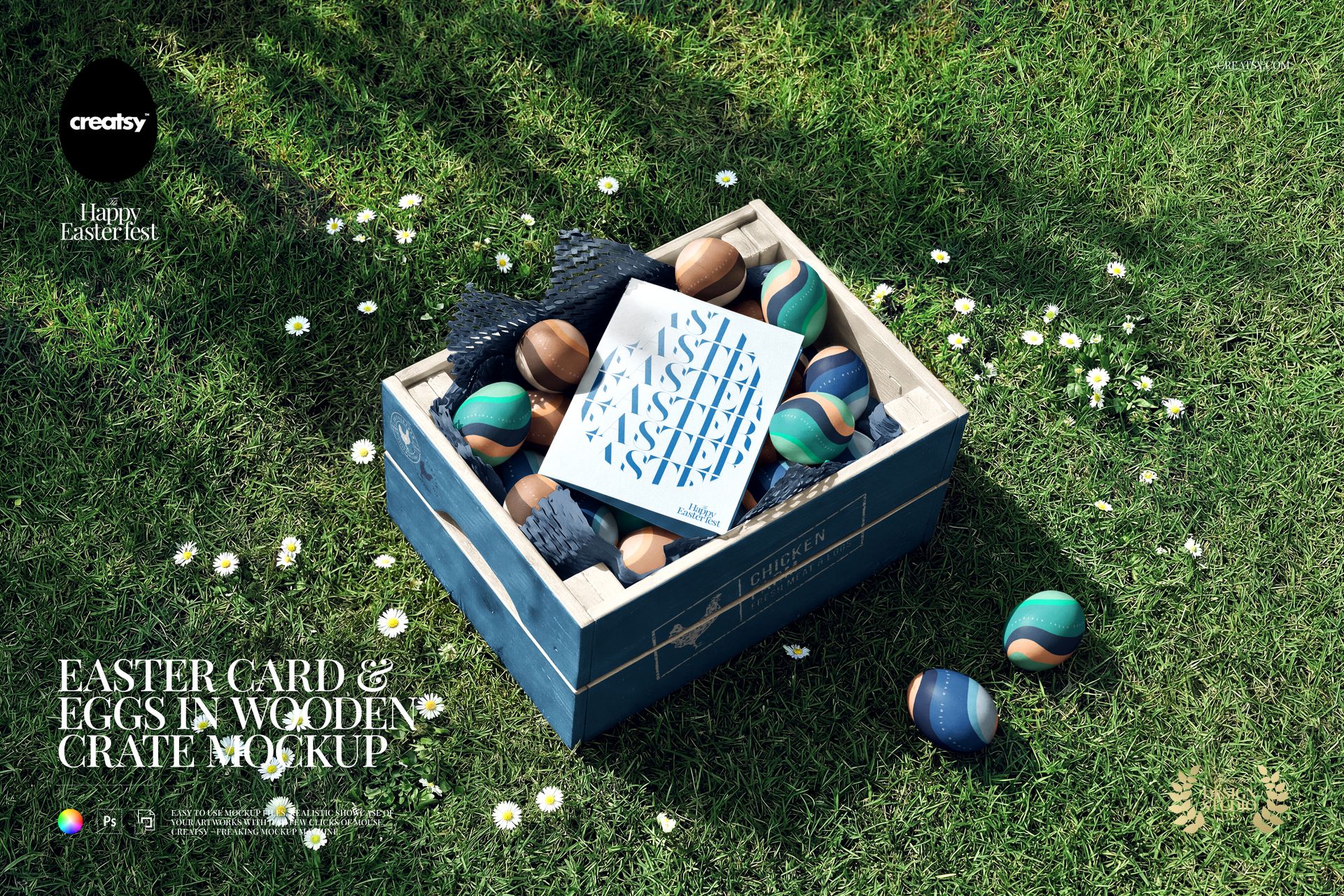
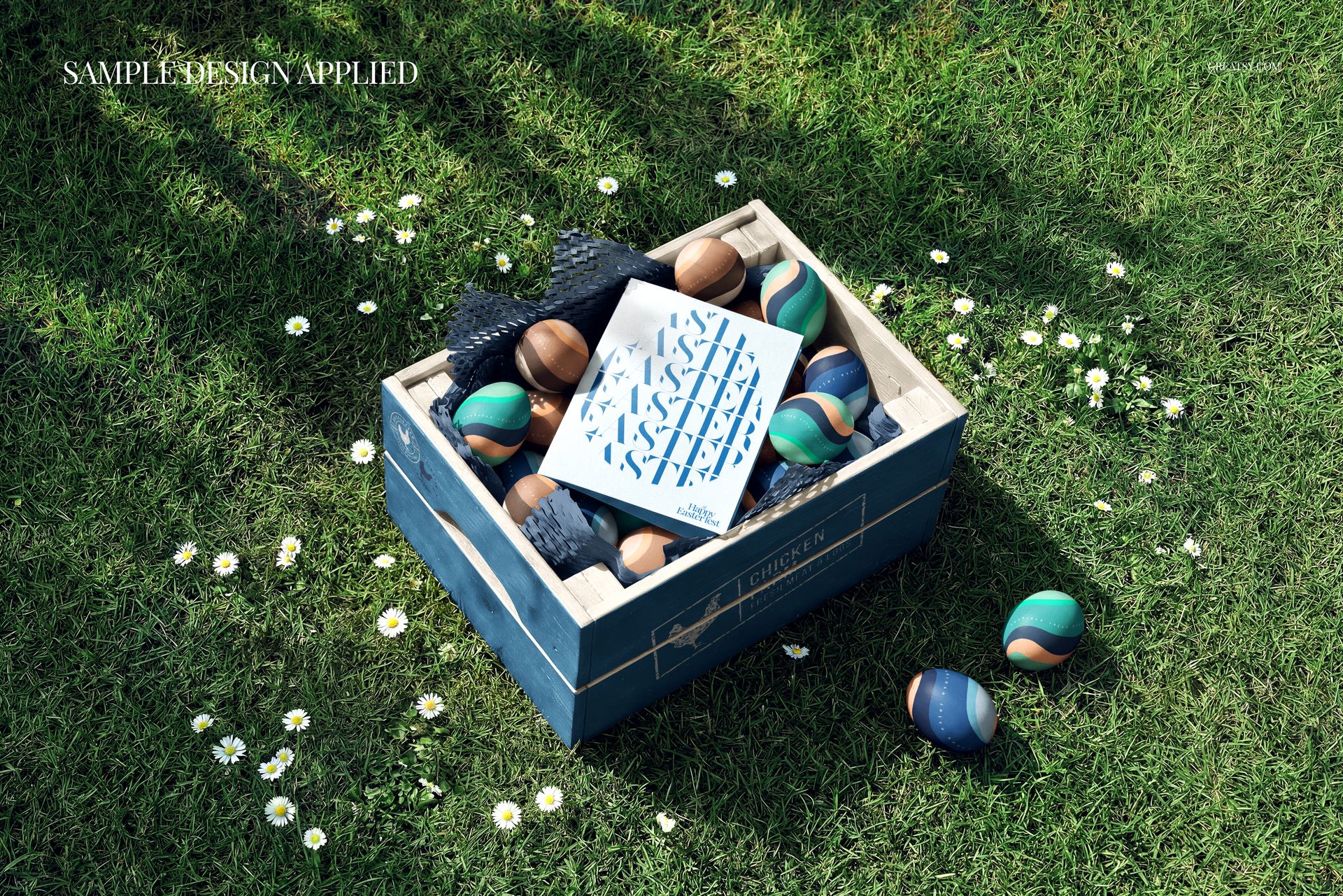
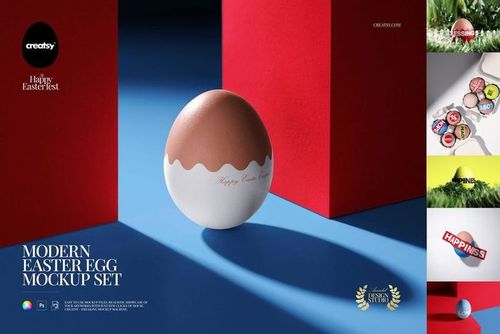
Wish your customers a happy Easter before they even open the card. This easter card mockup sets your own greeting card and egg designs in a rustic wooden crate on fresh spring grass, with painted eggs, honeycomb paper and scattered daisies. Add your artwork, set your colors, and turn a flat card file into a warm, seasonal scene that sells the moment.
Made for stationery and card designers, illustrators, Etsy and Shopify sellers and seasonal brands, this editable PSD gives your Easter card a real outdoor setting. The card, the eggs and the crate all sit on smart objects, so your design, your colors and your branding drop in without props, eggs to paint or a photoshoot.
Why an Easter card mockup helps you sell
Easter shopping is quick and emotional. A card shown flat is easy to pass by, but the same card nestled in a crate of hand-painted eggs on sunny grass tells a shopper exactly how it will feel to give. This mockup wraps your design in that spring mood in one image, so your listing, your ad or your social post feels like the holiday and earns the click.
What you can customize
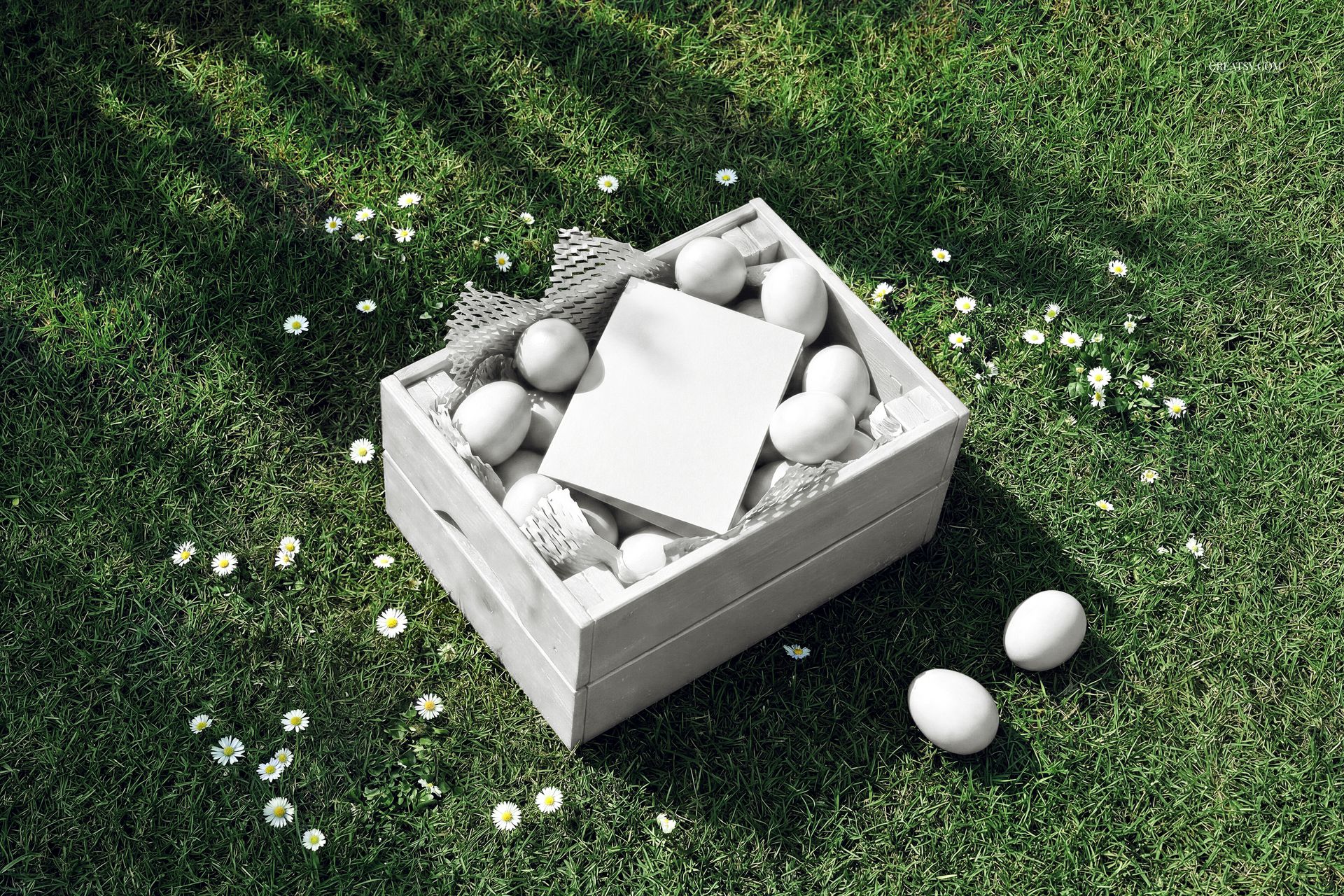
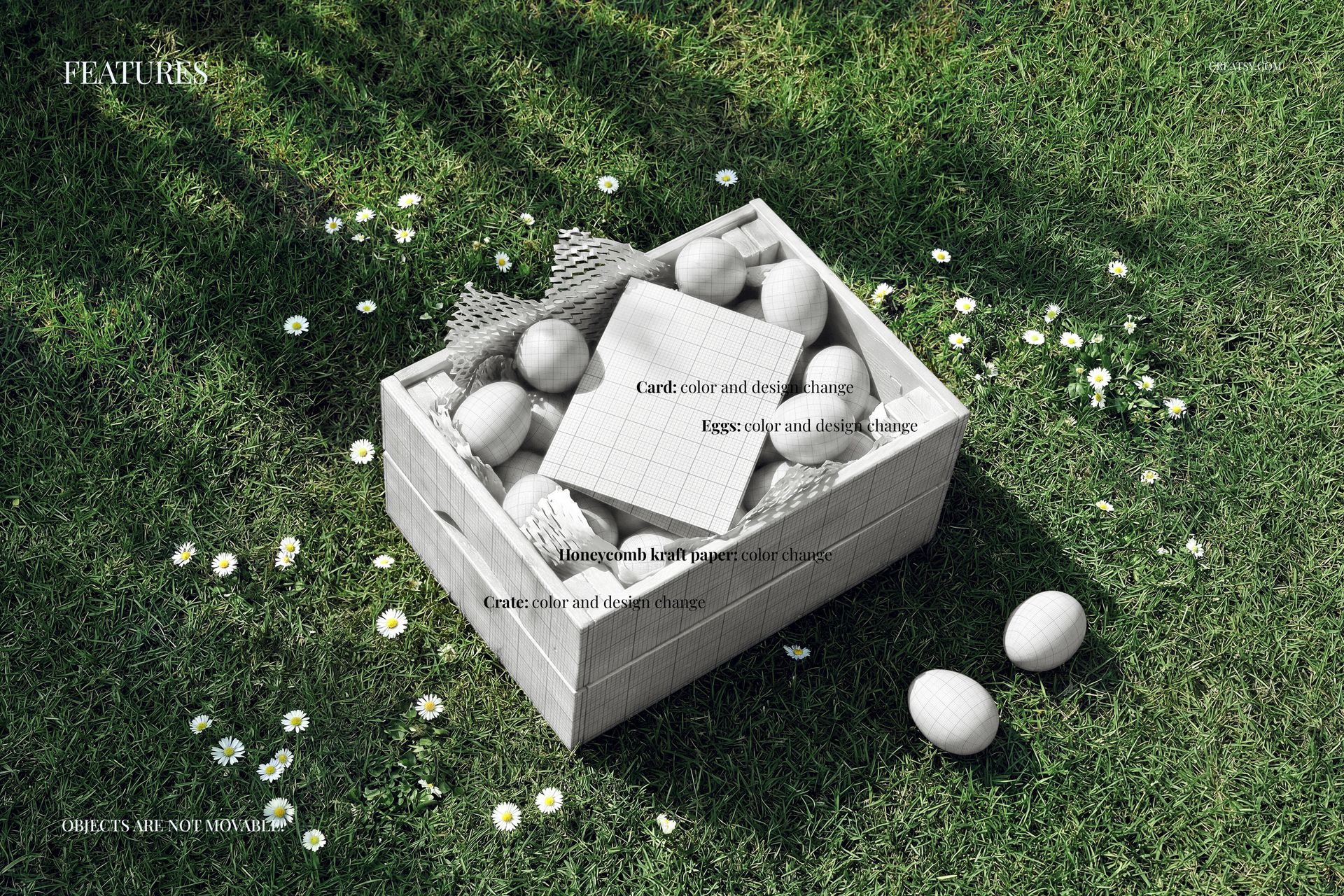
This is a full Easter scene, and the pieces that carry a design are all yours:
Card: add your own greeting card artwork and set its color, the centerpiece of the crate.
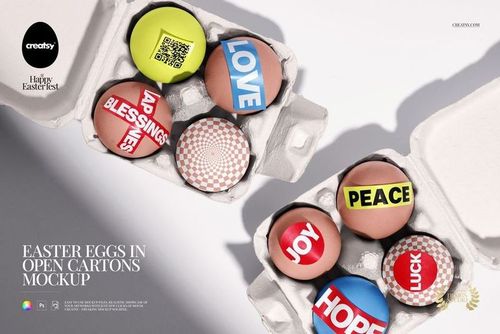
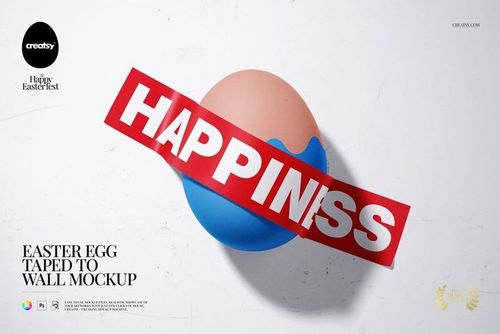
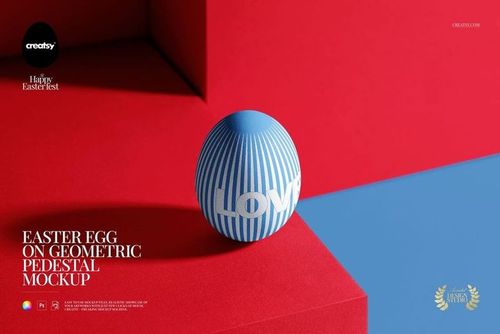
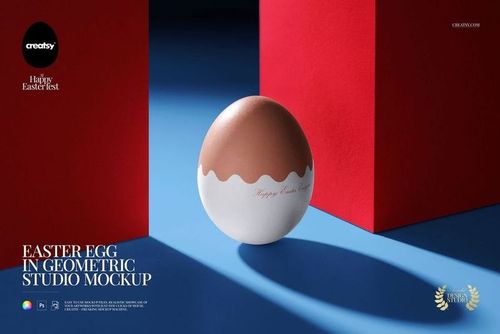
Eggs: put your own colors and patterns on the eggs to match your card or your brand.
Crate: change the color and design of the wooden crate.
Honeycomb kraft paper: set the color of the packing filler to complete the palette.
How it works
No retouching needed. Open the card smart object, paste your artwork, and save. The grass, the light and the soft shadows are already in the scene, so your card and eggs look photographed, not pasted. Recolor and redesign the eggs, the crate and the paper to match, and export. The scene is styled and the objects stay in place, so you brand the pieces rather than move them, and you can try a new card or a fresh palette from the same file in minutes.
Where to use it
One render carries your whole Easter push. Use it for Etsy and Shopify listings, ecommerce product images, seasonal ad creative, Instagram and Pinterest posts, email headers, greeting card portfolios and print previews before you order. It is a fast way to show an Easter card, a spring stationery line or a holiday egg design looking finished and on theme.
Who it is for
Stationery and greeting card designers, illustrators, surface pattern designers, and Etsy or Shopify sellers with Easter or spring cards, prints and seasonal goods. Use it to launch an Easter card, present a holiday collection, or fill a shop with warm, seasonal images without setting up a single egg.
File details
1 layered PSD file plus a JPG preview
5000 x 3300 px, 300 dpi
Adobe Photoshop CC2020 or newer, and Photopea (free online editor)
smart objects with color and design on the card, eggs and crate
color control for the honeycomb kraft paper
well organized, named layers
No eggs to paint, no photoshoot to book
Styling an Easter shot for real means painting eggs, sourcing a crate, finding good grass and waiting for the light. This mockup gives you that whole scene in one file, so you drop in your card, color the eggs, set the crate and export a finished image, then move on to the next design. It is a quick way to pitch a card to a client, test two egg palettes or fill a seasonal shop before Easter arrives.
Ideas to show with it
Present a single hero Easter card, a set of egg designs, a spring stationery line or a folk pattern collection. Because the card, the eggs, the crate and the paper all take your color, you can tune the whole scene to each design and keep a seasonal shop looking like one set.
File details
- Compatibility
- Number of files included
- 2
- Package size
- 125 MB
|131 MB
- Files type
- .psd, .jpg


Made with Creatsy
Real designs. Real customers. See how creatives use Creatsy mockups to turn their artwork, branding, and product ideas into polished visuals.
MEET THE SHOP
- $1615$19.00
- $1870$22.00
- $1615$19.00
- $2125$25.00

HOW IT WORKS
3 clicks. That's it.
No tutorial needed. If you can copy-paste, you can use this.
- 1OpenDouble-click the smart object inside the PSD - in Adobe Photoshop, or free in your browser with Photopea.
- 2PasteDrop in your pattern, print, or artwork. Any design, any style.
- 3SaveHit save and the mockup wraps it in for you - shadows, folds, and lighting included.
FROM IDEA TO IMAGE
Built for real workflows
Skip the photo shoot Show your artwork on the real product type for approvals or listings - no studio, no model, no sample.
See it on the product, not a swatch Drop your file into the smart object and the scene's lighting and folds wrap around it, so you judge the real thing before you commit.
Smart Objects
Edit once and you're done. Your artwork drops into a smart object and the mockup updates itself - no masking, no warping by hand.
Perfectly Organized
Named layers and folders you can actually navigate. Find what you need, change what you want, and get out fast.
Print-Ready
High-resolution files built to hold up on screen and in print. Exact size and DPI are in this product's Details above.