ID: 1242364245 | Updated: Mar 30, 2026

Product Details

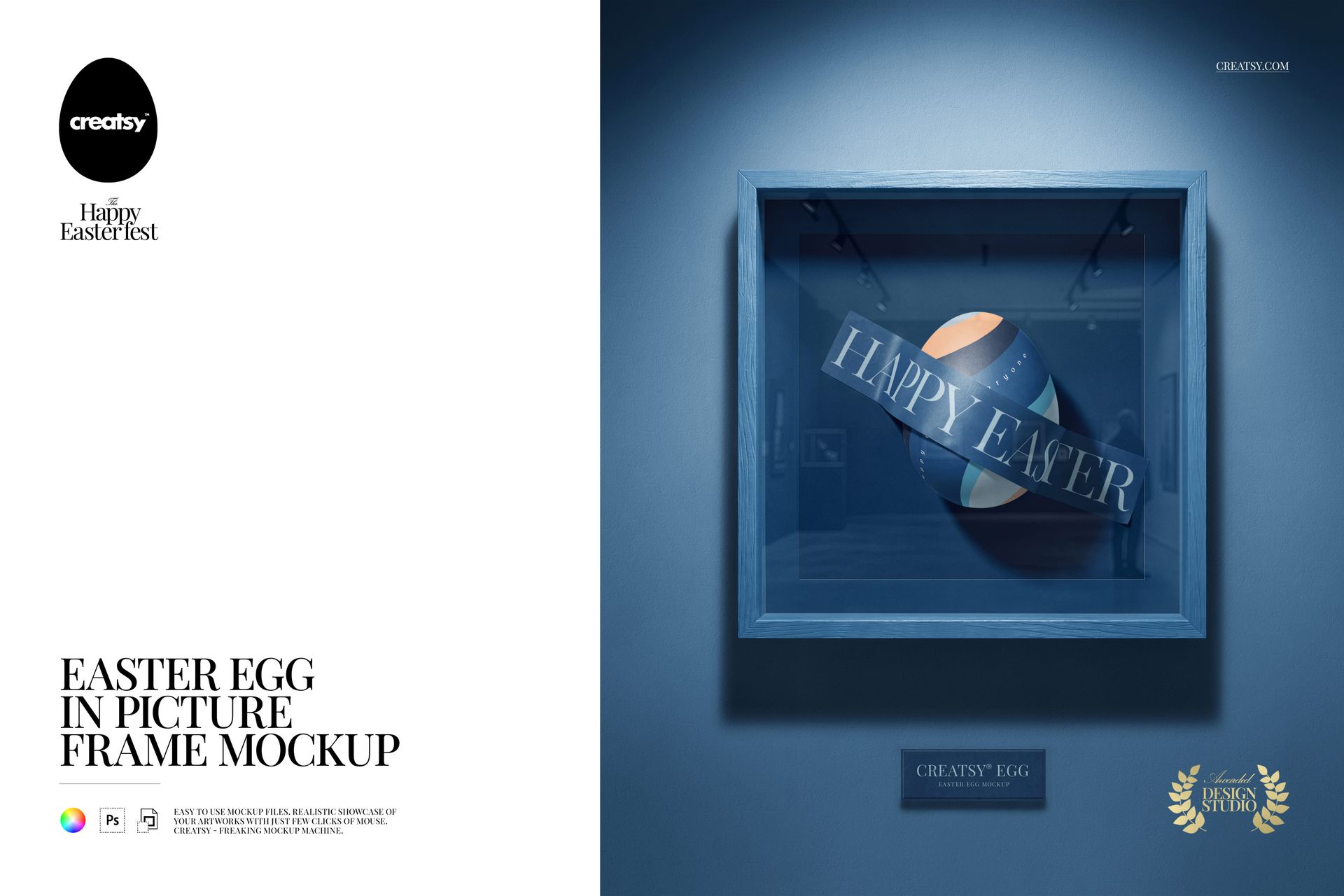
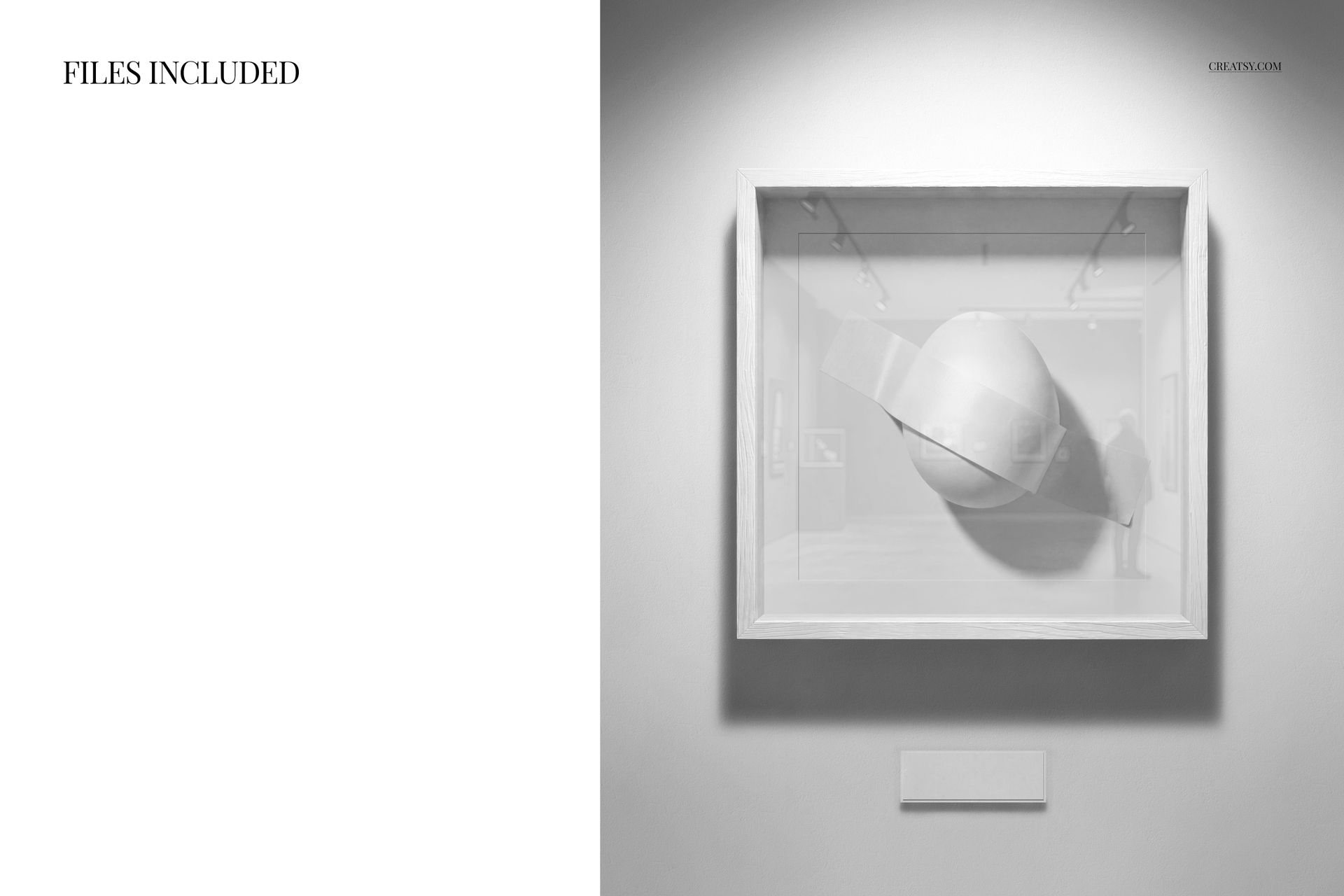
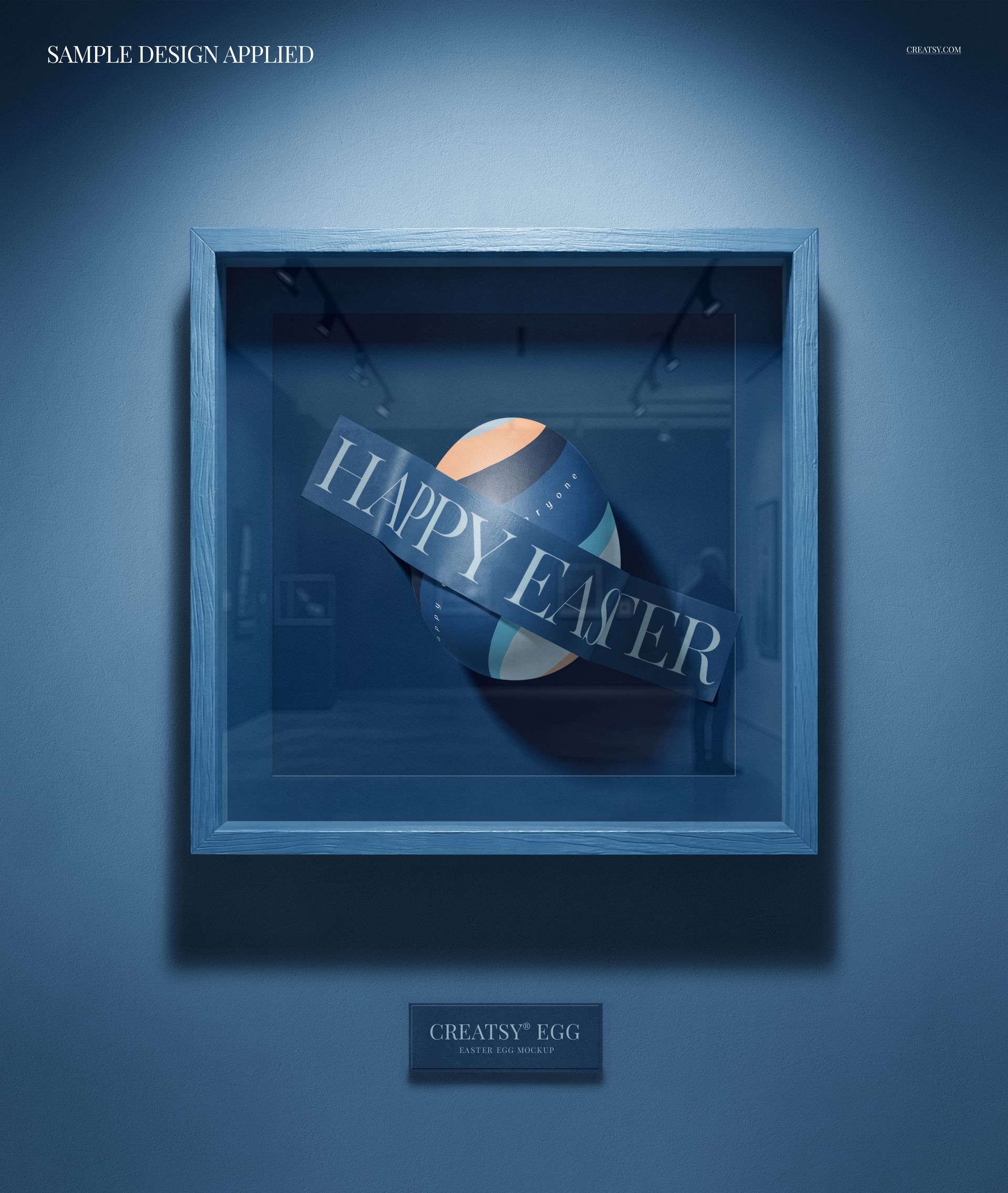
One PSD file at 3800 x 4600 pixels and 300 DPI in portrait orientation. An Easter egg displayed inside a picture frame, presented as if the egg surface is a canvas and the pattern painted on it is an artwork worth framing. This is not a seasonal decoration mockup - it is a gallery exhibition for surface pattern designers who want to show their work on a three-dimensional object mounted in a two-dimensional display format. The frame transforms the egg from a holiday item into a design specimen, isolating the pattern for evaluation the way a gallery isolates a painting from its surroundings. The file opens in Adobe Photoshop CC 2020 or newer and in Photopea, the free browser-based PSD editor.

The Frame as Elevation Device

Putting anything in a frame changes how people perceive it. A photograph on a desk is personal. A photograph in a frame on a wall is a statement. An Easter egg in a basket is seasonal. An Easter egg in a picture frame is a design object. That perceptual shift is the entire value proposition of this mockup. It takes an object that most people associate with springtime crafts and repositions it as a serious showcase for pattern work, illustration, and surface design. For designers who create Easter-themed patterns, this reframing communicates that their work has artistic value beyond its seasonal application.

Dark Background Drama

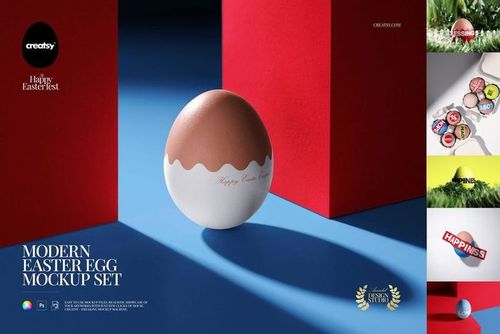
The dark, moody background isolates the egg and frame against a near-black environment. This gallery-style lighting creates maximum contrast around the egg surface, drawing every viewer's eye directly to the pattern, color, and texture of the design applied to the egg. Dark backgrounds have dominated product photography for luxury and premium positioning because they create visual weight and seriousness. An Easter egg against a bright pastel background reads as cheerful and disposable. An Easter egg against a dark background reads as collectible and designed.

Smart Object Workflow

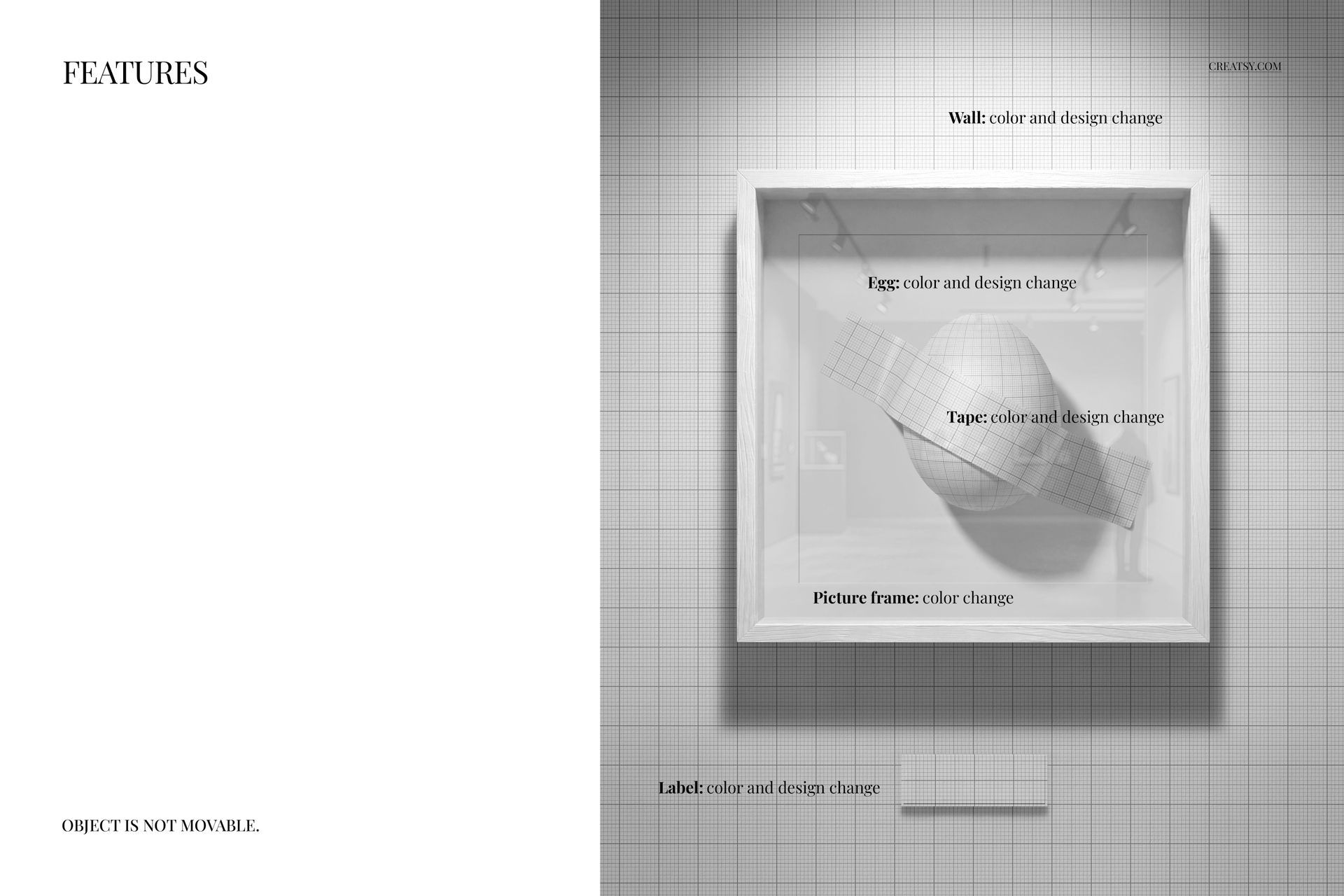
The PSD file contains smart object layers for the egg surface and the frame. Double-click the egg smart object thumbnail in the layers panel, place your Easter pattern, illustration, or surface design into the canvas, and save. The main document updates with your artwork mapped onto the curved egg surface, preserving the three-dimensional shading that makes the flat design look painted onto a physical egg. The frame can also be customized to match the presentation style of your portfolio or brand guidelines.

Featured During Easter Fest

This mockup was featured during the Creatsy Easter Fest - a ten-day celebration showcasing the best Easter mockups in the collection. The event highlighted mockups that bring creative versatility to seasonal design projects, and this egg-in-frame concept was selected for its unique approach to presenting Easter surface patterns as gallery-worthy design work.

Surface Pattern Portfolio Applications

Surface pattern designers maintain portfolios that demonstrate their work across multiple product categories - textiles, stationery, packaging, home goods, and seasonal items. An Easter egg in a picture frame provides a portfolio-ready image format that presents the pattern on a recognizable three-dimensional object while maintaining the clean, isolated presentation style that portfolio reviewers expect. The framed format translates directly to Behance project pages, Dribbble shots, portfolio website hero images, and licensing pitch decks.

Technical Specifications

The single PSD file measures 3800 x 4600 pixels at 300 DPI in portrait orientation. The download weighs 173.2 MB. Layers are organized and labeled for efficient navigation between the egg surface smart object, frame elements, background, and lighting layers. The portrait format works naturally for Instagram feed posts, Pinterest pins, and printed poster displays without requiring additional cropping or composition adjustment.

File details

Compatibility
PhotopeaAdobe Photoshop
Number of files included
2
Package size
173 MB173 MB|181 MB181 MB
Files type
.psd, .jpg
TEST FOR FREE

Reviews

Professional PSD mockups built in-house - editable, realistic, high-resolution, and supported by real people.

5 (2 ratings)
Sort by:

mes avatar
mes
Apr 20, 2026

Gorgeous template, super easy to use, and what I love most is how flexible it is! You can really make it your own and adjust every detail to match your vision.

Malgorzata Hapon avatar
Malgorzata Hapon Author
May 27, 2026

Flexibility is everything - so glad it worked for your vision! 🧡


Maritza_Keyes avatar
Maritza_Keyes
Apr 17, 2026

Loved using this to show off my pattern collection!

Malgorzata Hapon avatar
Malgorzata Hapon Author
May 27, 2026

That’s what it’s made for - thank you! 🧡


Made with Creatsy

Real designs. Real customers. See how creatives use Creatsy mockups to turn their artwork, branding, and product ideas into polished visuals.

MEET THE SHOP

Creatsy logo

Creatsy

Poland
4.7 (648)

Bring your ideas to life.

We're a family-run studio in Katowice, Poland, making PSD mockups by hand since 2016. Everything in this shop starts in our own studio. We shoot the photography, build the 3D, and put together every Smart Object PSD ourselves - then we test it, organize the layers, and only ship it once it actually works...
GO TO SHOP

HOW IT WORKS

3 clicks. That's it.

No tutorial needed. If you can copy-paste, you can use this.

  1. 1OpenDouble-click the smart object inside the PSD - in Adobe Photoshop, or free in your browser with Photopea.
  2. 2PasteDrop in your pattern, print, or artwork. Any design, any style.
  3. 3SaveHit save and the mockup wraps it in for you - shadows, folds, and lighting included.
FROM IDEA TO IMAGE

Built for real workflows

Skip the photo shoot Show your artwork on the real product type for approvals or listings - no studio, no model, no sample.

See it on the product, not a swatch Drop your file into the smart object and the scene's lighting and folds wrap around it, so you judge the real thing before you commit.

Smart Objects

Edit once and you're done. Your artwork drops into a smart object and the mockup updates itself - no masking, no warping by hand.

Perfectly Organized

Named layers and folders you can actually navigate. Find what you need, change what you want, and get out fast.

Print-Ready

High-resolution files built to hold up on screen and in print. Exact size and DPI are in this product's Details above.