ID: 1617754453 | Updated: Apr 2, 2026

Product Details

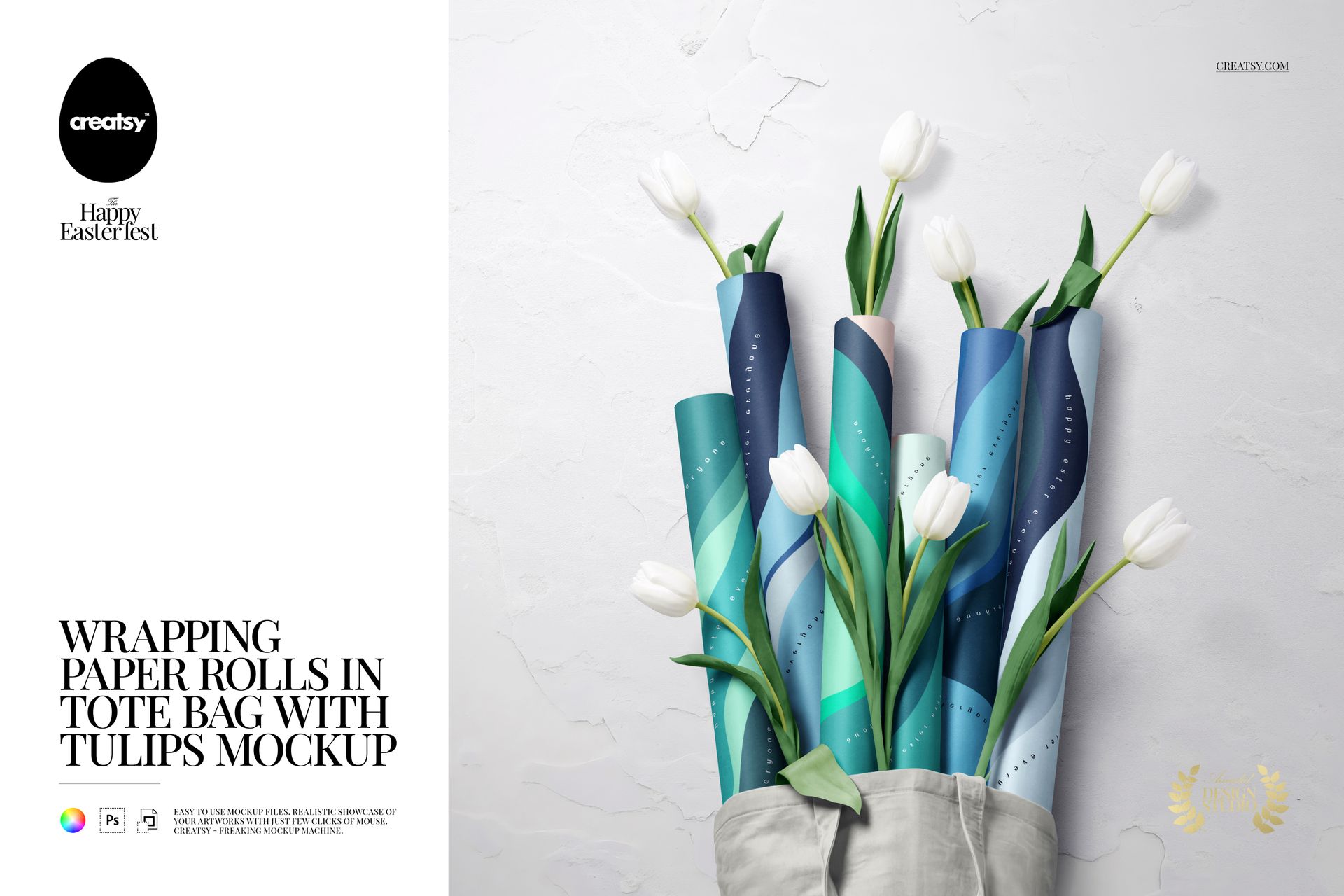
Wrapping Paper Rolls in Tote Bag with Tulips Mockup

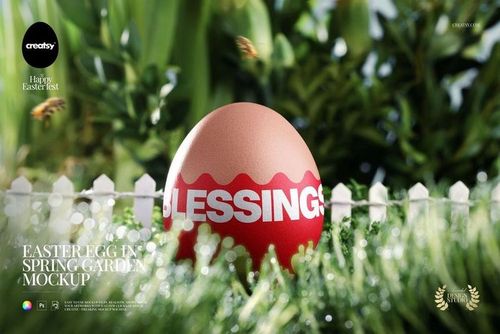
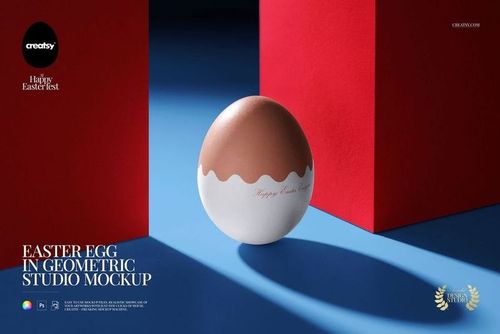
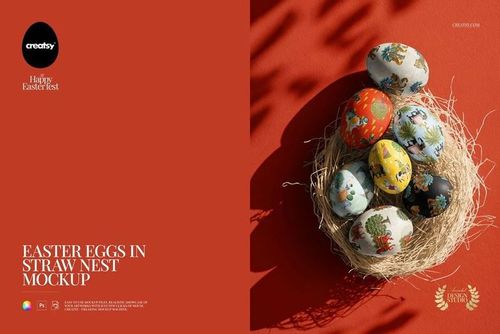
Create fresh, elegant and realistic seasonal product visuals with this Wrapping Paper Rolls in Tote Bag with Tulips Mockup. Designed for surface pattern designers, packaging designers, stationery brands, gift wrap sellers, print-on-demand shops and creative studios, this editable PSD mockup helps you present wrapping paper designs in a polished spring-inspired scene.

The mockup features wrapping paper rolls arranged inside a fabric tote bag with fresh tulips, creating a soft, natural and gift-ready composition. It is perfect for showcasing Easter wrapping paper, spring patterns, floral gift wrap, holiday packaging, boutique stationery, printable paper goods, gift shop collections and seasonal product launches.

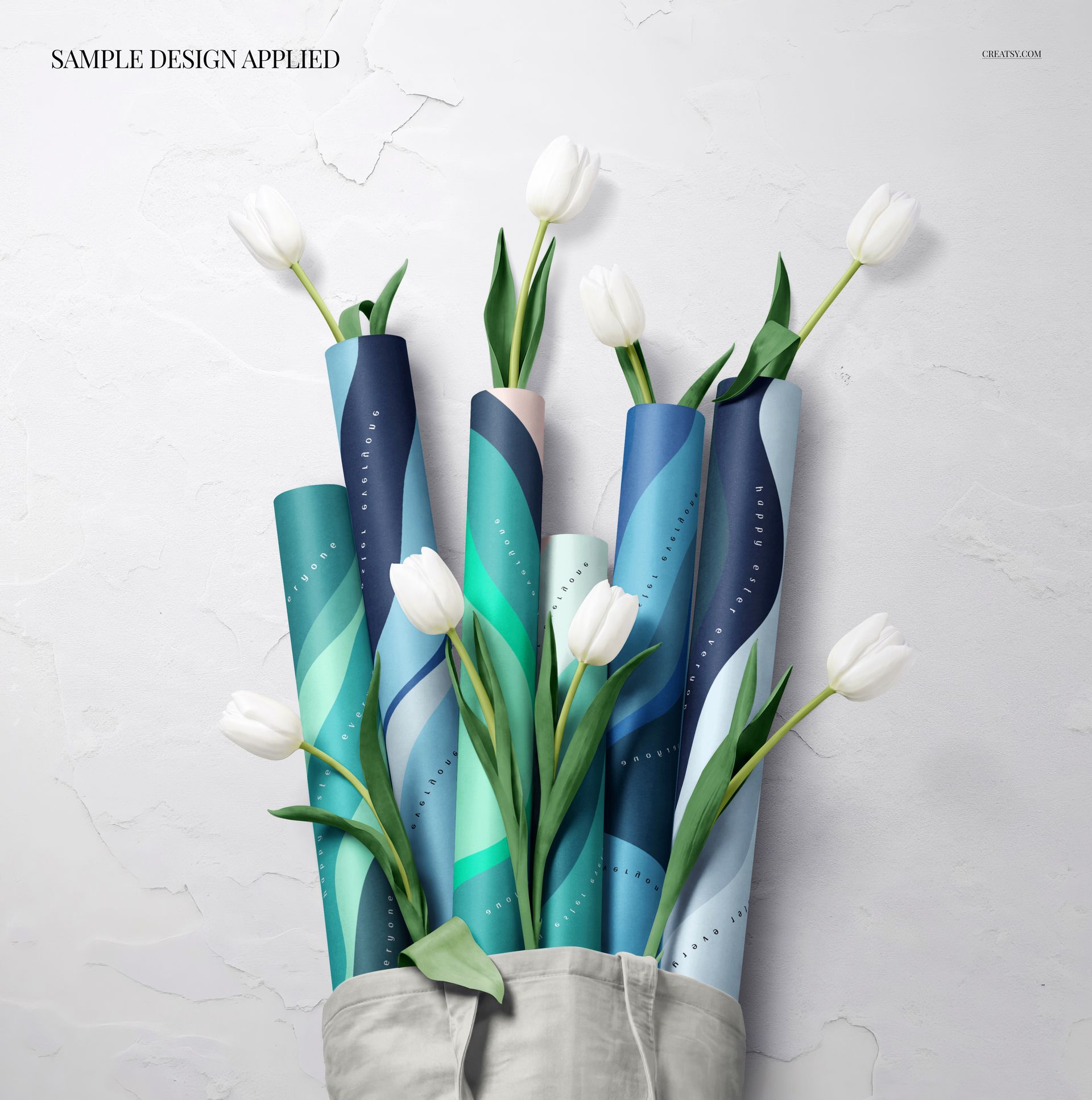
Instead of showing your pattern as a flat digital file, you can place it on realistic wrapping paper rolls and give customers a clear preview of how the finished product could look. The tote bag and tulips add lifestyle context, making the scene feel more complete, more emotional and more ready for ecommerce or portfolio use.

Why This Wrapping Paper Mockup Works

Wrapping paper is all about pattern scale, color harmony and product feel. A design that looks beautiful as a flat repeat can become much more convincing when shown on real paper rolls in a styled packaging scene.

This mockup gives your artwork a natural spring setting that works especially well for Easter collections, floral patterns, botanical prints, pastel designs, geometric artwork, minimal gift wrap, boutique packaging and seasonal stationery. The tulips create a fresh holiday mood, while the tote bag adds a modern lifestyle touch that makes the presentation feel more premium.

Use this mockup for Etsy listings, Shopify product pages, print-on-demand previews, Pinterest pins, Instagram posts, packaging portfolios, client presentations, seasonal catalogs and Easter marketing campaigns.

Perfect For

This wrapping paper mockup is a strong choice for:

  • Surface pattern designers presenting repeat artwork on gift wrap

  • Packaging designers creating seasonal product visuals

  • Stationery brands launching spring and Easter collections

  • Print-on-demand sellers building wrapping paper listings

  • Etsy and Shopify shops selling gift wrap or printable paper goods

  • Illustrators showcasing floral, botanical and holiday artwork

  • Gift shops promoting seasonal packaging collections

  • Creative studios preparing Easter campaign visuals

  • Licensing artists building professional portfolio images

  • Small businesses that need polished packaging previews before printing samples

Easy Customization with Smart Objects

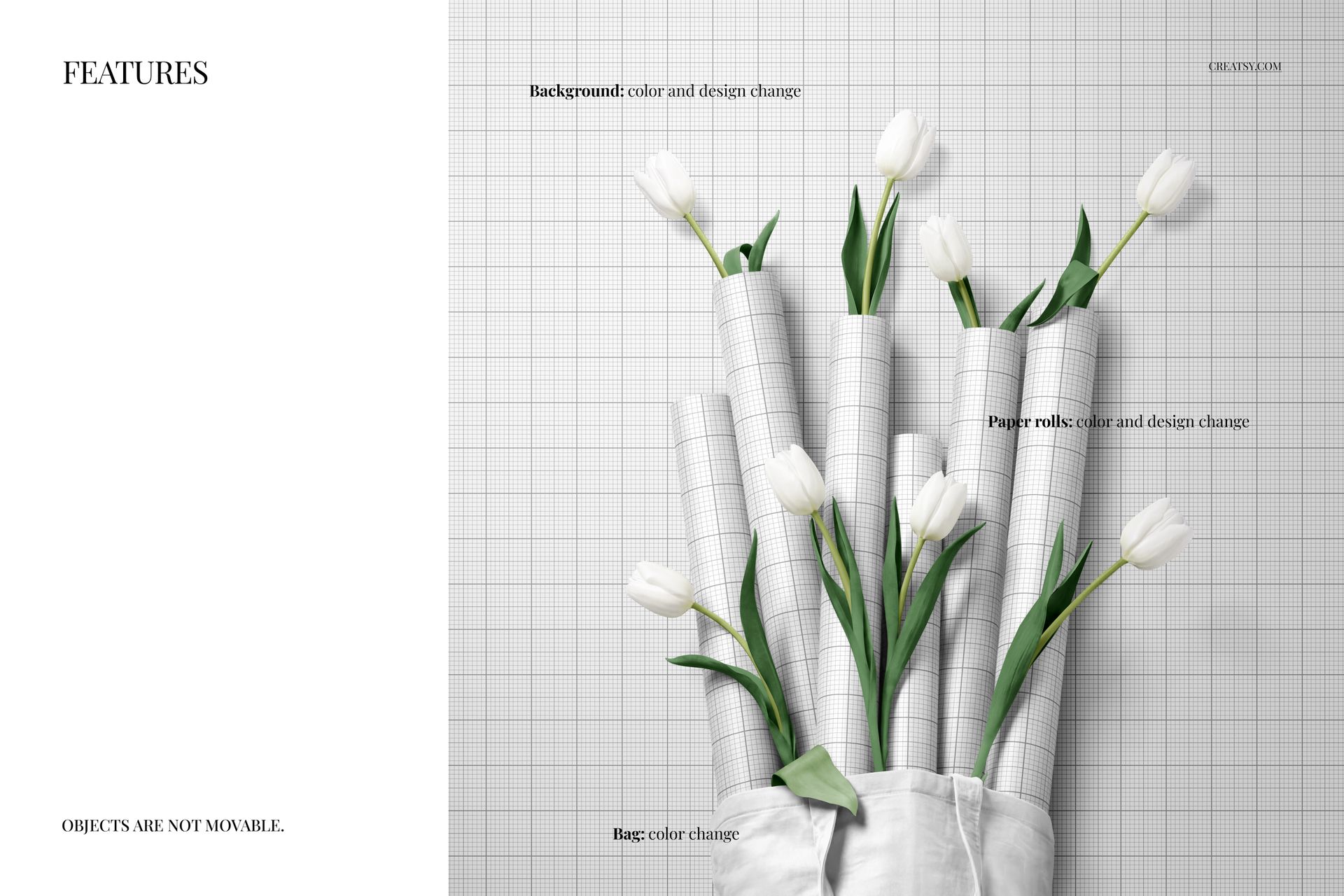
The layered PSD file is made for a smooth editing workflow in Adobe Photoshop and Photopea. Add your pattern, illustration, logo or gift wrap design into the editable smart object area, save the file and create a realistic wrapping paper preview with built-in lighting, shadows and scene styling.

This makes it easy to test different pattern scales, compare colorways, create product listing images and build a cohesive seasonal gallery without arranging a photoshoot or printing physical samples first.

The mockup works beautifully with floral repeats, Easter illustrations, botanical artwork, gingham patterns, geometric prints, spring typography, minimal packaging designs, pastel palettes and bold seasonal gift wrap collections.

What You Can Showcase

Use this mockup to present:

  • Wrapping paper roll designs

  • Easter gift wrap collections

  • Spring packaging artwork

  • Floral and botanical patterns

  • Gift wrapping paper designs

  • Printable wrapping paper previews

  • Surface pattern collections

  • Boutique stationery products

  • Holiday packaging concepts

  • Gift shop product visuals

  • Print-on-demand wrapping paper

  • Etsy and Shopify listing images

  • Pinterest and Instagram graphics

  • Client presentation visuals

  • Licensing portfolio images

File Specifications

  • Part of The Ultimate Easter Mockup Collection

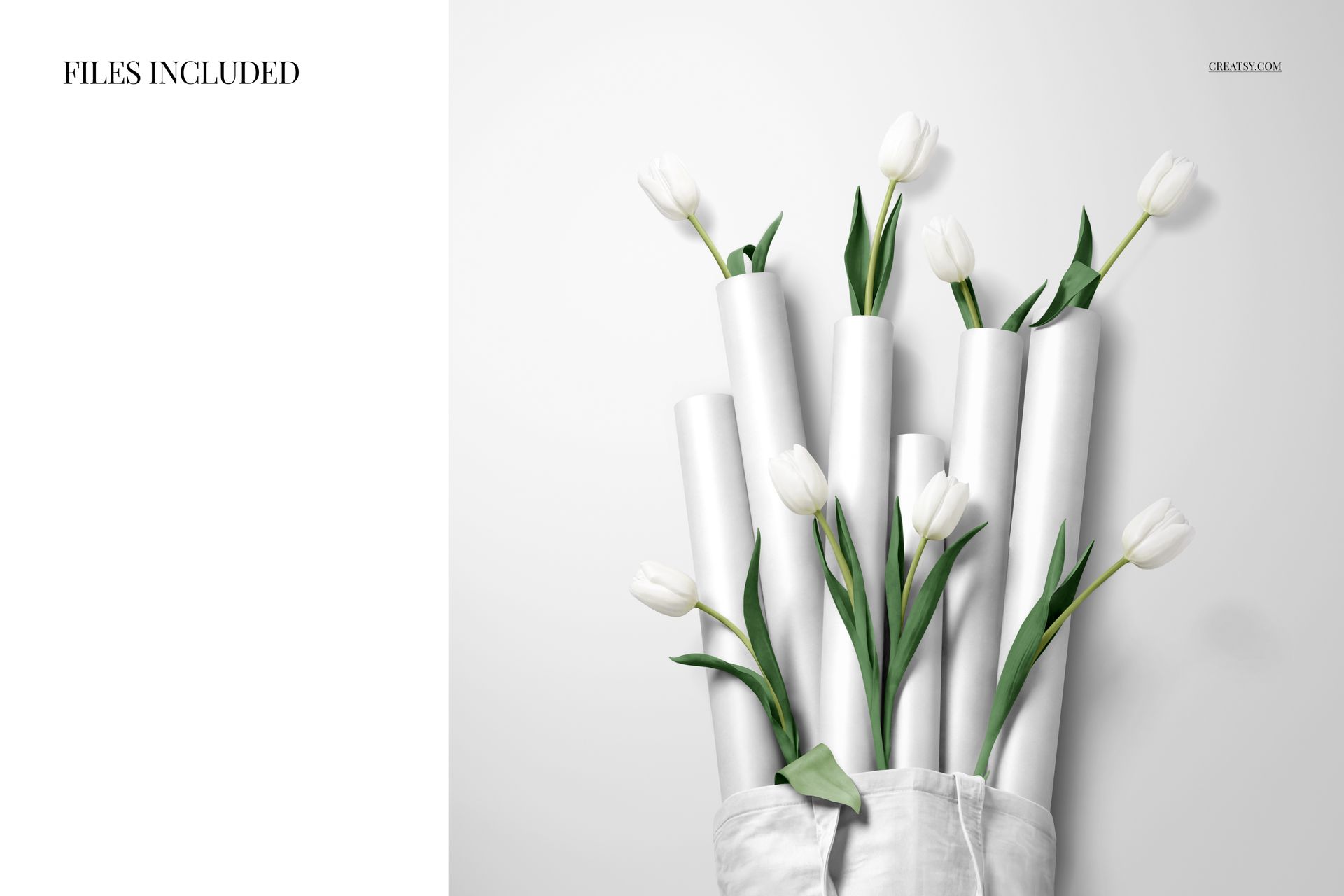
  • Includes PSD and JPG files

  • Pack includes 1 PSD file

  • 2 files included in total

  • PSD size: 4000x4000 px

  • Resolution: 300 DPI

  • Compatible with Adobe Photoshop CC2020 or newer

  • Compatible with Photopea

  • Well organized layers

File details

Compatibility
PhotopeaAdobe Photoshop
Number of files included
2
Package size
226 MB226 MB|237 MB237 MB
Files type
.psd, .jpg
TEST FOR FREE

Reviews

Professional PSD mockups built in-house - editable, realistic, high-resolution, and supported by real people.

5 (1 rating)
Sort by:

Textile_Bakery avatar
Textile_Bakery
Apr 4, 2026

Amazing! I love all of Creatsy's mock ups!

Malgorzata Hapon avatar
Malgorzata Hapon Author
May 27, 2026

Thank you so much - that means a lot! 🧡


Made with Creatsy

Real designs. Real customers. See how creatives use Creatsy mockups to turn their artwork, branding, and product ideas into polished visuals.

MEET THE SHOP

Creatsy logo

Creatsy

Poland
4.7 (662)

Bring your ideas to life.

We're a family-run studio in Katowice, Poland, making PSD mockups by hand since 2016. Everything in this shop starts in our own studio. We shoot the photography, build the 3D, and put together every Smart Object PSD ourselves - then we test it, organize the layers, and only ship it once it actually works...
GO TO SHOP

HOW IT WORKS

3 clicks. That's it.

No tutorial needed. If you can copy-paste, you can use this.

  1. 1OpenDouble-click the smart object inside the PSD - in Adobe Photoshop, or free in your browser with Photopea.
  2. 2PasteDrop in your pattern, print, or artwork. Any design, any style.
  3. 3SaveHit save and the mockup wraps it in for you - shadows, folds, and lighting included.
FROM IDEA TO IMAGE

Built for real workflows

Skip the photo shoot Show your artwork on the real product type for approvals or listings - no studio, no model, no sample.

See it on the product, not a swatch Drop your file into the smart object and the scene's lighting and folds wrap around it, so you judge the real thing before you commit.

Smart Objects

Edit once and you're done. Your artwork drops into a smart object and the mockup updates itself - no masking, no warping by hand.

Perfectly Organized

Named layers and folders you can actually navigate. Find what you need, change what you want, and get out fast.

Print-Ready

High-resolution files built to hold up on screen and in print. Exact size and DPI are in this product's Details above.