Halloween Party Table Setting Mockup for Seasonal Campaigns
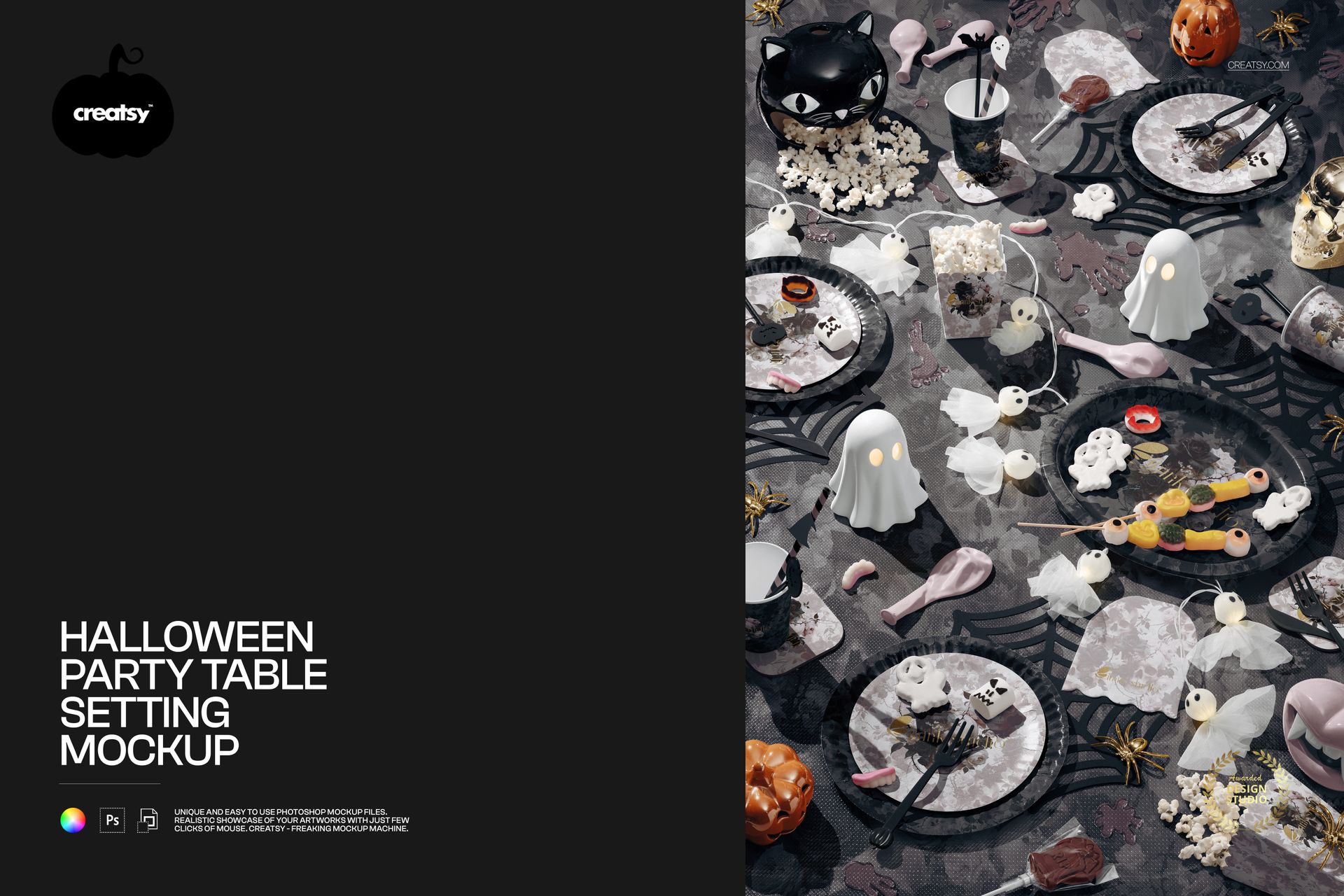
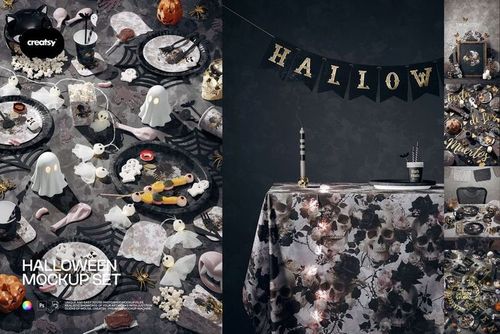
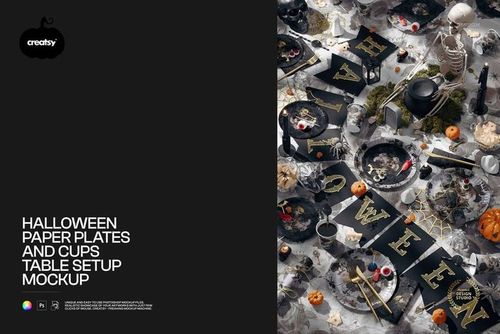
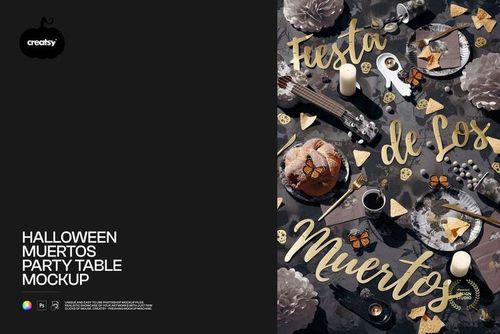
Create a detailed overhead presentation of Halloween tableware, textiles and party accessories without arranging a physical photoshoot. The scene combines plates, cups, napkins, a tablecloth and themed props, giving surface pattern designers, event stylists and seasonal brands a practical way to review how one visual concept works across an entire tablescape.
The layered PSD provides dedicated artwork and color controls for the editable surfaces shown in the preview guide. Use it to compare pattern scales, build coordinated colorways and prepare polished visuals for client approvals, product listings, campaign concepts, portfolio projects and social content.
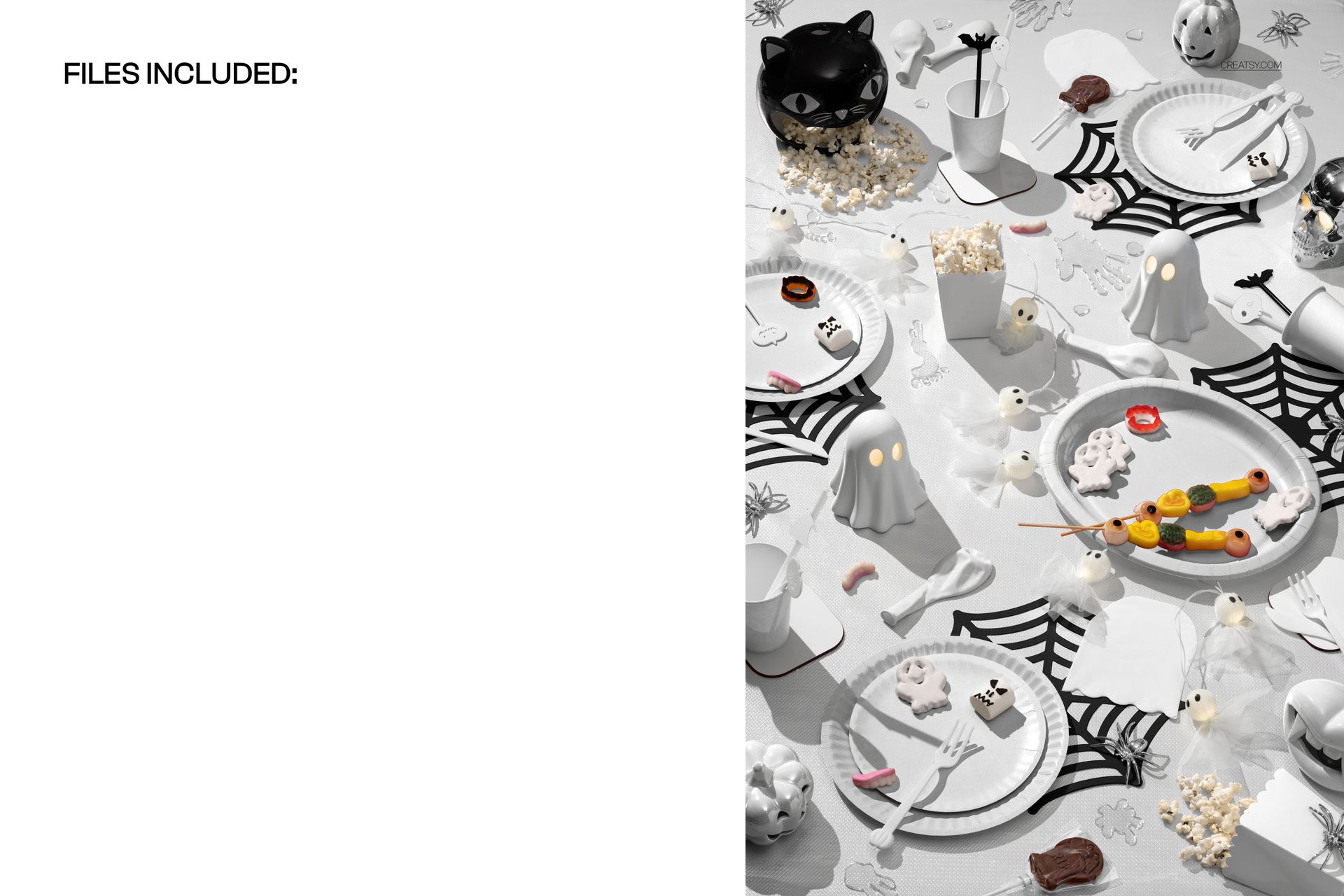
Files Included
1 layered PSD mockup
1 high-resolution JPG image
2 digital files in total
PSD canvas: 4000 x 6000 px
JPG image: 5464 x 8192 px
Download package size: approximately 564 MB for Windows and 592 MB for macOS
The JPG is a separate included image, so its dimensions differ from the PSD mockup canvas.
Editable Textiles and Tableware
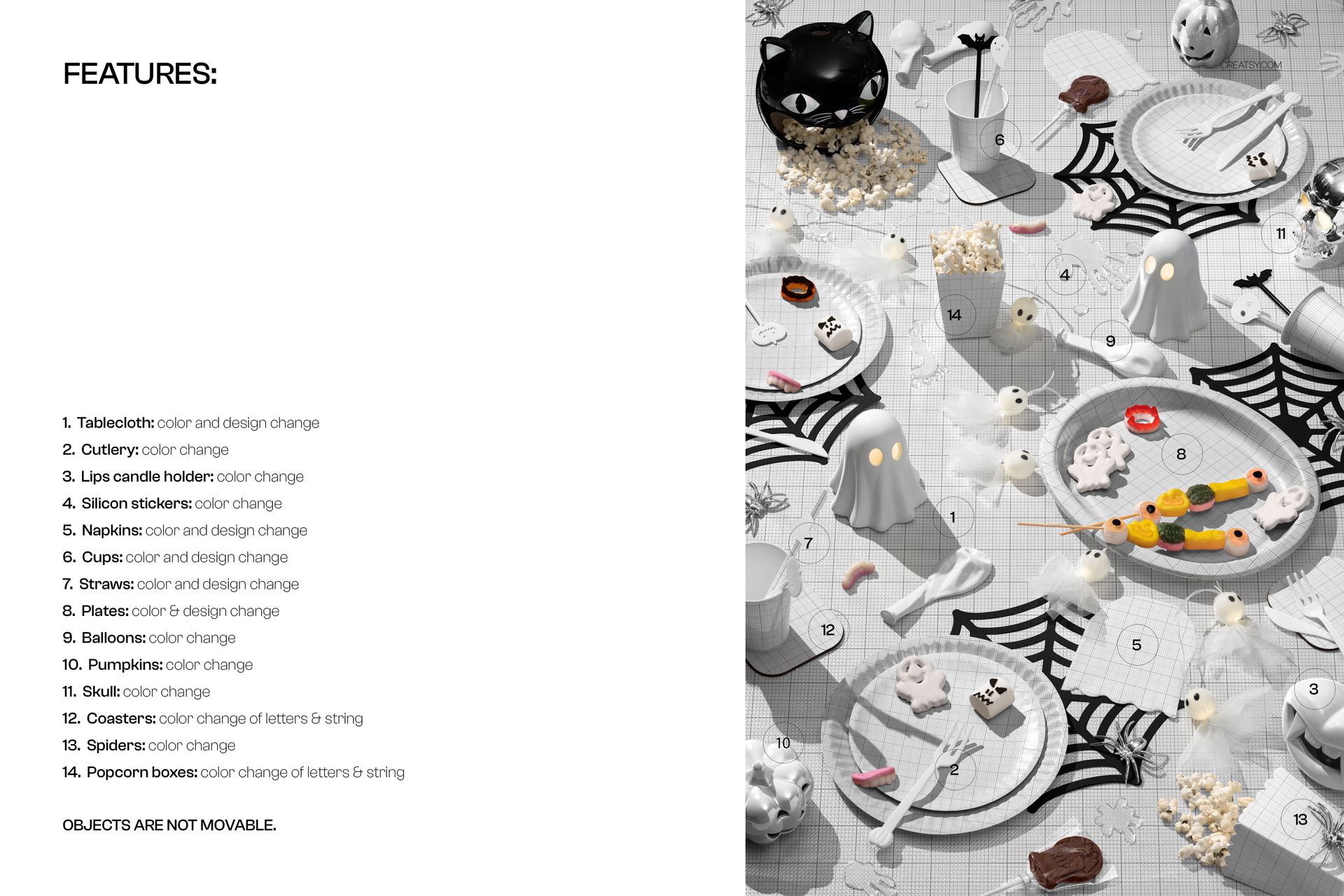
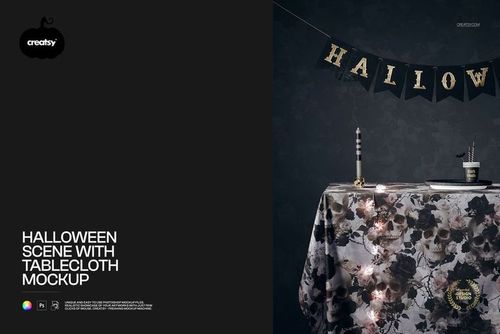
Change the tablecloth color and design
Customize the napkin color and design
Apply colors and designs to cups and straws
Edit plate colors and surface designs
Coordinate the complete tableware collection around one visual theme
Recolorable Decorative Details
Adjust the cutlery and lips-shaped candle holder colors
Recolor the silicone stickers, balloons and pumpkins
Change the skull and spider colors
Customize the lettering and string colors on the coasters
Customize the lettering and string colors on the popcorn boxes
Fixed Scene Composition
The objects remain in preset positions and cannot be moved. This mockup is designed for fast surface design and color customization while preserving the original overhead layout, lighting and visual balance.
Ideal Uses
Halloween tableware and party supply collections
Seasonal surface pattern presentations
Event styling and client approval boards
Online shop images and product launch graphics
Halloween advertising, email and social media campaigns
Portfolio case studies for illustrators and pattern designers
Software Compatibility
The layered PSD can be edited in Adobe Photoshop or Photopea. The package contains a PSD file, not a PSB file.
Sample Artwork Credit
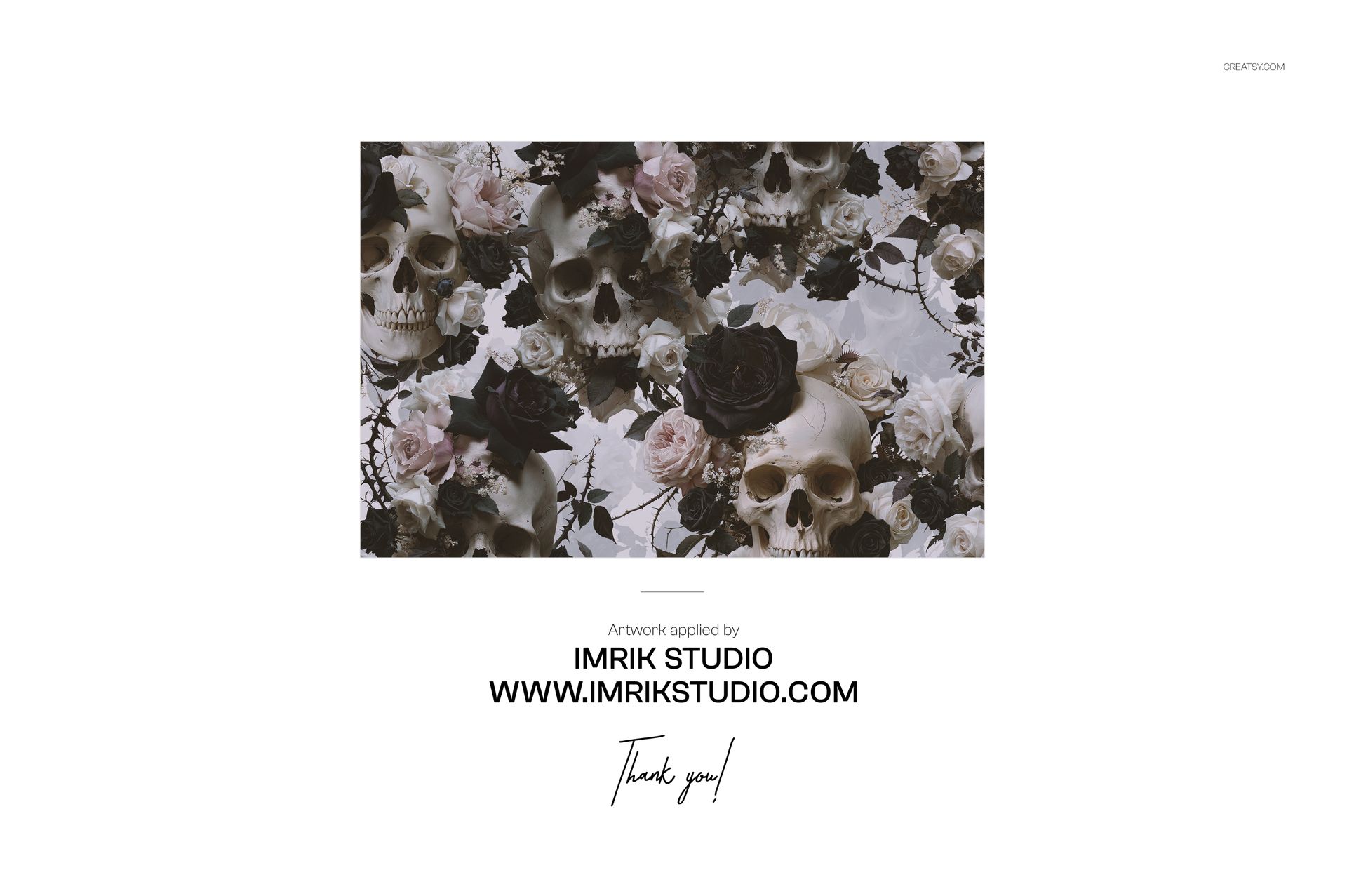
The sample artwork visible in the product previews is by IMRIK STUDIO. Visit https://www.imrikstudio.com/ to explore the studio’s work. The sample artwork is shown for presentation purposes and is not included in the download.
Digital Product
This listing provides downloadable digital files. No physical tableware, decorations, printed textiles or party accessories are supplied.












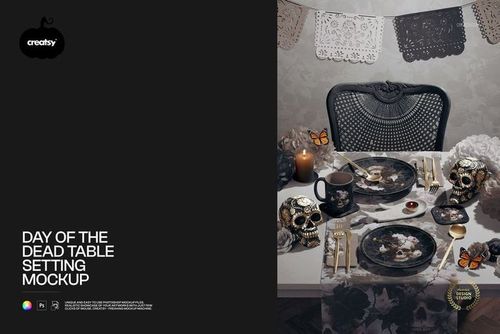
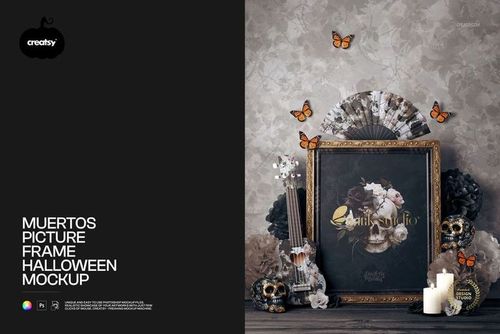
This is a lovely Halloween/Thanksgiving themed mock-up to use. Great details can be added or just coloured to suit. Very easy to showcase your own designs. Good quality.
Thank you for such a lovely review! We're so happy you enjoyed it! ❤️