C6 Envelope Mockup Set
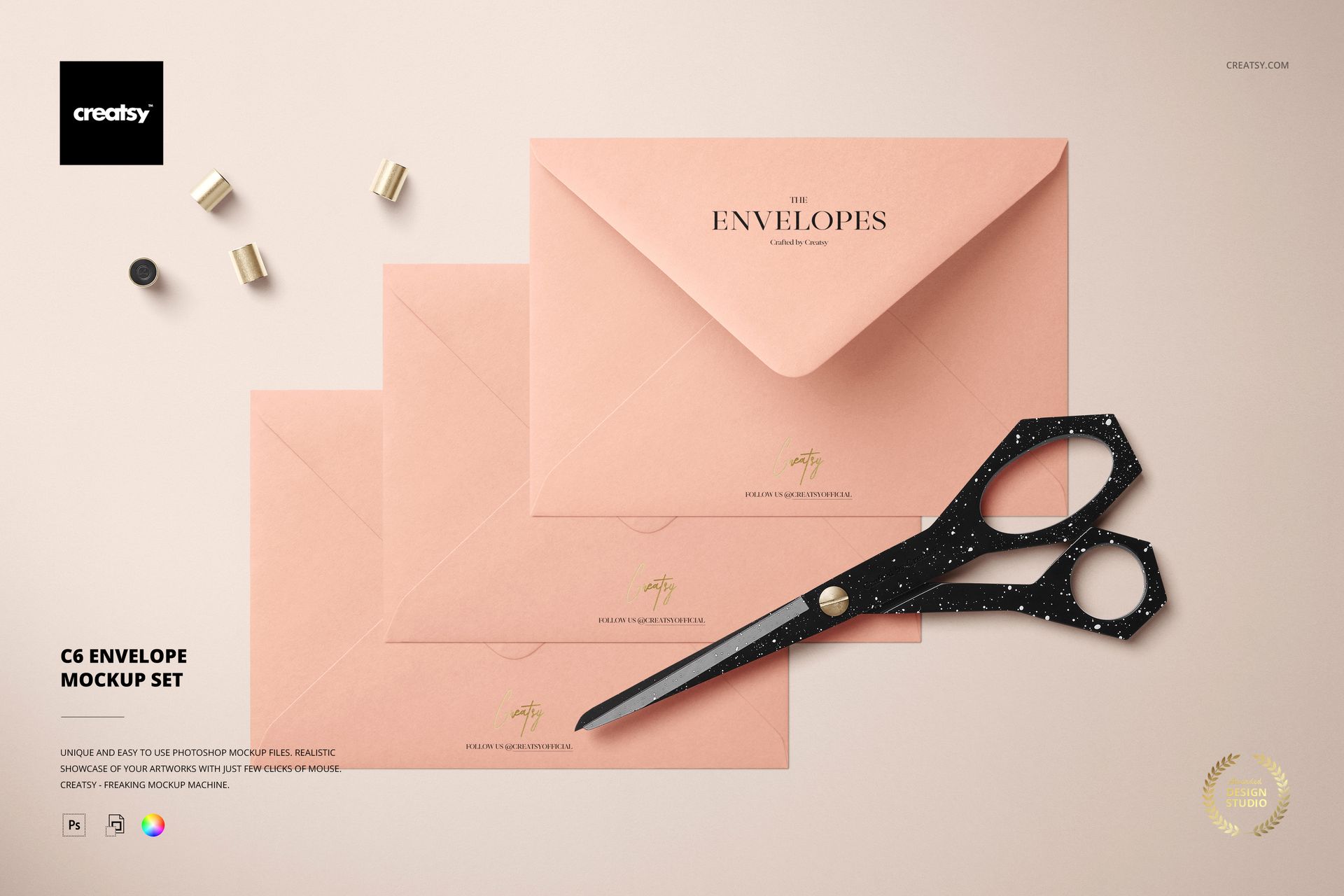
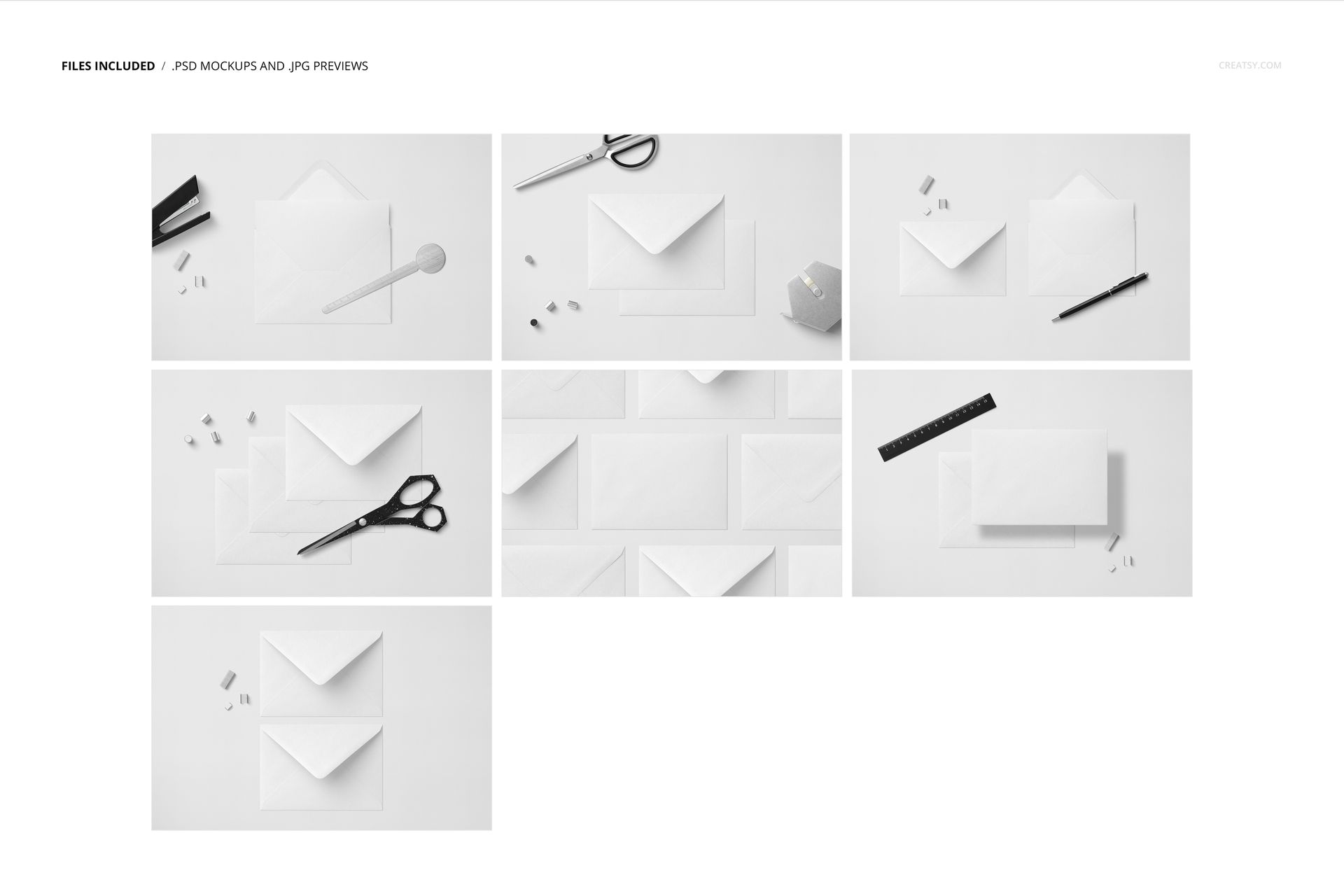
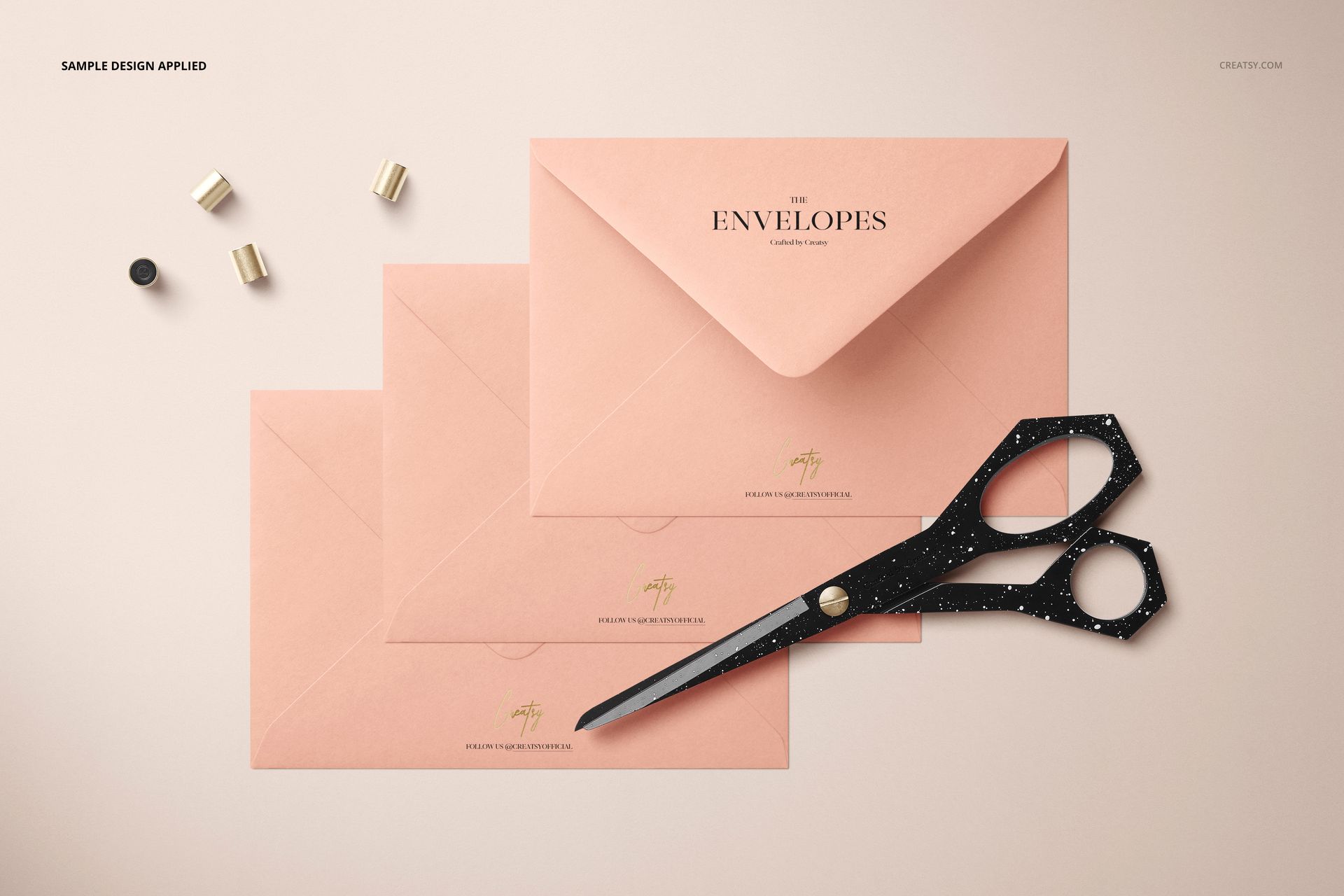
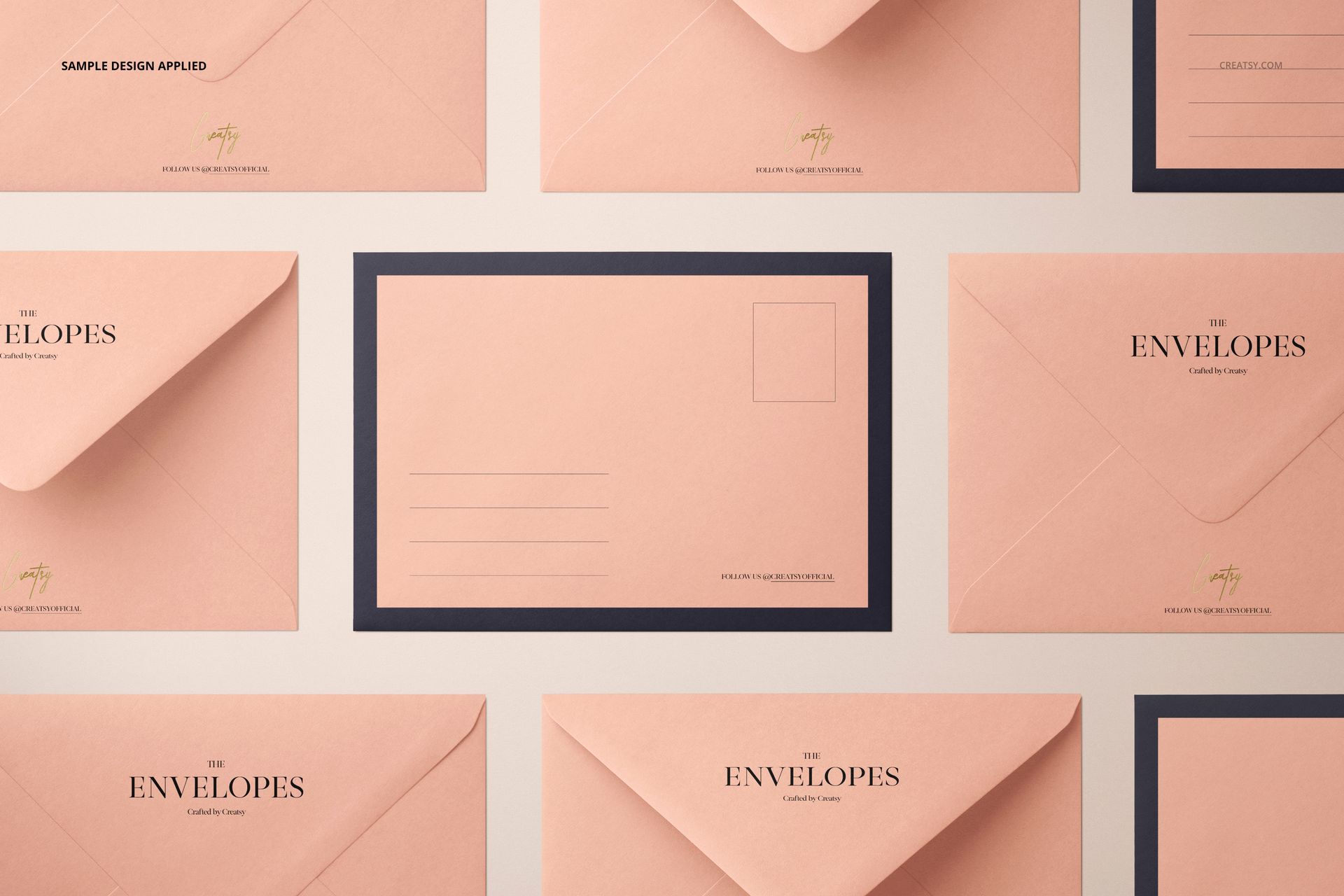
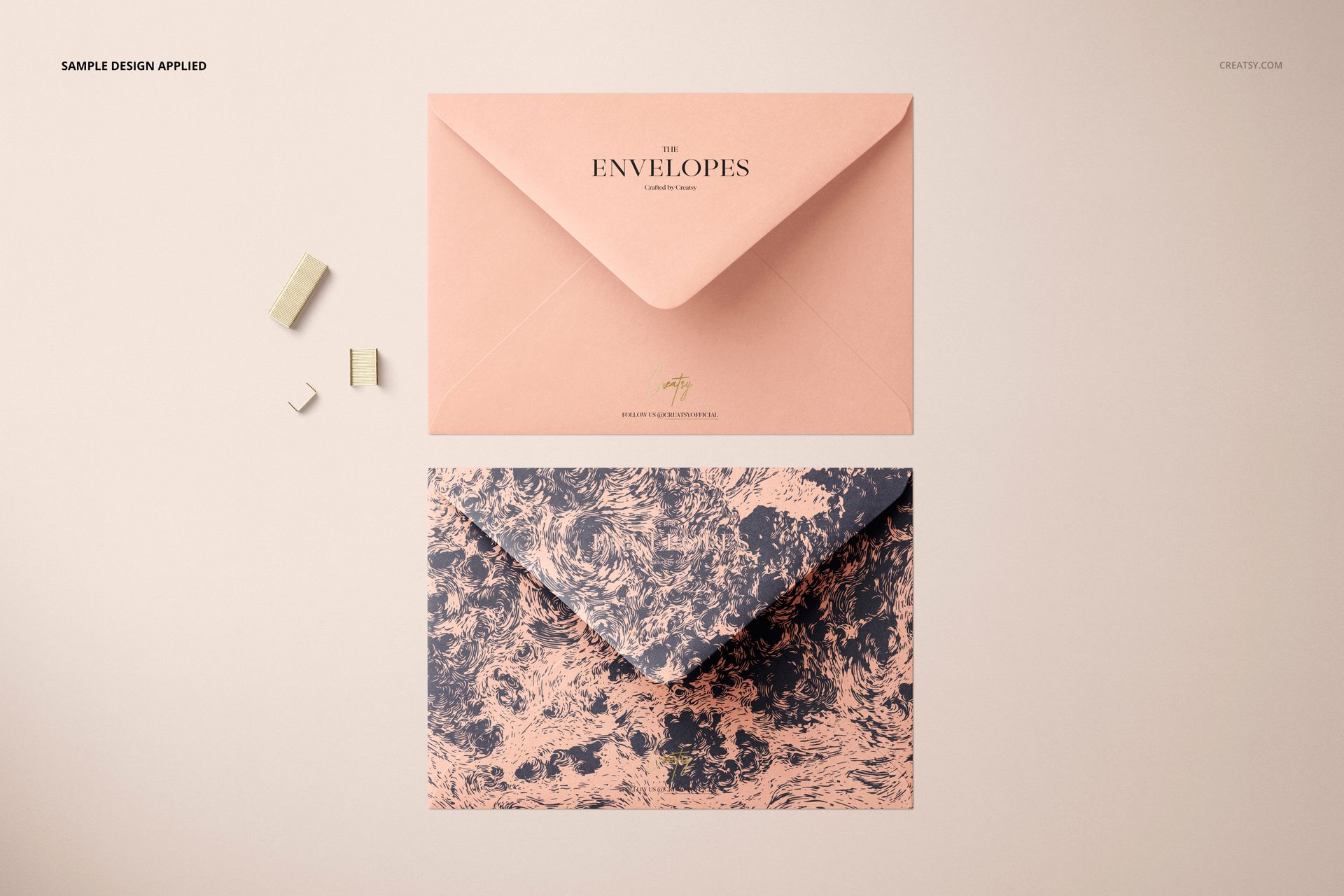
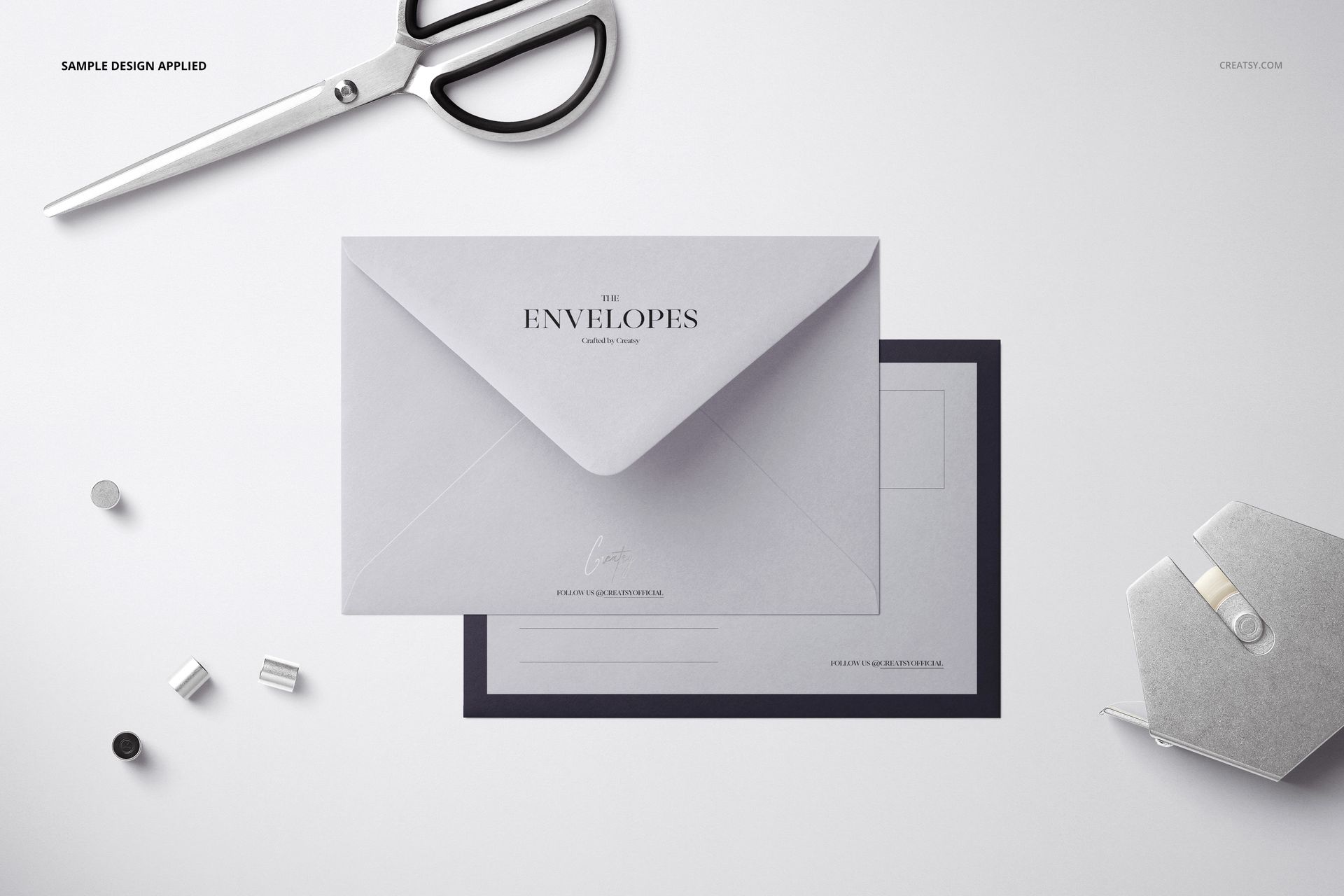
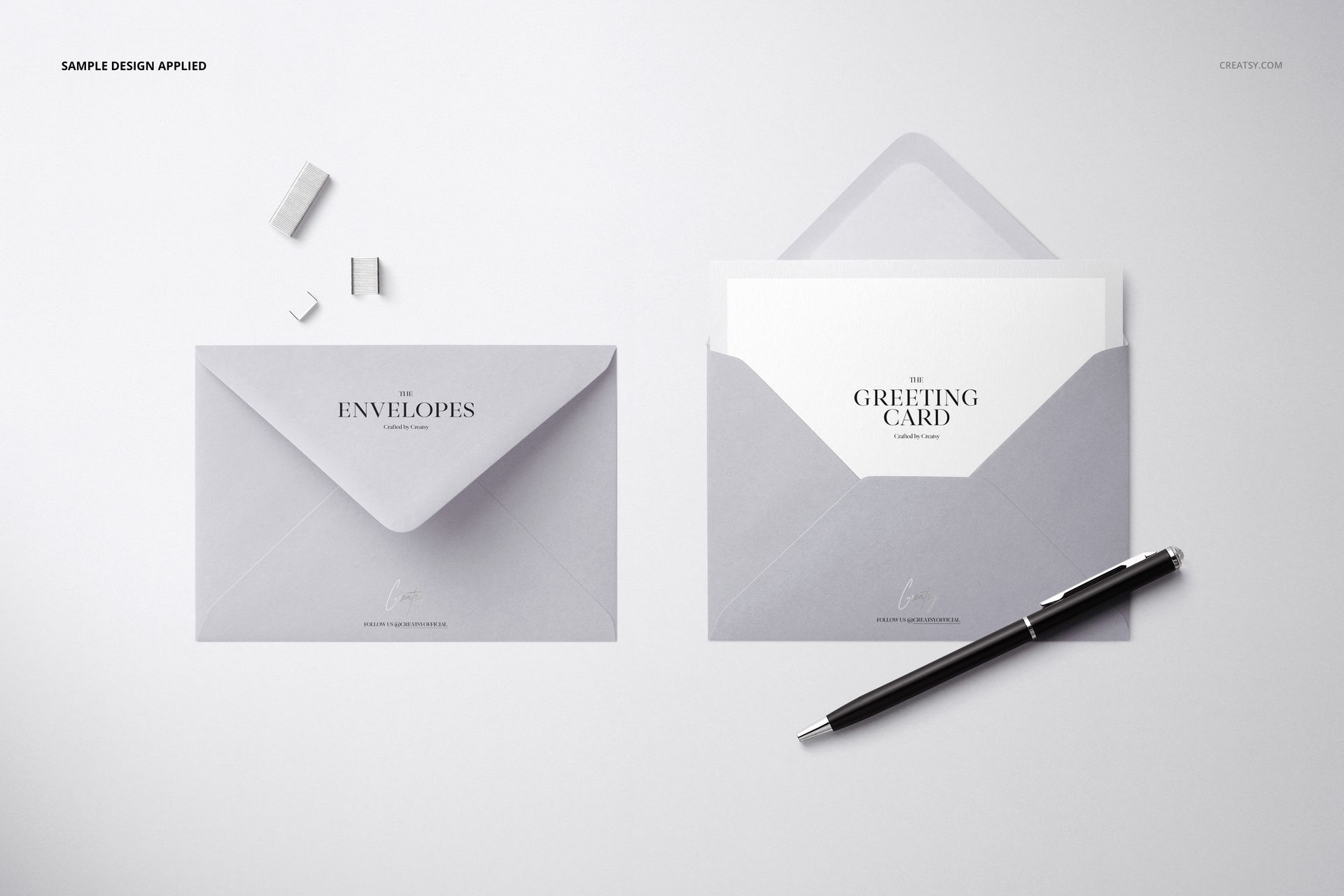
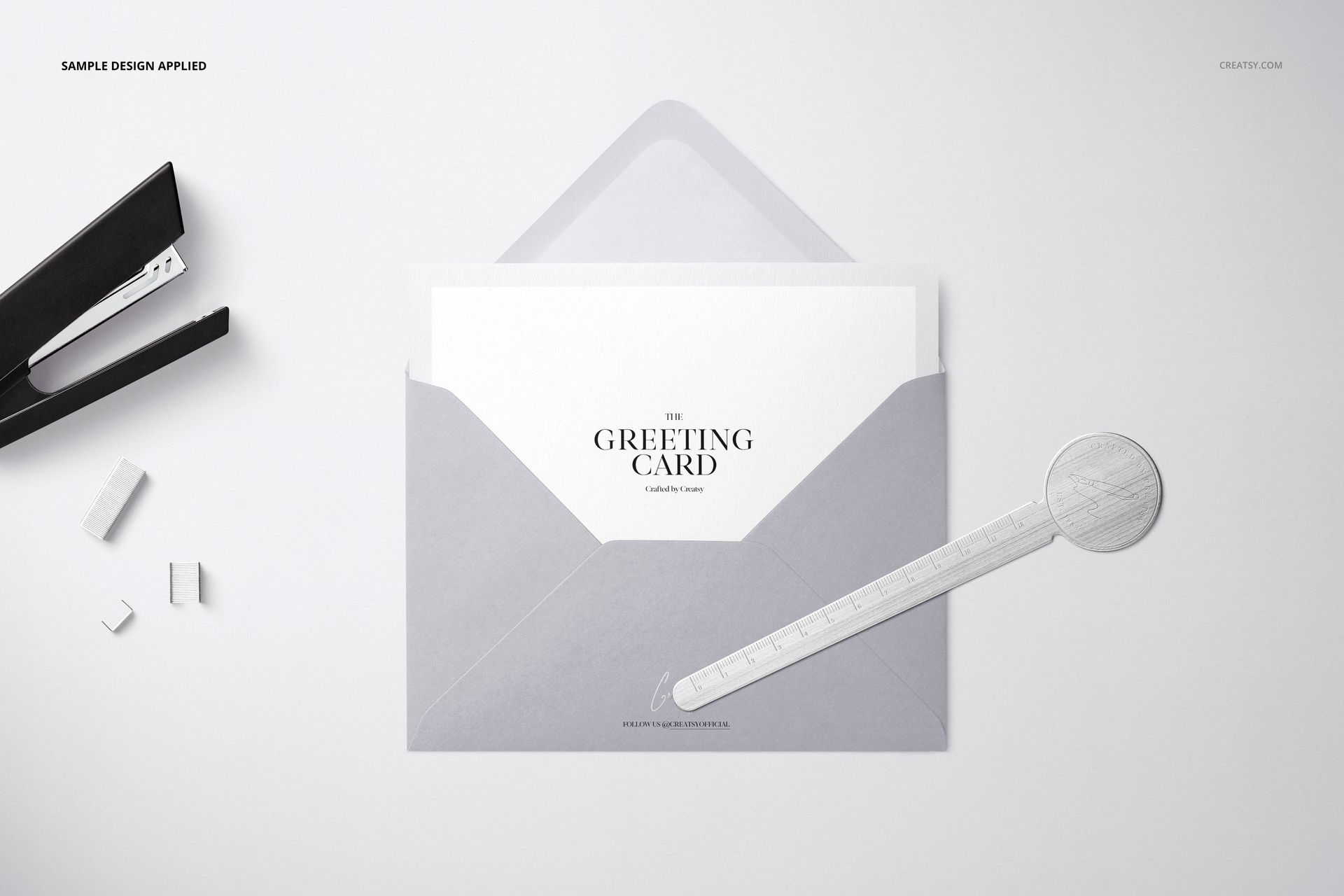
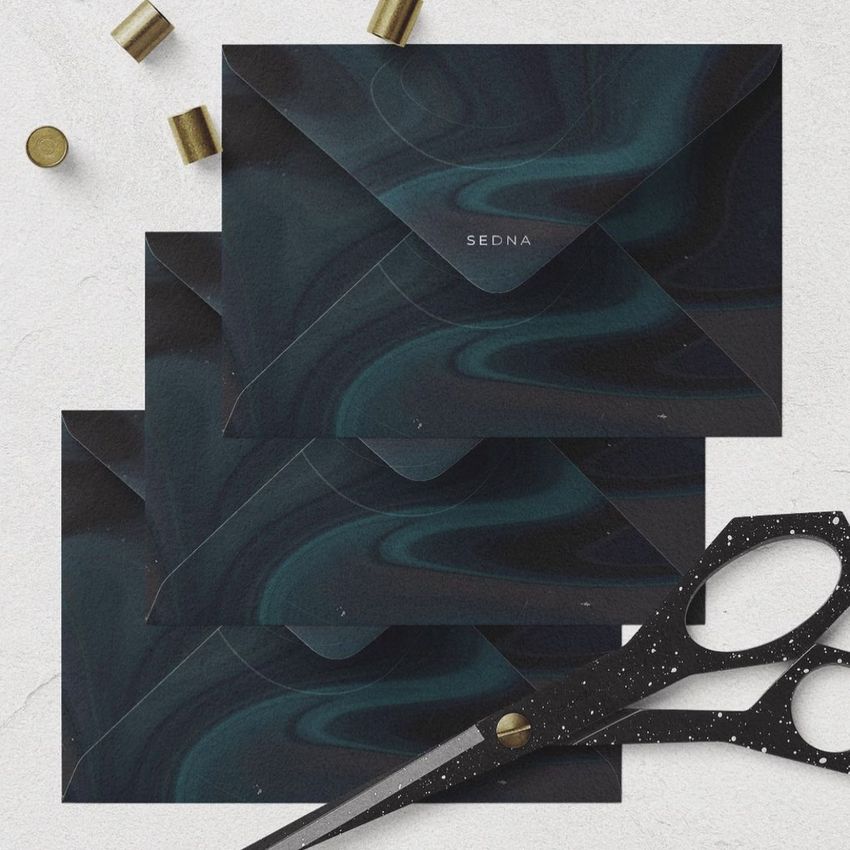
Present one C6 envelope collection through seven distinctive top-view scenes. Peach, pink, light gray, and white envelopes appear with open and closed flaps, trio and multi-envelope arrangements, and a card partially inserted. Scissors, a pen, paper clips, and gold stationery props provide context while keeping the envelope artwork at the center of each composition.
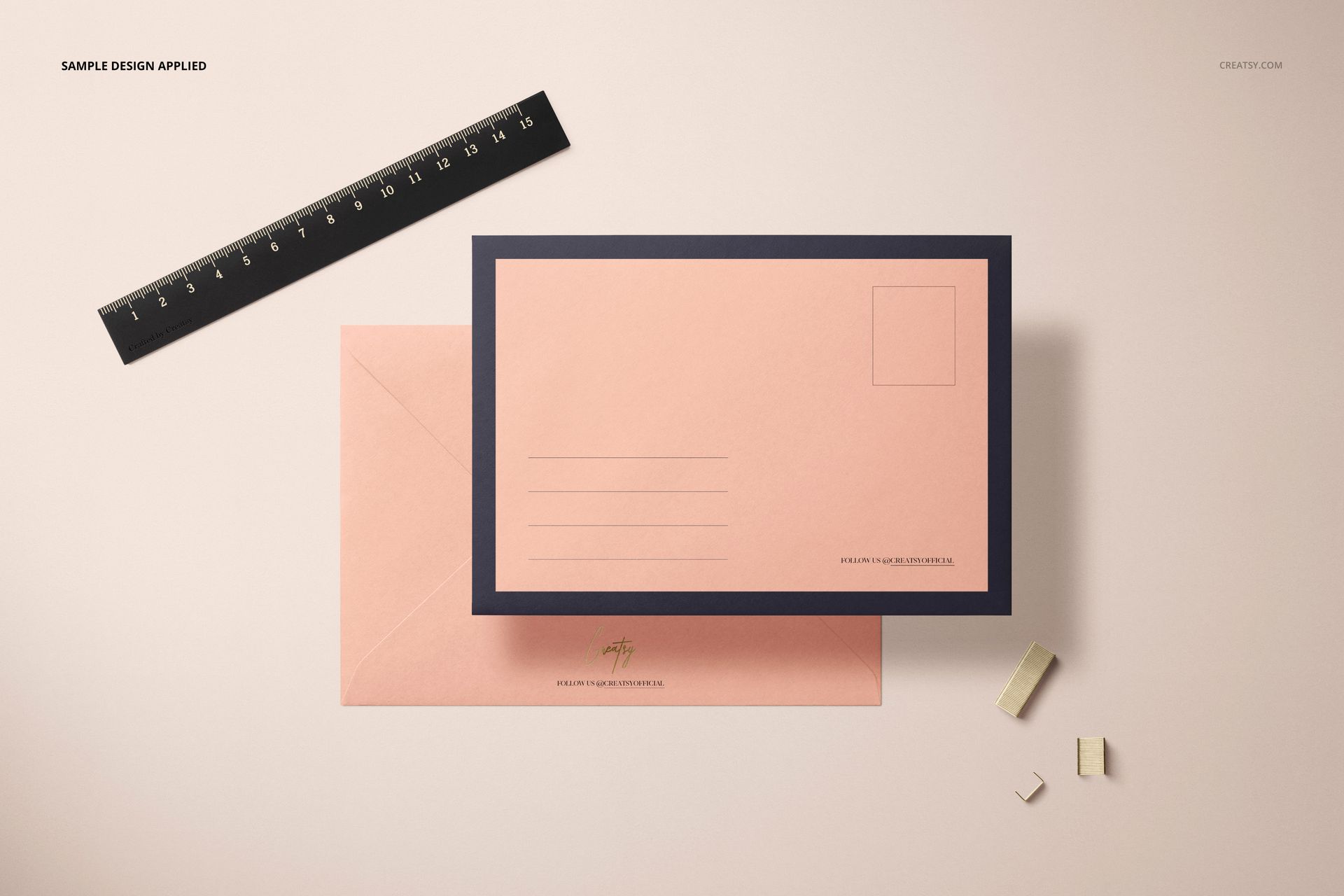
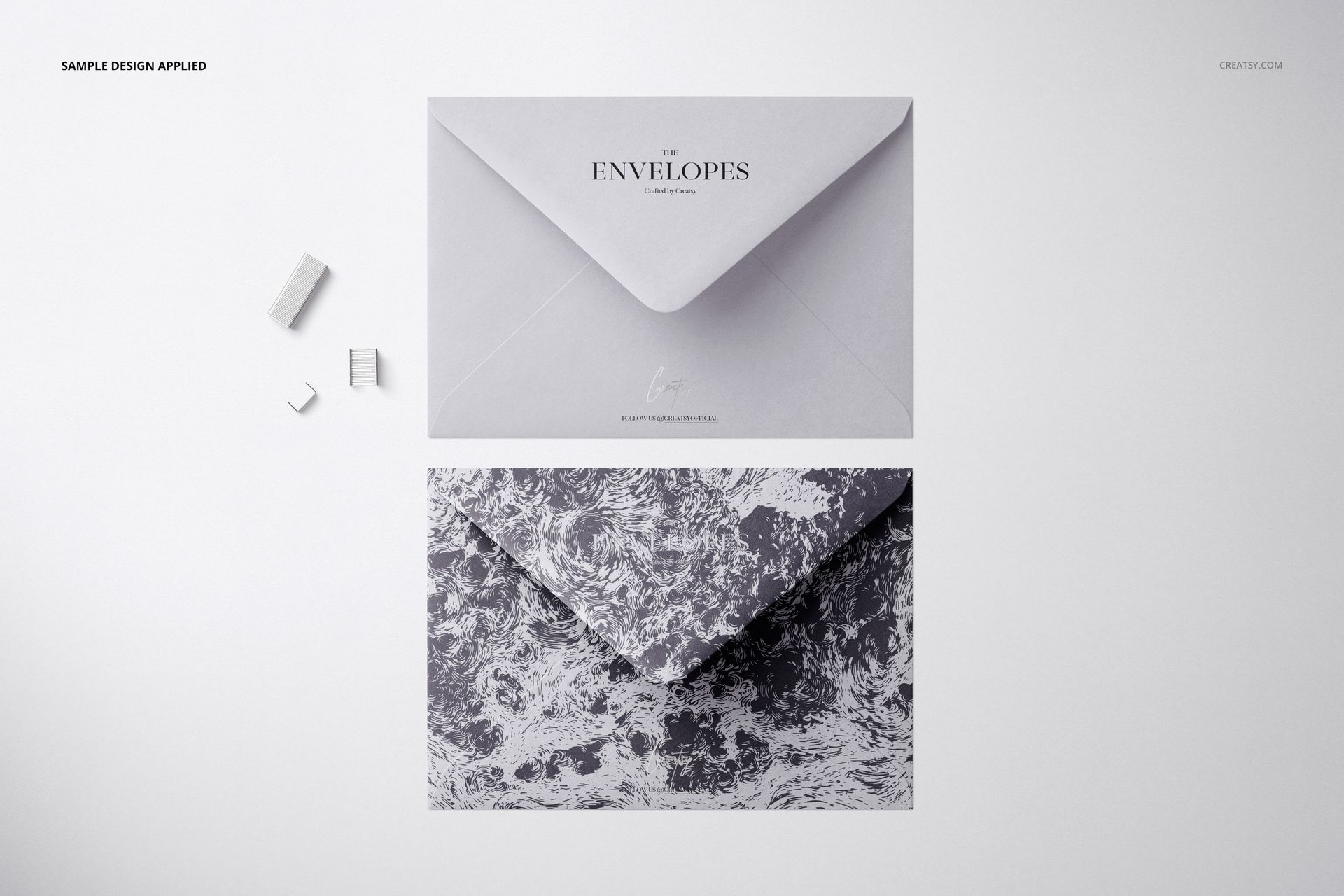
The set supports both restrained and expressive stationery directions. Use dark borders and address fields for structured correspondence, apply marbled artwork for a decorative presentation, or compare several monochrome colorways across the multiple-envelope scenes.
What Is Included
7 layered PSD mockup files
JPG and PDF file types in the package, with exact supporting file counts not specified
6000 × 4000 px at 300 DPI per PSD
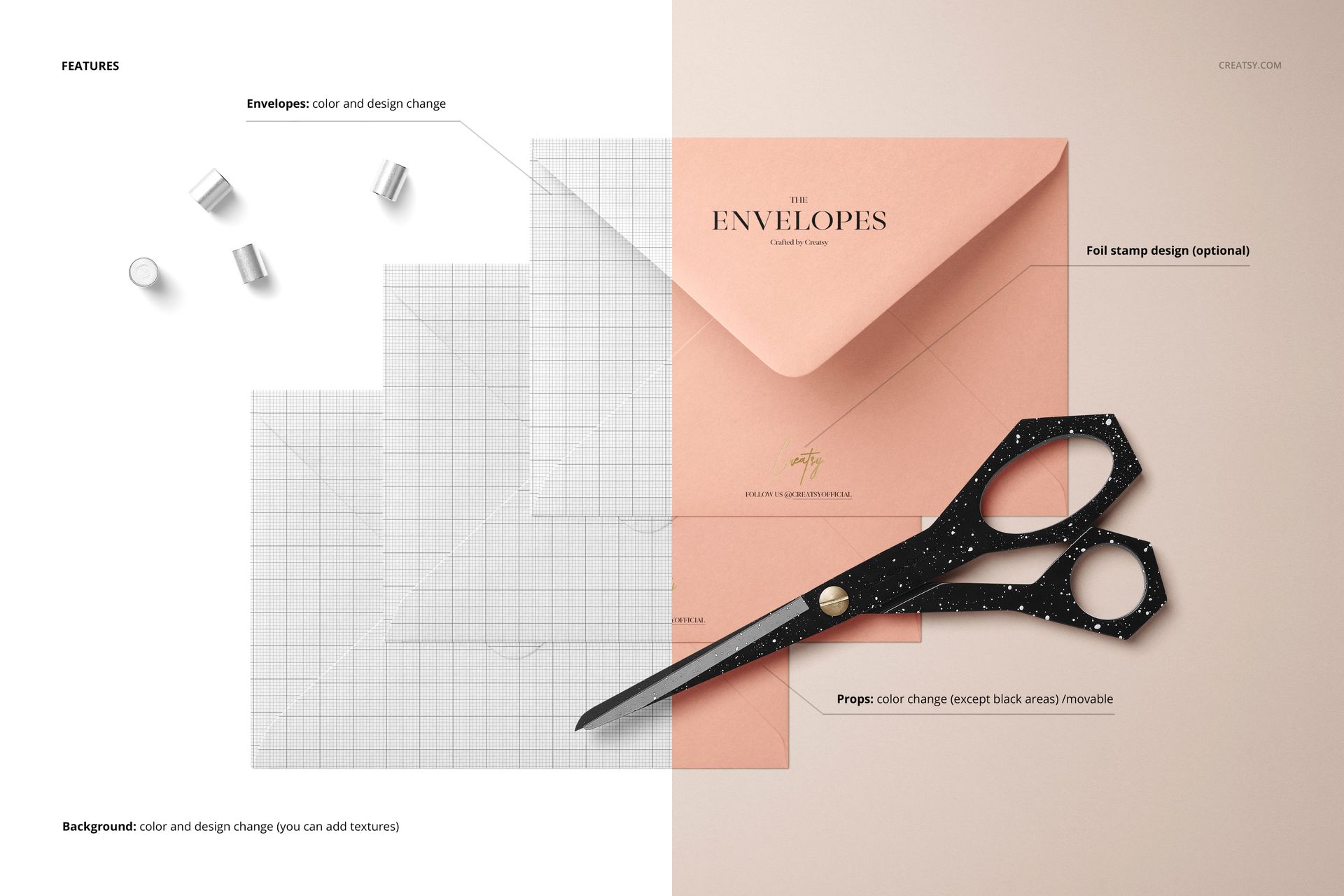
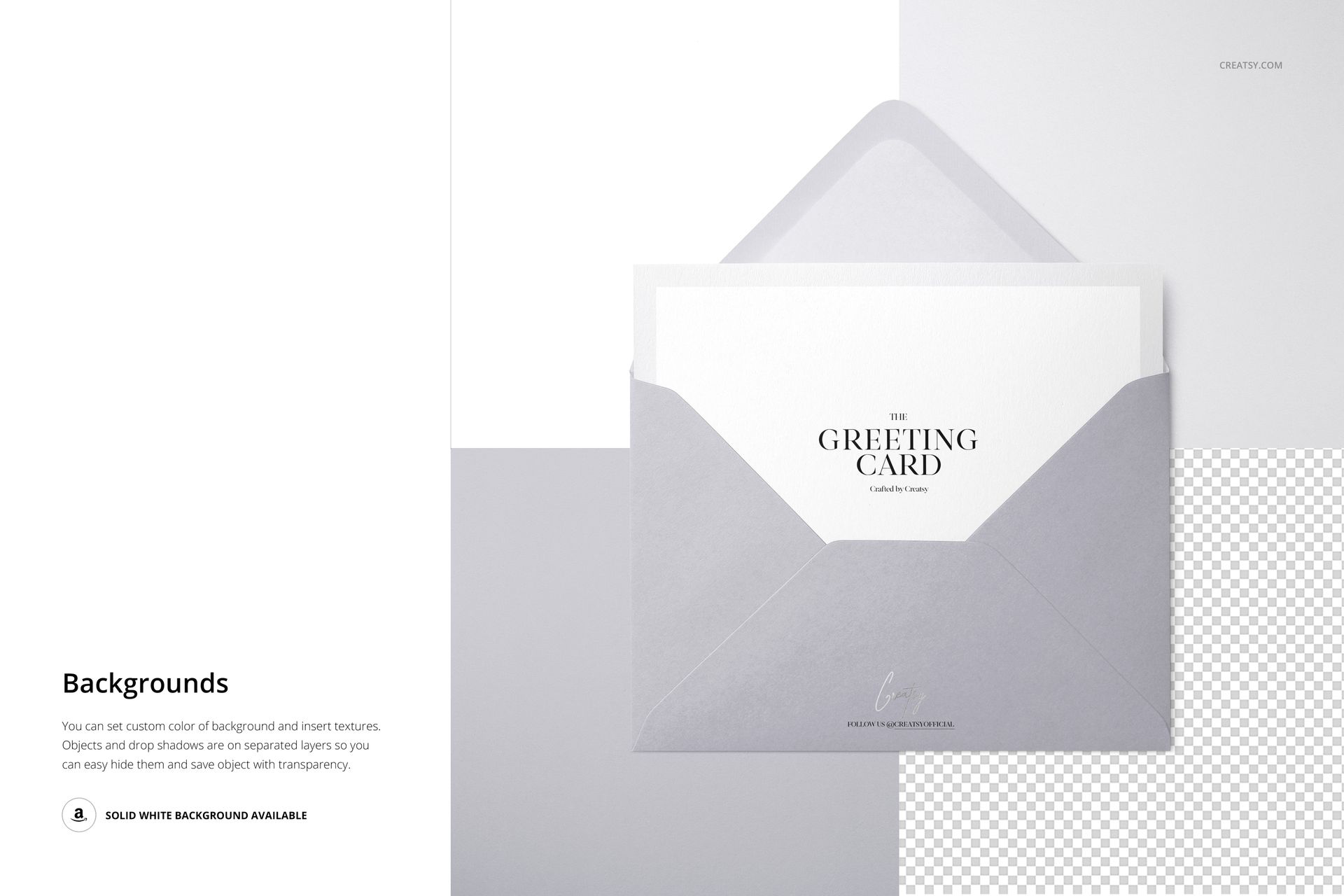
Editable colors and designs through Smart Objects
Compatibility with Photopea, Adobe Photoshop, and Affinity Designer
This set is also included in the Envelopes & Cards Mockup Bundle.
Seven Views of One C6 Stationery Format
Open and closed envelope presentations
Single, trio, and multiple-envelope arrangements
A card partially inserted into an envelope
Light neutral, peach, and pink color directions
Marbled, monochrome, bordered, and address-field variations
The range of layouts makes it possible to create a complete gallery without changing stationery format. Use one scene as the main product image, then add detailed and multi-envelope views to explain the broader collection.
Easy Smart Object Editing
Open the relevant Smart Object, place your artwork, save the edited layer, and return to the main composition to review the result. Envelope colors and designs can be adjusted to suit the project. The files list compatibility with Photopea, Adobe Photoshop, and Affinity Designer, while legacy product information specifies Photoshop CC2015 as the minimum Photoshop version.
Perfect For
C6 envelope and stationery collections
Wedding, event, and personal correspondence presentations
Brand identities and custom address designs
Illustration and surface pattern portfolios
Client approvals and creative direction boards
Online shop galleries and social media imagery
Digital product notice: No physical envelopes, cards, scissors, pens, clips, or other stationery props will be shipped. The sample patterns shown in the previews are not included.





















BAD EXPERIENCE. THE FILE IS TOO HEAVY AND I CAN´T DOWNLOAD IT.
Hi Nits_Arts, we’re sorry you had trouble downloading the files. This set is 3.47 GB because it contains seven high-resolution 6000 × 4000 px PSD scenes. Please contact Creatsy support with your order details so our team can help you complete the download. Thank you for letting us know.