Envelopes with Sticker Mockup
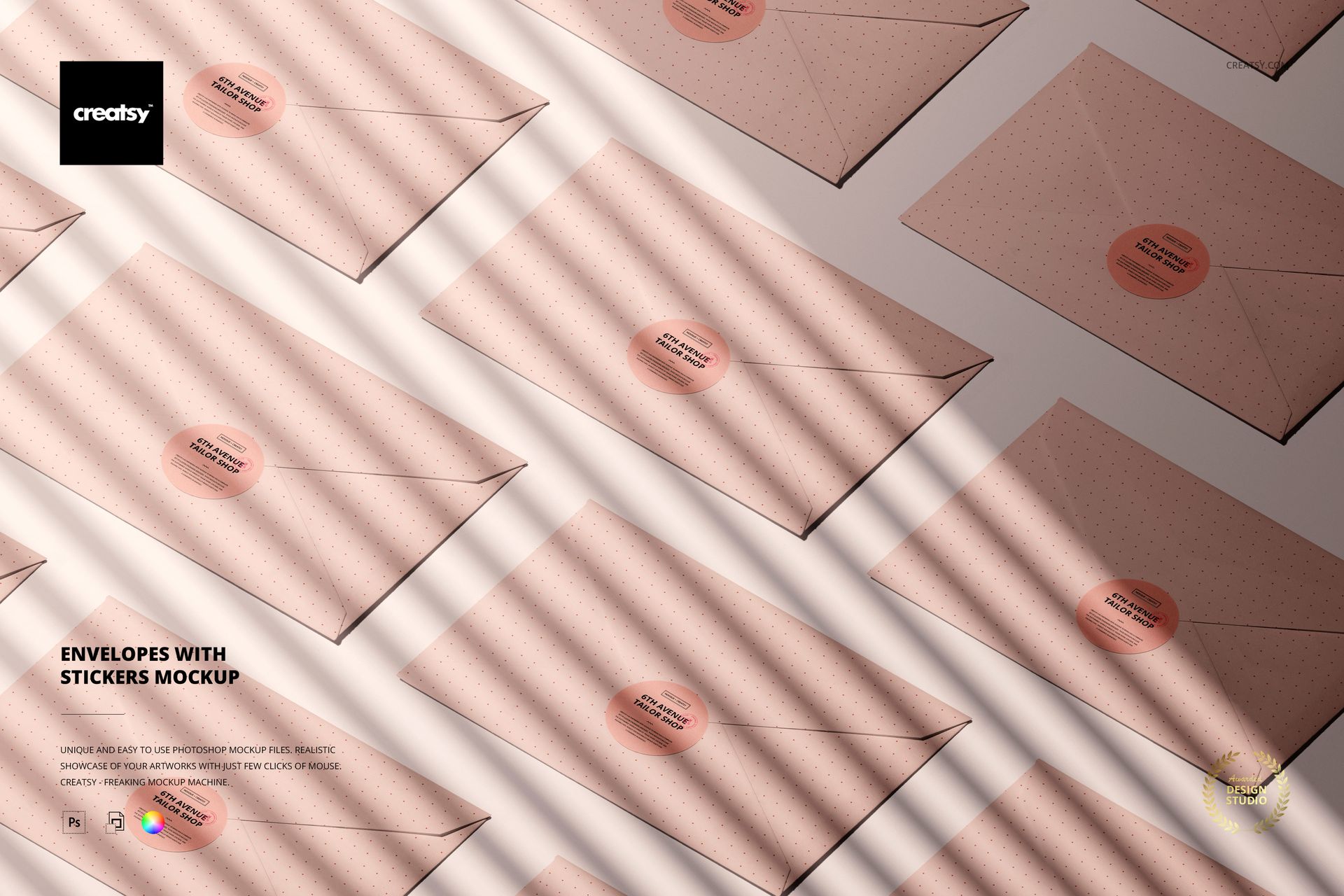
Show a branded sticker seal across a coordinated group of envelopes in one clean top-view composition. Multiple closed envelopes form a repeating geometric layout, while round stickers and diagonal light shadows add rhythm and depth to the stationery presentation.
The repeated arrangement helps you evaluate how a logo, short message, or label design performs across several mailers at once. It is useful for presenting a cohesive mailing identity without preparing physical samples or photographing each envelope separately.
What Is Included
1 well-organized layered editable Photoshop mockup source
1 JPG preview, 2 digital files in total
6000 × 4000 px source canvas at 300 DPI
Compatibility with Adobe Photoshop CC and Photopea
Smart Object editing for efficient artwork placement
This mockup is also included in the Noissue Stickers Mockup Bundle.
One Scene, Multiple Sealed Envelopes
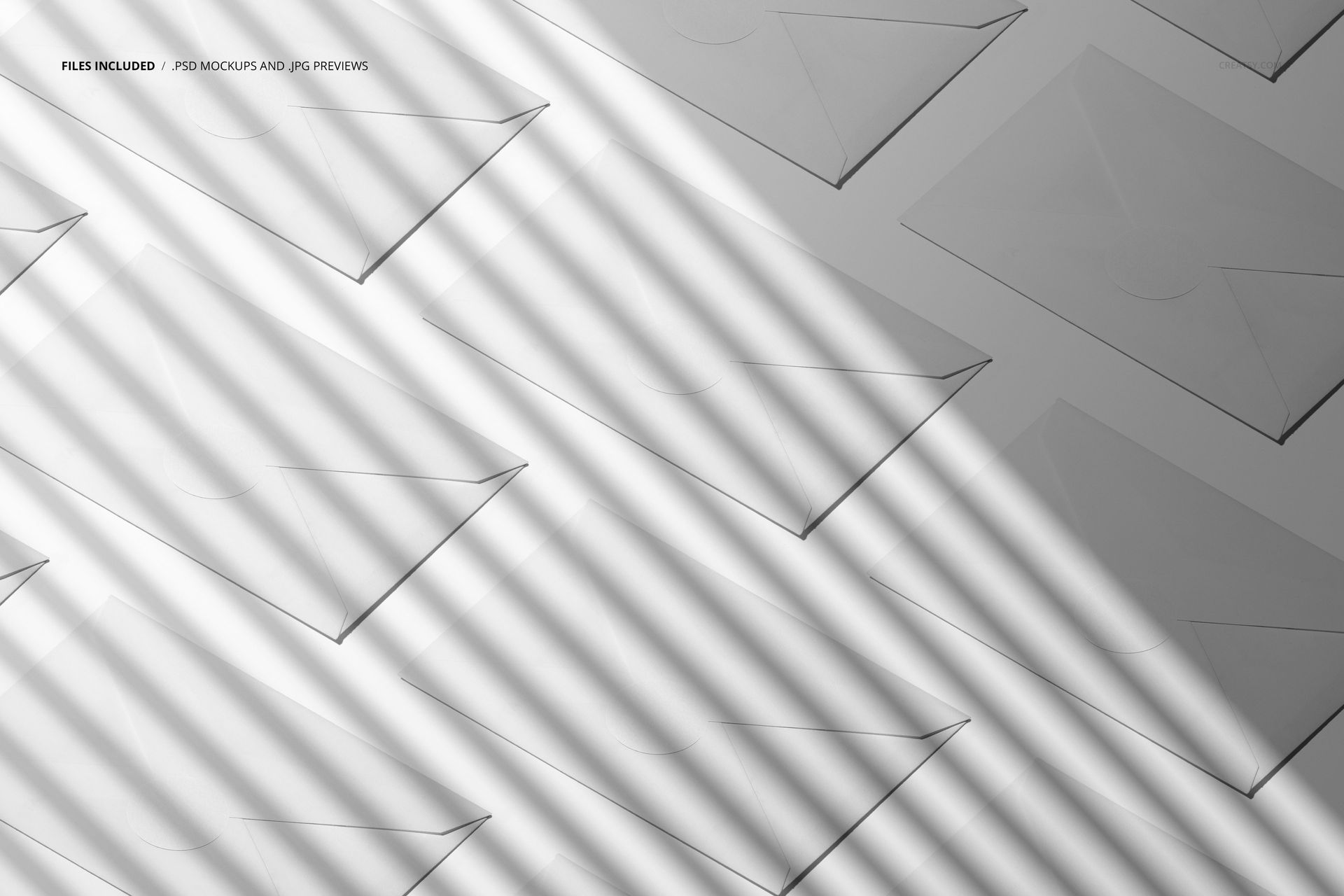
The landscape composition displays several closed envelopes from above, making it easy to demonstrate repetition, consistency, and sticker visibility across a larger mailing set. The pale envelope surfaces, round seals, and striped lighting work well with branding, patterns, typography, and simple logo systems.
Easy Smart Object Editing
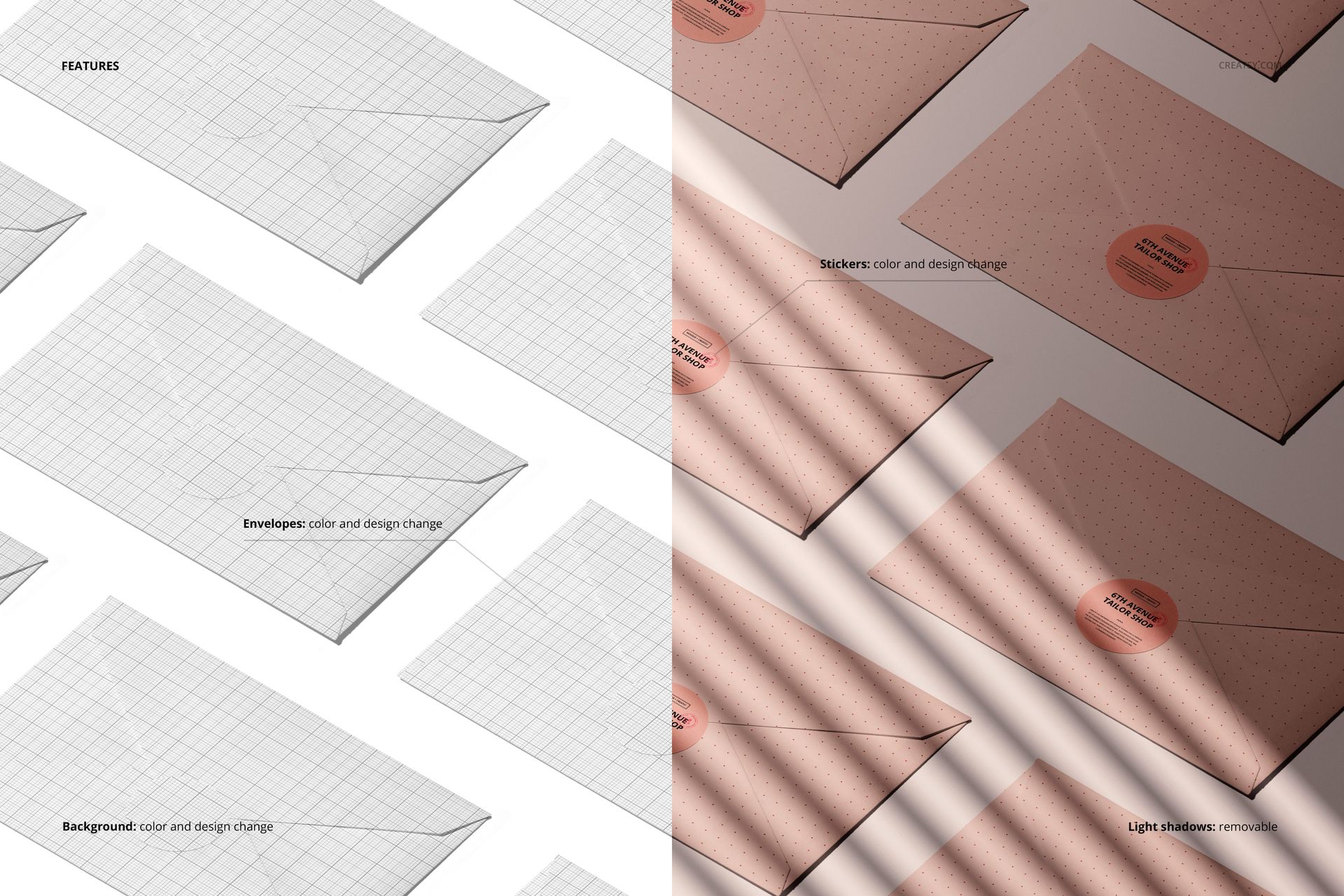
Change the color and design of the envelopes
Change the color and design of the round stickers
Customize the background color and design
Remove the light-shadow effect when a cleaner presentation is needed
Place artwork through the prepared Smart Objects in Adobe Photoshop CC or Photopea.
Perfect For
Envelope and direct-mail branding
Sticker seals, labels, and logo presentations
Invitation and stationery collections
Packaging concepts and client approvals
Portfolio images and product galleries
Digital product notice: This listing contains downloadable mockup files only. No physical envelopes, stickers, or other items will be shipped. The sample artwork shown in the previews is not included.