C6 Kraft Paper Envelope Mockup Set
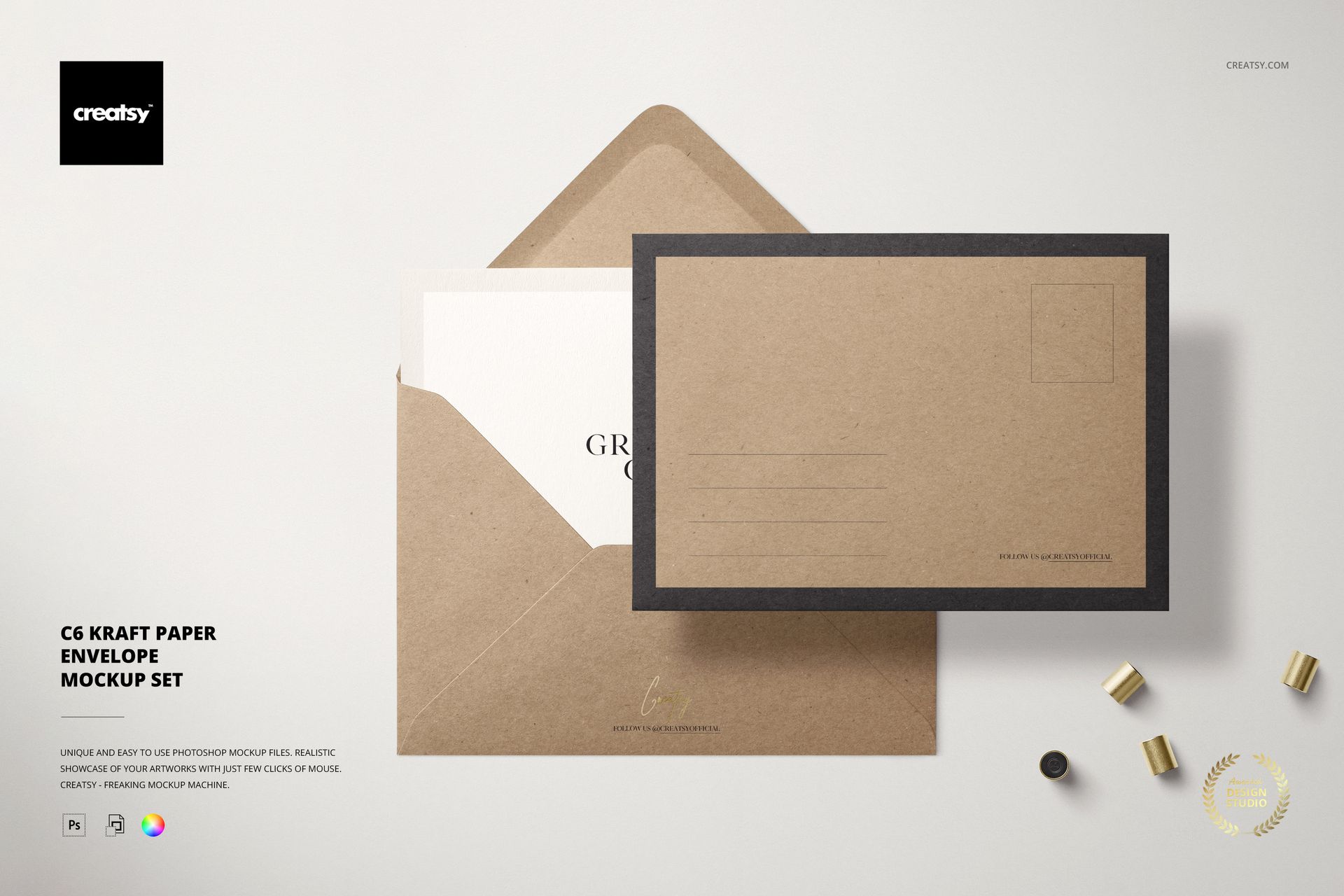
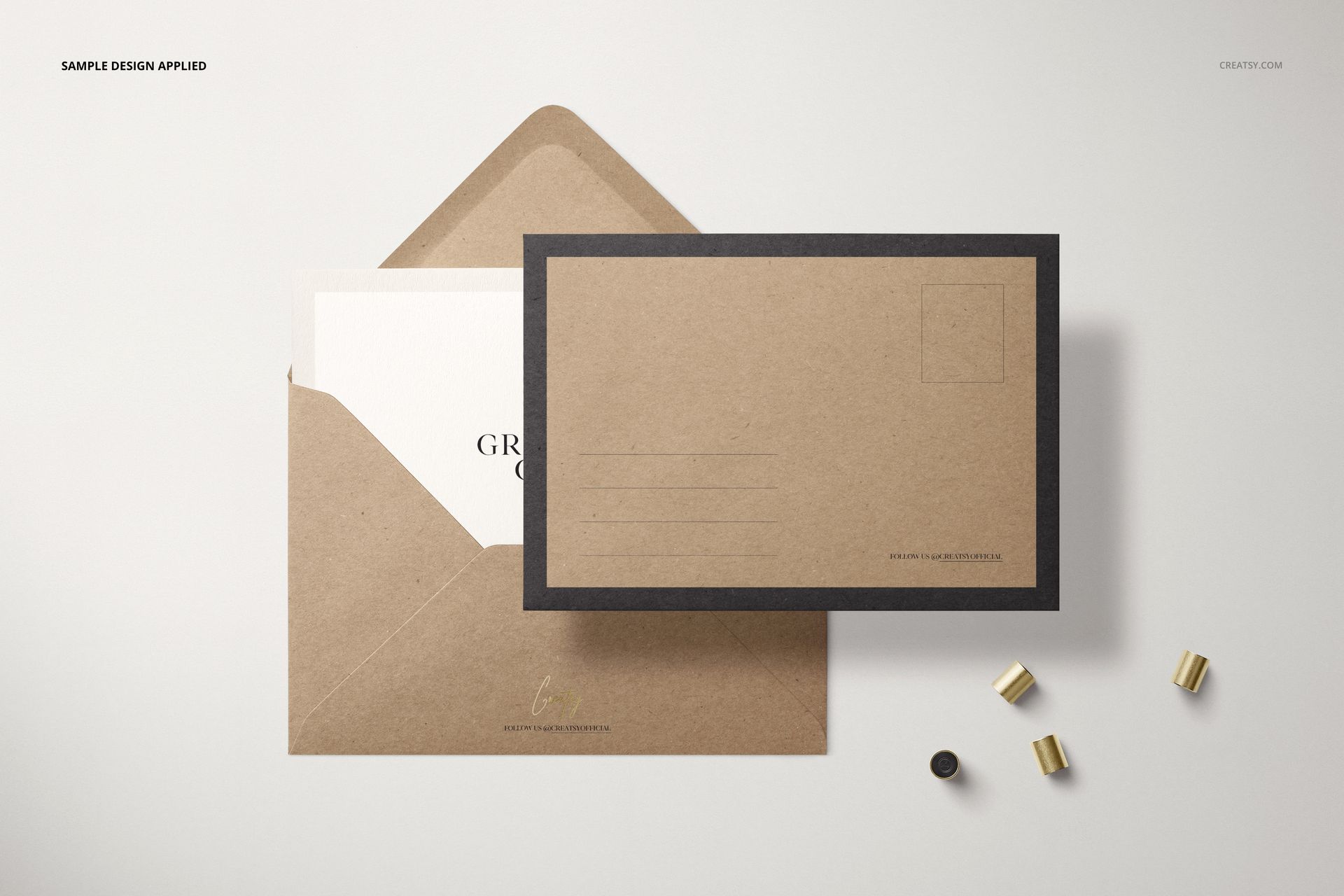
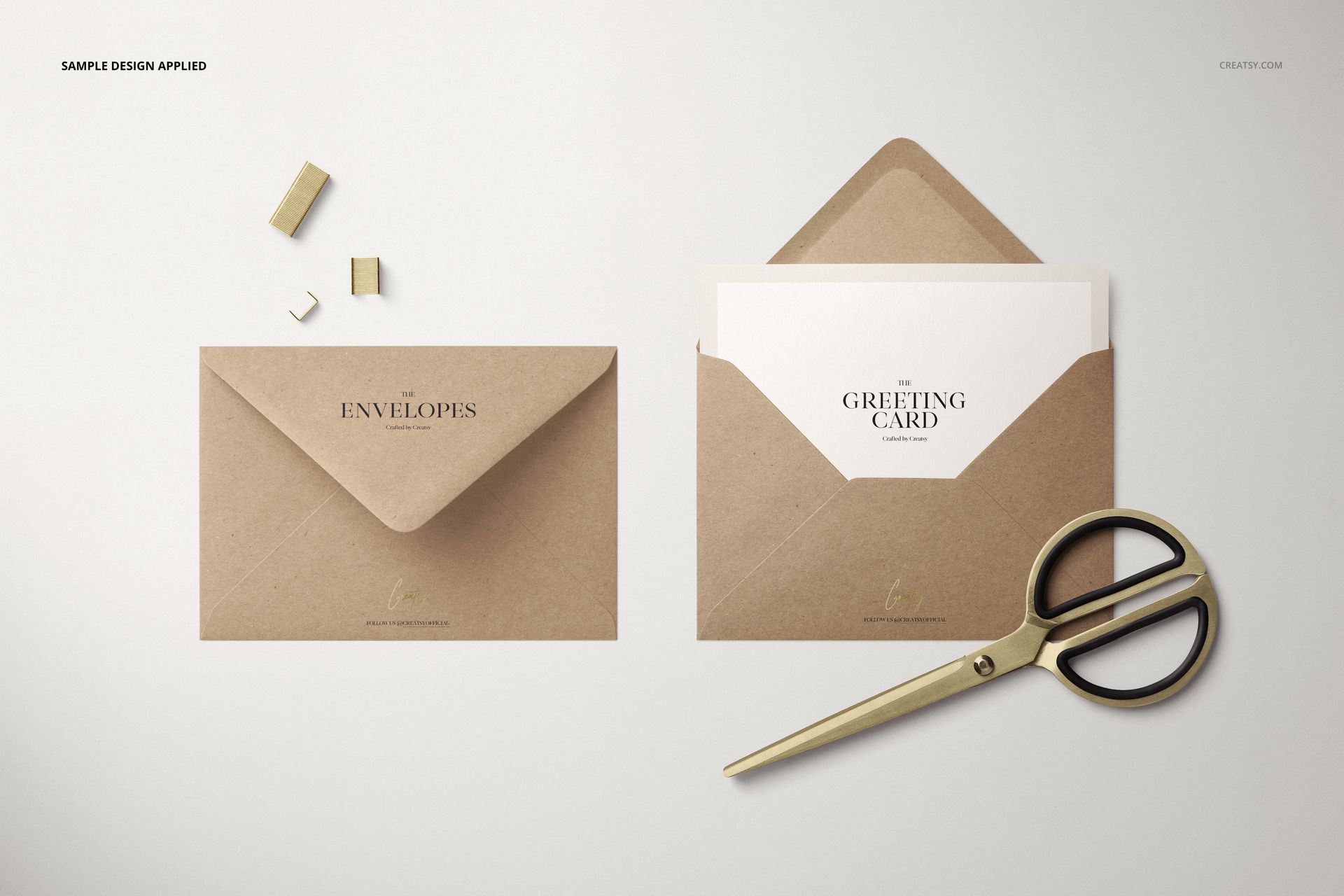
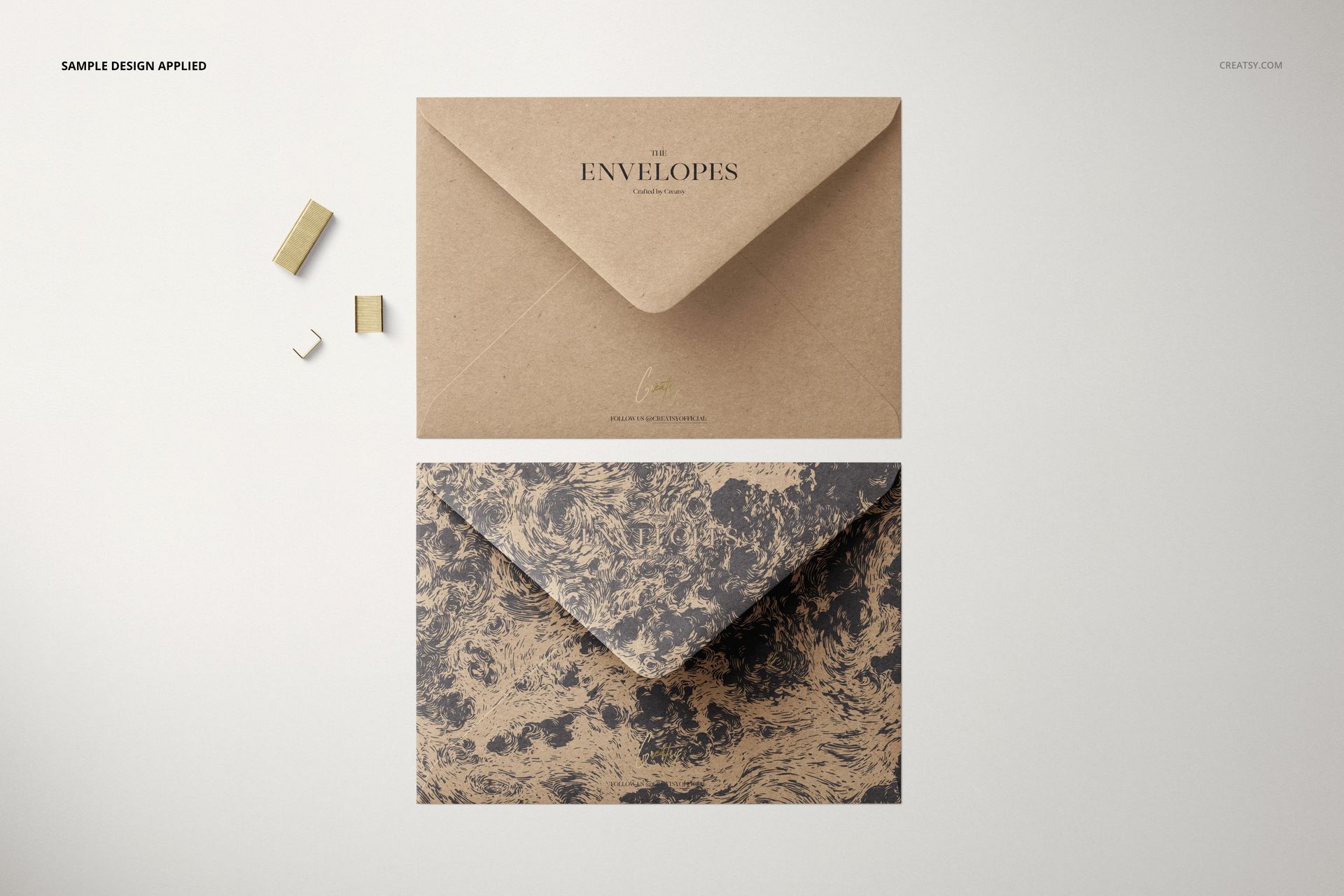
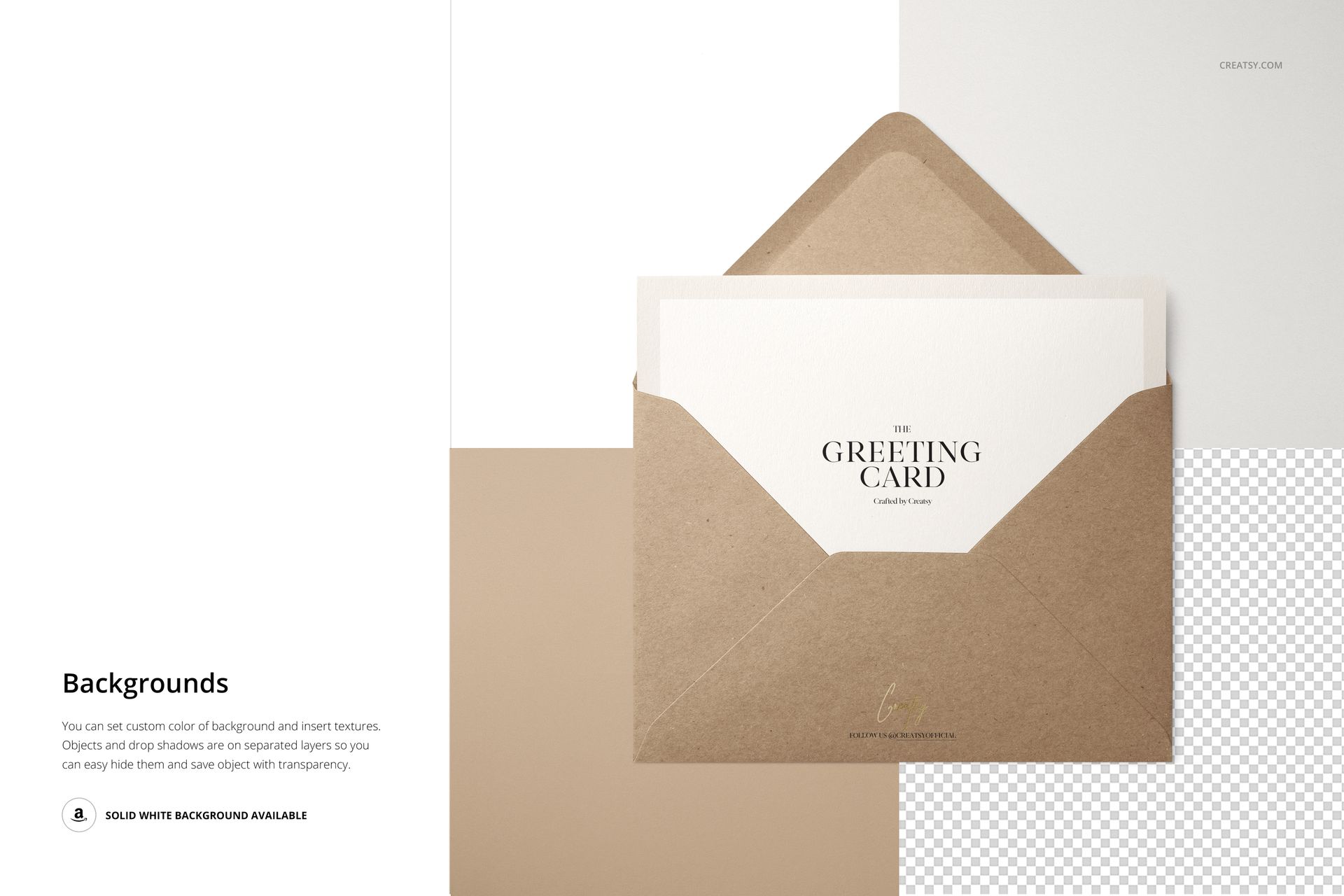
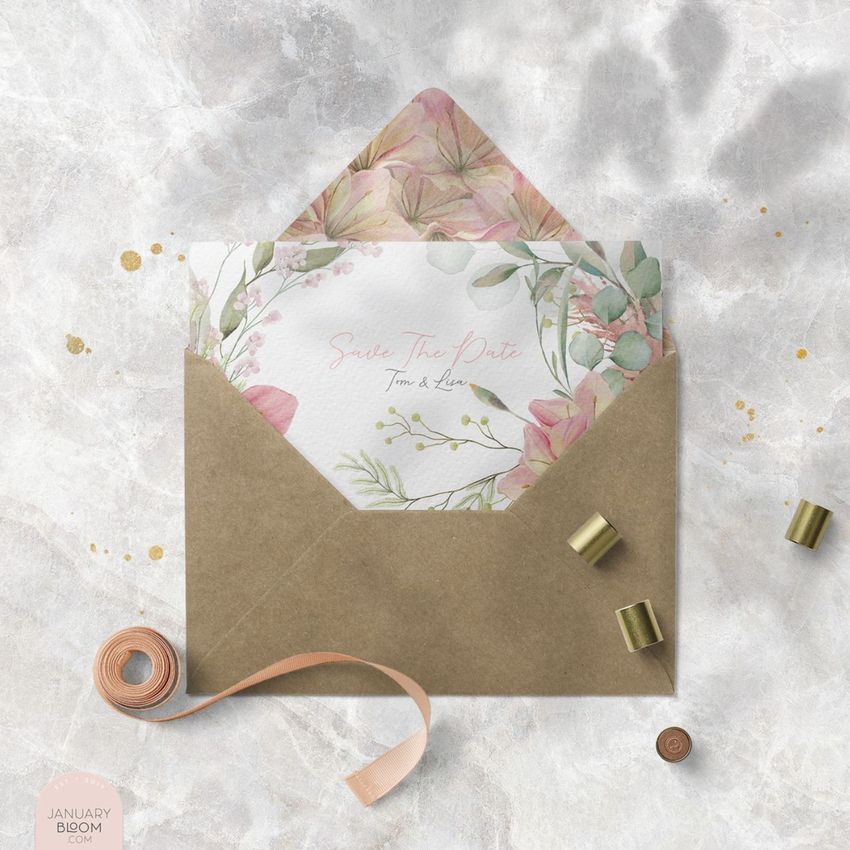
Warm kraft paper gives an envelope design a different starting point from plain white stationery. This C6 kraft paper envelope mockup set brings together five top-view scenes for presenting logos, patterns and coordinating card artwork on a visibly textured brown surface.
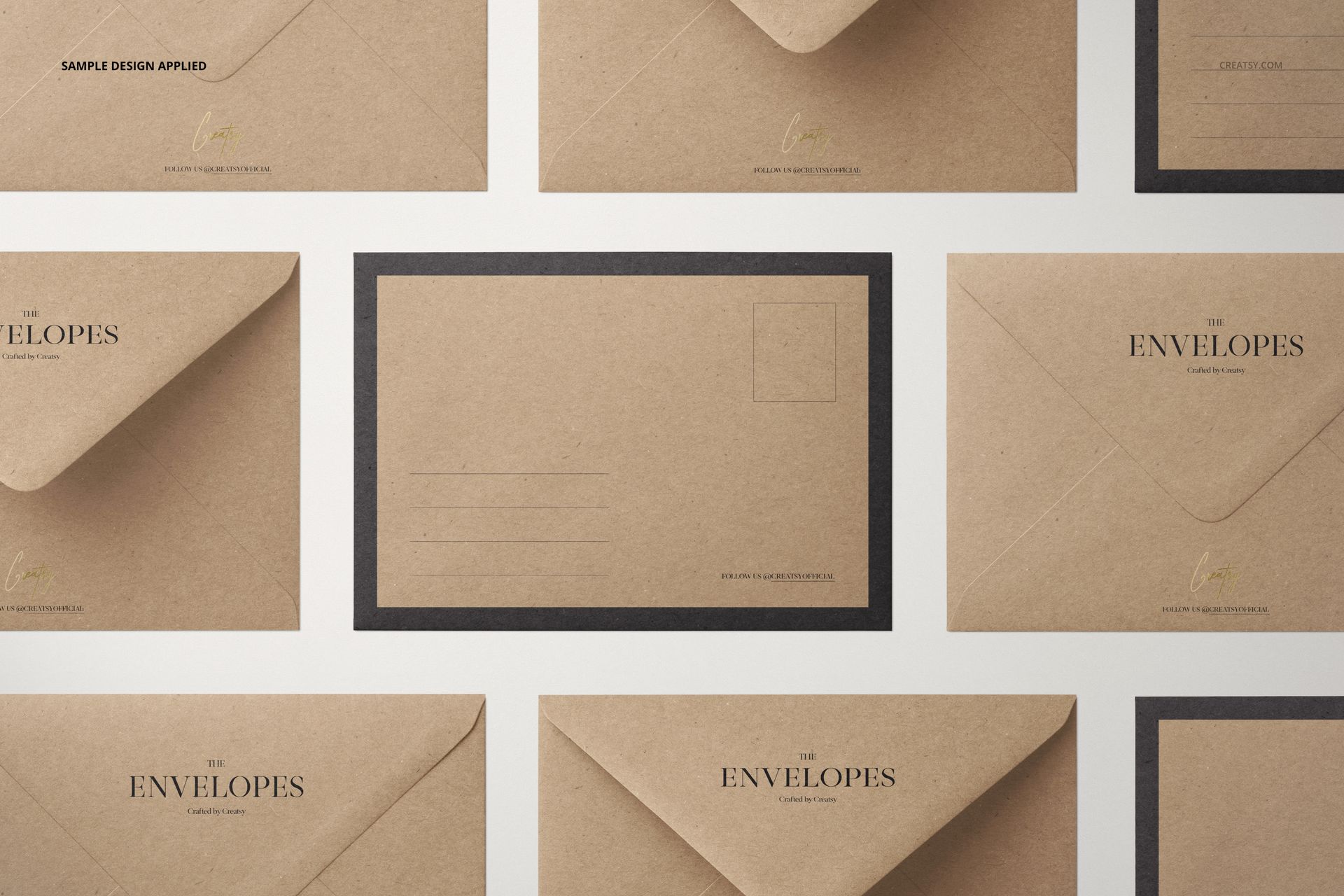
Show the outside of the envelope, reveal the card inside and compare several designs in a repeated layout. The combination helps clients judge the stationery as a small collection rather than as an isolated graphic.
What Is Included
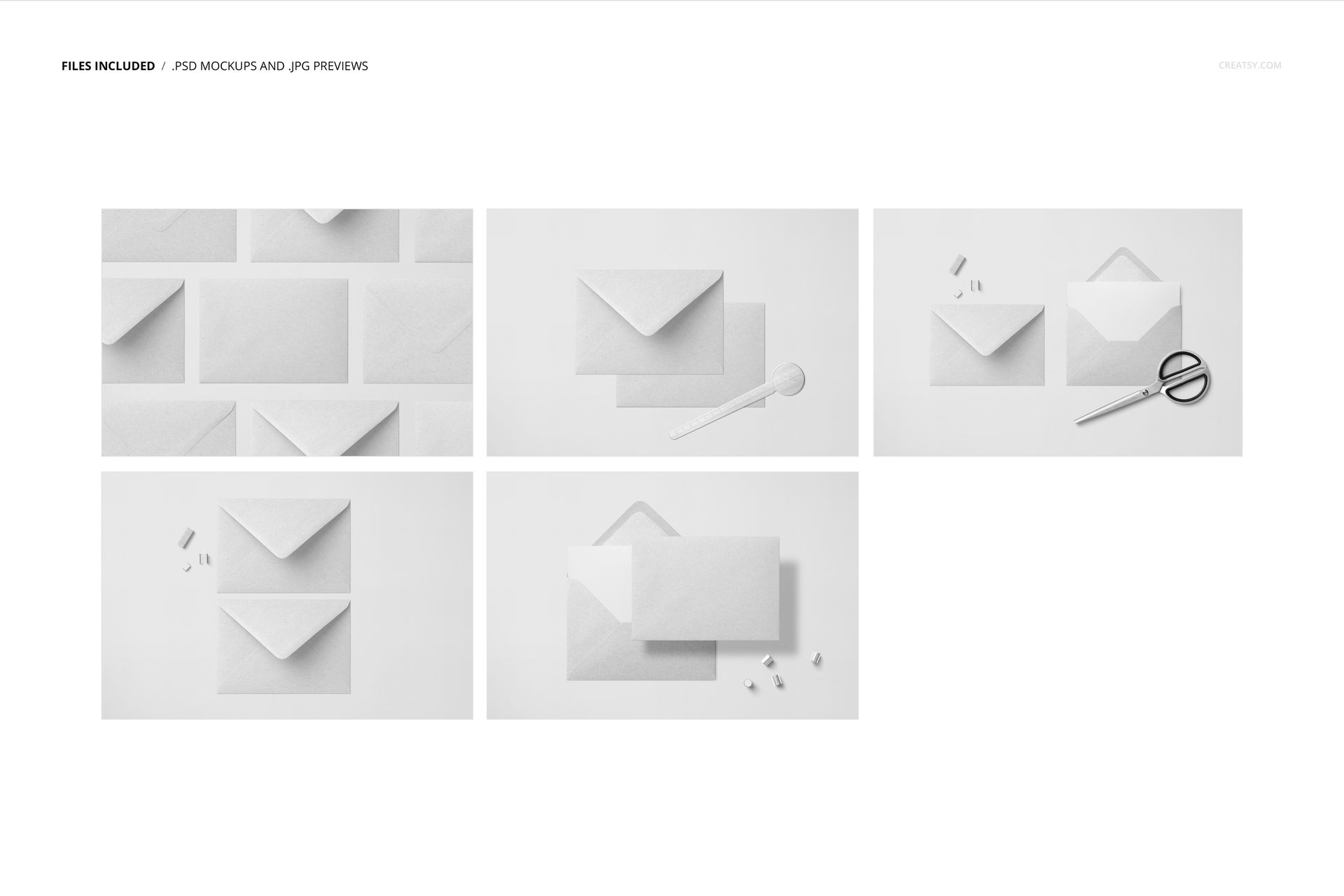
5 layered PSD mockup scenes with organized Smart Objects
5 JPG previews and 1 PDF user manual, 11 files in total
6000 × 4000 px at 300 DPI per PSD, in landscape orientation
Compatible with Adobe Photoshop CC2015 or newer, Photopea and Affinity Photo
Kraft Texture, Card Inserts and Foil Details
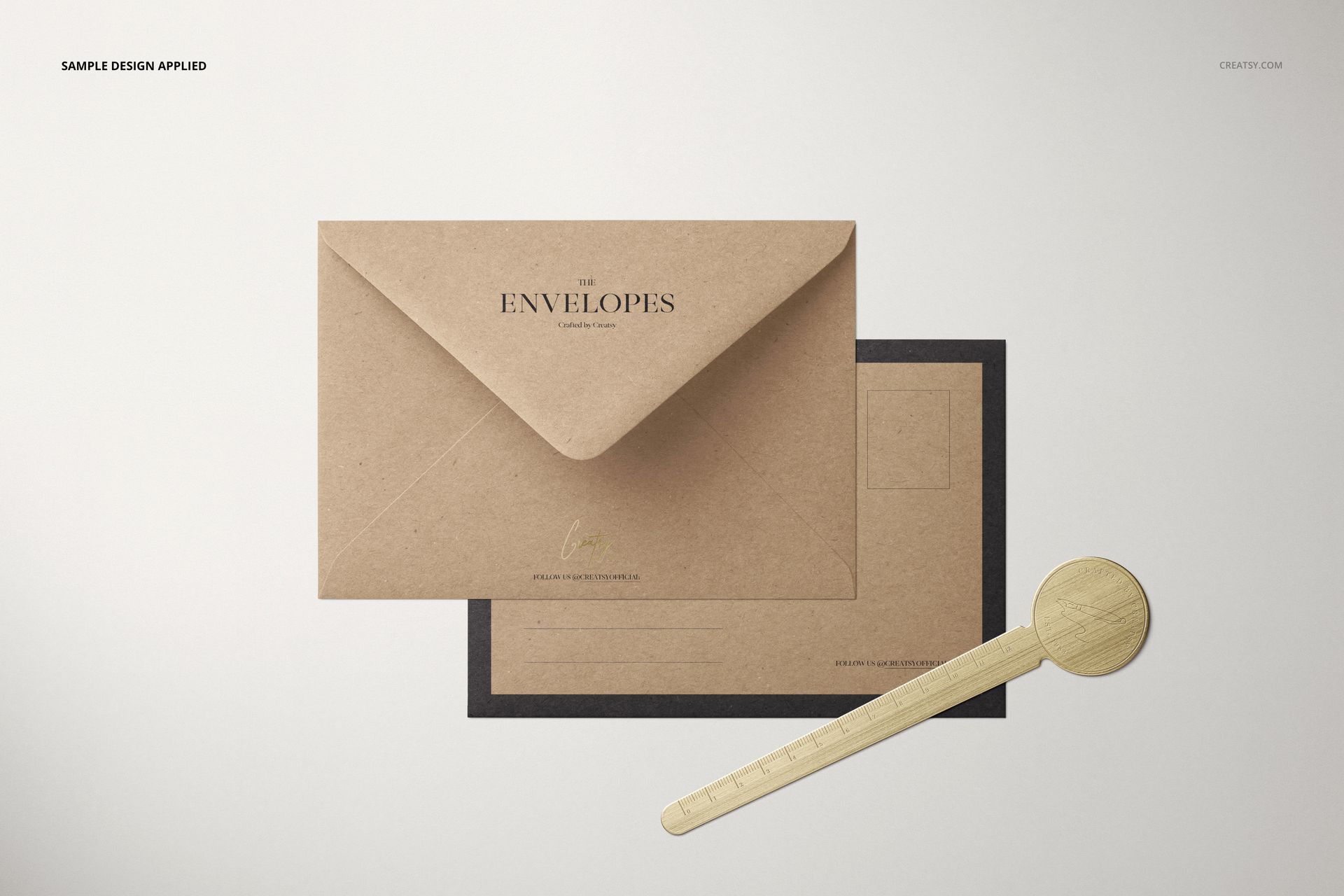
Choose paired front-and-back views, an open envelope with a partially inserted card, or a repeated envelope layout. Styled scenes include clips, scissors and a round-headed ruler, adding context without making the envelope artwork secondary.
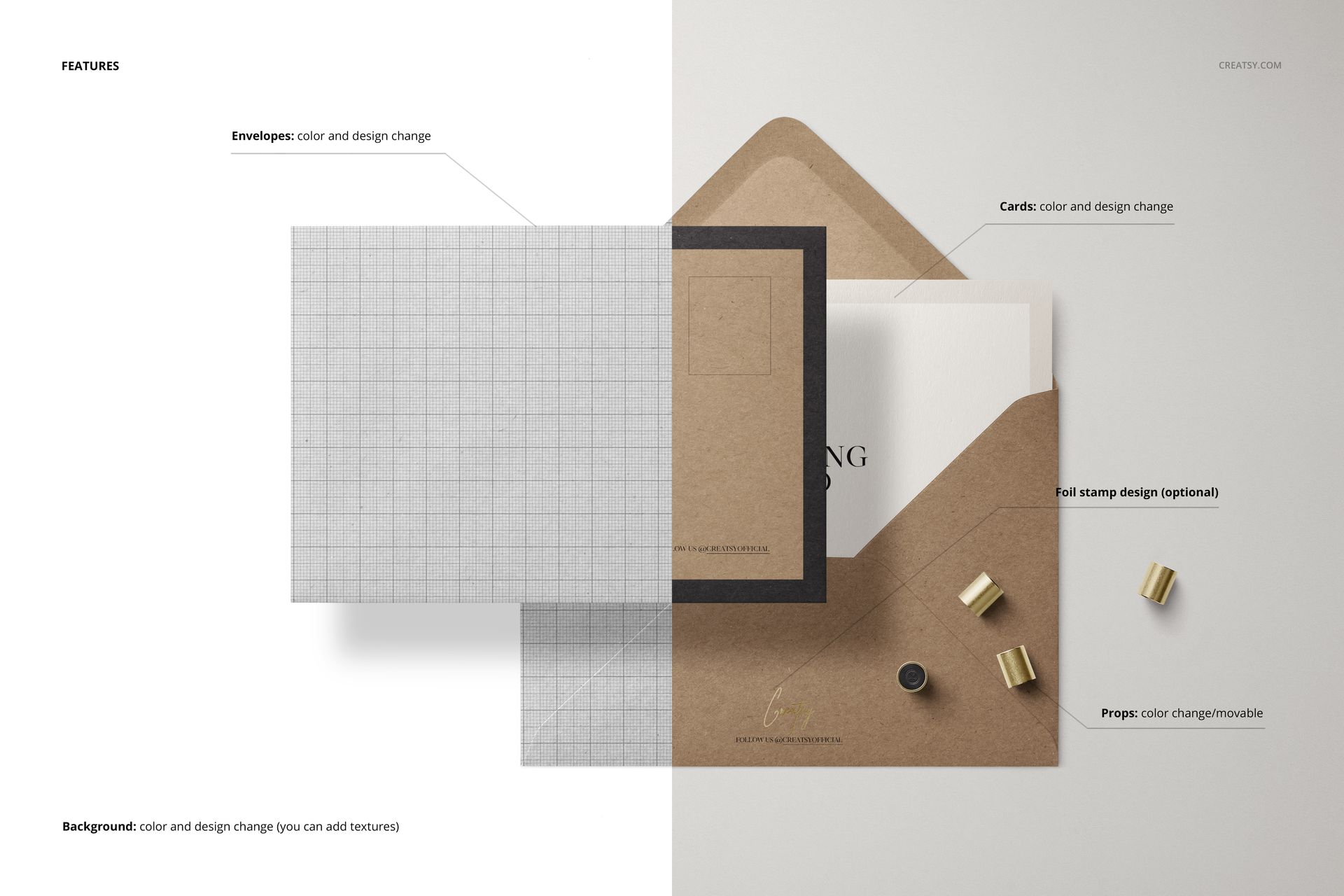
Change envelope and card colors and designs.
Add an optional foil stamp design for a contrasting logo or monogram.
Recolor and move the included props.
Set a custom background color or insert your own texture. Separate object and drop-shadow layers support hiding elements and exporting with transparency.
Easy Smart Object Editing
Open a PSD in a compatible editor, replace the artwork inside the relevant Smart Object, save that object and return to the scene. Adjust colors and styling in the organized layers, then repeat your chosen treatment across the five compositions.
Perfect For
Wedding invitations, save-the-date cards and personal correspondence
Natural-looking stationery branding and paper goods collections
Surface patterns, illustrated envelope designs and foil logo concepts
This is a digital mockup set. Physical envelopes, cards and tools are not supplied. Sample artwork shown in the previews is not included.