DL Envelope Mockup Set
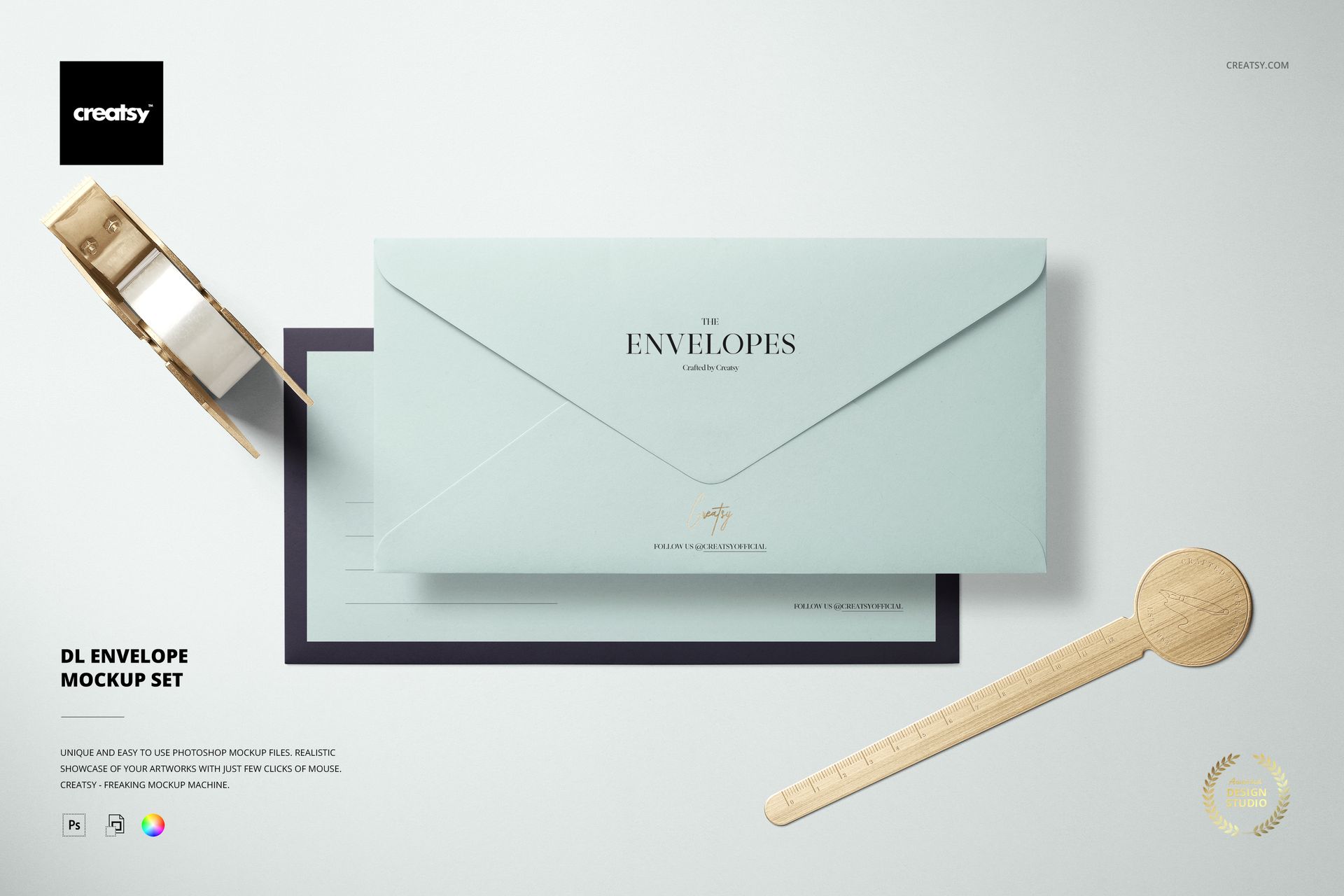
A long envelope can carry a brand identity before the letter is even opened. These five DL envelope mockup scenes give logos, address layouts and surface patterns a horizontal setting, with front-and-back views and coordinated desk arrangements.
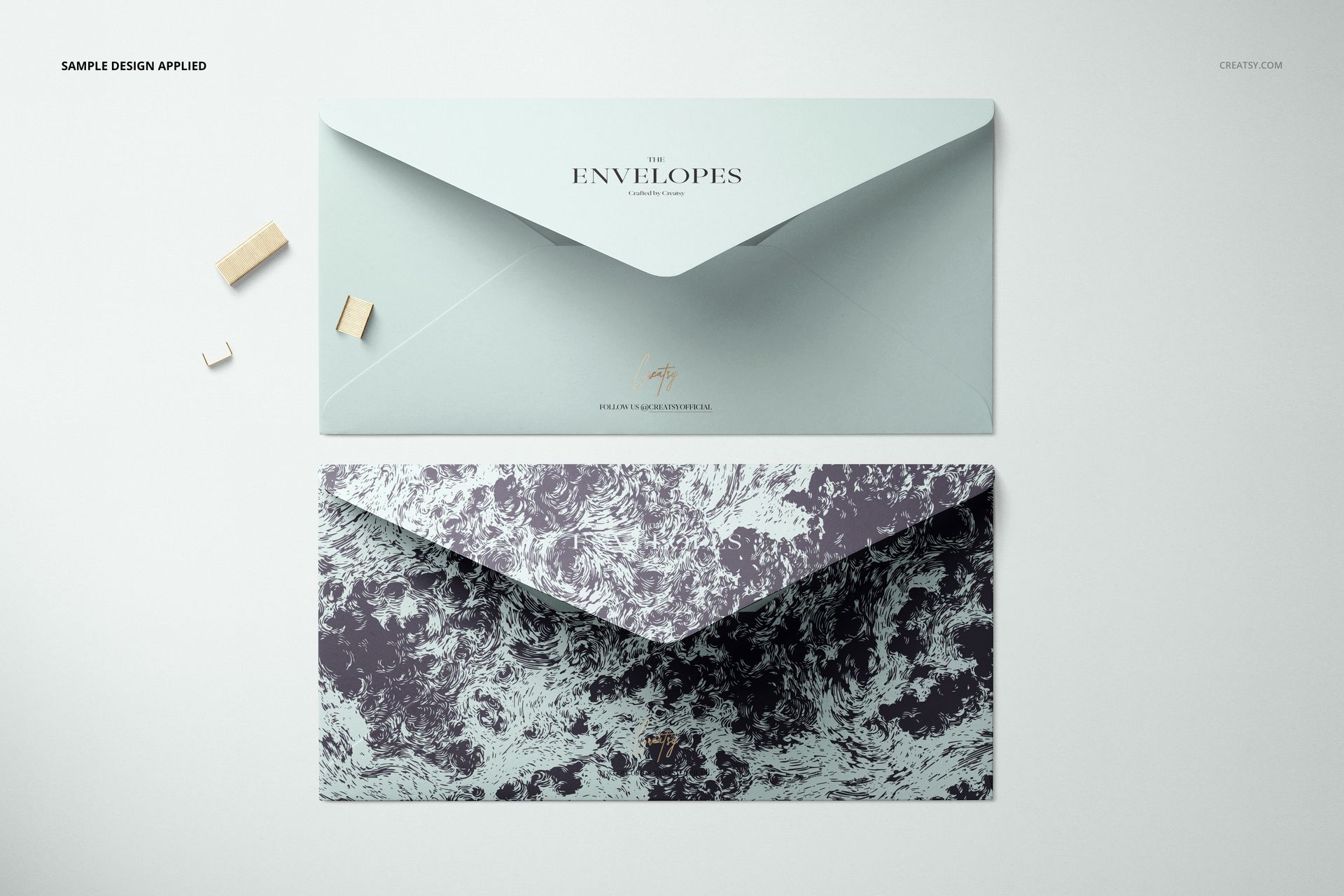
Use the collection to compare a clean corporate treatment with a more decorative design while keeping the envelope format consistent. Both individual details and repeated layouts have a place in the presentation.
What Is Included
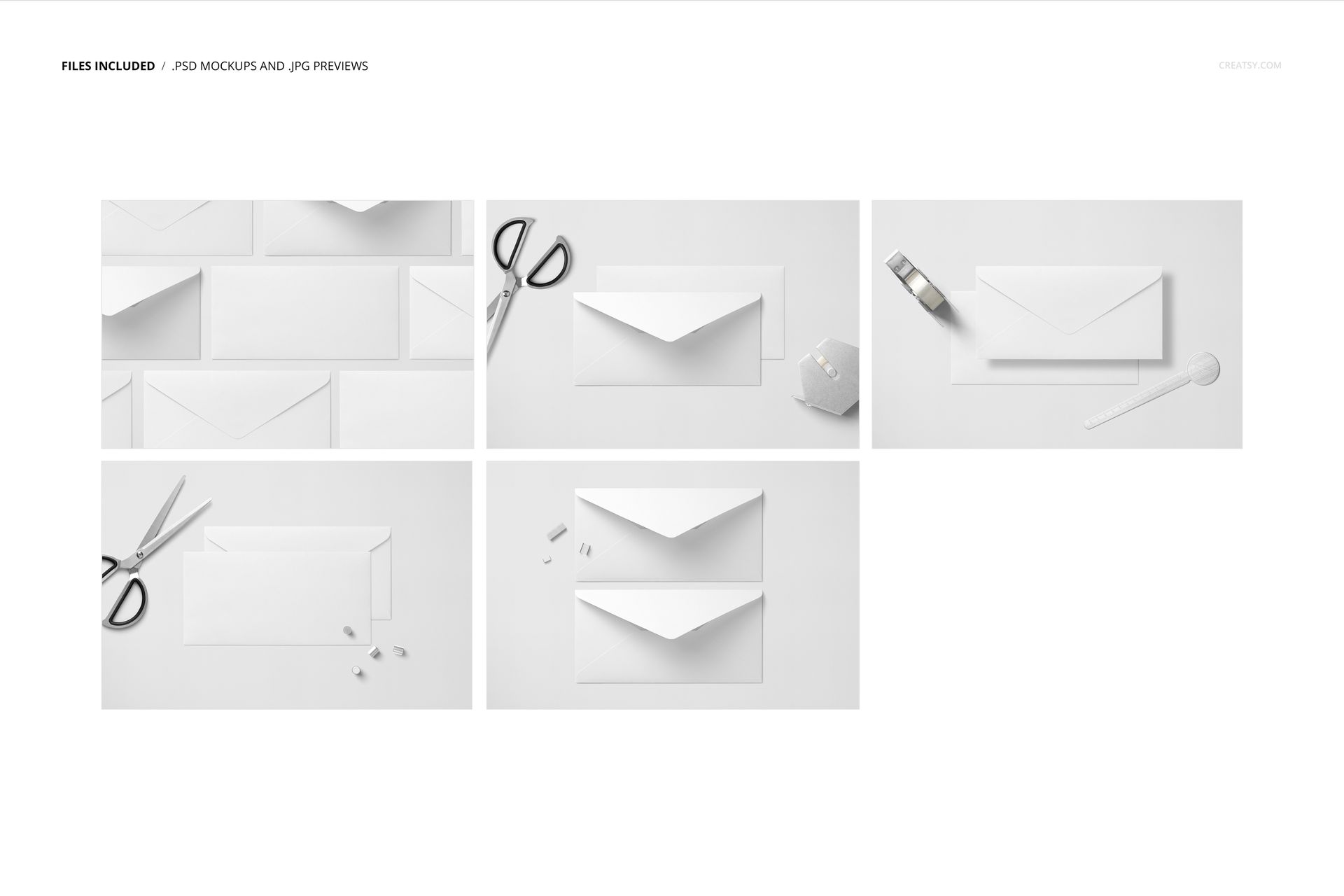
5 editable layered PSD scenes with Smart Objects
5 JPG previews and 1 PDF user manual, 11 files altogether
6000 × 4000 px at 300 DPI for each landscape PSD
Support for Adobe Photoshop CC2015 or newer, Photopea and Affinity Photo
Style the Whole Envelope Presentation
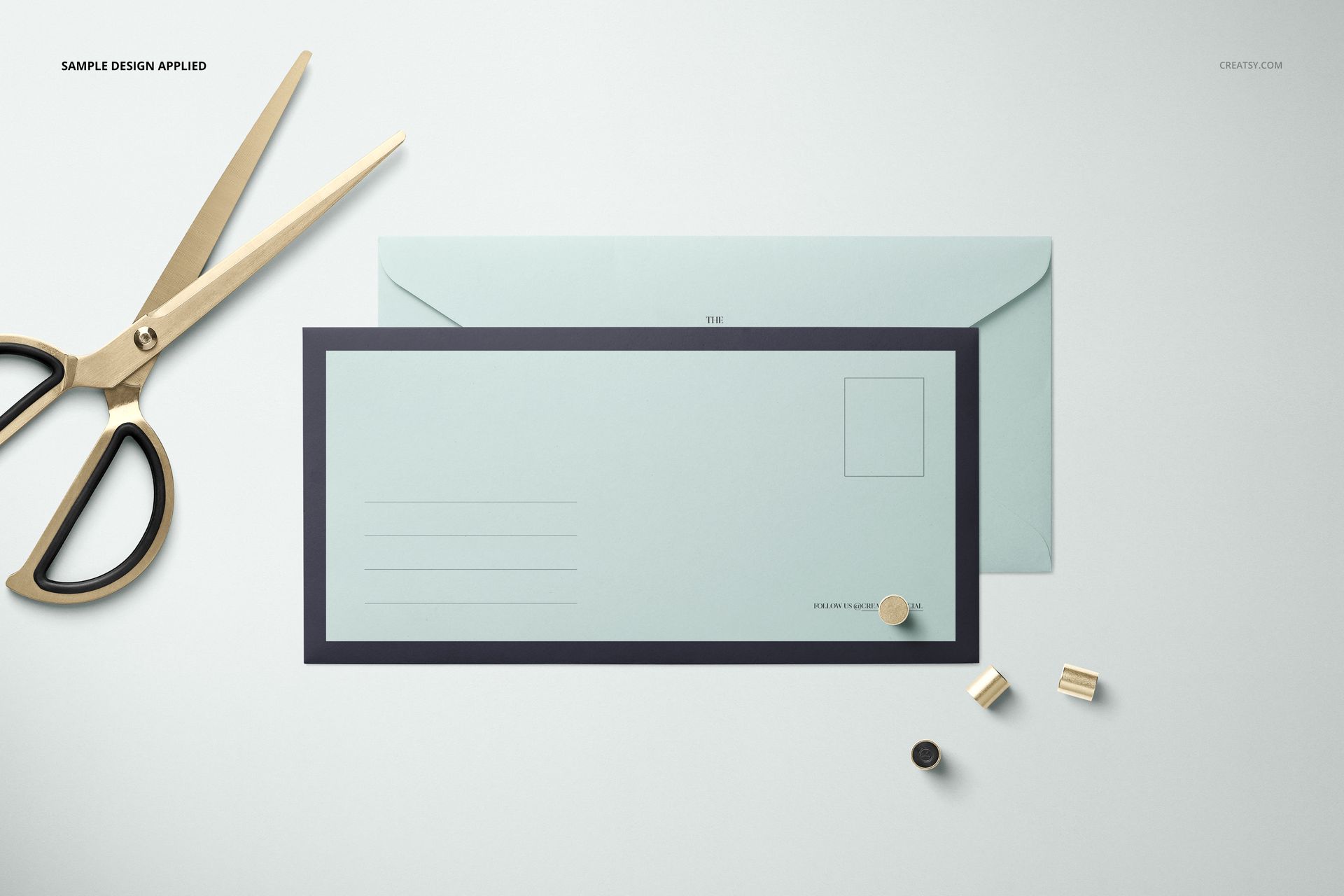
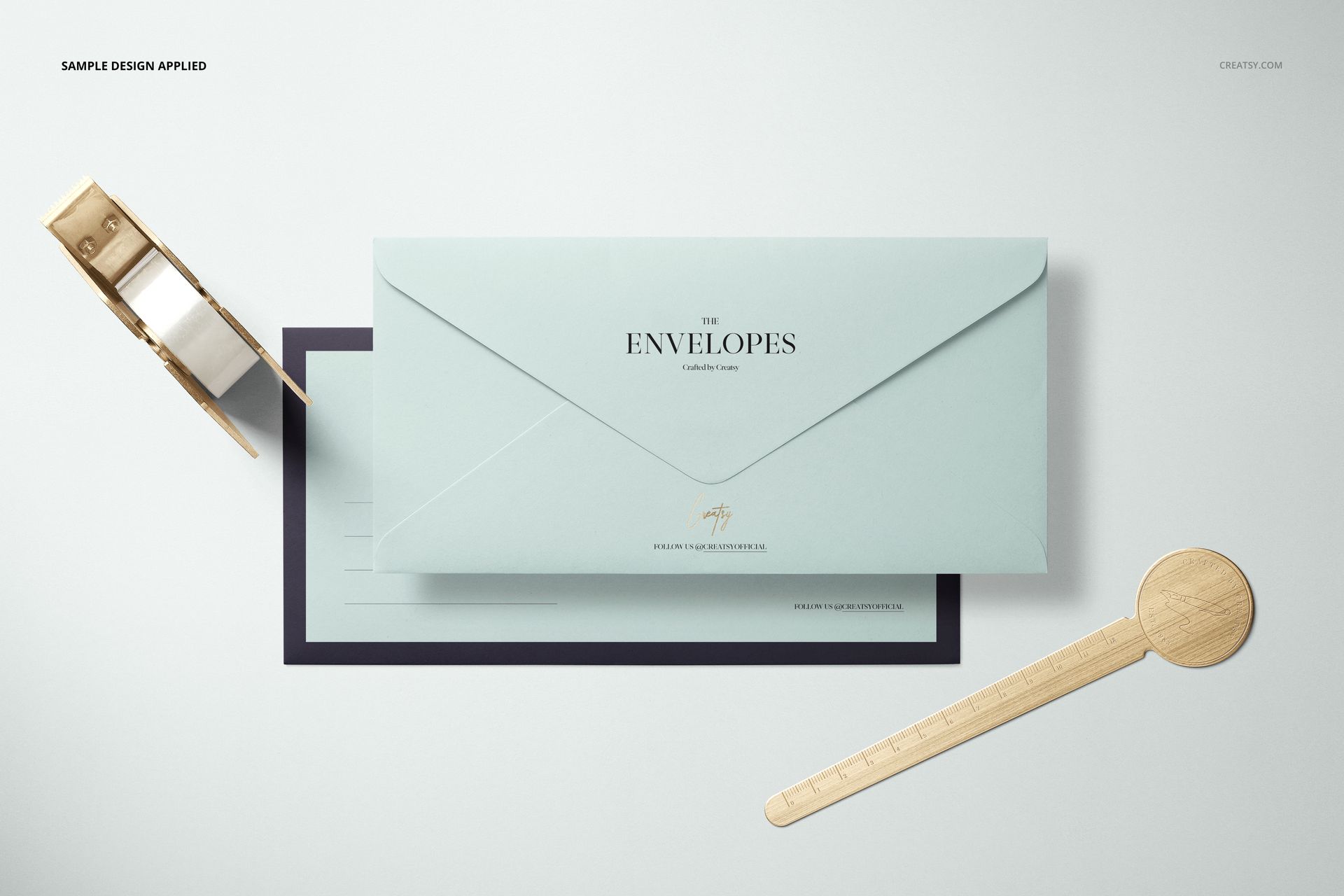
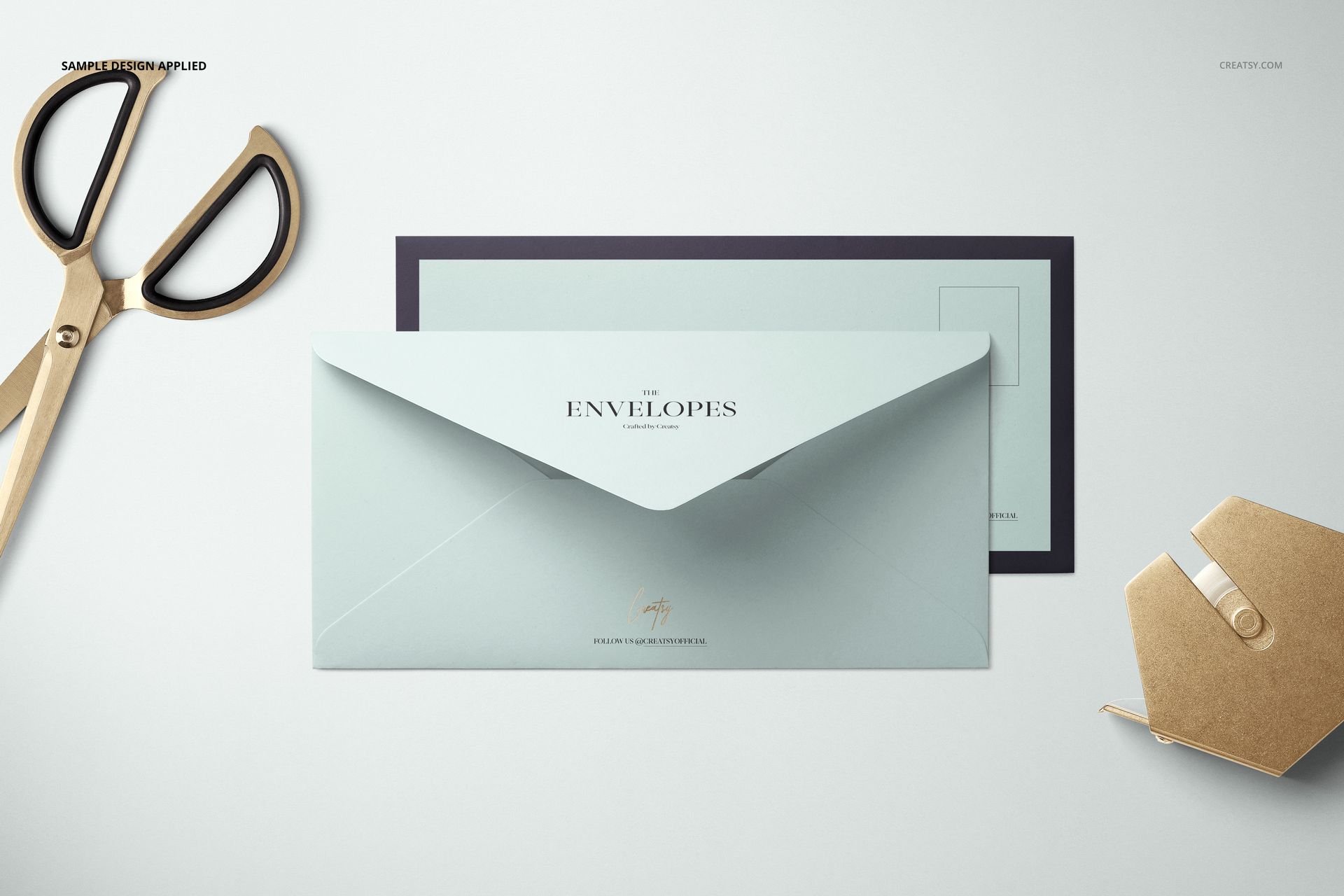
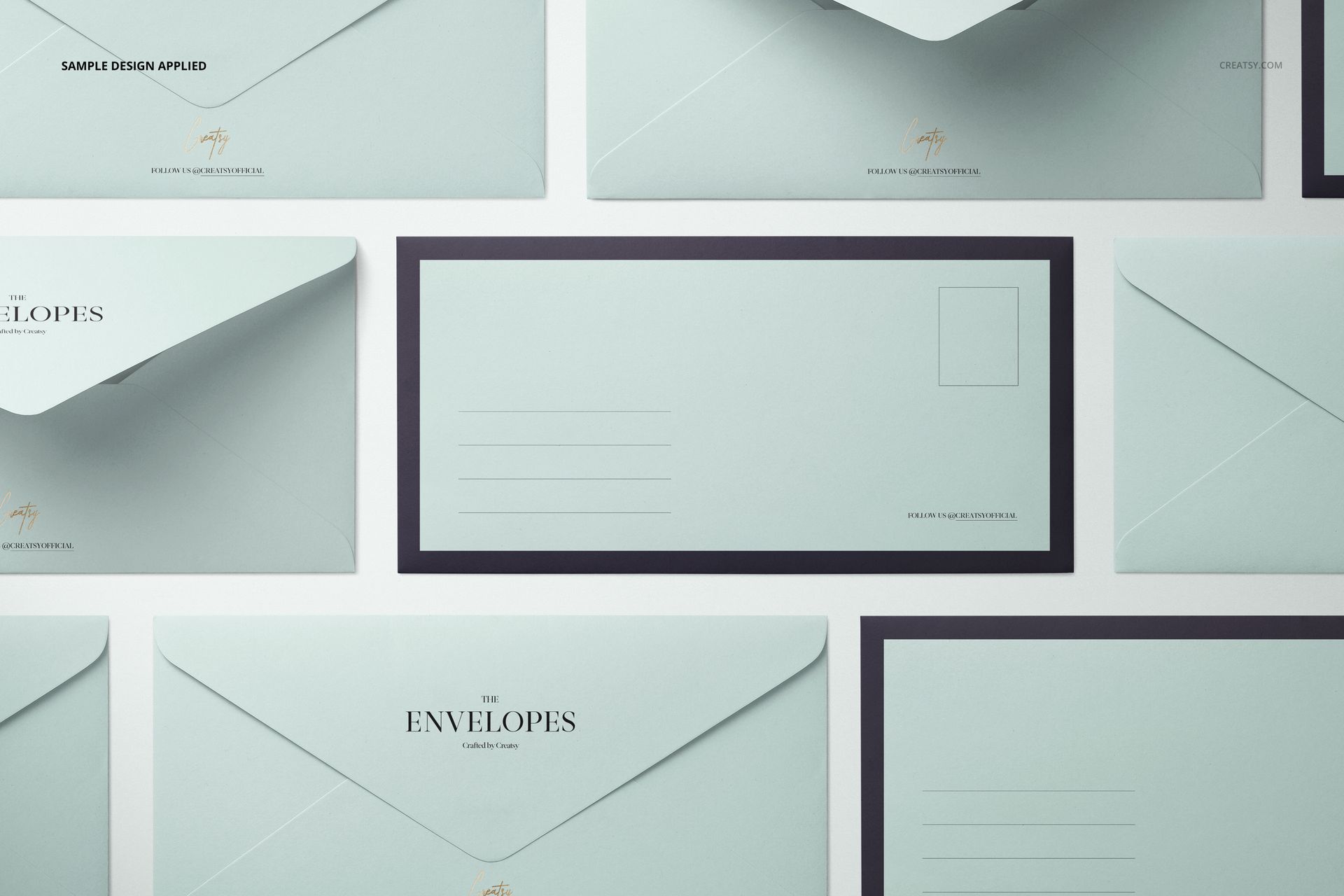
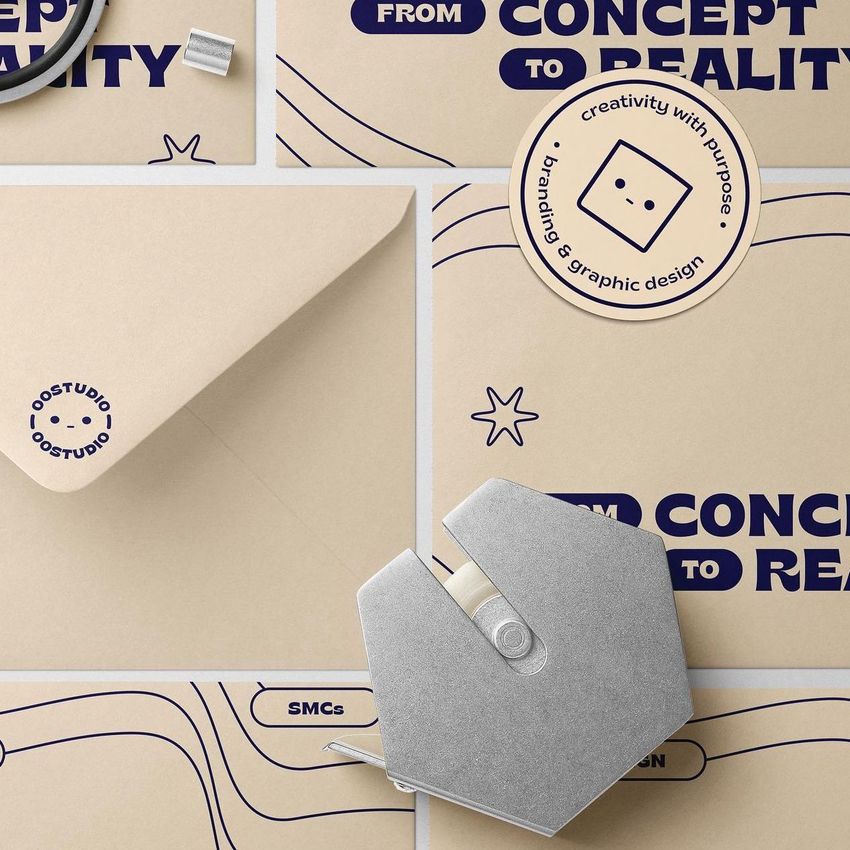
The scenes combine front and flap views, paired envelopes and a repeated grid. Scissors, a tape dispenser, a round-headed ruler and small clips give the set a desk-stationery context. The pale blue colors, borders and patterns in the previews are example treatments, not a fixed look.
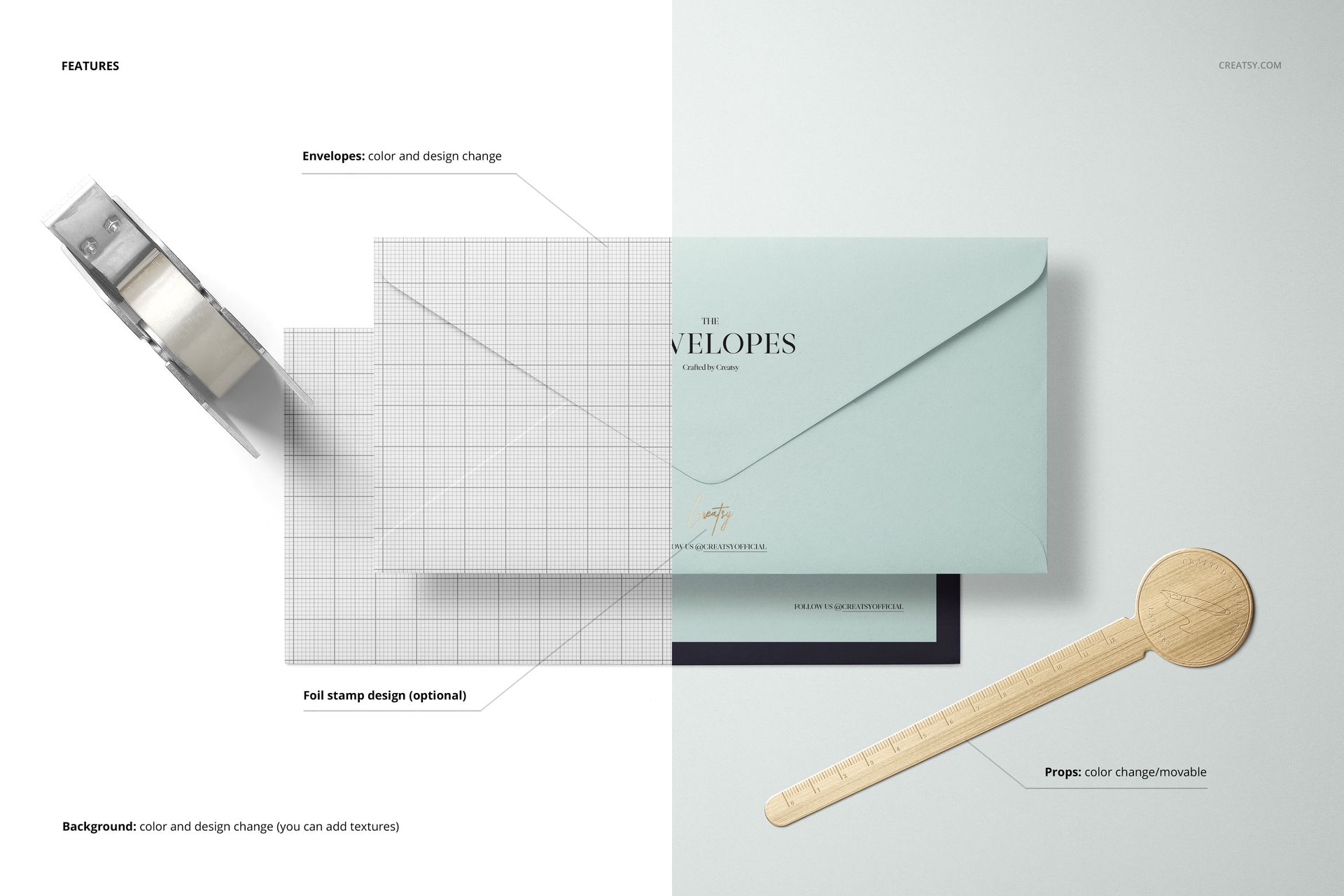
Replace envelope designs and adjust their colors.
Use the optional foil stamp design to highlight a logo or detail.
Move and recolor the prepared props.
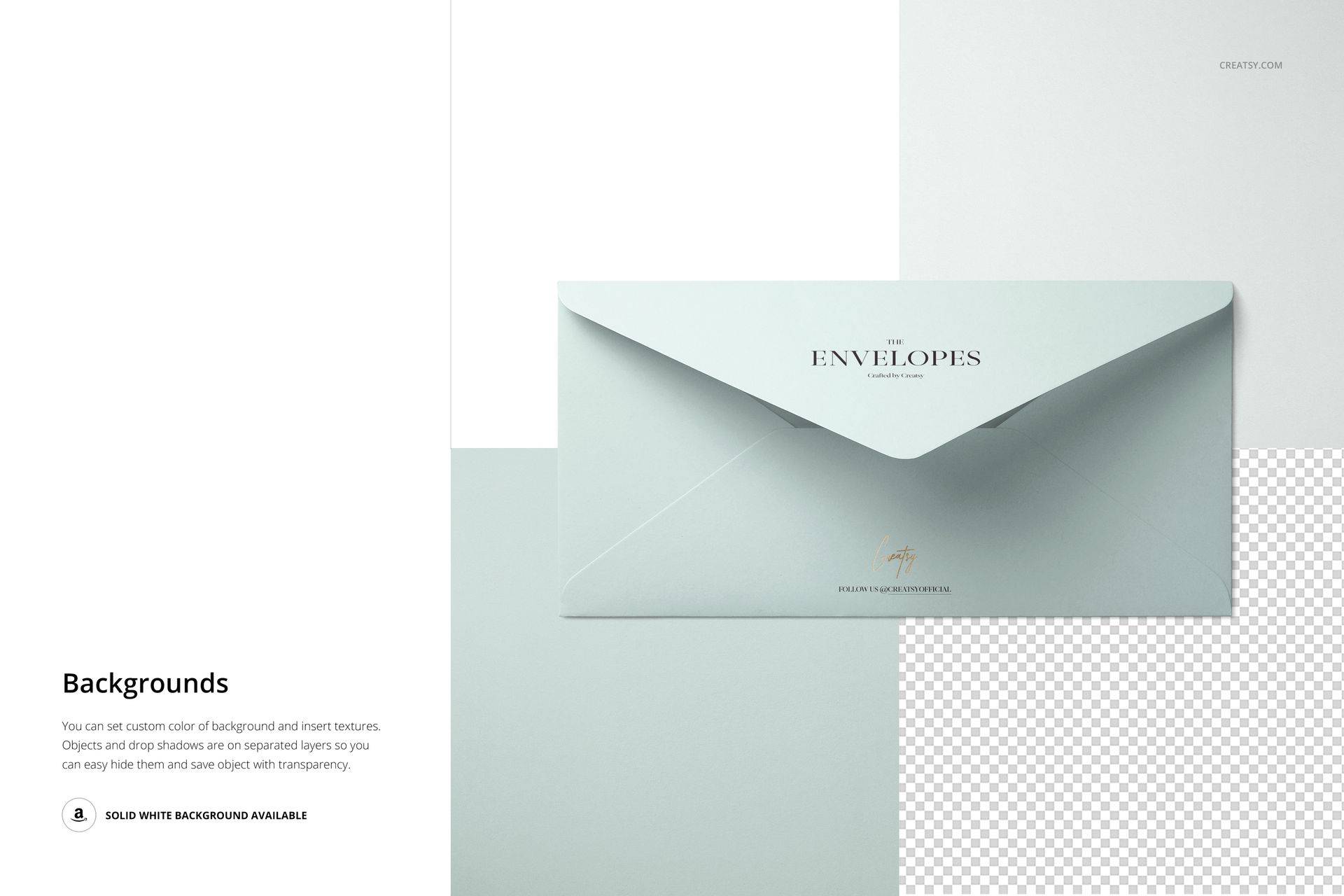
Change the background color or add your own texture. Hide separate object or shadow layers and export with transparency when needed.
Easy Smart Object Editing
Place your artwork inside the envelope Smart Object, save it and return to the main PSD to see the result. Use the color controls and separate layers to coordinate the envelope, props and background, then build a matching image series from the other scenes.
Perfect For
Business correspondence and branded envelope collections
Logo, lettering and pattern presentations in a long horizontal format
Stationery studio portfolios, client proposals and paper goods galleries
Digital files only. No physical envelopes or stationery tools are included. The sample designs displayed in the previews are not part of the download.