A5 Cards Mockup Set
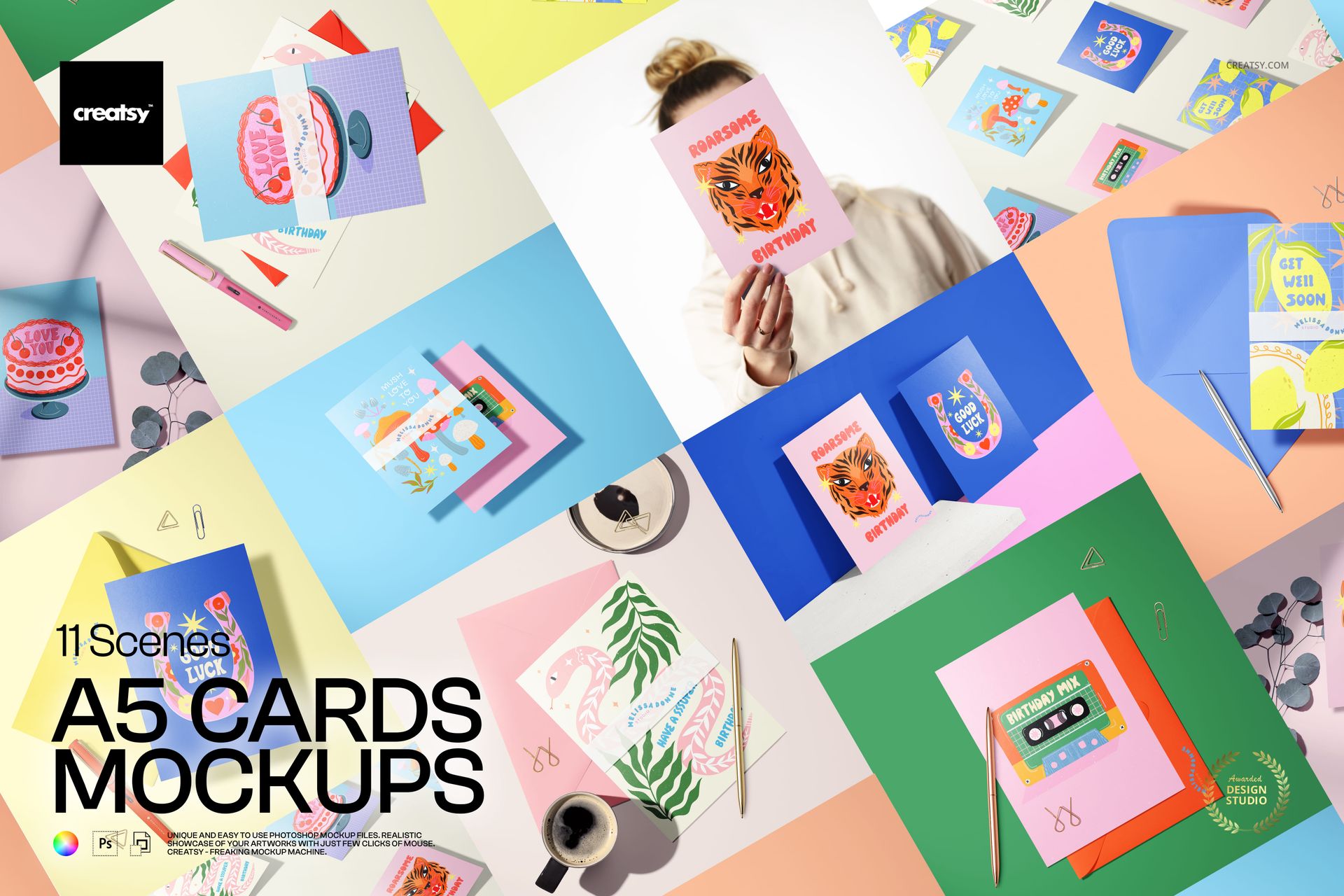
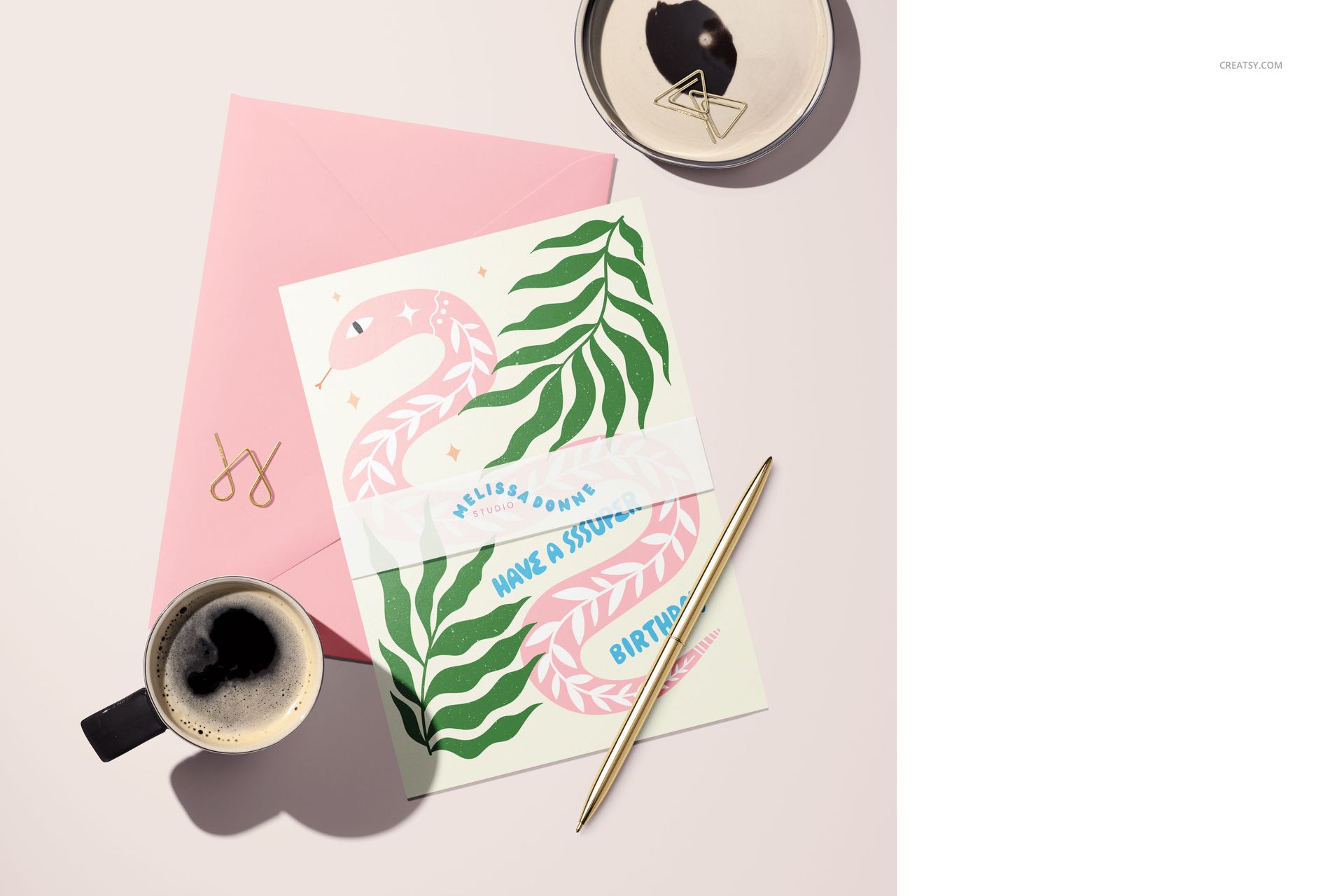
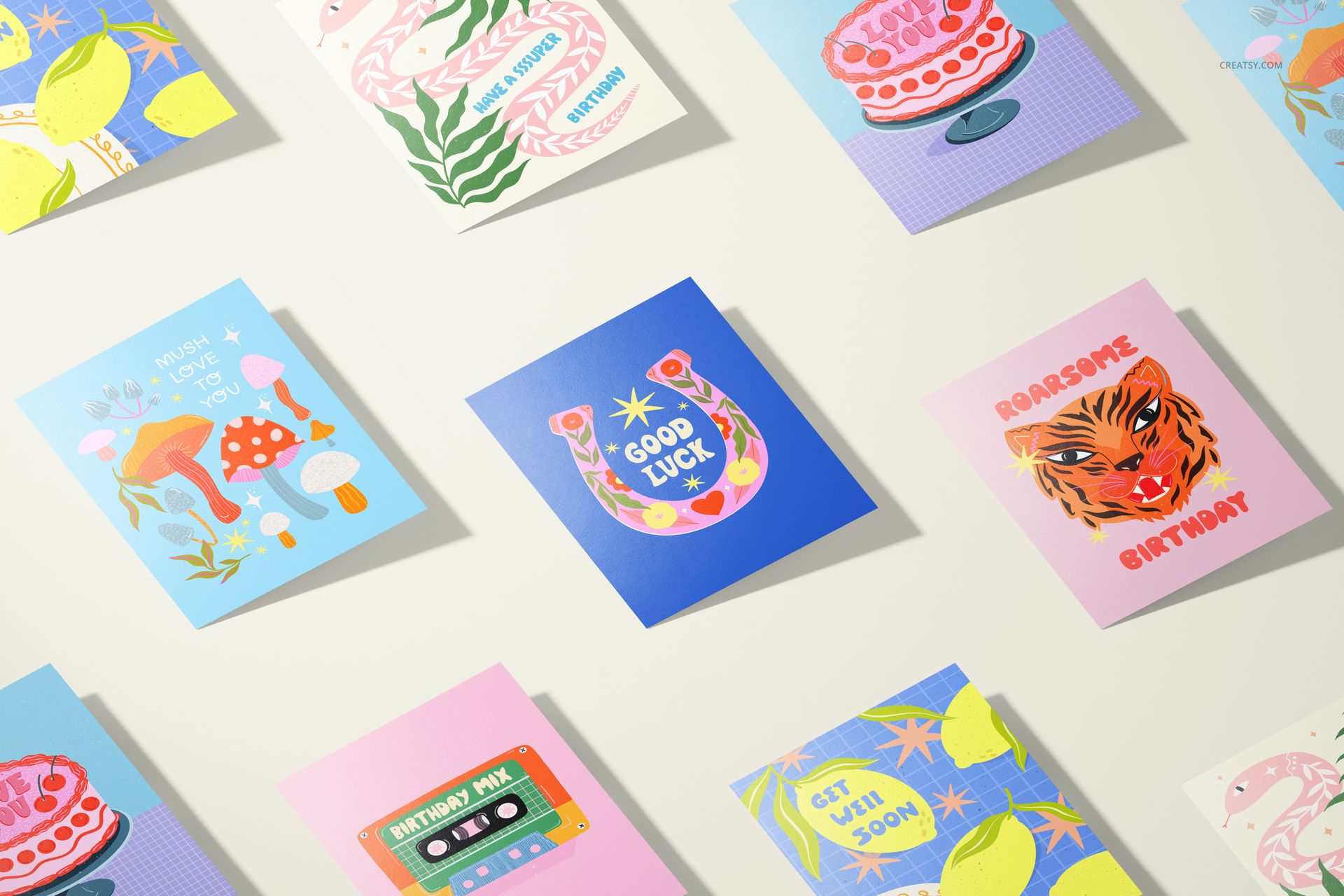
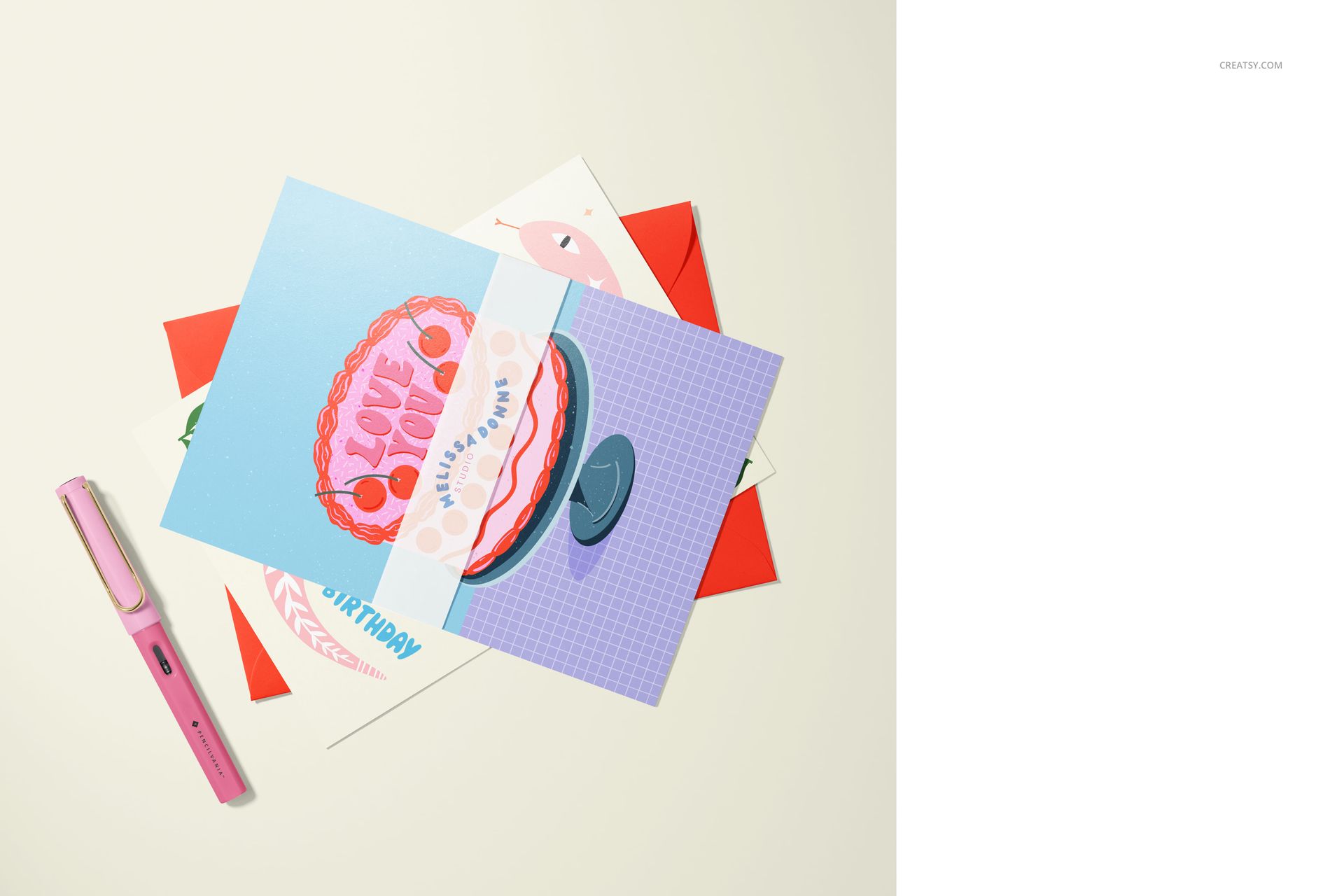
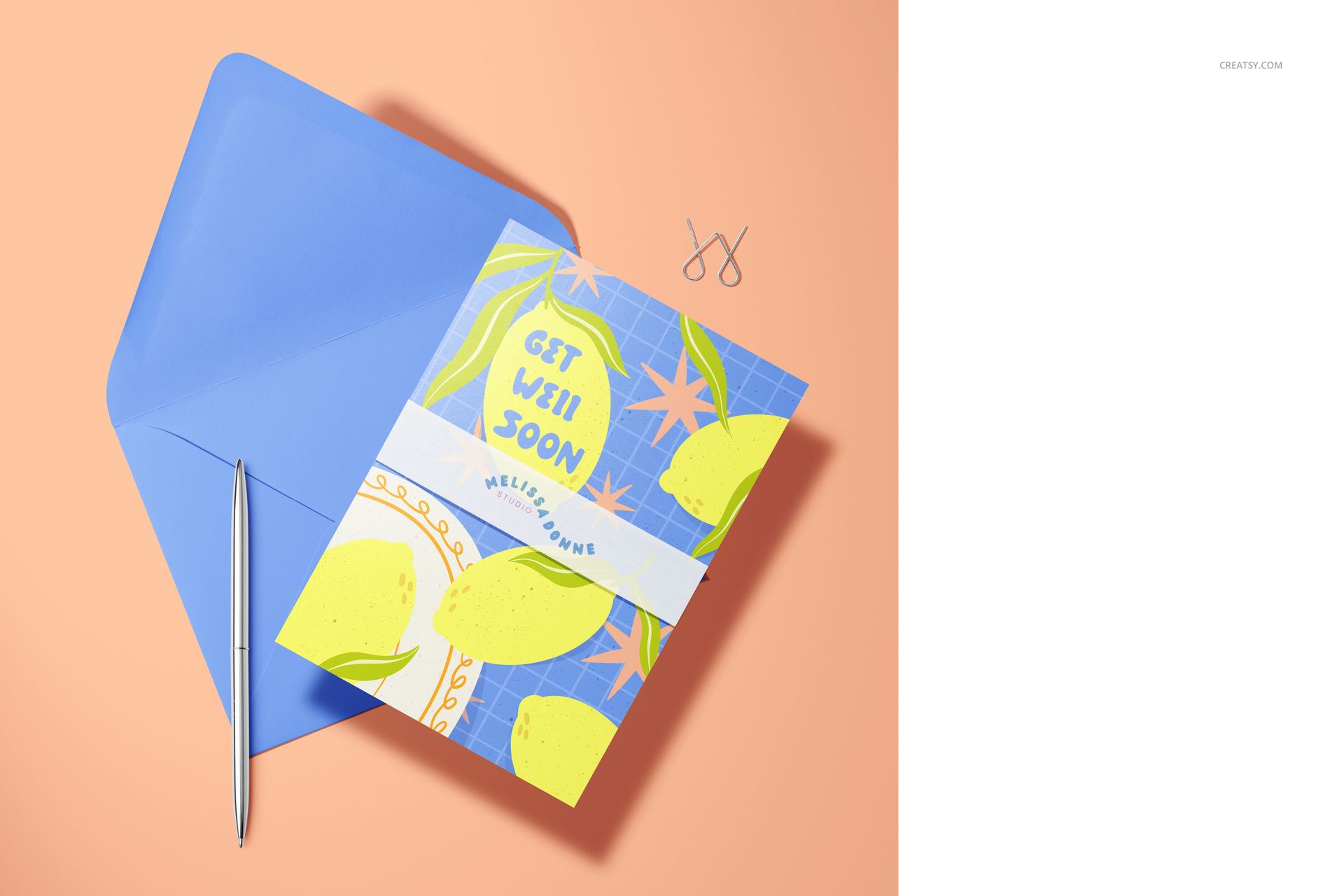
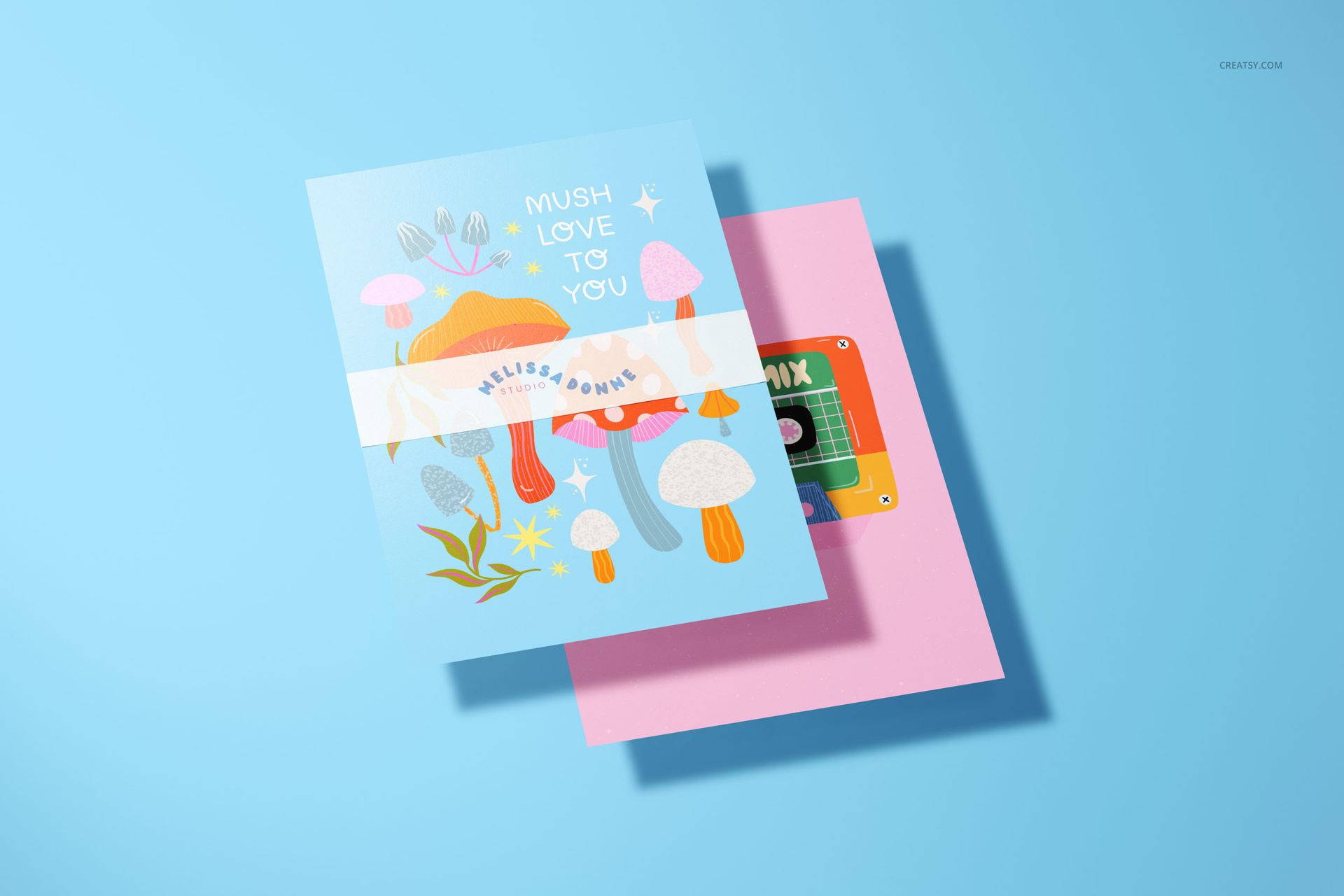
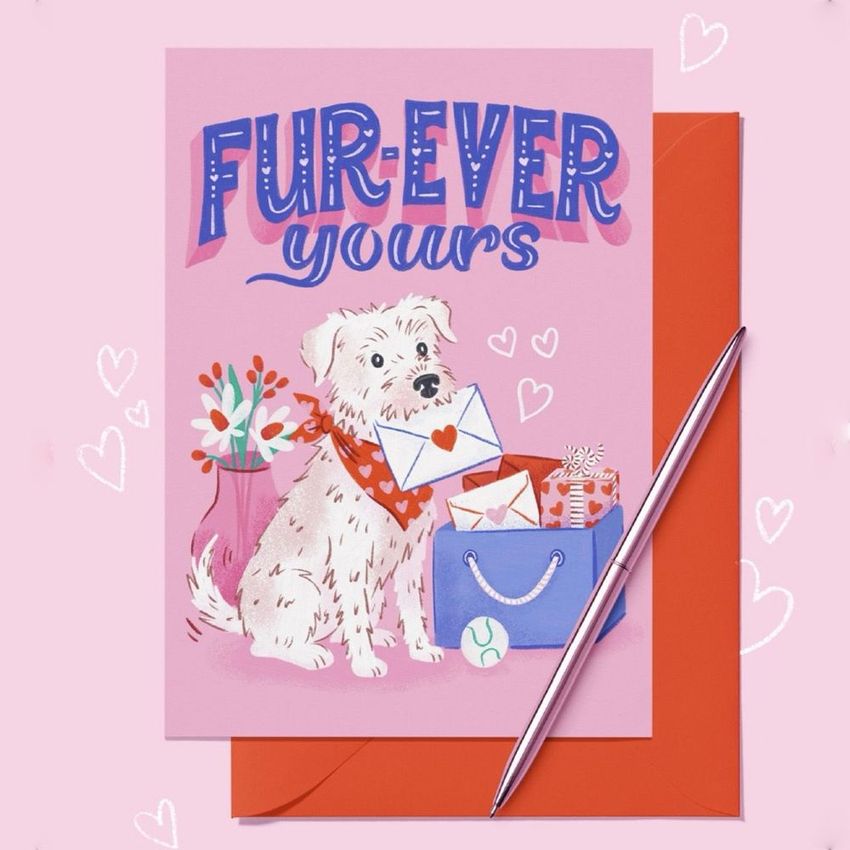
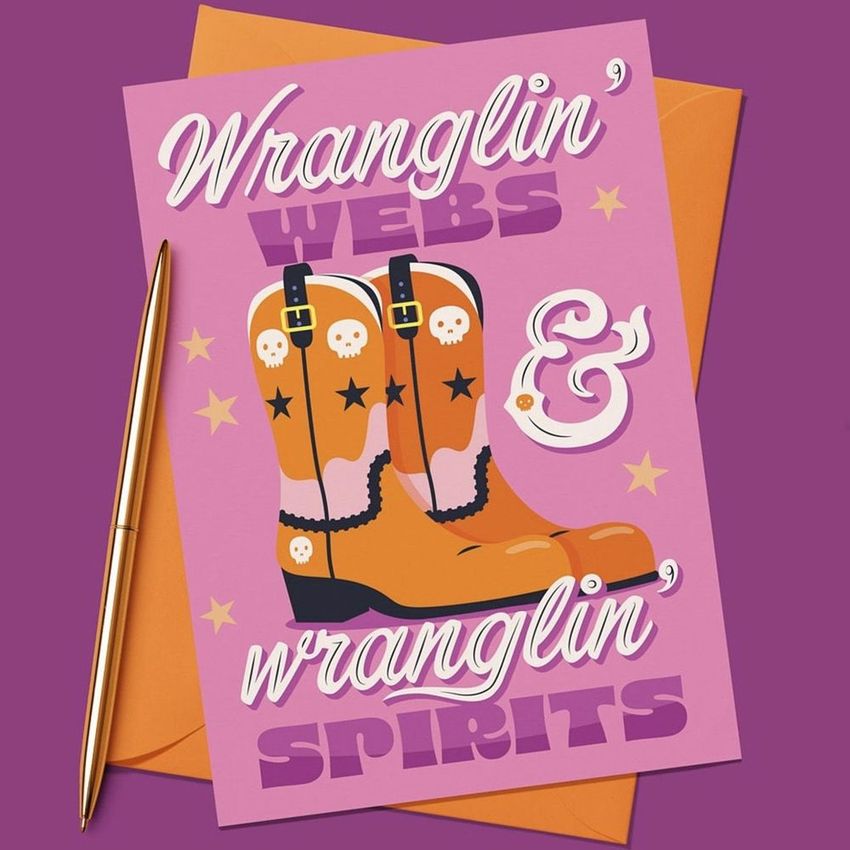
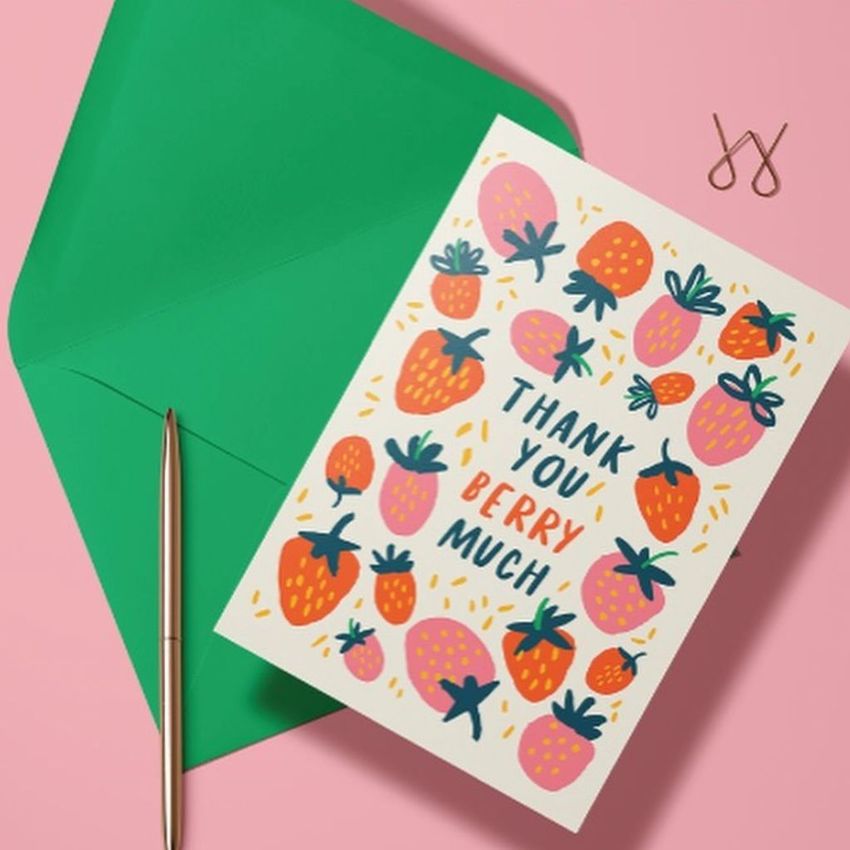
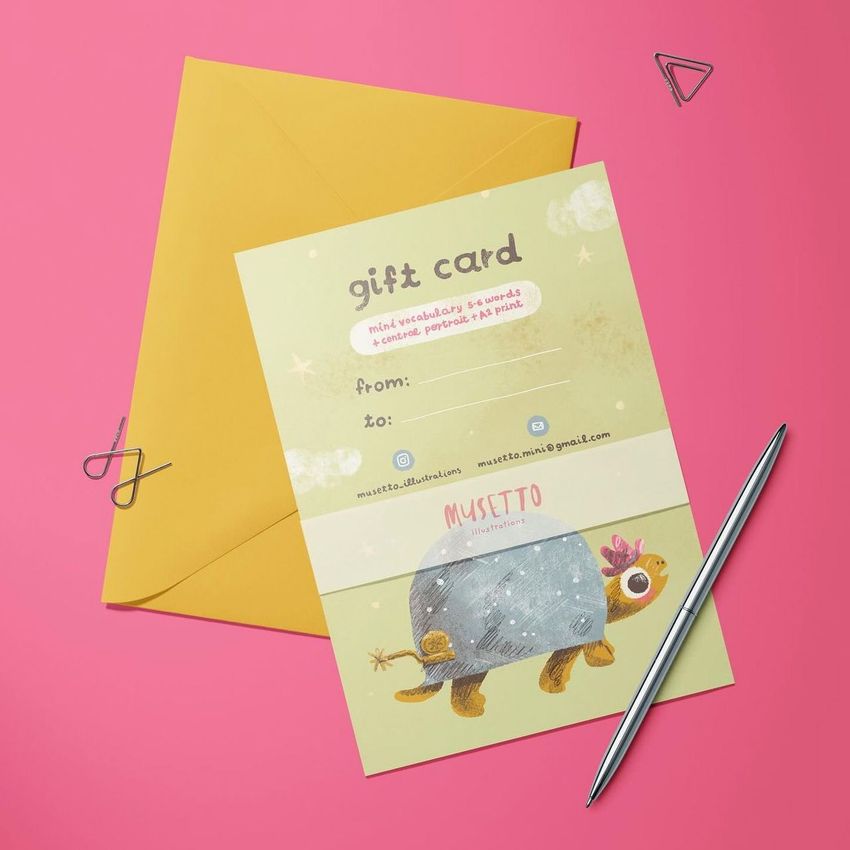
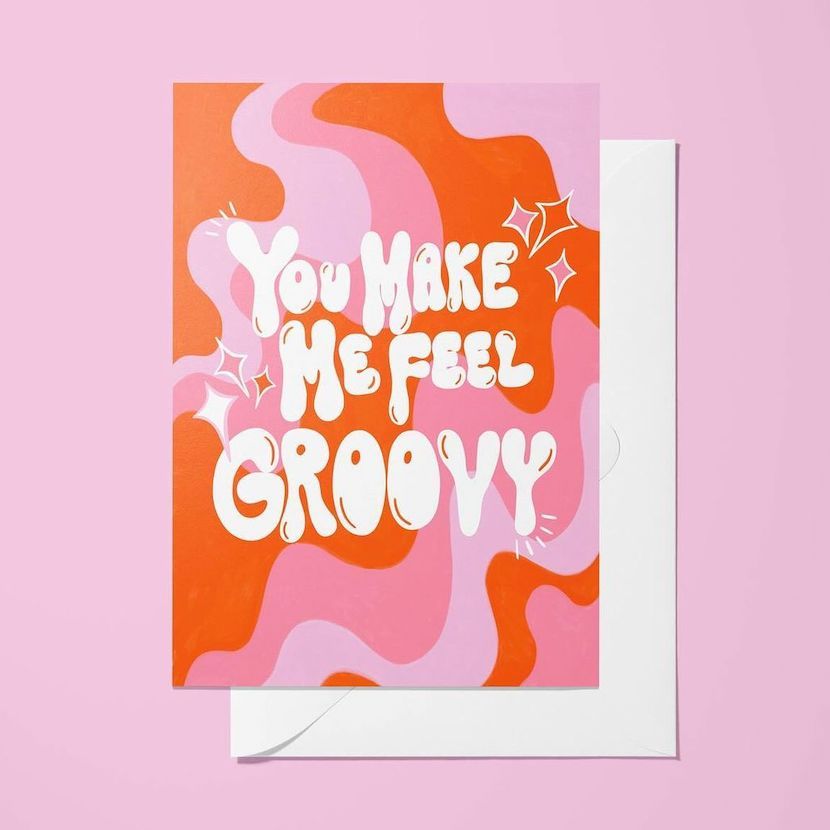
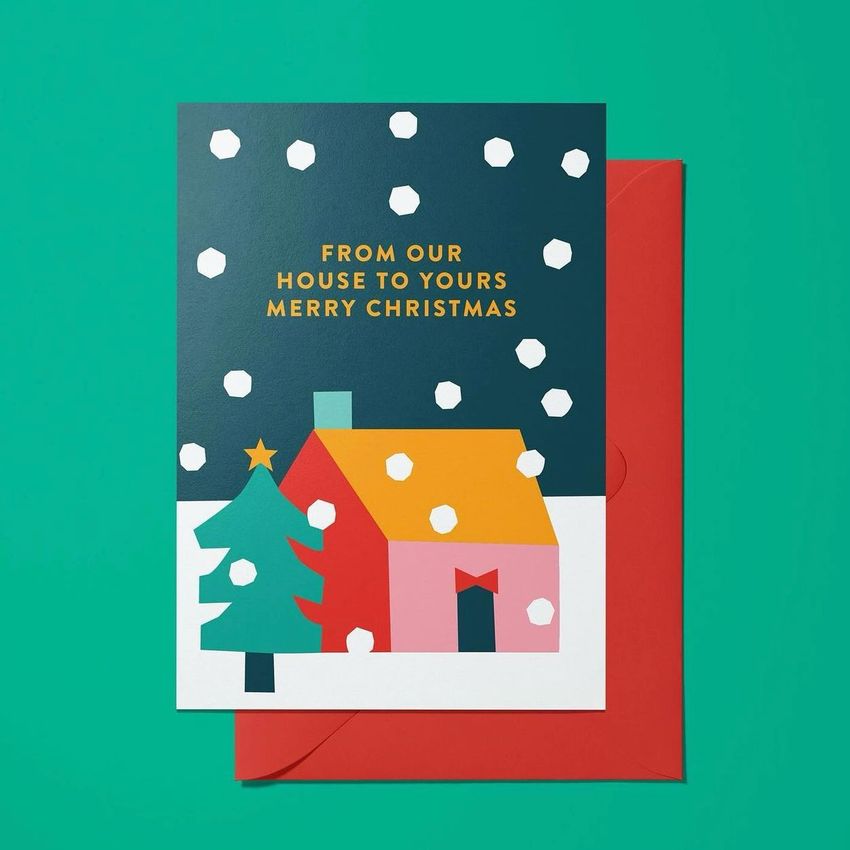
Present anything from one featured A5 card to a coordinated nine-design collection across 11 distinct scenes. The set combines single-card, two-card, and multi-card layouts with hands, desks, mugs, envelopes, pens, clips, and a removable ribbon, giving you several ways to build a complete stationery gallery without repeating the same composition.
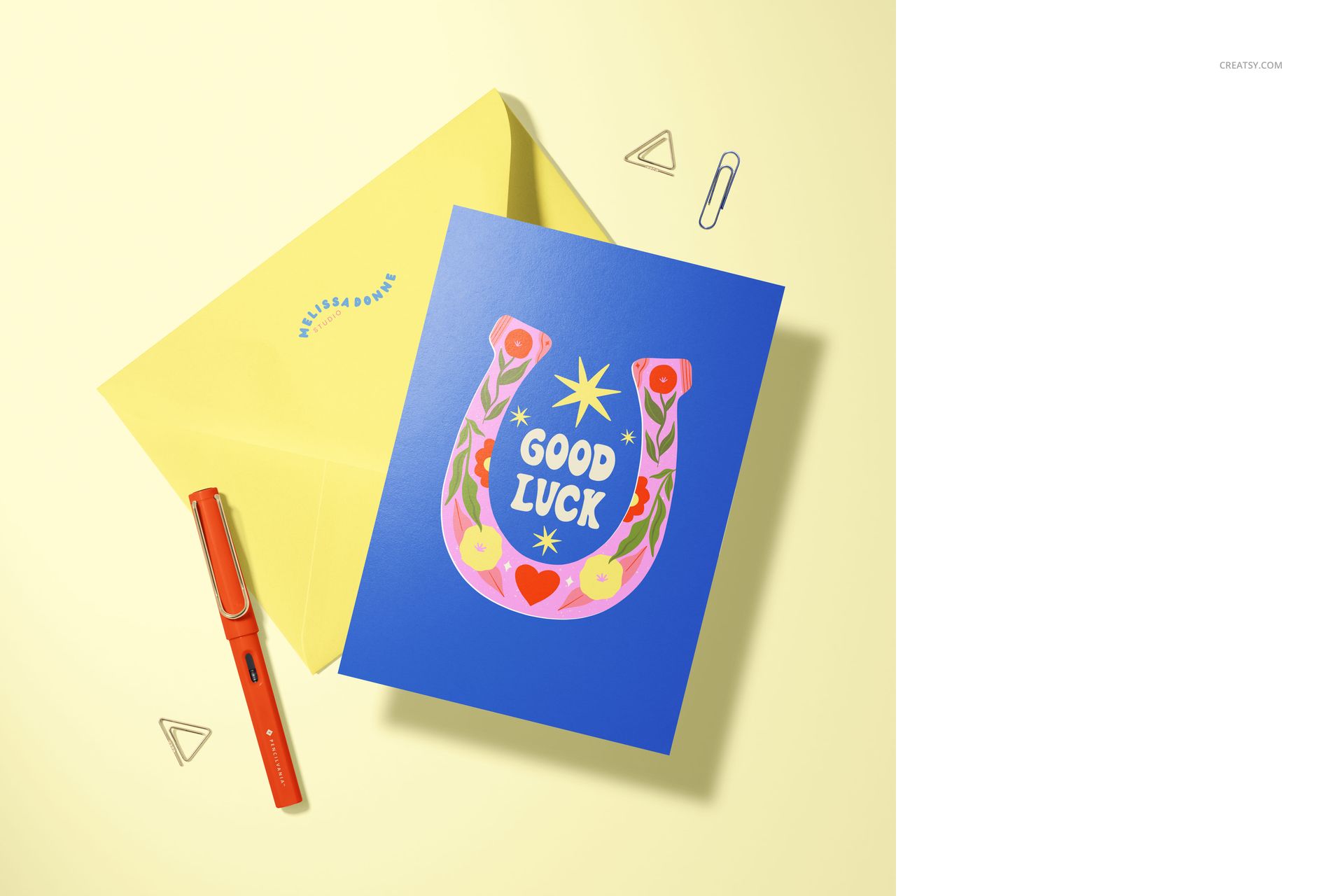
Use the mockups to compare artwork, show complementary colorways, demonstrate how cards coordinate with envelopes, or give clients a closer look at finish and scale. Adjustable card angles and a choice between glossy and 100% matte appearances help each presentation match the character of the artwork.
What Is Included
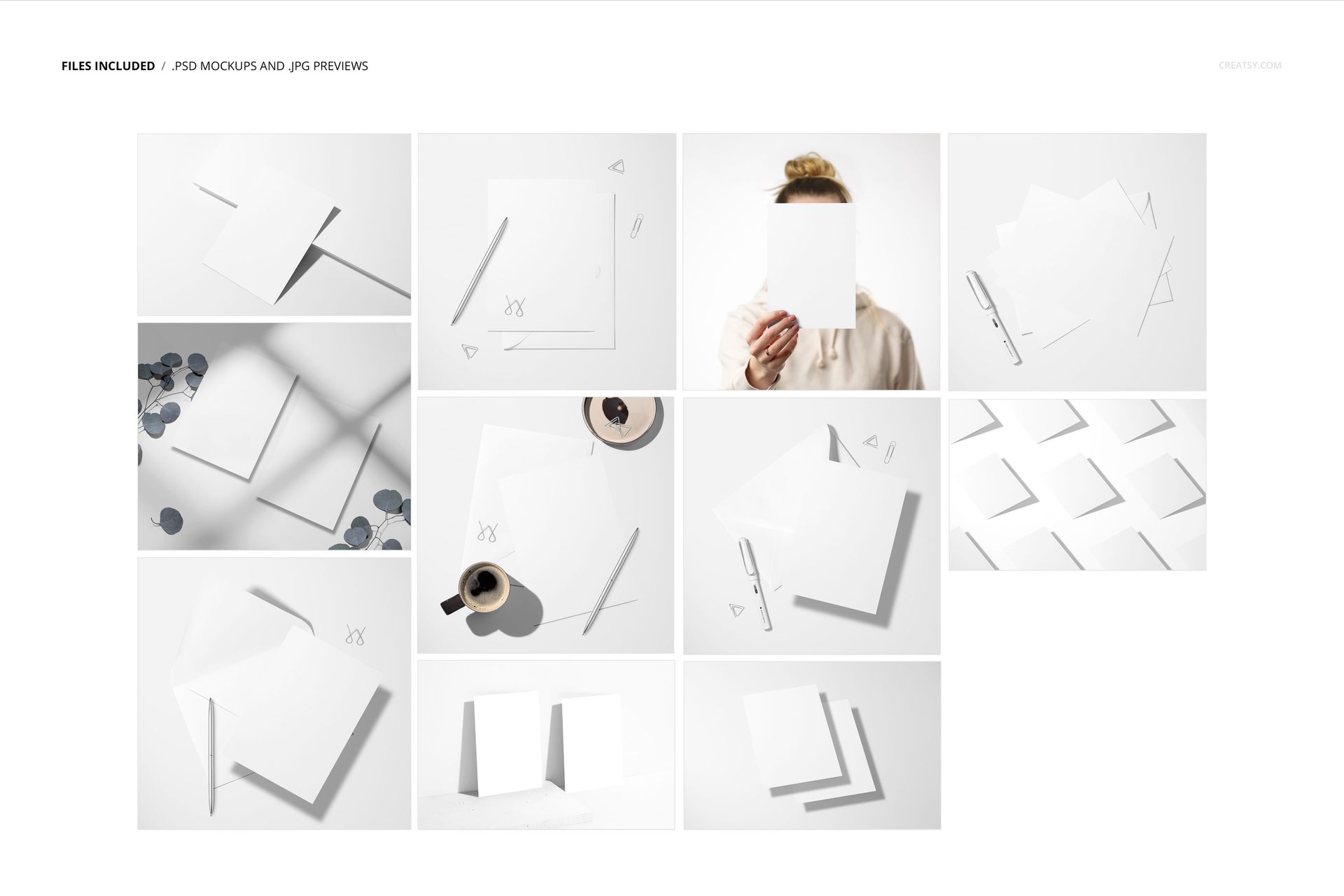
11 layered and organized PSD mockup files
11 JPG preview files
22 files in total
Approximately 6000 × 4000 px at 300 DPI per PSD
Smart Object editing in Adobe Photoshop CC and Photopea
Eleven Varied Card Scenes
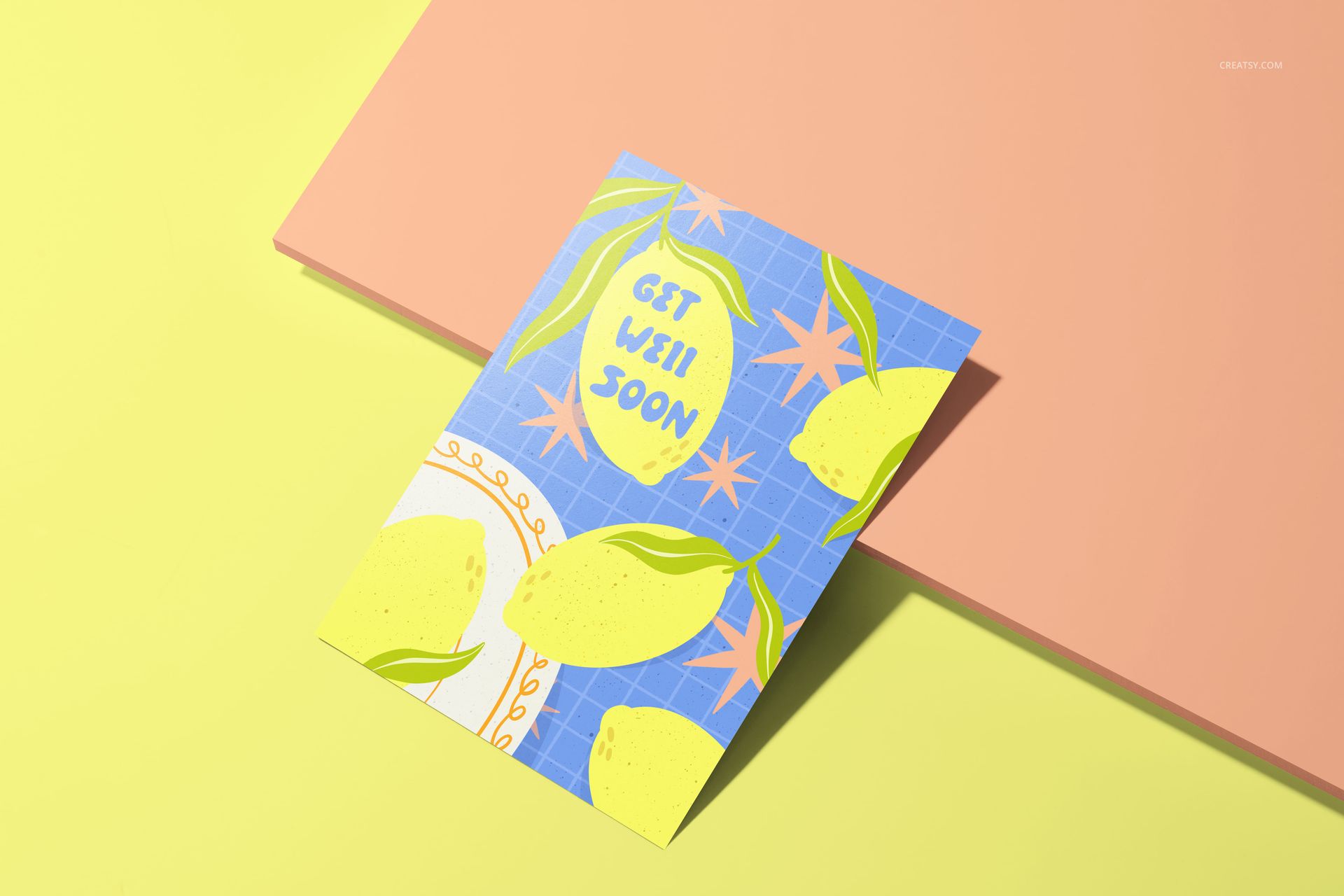
Single-card compositions for focused artwork previews
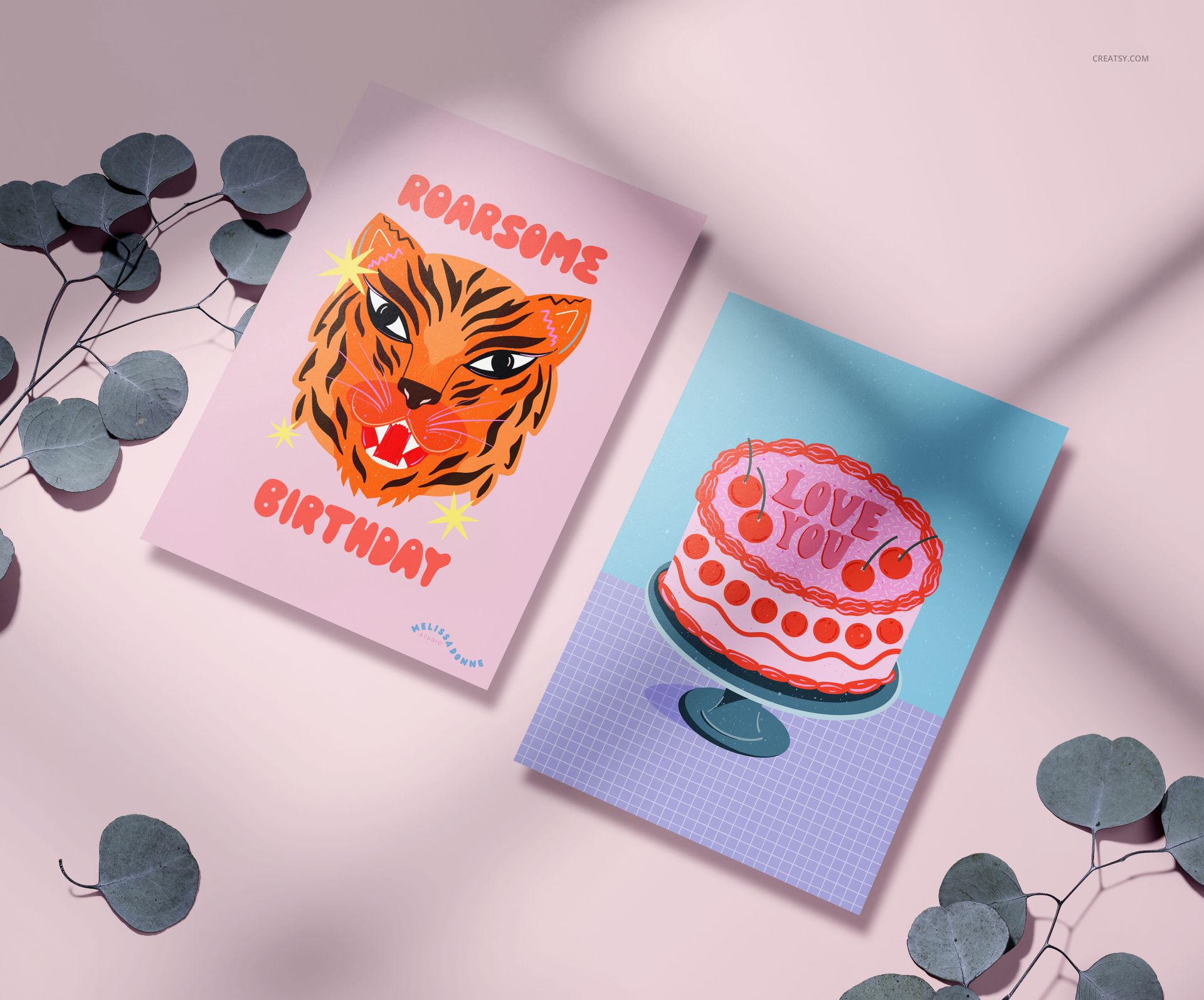
Two-card scenes for pairs and colorway comparisons
A nine-card arrangement for complete collections
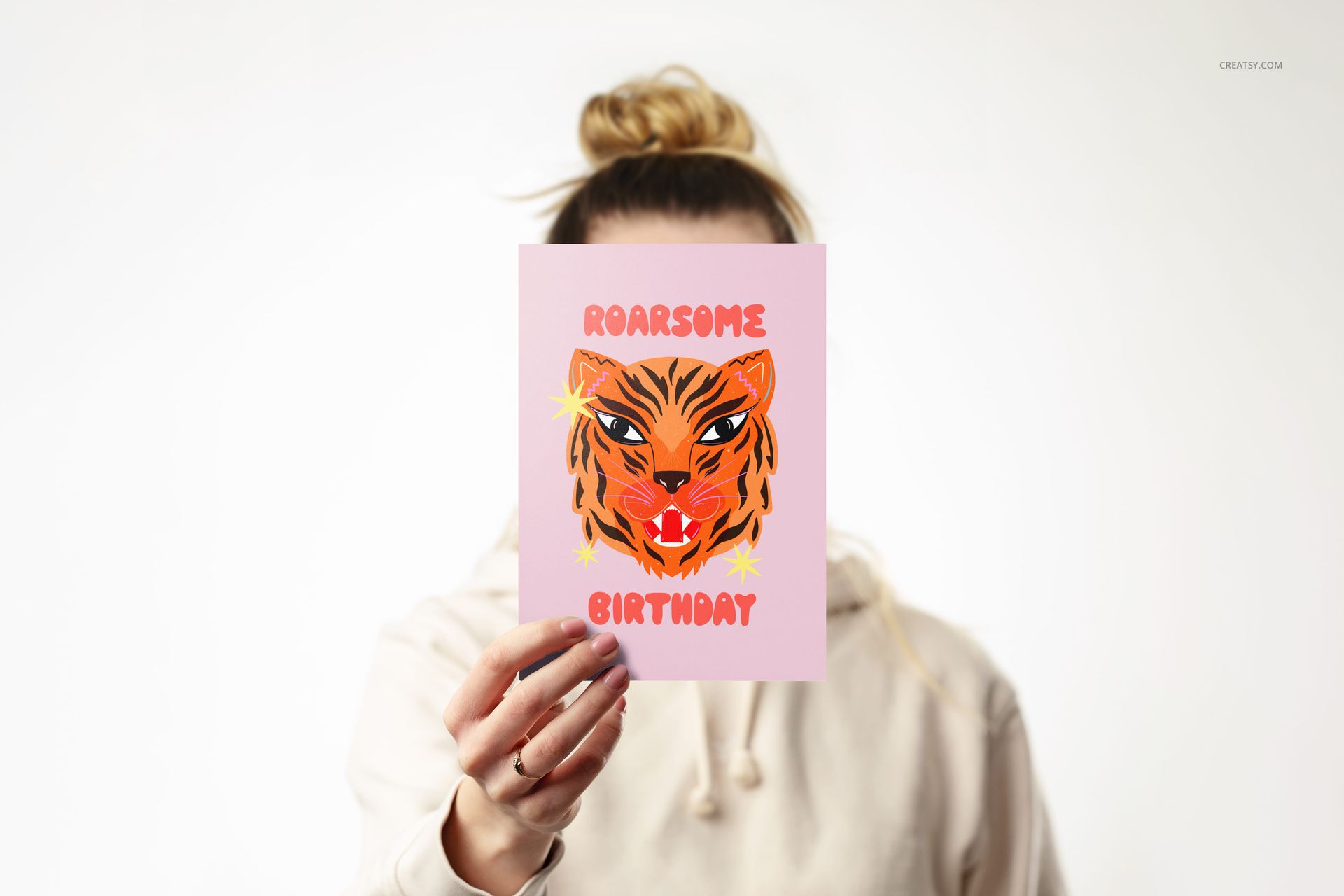
Hand-held views that communicate card scale
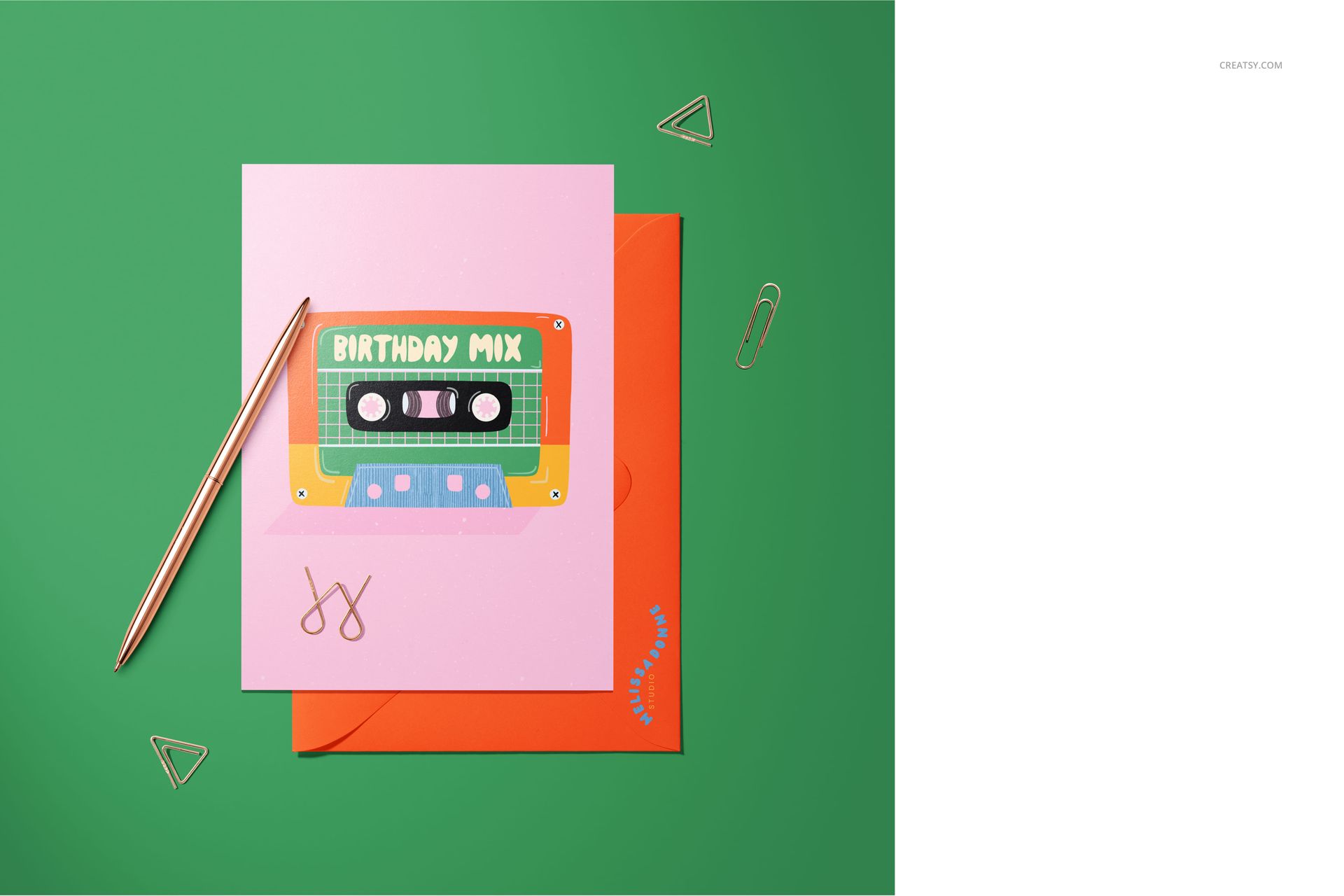
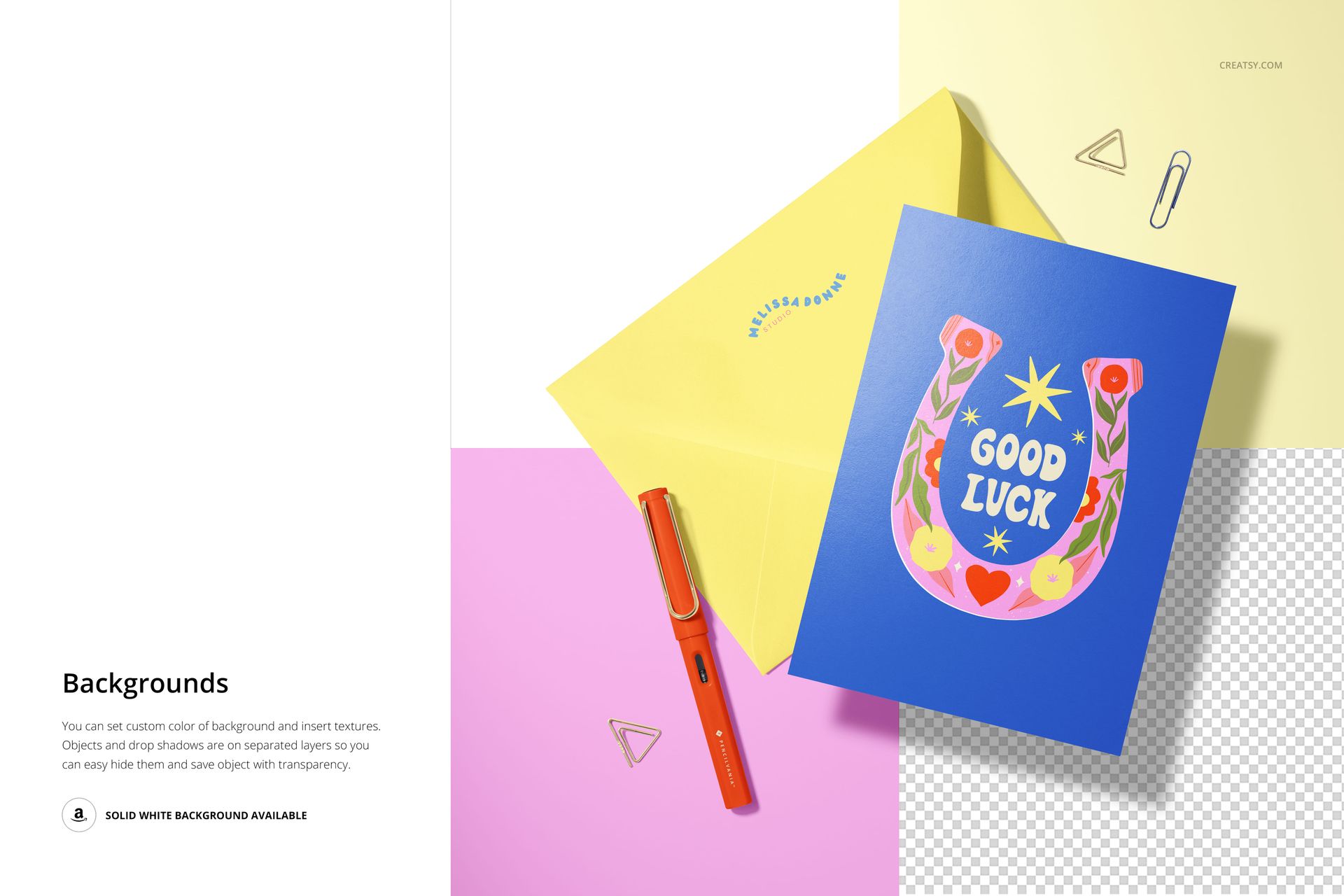
Desk, mug, envelope, pen, and clip styling options
Control Artwork, Finish, and Arrangement
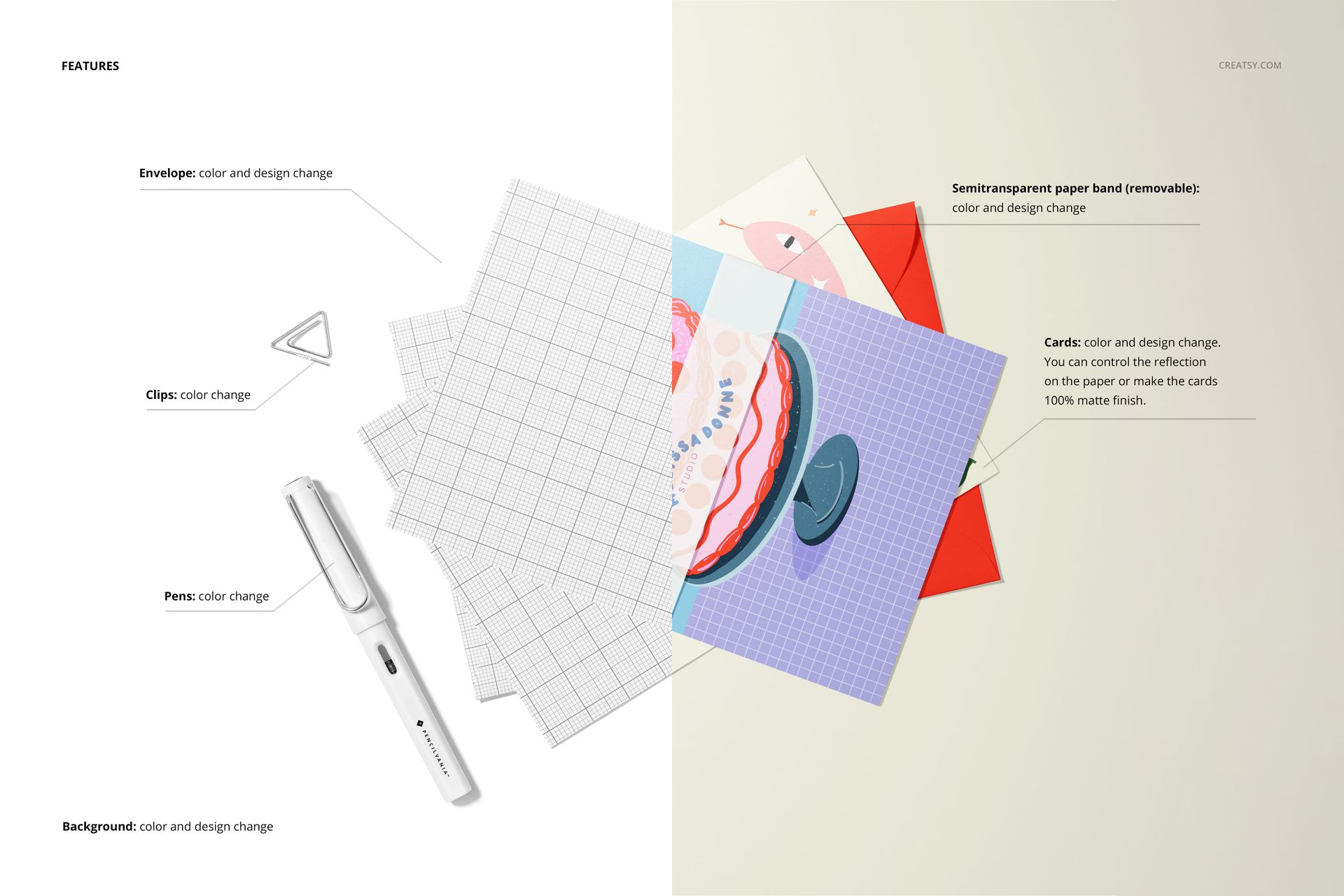
Change the colors and designs of the cards and envelopes, adjust card angles, and choose a glossy or fully matte appearance. Edit pen and clip colors, customize the background, and move scene elements to refine the balance around each design.
Shape or Remove the Ribbon
The semi-transparent ribbon can be removed when you want a cleaner composition or reshaped to complement the card arrangement. This provides an additional styling variation while retaining the scene's soft layered detail.
Smart Object Editing
Open the relevant Smart Object, place your artwork, save the layer, and return to the main PSD to see the updated card. Organized layers support an efficient workflow in Photoshop CC and Photopea. You can also explore the Creatsy Online Mockup Editor for additional browser-based presentation options.
Perfect For
Greeting card and stationery collections
Illustration, lettering, and surface pattern portfolios
Comparing several card designs or colorways
Client presentations and creative approvals
Online shop galleries and launch imagery
Showing card scale, finish, and envelope coordination
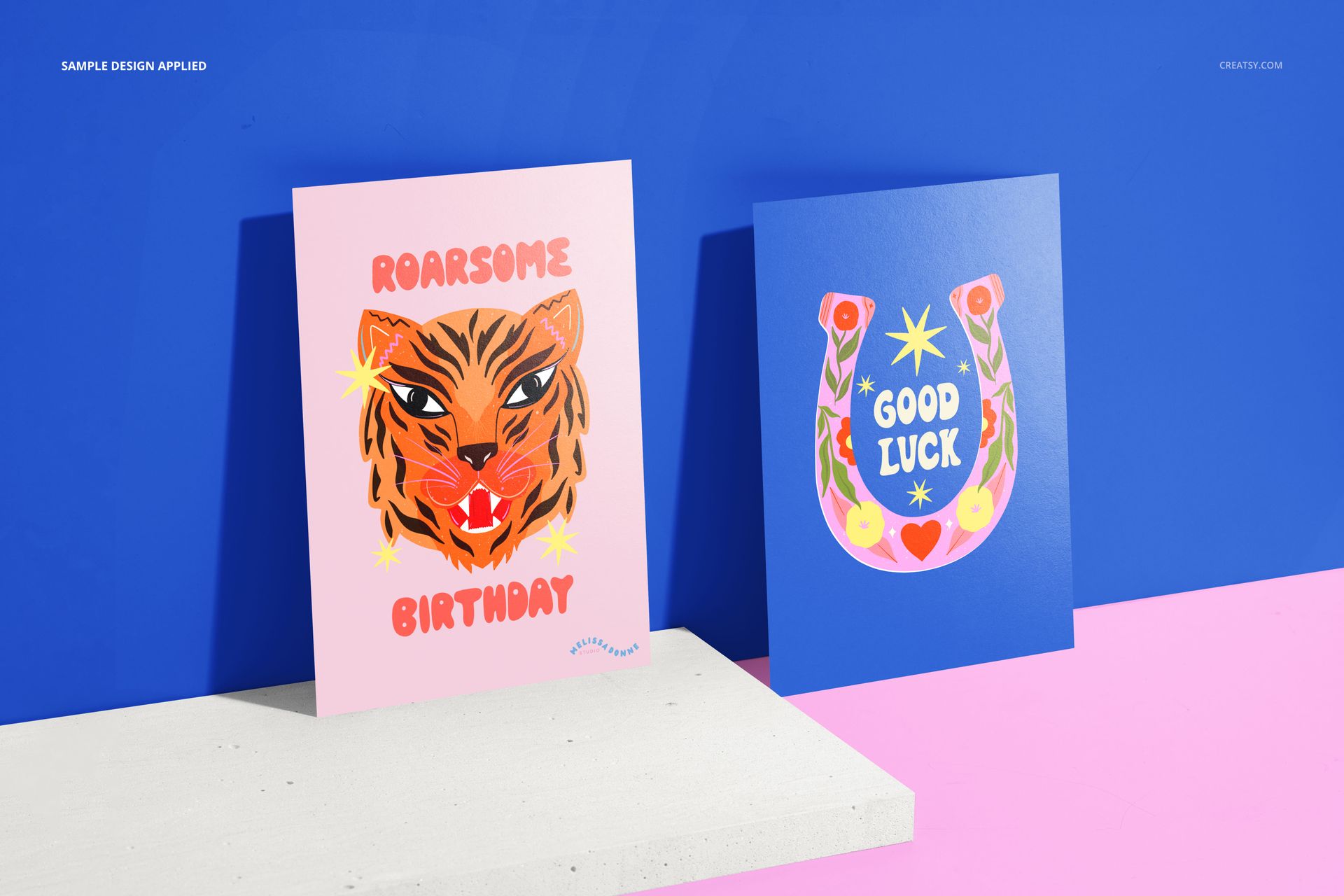
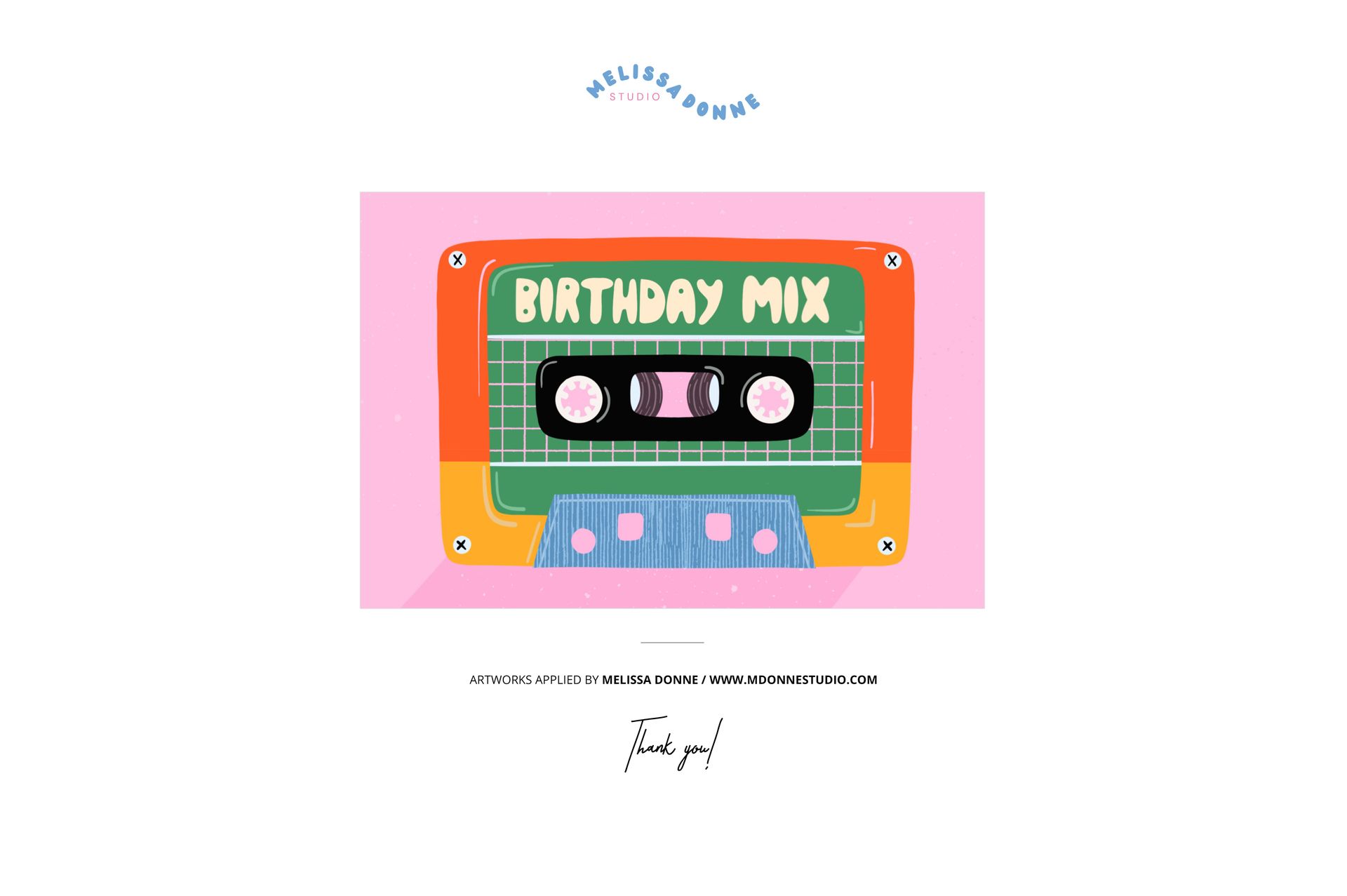
This is a digital mockup product. No physical cards, envelopes, ribbons, stationery, or props will be shipped. The preview artwork by Melissa Donne is shown for presentation only and is not included.





















This product, like all of their products, was such a time saver, and it looks so gorgeous to see my cards' mock-up; plus, it will help me to become a better greeting card designer.
Thank you so much for your lovely review! We’re so happy the mockup saves you time and helps your greeting card designs look their best. Wishing you lots of creativity and success with your future collections! ❤️