Square Greeting Card Mockup Set
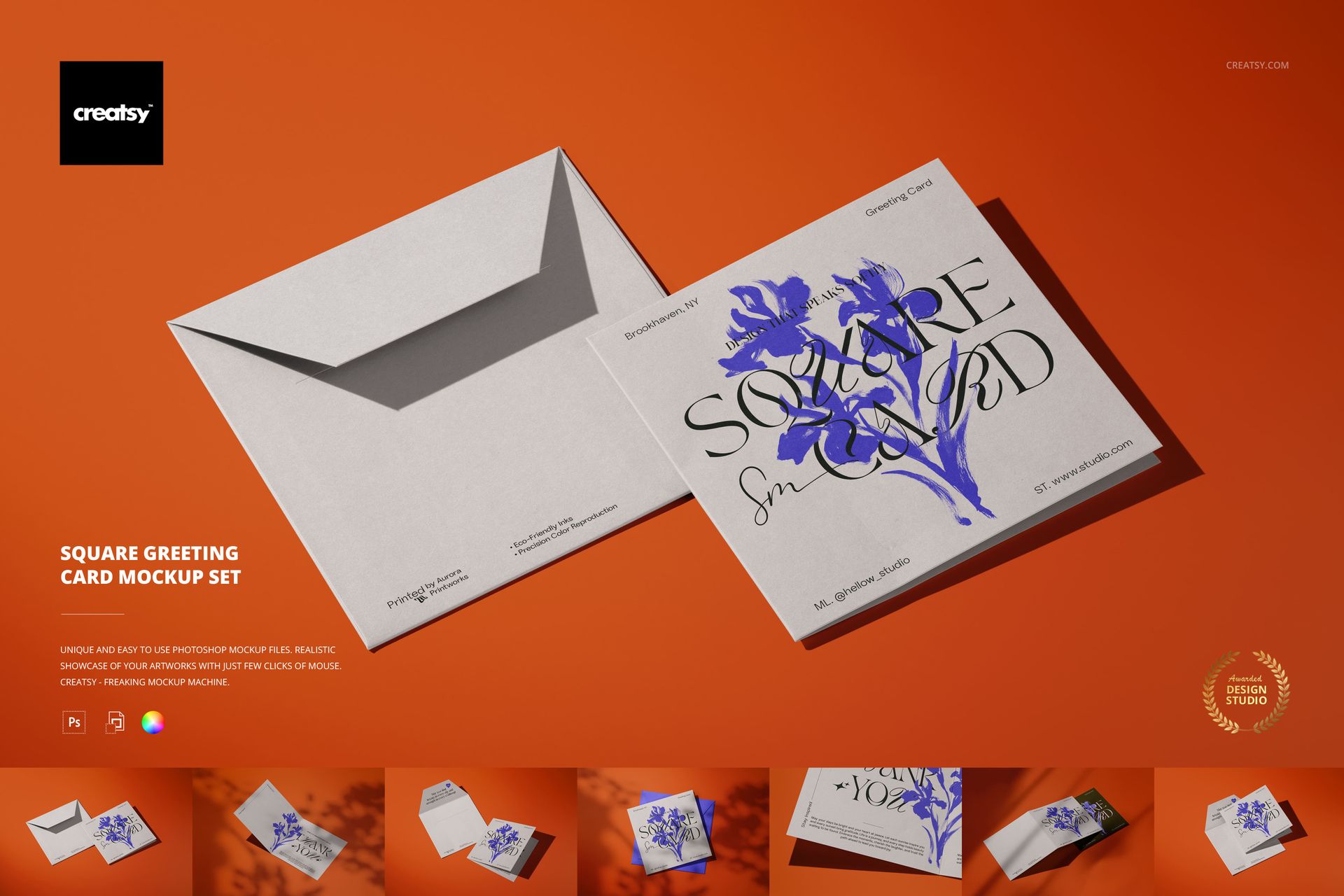
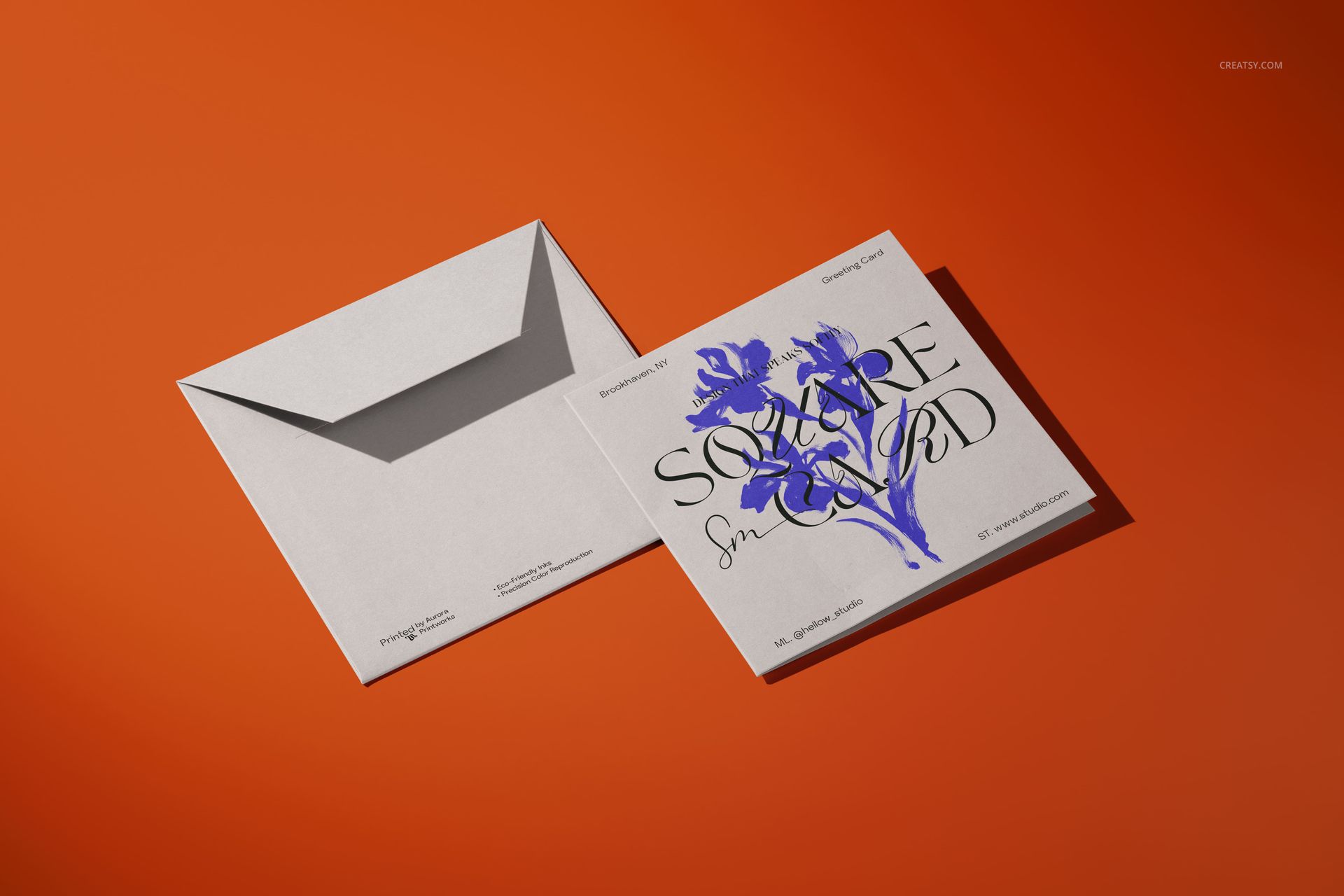
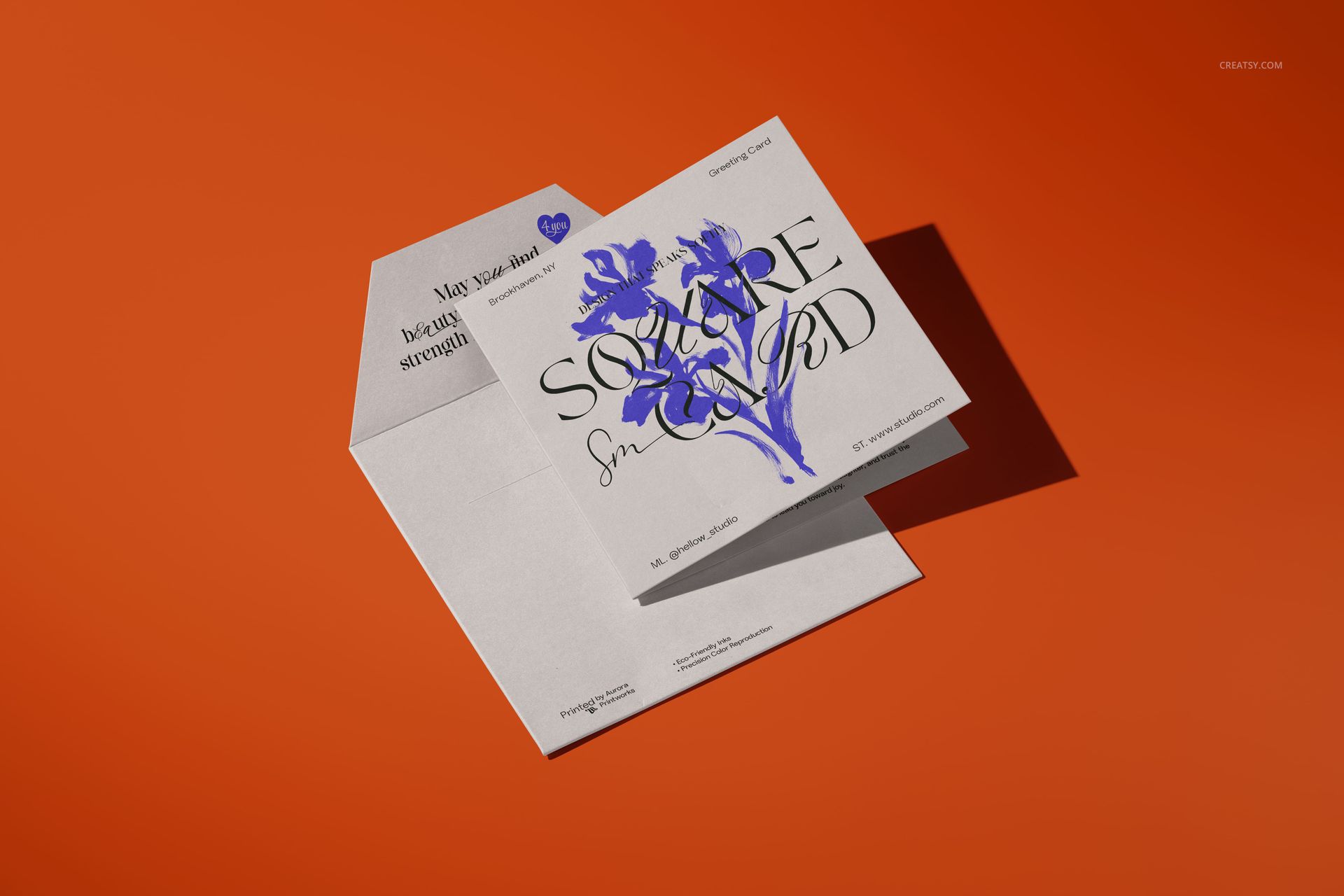
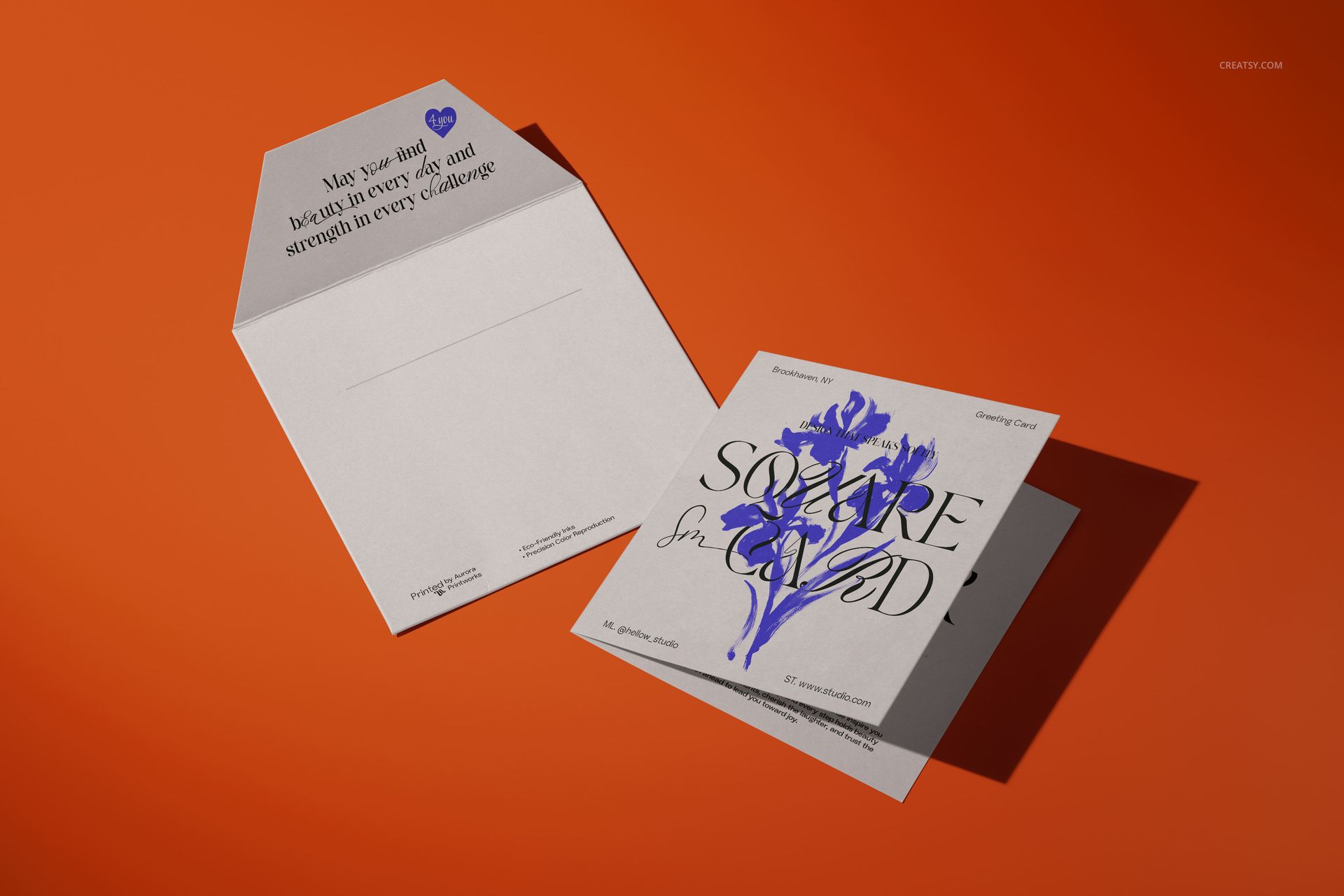
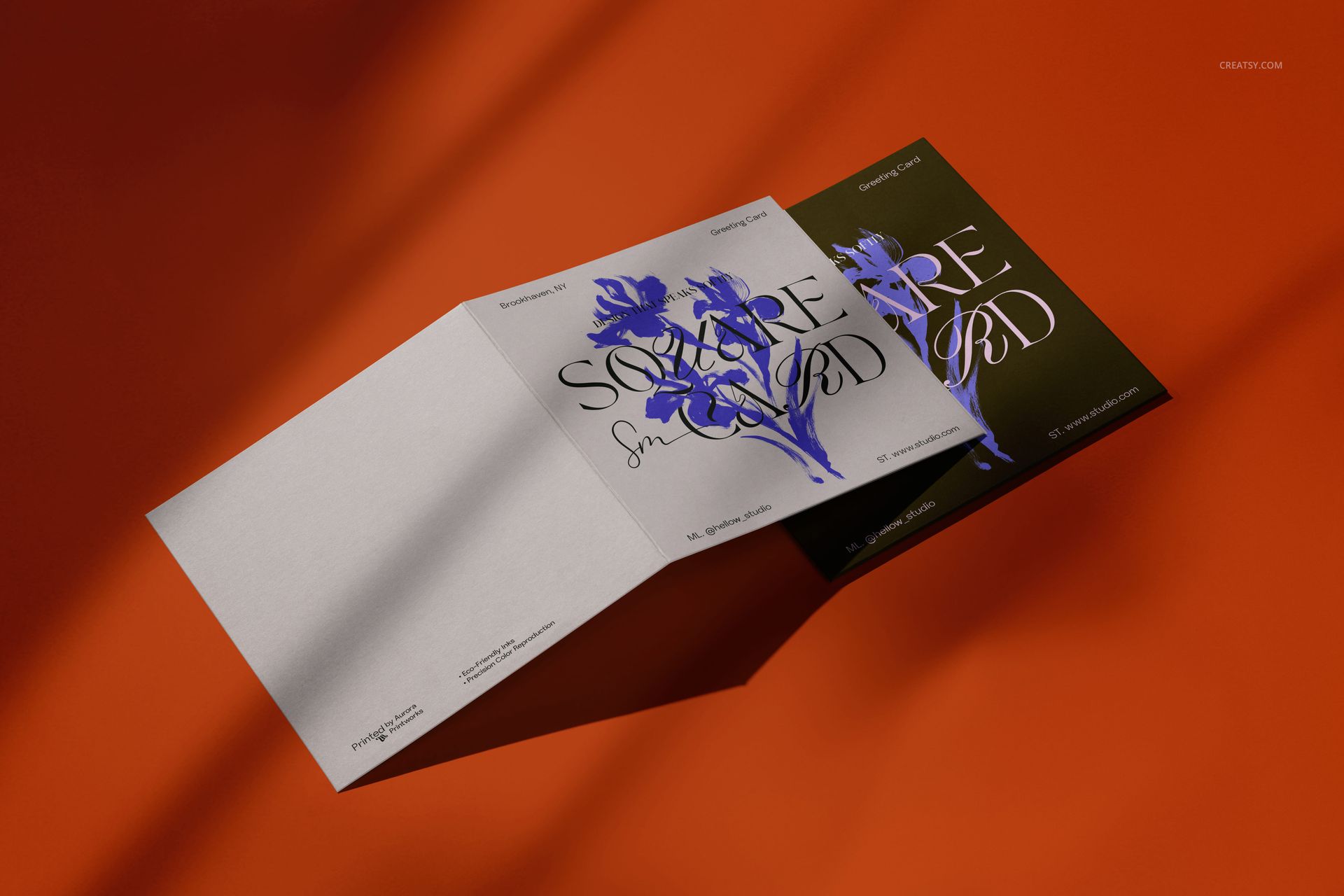
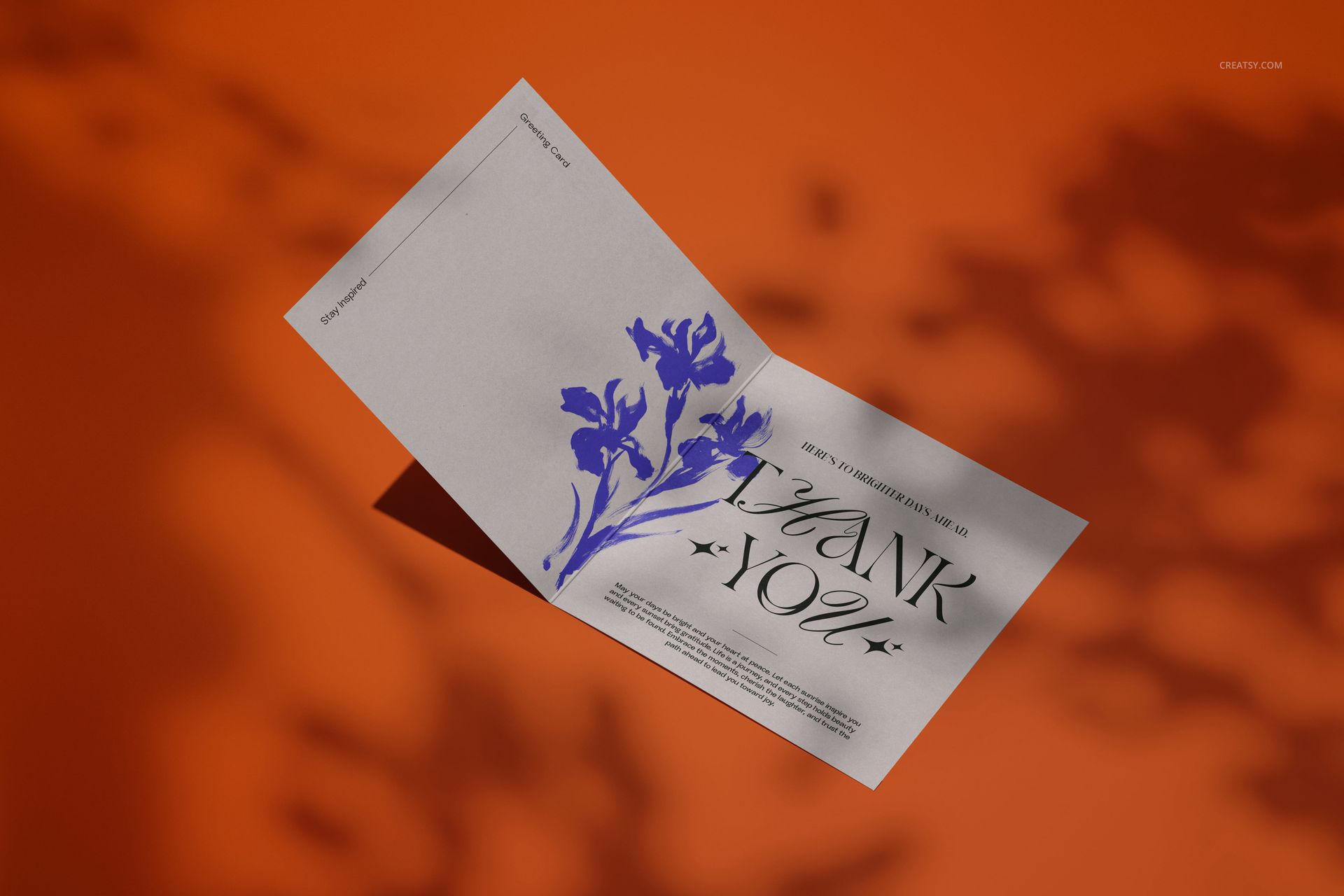
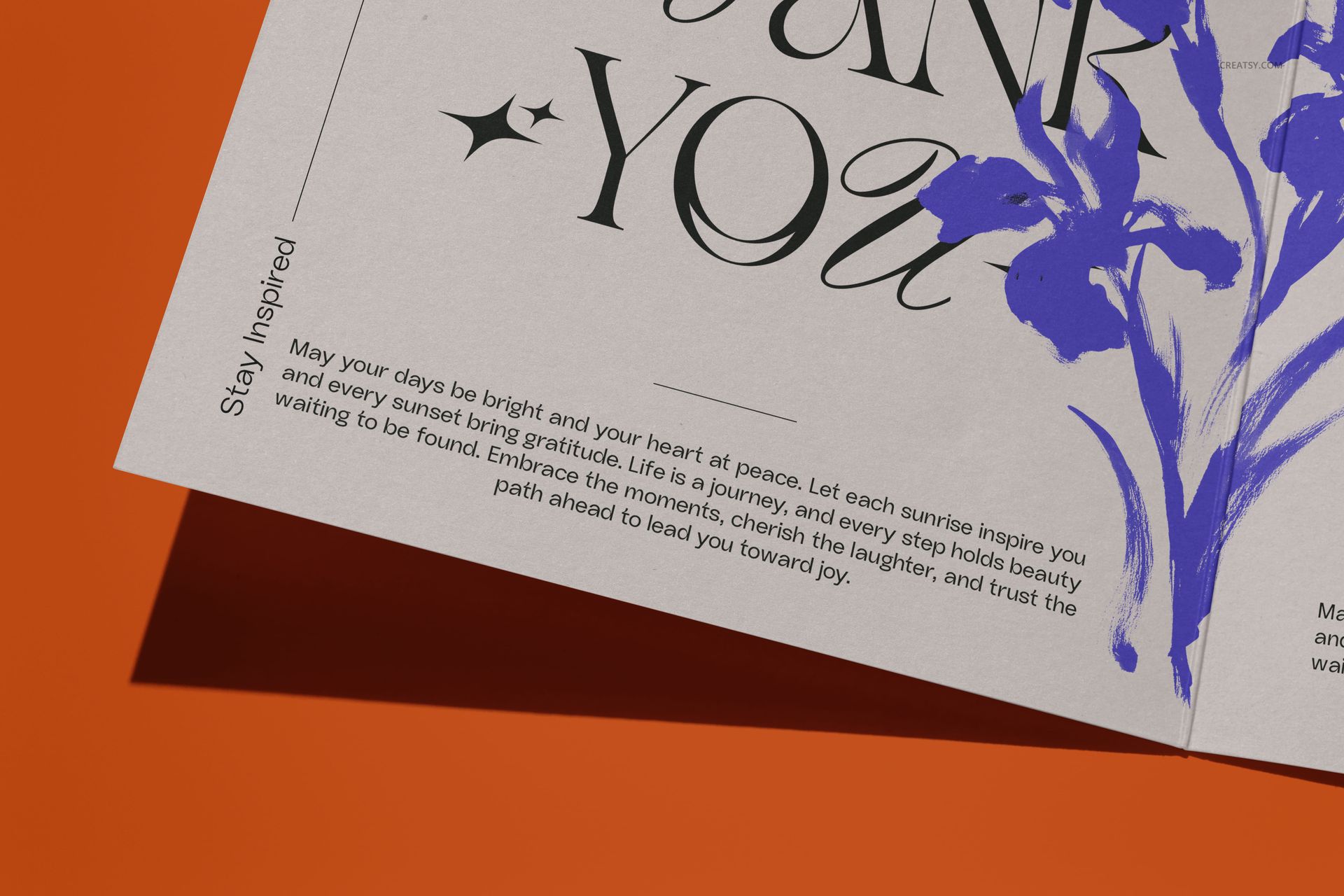
Present a square greeting card as a complete stationery story across seven coordinated landscape scenes. The collection moves from closed cards and envelope pairings to open folds, stacked compositions, interior messages, and close-up details, giving clients a clear view of one design from several useful angles.
Use the set to compare artwork placement, review how typography sits near a fold, and build a varied campaign without arranging a physical photo shoot. Every PSD combines high-resolution output with an organized editing workflow.
What Is Included
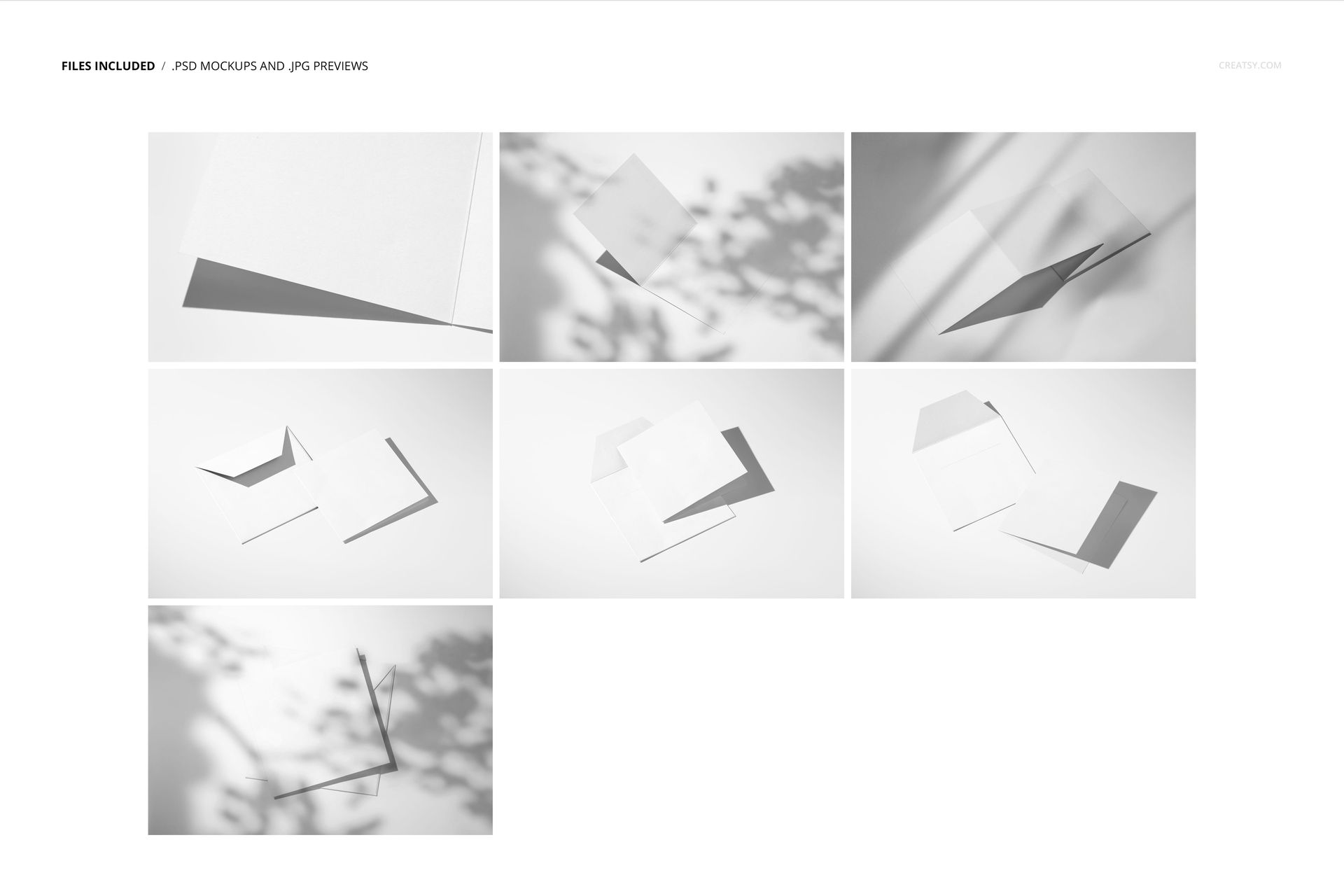
7 layered PSD mockup files for square folded greeting cards and envelopes
7 JPG previews at 512 × 342 px, 14 files in total
Landscape PSD scenes at 6000 × 4000 px and 300 DPI
Closed, open, stacked, interior, envelope, and close-up compositions
Smart Object artwork placement and organized layers
Seven Scenes and Flexible Backgrounds
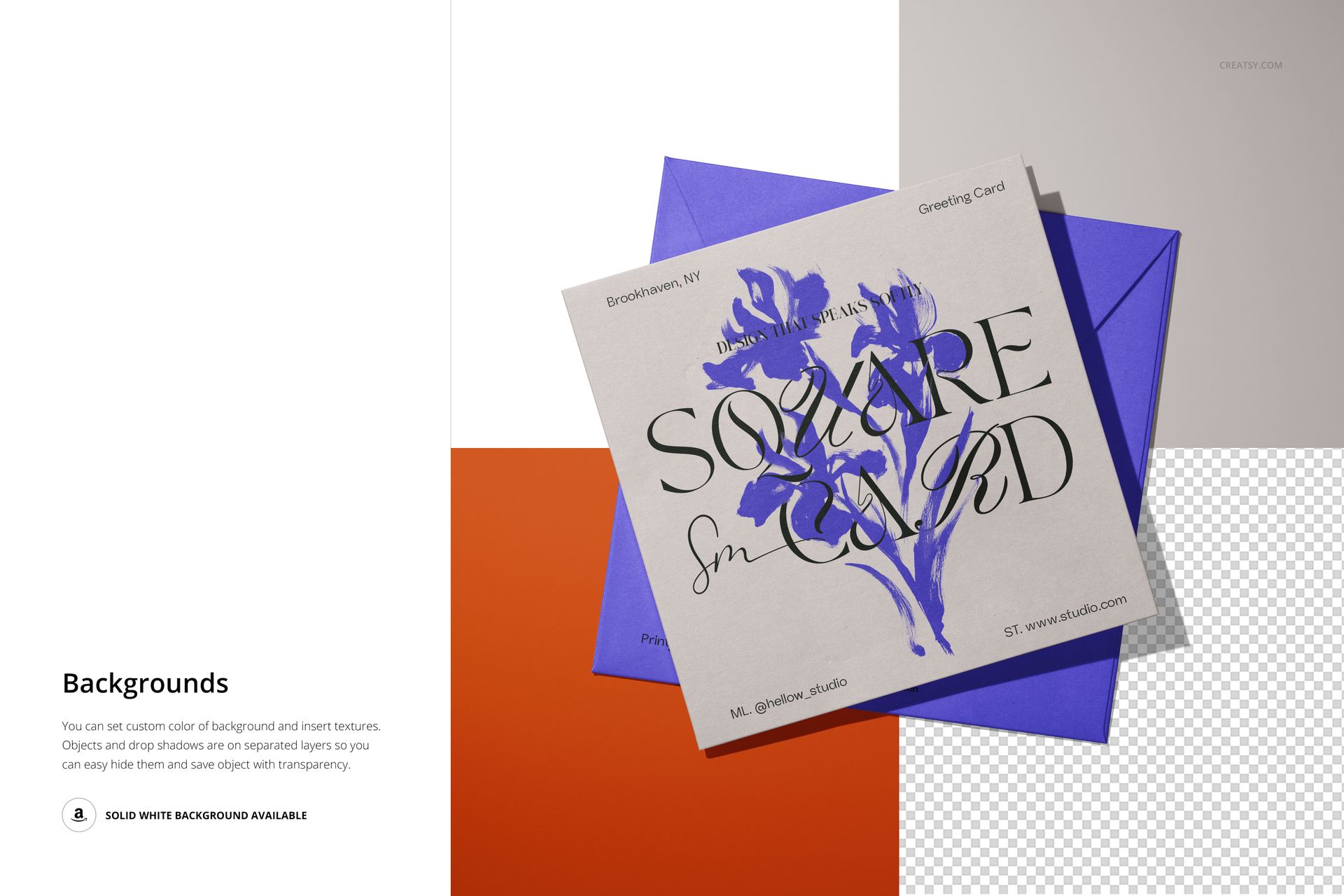
Move through a coordinated sequence of card presentations while keeping the visual direction consistent. The supplied controls let you set a custom background color, add a background texture, switch to solid white, or hide the separated object and drop-shadow layers for a transparent export.
Easy Smart Object Editing
Open a PSD in Adobe Photoshop CC2020 or newer, or use Photopea in your browser. Replace the placeholder artwork through the Smart Object layer, save the change, and let the scene preserve the perspective, folds, shadows, and lighting.
Perfect For
Greeting card launches and seasonal stationery collections
Wedding invitations, announcements, and thank-you cards
Illustrator portfolios and stationery brand presentations
Client approvals, print discussions, and campaign planning
Product galleries, lookbooks, and wholesale previews
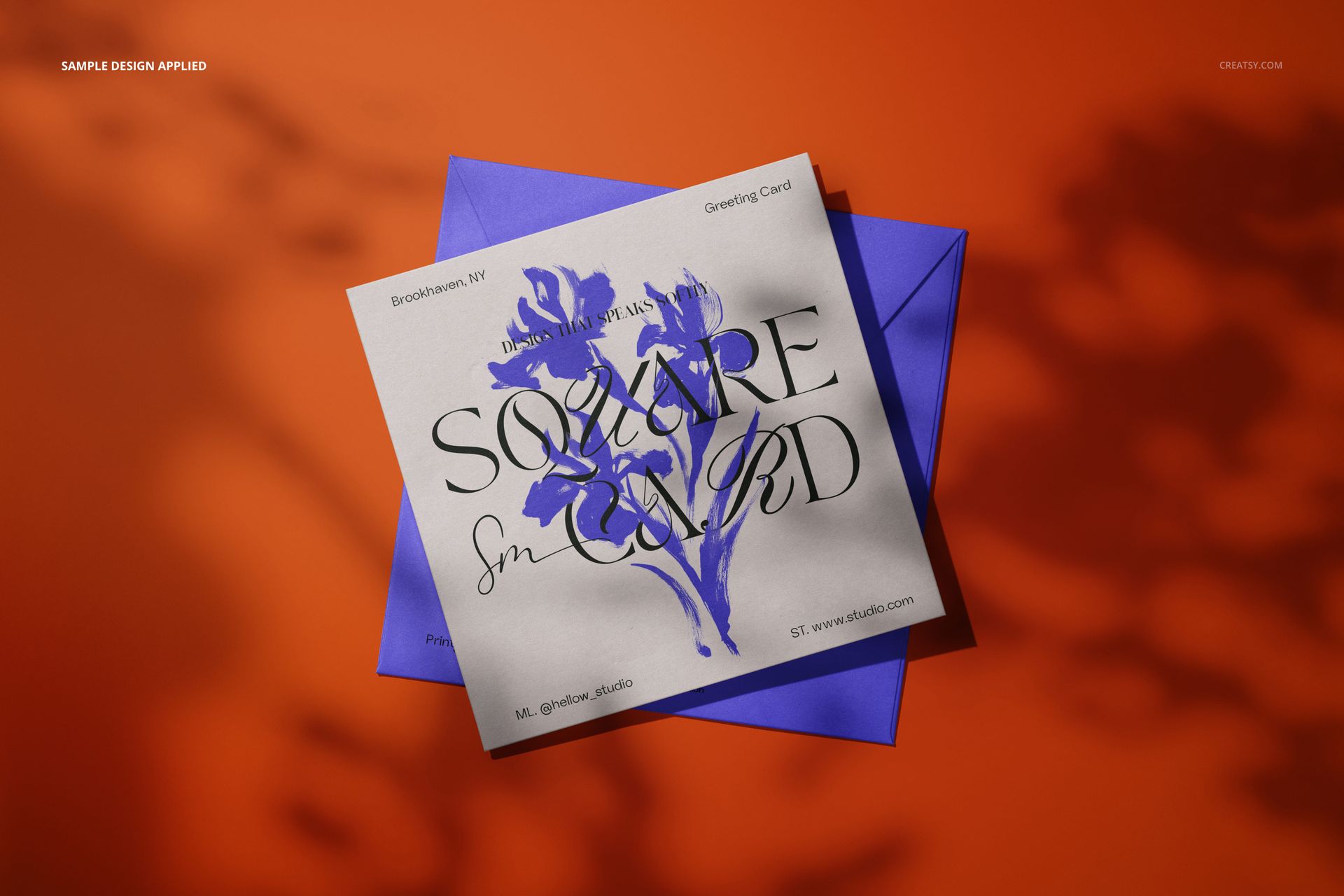
This is a digital mockup product. The sample artwork shown in the previews is for presentation only and is not included as a separate design asset.