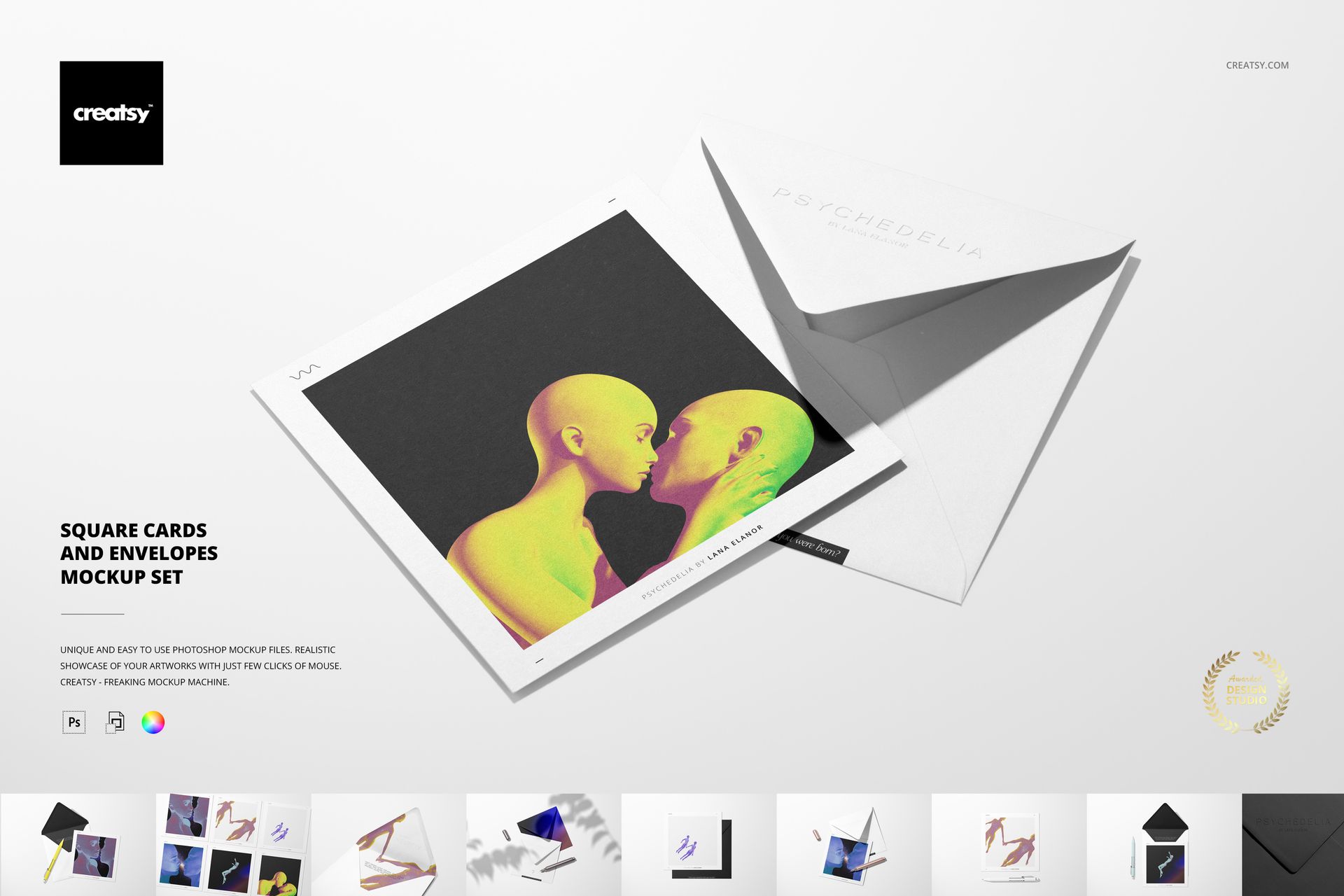
Square Cards and Envelopes Mockup Set
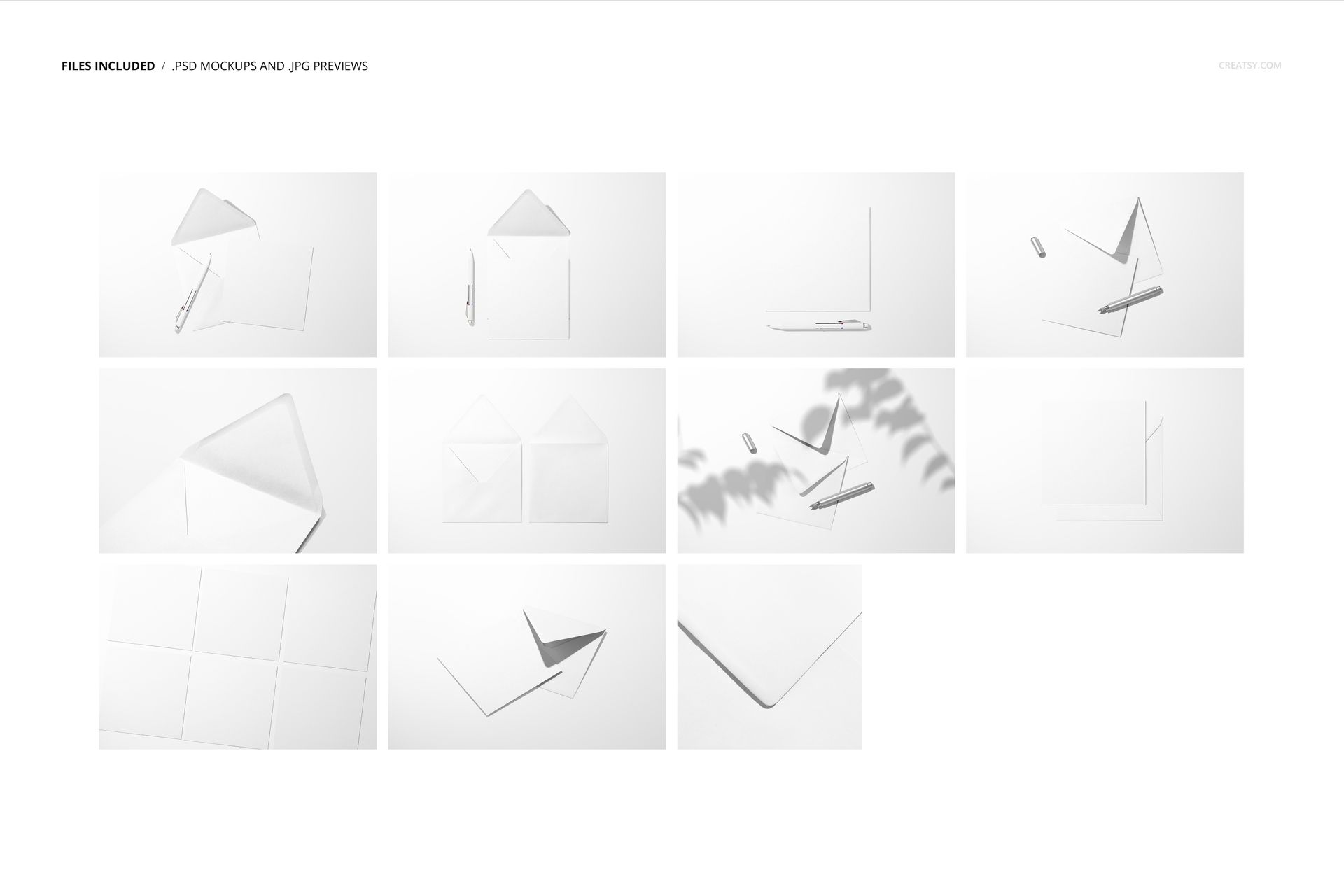
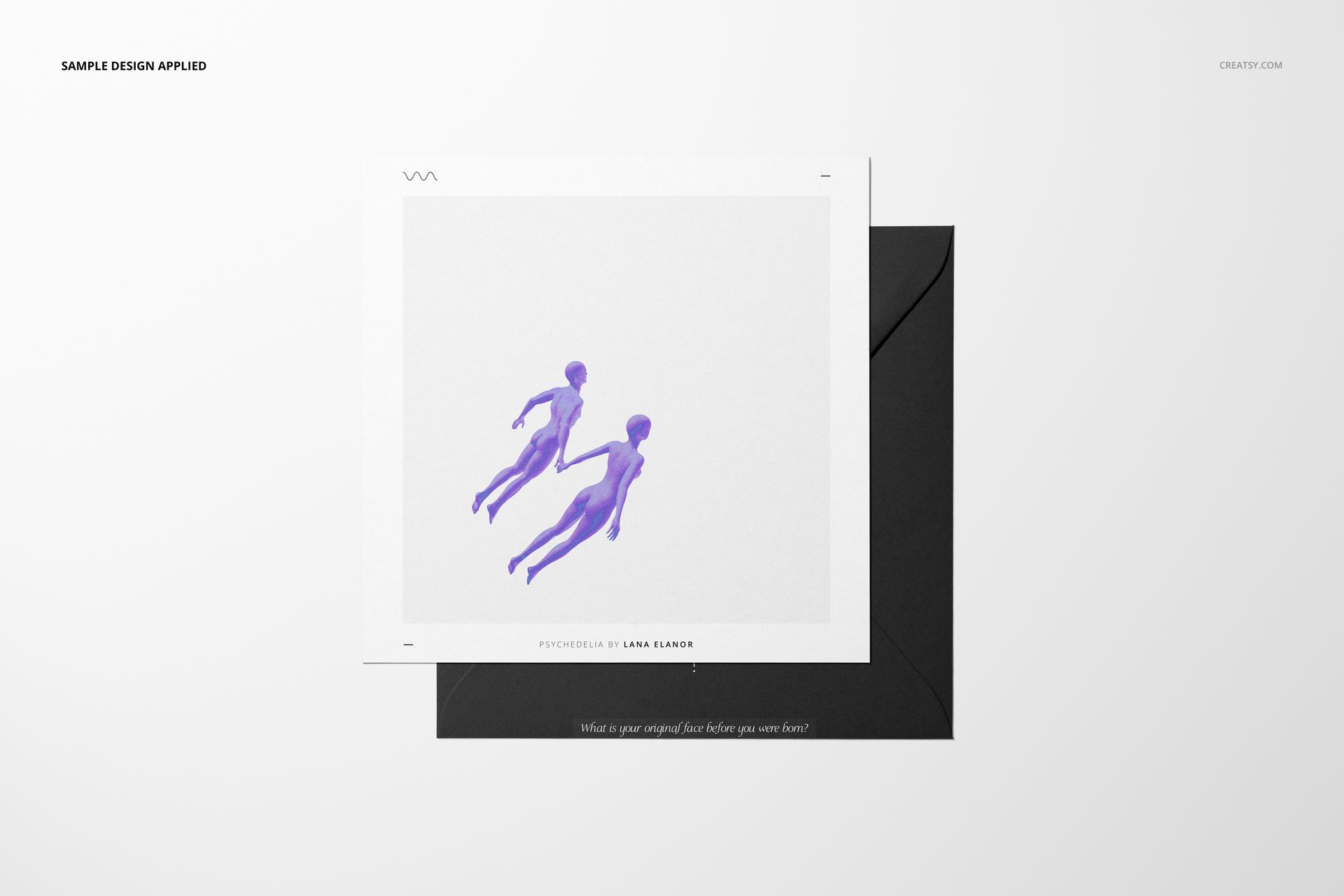
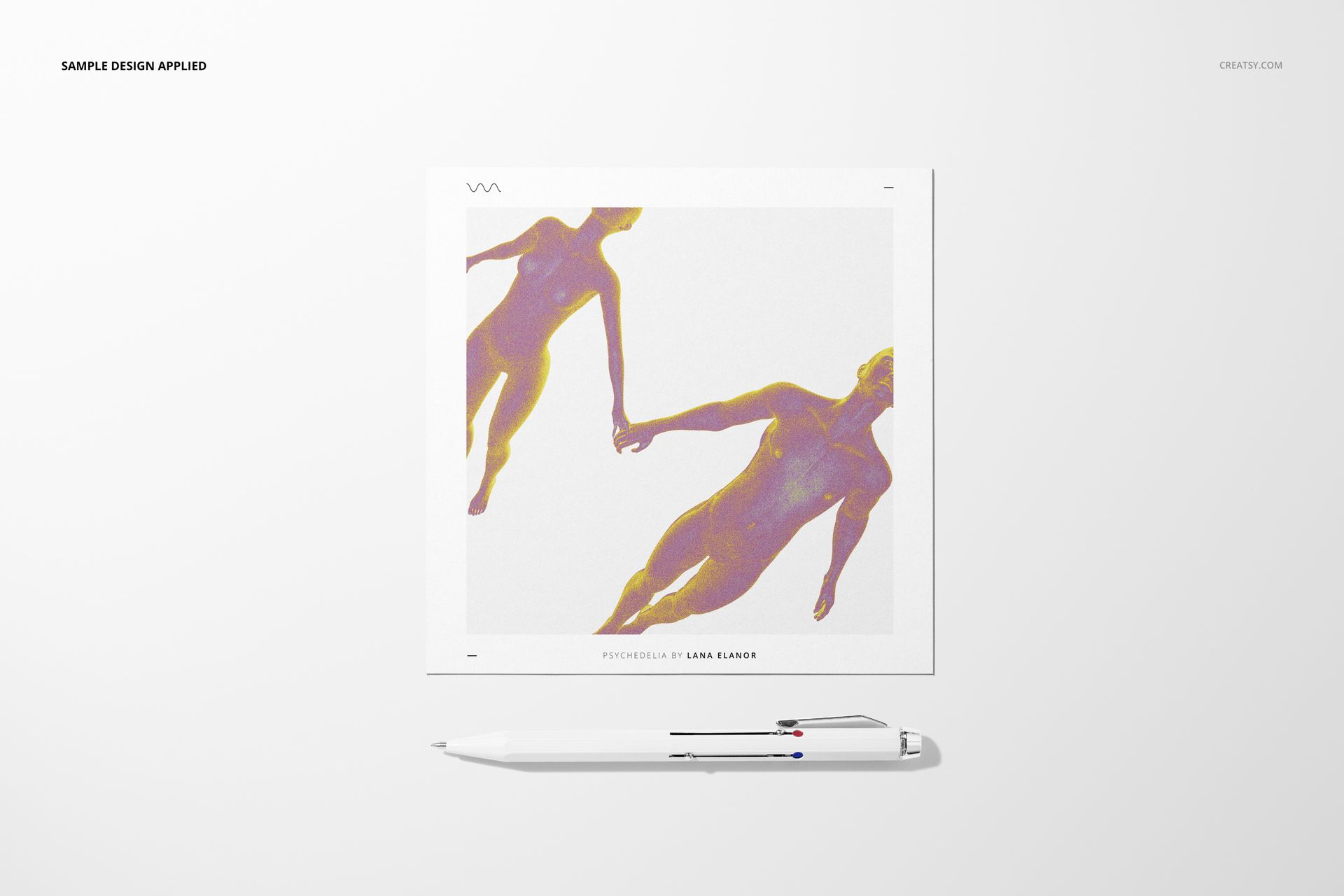
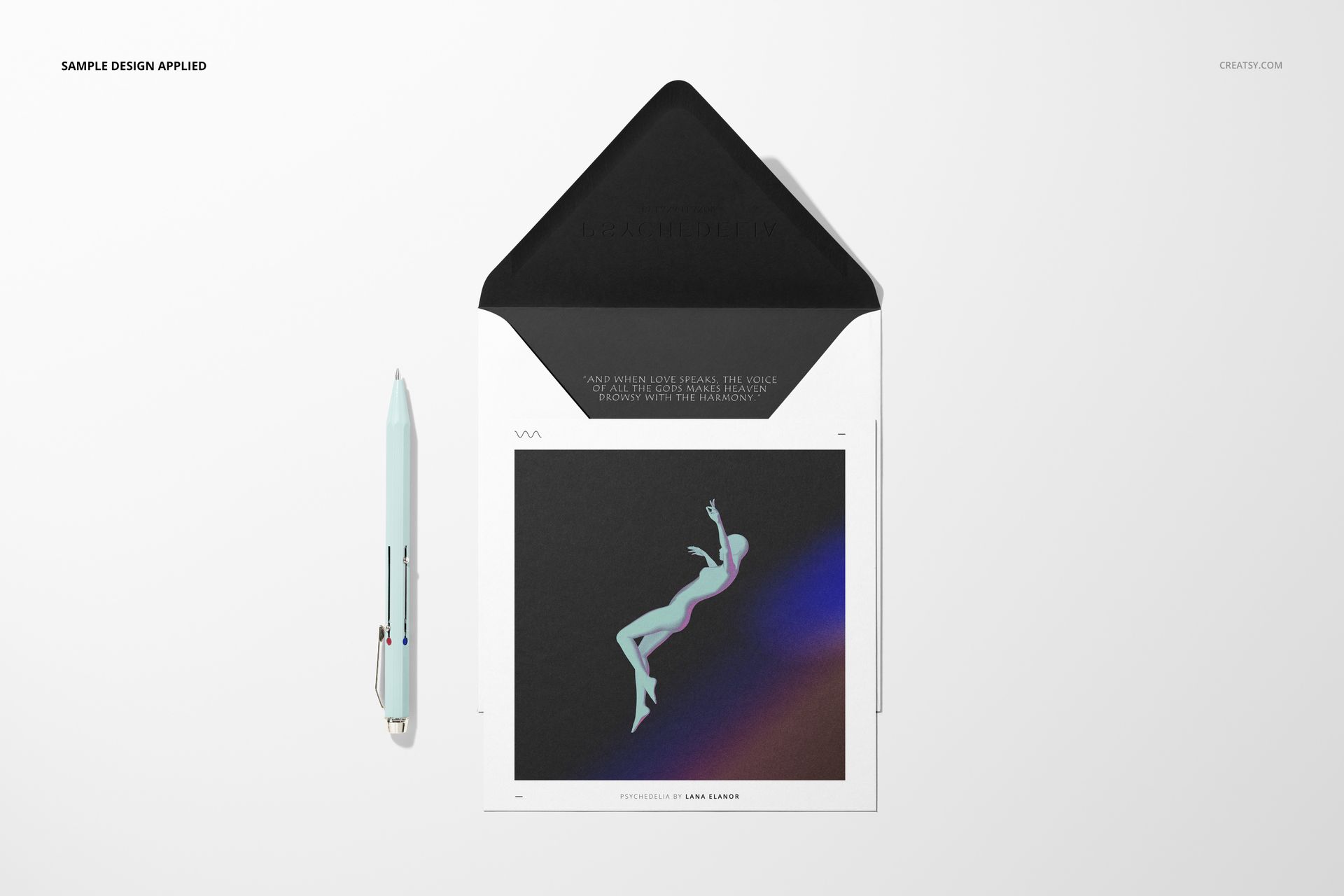
Let a square illustration collection move from a single card to a complete stationery gallery. This set brings together 11 PSD scenes with flat square cards, matching envelopes, writing instruments and a multi-card layout for presenting several designs together.
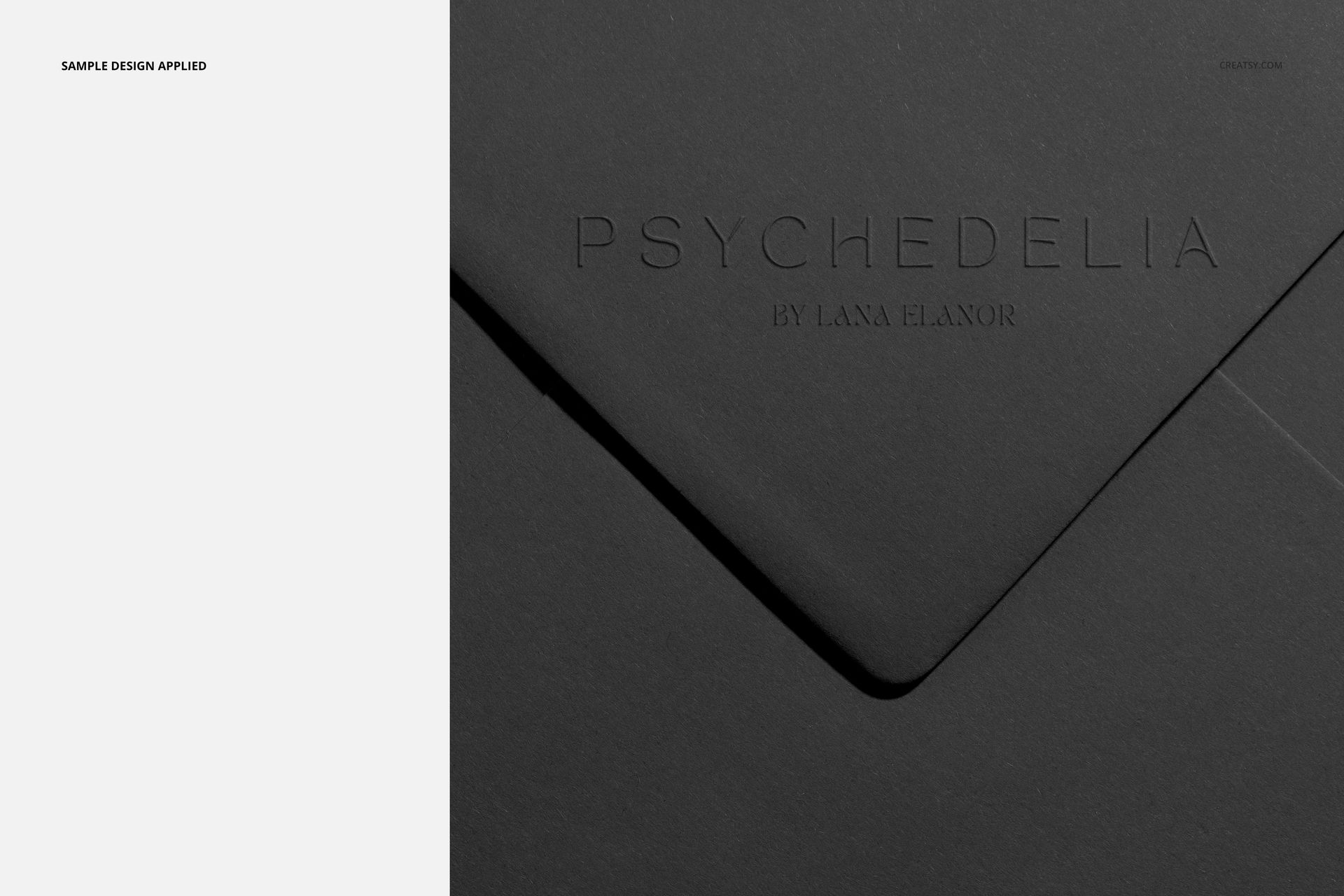
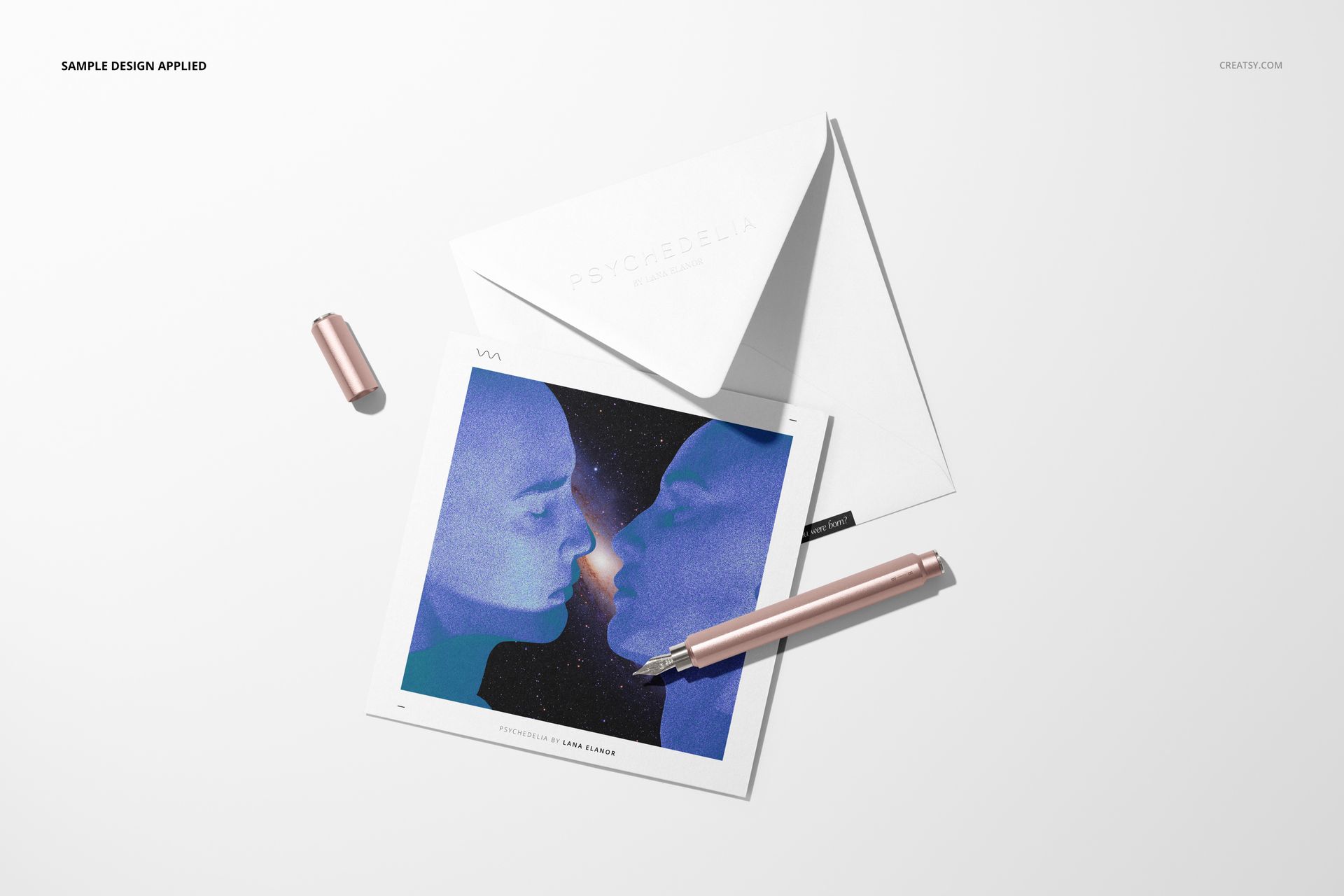
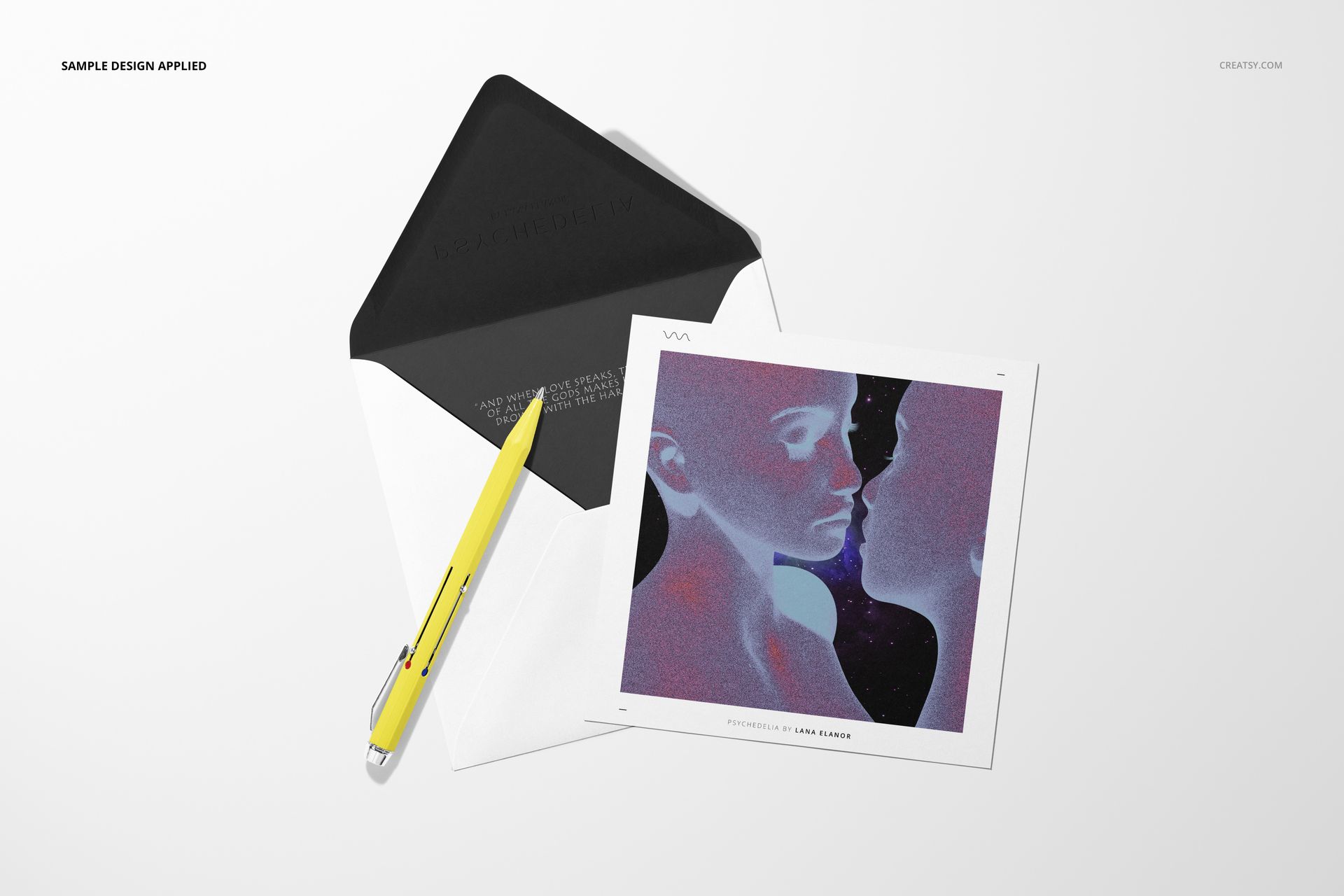
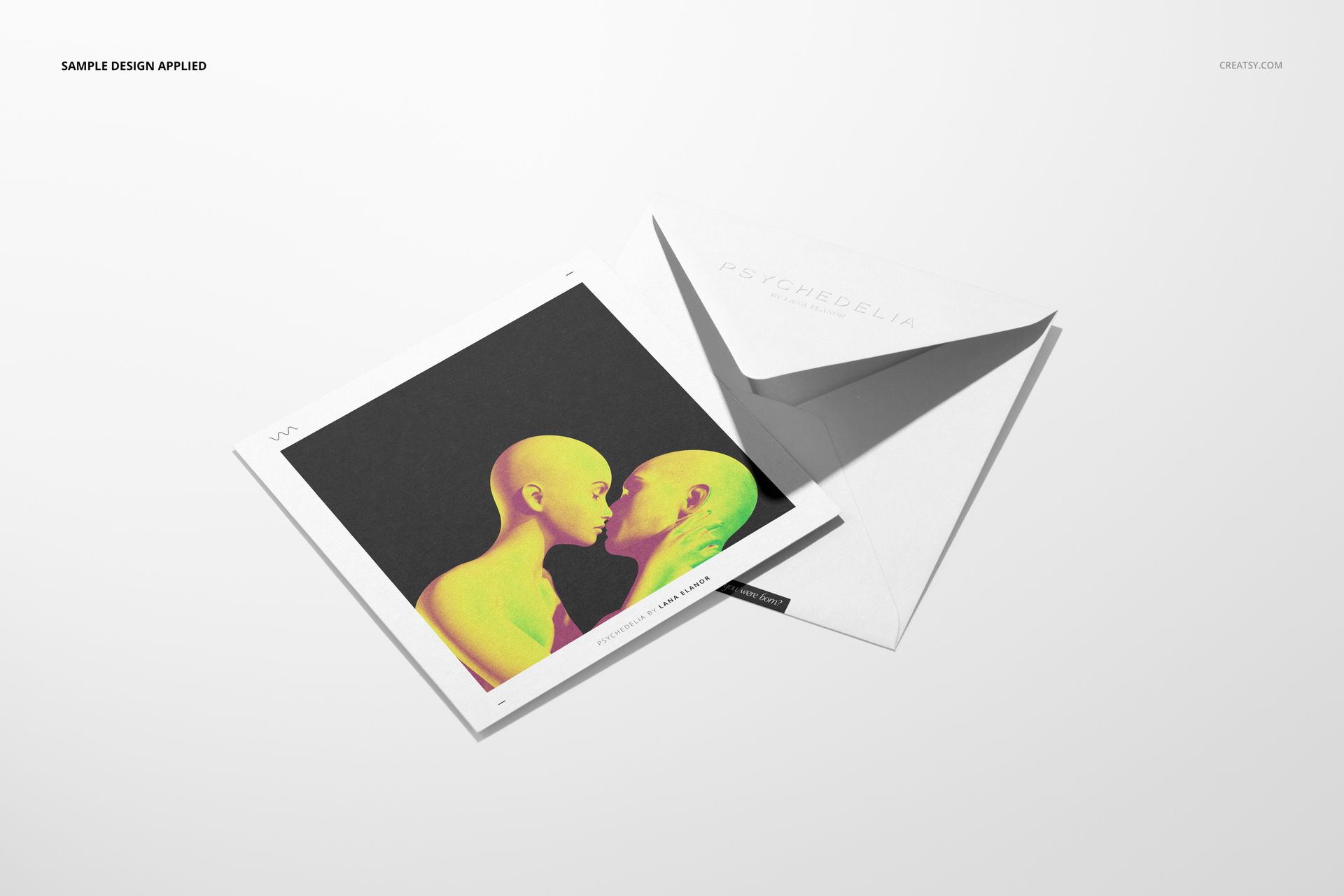
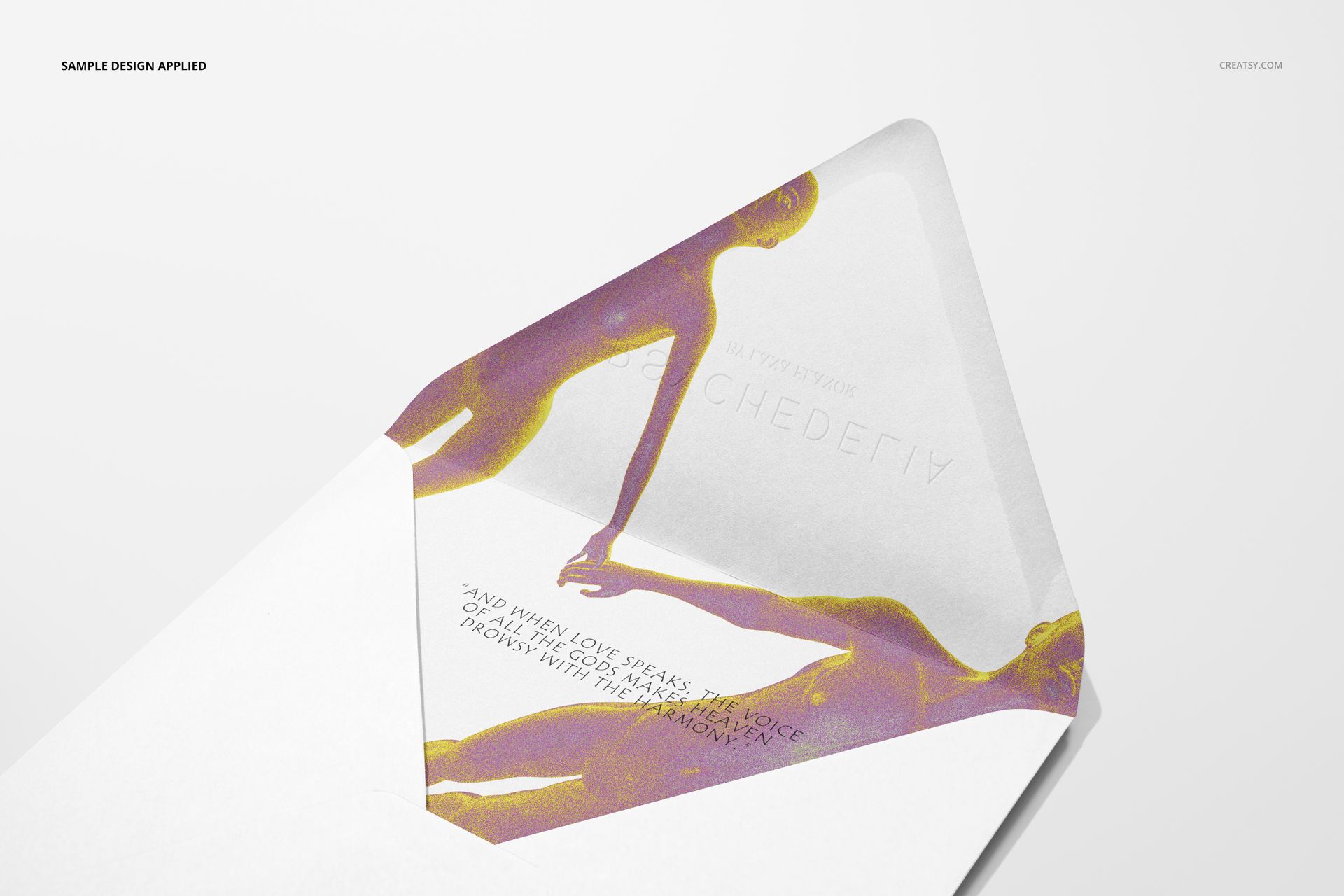
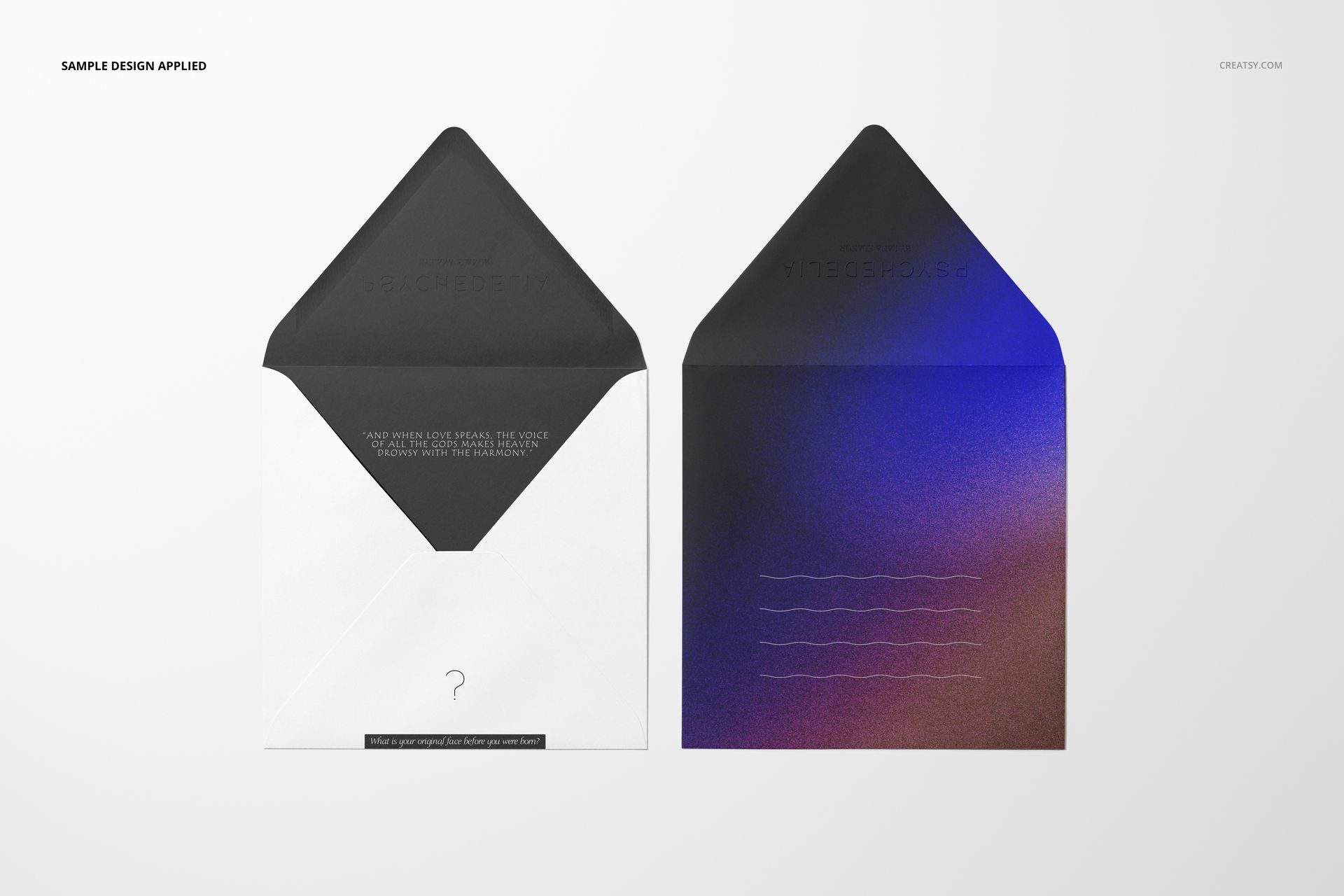
An open envelope reveals how the interior relates to the card, while closed-flap and close-up views draw attention to quieter details. Use that variety to show both the artwork and the surrounding stationery design.
What Is Included
11 layered PSD scenes with organized Smart Objects
11 JPG previews and 1 PDF user manual, 23 files in total
10 landscape PSDs at 6000 × 4000 px and 1 square PSD at 5000 × 5000 px, all at 300 DPI
Compatible with Adobe Photoshop CC2015 or newer and Photopea
From One Card to a Coordinated Series
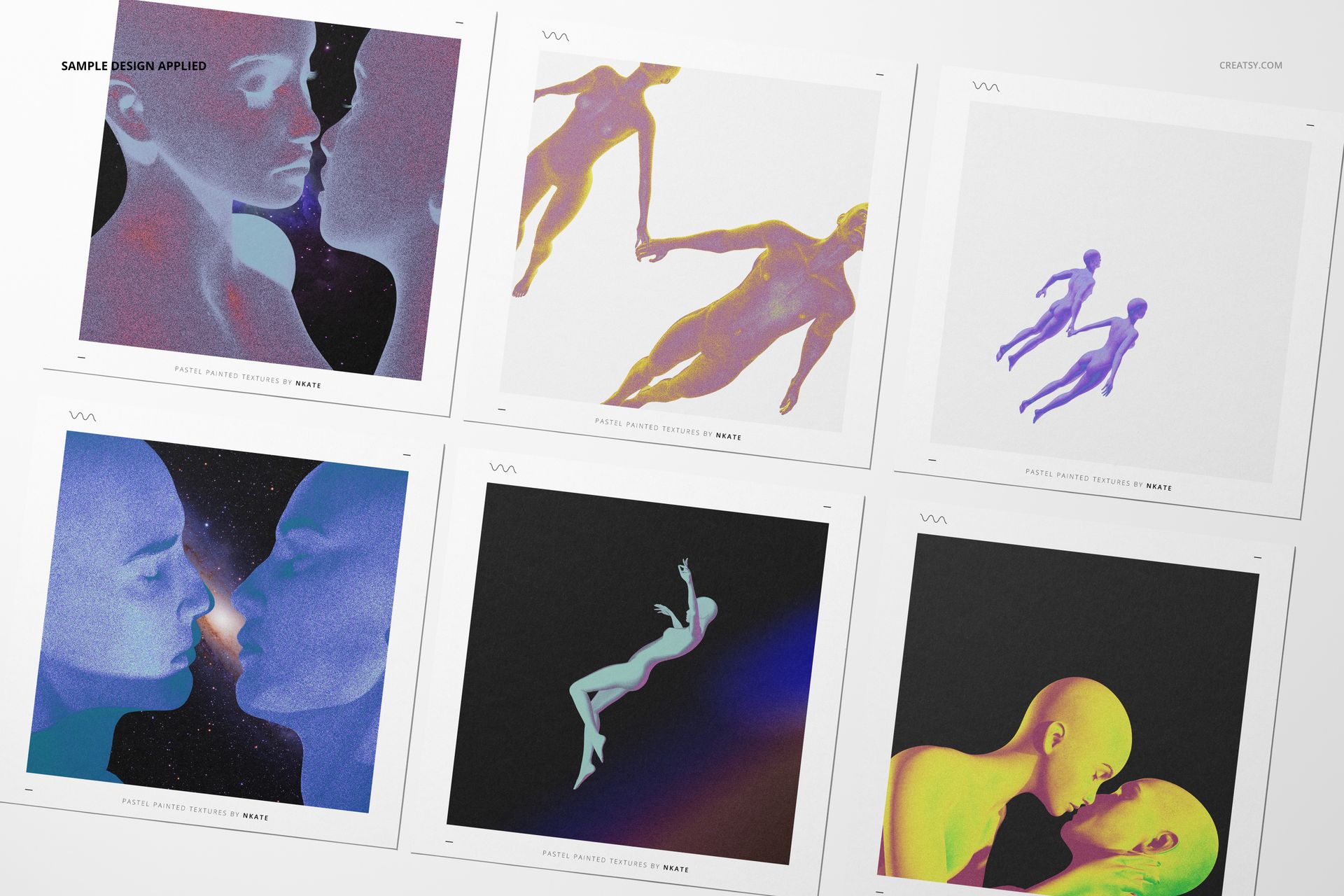
The gallery includes individual cards, card-and-envelope pairings, open and closed envelopes, close-up details and a six-card arrangement. Overhead and angled views reveal different aspects of the same design, from the complete illustration to the paper surface and envelope flap.
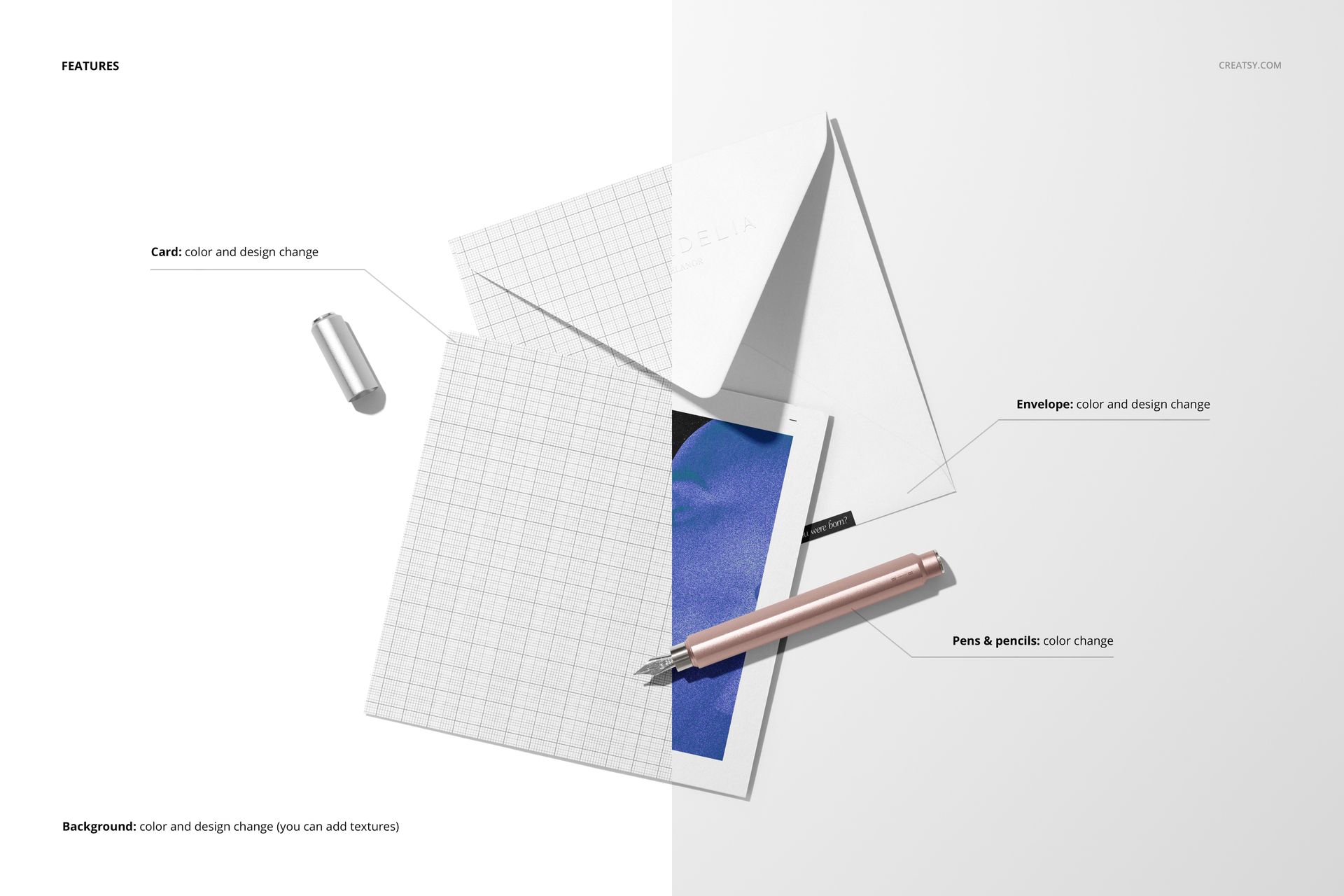
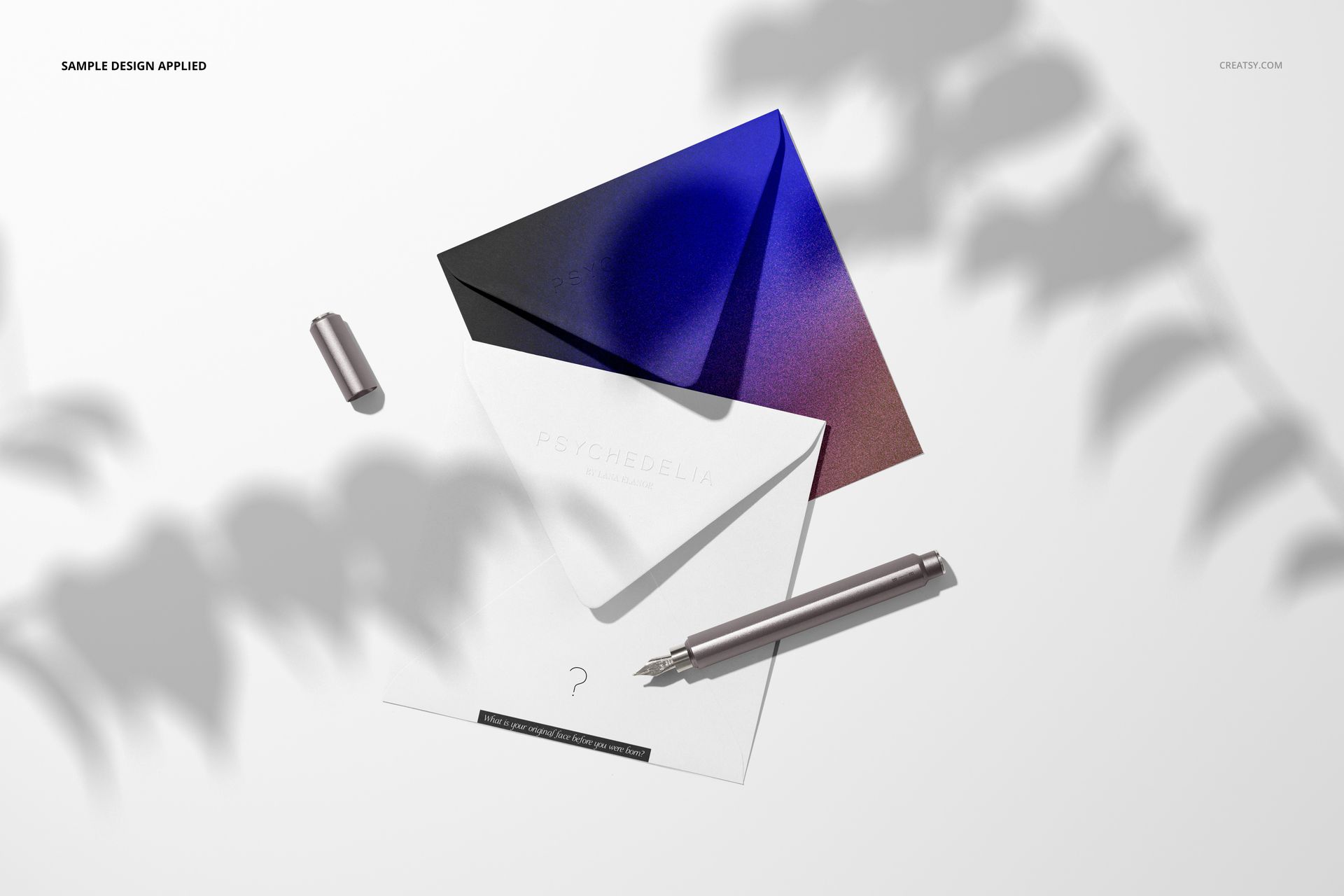
Change card and envelope colors and designs, including artwork on the visible envelope interior.
Recolor the pens and pencils featured in the prepared scenes.
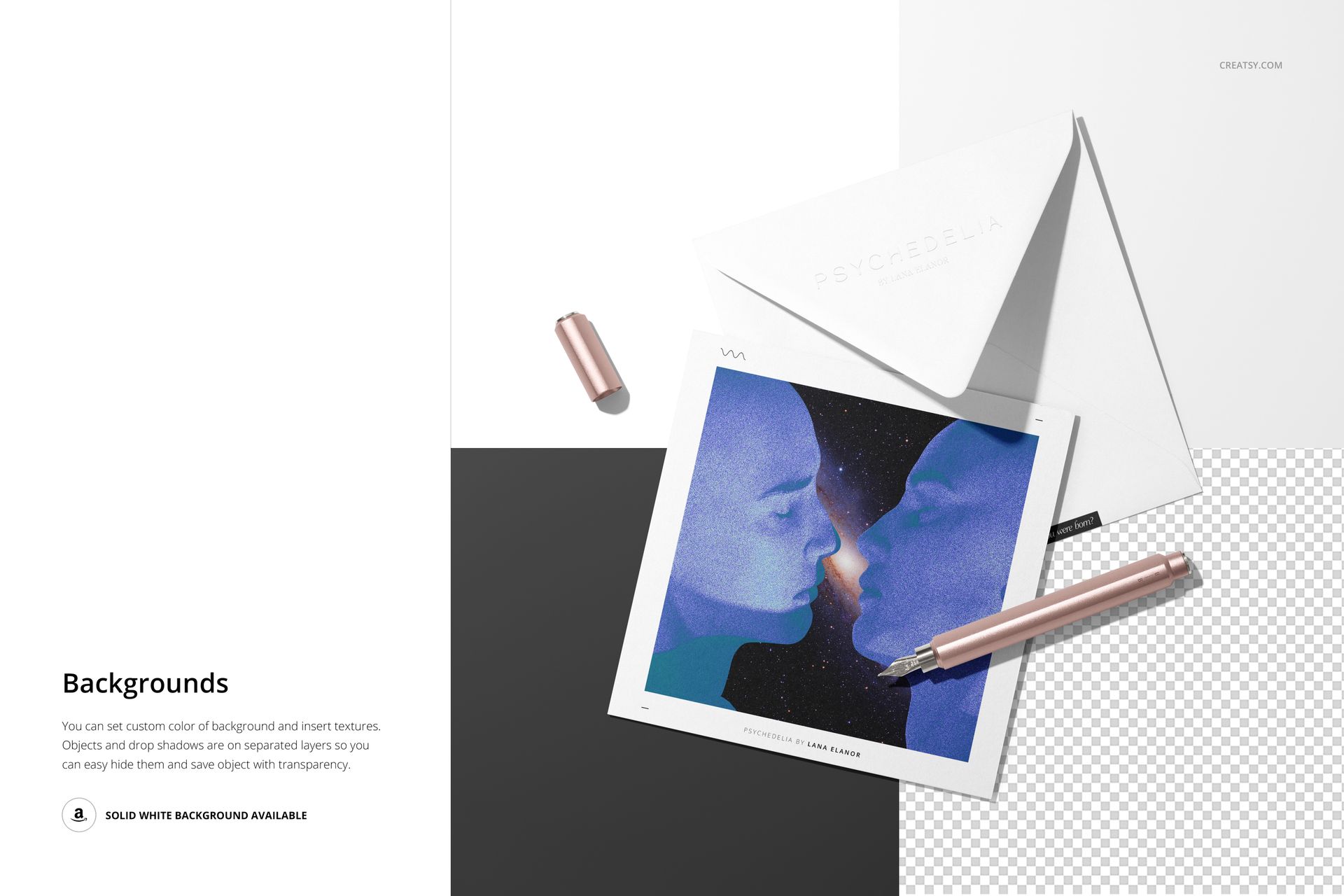
Set a custom background color or insert your own texture.
Use separate object and drop-shadow layers to hide elements and export with transparency.
Easy Smart Object Editing
Replace the card and envelope artwork inside the relevant Smart Objects, save each object and return to the main scene. Adjust the color layers to connect the artwork with its envelope and stationery props. Use the multiple-card composition to compare a related series in one image.
Perfect For
Illustration-led greeting cards and square invitation collections
Artist stationery, surface pattern ranges and coordinated paper goods
Portfolio case studies, client presentations and online shop galleries
This download contains digital mockup files, not physical stationery. Sample artwork, including the featured designs by Lana Elanor, is shown for presentation only and is not included.