Hands Holding Envelope and Card Mockup with Peonies
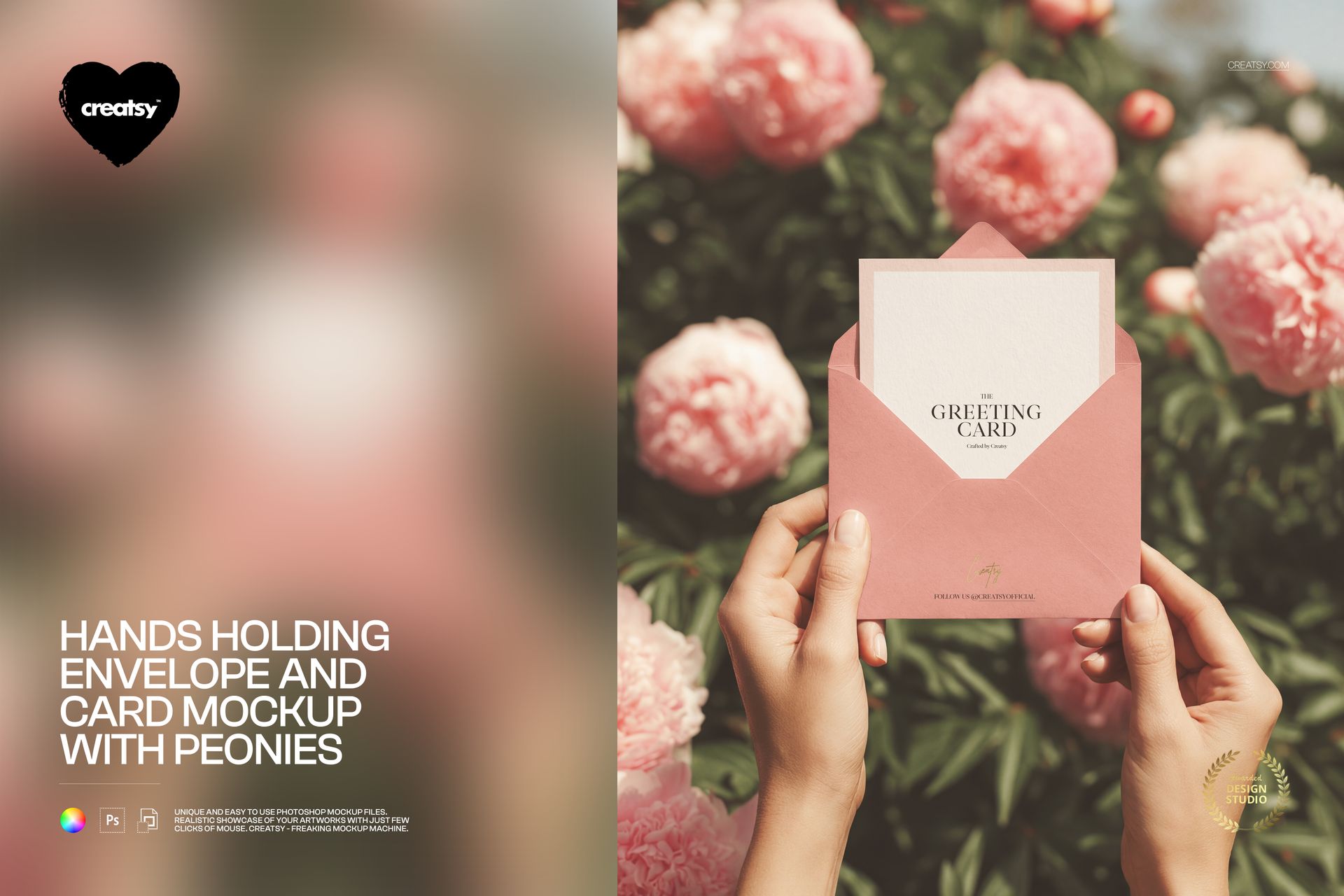
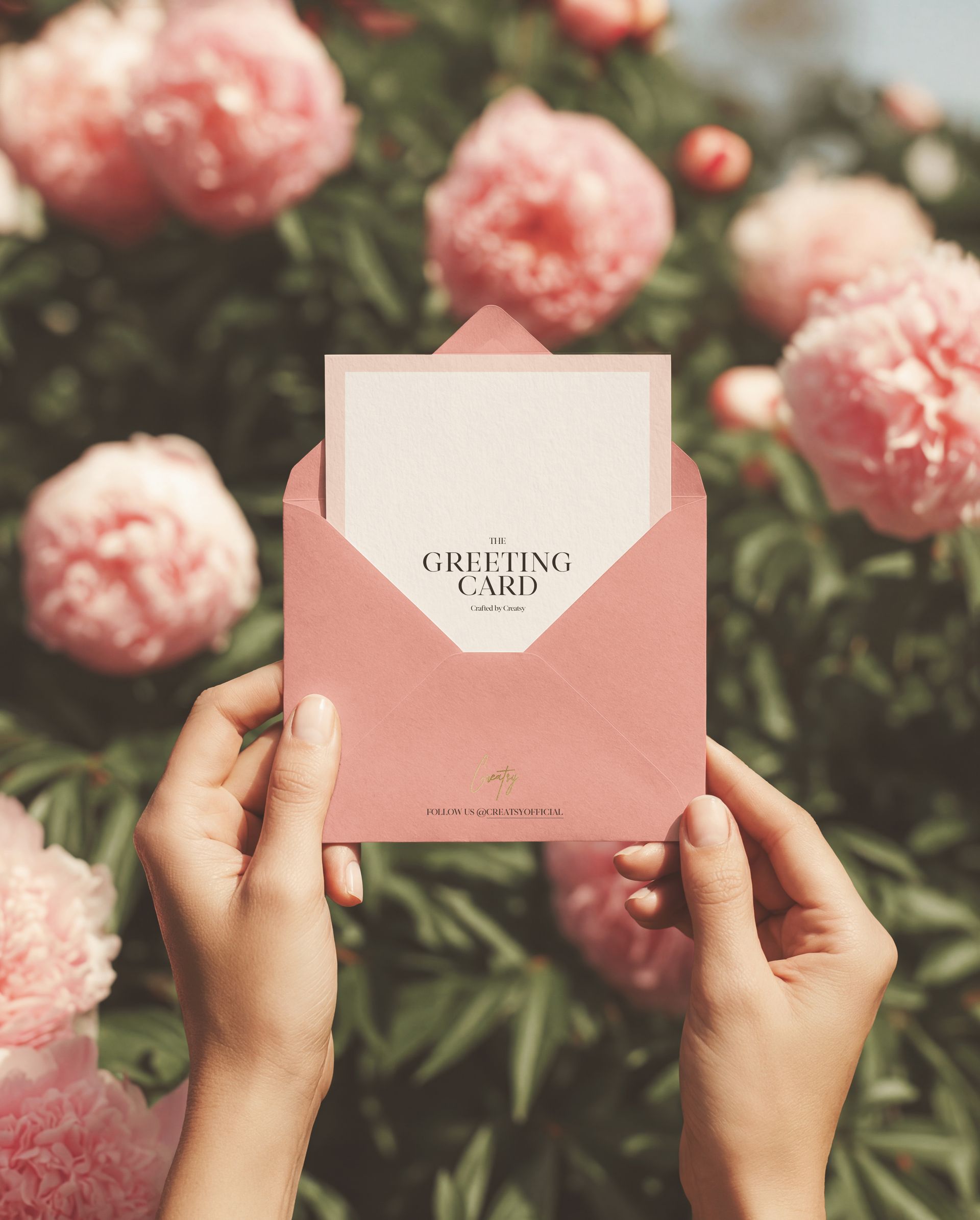
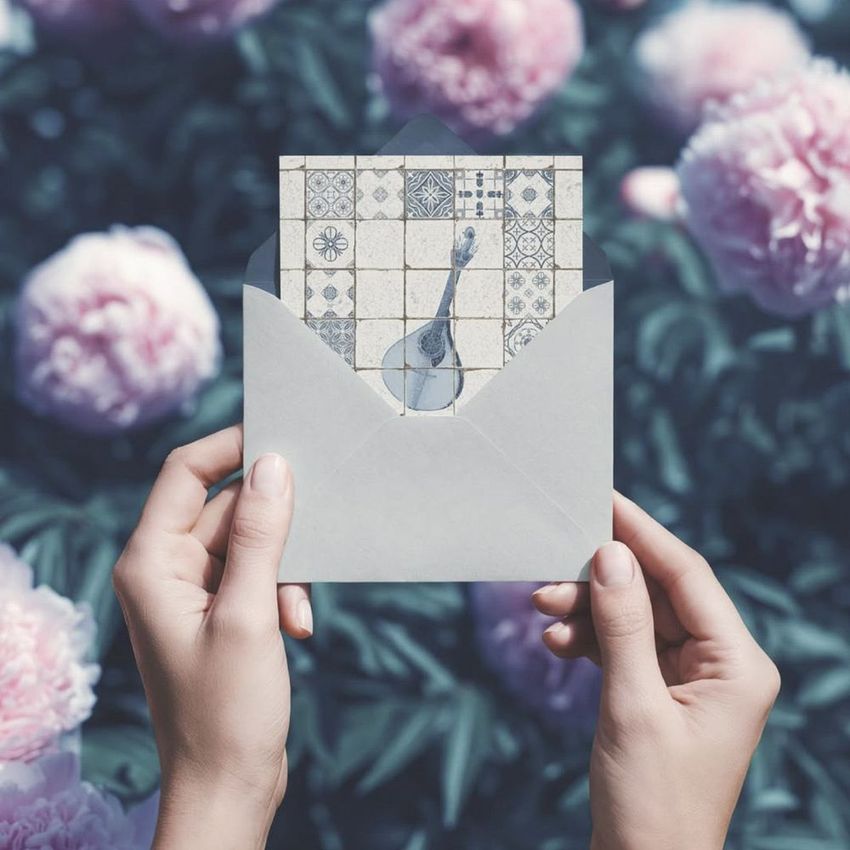
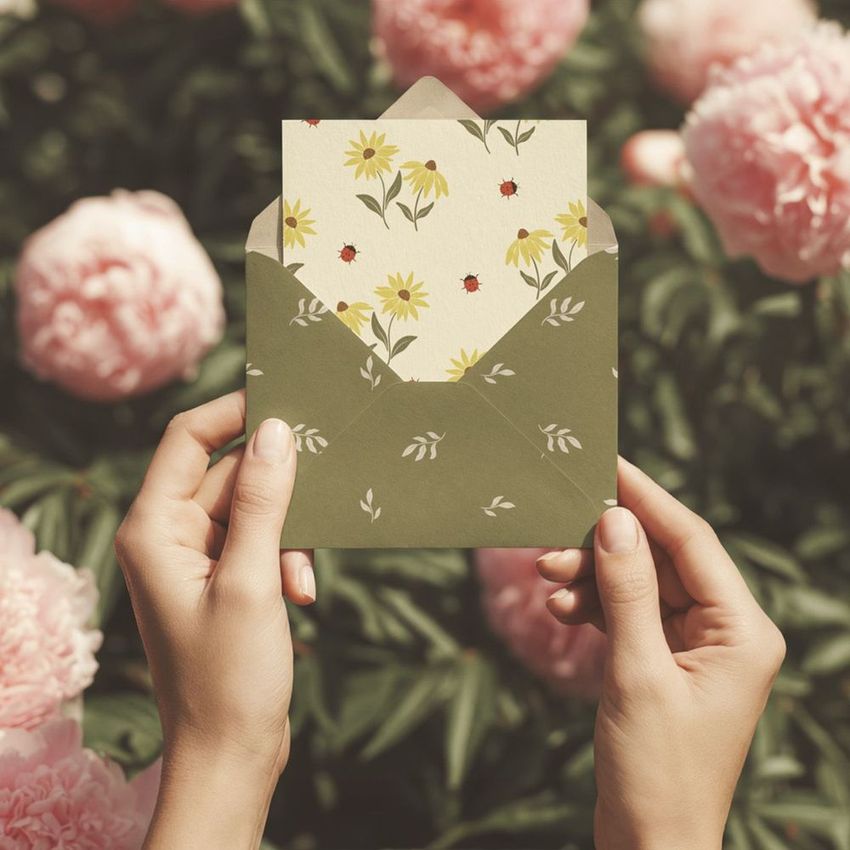
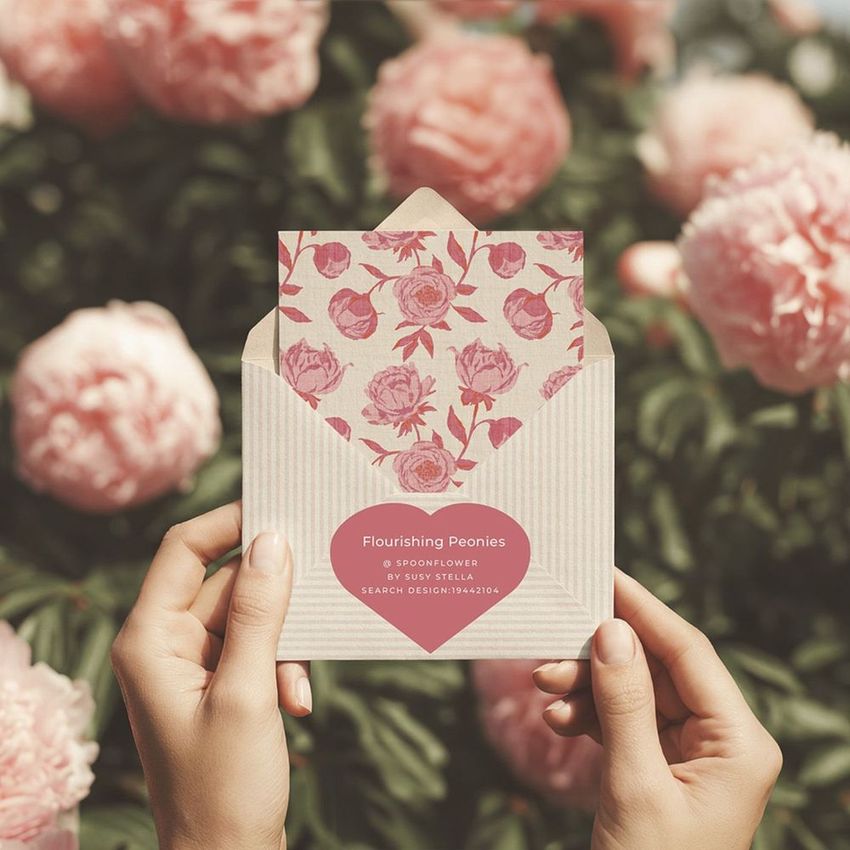
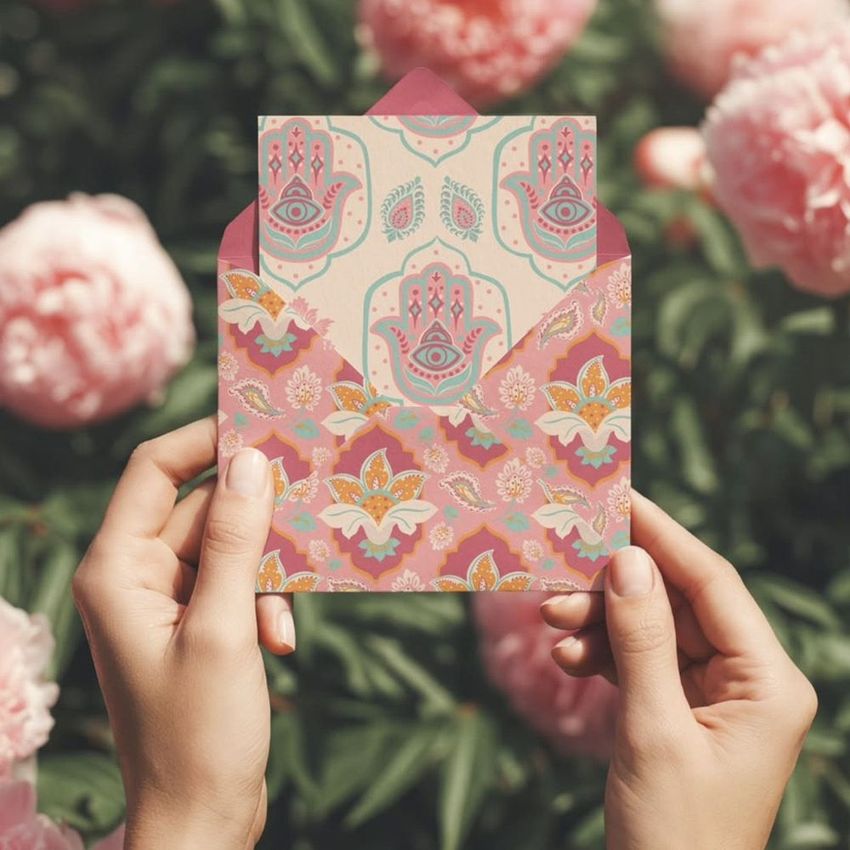
Show a coordinated card and envelope in a softly romantic, hand-held scene framed by blurred pink peonies. Two hands hold the open envelope upright, giving invitation and greeting card artwork a believable sense of scale while keeping the design at the center of the image.
The single portrait composition is useful for comparing color pairings, presenting a client proof, or building a polished product gallery without arranging a physical shoot. Its fixed floral background keeps the atmosphere consistent while the foreground stationery can be repositioned.
What Is Included
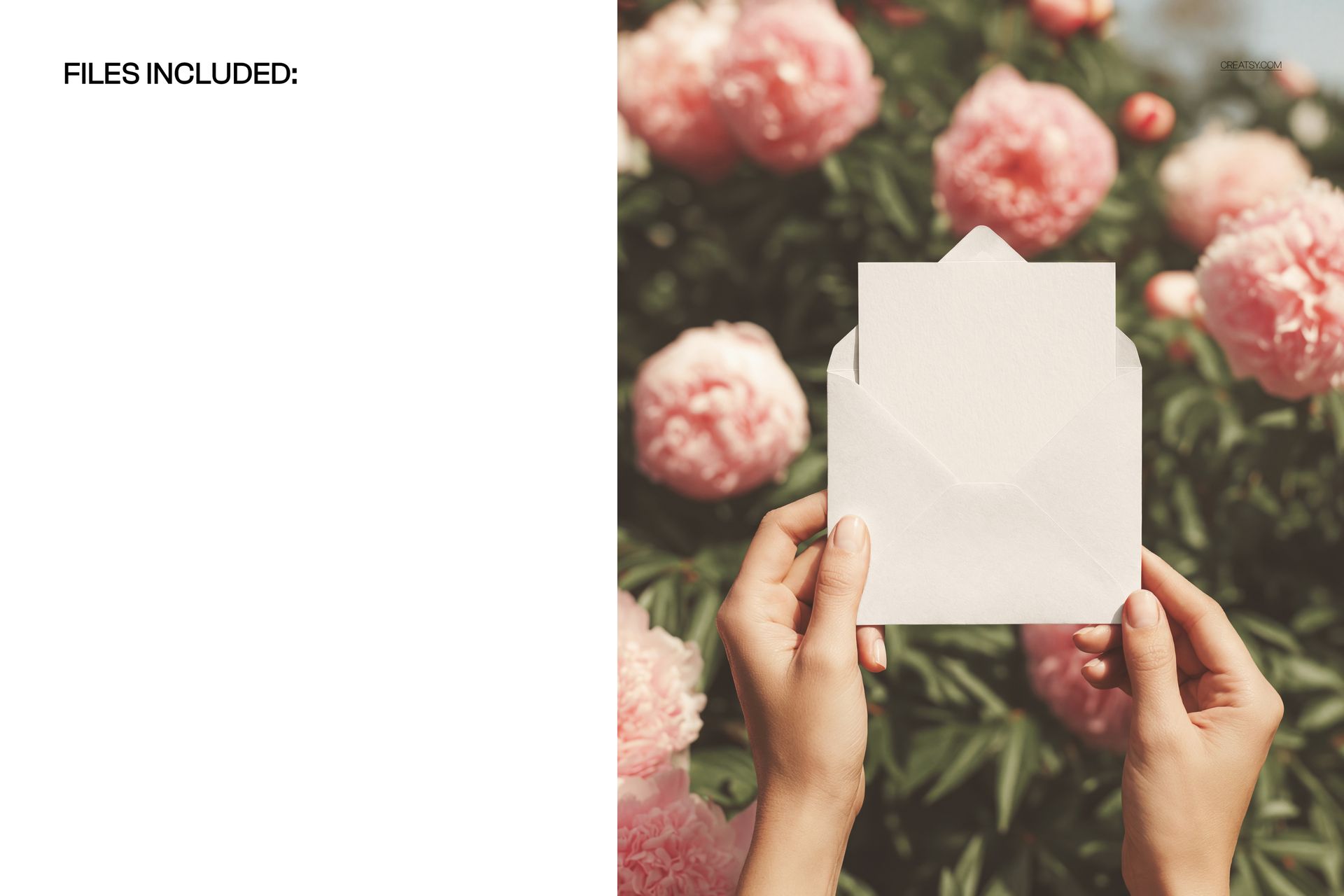
1 layered PSD mockup with one portrait stationery scene
1 JPG preview, 2 files in total
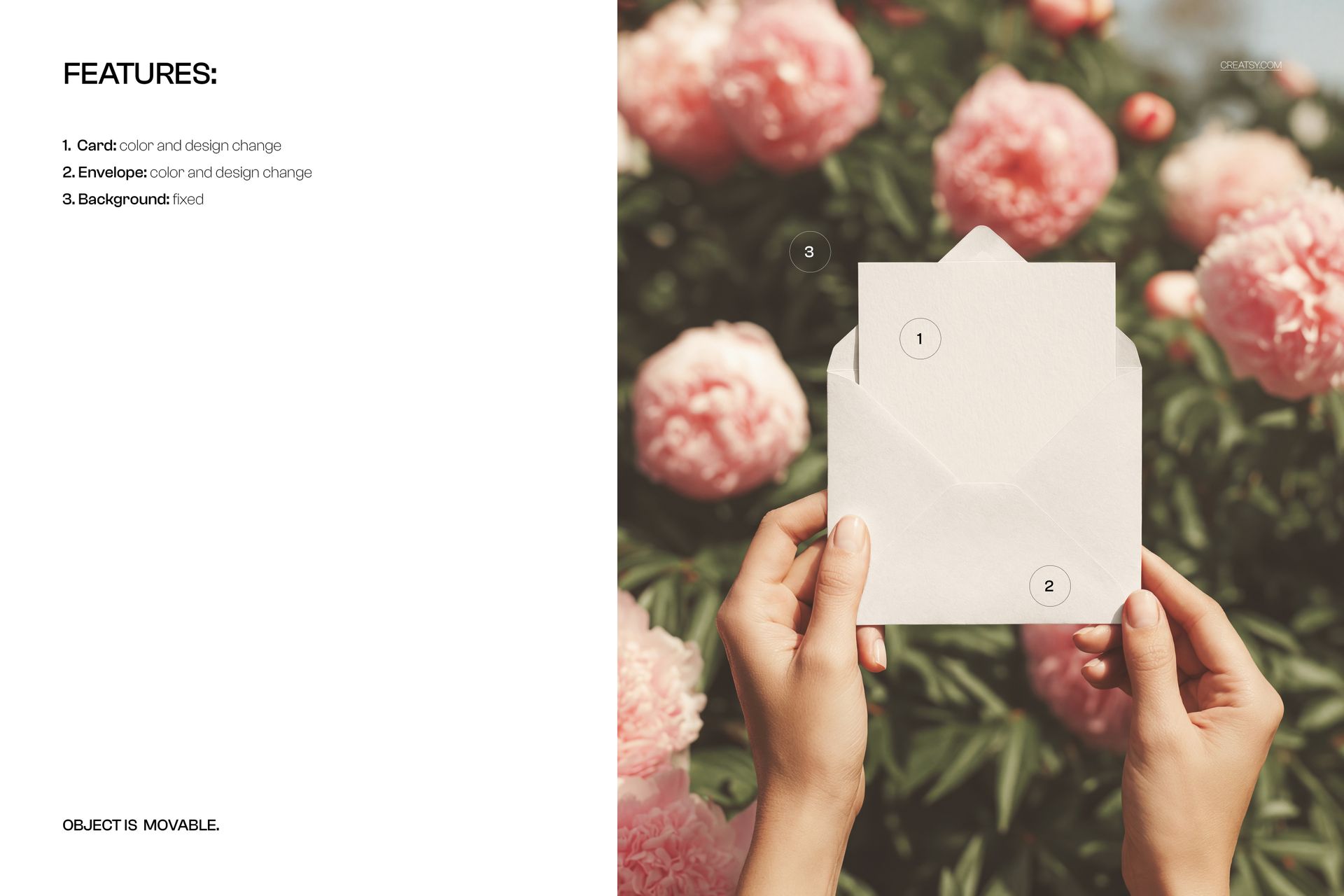
Editable card design and color
Editable envelope design and color
Movable foreground stationery object and fixed peony background
Well-organized layers
Coordinate the Card and Envelope
Preview matching artwork, test contrast between the card and envelope, or compare a restrained invitation with a more expressive envelope design. Both stationery pieces can be customized, so the finished image reads as one considered set.
Easy Smart Object Editing
Open the PSD in Adobe Photoshop CC2020 or newer or in Photopea, replace the placeholder artwork through the Smart Object workflow, adjust the card and envelope colors, then save to update the scene. Move the foreground object when you need to refine its placement against the fixed background.
Perfect For
Wedding invitations and save-the-date designs
Greeting cards, thank-you cards, and announcements
Stationery branding and coordinated paper collections
Client approvals, portfolios, and product galleries
Floral, romantic, and seasonal card campaigns
This is a digital mockup product. The example card artwork shown in the previews is for presentation only and is not included as a separate design asset.






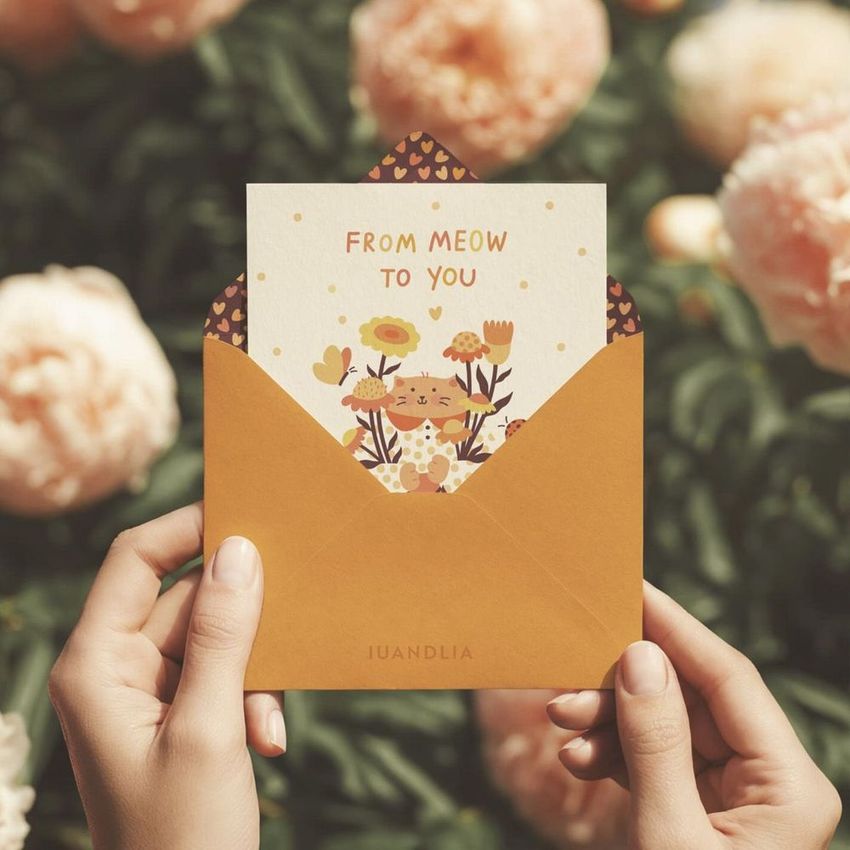
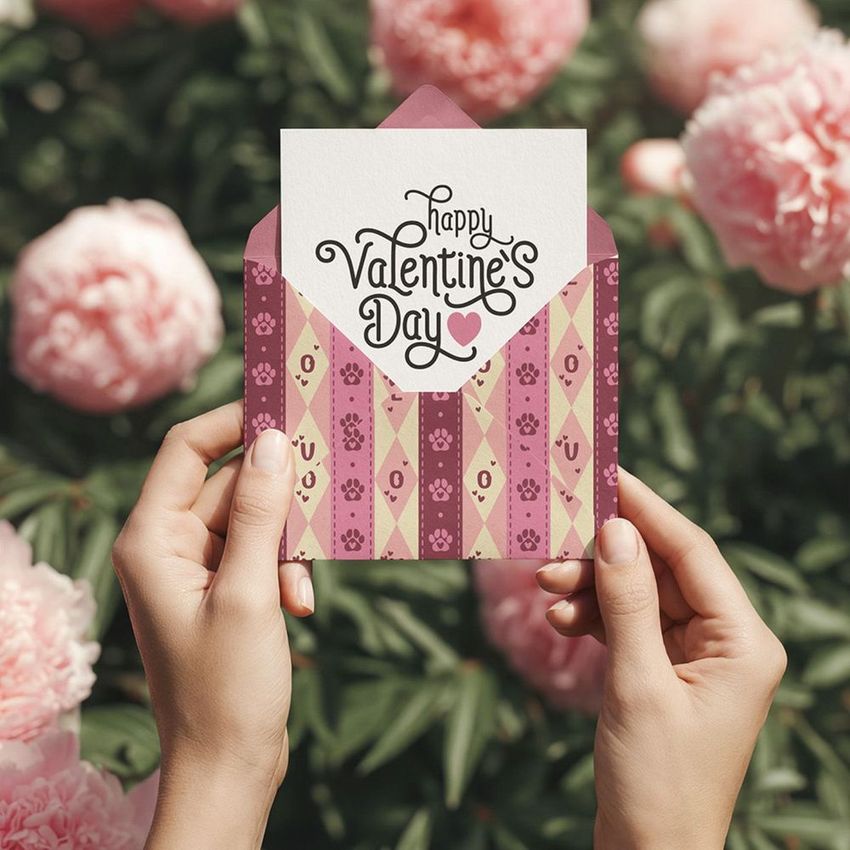
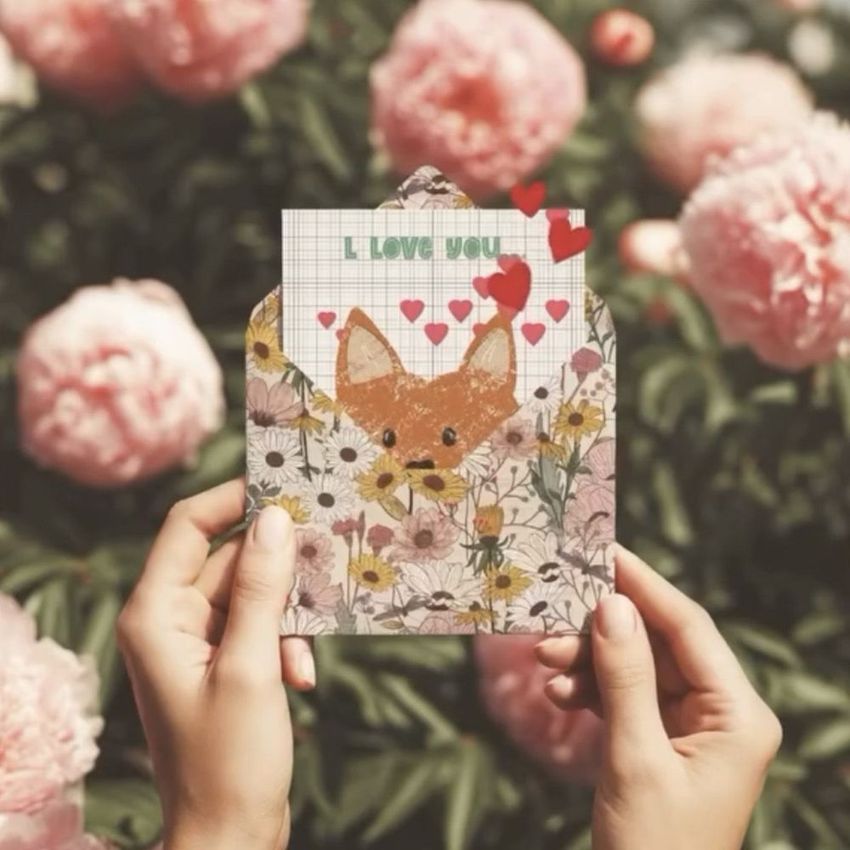
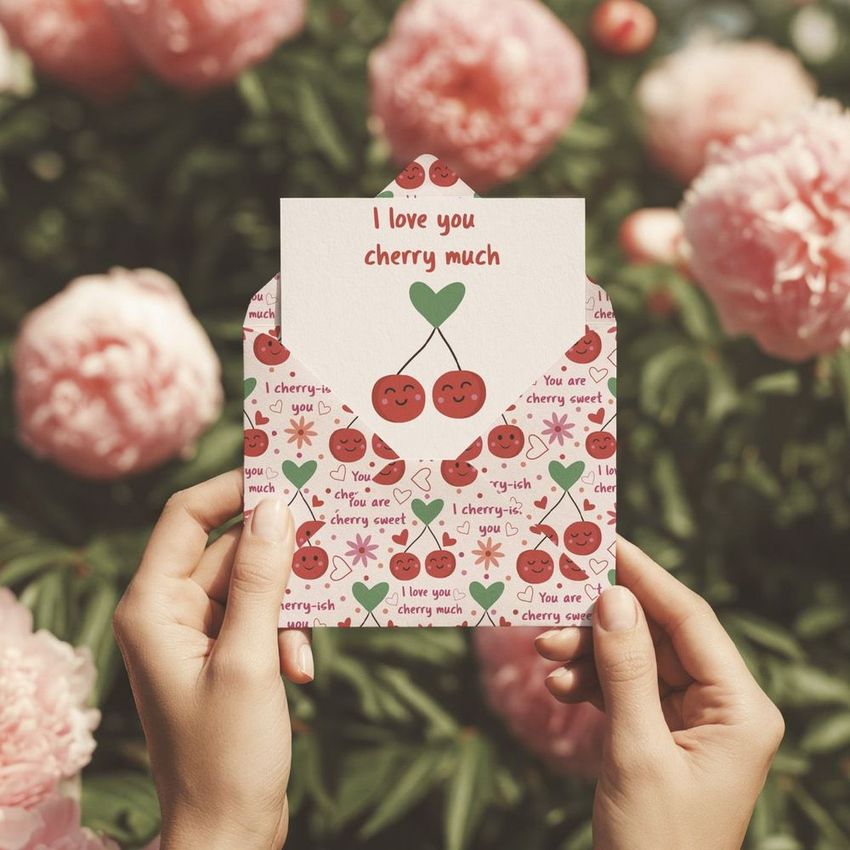












Creatsy mockups are a true 5-star experience in every detail -refined, distinctive, and visually striking. Each piece feels thoughtfully crafted, with a unique aesthetic that elevates any project into something memorable.
Thank you so much, mes! Your beautiful words truly mean a lot to us. We’re so happy to hear that our mockups feel refined, distinctive and thoughtfully crafted. It’s wonderful to know that this envelope and card mockup with peonies helps elevate your projects and make them feel memorable. Thank you for your kind review and support!