Envelope Closeup Mockup

ID: 1686370645 | Updated: Feb 19, 2026

Product Details

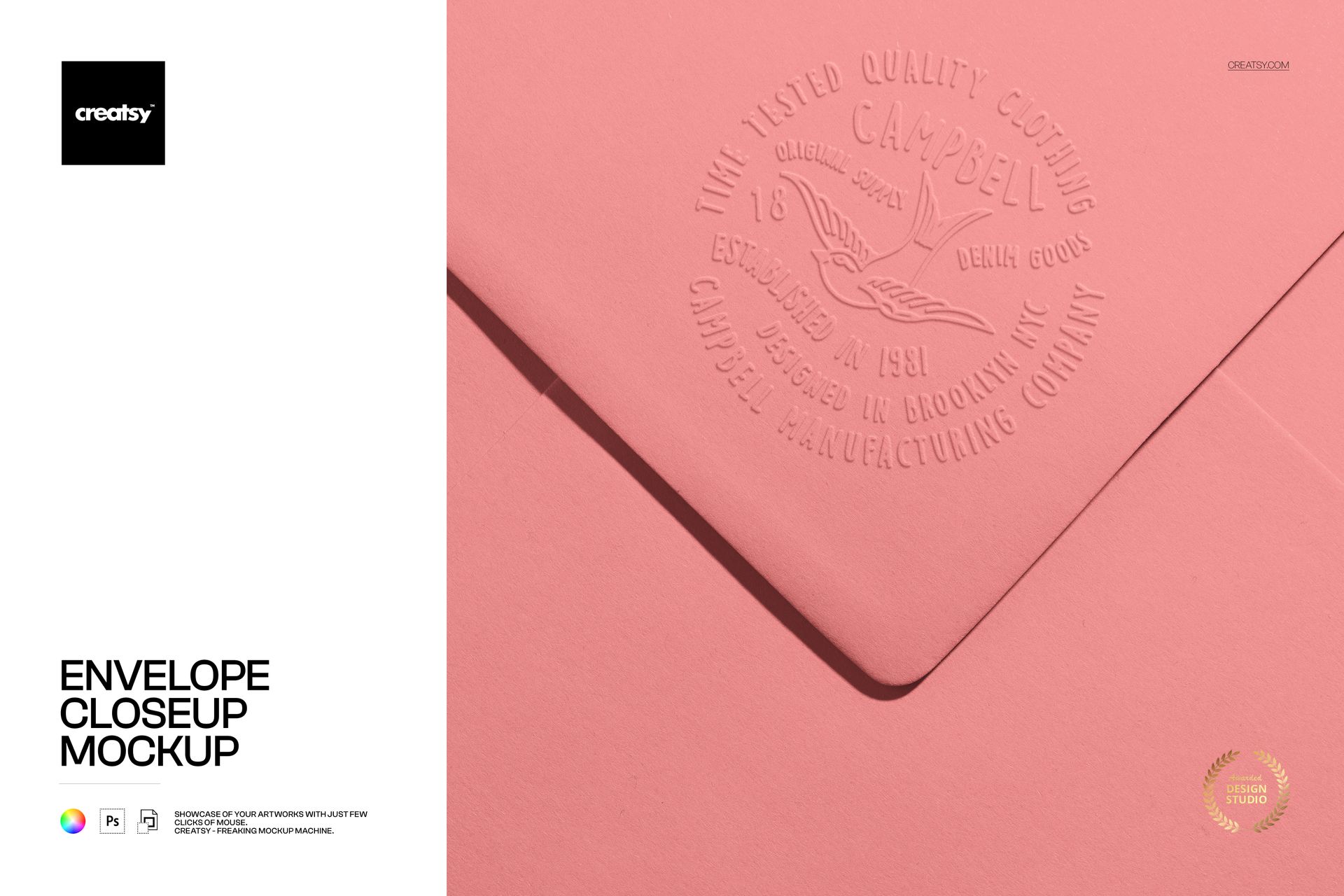
Most envelope mockups show the full rectangle - address panel, flap, corners, stamp area. This one does the opposite. It crops in tight, filling the entire frame with paper texture, fold geometry, and surface finish at a scale where individual fibers become visible. The closeup format exists for a specific reason: it proves that the design, the embossing, or the paper stock holds up under scrutiny. When a wedding stationery client or a luxury brand stakeholder zooms in on your portfolio image and the quality survives, the approval follows.

What the Closeup Reveals

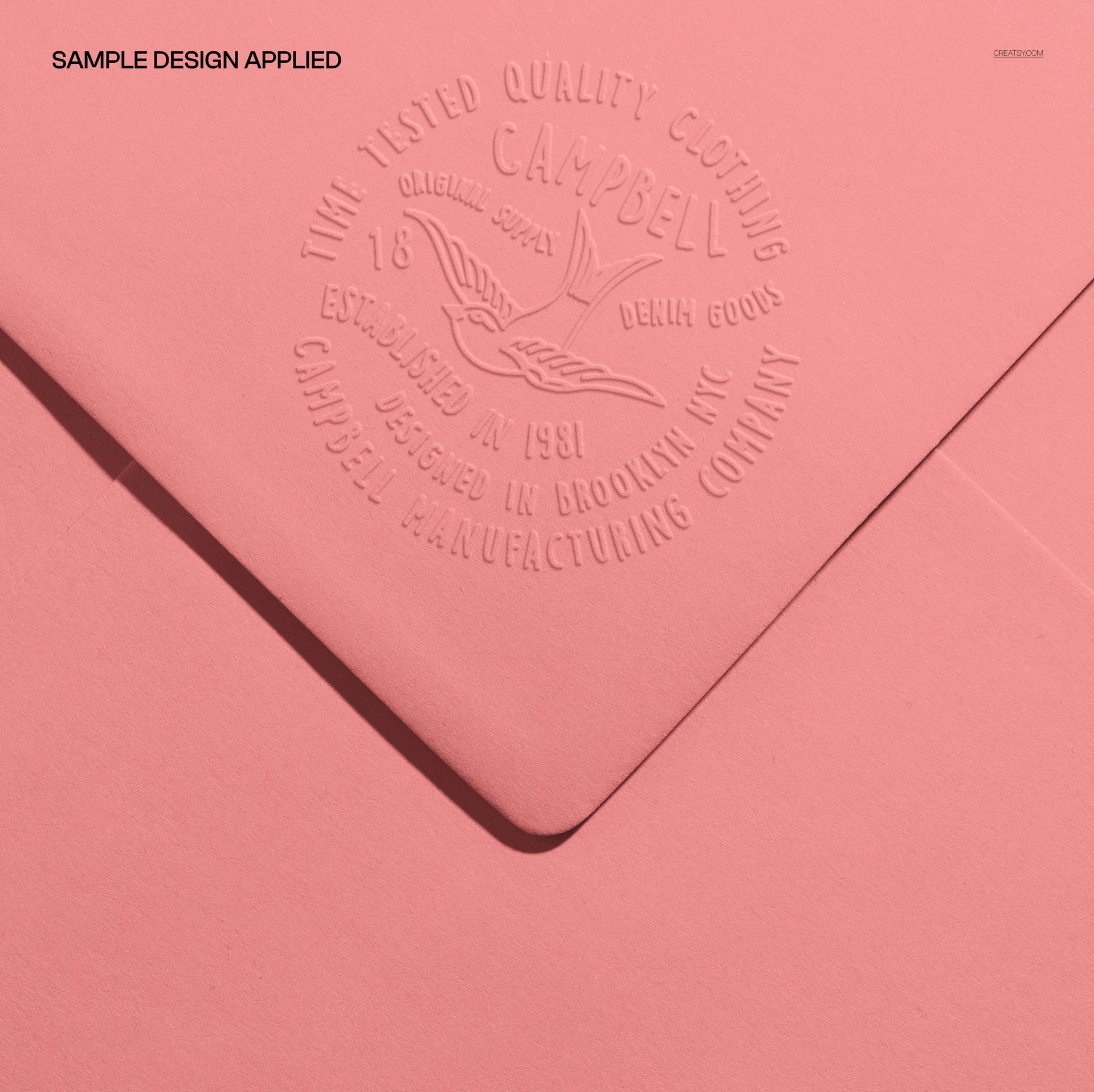
At standard envelope-mockup distances, a debossed logo reads as a subtle impression. At closeup range, the debossing becomes topography - visible depth, shadow gradients along the edges, paper fibers compressing under pressure. This is the level of detail that separates a quick concept sketch from a production-ready specification. The file captures that detail at 5000 x 5000 pixels and 300 DPI, giving your placed artwork the resolution headroom to show exactly how a printed or embossed element will interact with the envelope's paper surface.

Square Format at 5000 x 5000 Pixels

The square canvas eliminates orientation decisions. It crops to Instagram's 1:1 feed format without losing content. It fits Pinterest's square pin template. It centers cleanly in portfolio grid layouts on Behance and Dribbble where mixed aspect ratios create visual clutter. At 300 DPI, the file prints at roughly 16.7 x 16.7 inches without upscaling - large enough for exhibition prints, trade show displays, and catalog spreads where the closeup texture detail serves as a design statement rather than just a product preview.

Paper Texture as a Design Element

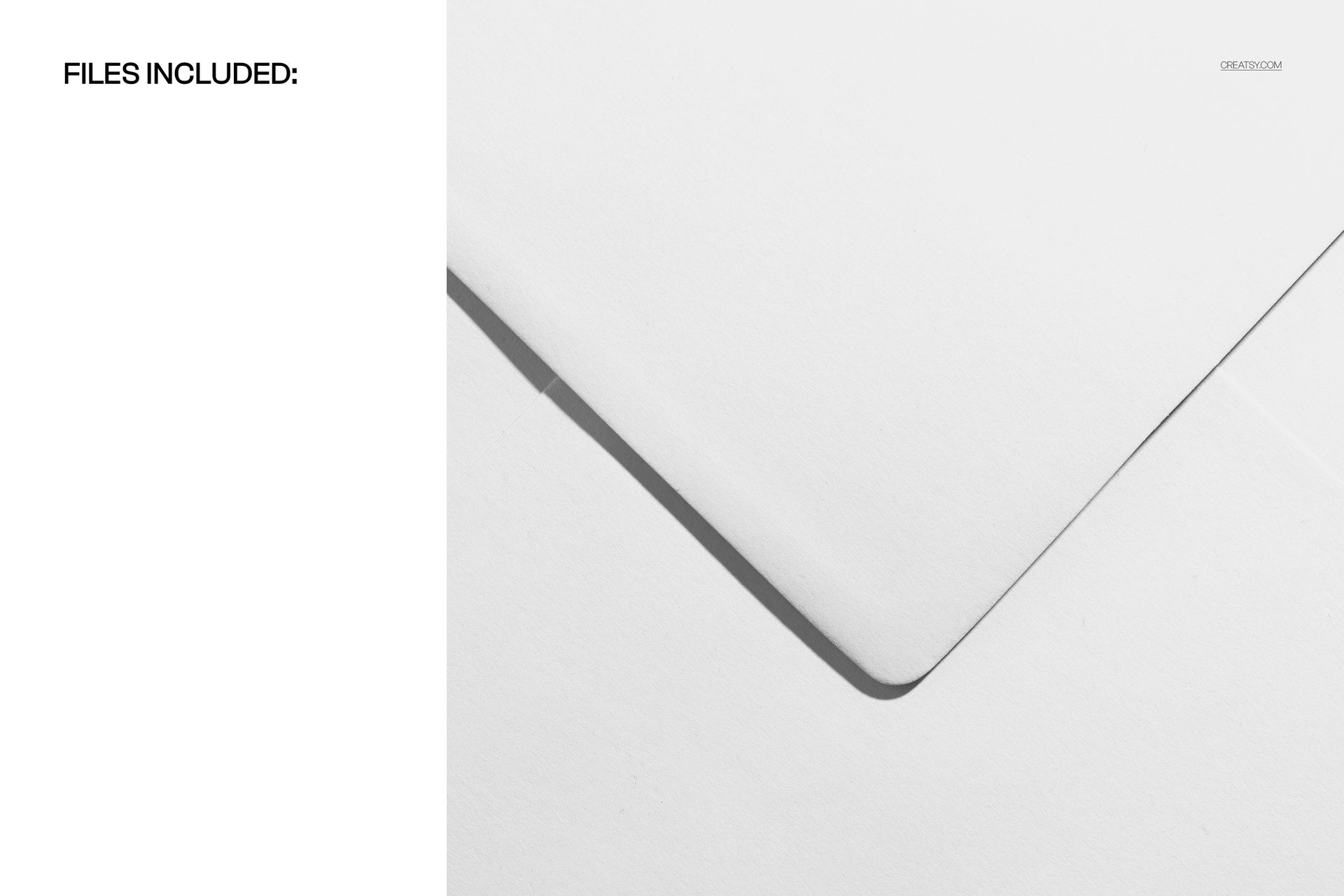
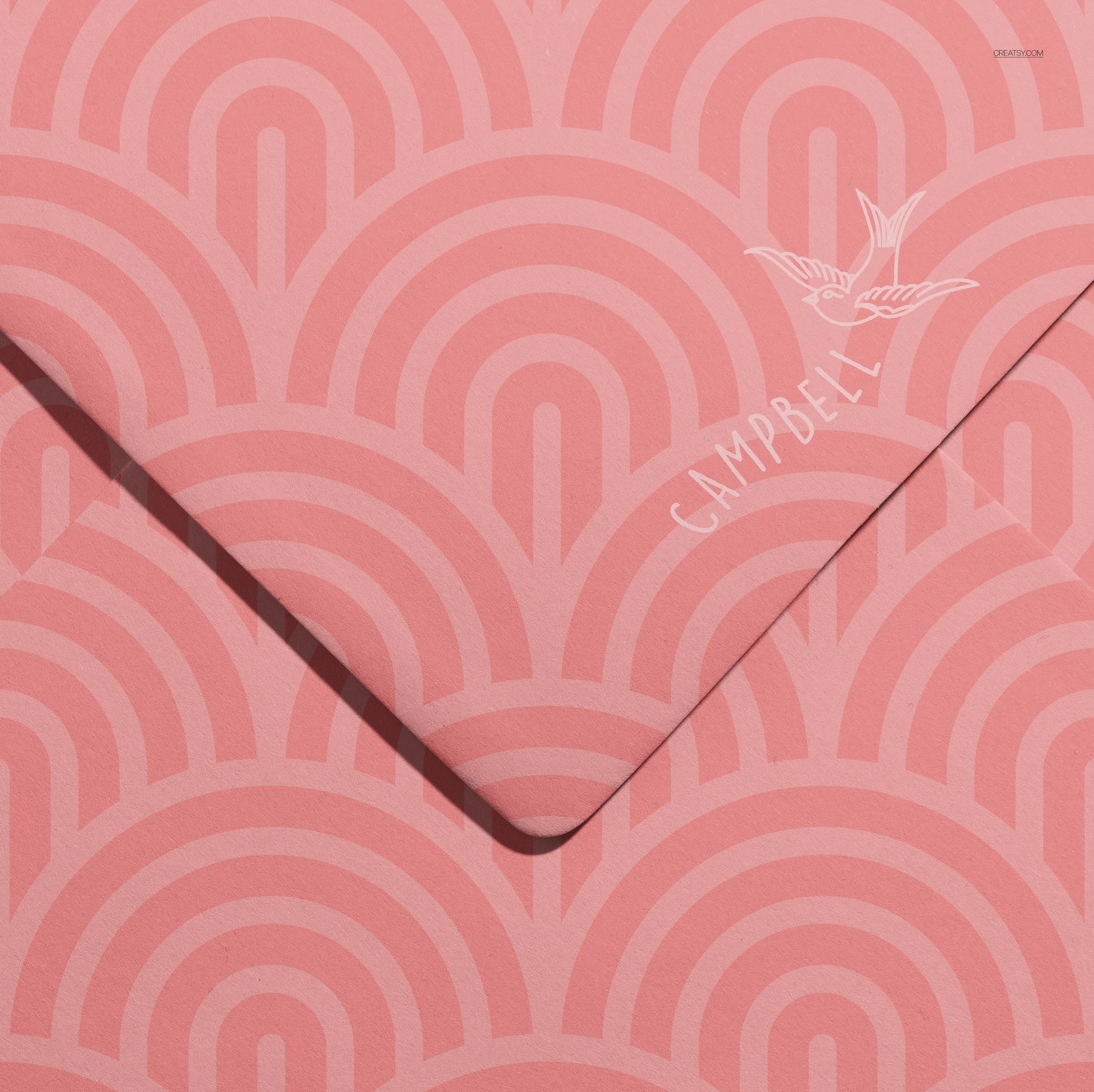
The envelope surface in this mockup is not flat white digital space. It carries visible paper grain - the kind of fiber structure that fine stationery stocks exhibit in person. When your design sits on this surface, it inherits the material quality of the paper. A foil-stamped monogram picks up micro-reflections along the grain lines. A letterpress logo sinks into the fibers with realistic depth. An embossed seal creates shadows that follow the paper's natural texture rather than sitting on a synthetic flat plane. This material interaction is what makes the closeup format valuable for luxury stationery presentations where material quality carries as much weight as graphic design.

Compatibility and File Weight

The PSD opens in Adobe Photoshop CC 2020 or newer and in Photopea, the free browser-based editor. At 297 MB, the file carries dense texture and lighting data that supports the closeup format's resolution demands. Smart object layers accept your design through the standard double-click workflow. The organized layer structure separates background, paper surface, lighting effects, and shadow elements into independent groups, giving you control over ambient lighting intensity and shadow direction without flattening the texture detail.

Stationery Markets That Demand Closeups

Wedding stationery designers present closeup mockups to couples who need to evaluate paper weight, embossing quality, and print finish before committing to a print run that may cost several hundred dollars. Luxury brand identity studios include closeup envelope details in brand guideline documents to specify paper stock, embossing depth, and foil coverage with visual precision that written specifications alone cannot achieve. Letterpress print shops use closeup mockups in their portfolios to demonstrate impression depth and ink coverage that distinguishes their craft from commercial offset printing.

The closeup format also serves print-on-demand envelope sellers who need listing images showing material quality. Buyers purchasing custom-printed envelopes on Etsy or through independent stationery shops want to see the paper before it arrives, and macro-distance mockups deliver that confidence in a way that full-envelope shots at arm's length cannot match.

File details

Compatibility
PhotopeaAdobe Photoshop
Number of files included
2
Package size
296 MB296 MB|311 MB311 MB
Files type
.psd, .jpg
TEST FOR FREE

MEET THE SHOP

Creatsy logo

Creatsy

Poland
4.7 (650)

Bring your ideas to life.

We're a family-run studio in Katowice, Poland, making PSD mockups by hand since 2016. Everything in this shop starts in our own studio. We shoot the photography, build the 3D, and put together every Smart Object PSD ourselves - then we test it, organize the layers, and only ship it once it actually works...
GO TO SHOP

HOW IT WORKS

3 clicks. That's it.

No tutorial needed. If you can copy-paste, you can use this.

  1. 1OpenDouble-click the smart object inside the PSD - in Adobe Photoshop, or free in your browser with Photopea.
  2. 2PasteDrop in your pattern, print, or artwork. Any design, any style.
  3. 3SaveHit save and the mockup wraps it in for you - shadows, folds, and lighting included.

FROM IDEA TO IMAGE

Built for real workflows

Skip the photo shoot Show your artwork on the real product type for approvals or listings - no studio, no model, no sample.

See it on the product, not a swatch Drop your file into the smart object and the scene's lighting and folds wrap around it, so you judge the real thing before you commit.

Smart Objects

Edit once and you're done. Your artwork drops into a smart object and the mockup updates itself - no masking, no warping by hand.

Perfectly Organized

Named layers and folders you can actually navigate. Find what you need, change what you want, and get out fast.

Print-Ready

High-resolution files built to hold up on screen and in print. Exact size and DPI are in this product's Details above.