A2 Cards Mockup Set
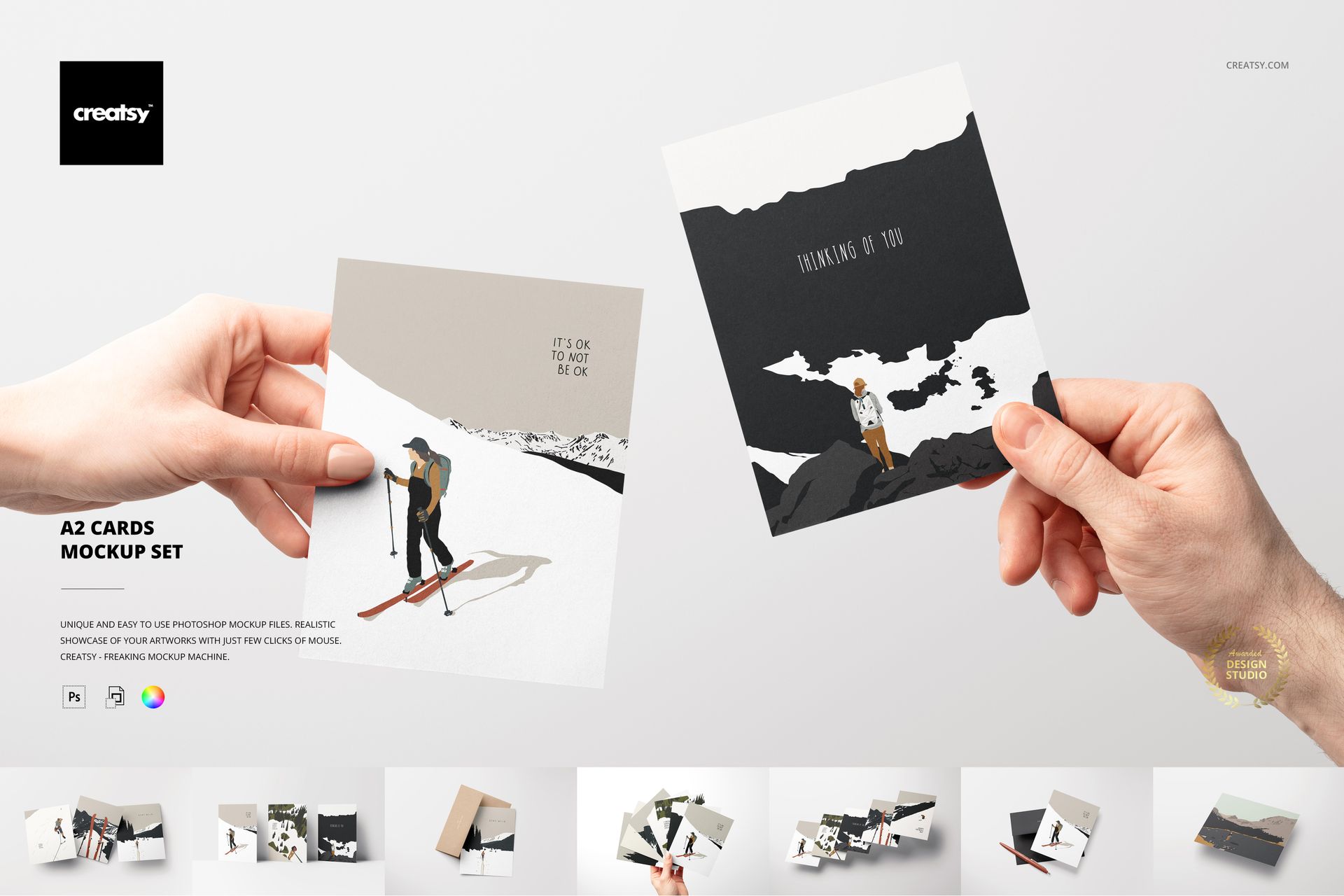
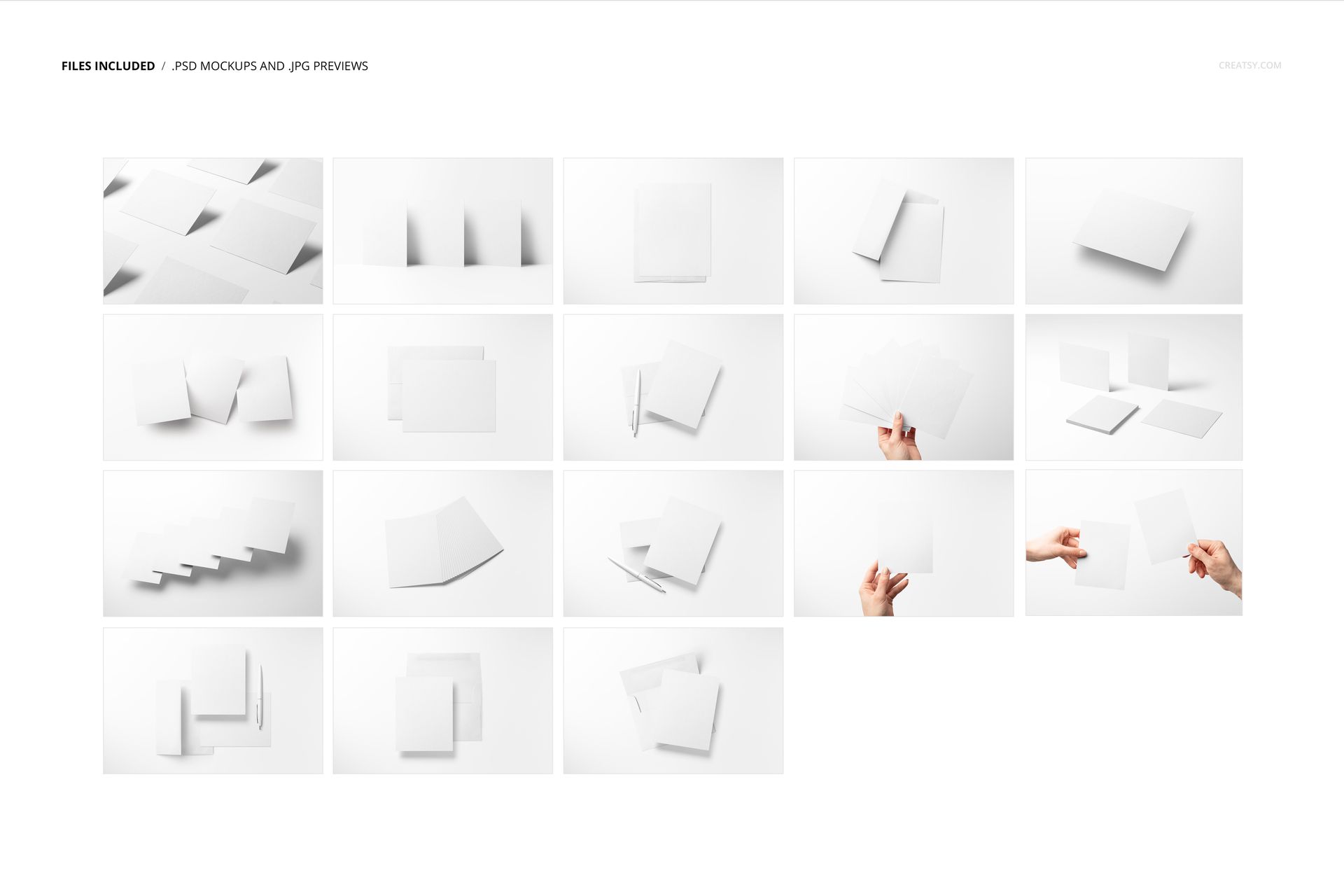
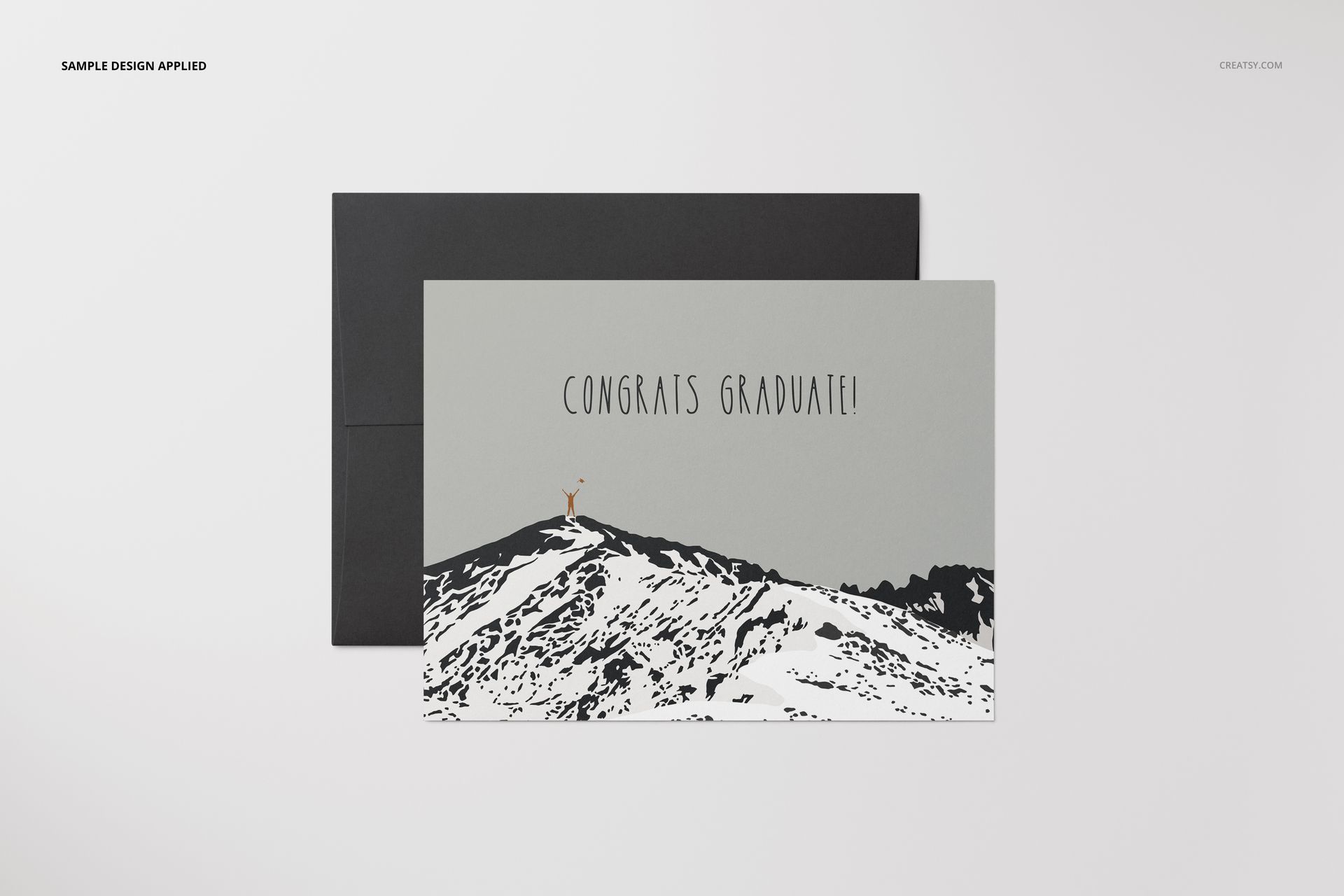
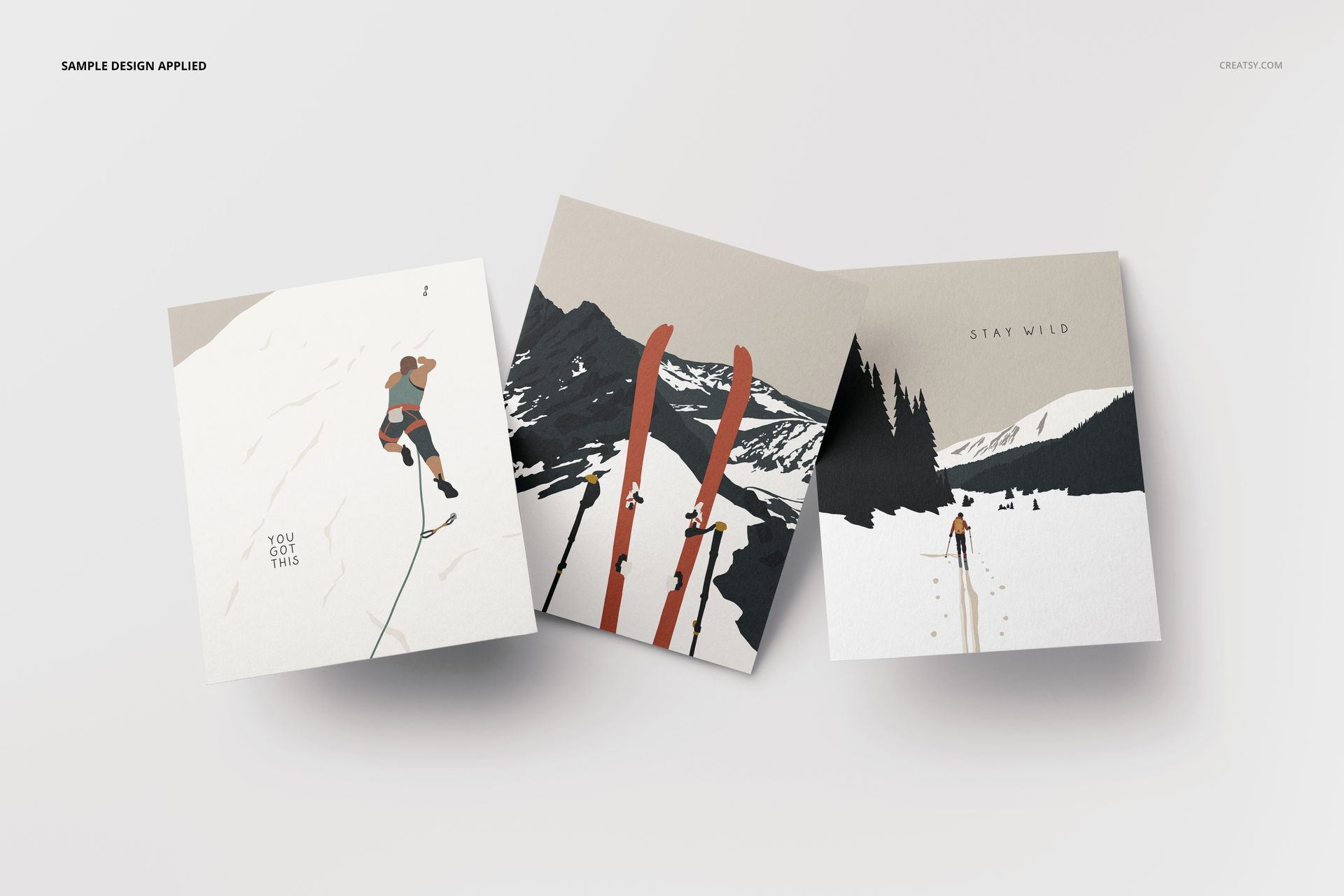
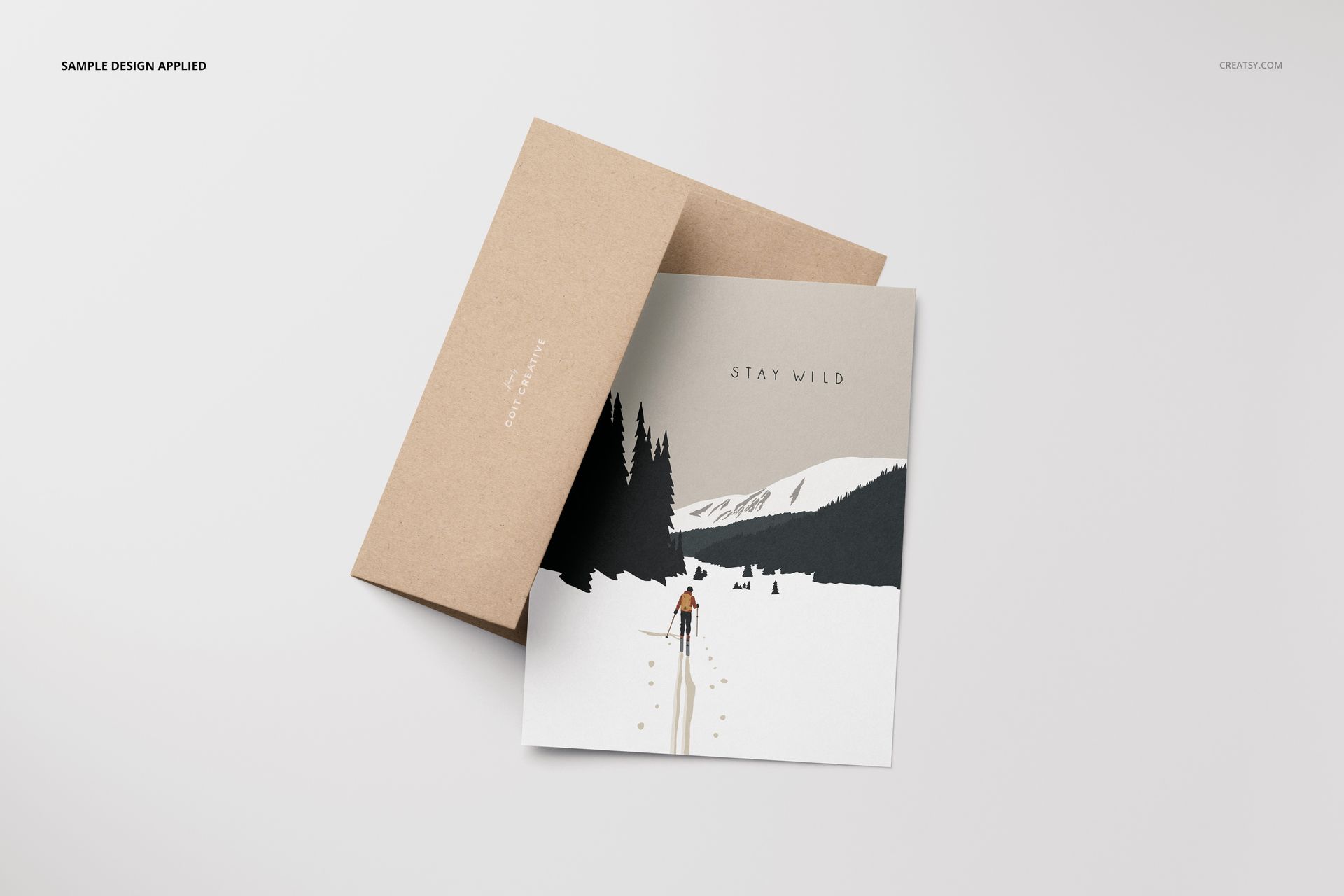
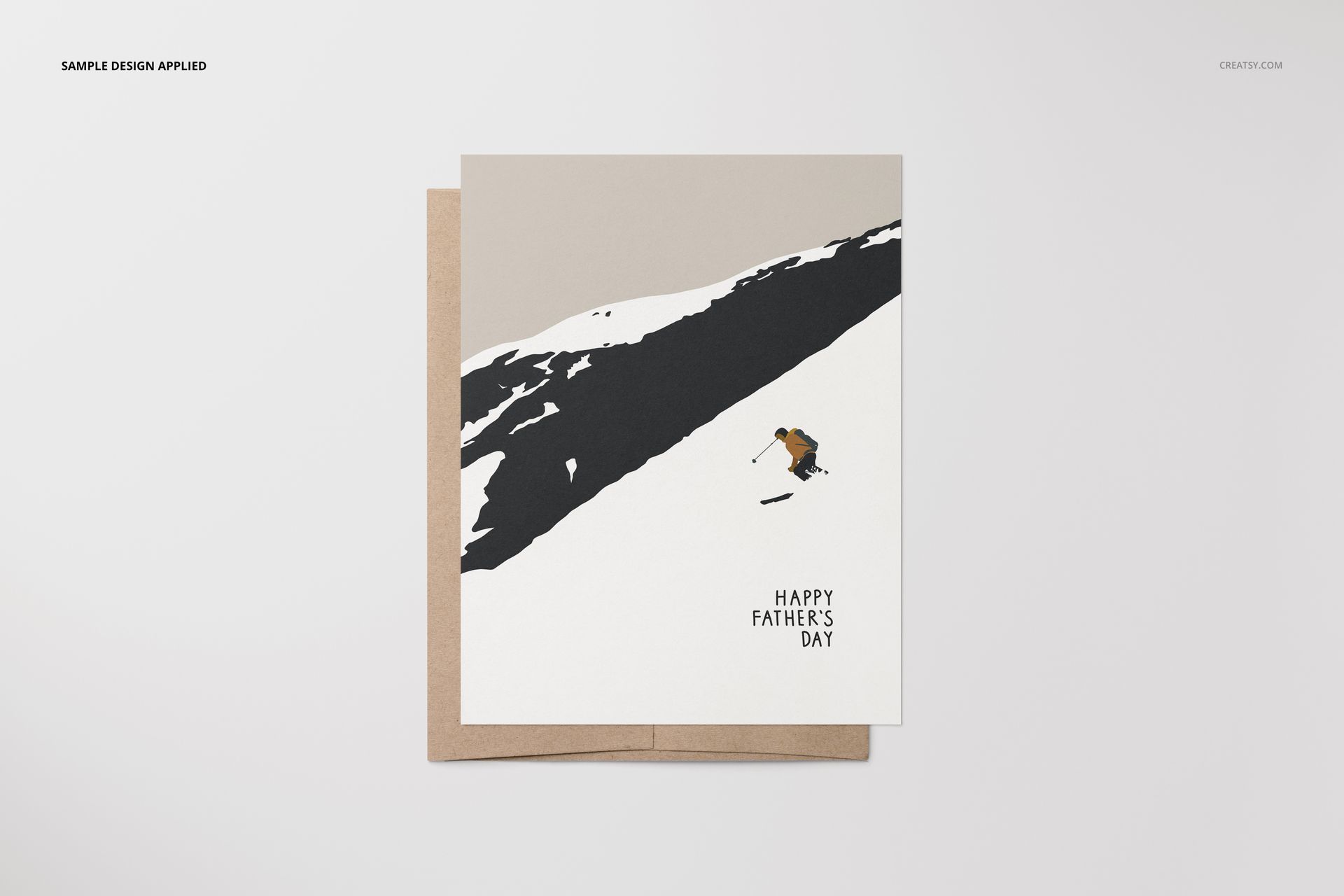
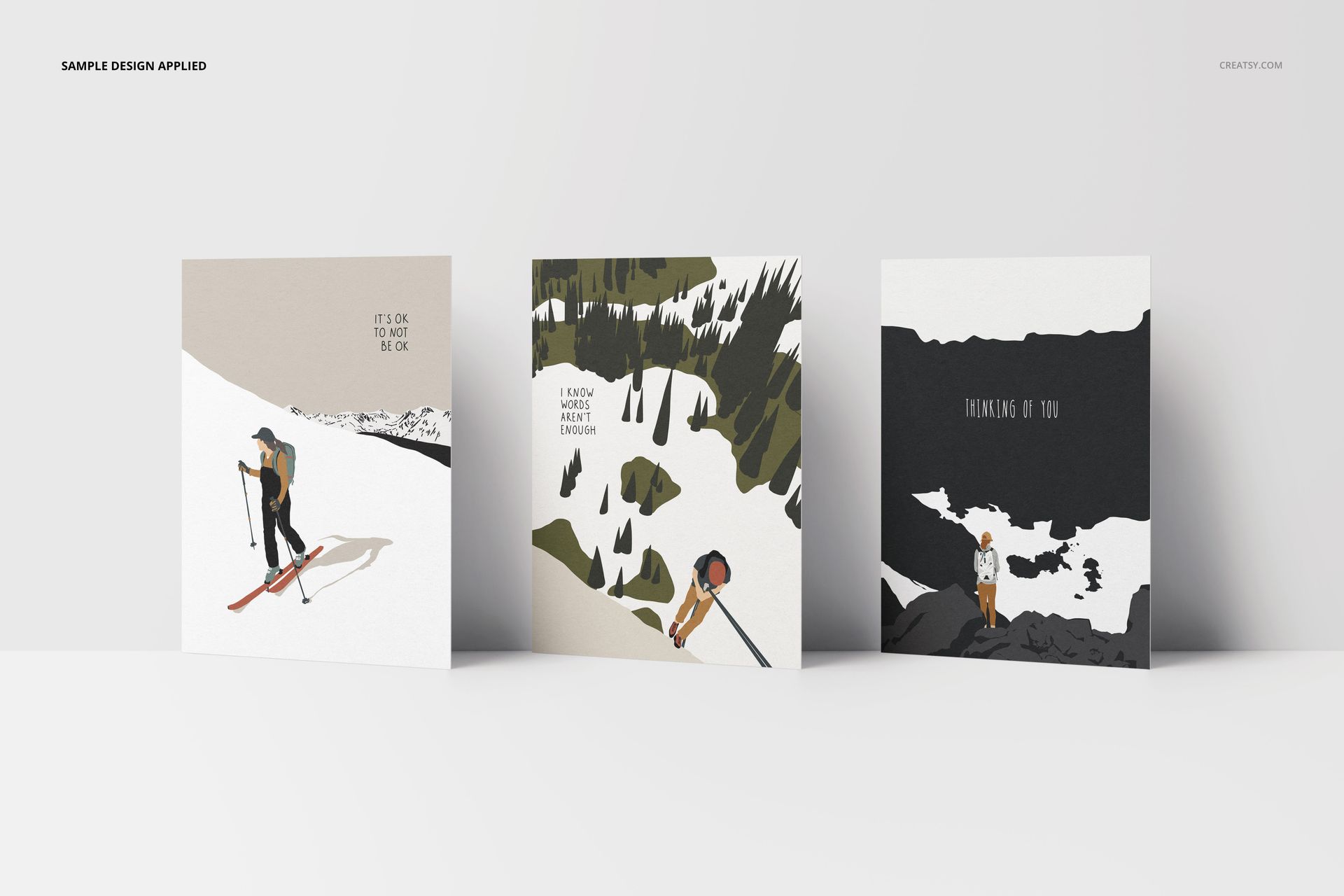
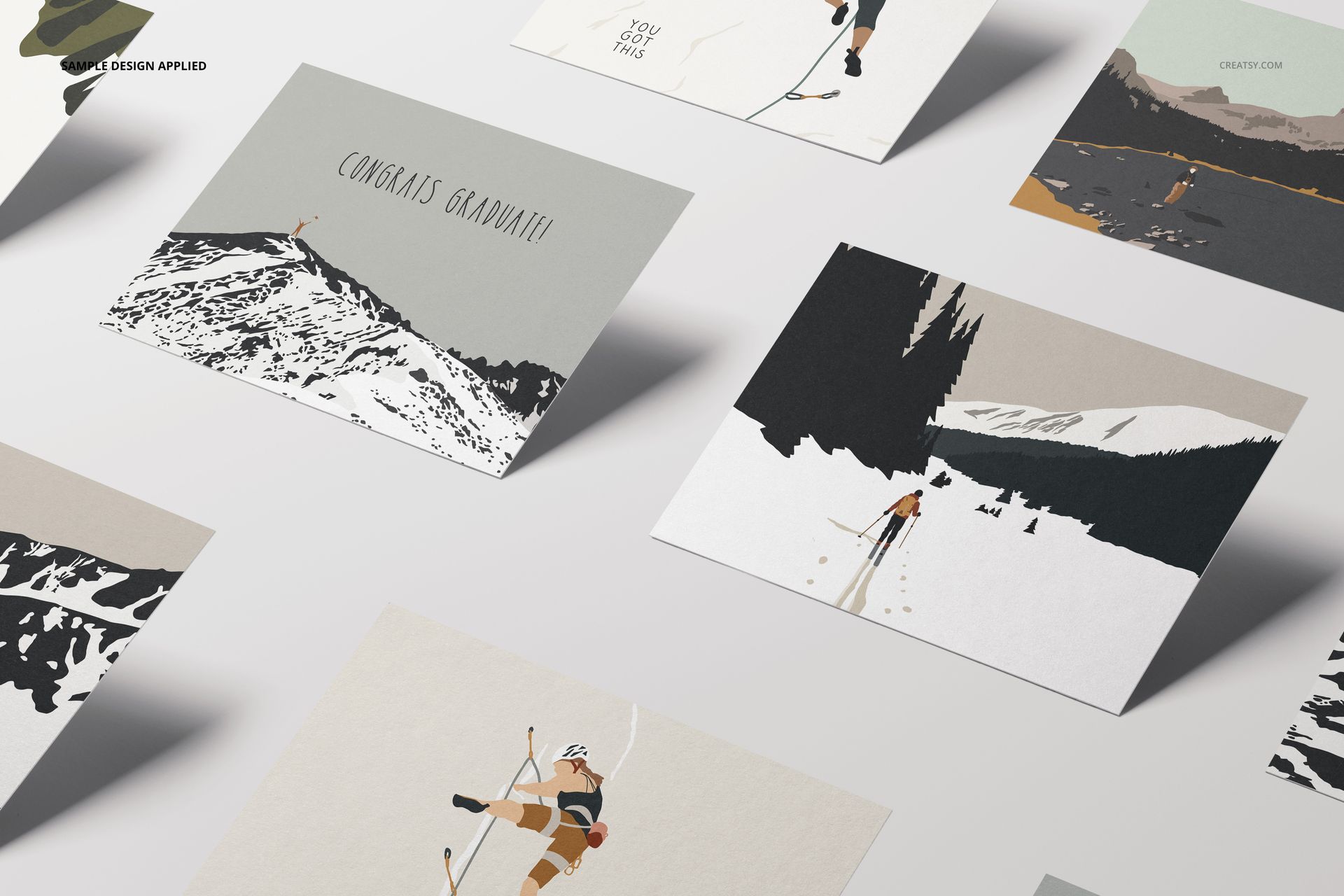
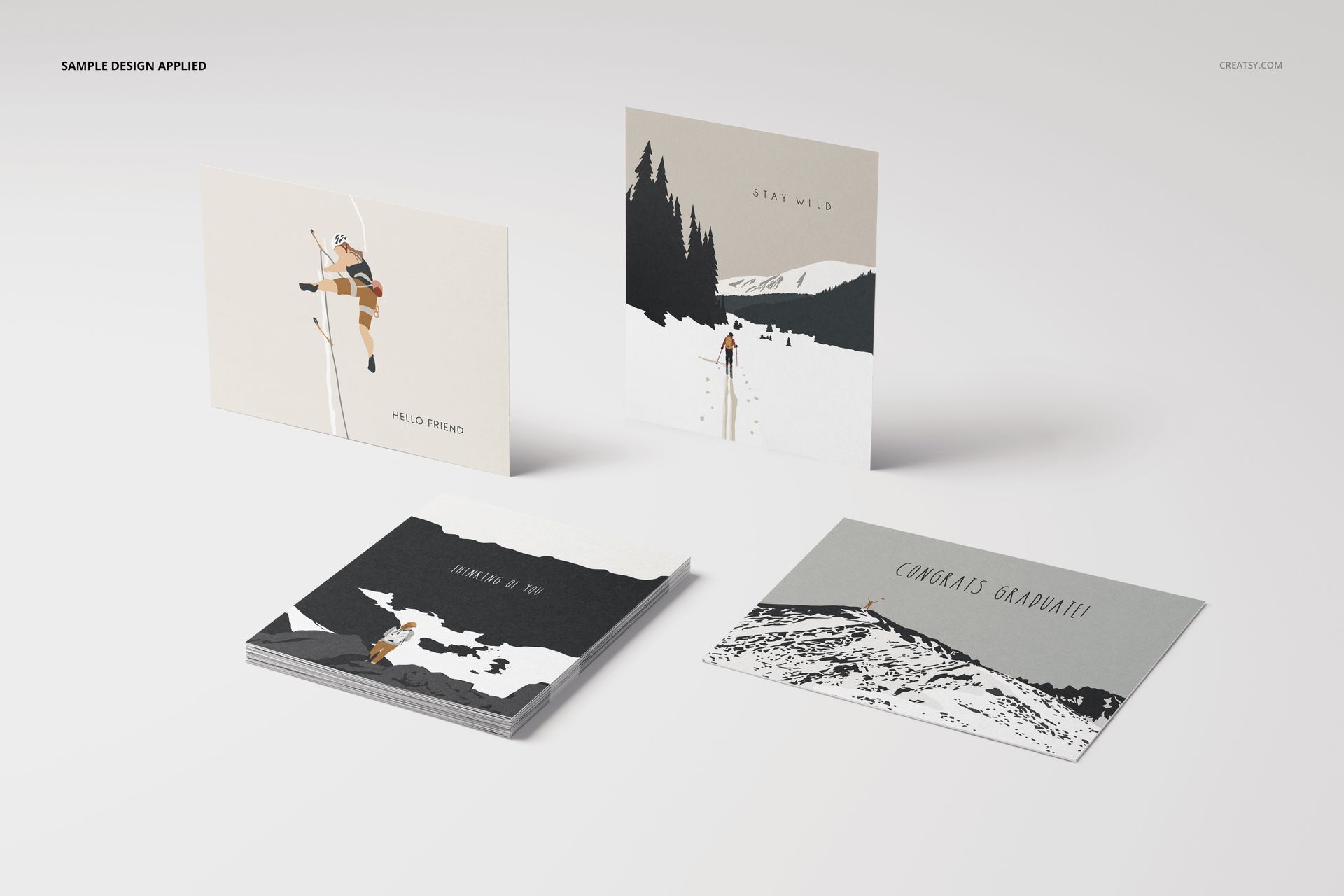
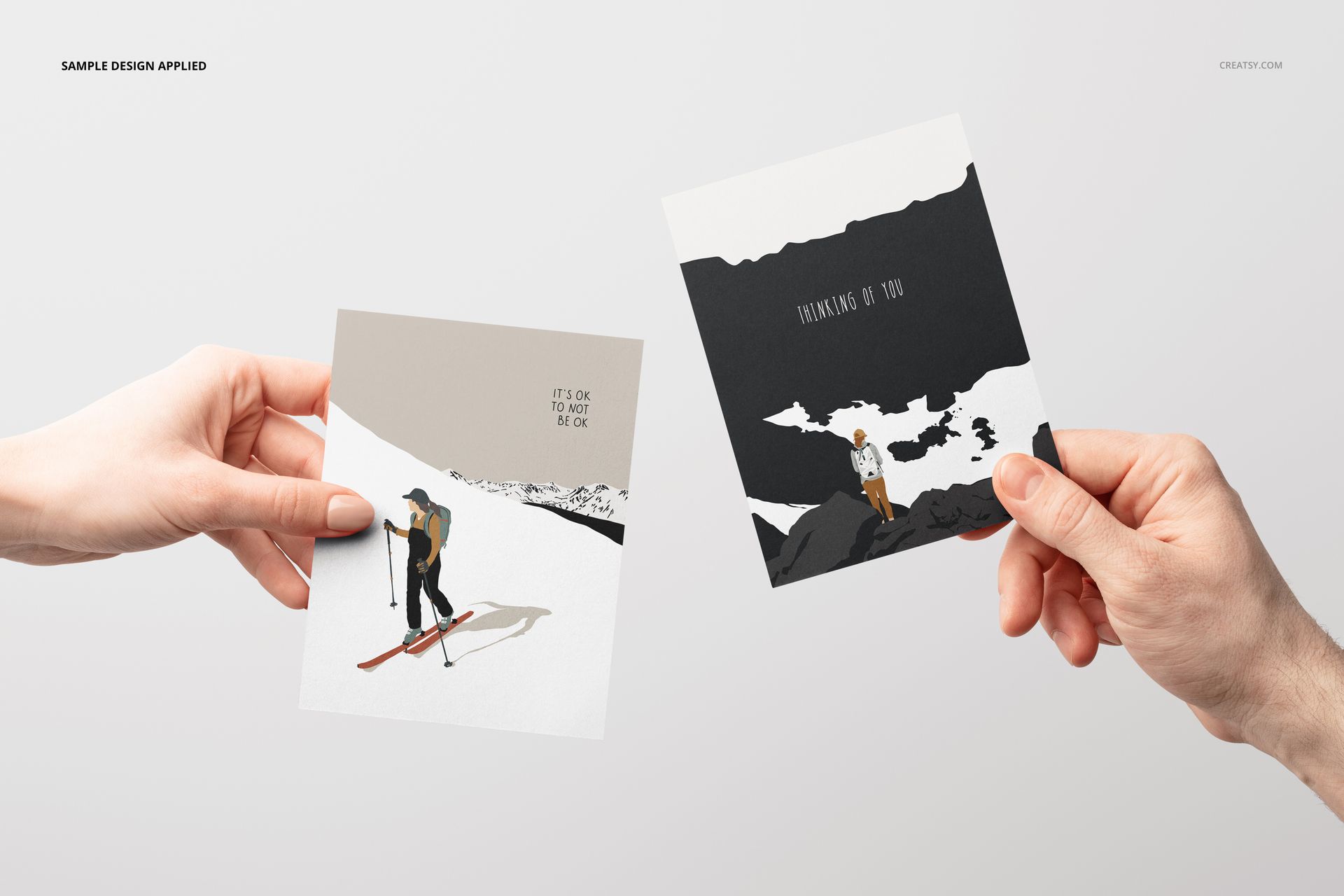
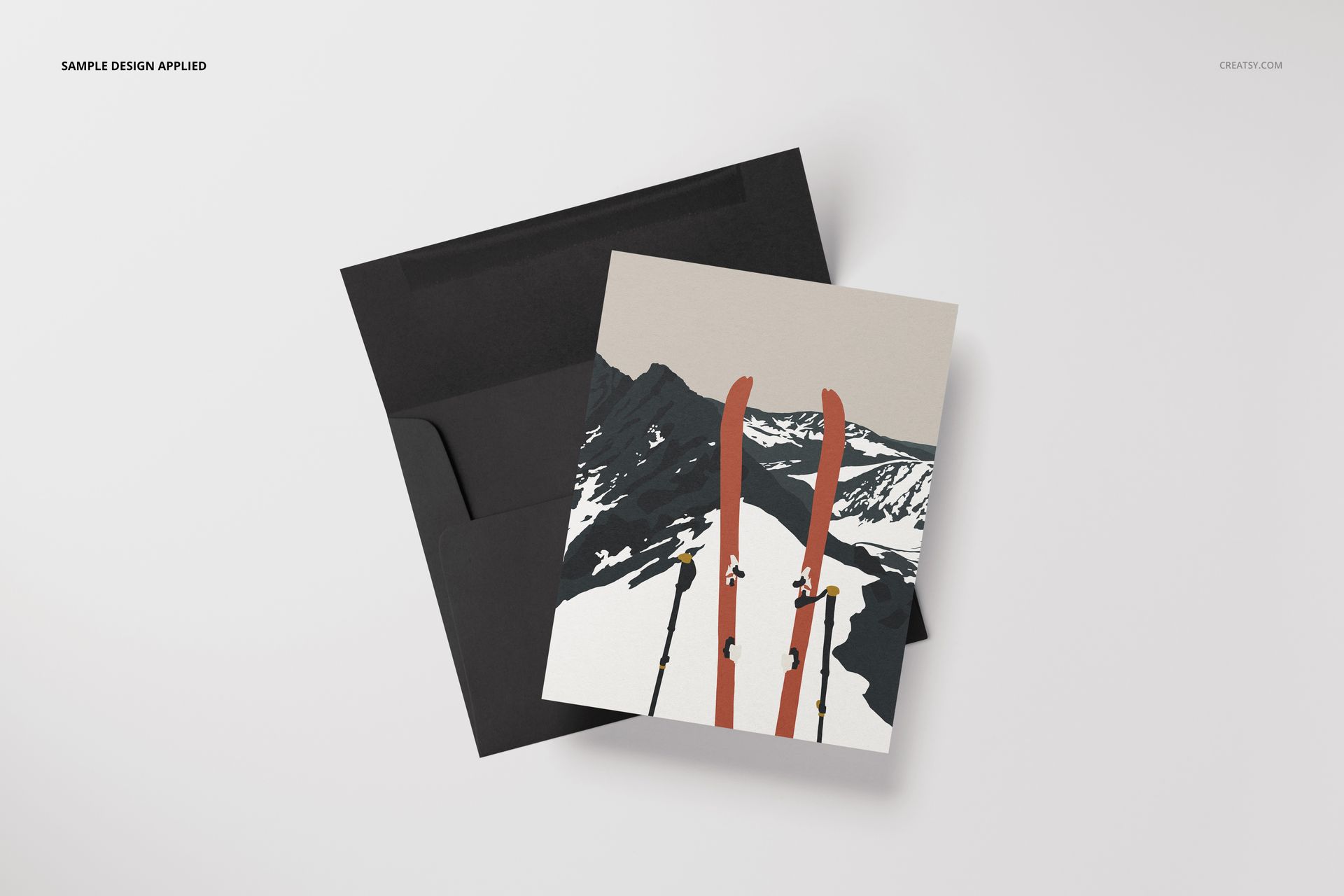
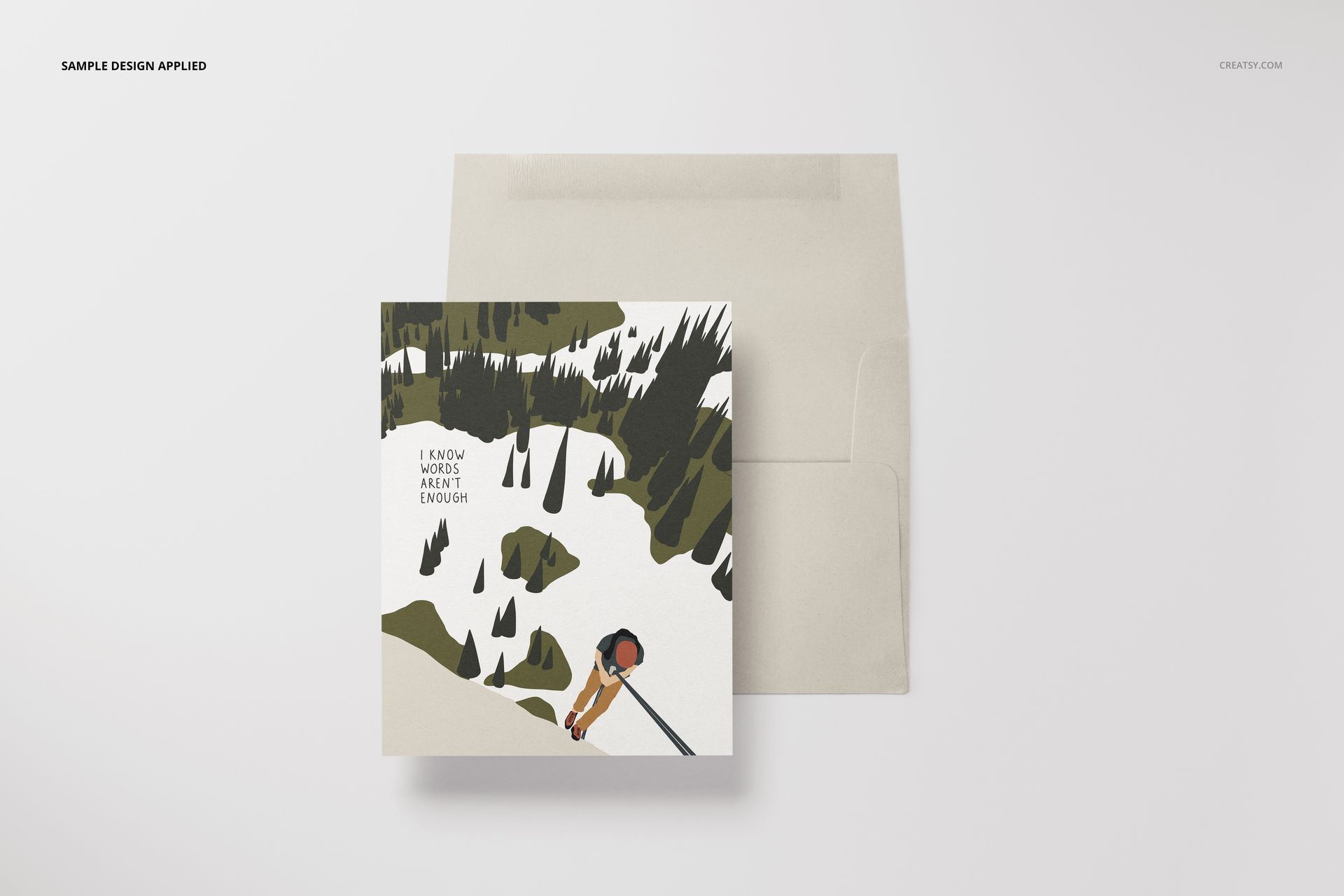
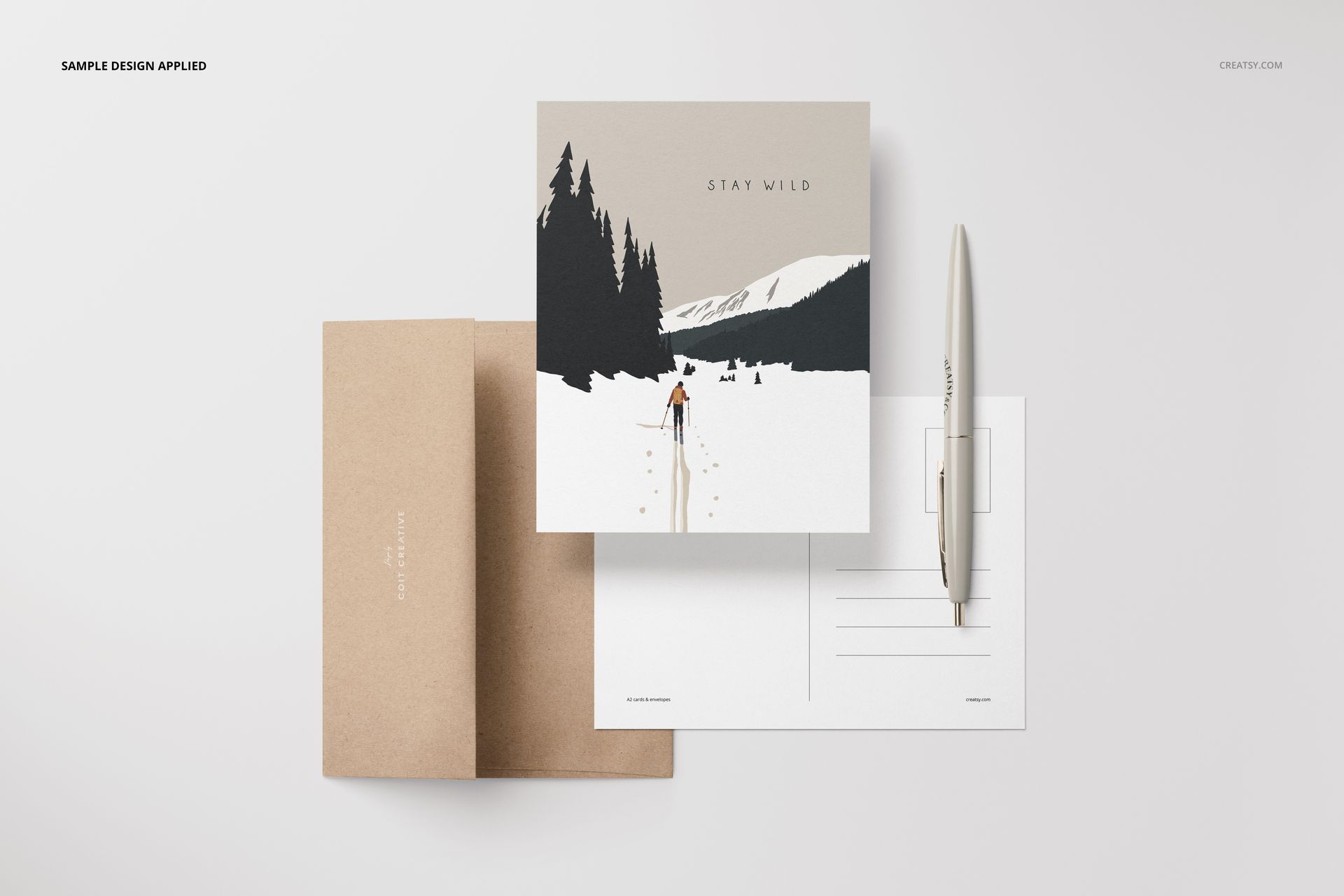
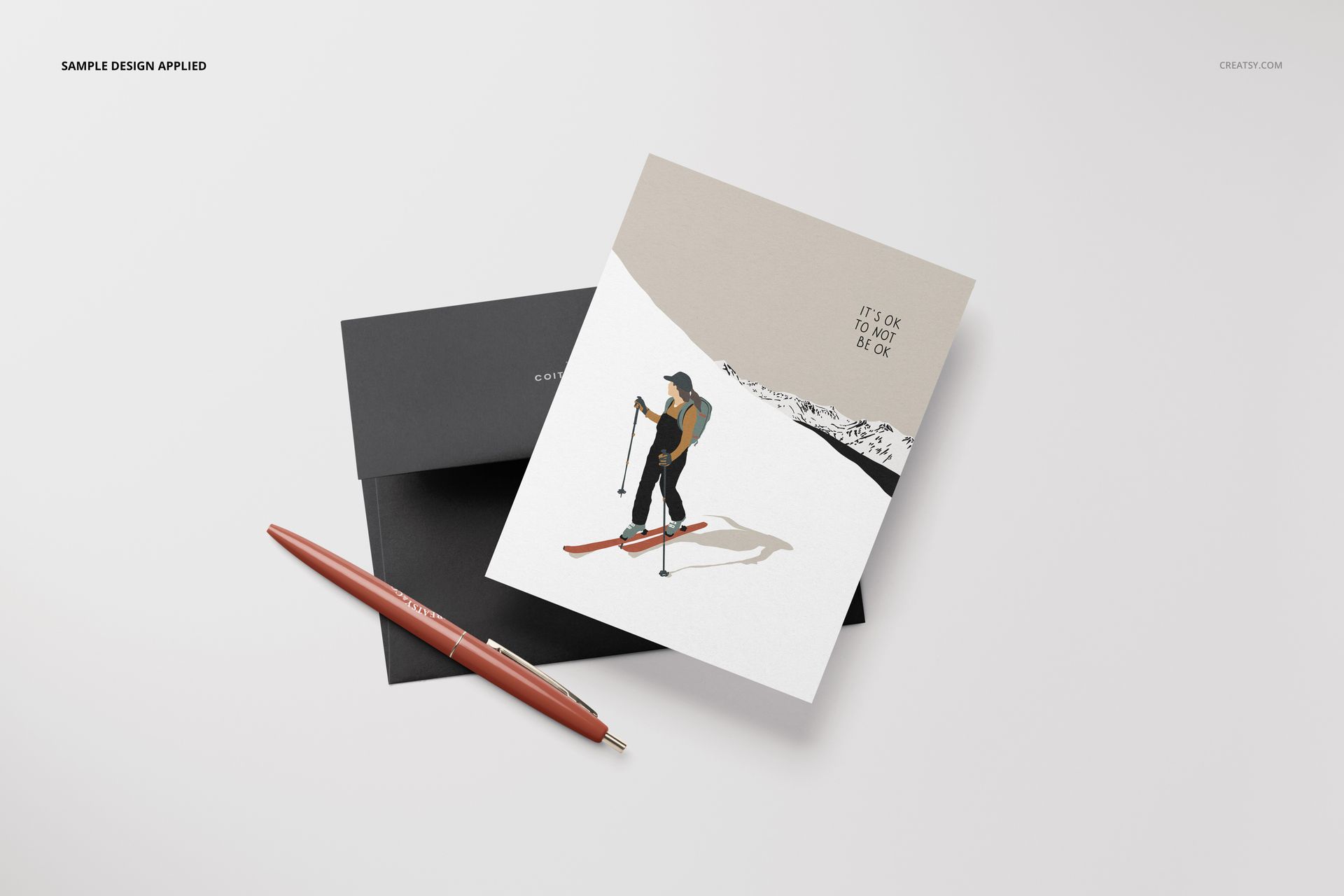
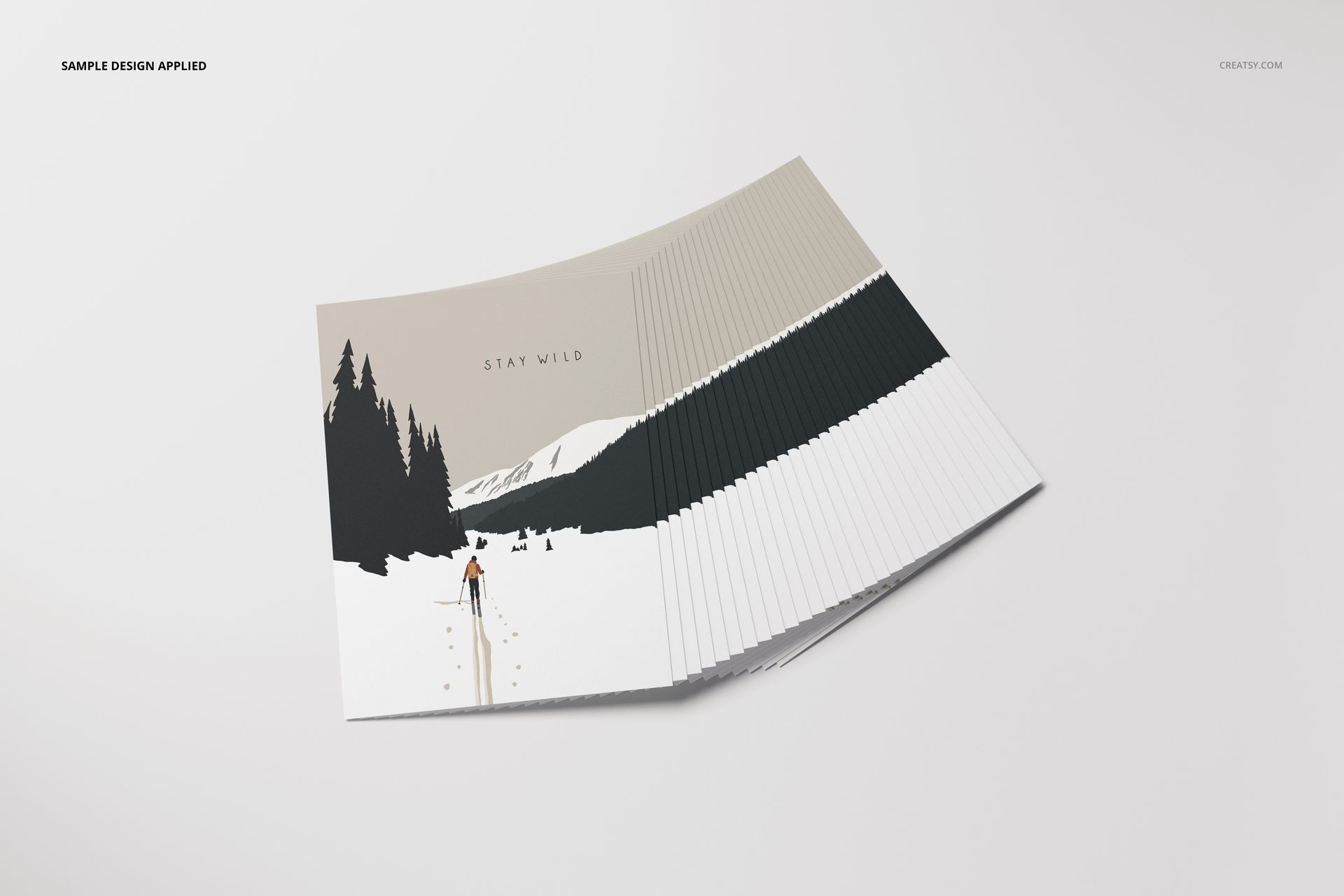
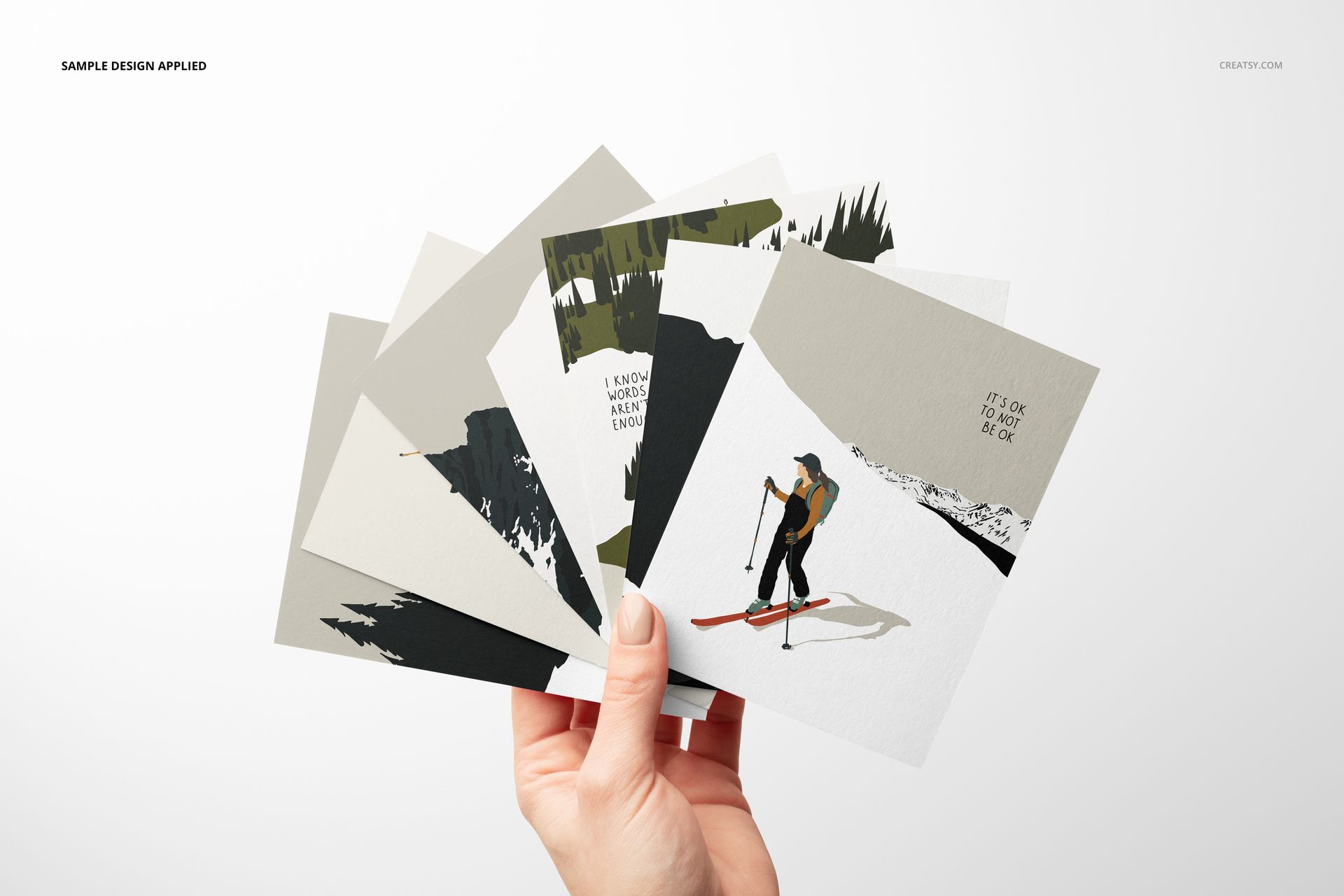
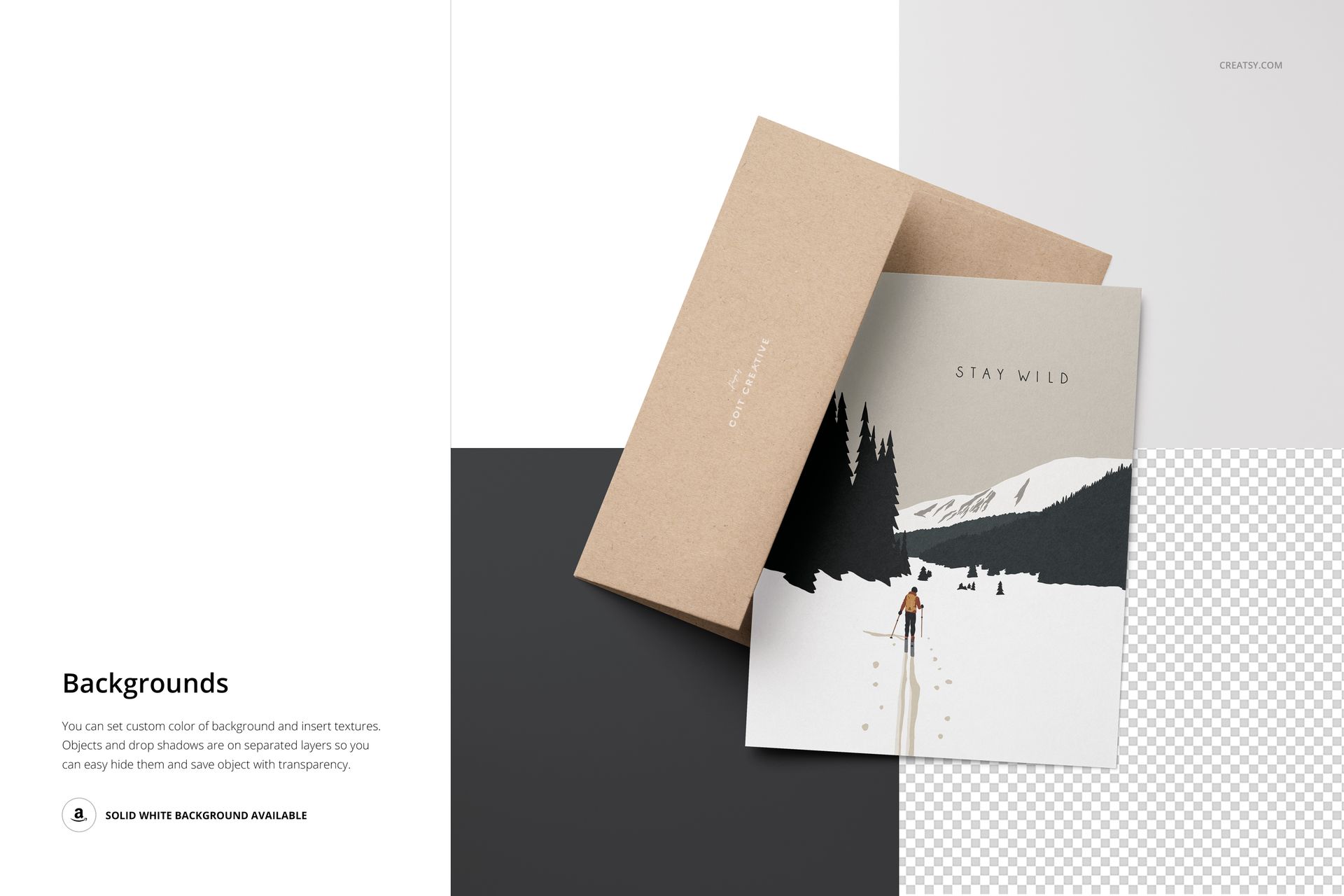
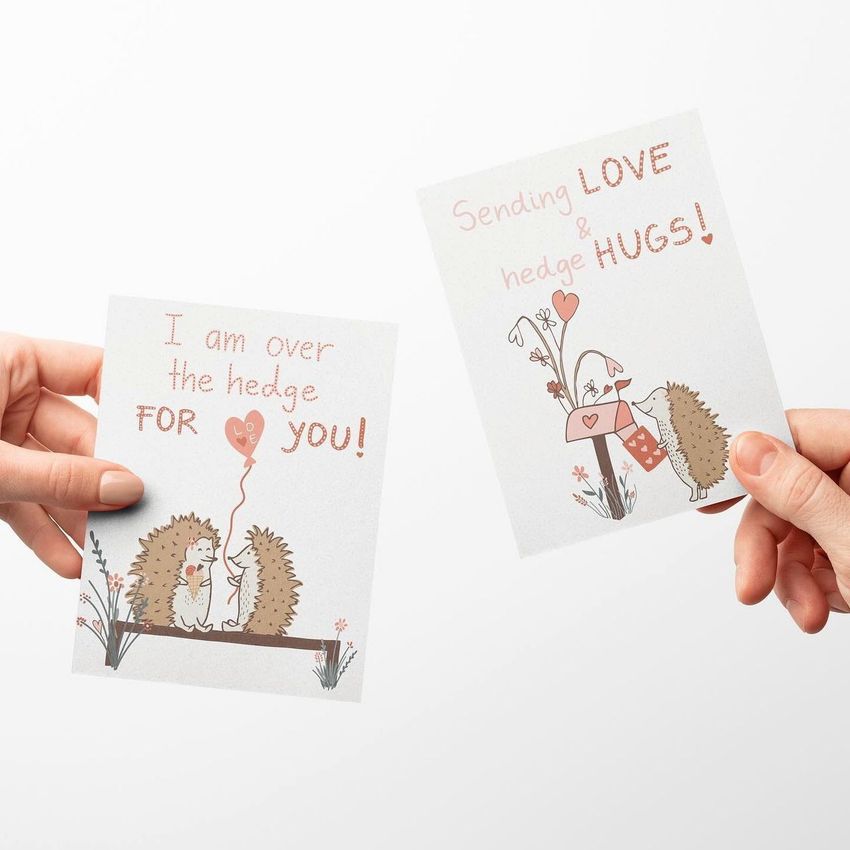
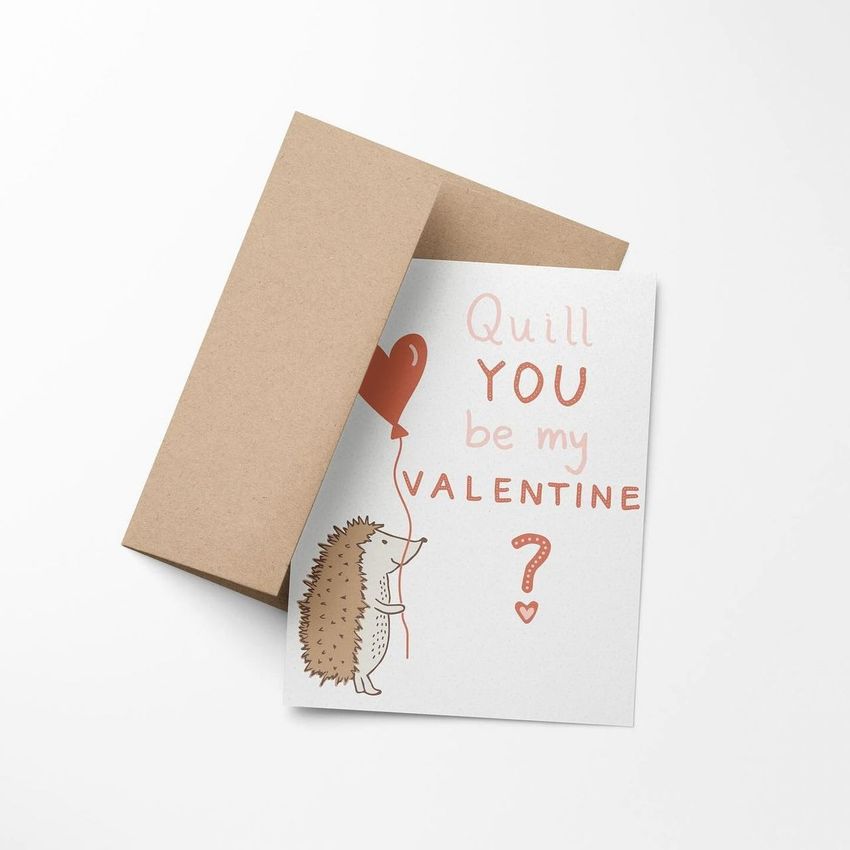
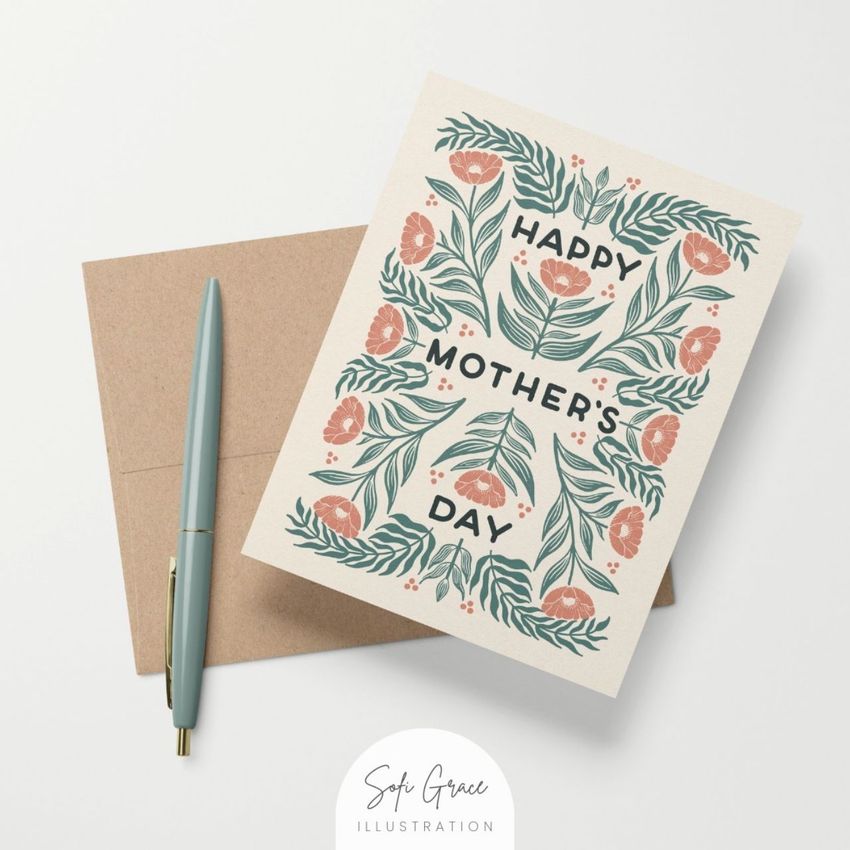
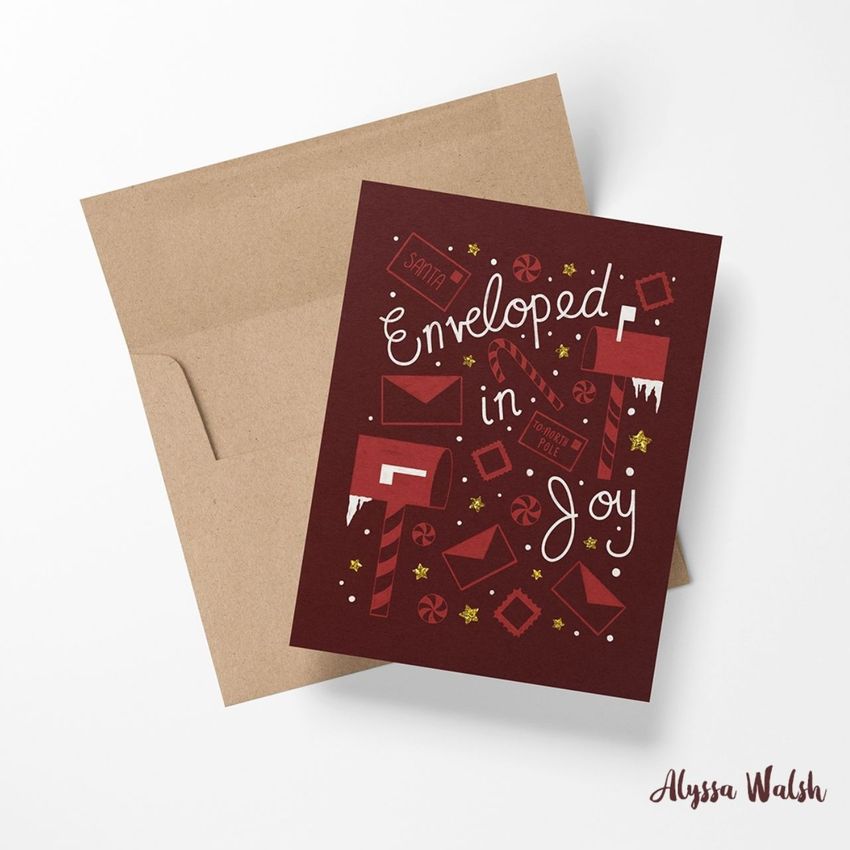
Present A2 greeting card artwork across 18 varied scenes designed for both individual designs and coordinated collections. Portrait and landscape cards appear in single and multi-card arrangements, hand-held views, fans, stacks, top views, and front or angled compositions with envelopes and stationery details.
What Is Included
18 well-organized layered PSD files with Smart Objects
18 high-resolution JPG preview images
1 PDF user manual
37 digital files in total
Each PSD measures 6000 × 4000 px at 300 DPI
Compatibility with Photopea, Adobe Photoshop, and Affinity Designer
Eighteen Ways to Present A2 Cards
Choose from portrait and landscape formats, one-card compositions, and arrangements containing two, three, four, or five cards. The collection also includes hand-held cards, fanned layouts, stacked stationery, and top, front, and angled views accompanied by black or brown envelopes and pens.
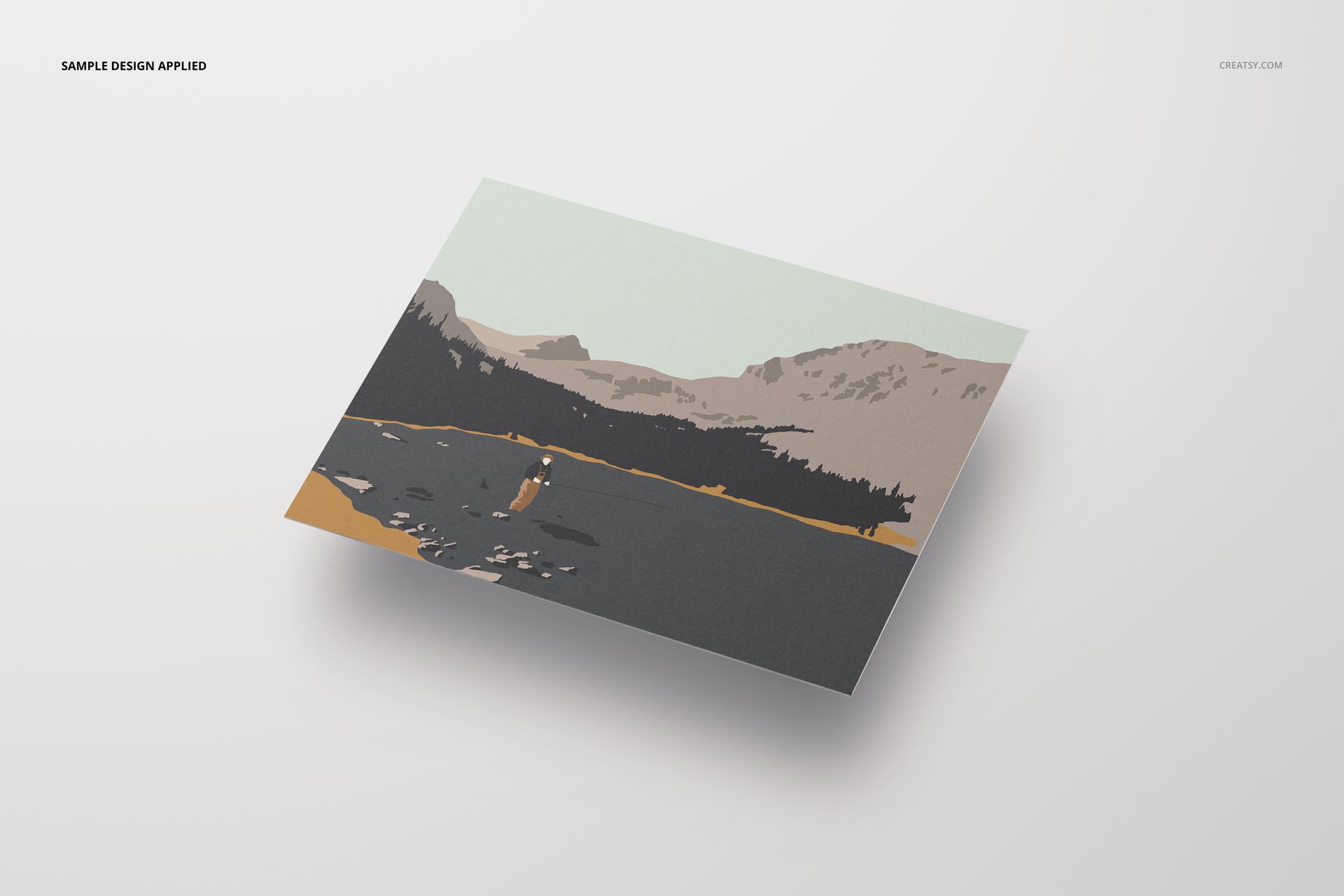
Single-card scenes for focused artwork previews
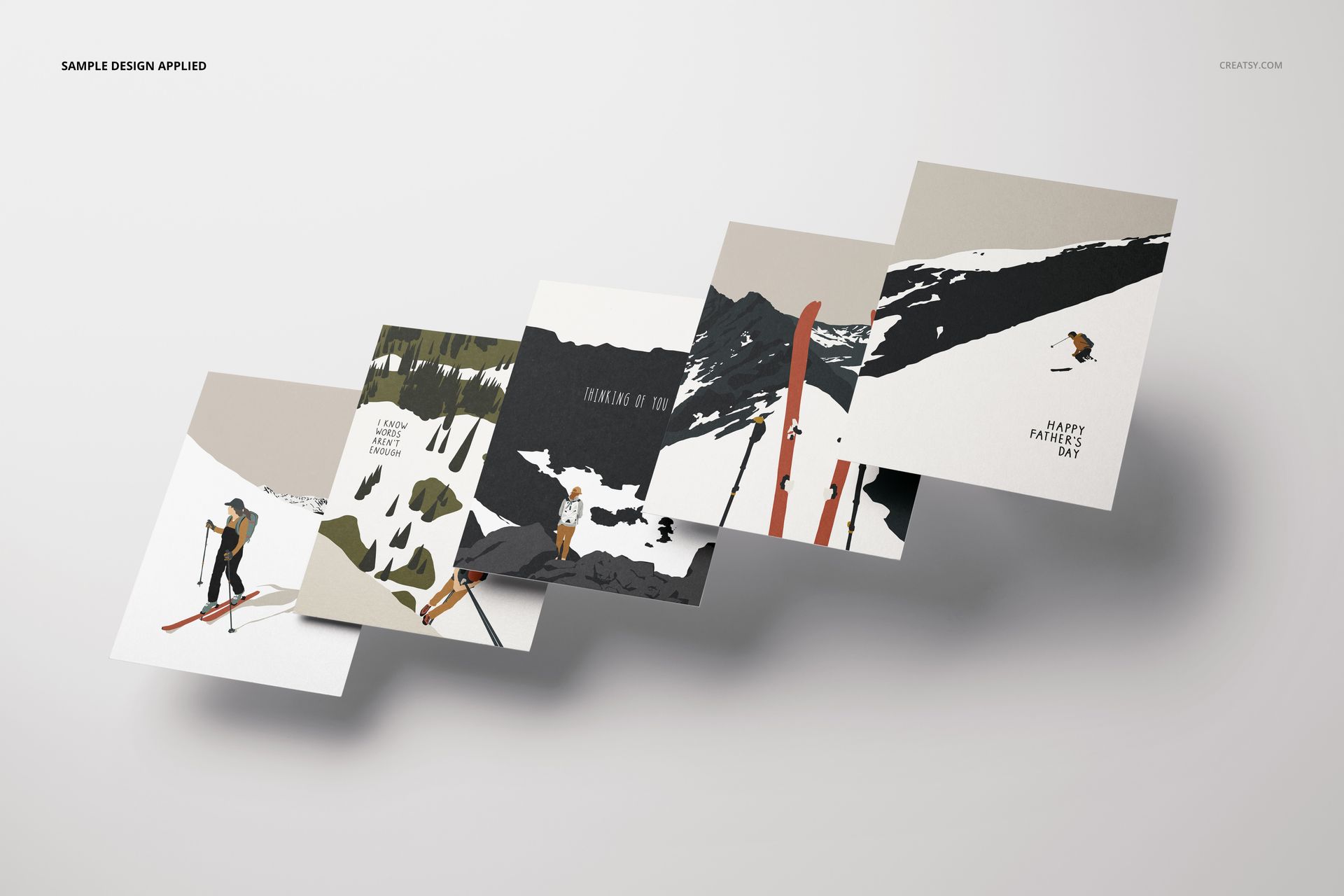
Multi-card layouts for collections and coordinated designs
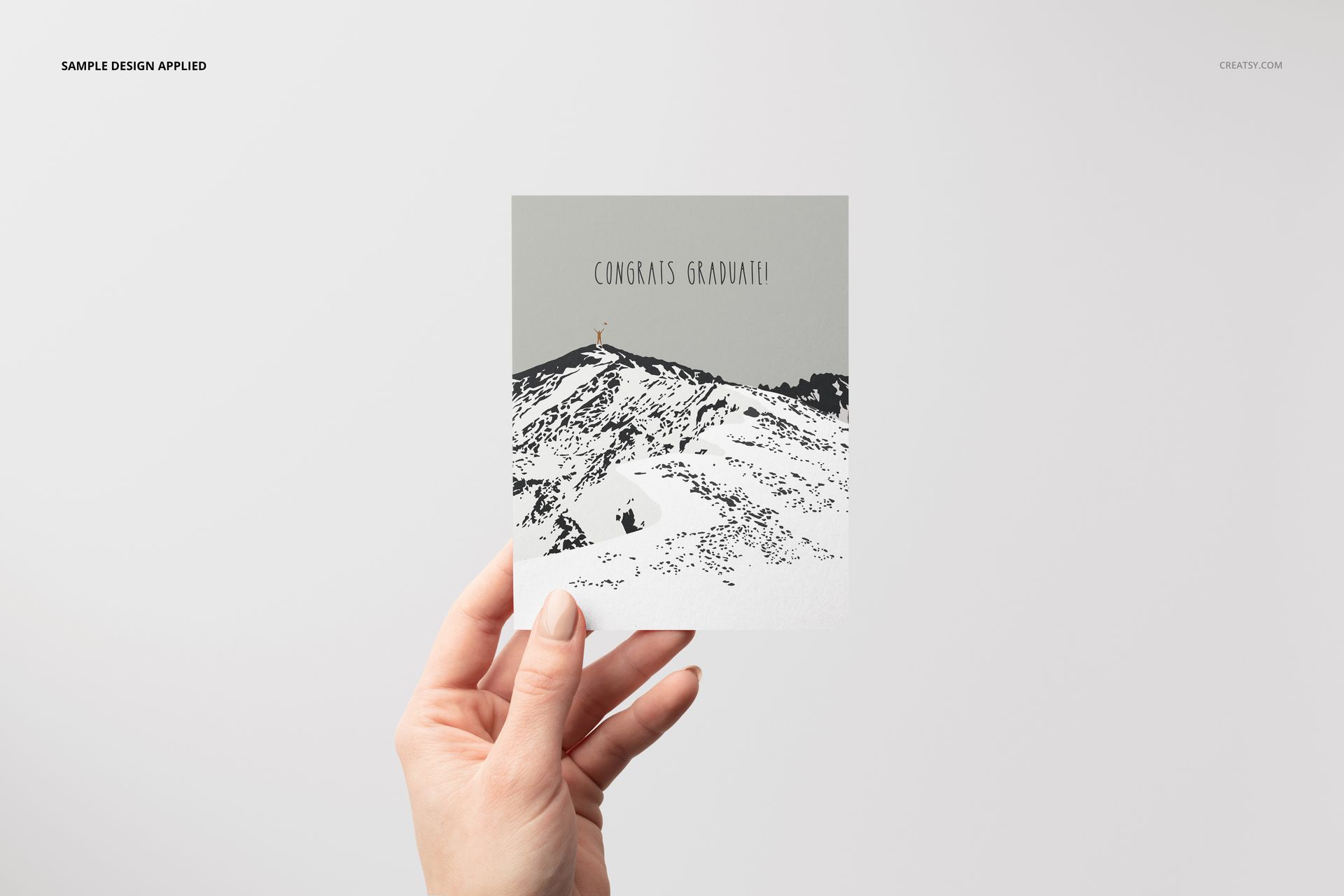
Hand-held views that provide a natural visual context
Fanned and stacked arrangements for varied product galleries
Portrait and landscape options across multiple viewpoints
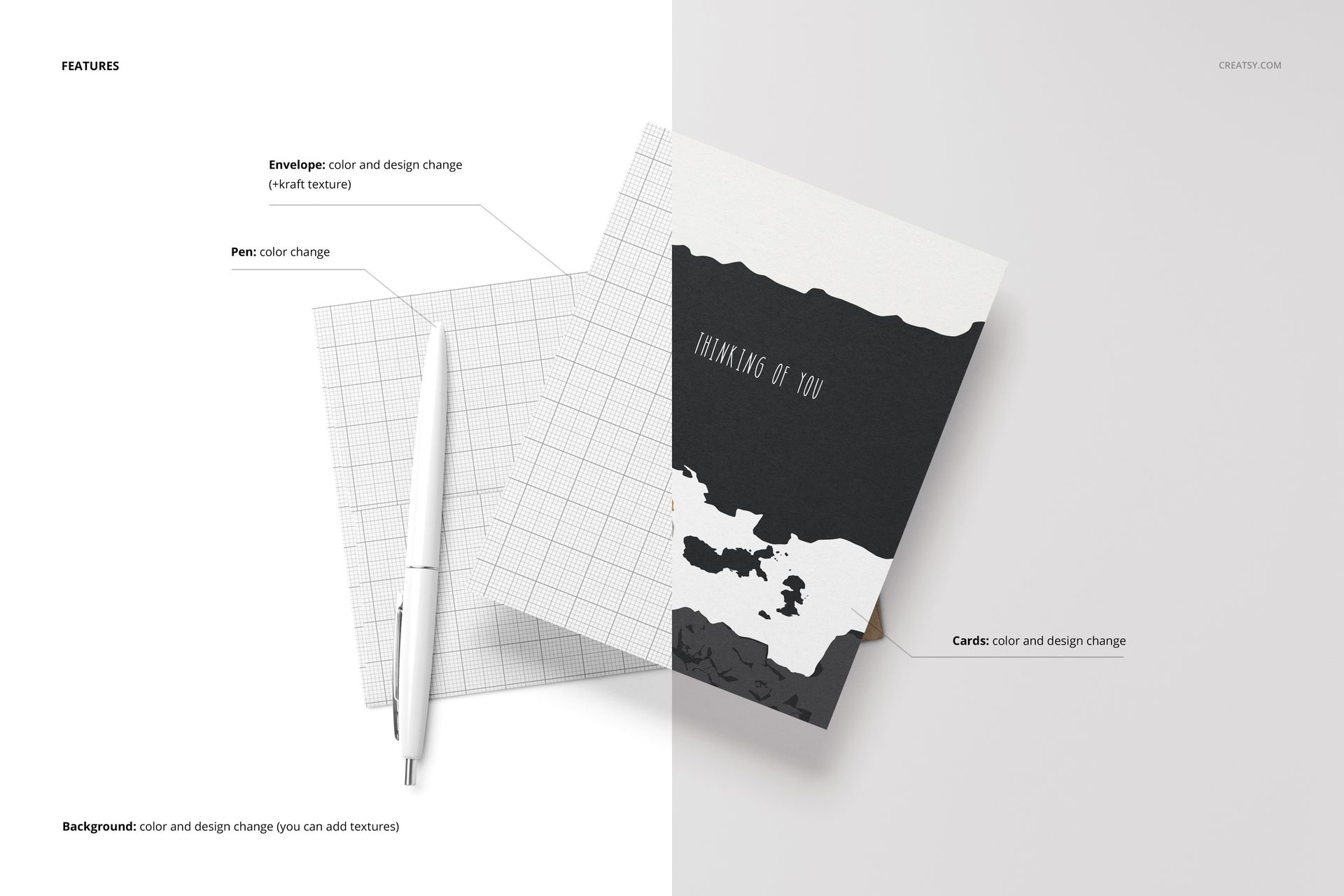
Easy Smart Object Editing
Replace card and stationery artwork through Smart Objects and use the organized layers to manage each scene. The files support editable colors and designs, solid or gradient treatments, and prepared shadow and highlight effects. Public compatibility information lists Photopea, Adobe Photoshop, and Affinity Designer, while legacy requirements specify Photoshop CC2015 or newer.
Perfect For
Greeting card collections and seasonal stationery
Invitations, announcements, and art cards
Illustration, typography, and pattern presentations
Client approvals and coordinated product galleries
Portfolio images, catalogs, and marketplace listings
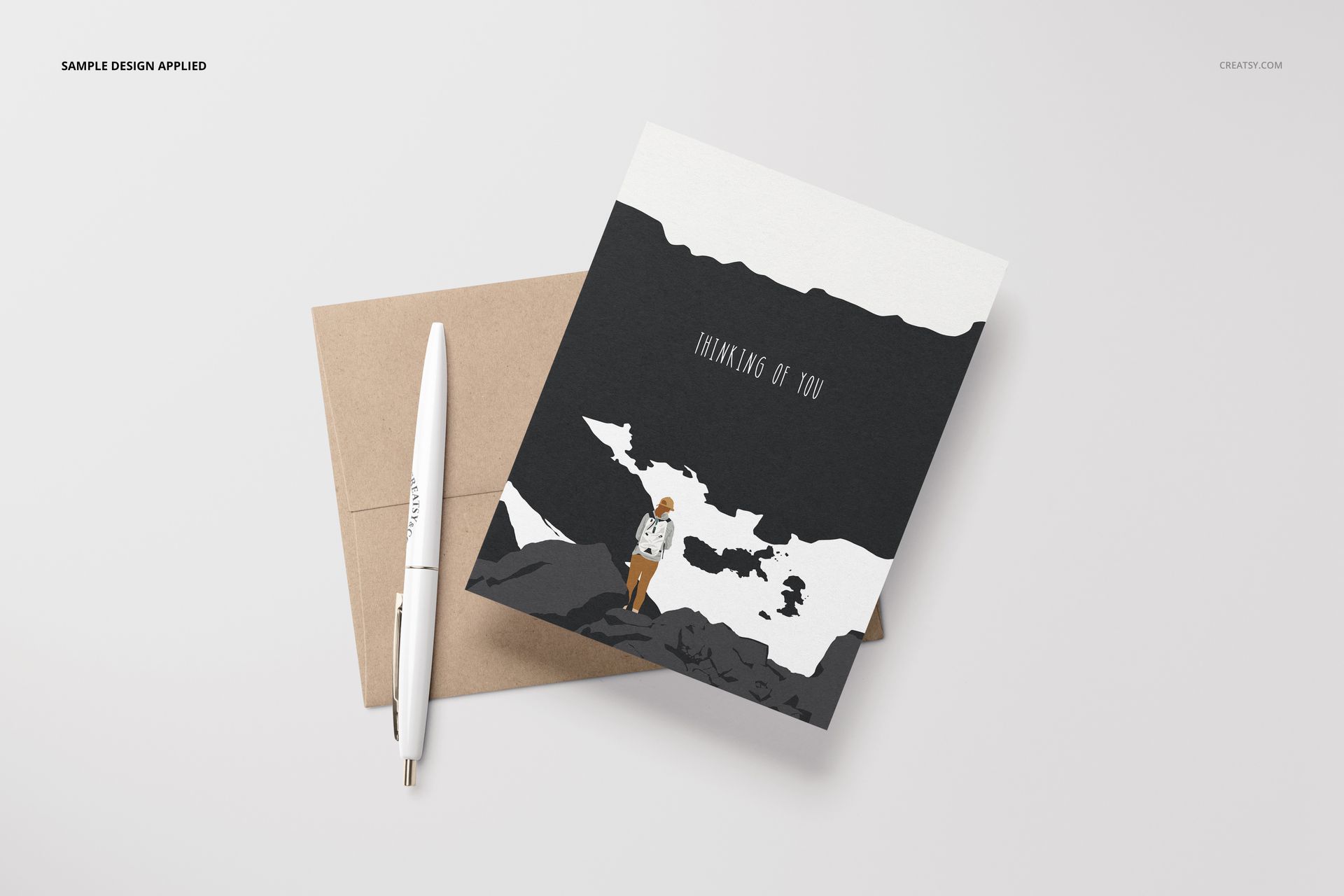
Digital product notice: No physical card, envelope, pen, or other item will be shipped. Sample patterns and artwork shown in the previews are not included.