Greeting Cards Size Comparison Mockup Set
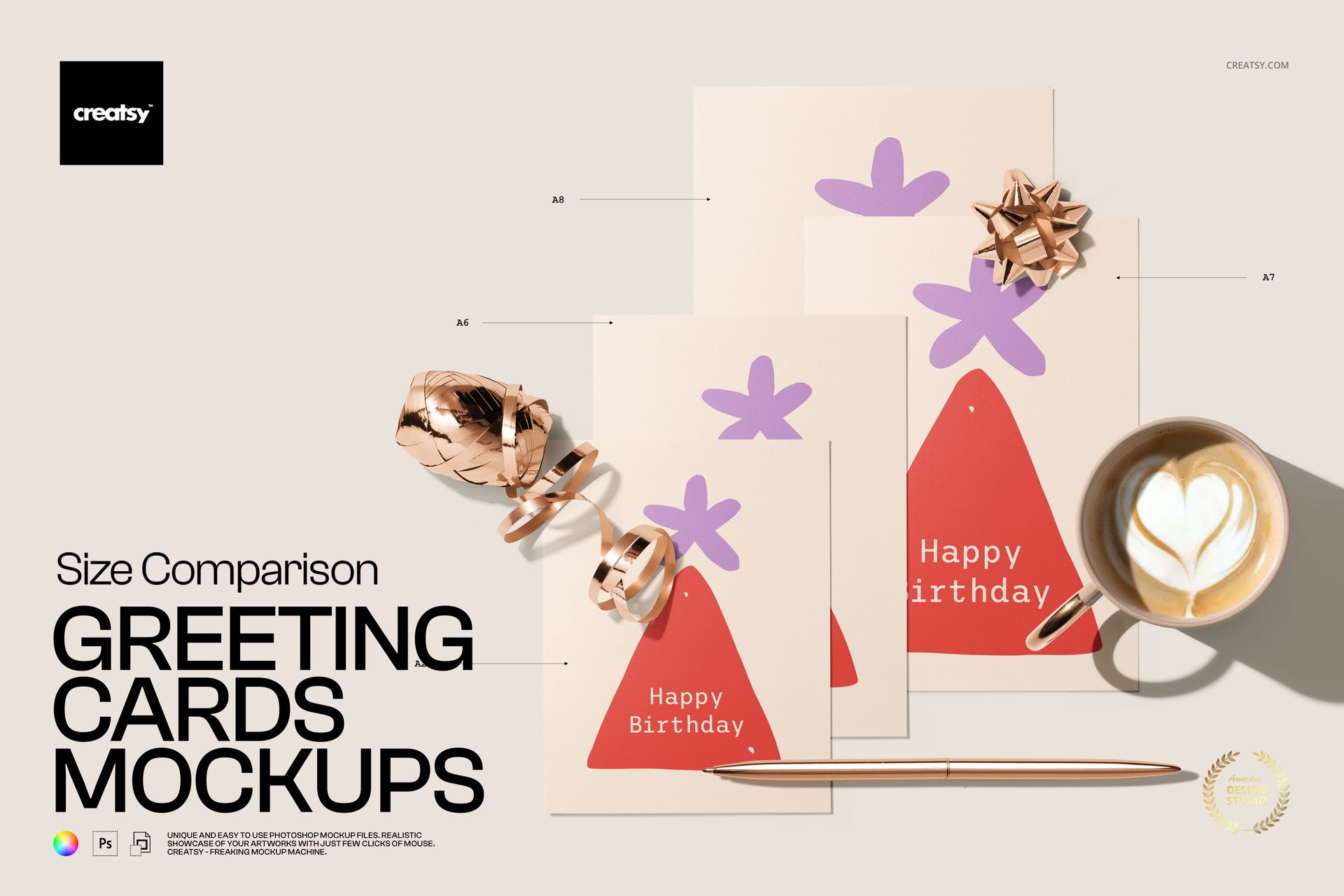
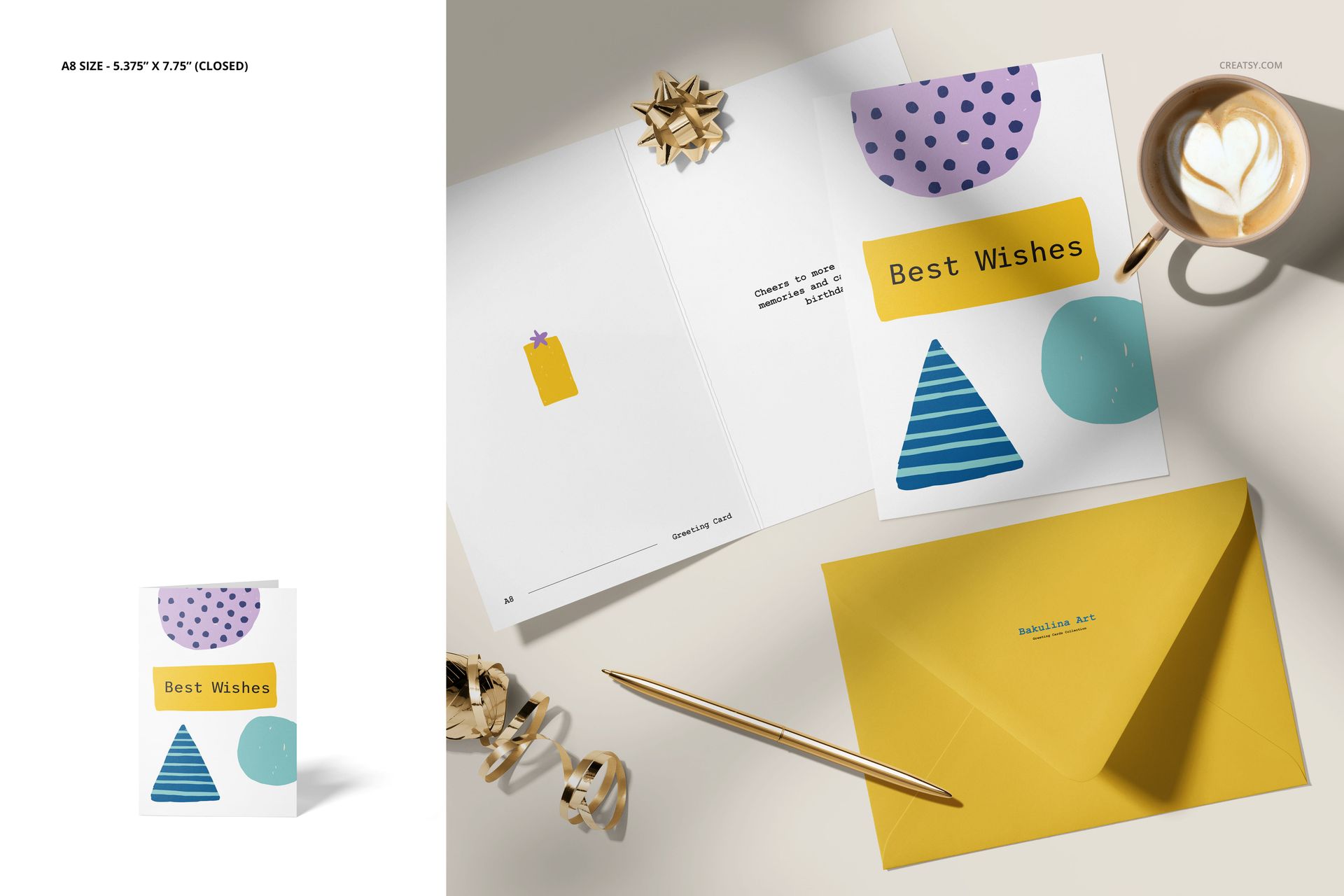
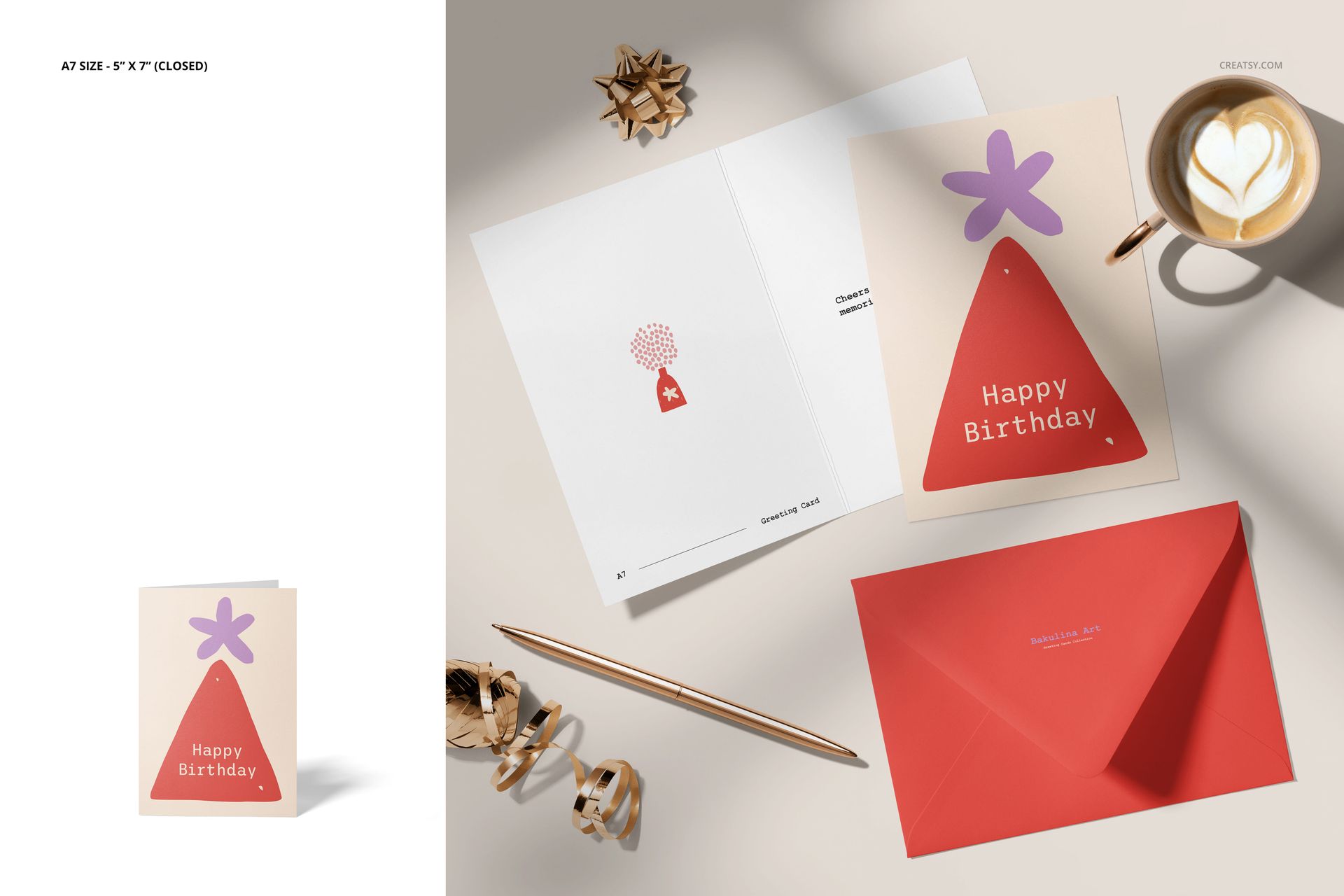
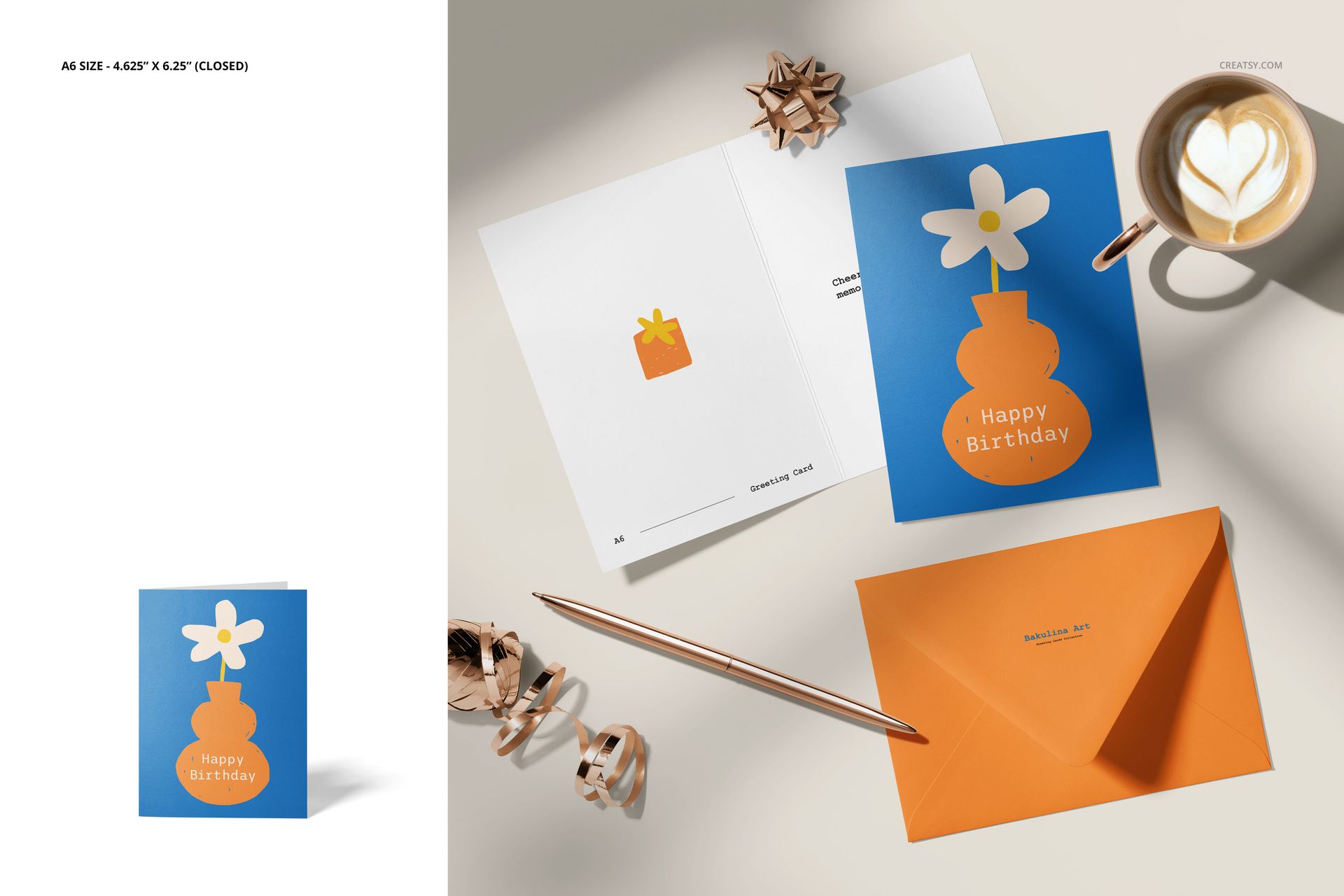
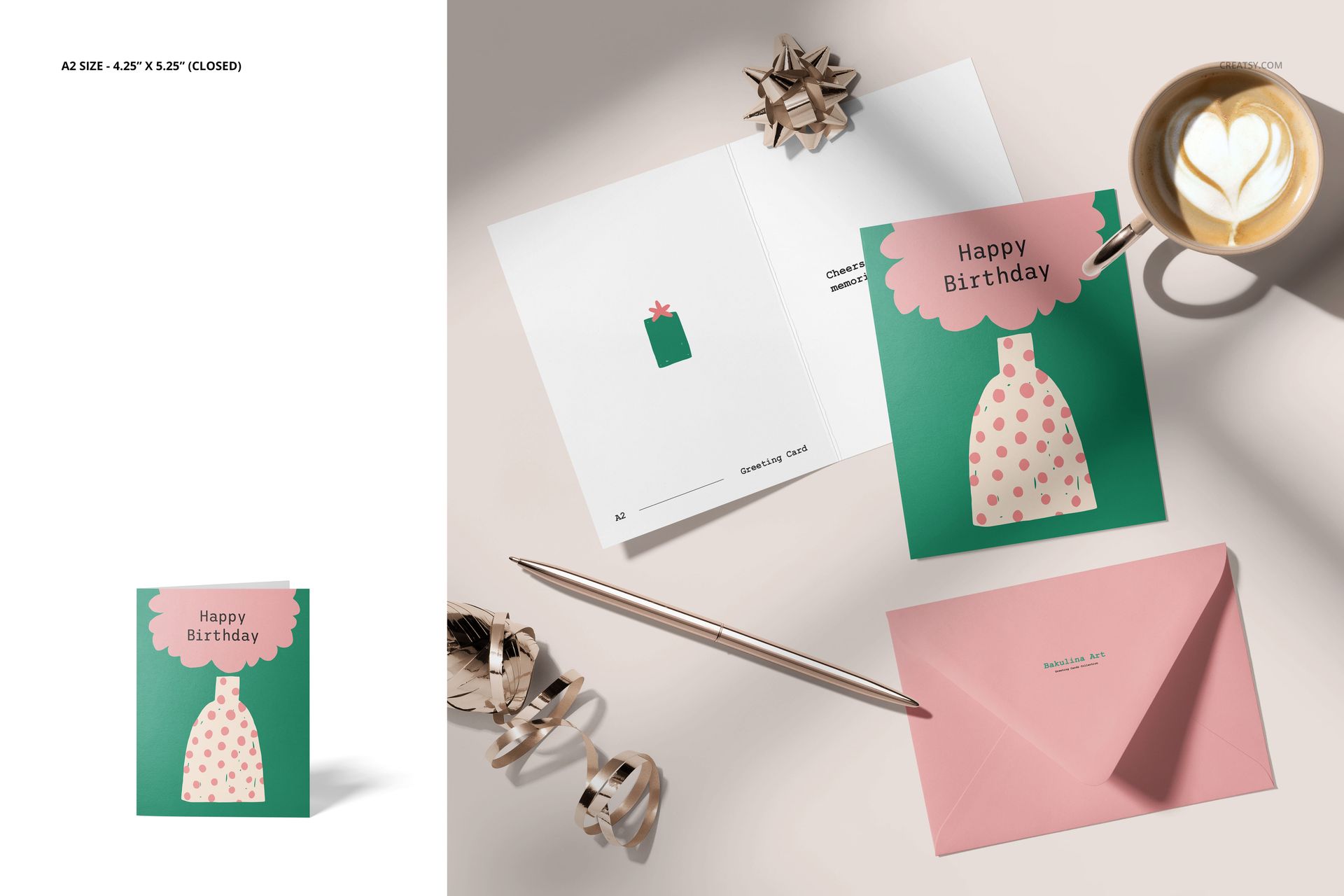
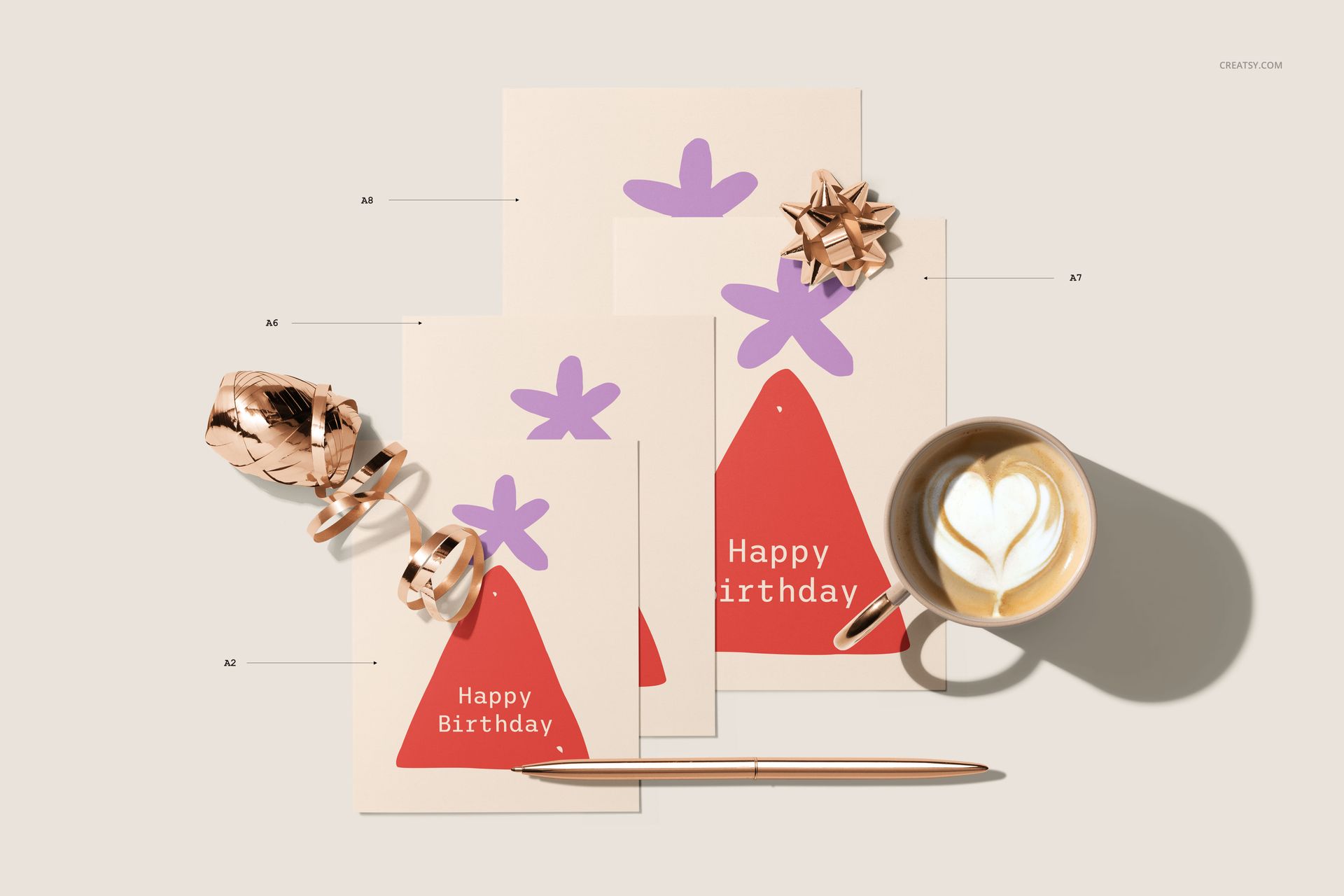
Compare greeting card formats in nine clear stationery scenes featuring A8, A7, A6, and A2 cards. Top-view arrangements, standing cards, envelopes, and direct size comparisons help communicate scale while presenting artwork in a consistent visual setting.
What Is Included
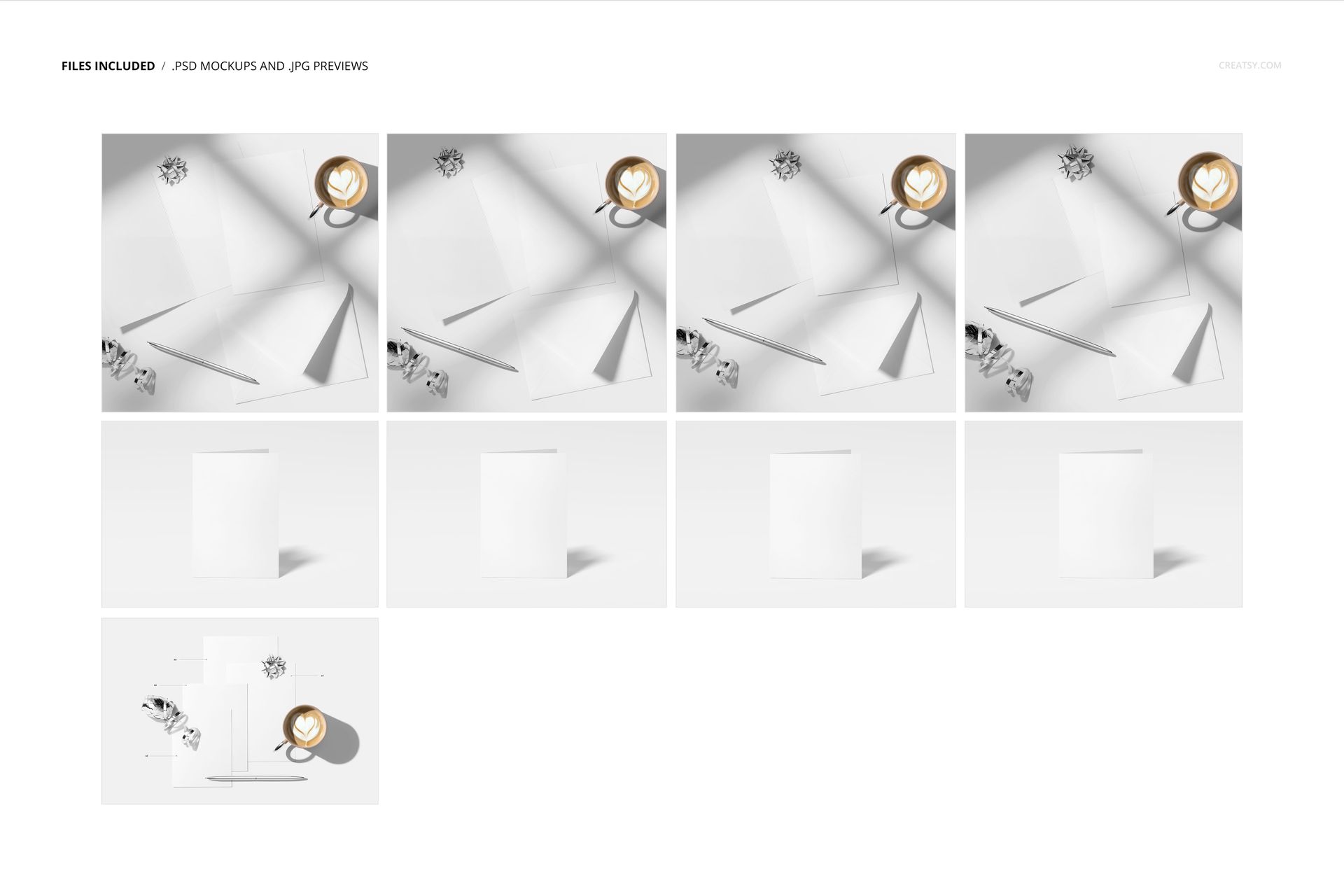
9 well-organized layered PSD files with Smart Objects
9 high-resolution JPG preview images
18 digital files in total
6000 × 4000 px compositions at 300 DPI
Compatibility with Adobe Photoshop CC and Photopea
Compare Multiple Card Formats
Use the set to display A8, A7, A6, and A2 cards individually or in size-comparison arrangements. The combination of top and standing views makes it easier to show artwork, proportions, and coordinated envelope designs for print collections and customer size guides.
Flexible Scene Editing
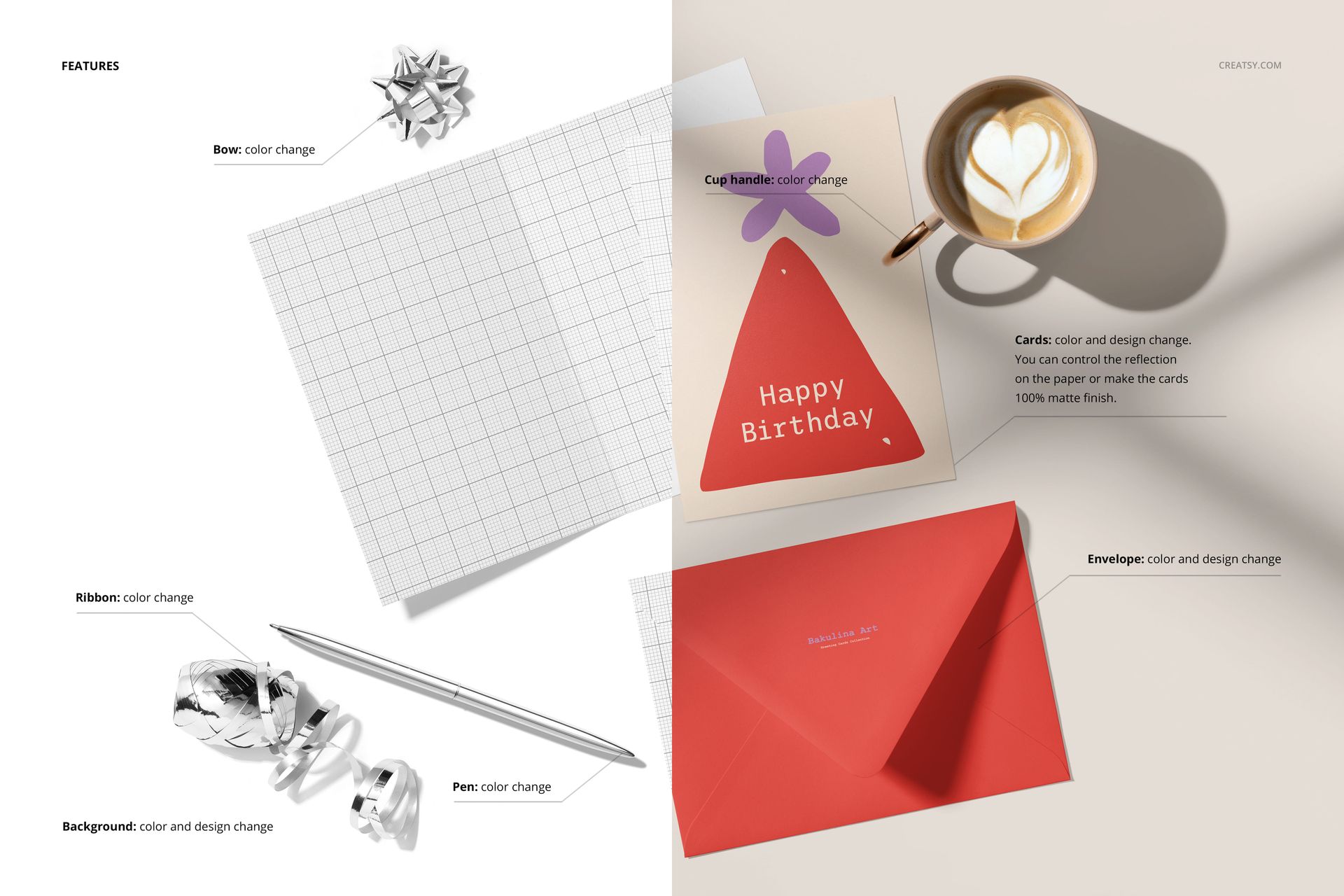
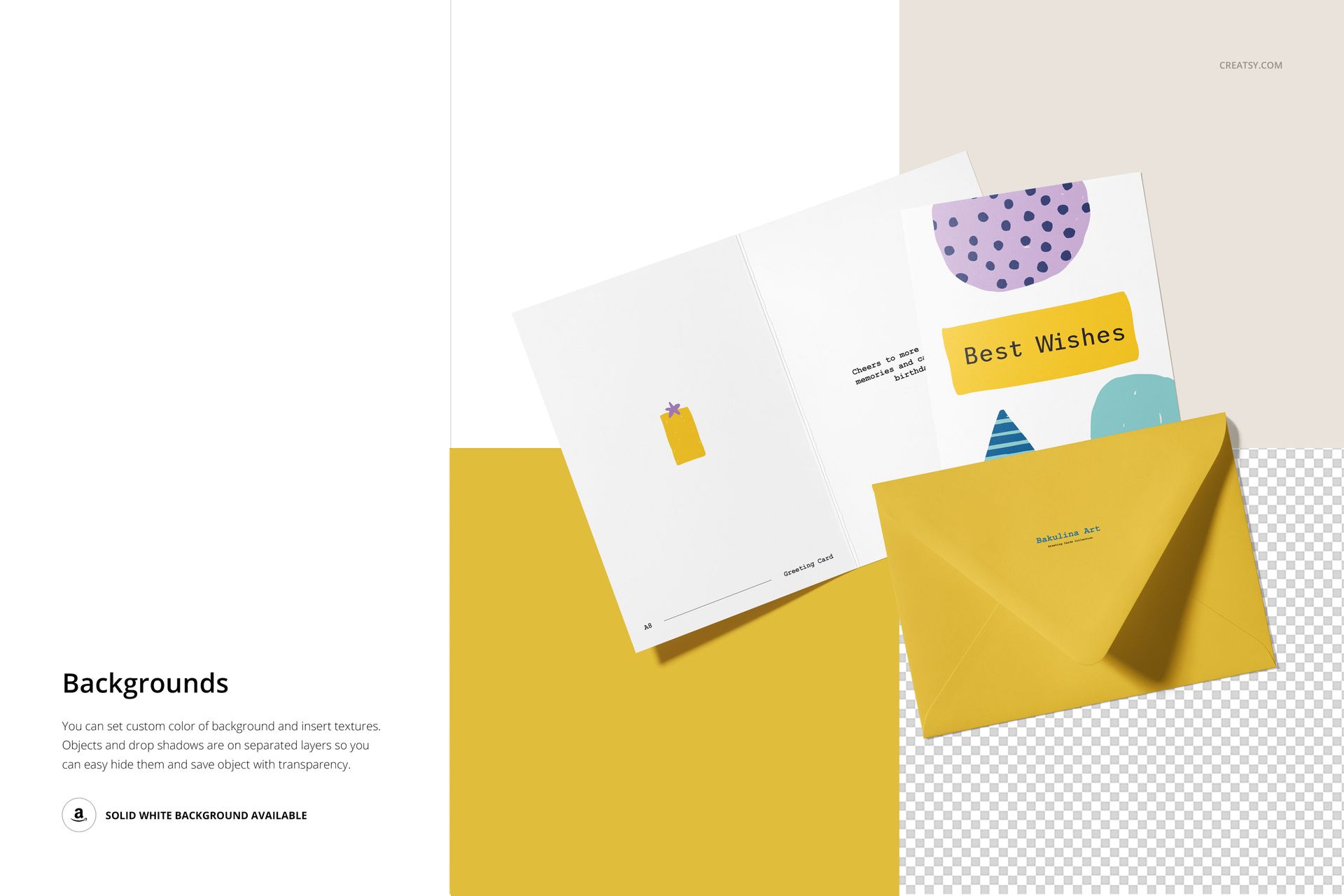
Replace the card and envelope artwork through Smart Objects
Edit the card, envelope, background, and supporting props
Choose glossy reflections or a fully matte appearance
Move scene elements freely to refine the composition
The organized PSD structure supports efficient editing in Adobe Photoshop CC and Photopea. You can also explore the Creatsy online mockup editor for another browser-based creative option.
Perfect For
Greeting card size guides and comparison charts
Stationery collections with multiple print formats
Invitations, announcements, and art cards
Print shop listings and client presentations
Design portfolios, catalogs, and social media graphics
Digital product notice: This listing includes downloadable PSD and JPG files only. No physical cards, envelopes, props, or other items will be shipped.



















Good mock-up bundle. I have used it only once, and I was missing a square card or card set. But all in all, it was very useful for my project!
Thank you, Christel! We're glad the set was useful for your project, and we really appreciate your note about adding a square card option. Feedback like this helps us plan future updates and collections.