String Envelope Mockup Set
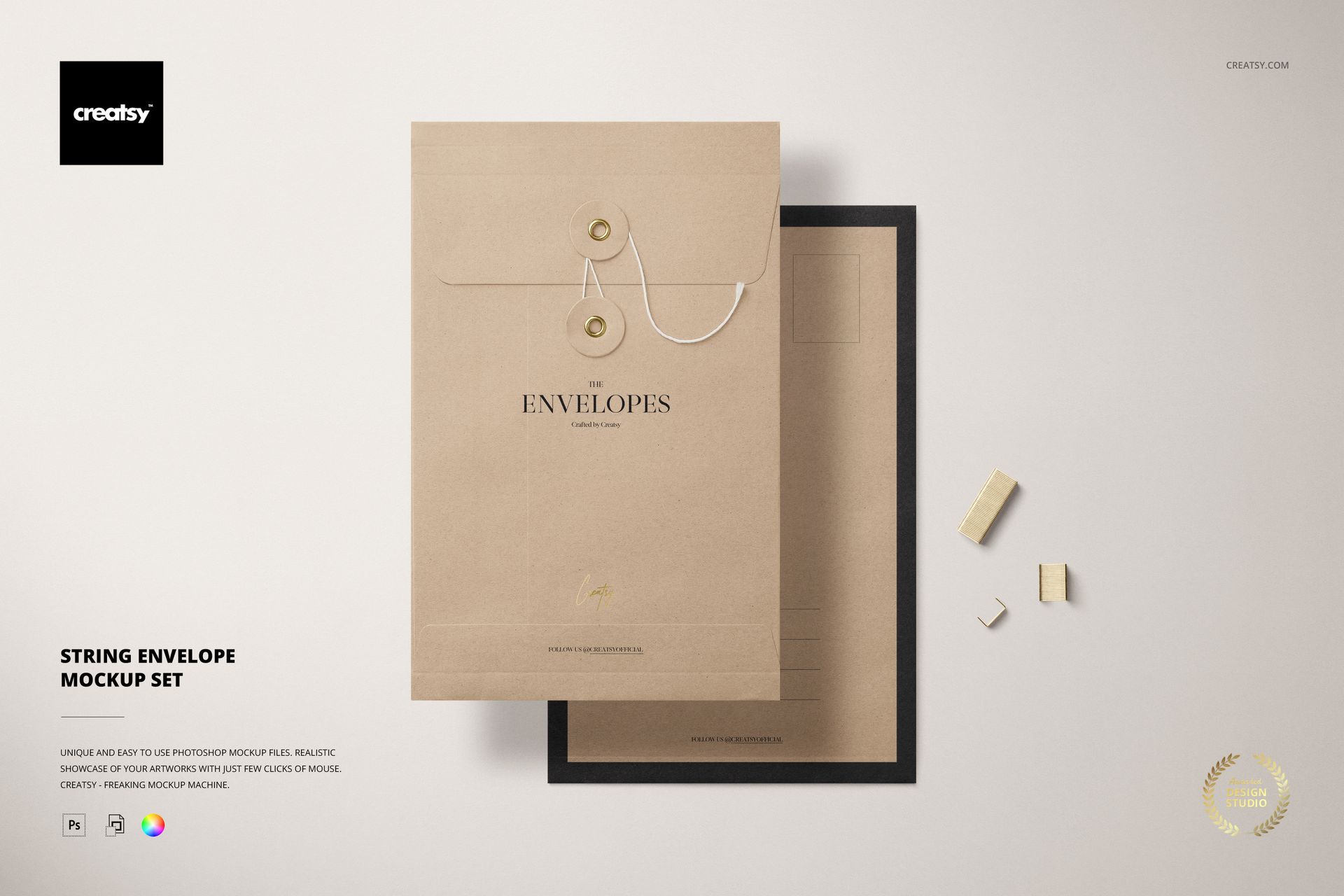
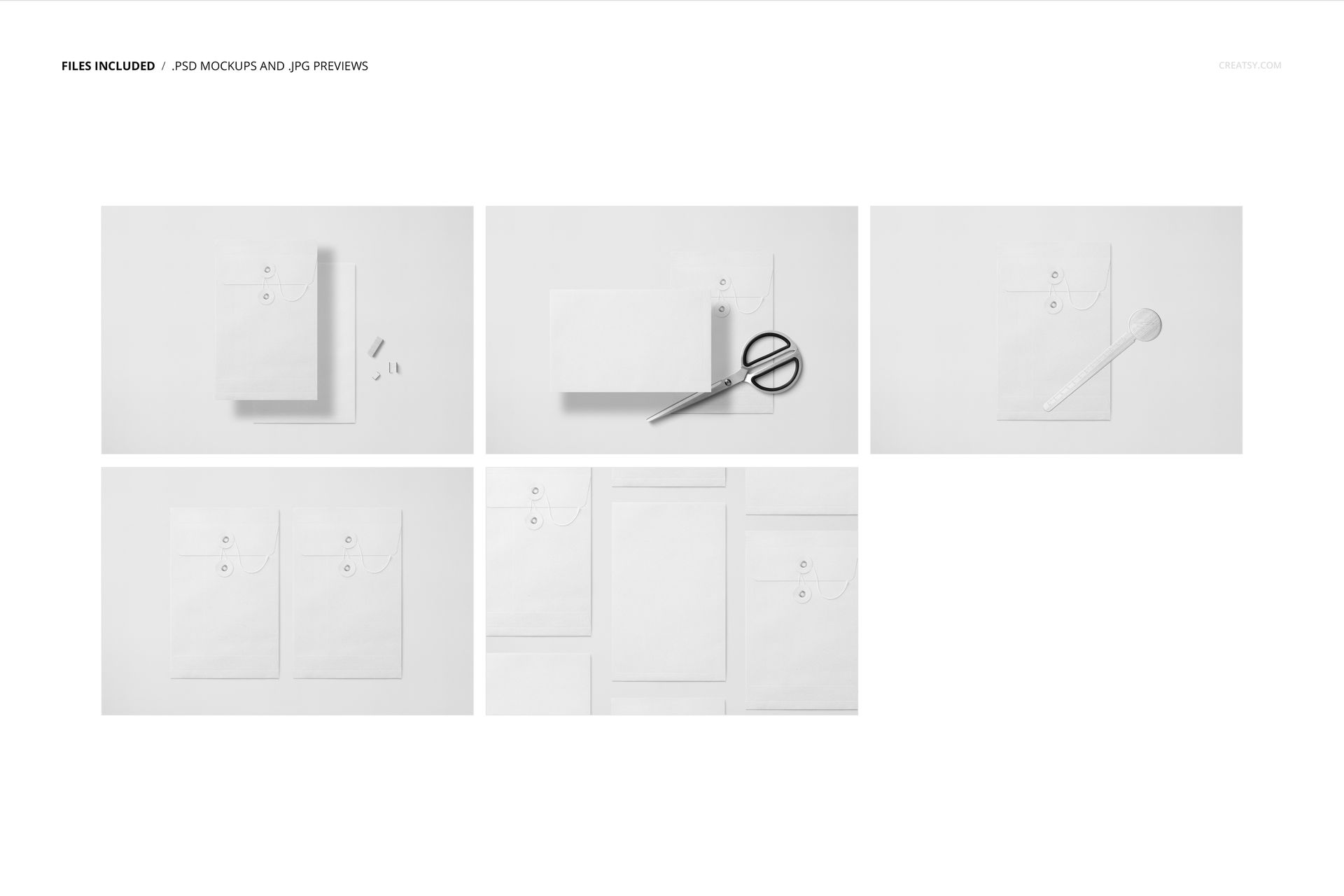
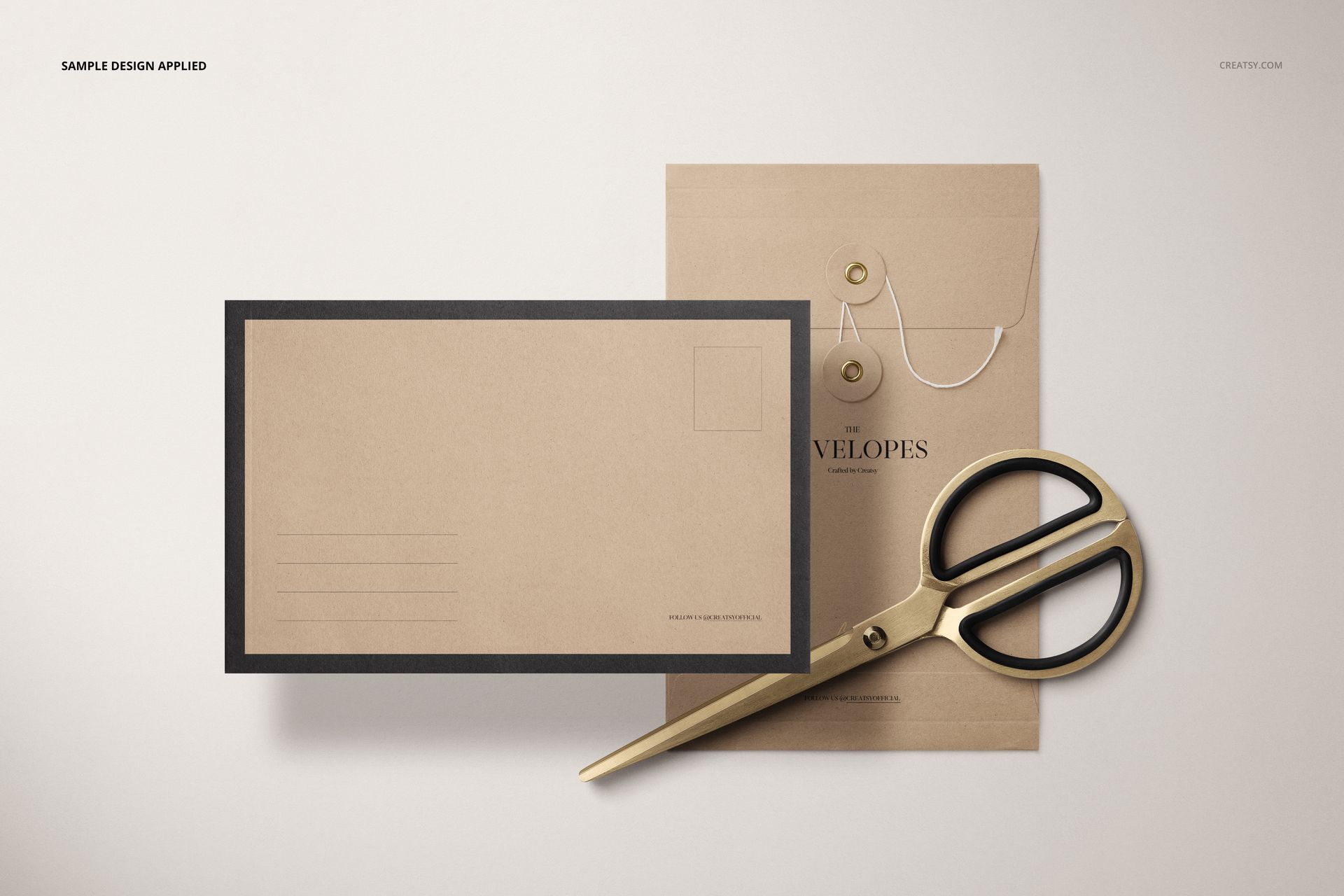
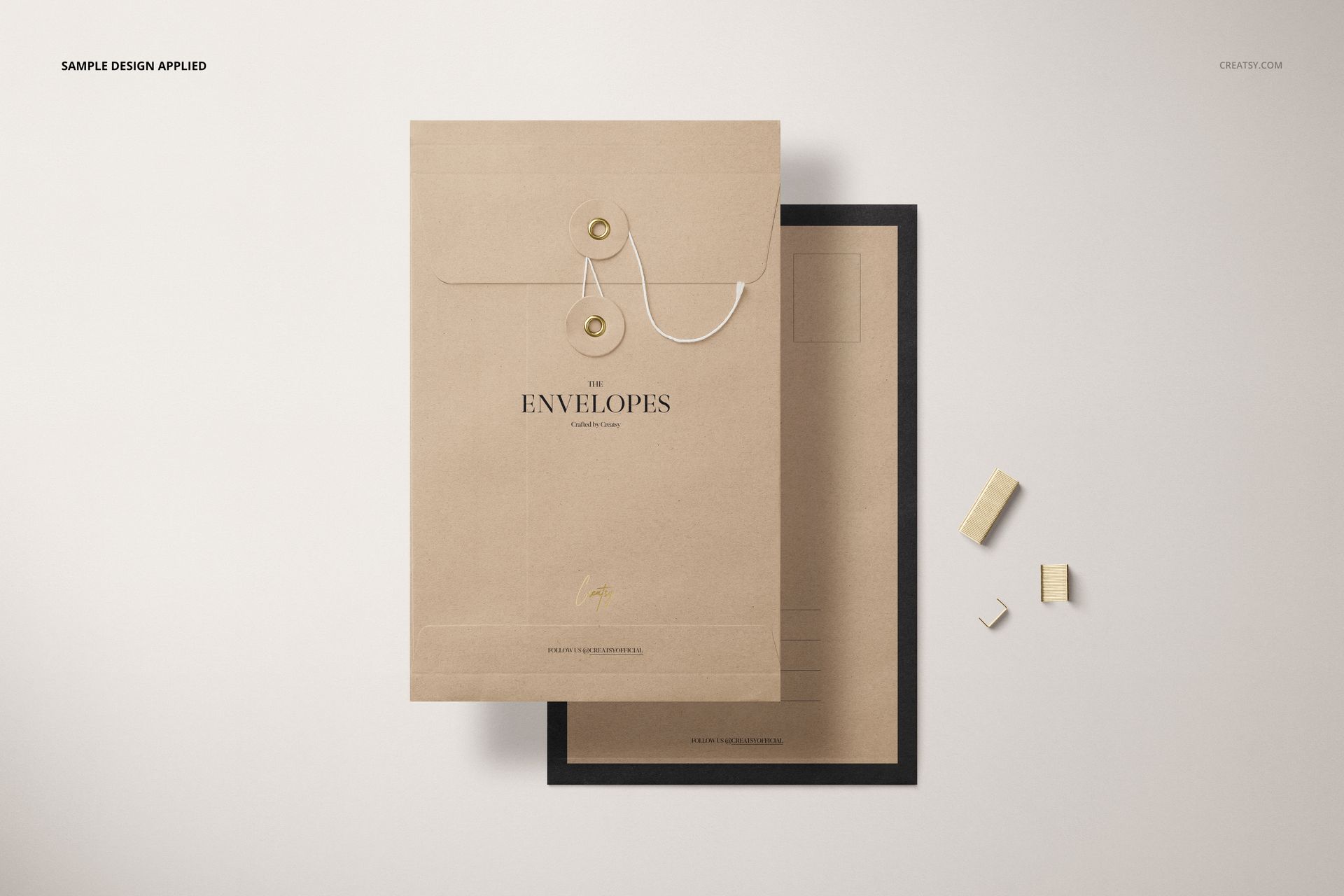
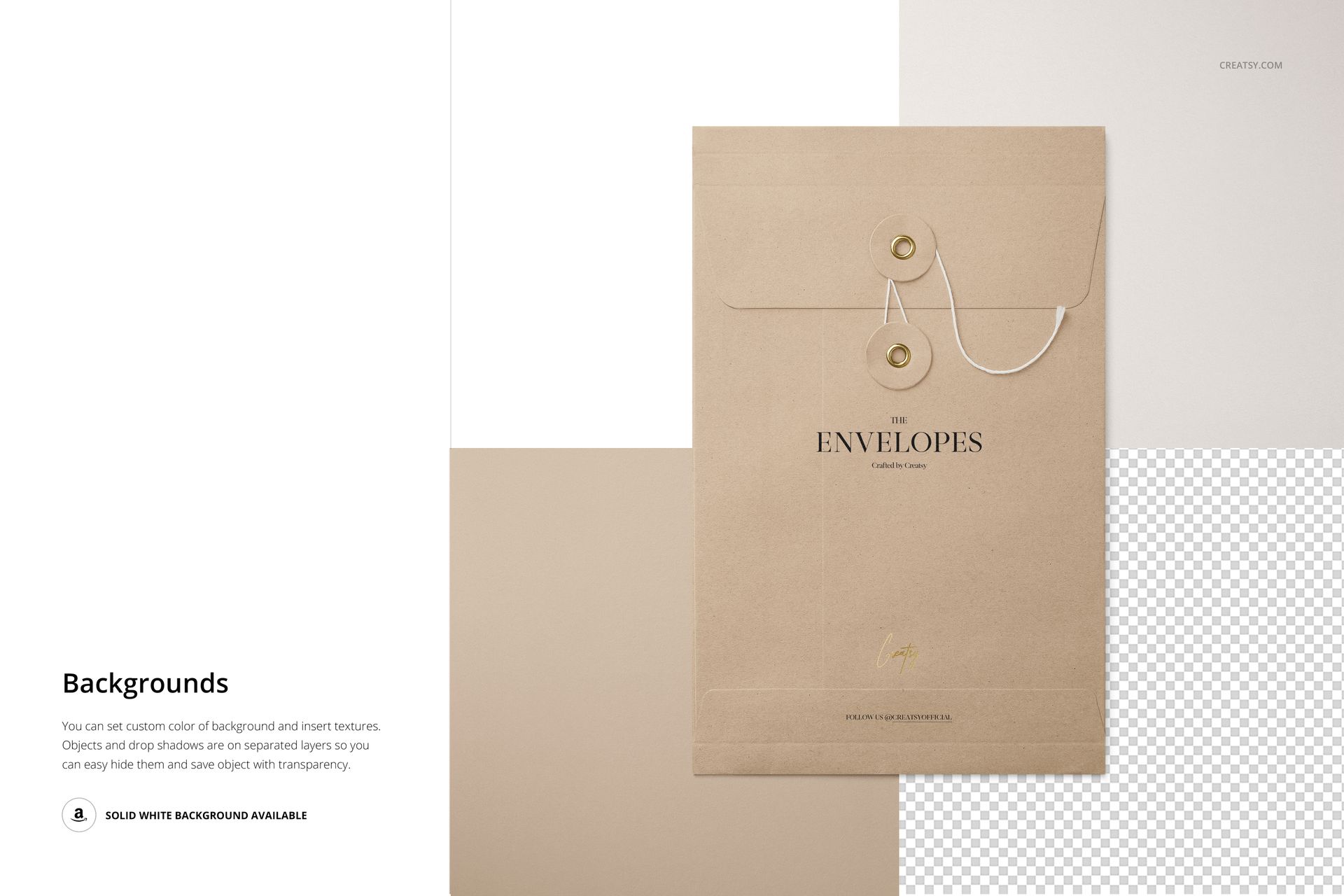
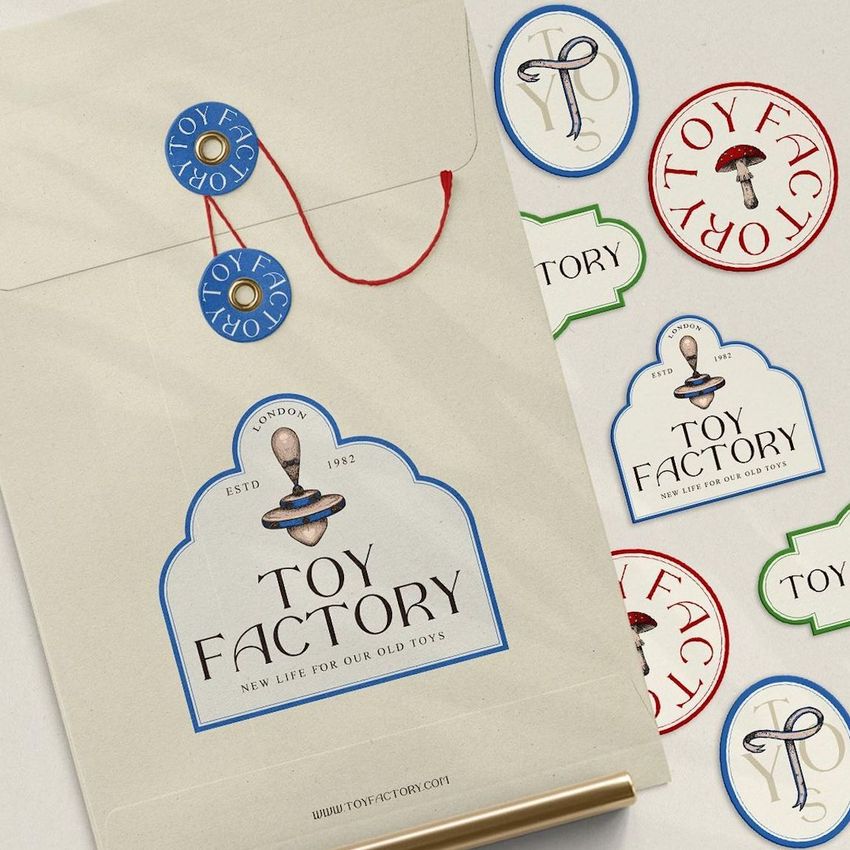
Present C5 string-and-button envelopes across five detailed top-view scenes. Kraft paper surfaces, cord closures, round buttons, open and closed views, layered arrangements, and practical stationery props create a natural setting for branding, packaging, and paper goods presentations.
What Is Included
5 well-organized layered PSD files with Smart Objects
JPG and PDF files included in the download package, with exact counts not specified
Each PSD measures 6000 × 4000 px at 300 DPI
C5 envelope format measuring 162 × 229 + 25 mm
25 mm fold or gusset
Compatibility with Photopea, Adobe Photoshop, and Affinity Photo
This product is also included in the Envelopes & Cards Mockup Bundle.
A Distinctive String-and-Button Format
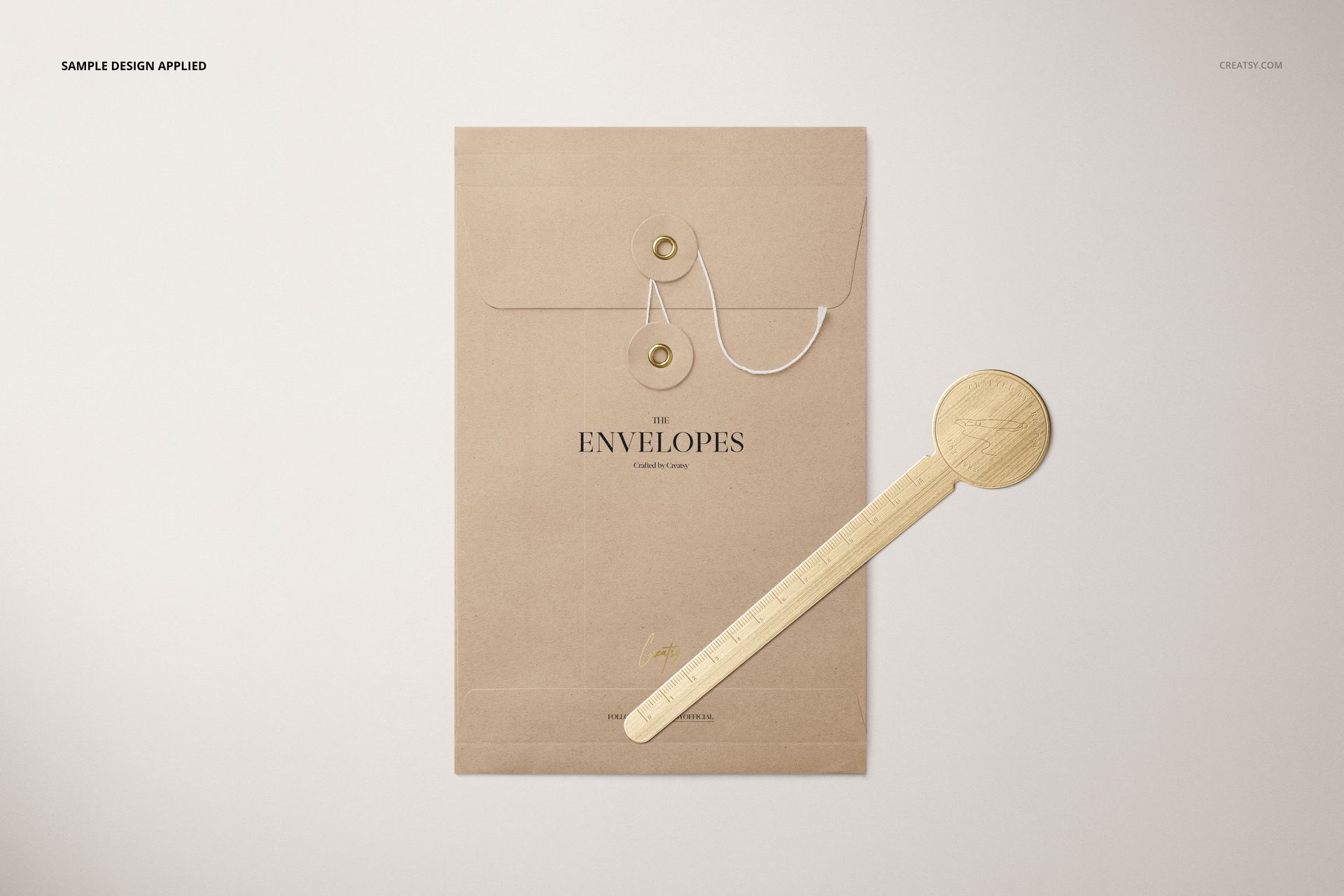
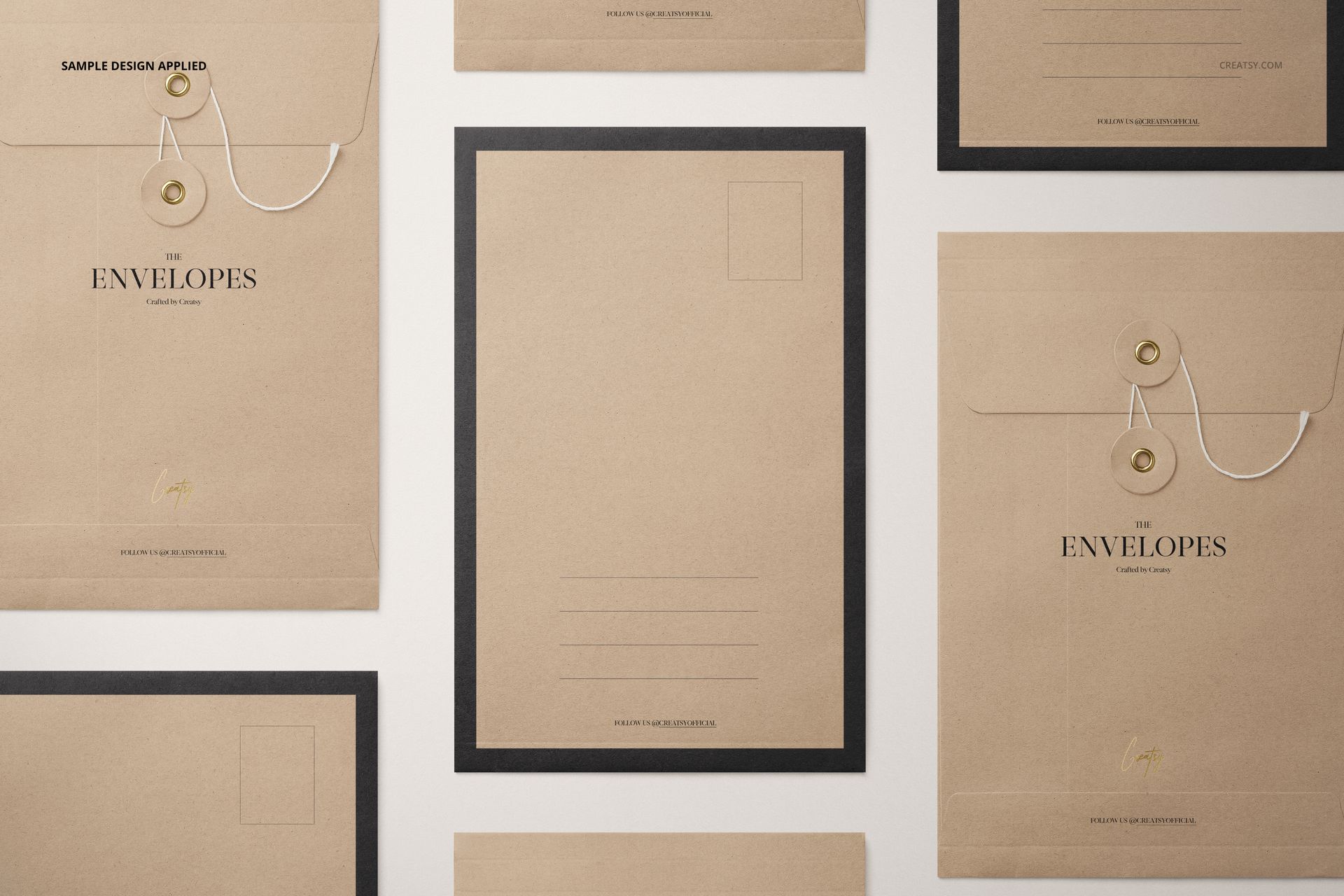
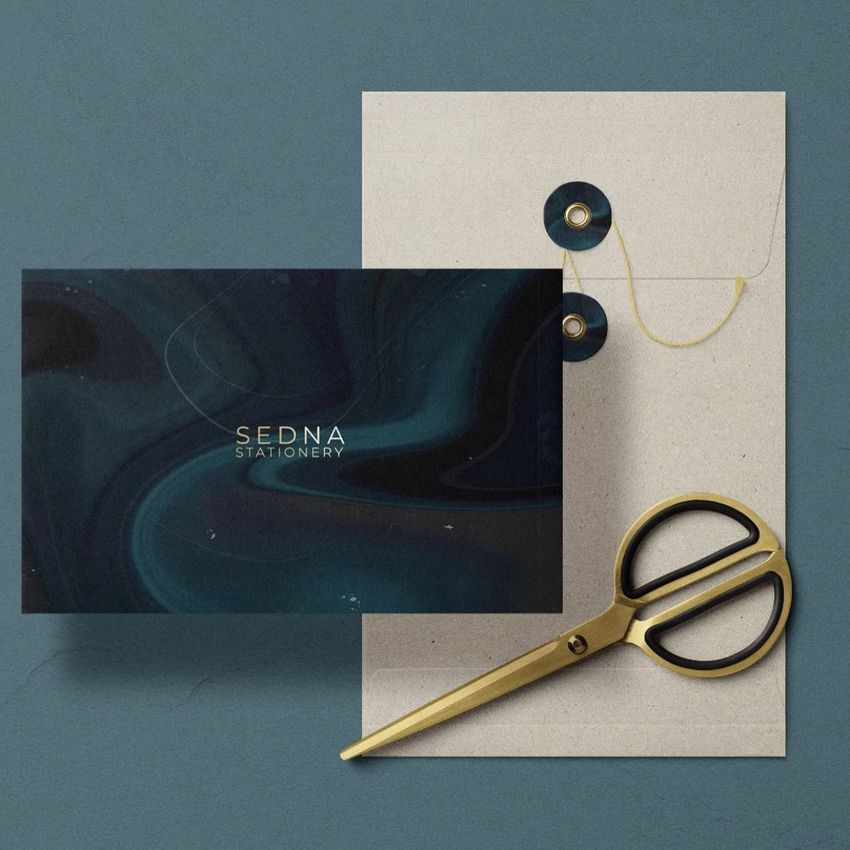
The five scenes show the envelope from multiple top-view perspectives, including open, closed, and layered arrangements. The cord and round button closure, visible gusset, kraft paper finish, and accompanying stationery tools help communicate the structure and character of the C5 format.
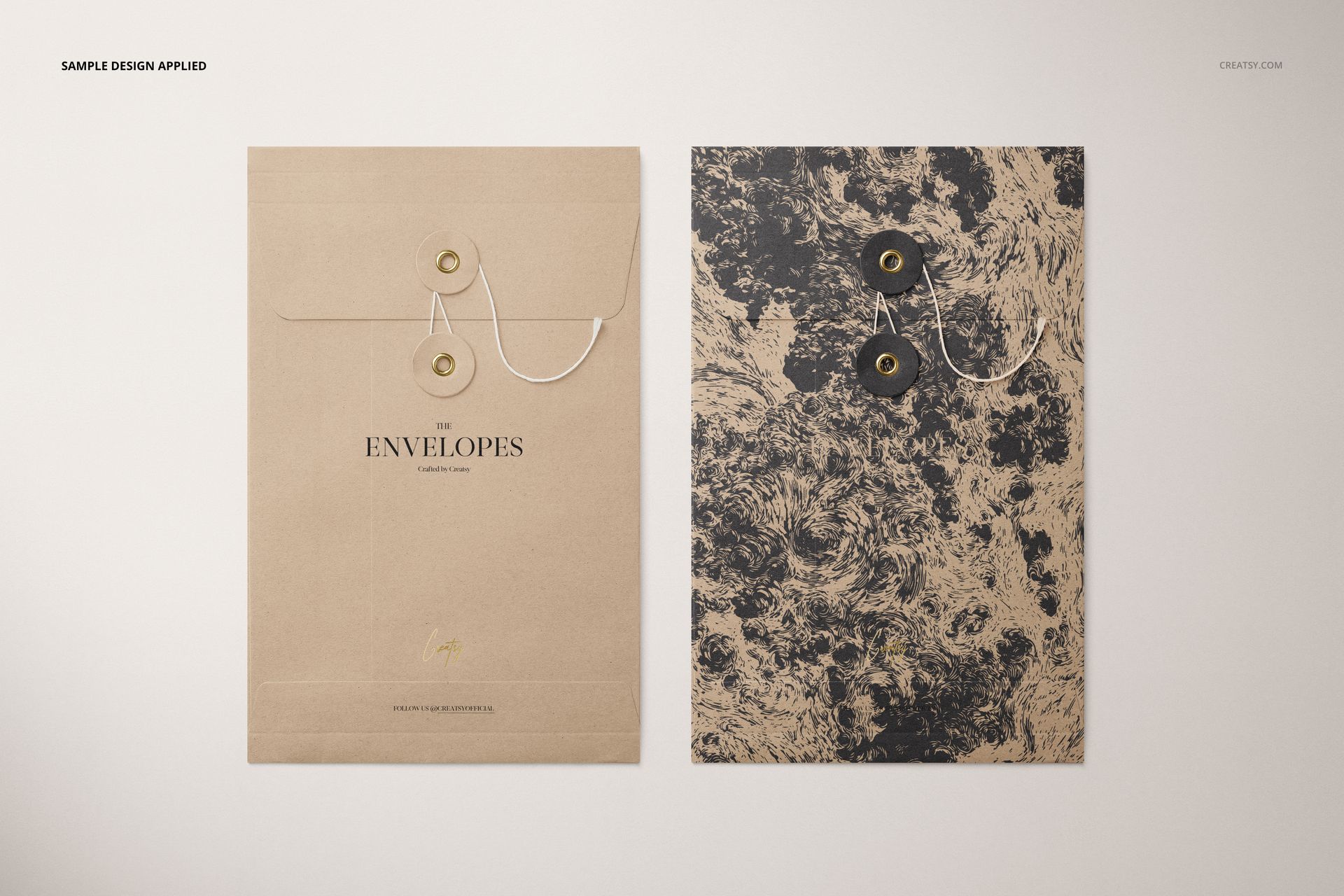
Solid brown kraft paper presentations
Textured black envelope variations
Open and closed closure views
Layered envelope and flat mailer arrangements
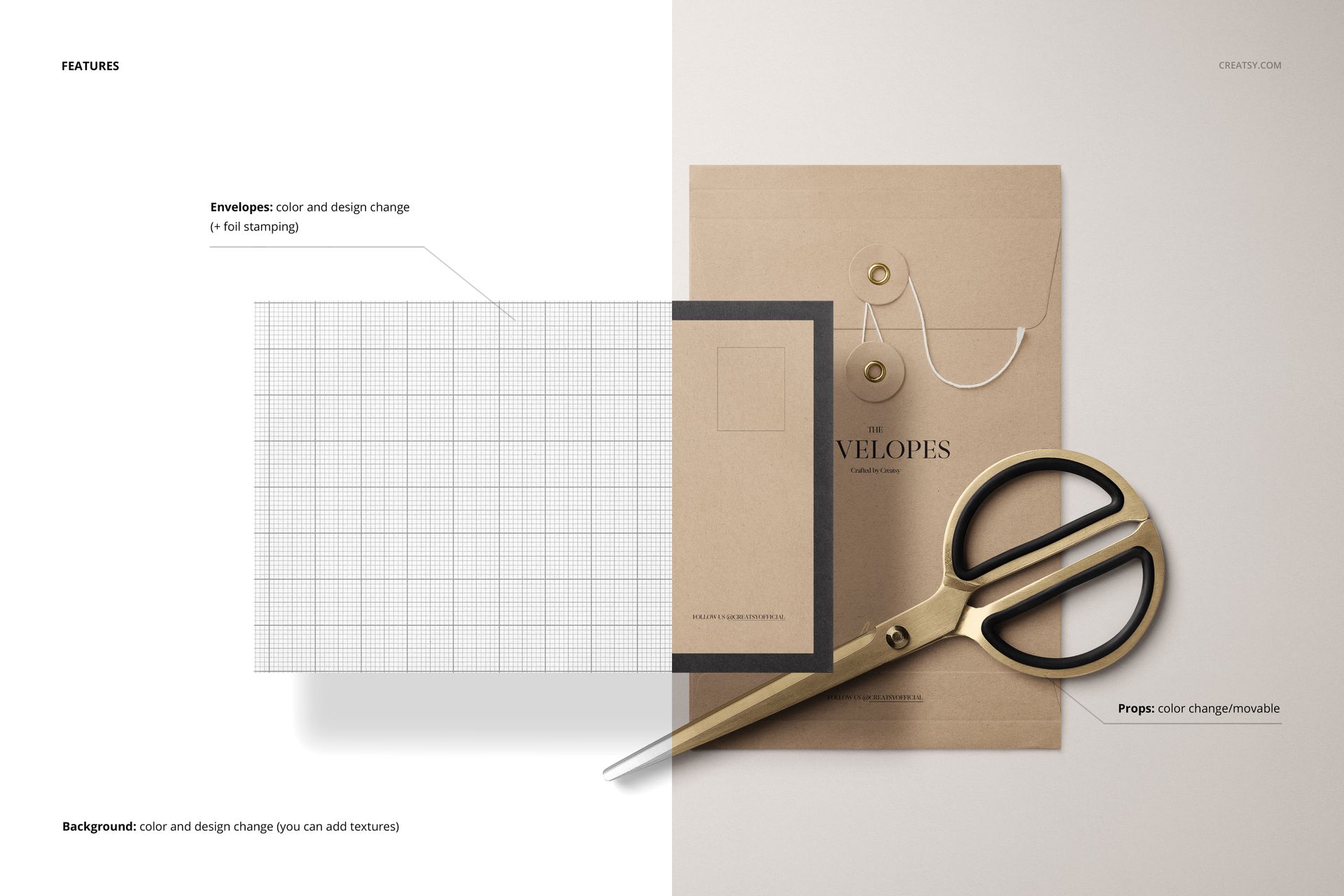
Scenes with a ruler, scissors, pen, paper clips, and other stationery details
Easy Smart Object Editing
Use Smart Objects to replace the envelope artwork and adjust its color or design. You can also edit the background color, apply optional textures, hide selected objects or drop shadows, and save the composition with a transparent background when needed.
Perfect For
Stationery and envelope branding presentations
Document mailers and paper packaging concepts
Logo, pattern, and surface design previews
Client approvals and product gallery images
Creative portfolios, catalogs, and marketplace listings
Digital product notice: This listing contains downloadable PSD, JPG, and PDF files only. No physical envelope, stationery item, or prop will be shipped. Sample patterns and artwork shown in the previews are not included.